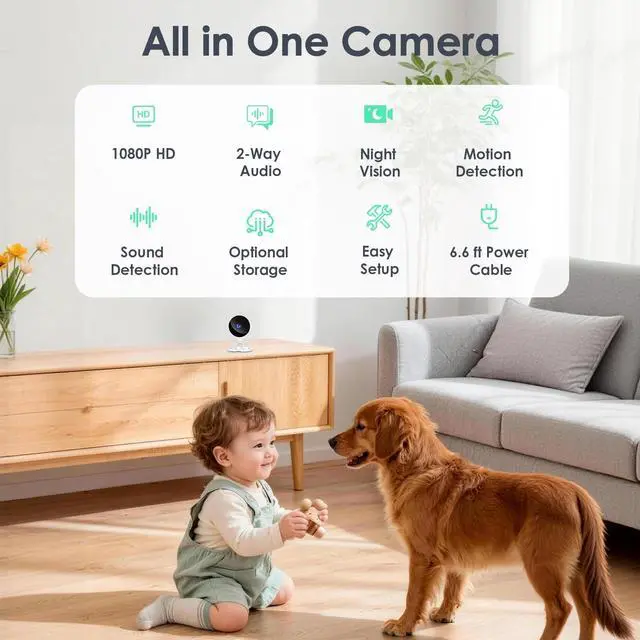
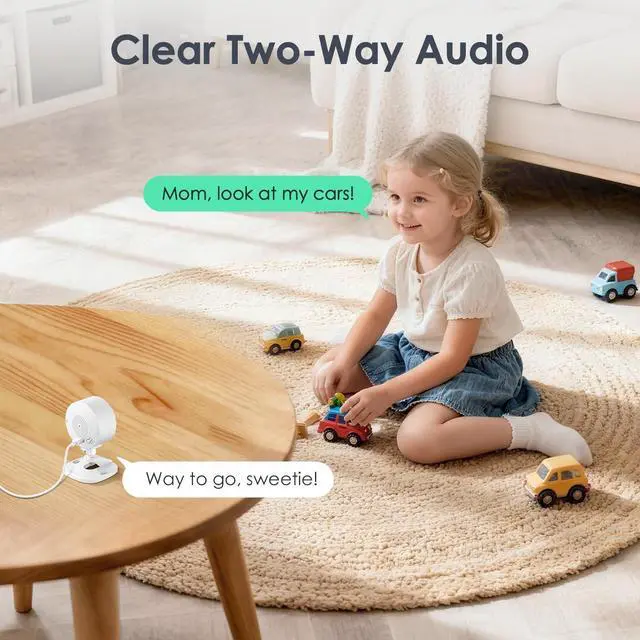
Easy Setup & Baby CareSimply plug in the power, download the Osaio app, and connect to a 2.4GH z Wi-Fi network. You can set up the indoor camera in any room you needlike the living room, entryway, nursery, pet room, kitchen, or office ^^ 24/7 Monitoring & Privacy ModeThe 1080p HD camera features IR Night Vision with a range of up to 33 feet. The IR LED lights can be turned off manually to avoid disturbing your baby or dogs sleep. Want extra privacy? Just tap in the app to turn the camera off completely ^^ Two-Way Talk & Real-Time InteractionUse the phone app to speak and interact with your little ones or petswhether its soothing a crying baby or stopping your dog from chewing the couch ^^ Motion Detection & Sound AlertsWhen motion is detected, the WS01 indoor camera sends instant notifications to your app, so you can check in anytime.
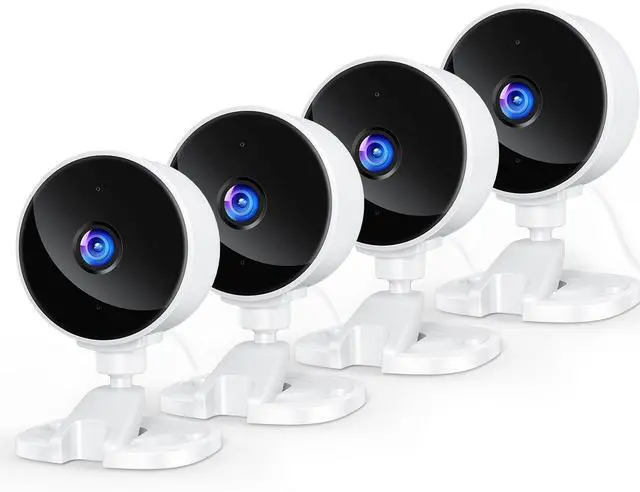
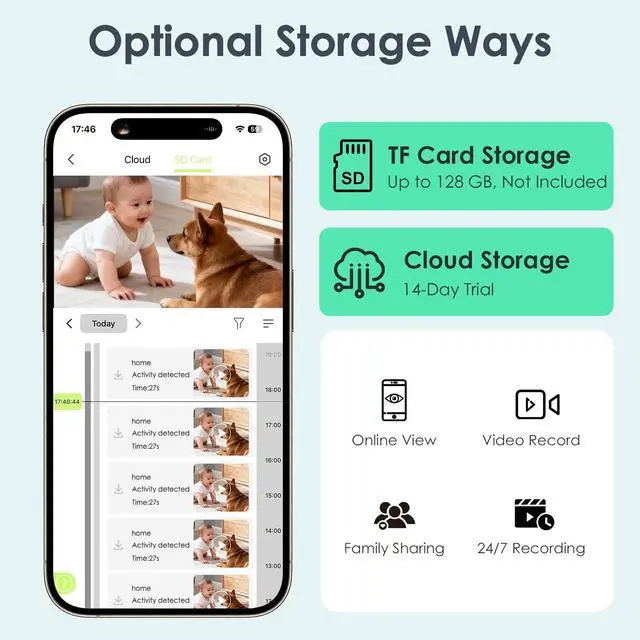
You can also enable AI recognition to receive alerts only when a person, pet, package, or vehicle is spotted ^^ Two Storage Options & Family SharingPick the storage that fits your needs: save recordings locally to a TF card (supports up to 128GB, sold separately) or use cloud storage (includes a 14-day free trial). Share access with up to 3 family members and view the camera together at the same time ^^ Whats in the BoxIndoor Camera*4, Power Adapter*4, 6.6 ft Power Cable*4, User Manual*1, Sticker*4, Wall Mounting Kit*4 ^^ If you need helpYoton offers a 24-month warranty and 24/7 customer support. Our team is here to provide expert guidance to help you set up and get the most out of your WS01 Indoor Pet Camera ^^ Sound DetectionThe camera's default sound detection sensitivity is set to High. If you find that the camera triggers too frequently, you can go to the camera settings page: 1. Turn off the sound detection feature, or 2. Set the sensitivity to Medium or Low.



 All Categories