


- Free 30-day Returns
$75.99
Ships from United States.
Meet Your Seller

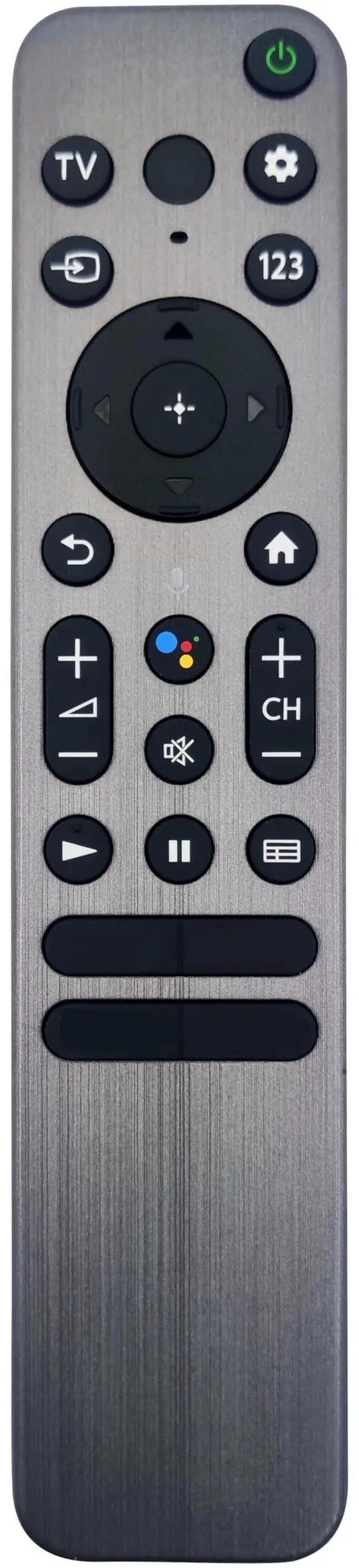
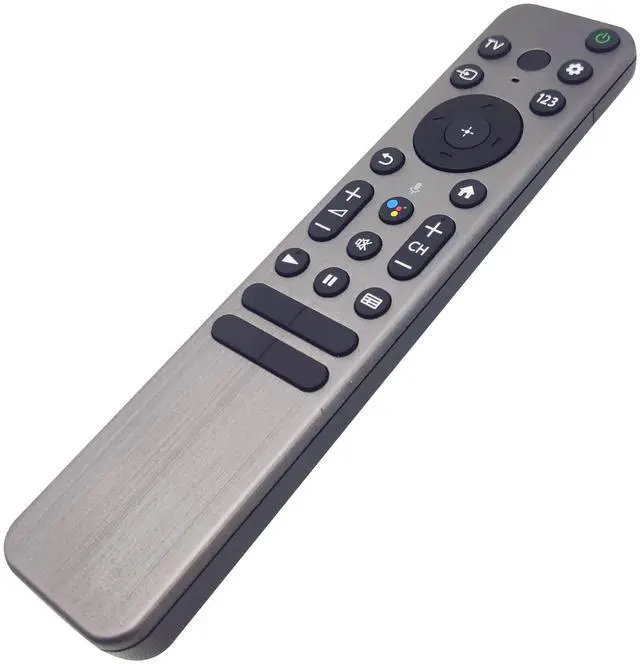
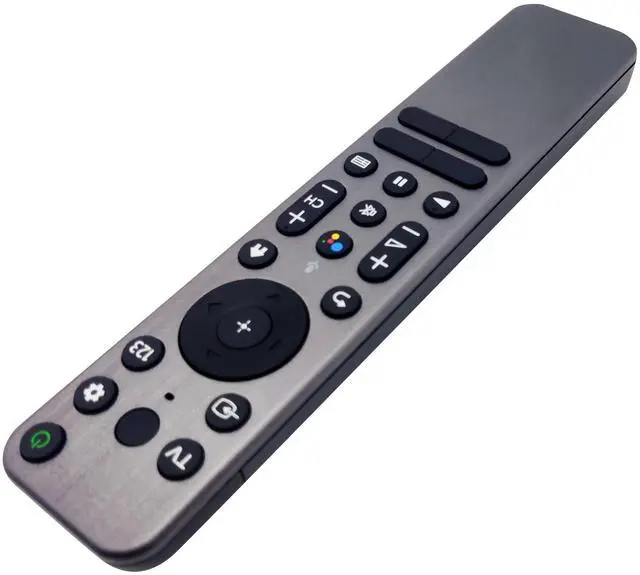
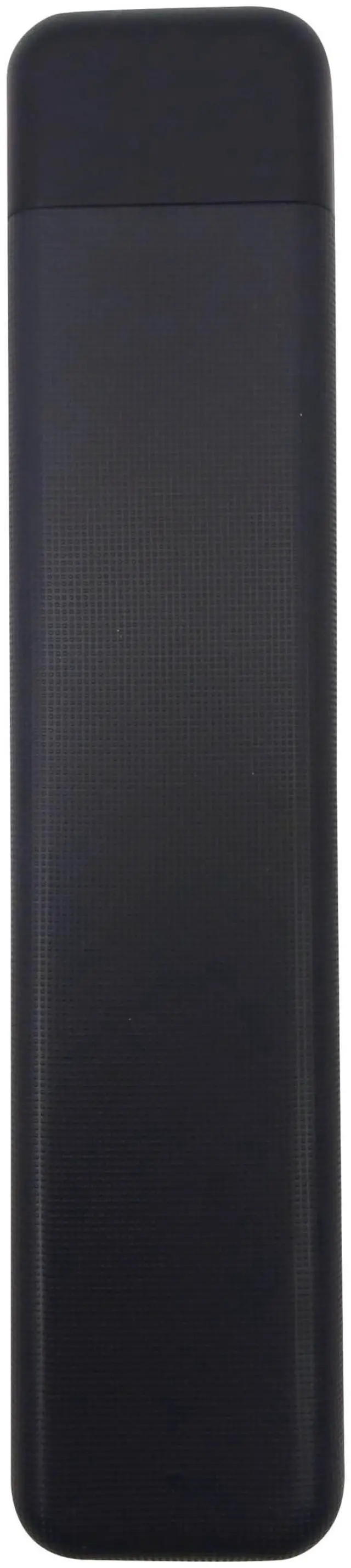
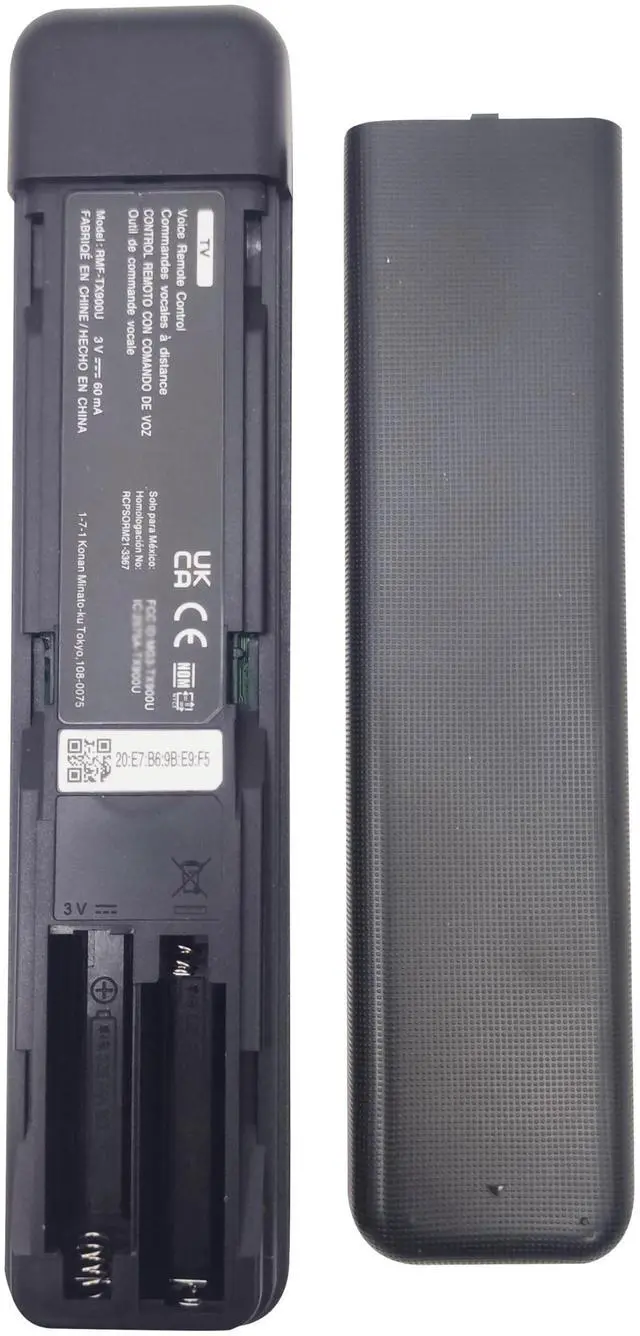


INTECHING RMF-TX900U Backlit TV Remote Control for Sony KD-65X80CK/ 85X80CK, XR-48A90K/ 55A80CK/ 55A95K/ 55X90CK/ 65A80CK/ 65A95K/ 65X90CK/ 65X95K/ 75X90CK/ 75X95K/ 85X95K/ 85Z9K
- Item #: 9SIVN7EKZR9646
- Mfr. Part #: 886801241909
- Fully functioning, excellent and durable replacement remote control, works out of packaging
- Well responsive to every key press, ensuring the television operates as expected without any hassles
- Features voice control, backlit and remote finder, a perfect replacement to your old or lost remote control; less cost with solid quality and better usage experience
- Requires 2 AAA batteries (NOT Included); For use with Sony KD-55X80CK, KD-65X80CK, KD-75X80CK, KD-85X80CK, XR-42A90K, XR-48A90K, XR-55A80CK, XR-55A95K, XR-55X90CK, XR-65A80CK, XR-65A95K, XR-65X90CK, XR-65X95K, XR-75X90CK, XR-75X95K, XR-75Z9K, XR-77A80CK, XR-85X90CK, XR-85X95K, XR-85Z9K televisions
- Comes with a user guide. Professional support team is always available to assist you with any questions or concerns about the product
+
+
Overview
Specs
Reviews
To pair the voice remote with your television, turn it on first then press and hold the 'Vol-' and 'Google Assistant' buttons together for 2-3 seconds. Please be kindly advised this is an aftermarket replacement remote from INTECHING. It has voice control, backlight and remote finder functions as the original one. There are 2 ways to find the remote control as follows. Using the power button on the TV (Pairing with the TV needed) 1. Press the power button on the TV. A menu is displayed on the TV screen. 2.
Follow the on-screen instructions and select [Find remote] on the displayed menu. A buzzer plays from the remote control. Using the built-in MIC on the TV (Pairing with the TV and connected to the Internet needed, only TV's with a built-in MIC)1. With the TV's built-in MIC enabled, say "Hey Google, Where is the remote control" to the TV. A buzzer plays from the remote control.
Compatible TV models:
KD-55X80CKKD-65X80CKKD-75X80CKKD-85X80CKXR-42A90KXR-48A90KXR-55A80CKXR-55A95KXR-55X90CKXR-65A80CKXR-65A95KXR-65X90CKXR-65X95KXR-75X90CKXR-75X95KXR-75Z9KXR-77A80CKXR-85X90CKXR-85X95KXR-85Z9KNotice: Make sure there's no obstacle between the remote control and TV when operating the device.
Warranty & Returns
Warranty, Returns, And Additional Information
Warranty
- Please contact the Seller directly for warranty information. Warranty information may also be found on the Manufacturer's website.
- CONTACT
Return Policies
- Return for refund within: 30 days
- Return for replacement within: 30 days
- This item is covered by kaipuda Return Policy
Manufacturer Contact Info
- For a directory of all our manufacturers, please click below.
- Manufacturers Directory
LOADING...