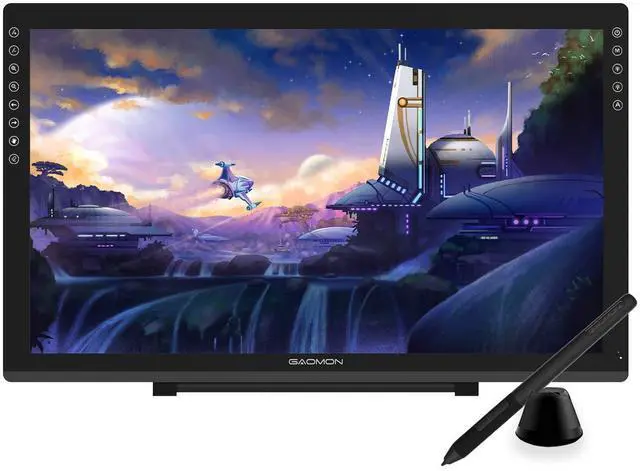
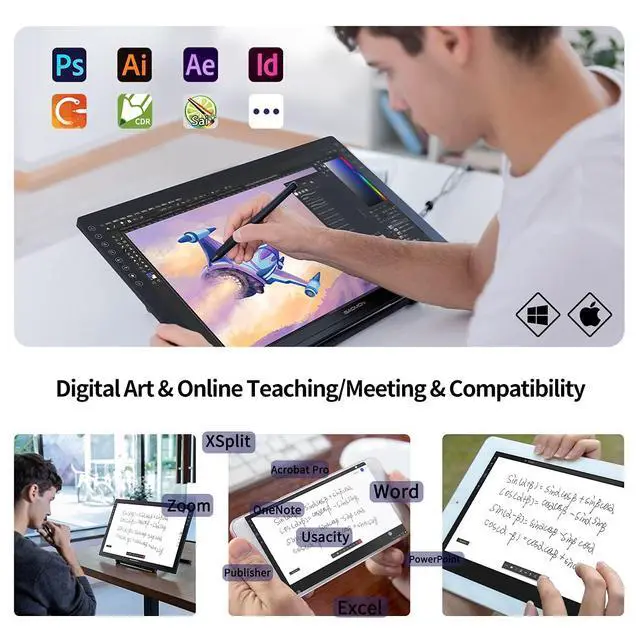
Please kindly note that GAOMON PD2200 drawing tablet is not a standalone tablet, It must be connected to a laptop or computer to work. ^^ FOR ONLINE TEACHING & MEETINGYou can use GAOMON PD2200 pen display tablet for online education and remote meeting. It works with most online meeting programs, like Zoom, and so on. FOR DIGITAL ART & CREATION-- It's not only for beginner but also for professionalists in digital drawing, sketching, graphics design, 3D art work, animation, etc. FOR ANNOTATING AND SIGNATURE--It is also broadly used in annotating and signing file in excel, word, pdf, ppt, etc.
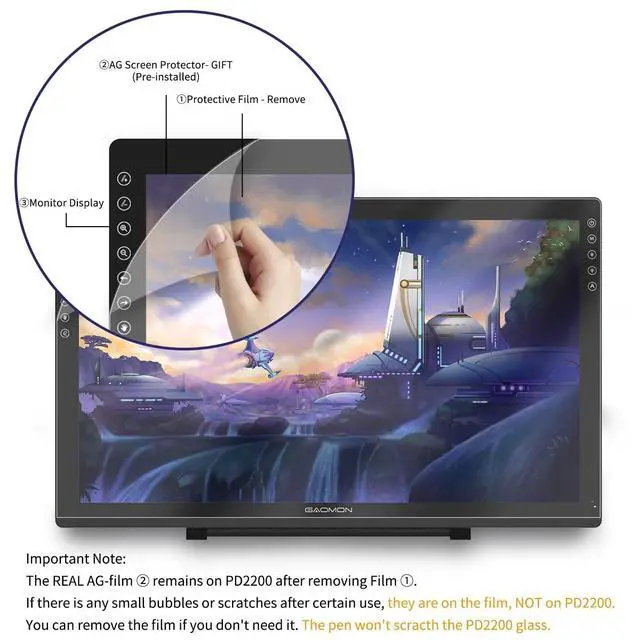
^^ FULL GLASS STYLISH DESIGN Its full glass design with 8 touch keys. No PVC frame on 3 sides. HD FULL-LAMINATED SCREEN & 130% sRGB/92%NTSC--Visually the parallax will be deduced to the lowest level. WITH AG-FILME PRE-APPLIED--To protect the PD2200 drawing monitor during long shipping and to avoid bubble when applying film, we applied an anti-glare film in advance in our no dust factory. After you peel off the outside layer protective film, the real film remains on PD2200. ^^ 8192 LEVELS PRESSURE & BATTERY-FREE PEN AP32TILT SUPPORT FUNCTION--GAOMON PD2200 Drawing Display Tablet uses 8192 battery-free pen with tilt support function allow you to create your remarkable piece with superior control and stunning fluidity.
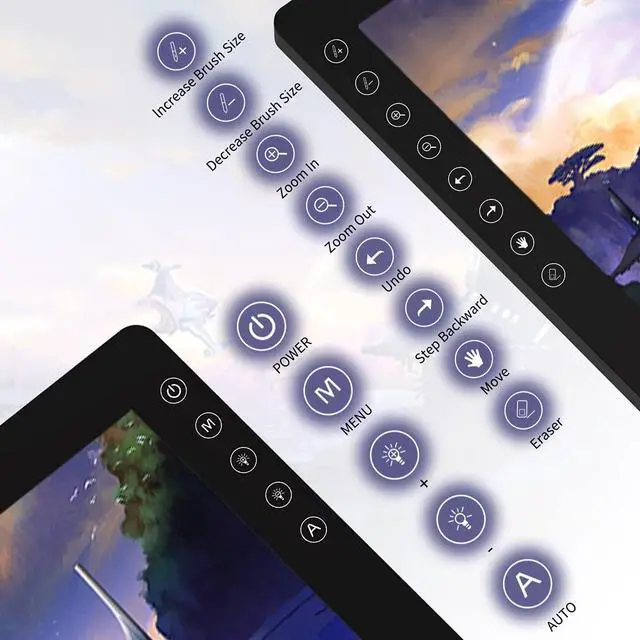
[PEN HOLDER & PEN NIBS]-- 8 replacement nibs are put inside the pen holder. [8 TOUCH SHORTCUTS]--They are areavailable to customize in GAOMON driver. ^^ 1000: 1 CONTRAST RATIO--Enables more clear and vivid images effects.
OTHER DISPLAY INFO--Max Viewing Angle: 89/89 (H) /89/89 (V) (Typ. ) (CR10).
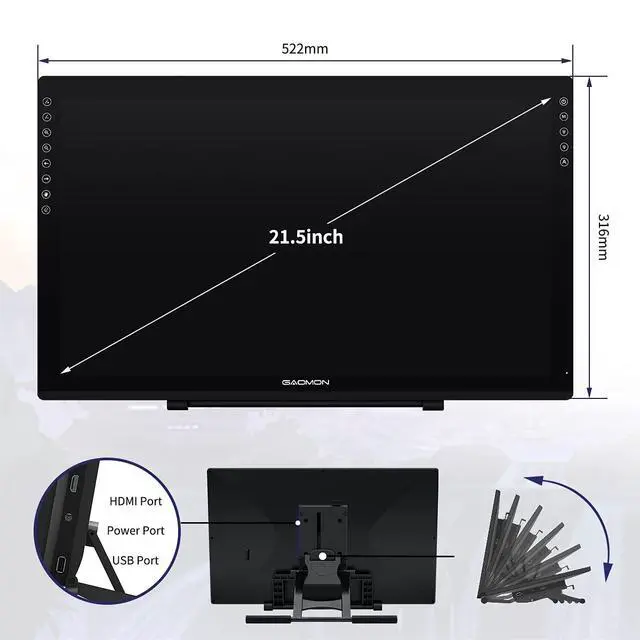
Display Area: 476.64 x 268.11 mm( 18.8 * 10.6 inches).
Resonse Time: 25MS. HOW TO UNSE OSD MENU--Longe Press Menu Button for 6 seconds to active the OSD panel. You can adjust the color, brightness, etc here. HOW TO ADJUST COLOR--Go to RGB-Color--Color Effect--Enter ''USER''--Then you can adjust the hue & saturation of RGBCYM here. ^^ OS SUPPORT& PROGRAM COMPATIBILITY--Work with laptops or desktops which run Windows 7/8/ 8.1 or above, Mac OS 10.12 or above; compatible with most of major drawing software such as PhotoshopSAI version 2IllustratorkritafirealpacagimpSketchBook ProMediBang Paint Pro, etc.