• $68.99
  • Free 30-day Returns
  • Ships from United States.
    Sold by SIMPLIZED

    Shipped by SIMPLIZED

    Tab A9 Plus LCD Screen Replacement for Samsung Galaxy Tablet Tab A9+ 11" Wi-Fi SM-X210 SM-X215 SM-X216B LCD Display Touch Screen Digitizer Assembly Repair Parts Kit 11inch (Black)

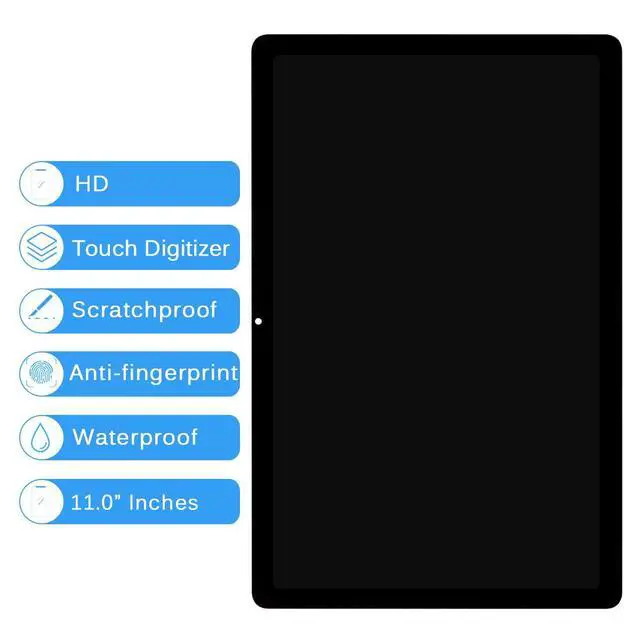
    • [(Compatible Model)] === Please check the Model Number before purchasing this Item, you can see it on the back of your tablet PC. This item is compatible with for Samsung Galaxy Tablet Tab A9+ Plus 11" Wi-Fi SM-X210 SM-X215 SM-X216B LCD Screen Replacement.(Not for X110)
    • [(Fix phone screen problems)] === Used for Samsung Galaxy Tab A9+ Plus 11" Wi-Fi SM-X210 SM-X215 SM-X216B lcd screen fix a faulty screen,and cure-replace cracked, broken, dead pixels, touch is not working, touch response issues, display problems,wrong color issues ,non-functioned screen.etc.
    • [(Strict Quality Control)] === All products have passed strictly QC double tested and 101% in good condition before shipment.Make sure no scratch/no dead area/ no dot pixel or line in the screen.We refuse any flaw,provide A+ quality products only. Used for fix a faulty screen,and cure-replace cracked, broken, dead pixels, touch is not working, touch response issues, display problems,wrong color issues ,non-functioned screen.
    +
    +
    Overview
    Specs
    Reviews
    PLEASE NOTE:
    Tab A9 Plus LCD Screen Replacement for Samsung Galaxy Tablet Tab A9+ 11" Wi-Fi SM-X210 SM-X215 SM-X216B LCD Display Touch Screen Digitizer Assembly Repair Parts Kit 11inch (Black)

    Installation:
    Here are some tips during installation:

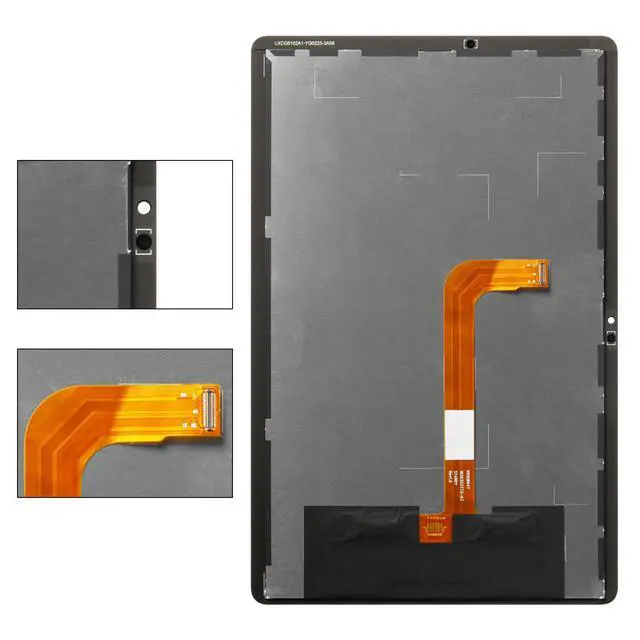
    1. Please disconnect the battery flex cable from the device before installing the new screen. Failure to do will result in the screen not turning on.

    2. Do not apply pressure to the corners of the LCD panel.

    3. The screws are all different lengths, make sure they are reinstalled back into its original location.

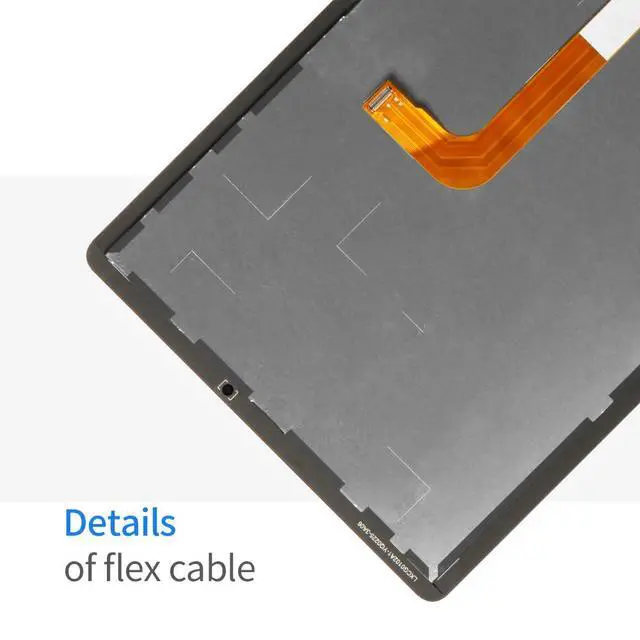
    4. Please check the LCD and make sure the flex cable is in good condition and there is no debris on the connector.

    5. Be gentle to the flex cable connectors when removing and installing them. DO NOT over-bend or use excessive force which can tear the flex cable.
    Problem Solution:
    If problems occur after installation,
    for example: cannot turn on, no touch, no home button function, flashing, lines on screen etc.
    Please make sure flex cable connectors are properly connected to the logicboard and double check all flex cables is in good condition. Then turn off and on the phone.

    Package Include:
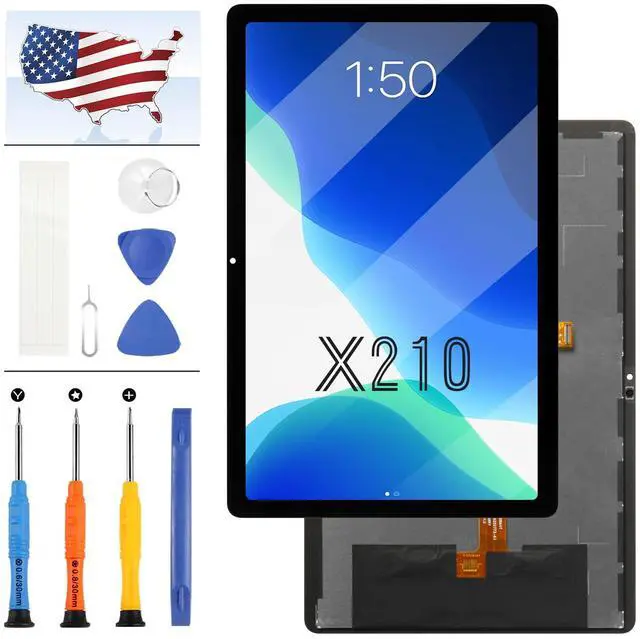
    1 x for Samsung Galaxy Tablet Tab A9+ 11" Wi-Fi SM-X210 SM-X215 SM-X216B LCD Display + Touch Screen Replacement Kit
    1 x Repair Tools Set
    1 x Adhesive

    Warranty & Returns

    Warranty, Returns, And Additional Information

    Warranty

    • Please contact the Seller directly for warranty information. Warranty information may also be found on the Manufacturer's website.
    • CONTACT

    Return Policies

    • Return for refund within: 30 days
    • Return for replacement within: 30 days
    • This item is covered by SIMPLIZED Return Policy

    Manufacturer Contact Info

    LOADING...