


- Free 30-day Returns
$69.99
Ships from United States.
Meet Your Seller

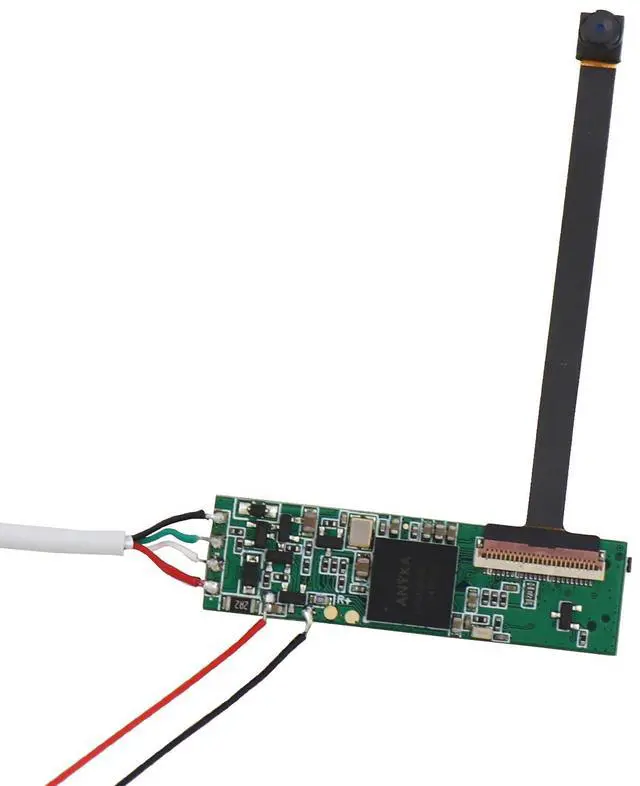
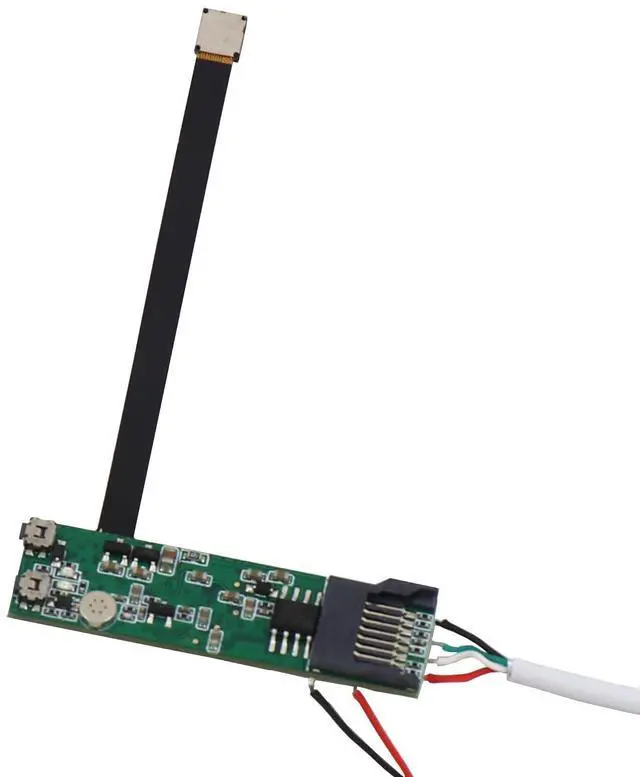
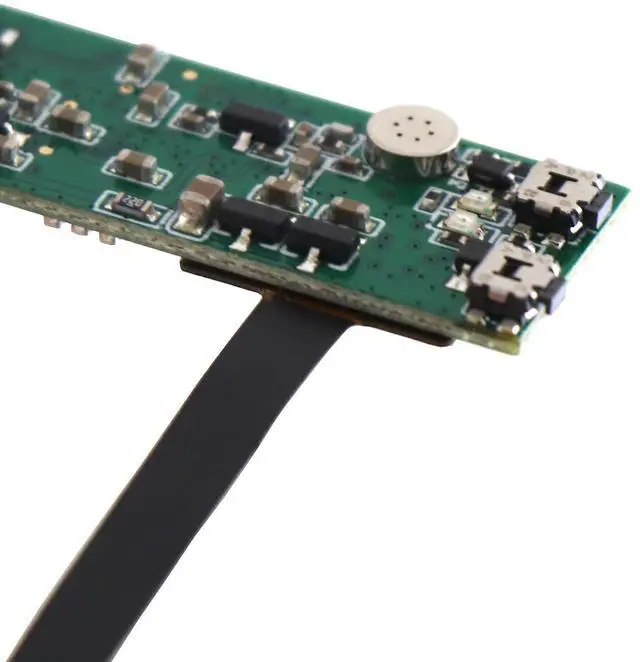
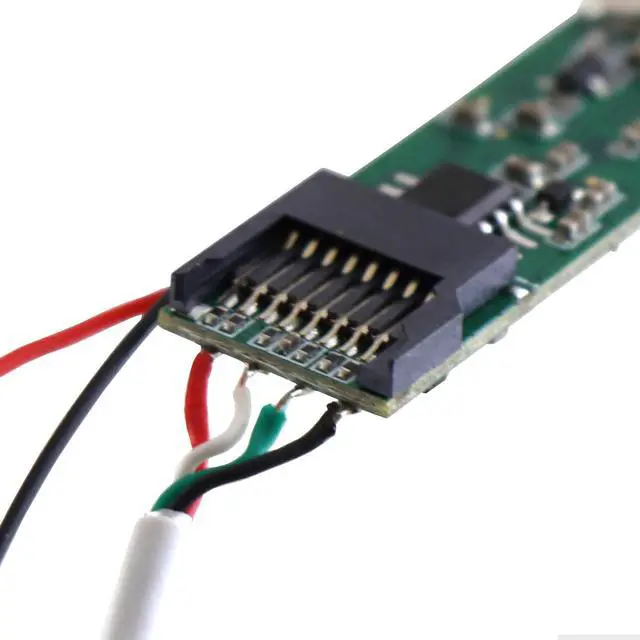


The...Cam C55 Low Power 3GP Camera Module, Green Camera Module 352x288 or 640x480 resolution, Long Recording Motion Detector
- Item #: 9SIVGCKKA71385
- Mfr. Part #: 945768510388
- C55 3GP CAMERA MODULE
- EASY SETUP VIA PC APP
- ULTRA LOW POWER CONSUMPTION
- LONG RECORDING TIME
- MONEY BACK GUARANTEE
+
+
Overview
Specs
Reviews
3GP DVR camera with small and high resolution, 352x288 or 640x480 resolution and very smallest lens 5*5 mm. This camera support up to 256GB micro SD card and can make total to 1000 hour video records. 3GP small camera Easy set with PC software APP Long time records up to 1000h Date and time stamp on the video file Motion detection Web camera function
Lent camera: 60 mm
Smallest lenses: 5*5 mm
Video resolution: -352x288 -640x480
Frame rate: 5-30 FPS
Video format: 3GP
Video file size: 0.3 - 1GB
Interface: slot micro SD,
USB Working current: 3.7V
Power consumption: 95mA working mode, 70mA motion detection mode
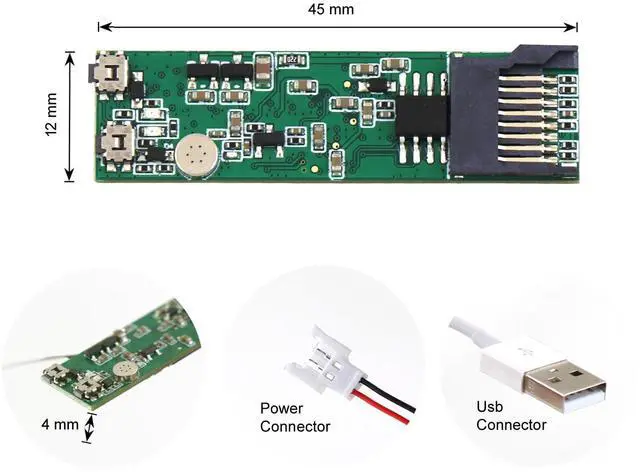
Dimensions: 4*12*45 mm * Easy set with PC software APP * Easy to operate with one button: - Start
Video records: single press button for 2 sec. - First a yellow LED illuminates, then a red Led start blinking while recording.
- Stop Video recording: press the same button again - the red LED blink 2 times and video record stop. - Downloading the video files is performed directly via the USB port of your computer.
- Web camera: connect via USB port to computer, press and hold button for 5-6 sec, after 5 sec web camera function start red LED will be ON
Warranty & Returns
Warranty, Returns, And Additional Information
Warranty
- Please contact the Seller directly for warranty information. Warranty information may also be found on the Manufacturer's website.
- CONTACT
Return Policies
- Return for refund within: 30 days
- Return for replacement within: 30 days
- This item is covered by SIMPLIZED Return Policy
Manufacturer Contact Info
- For a directory of all our manufacturers, please click below.
- Manufacturers Directory
LOADING...