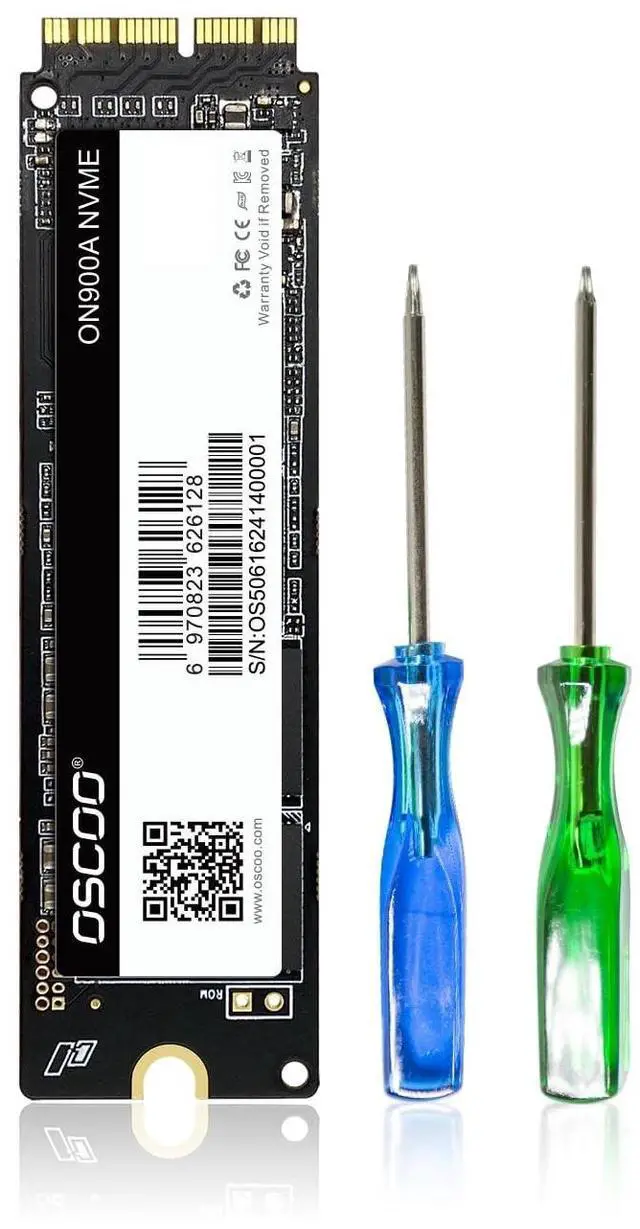
IMPORTANT NOTEBefore installation, please back up your original data to an external drive. Make sure your original SSD has been updated to macOS 10.13 High Sierra or later. Otherwise, the new SSD may not be recognized after replacement. If the drive is not detected, please recheck the installation steps or contact us for assistance ^^ 3
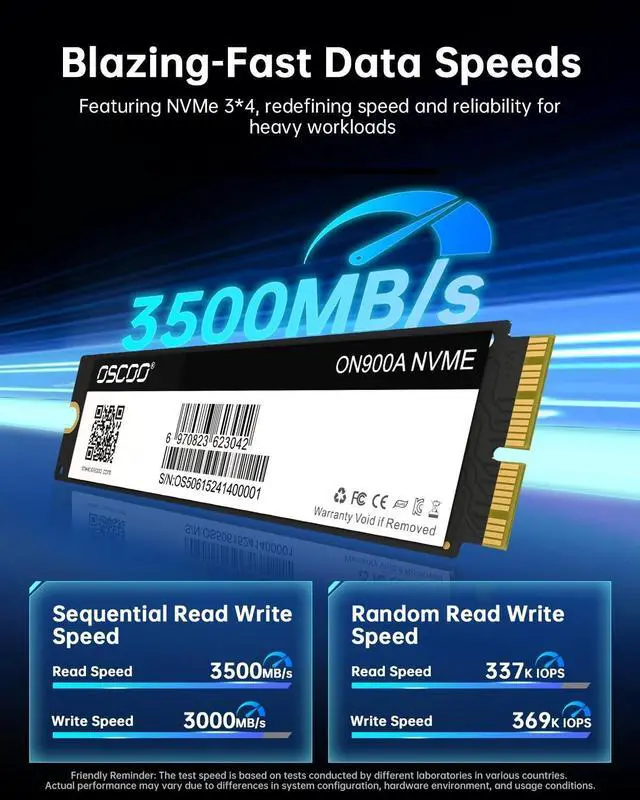
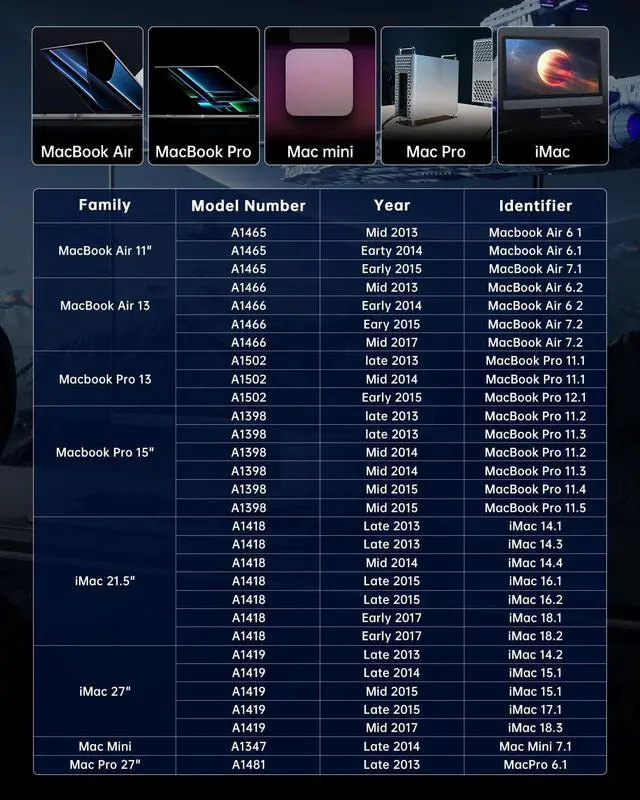
METHODS REINSTALL macOS: Install macOS via Time Machine backup, a bootable USB installer, or Internet Recovery. You can also download the electronic instruction manual on and watch installation videos, or refer to our listing guide and product manual for step-by-step instructions. Before restoring macOS, make sure to format (erase) the new SSD ^^ DESIGNED FOR MAC UPGRADEUpgrade your storage capacity and system performance with NVMe PCIe speeds. Compatible with select models of MacBook Air (A1369, A1465, A1466), MacBook Pro Retina (A1502, A1398), iMac (A1418, A1419), Mac mini (A1347 2014), and Mac Pro (A1481 2013). Please verify your model and EMC compatibility before purchase ^^ HIGH SPEED & RELIABLE PERFORMANCEWith read speeds up to 2150MB/s and write speeds up to 1650MB/s, this NVMe SSD delivers faster boot times, quick application launches, and smooth system performance. Built-in data protection features help keep your data secure and stable ^^
EASY UPGRADE & SUPPORT: Upgrade your MacBook with improved speed and storage. Simply install the SSD and macOS 10.13 or later. For installation issues, we recommend using a bootable USB installer or a Time Machine backup