
Built for How Business Buys.
Your Browsing History
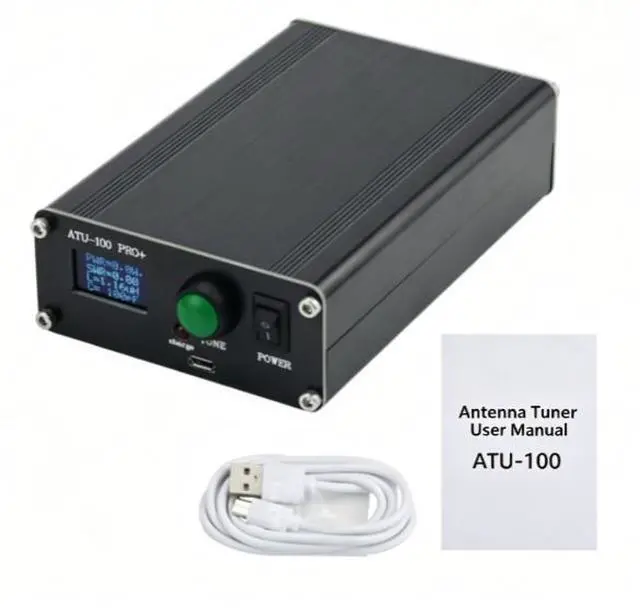
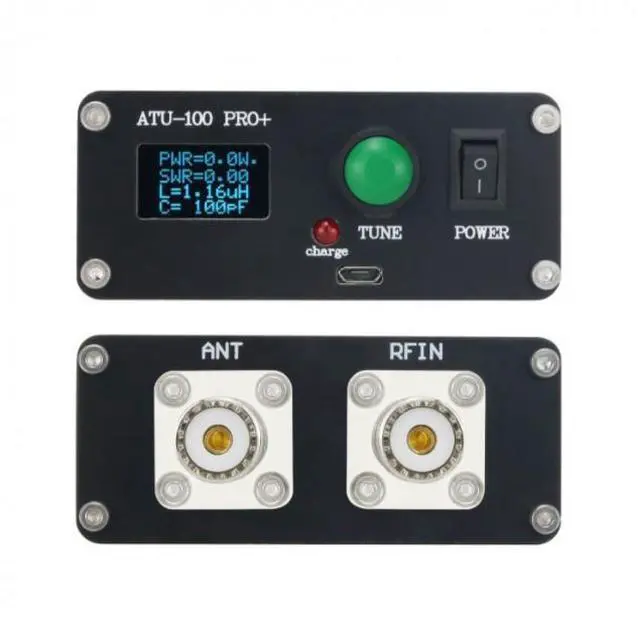
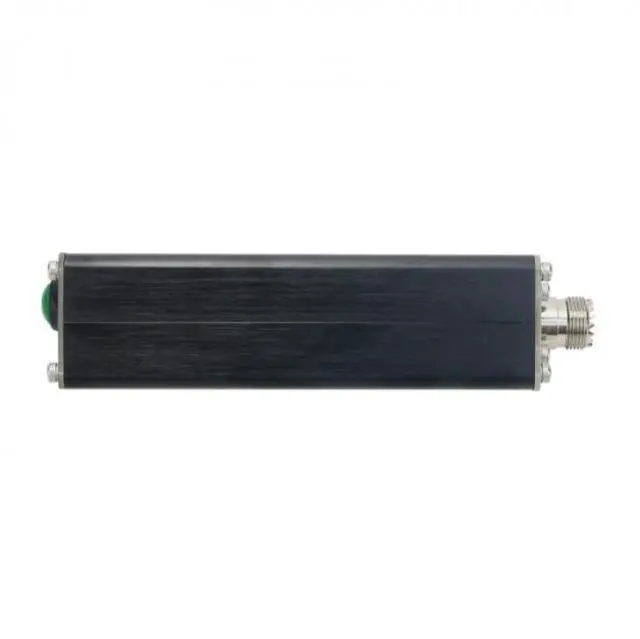
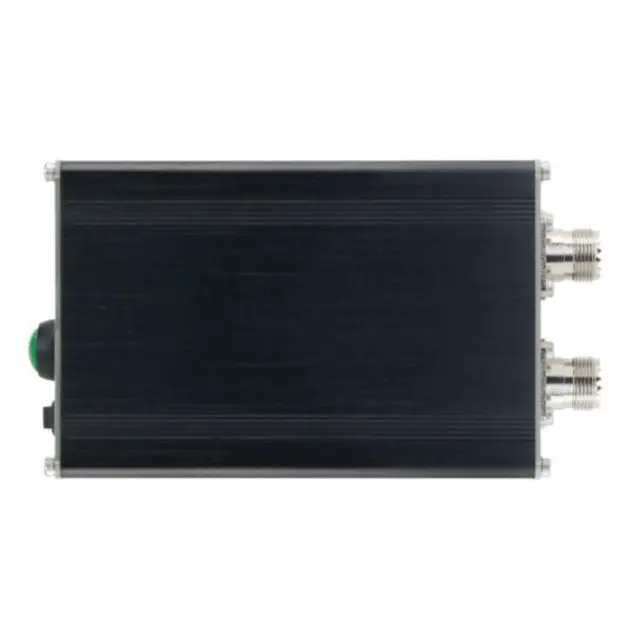
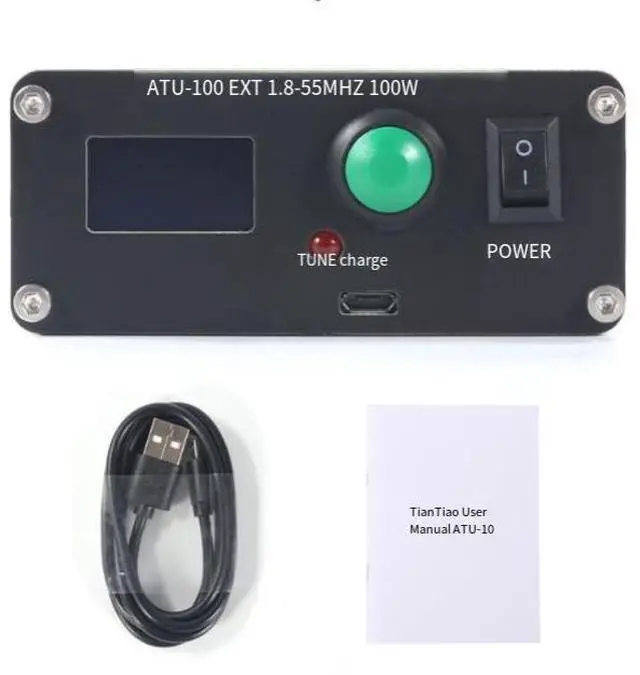


Update to the latest 3.1 version of the firmware
2. A brand-new configuration interface, without any repeated flashing, and without the need to purchase a burner.
3. Optimize the power measurement calibration algorithm, making the power measurement more accurate.
4. Interface Configuration Description
Operation method: Press and hold the "TUNE" button, and simultaneously turn on the tail power switch. Once the interface displays "OPTIONS", release the "TUNE" button to enter the settings interface.
Operation method: Press the "TUNE" button briefly to modify the current value. Press and hold the TUNE button to switch between settings.
- Description of each option:
Automatic Mode (ON/OFF): Allows for free control of the antenna tuner's automatic mode, eliminating the need for an automatic button and making it more convenient to use. If you don't plan to use the device, you can set this value to "ON" to enable the automatic mode. The default value is "ON".
Loss Display (ON/OFF): Allows for arbitrary control of the loss calculation display interface, providing a more intuitive display. When the input power is sufficient to accurately measure SWR, it indicates the power sent to the antenna as well as the efficiency of the receiver and transmitter.
Fider Loss (0.0 - 9.9): The wire loss value can be freely defined to calculate the antenna efficiency more accurately. This value is used to calculate the power sent to the antenna. The loss value can be found in the reference data of the used cable or measured accurately by yourself.
Automatic TDA (1.3 - 3.0): Customizes the initial value of SWR in the automatic mode, enables independent control of the SWR adjustment range, and has a wider application scope. The default value is 1.3. That is, when the automatic mode is activated, when the SWR is above 1.3, when the SWR becomes (1.3 - 1), the tuning process will be triggered.
Boot-up display (0s - 95 seconds): Customized screen auto-off time, saving power during standby mode
Set the display illumination time in seconds. When any button is pressed and the RF power input is provided, the backlight will illuminate. The default value is 00.
