


Our mission is:
To provide accessible projector solutions, allowing anyone to create their own home theater.

Who is TMY?
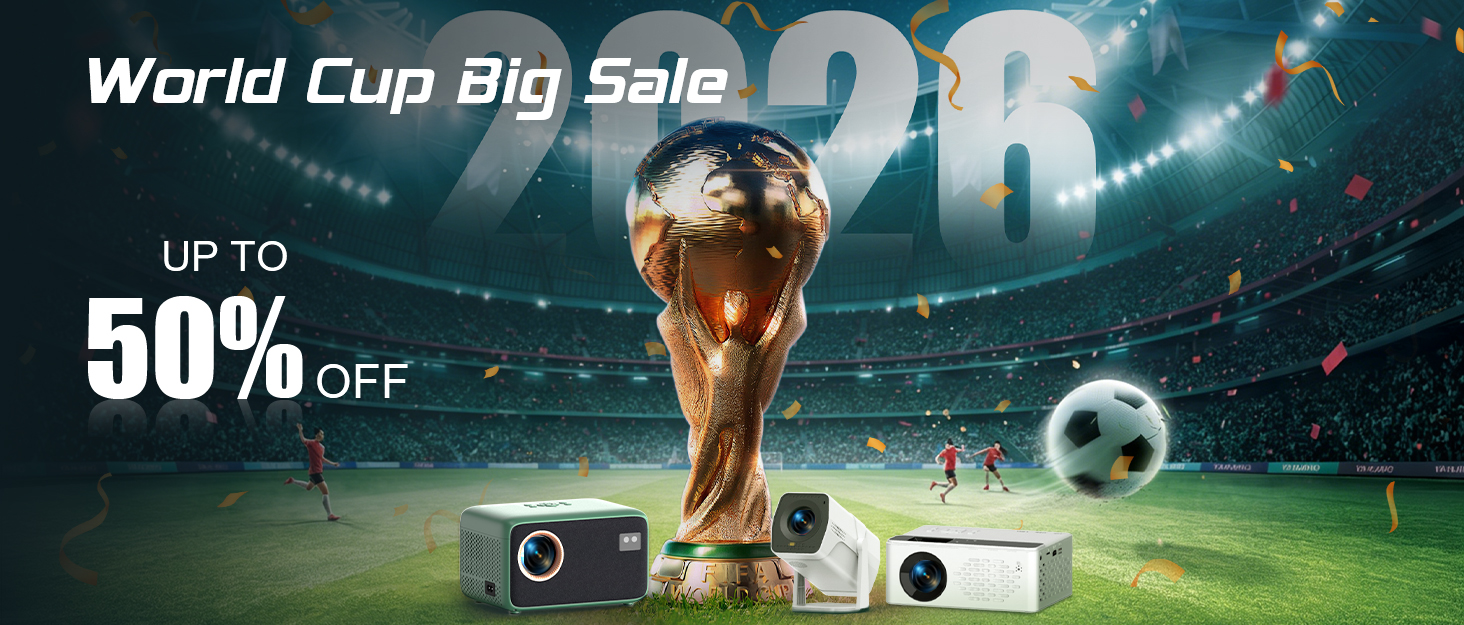
We have been committed to the design, production and sale of projectors since 2015. In 2020, we independently created the brand TMY, focusing on the production and sale of mini home projectors. Our mission is to provide accessible projector solutions, allowing you to create your own home theater to free yourself of fatigue and stress so that you may enjoy life.
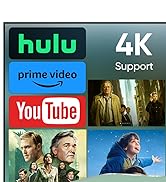
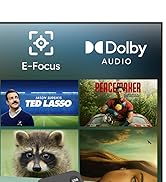
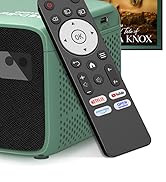
New Release-4K Smart Projector
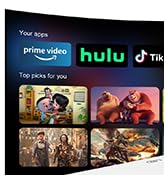
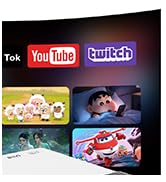
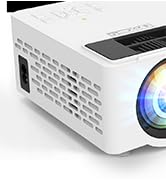
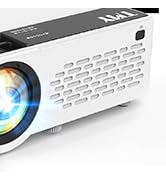
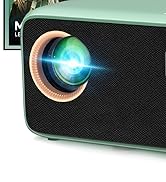
New Release--Netflix Projector
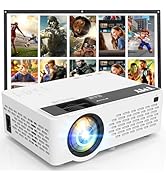
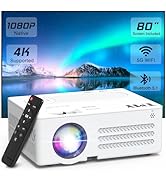
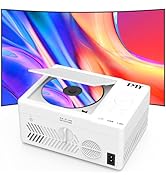
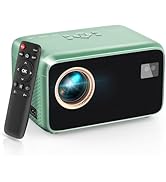
TMY Hot Sale Projectors
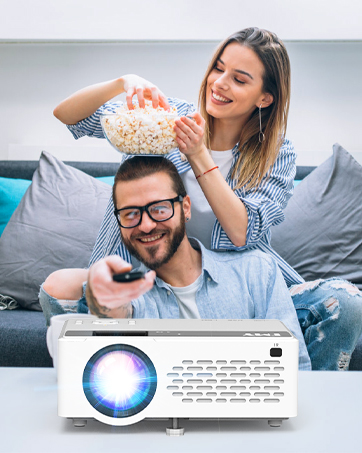
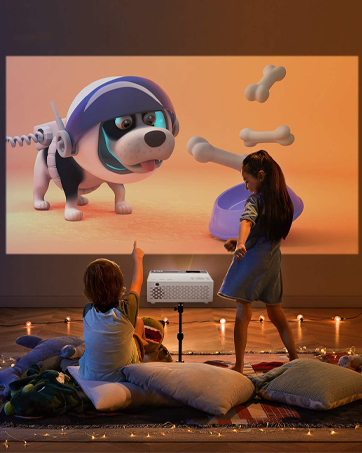

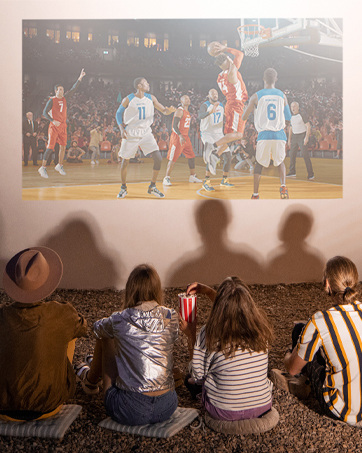

TMY V08 1080P Supported Mini Projector, with Projection Screen packaged

This portable projector is equipped with 1080P Supported resolution, which delivers an sharp image quality. What's more, it comes with a portable and foldable screen, which makes it easy to build your own home theater.
Upgraded Bluetooth Projector

In order to provide a better user experience, we have added TWO-WAY Bluetooth function into V08 mini projector. You can enjoy excellent sound quality by easily pairing your audio devices with Bluetooth.


Multiple Connection Methods, Enjoy Multiple Entertainment.


NOTE: There is no WiFi connection function, if you need to connect the phone, please prepare a HDMI adapter cable. Due to HDCP agreement, screen mirroring doesn't work when you try to mirror the videos from some apps (Prime Video, hulu, etc). You can connect a TV stick/Roku to display those apps.
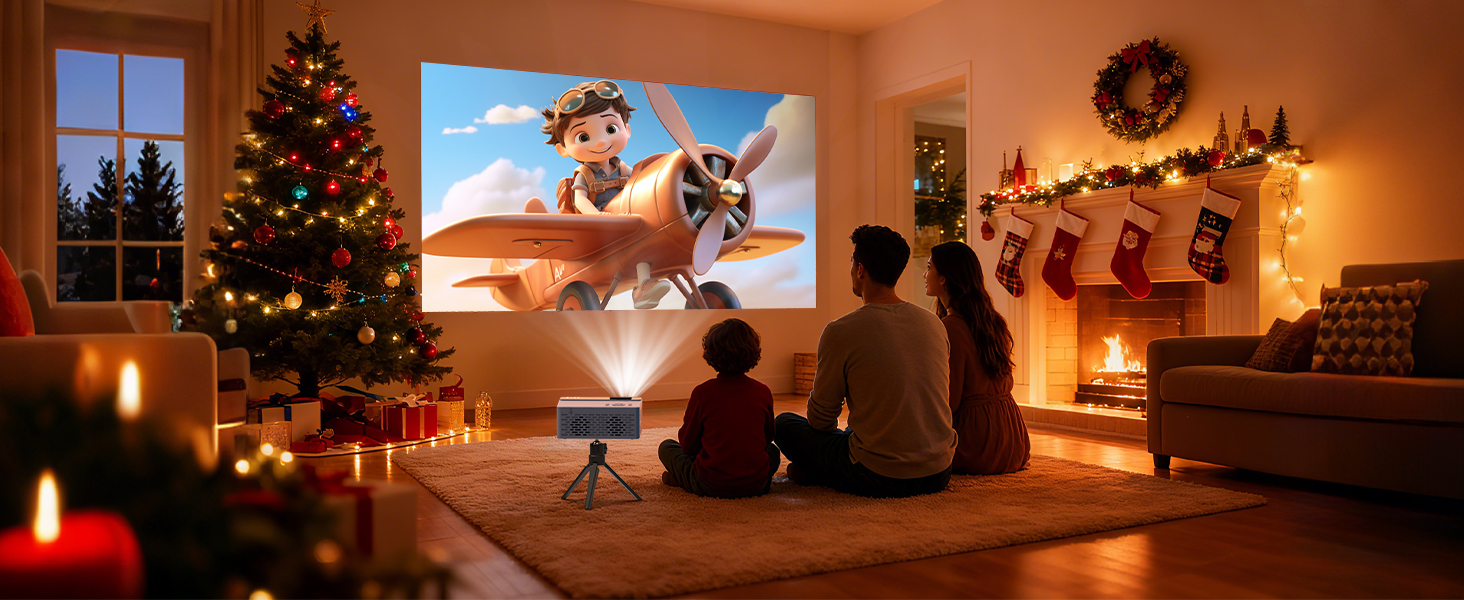
Family cinema
Under the Christmas tree's glow, we snuggle up, sharing a movie magic and warmth on the wall.
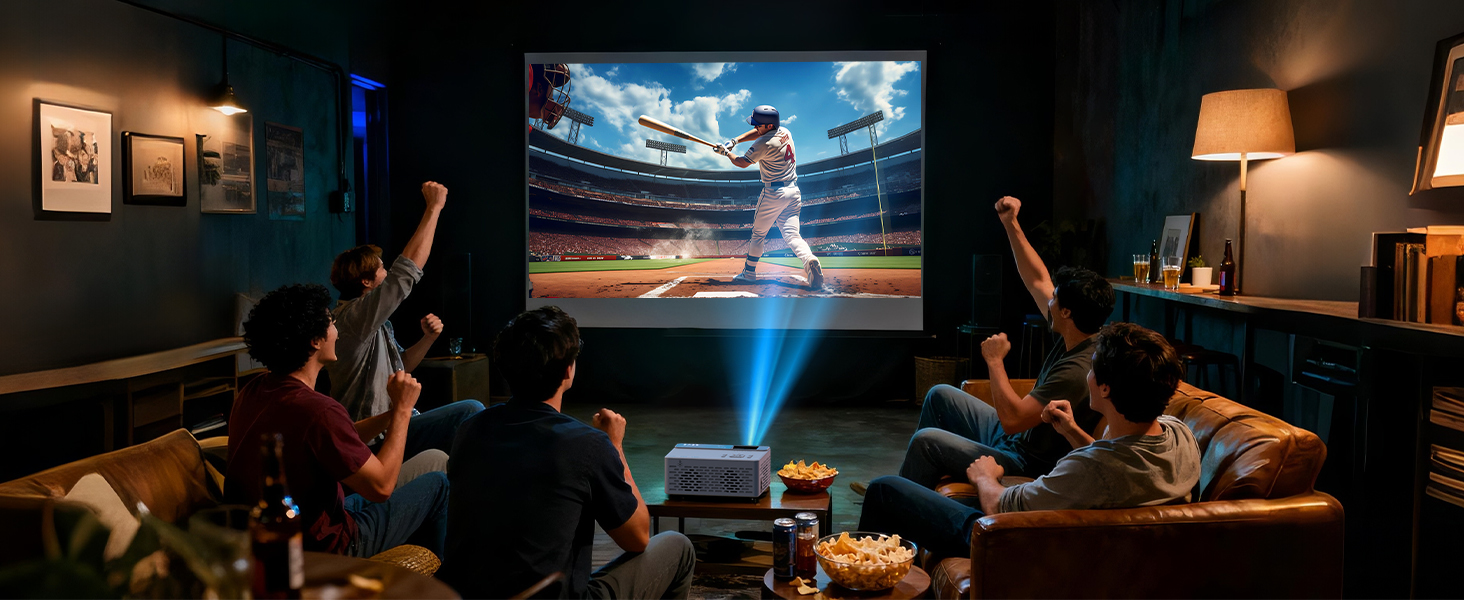
Your Game Day Essential
Every play shines brighter on the big screen, uniting friends through immersive sports moments.
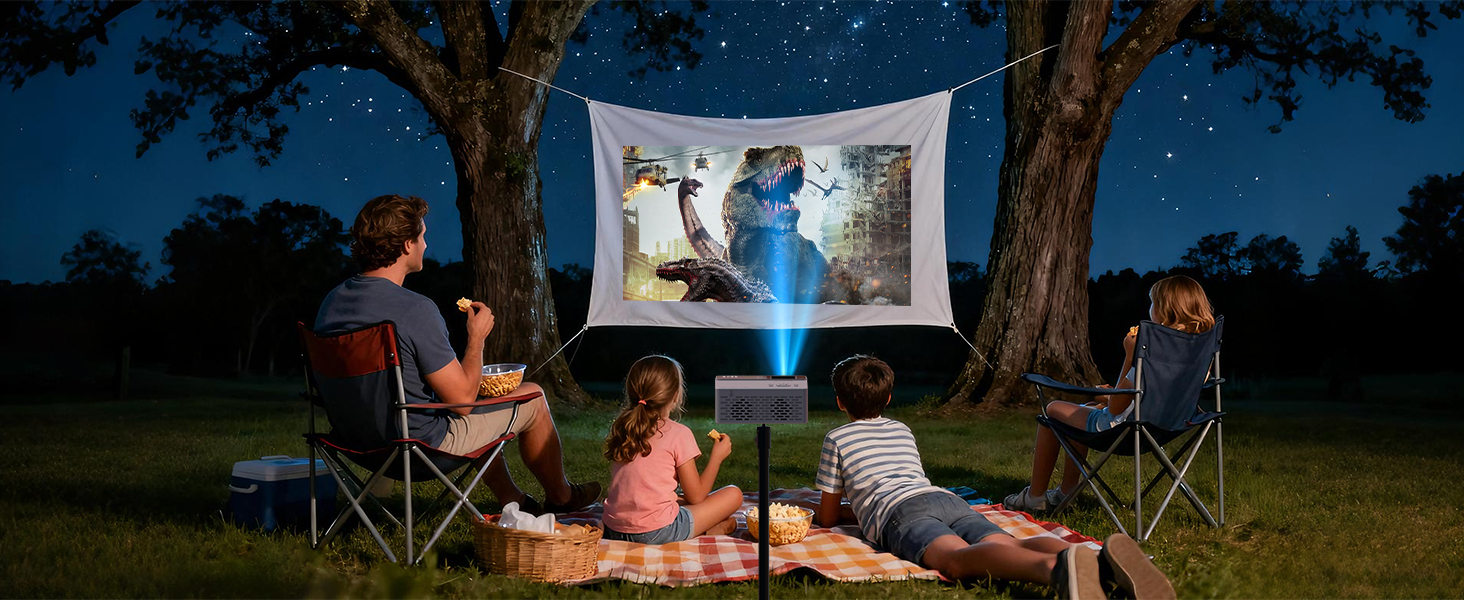
Outdoor Movie Night
Turn any backyard or camping into a cinema! Brings big-screen magic to any outdoor adventure.
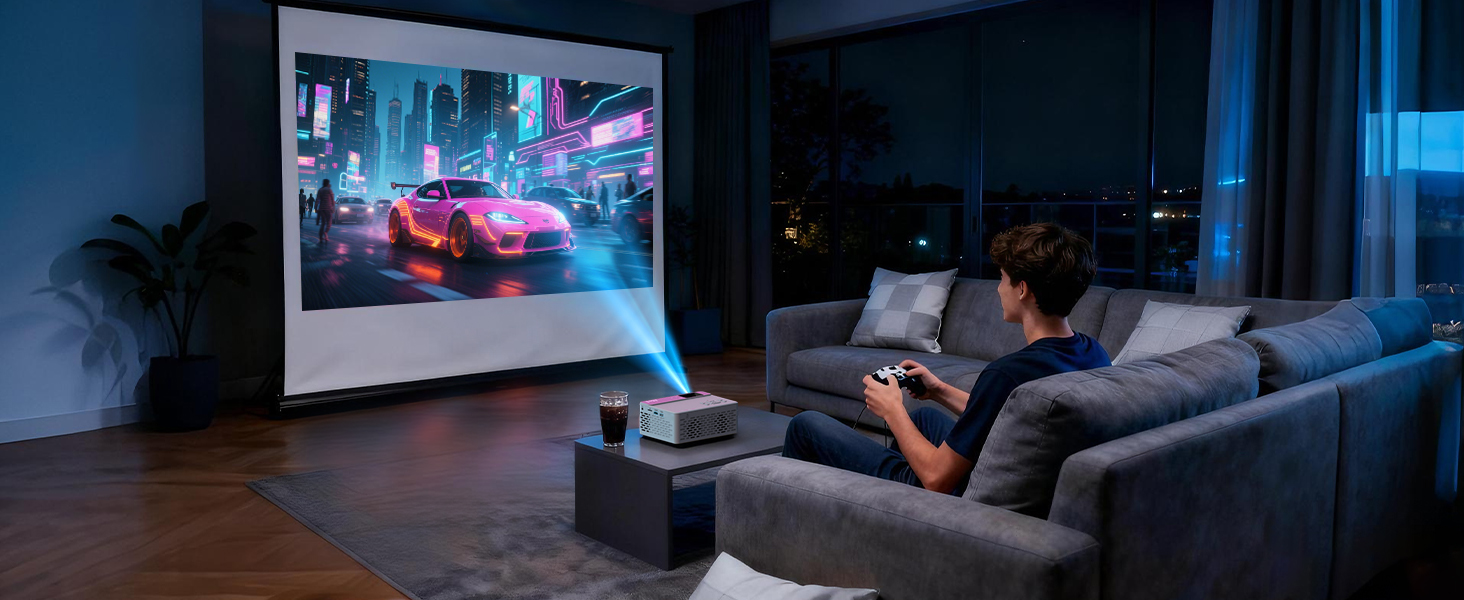
Big Screen Gaming Experience
Connect any console for an immersive big-screen gaming thrill.
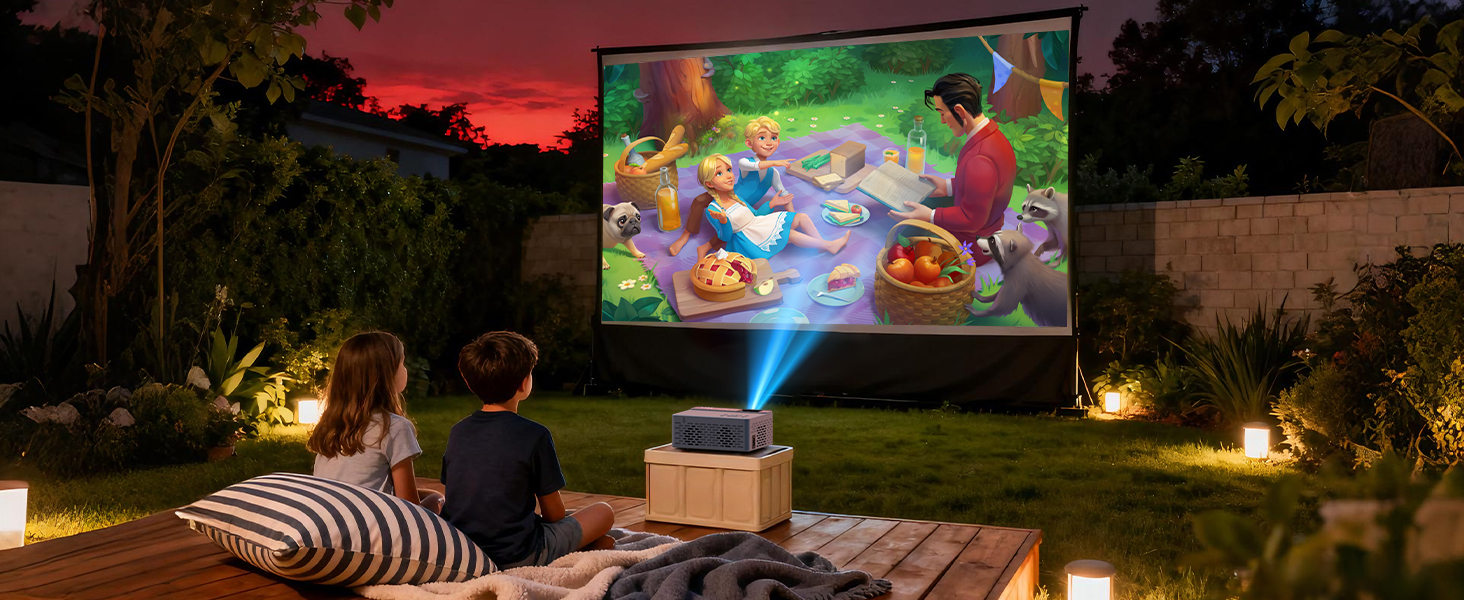
Funny Mate For Kids
Bond over big, eye-friendly projections-where shared adventures become healthier, and more creative.
How to connect with ios phones?
For ios device, you need to use the official Lightning to HDMI adapter to connect your phone with the projector. (HDMI adapter is not included.)
How to connect with Android phones?
For Android device, if your phone supports MHL, you can use the micro usb/type-c to HDMI cable to connect your phone with the projector.
If your phone does not support MHL, you should prepare a Chrome-cast to connect your phone with the projector.
A Must-Read Warm Tip
Due to HDCP (High-bandwidth Digital Content Protection) agreement, screen mirroring doesn't work (no image or sound) when you try to mirror the content from some apps ( Prime Video, Netflix, Hulu, etc.).
How to watch video from Prime Video, Netflix, Hulu, etc?
Please play these videos by inserting your TV Stick/Roku/Chrome-cast into our projector. You can also connect to a laptop/computer to play via HDMI Connection (HDMI Cable Included).
Can smartphone be connected to this projector via Bluetooth connection?
Bluetooth connection is ONLY for audio transmission with audio devices (Bluetooth speakers or Bluetooth headphones), which cannot be used on smartphone screen mirroring.

TMY V08 1080P Supported Mini Projector, with Projection Screen packaged

This portable projector is equipped with 1080P Supported resolution, which delivers an sharp image quality. What's more, it comes with a portable and foldable screen, which makes it easy to build your own home theater.
Upgraded Bluetooth Projector

In order to provide a better user experience, we have added TWO-WAY Bluetooth function into V08 mini projector. You can enjoy excellent sound quality by easily pairing your audio devices with Bluetooth.
The Reason Why You Should Choose TMY V08 Portable Projector:


Include a Portable Projection Screen/Dual Fans Double Cooling Effect/Zoom Function/Giant Screen/Adjust the screen size as you like/Auto Sleep Function
Multiple Connection Methods, Enjoy Multiple Entertainment.


NOTE: There is no WiFi connection function, if you need to connect the phone, please prepare a HDMI adapter cable. Due to HDCP agreement, screen mirroring doesn't work when you try to mirror the videos from some apps (Prime Video, hulu, etc). You can connect a TV stick/Roku to display those apps.
Family cinema
Under the Christmas tree's glow, we snuggle up, sharing a movie magic and warmth on the wall.
Your Game Day Essential
Every play shines brighter on the big screen, uniting friends through immersive sports moments.
Outdoor Movie Night
Turn any backyard or camping into a cinema! Brings big-screen magic to any outdoor adventure.
Big Screen Gaming Experience
Connect any console for an immersive big-screen gaming thrill.
Funny Mate For Kids
Bond over big, eye-friendly projections-where shared adventures become healthier, and more creative.


How to connect with ios phones?
For ios device, you need to use the official Lightning to HDMI adapter to connect your phone with the projector. (HDMI adapter is not included.)
How to connect with Android phones?
For Android device, if your phone supports MHL, you can use the micro usb/type-c to HDMI cable to connect your phone with the projector.
If your phone does not support MHL, you should prepare a Chrome-cast to connect your phone with the projector.
A Must-Read Warm Tip
Due to HDCP (High-bandwidth Digital Content Protection) agreement, screen mirroring doesn't work (no image or sound) when you try to mirror the content from some apps ( Prime Video, Netflix, Hulu, etc.).
How to watch video from Prime Video, Netflix, Hulu, etc?
Please play these videos by inserting your TV Stick/Roku/Chrome-cast into our projector. You can also connect to a laptop/computer to play via HDMI Connection (HDMI Cable Included).
Can smartphone be connected to this projector via Bluetooth connection?
Bluetooth connection is ONLY for audio transmission with audio devices (Bluetooth speakers or Bluetooth headphones), which cannot be used on smartphone screen mirroring.
Our mission is:
To provide accessible projector solutions, allowing anyone to create their own home theater.
Who is TMY?
We have been committed to the design, production and sale of projectors since 2015. In 2020, we independently created the brand TMY, focusing on the production and sale of mini home projectors. Our mission is to provide accessible projector solutions, allowing you to create your own home theater to free yourself of fatigue and stress so that you may enjoy life.
New Release-4K Smart Projector
New Release--Netflix Projector
TMY Hot Sale Projectors





