




Bose QuietComfort Earbuds
Merchant Video


How do I setup to my Bose QuietComfort Earbuds?
For the best experience, download and install the Bose QCE app from your mobile device's app store and follow the instructions.
How do I connect my Bose QuietComfort Earbuds to my Bluetooth device?
You can do this through the Bose QCE app. Alternatively, touch and hold either earbud for 4 seconds until you hear "Ready to pair" > Go to Bluetooth settings on your device > Select the earbuds.
How can I update my Bose QuietComfort Earbuds?
When an update is available, a message displays in the Bose QCE app on the product control screen. To begin the update, tap the message and follow the app instructions.
How do I reset my Bose QuietComfort Earbuds?
Touch and hold each earbud for 15 seconds until you hear a tone. The earbuds will power off. Then hold each earbud for 1 second to power them on.
Please note: Each earbud must be powered on/off individually.
Can I restore my Bose QuietComfort Earbuds to factory settings?
Yes. Delete the earbuds from your device's Bluetooth list. Then touch and hold the right earbud for 7 seconds until you hear "Ready to pair" followed by a tone. Release when you hear the tone. The earbuds are now in their original out-of-box state.

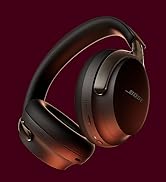


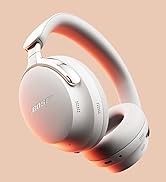
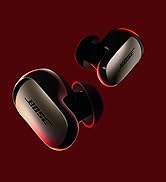


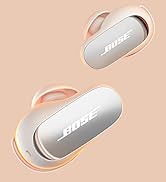
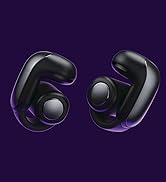


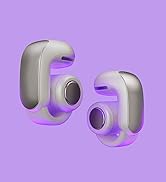


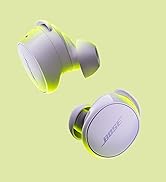
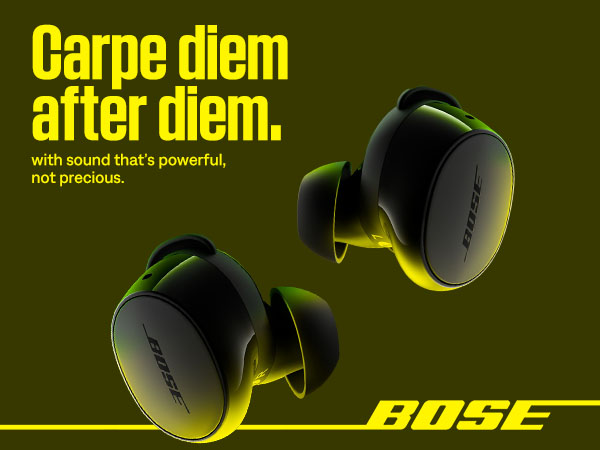
Sound without compromise.
Make the everyday sound epic with iconic sound and renowned noise cancellation, with up to 8.5 hours of go-with-the-flow stamina.
A fit that won’t quit.
A trio of eartip and stability band sizes ensures that your earbuds feel comfortable, snug, and secure.
Control at your fingertips.
Decide what you hear and how you hear it with customizable tap control buttons that give you the power to skip songs, up the volume, and pause and play as you please.
Hands-free, hassle-free switching.
Advanced Bluetooth 5.3 offers a strong, continuous connection within 30 feet of your device. With Bluetooth multipoint, it’s simple to seamlessly connect to multiple devices at once.
Wireless charging case.
Case holds 2.5 charges for 8.5 hours of go-with-the-flow stamina.

Bose QuietComfort Earbuds
Merchant Video


How do I setup to my Bose QuietComfort Earbuds?
For the best experience, download and install the Bose QCE app from your mobile device's app store and follow the instructions.
How do I connect my Bose QuietComfort Earbuds to my Bluetooth device?
You can do this through the Bose QCE app. Alternatively, touch and hold either earbud for 4 seconds until you hear "Ready to pair" > Go to Bluetooth settings on your device > Select the earbuds.
How can I update my Bose QuietComfort Earbuds?
When an update is available, a message displays in the Bose QCE app on the product control screen. To begin the update, tap the message and follow the app instructions.
How do I reset my Bose QuietComfort Earbuds?
Touch and hold each earbud for 15 seconds until you hear a tone. The earbuds will power off. Then hold each earbud for 1 second to power them on.
Please note: Each earbud must be powered on/off individually.
Can I restore my Bose QuietComfort Earbuds to factory settings?
Yes. Delete the earbuds from your device's Bluetooth list. Then touch and hold the right earbud for 7 seconds until you hear "Ready to pair" followed by a tone. Release when you hear the tone. The earbuds are now in their original out-of-box state.
QC Ultra Headphones Gen 2
QC Ultra Earbuds Gen 2
Ultra Open Earbuds
SoundLink Plus Speaker
Shop All Bose Products





