



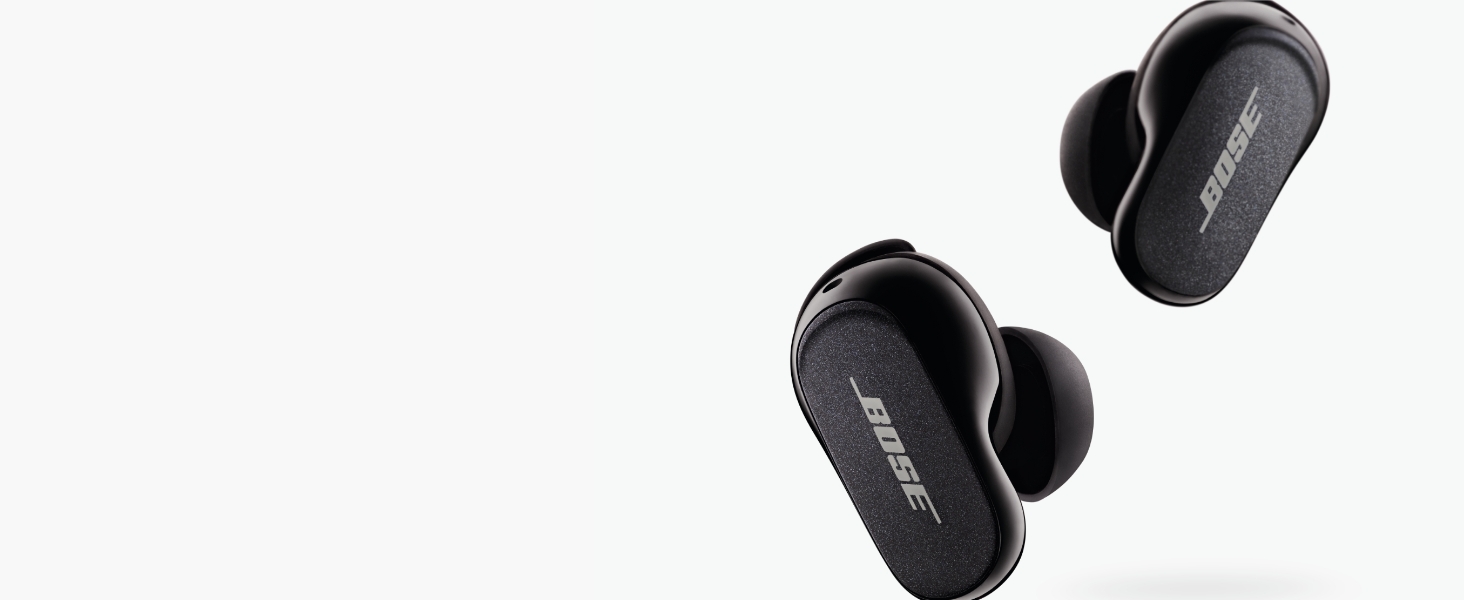
High-fidelity audio
Acoustic architecture and Volume-optimized Active EQ keep audio clear and balanced at any volume
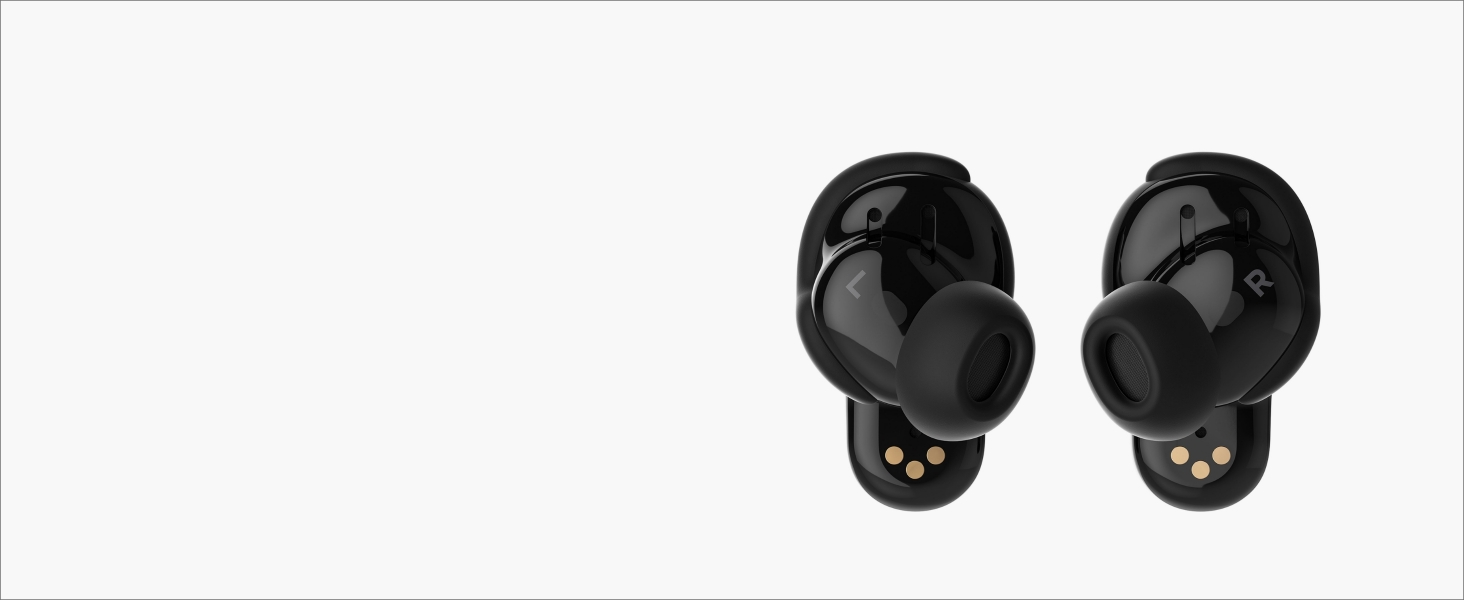
Crystal-clear calls
Two noise-rejecting mics in each earbud work together to reject ambient noise.
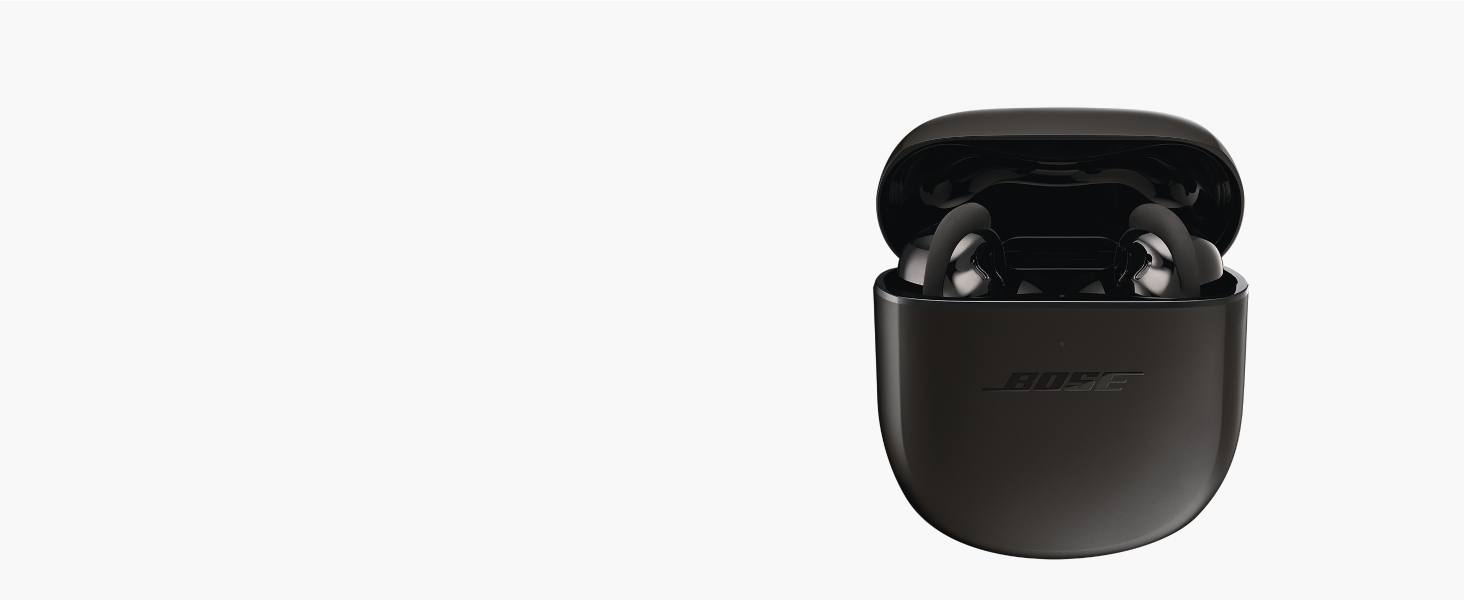
Long battery life
Listen for up to 6 hours (24 with charging case).
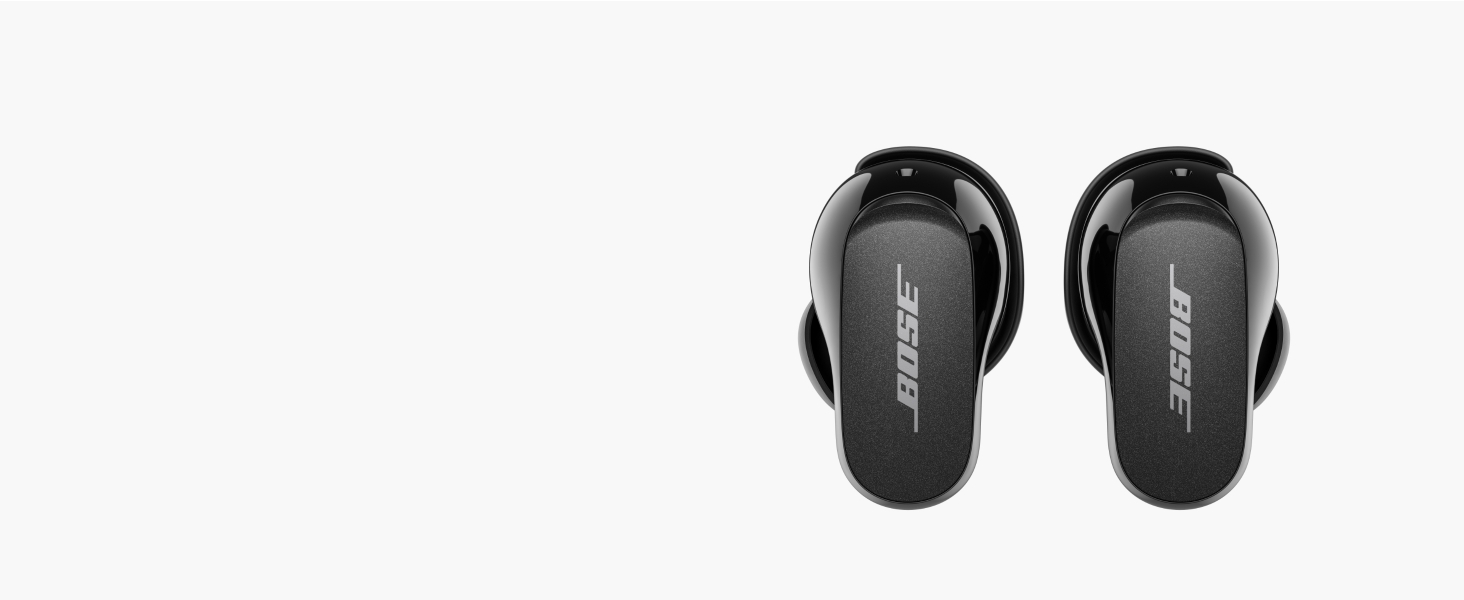
Up to 30 ft range
With Bluetooth 5.3 connectivity, you can cook, code, or exercise without missing a moment(or a call)
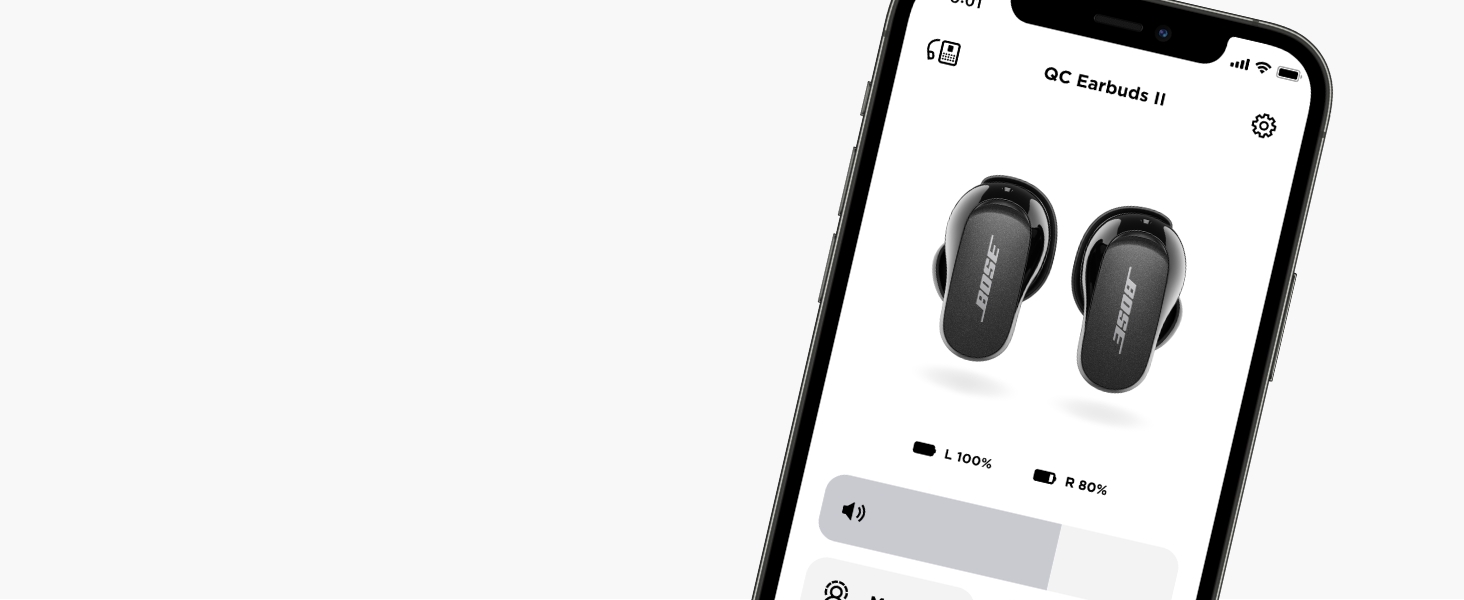
Easy Setup
The Bose app guides you through the initial setup and to personalize your settings and more.
How do I setup my QuietComfort Earbuds II?
Download and install the free Bose app from your mobile device's app store. The Bose app lets you set up and control your product from any mobile device, such as a smartphone or tablet.
How do I connect my QuietComfort Earbuds II to my Bluetooth device?
1. Ensure Bluetooth is enabled on your device
2. With the case open, and both earbuds inside, press and hold on the button on the back of the case until the light slowly blinks blue
3. Select the earbuds from the list of available devices
How do I update the firmware/software of my QuietComfort Earbuds II?
Updating the earbuds: When an update is available, the Bose app automatically downloads it. Tap Install Update.
Updating the case: Go to btu.bose.com and connect with the USB-C cable.
How do I reset my earbuds?
Open the Bose app and tap on the "Account" icon in the upper-right corner.
Select "Manage Products" > "Edit."
Select the Bose earbuds > "Delete."
Tap "Remove" & Close the app.
Remove from Bluetooth list on your device.
How do I clear the Bluetooth pairing list?
Press and hold the button on the back of the case for 15 seconds with the earbuds inside and case lid open. Wait until the status light blinks white twice and then slowly blinks blue. Then delete the earbuds from Bluetooth list on your device.
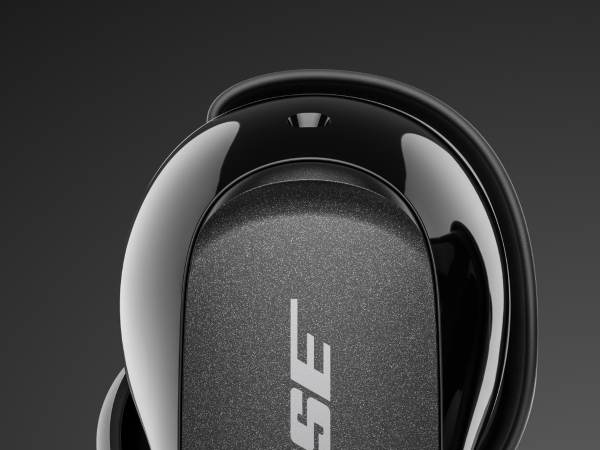
Simple touch controls
Instead of buttons, these true wireless earbuds feature a capacitive touch interface. Tap and press the surface to control your content — just like you would with your phone.
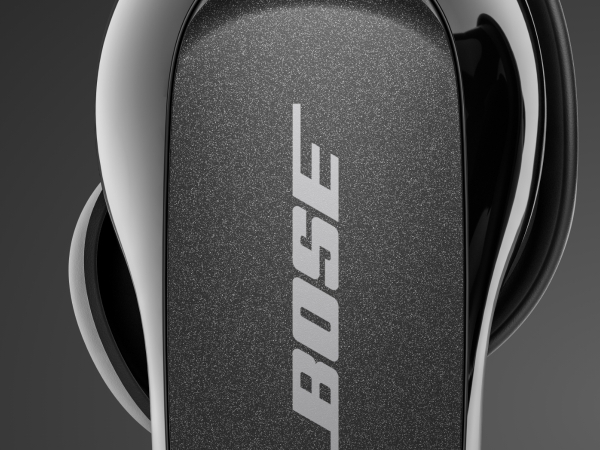
Powerful battery
Up to 6 hours of playback time per charge – and up to 24 hours more with a wireless charging case. A 20-minute charge provides up to 2 hours of playback time.
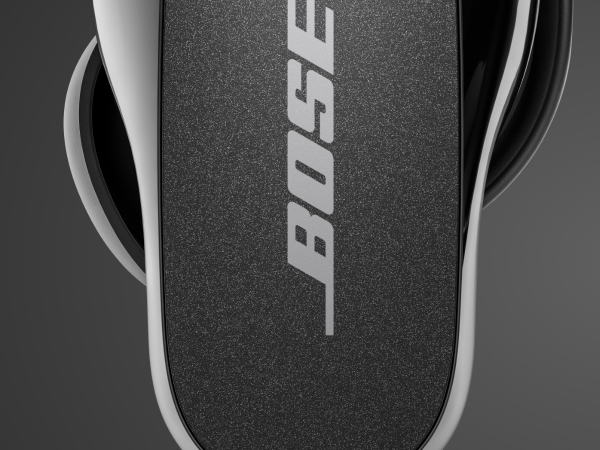
Sweat & weather resistant
These IPX4-rated earbuds are proven to withstand sweat from a great workout and rain from a sudden shower.
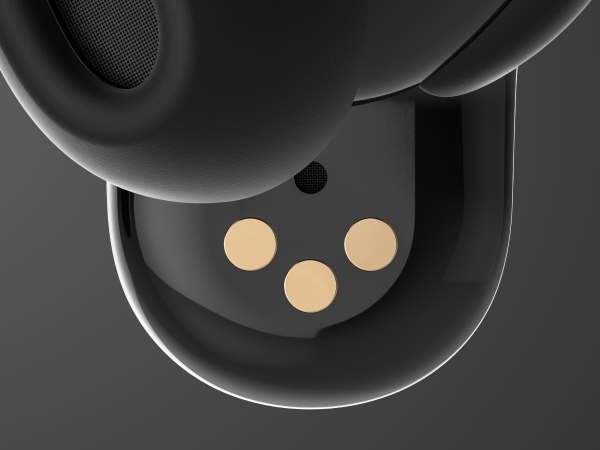
Clear calls
This custom-designed microphone array picks up the sound of your voice – and rejects most of the noise around you – so you’re heard clearly by others.
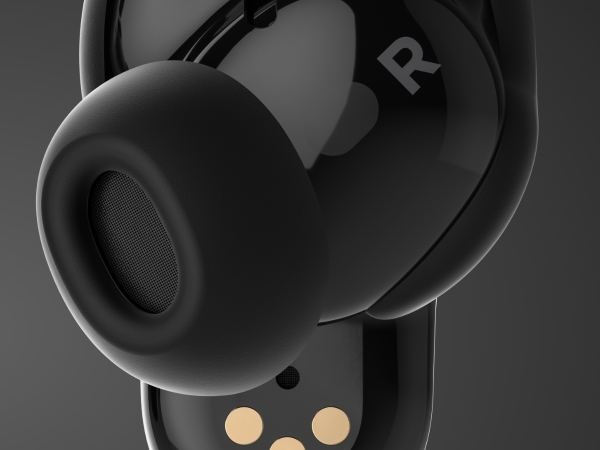
Reliable wireless
Optimized for Bluetooth 5.3, you’ll enjoy a strong, consistent connection within 30 feet of the paired device.
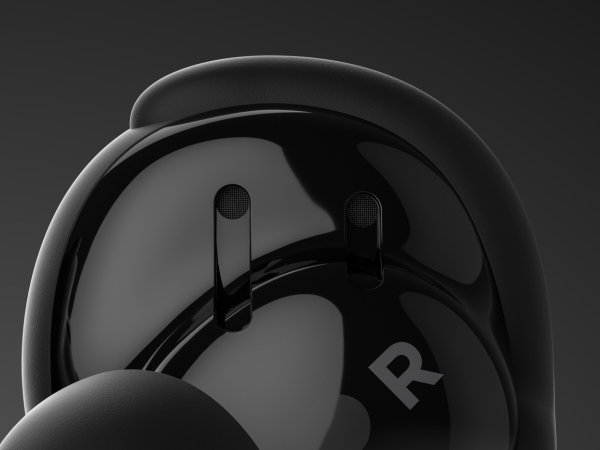
Bose Acoustic Noise Cancelling technology
Fine-tune your listening experience with your choice of full quiet, Aware Mode, or anything in between.
High-fidelity audio
Acoustic architecture and Volume-optimized Active EQ keep audio clear and balanced at any volume
Crystal-clear calls
Two noise-rejecting mics in each earbud work together to reject ambient noise.
Long battery life
Listen for up to 6 hours (24 with charging case).
Up to 30 ft range
With Bluetooth 5.3 connectivity, you can cook, code, or exercise without missing a moment(or a call)
Easy Setup
The Bose app guides you through the initial setup and to personalize your settings and more.


How do I setup my QuietComfort Earbuds II?
Download and install the free Bose app from your mobile device's app store. The Bose app lets you set up and control your product from any mobile device, such as a smartphone or tablet.
How do I connect my QuietComfort Earbuds II to my Bluetooth device?
1. Ensure Bluetooth is enabled on your device
2. With the case open, and both earbuds inside, press and hold on the button on the back of the case until the light slowly blinks blue
3. Select the earbuds from the list of available devices
How do I update the firmware/software of my QuietComfort Earbuds II?
Updating the earbuds: When an update is available, the Bose app automatically downloads it. Tap Install Update.
Updating the case: Go to btu.bose.com and connect with the USB-C cable.
How do I reset my earbuds?
Open the Bose app and tap on the "Account" icon in the upper-right corner.
Select "Manage Products" > "Edit."
Select the Bose earbuds > "Delete."
Tap "Remove" & Close the app.
Remove from Bluetooth list on your device.
How do I clear the Bluetooth pairing list?
Press and hold the button on the back of the case for 15 seconds with the earbuds inside and case lid open. Wait until the status light blinks white twice and then slowly blinks blue. Then delete the earbuds from Bluetooth list on your device.





