



PALOVUE EarSound
Advanced Audio Engineering
Compatible with any apple and android devices, and with the latest wireless Bluetooth 5.3 technology connection to give you the best audio signal possible.

Low Latency Earbud
Support AAC,SBC,HSP,HFP,A2DP,AVRCP
Connect over 33ft away, for more stable connection, faster transmission speed, and stronger signal.

Enduring Playtime Earbud
Support USB-C Quick Charge: 0.25H=1.5H Playtime
Without annoyance caused by low power, enjoy anywhere and anytime, even with some sweat(IPX4 proof).
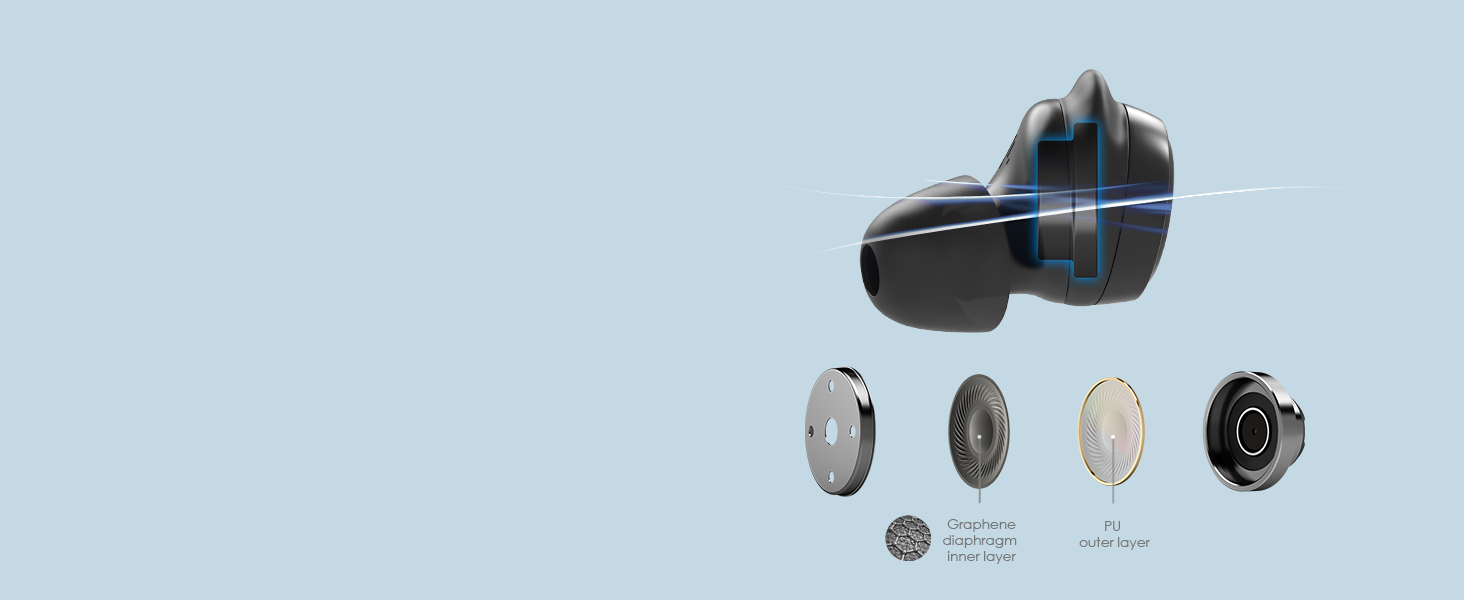
Euphonic Sound Earbud
With a F6mm full-range dynamic driver
Significantly reduce sound quality loss, get audio as pure and crisp, as digital audio was intended.

Exclusive Custom Earbud
With effortless touch control sensors
PALOVUE Cordless earbuds support dual ear touch control, all the functions with just a gentle touch.
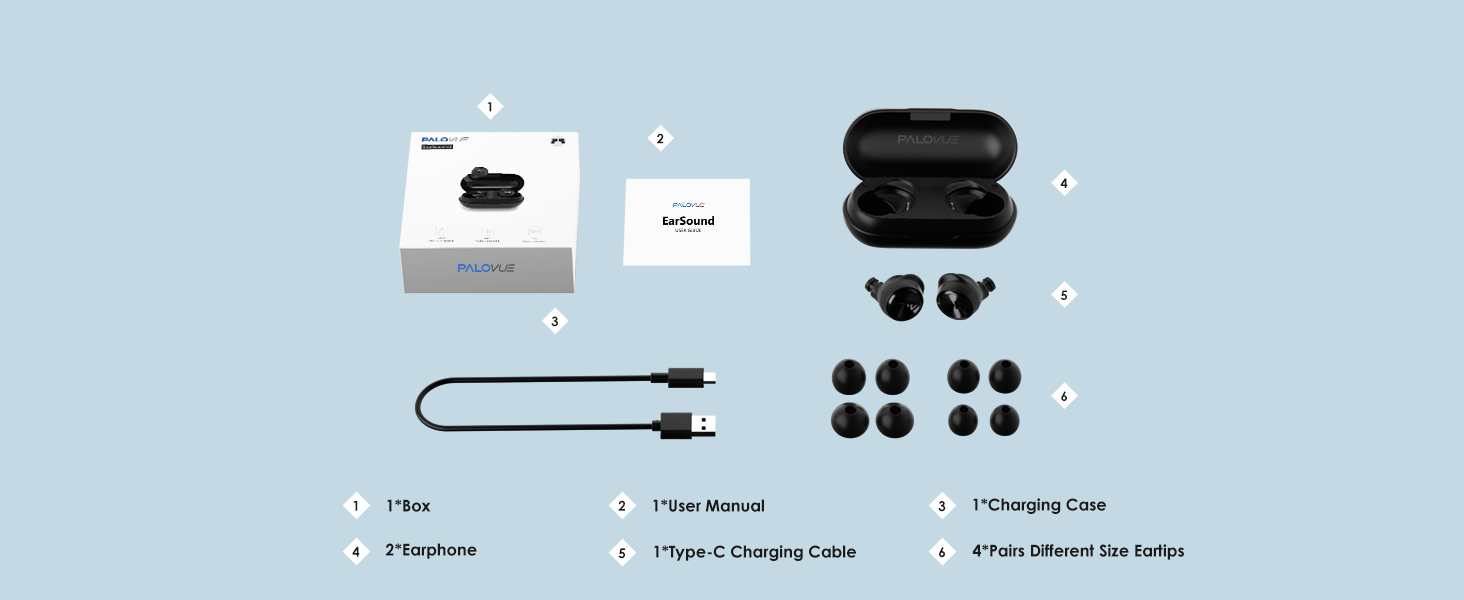


Your Taste, Your Choice

Mono & Twin Mode
Simply take out either bud or both to connect your device. Built-in Mic in both buds allows you to call with anyone or both earbuds.

All Day Listening
Premium 6mm dynamic stereo driver delivers strong bass and wide and clear sound stages over 32 hours. Allows you to enjoy wireless music and calls.

Take Calls Easily
AI Noise Cancelling and the integrated microphone in both buds ensure clear and high-quality stereo conservation for both the receiver and caller.

Enjoy Low Latency
1 step easy quick connect with your devices via Bluetooth 5.3 with great compatibility and stability. No distortion and latency to use.

What should I do if the headset cannot be connected to the mobile phone/can only be connected to one of them?
This situation requires the wireless headset to be reset. The reset detailed steps are in the user manual on the product page or consult PALOVUE profess support team, and they are always online to help you.
How do I switch the connection to a different device, once it's already connected to some other device?
You can follow the steps below: You can only be connected via Bluetooth to one device at a time. So if you want to connect to a different device, you have to remove the current device.
How do I turn the phone on and off without the charging case?
Power on: long press the touch key for 3 seconds; Shutdown: Disconnect the Bluetooth connection, it will automatically shut down after 5 minutes.
What do I need to do when connecting my phone for the first time?
First, take the wireless earbuds out of the charging case,then turn on the Bluetooth of the mobile phone, select "PALOVUE EarSound" in the Bluetooth list, and then the connection is successful.
How to switch songs? And how to use Siri?
Next Track: Long press the right earphone for 1.5 seconds
Previous Track:Long press the left earphone for 1.5 seconds
Voice Assistant: Triple-tap on the left/right earphone
For other functions, please check the video or user manual


- As an MFi-authorized partner with Qualcomm support, we created our products based on the original lightning connector and the latest Bluetooth technology and also our own audio technology.
- We are an audio product maker that designs our products with the best quality and materials to offer you an enjoyable lifestyle. Our goal is to provide any music lover with the best music quality and to bring you a better choice.
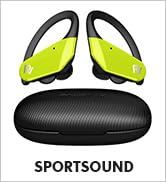
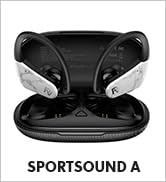
Wireless Earbuds
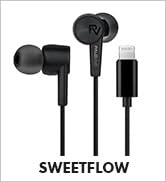
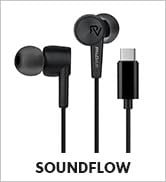
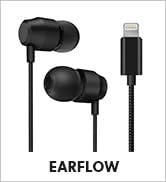
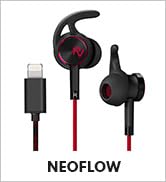
Wired Earbuds
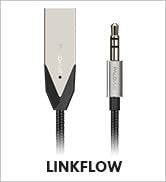
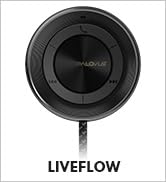
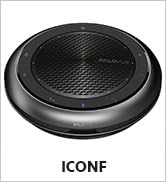
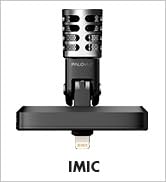
Other Devices

Advanced Audio Engineering
Compatible with any apple and android devices, and with the latest wireless Bluetooth 5.3 technology connection to give you the best audio signal possible.
Low Latency Earbud
Support AAC,SBC,HSP,HFP,A2DP,AVRCP
Connect over 33ft away, for more stable connection, faster transmission speed, and stronger signal.
Enduring Playtime Earbud
Support USB-C Quick Charge: 0.25H=1.5H Playtime
Without annoyance caused by low power, enjoy anywhere and anytime, even with some sweat(IPX4 proof).
Euphonic Sound Earbud
With a F6mm full-range dynamic driver
Significantly reduce sound quality loss, get audio as pure and crisp, as digital audio was intended.
Exclusive Custom Earbud
With effortless touch control sensors
PALOVUE Cordless earbuds support dual ear touch control, all the functions with just a gentle touch.


Pure Voice Your Call
Neural Network Noise Reduction Technology, clears out the background noise for clear voice calling.
Your Taste, Your Choice
Mono & Twin Mode
Simply take out either bud or both to connect your device. Built-in Mic in both buds allows you to call with anyone or both earbuds.
All Day Listening
Premium 6mm dynamic stereo driver delivers strong bass and wide and clear sound stages over 32 hours. Allows you to enjoy wireless music and calls.
Take Calls Easily
AI Noise Cancelling and the integrated microphone in both buds ensure clear and high-quality stereo conservation for both the receiver and caller.
Enjoy Low Latency
1 step easy quick connect with your devices via Bluetooth 5.3 with great compatibility and stability. No distortion and latency to use.
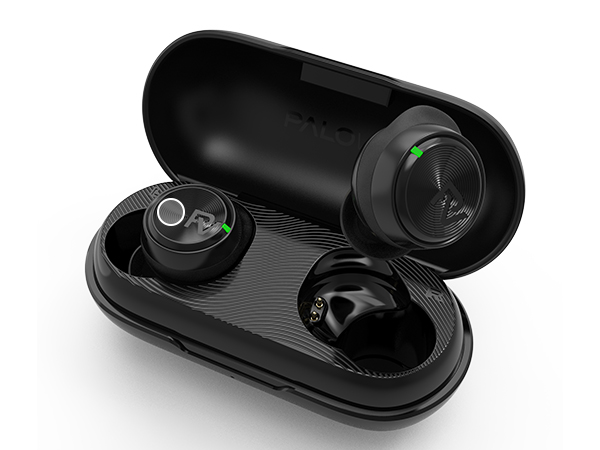
Touch Area
Support dual ear touch control
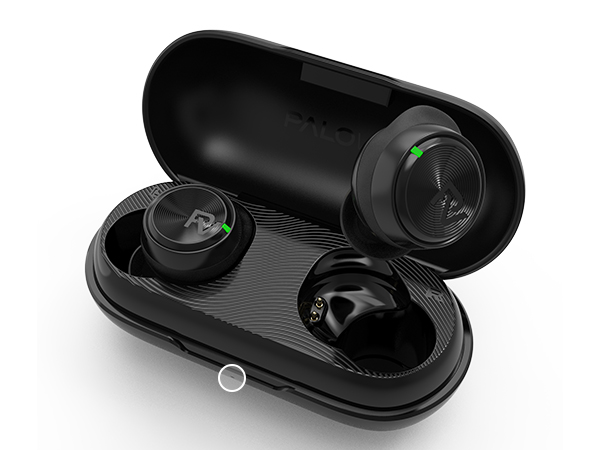
Light_Charging Case
Indicates the earphone status and battery level.
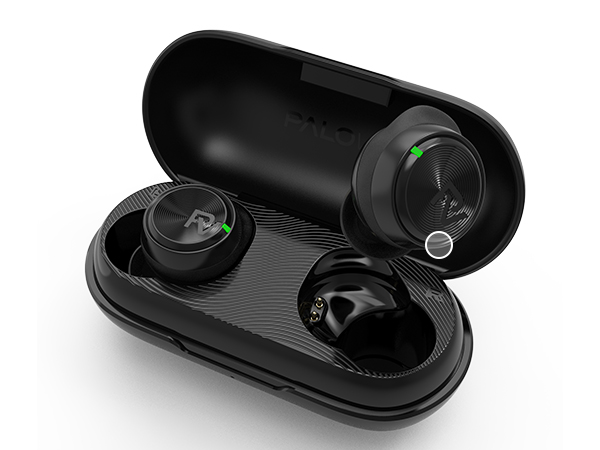
Mic
AI Calling Noise Canceling
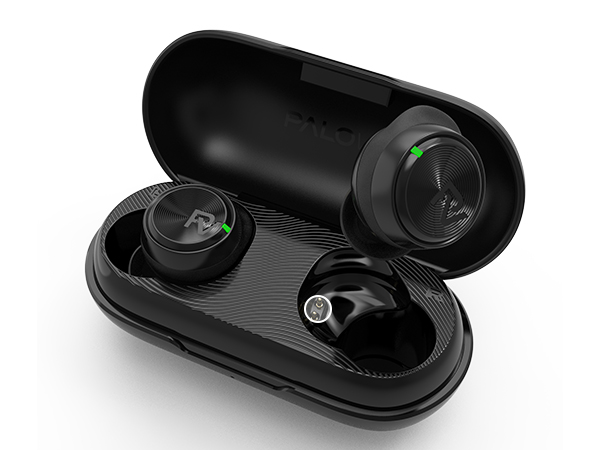
Pogo Pin
Earphones and charging case are connected for charging
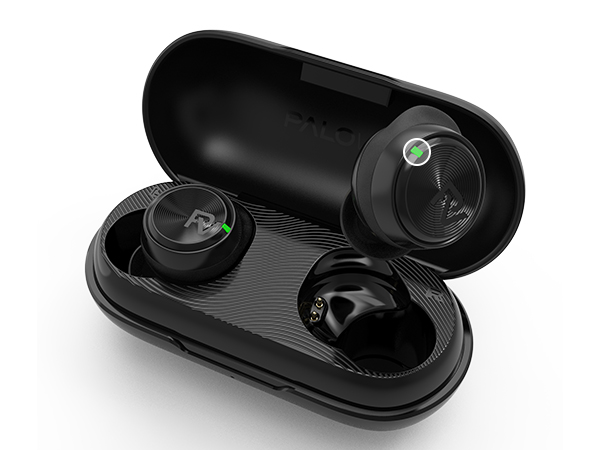
Light_Earphone
Indicates the earphone status and battery level.
What should I do if the headset cannot be connected to the mobile phone/can only be connected to one of them?
This situation requires the wireless headset to be reset. The reset detailed steps are in the user manual on the product page or consult PALOVUE profess support team, and they are always online to help you.
How do I switch the connection to a different device, once it's already connected to some other device?
You can follow the steps below: You can only be connected via Bluetooth to one device at a time. So if you want to connect to a different device, you have to remove the current device.
How do I turn the phone on and off without the charging case?
Power on: long press the touch key for 3 seconds; Shutdown: Disconnect the Bluetooth connection, it will automatically shut down after 5 minutes.
What do I need to do when connecting my phone for the first time?
First, take the wireless earbuds out of the charging case,then turn on the Bluetooth of the mobile phone, select "PALOVUE EarSound" in the Bluetooth list, and then the connection is successful.
How to switch songs? And how to use Siri?
Next Track: Long press the right earphone for 1.5 seconds
Previous Track:Long press the left earphone for 1.5 seconds
Voice Assistant: Triple-tap on the left/right earphone
For other functions, please check the video or user manual
- As an MFi-authorized partner with Qualcomm support, we created our products based on the original lightning connector and the latest Bluetooth technology and also our own audio technology.
- We are an audio product maker that designs our products with the best quality and materials to offer you an enjoyable lifestyle. Our goal is to provide any music lover with the best music quality and to bring you a better choice.
Wireless Earbuds
Wired Earbuds
Other Devices





