


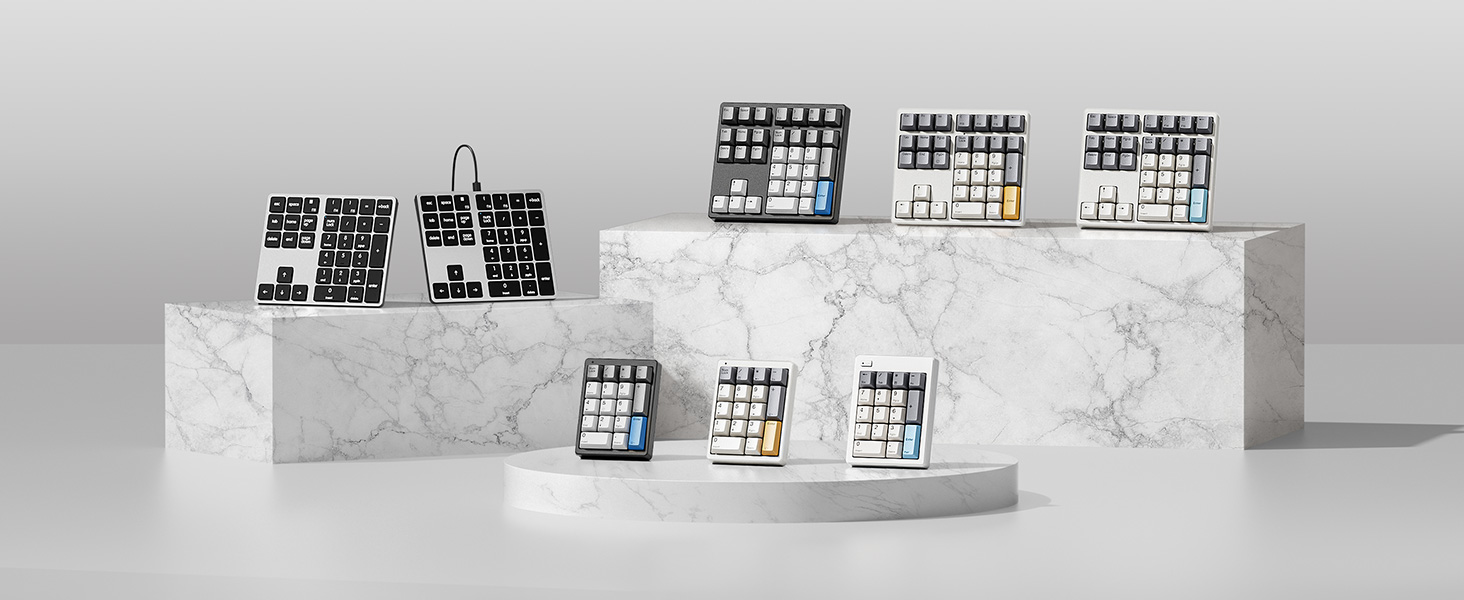
Redefine Your Keyboard Standard
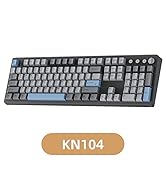
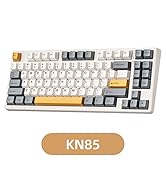
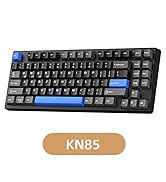
 KN104 Mechanical Keyboard |  KN85 Mechanical Keyboard |  MF34 QMK Number Keypad | 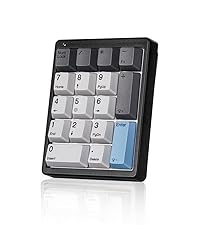 KN17 Number Keypad | 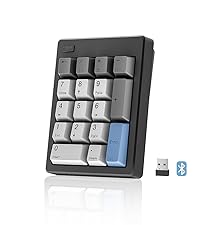 FD17 Number Keypad | |
|---|---|---|---|---|---|
Customer Reviews | — | — | — | — | — |
Price | — | — | — | — | — |
Switch Type | Linear Switch | Linear Switch | Linear Switch | Brown Switch | Linear Switch |
Switch Brand | Bsun | Bsun | Bsun | Outemu | Bsun |
Layout Keys | 100% ANSI US, 104 keys | 75% ANSI US, 85 keys | 34 keys | 17 keys | 17 keys |
Hot-Swappable | ? | ? | ? | ? | ? |
Backlight | RGB | RGB | RGB | White | X |
Connection | Wired/2.4G Wireless/Bluetooth | Wired/2.4G Wireless/Bluetooth | Detachable Type-c Wired | Detachable Type-c Wired | 2.4G Wireless/Bluetooth5.0 |
Programmable | KN104 software(WIN only) | KN85 software(WIN only) | QMK/VIA | X | X |
Size/Weight | 17.52*5.55*1.65in/2.41lb | 13.68*5.51*1.77in /1.98lb | 5.87*5.28*1.54in/1.12lb | 4.41*3.39*1.38in/0.49lb | 4.84*3.62*1.61in/0.44lb |

Fully Compatible with Win and Mac OS

For Win
Calculator keys, left parenthesis , right parenthesis , only working in Win system.

For Mac
F13-F15 is customizable as your preferred shortcuts via system setting in Mac OS.


Does it have a wireless option?
No, the KN34 connects only via the included 1.5m USB-A to USB-C cable. If you need a wireless version,please refer to Kisnt KN34GT model.
Does this keypad have any programmable keys?
No, the numpad focuses solely on plug-and-play numeric input with fixed key functions, no programming/remapping support.
How to adjust the white backlighting?
Lighting modes: Press "-" + "PgDn".
Brightness increase: Press "-" + "?". Brightness decrease:Press "-" + "?".
Backlit speed up: Press "-" + "?". Backlit speed down:Press "-" + "?".
Can the backlight shine through the keycaps?
The backlight provides ambiance and helps with visibility in low-light conditions, but it won't illuminate the legends on the keycaps themselves.
What’s the dimensions?
With dimensions of 5.87*5.28*1.54 inches, it greatly enhance your work efficiency while occupying more desktop space. For a compact option, please refer to Kisnt KN17 model.


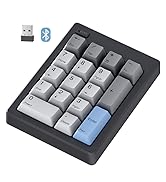
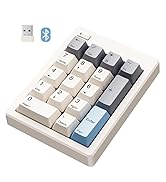
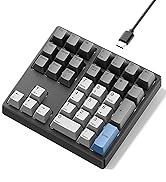
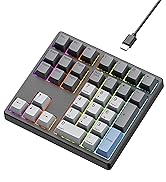

Redefine Your Keyboard Standard
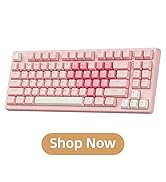
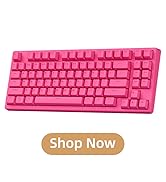
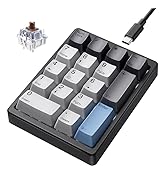
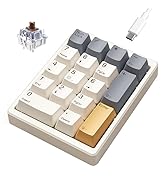
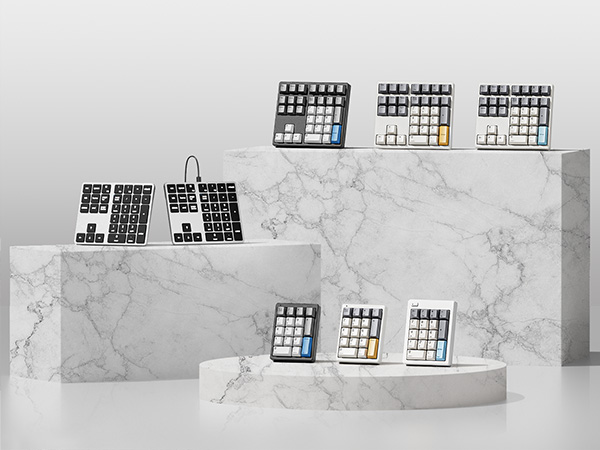
KN104 Mechanical Keyboard | KN85 Mechanical Keyboard | MF34 QMK Number Keypad | KN17 Number Keypad | FD17 Number Keypad |
|---|---|---|---|---|
| Customer Reviews | ||||
| — | — | — | — | — |
| Price | ||||
| — | — | — | — | — |
| Switch Type | ||||
| Linear Switch | Linear Switch | Linear Switch | Brown Switch | Linear Switch |
| Switch Brand | ||||
| Bsun | Bsun | Bsun | Outemu | Bsun |
| Layout Keys | ||||
| 100% ANSI US, 104 keys | 75% ANSI US, 85 keys | 34 keys | 17 keys | 17 keys |
| Hot-Swappable | ||||
| ? | ? | ? | ? | ? |
| Backlight | ||||
| RGB | RGB | RGB | White | X |
| Connection | ||||
| Wired/2.4G Wireless/Bluetooth | Wired/2.4G Wireless/Bluetooth | Detachable Type-c Wired | Detachable Type-c Wired | 2.4G Wireless/Bluetooth5.0 |
| Programmable | ||||
| KN104 software(WIN only) | KN85 software(WIN only) | QMK/VIA | X | X |
| Size/Weight | ||||
| 17.52*5.55*1.65in/2.41lb | 13.68*5.51*1.77in /1.98lb | 5.87*5.28*1.54in/1.12lb | 4.41*3.39*1.38in/0.49lb | 4.84*3.62*1.61in/0.44lb |

Fully Compatible with Win and Mac OS
For Win
Calculator keys, left parenthesis , right parenthesis , only working in Win system.
For Mac
F13-F15 is customizable as your preferred shortcuts via system setting in Mac OS.


Does it have a wireless option?
No, the KN34 connects only via the included 1.5m USB-A to USB-C cable. If you need a wireless version,please refer to Kisnt KN34GT model.
Does this keypad have any programmable keys?
No, the numpad focuses solely on plug-and-play numeric input with fixed key functions, no programming/remapping support.
How to adjust the white backlighting?
Lighting modes: Press "-" + "PgDn".
Brightness increase: Press "-" + "?". Brightness decrease:Press "-" + "?".
Backlit speed up: Press "-" + "?". Backlit speed down:Press "-" + "?".
Can the backlight shine through the keycaps?
The backlight provides ambiance and helps with visibility in low-light conditions, but it won't illuminate the legends on the keycaps themselves.
What’s the dimensions?
With dimensions of 5.87*5.28*1.54 inches, it greatly enhance your work efficiency while occupying more desktop space. For a compact option, please refer to Kisnt KN17 model.
Best Bang for the Buck
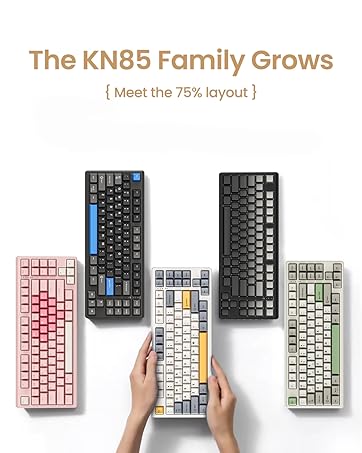
KN85 Series
17 Keys Series
34 Keys Series





