



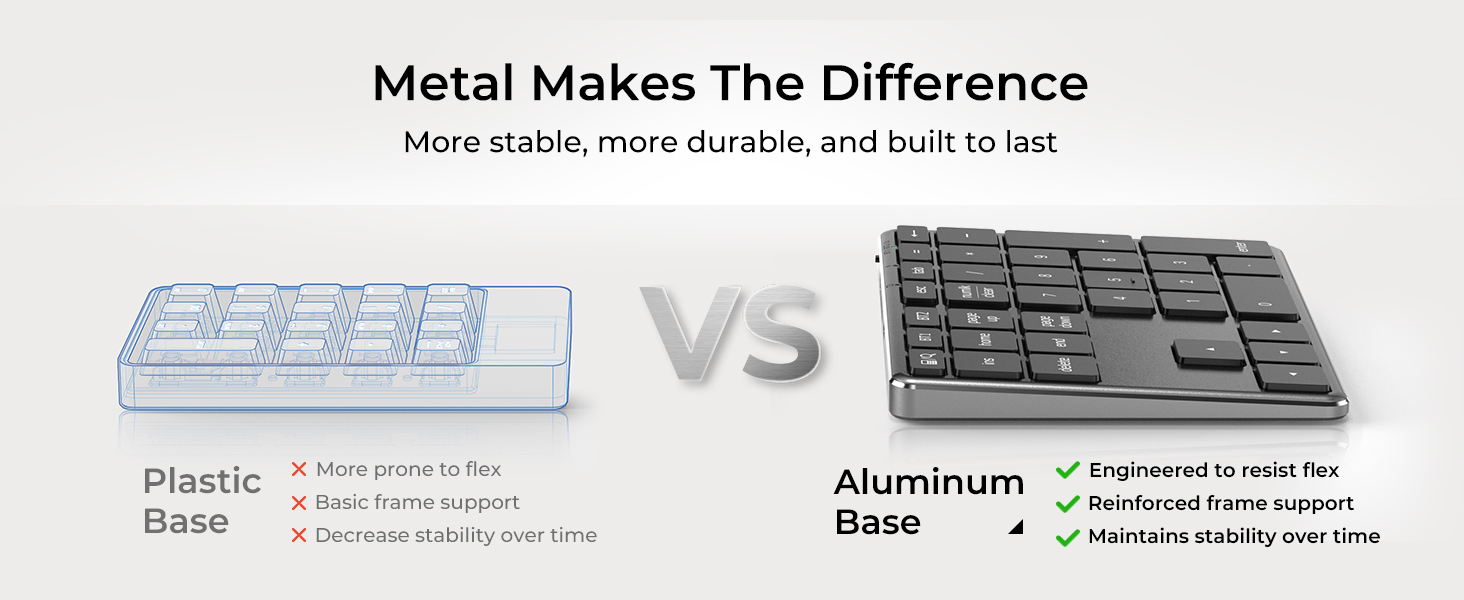
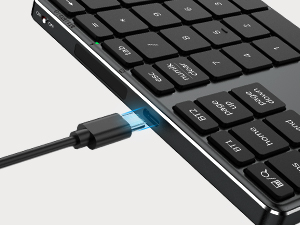
USB-C Rechargeable
Modern charging solution designed for faster power delivery and daily convenience.
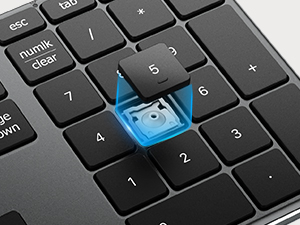
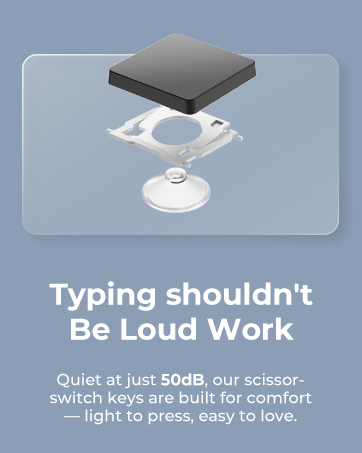
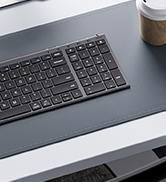
Scissor-Switch Keys
Low-profile structure delivers smooth, stable, and comfortable typing.
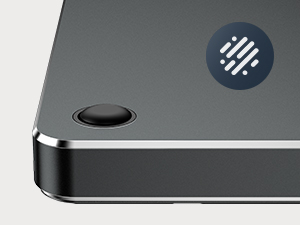
Non-Slip Rubber Pads
Anti-slip base keeps the number keypad stable during typing.
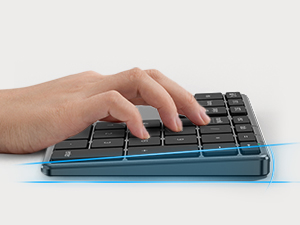
Ergonomic Tilt Angle
Designed to promote a natural wrist position while typing.
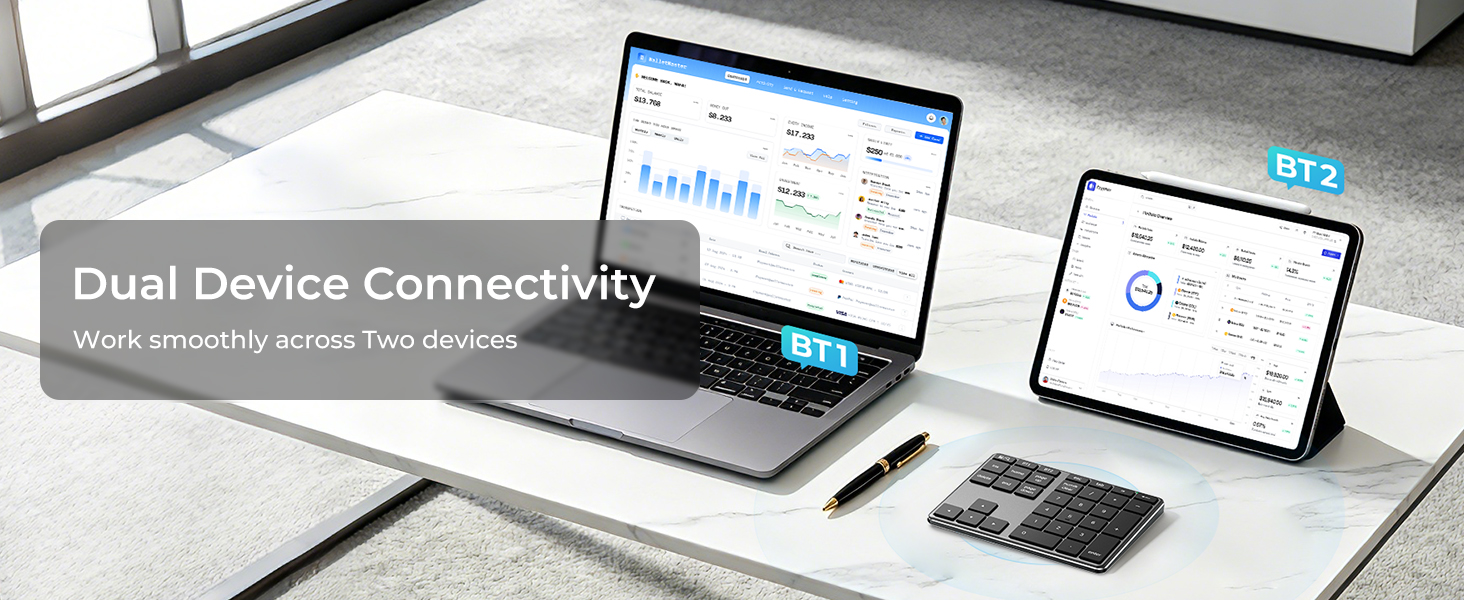
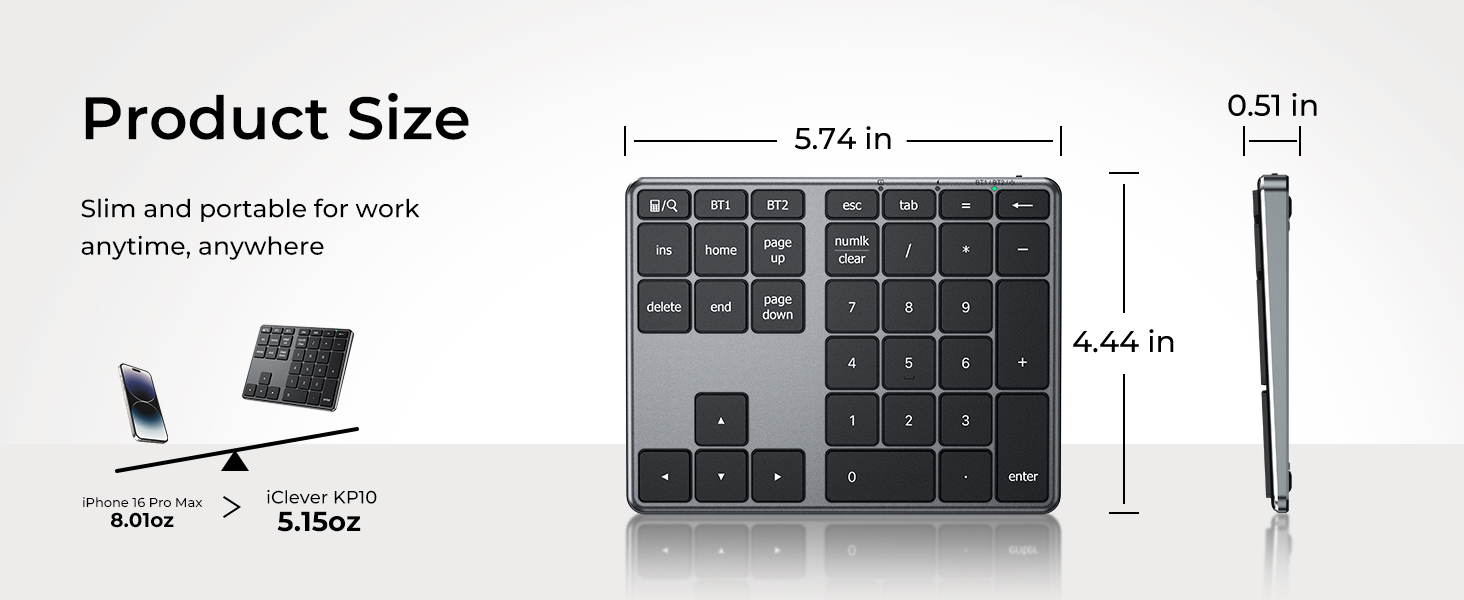



Calculator key or Numlk key doesn’t work.
The calculator key works as “Calculator” on Windows and works as “Search” on macOS/iOS.
The Numlk key works as “Number lock” on Windows and works as “Clear” on macOS.
Keyboard gets delayed frequently/input repeats.
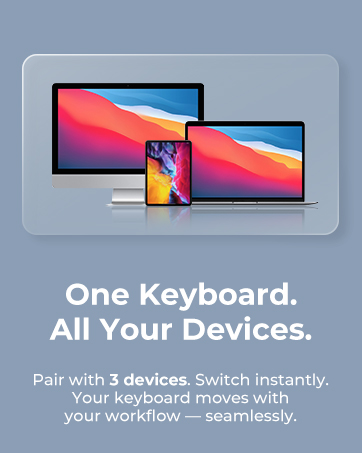
1. Verify the iClever is connected to the built-in Bluetooth instead of an external Bluetooth adaptor.
2. Make sure that the iClever and your device are within close proximity.
3. Try moving away from metal and other sources of wireless signal.
Charging tips.
The charging indicator would stay red while charging and turn green after fully charged.
Please charge the keyboard with a charger’s voltage below 5V or with a computer USB port. Otherwise, it would probably cause the keyboard to shut down.
Can’t operate the computer by the USB cable?
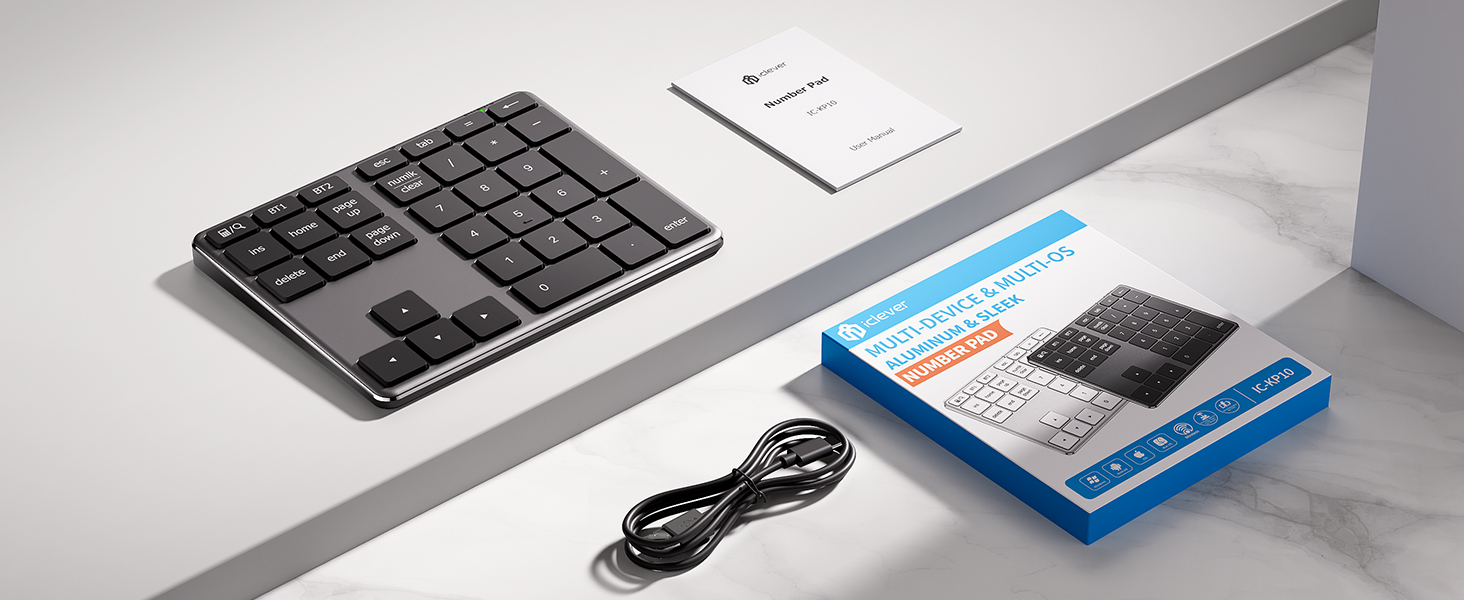
The USB cable serves for charging only. You can’t use it to operate your device.








USB-C Rechargeable
Modern charging solution designed for faster power delivery and daily convenience.
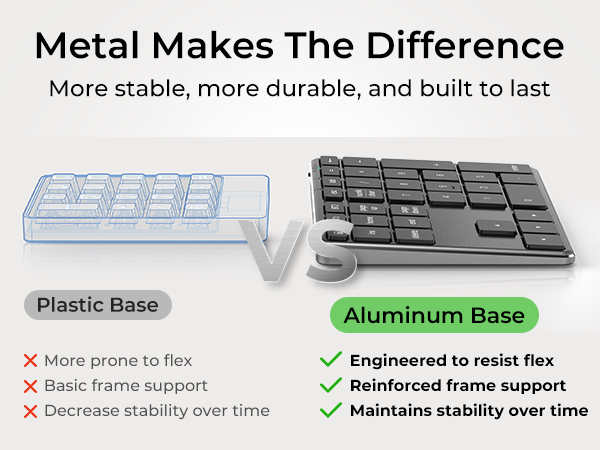
Scissor-Switch Keys
Low-profile structure delivers smooth, stable, and comfortable typing.
Non-Slip Rubber Pads
Anti-slip base keeps the number keypad stable during typing.
Ergonomic Tilt Angle
Designed to promote a natural wrist position while typing.



Calculator key or Numlk key doesn’t work.
The calculator key works as “Calculator” on Windows and works as “Search” on macOS/iOS.
The Numlk key works as “Number lock” on Windows and works as “Clear” on macOS.
Keyboard gets delayed frequently/input repeats.
1. Verify the iClever is connected to the built-in Bluetooth instead of an external Bluetooth adaptor.
2. Make sure that the iClever and your device are within close proximity.
3. Try moving away from metal and other sources of wireless signal.
Charging tips.
The charging indicator would stay red while charging and turn green after fully charged.
Please charge the keyboard with a charger’s voltage below 5V or with a computer USB port. Otherwise, it would probably cause the keyboard to shut down.
Can’t operate the computer by the USB cable?
The USB cable serves for charging only. You can’t use it to operate your device.
WorkMate
FoldMate
NumMate
SilentTap





