



Lubrication Instructions: Outemu keyboard switches are pre-lubricated at the factory to improve pressing smoothness and extend mechanical life, thereby enhancing the typing experience. Regular lubrication is necessary for long-term use; manual lubrication is recommended.
Product Parameters


How to replace and install switches

Remove the keycaps with a keycap puller.Remove the old switch with the switch puller.

Remove the old switch with the switch puller.

Place the new switch on the right position.

Gently press new switches into PCB.
Are switches pre-lubed?
Yes, Outemu switches utilize original lubricants to effectively enhance key smoothness and mechanical lifespan, delivering a superior typing experience.
Will my keycap set fit those switches?
These Switches are compatible with almost every standard MX style keycap sets in different materials and heights.
Are these switches compatible with my keyboard?
These switches are compatible with most hot-swappable mechanical keyboards with a 3-pin or 5-pin connector for plug-and-play operation. They are not compatible with optical keyboards.


Select more switches
Clicky | Type | Clicky |
50±10gf | Operating Force | 40±10gf |
2.20±0.6mm | Pre Travel | 2.00±0.6mm |
4.0mm | Total Travel | 4.00+0.1/-0.4mm |
50 Million Cycles | Mechanical life | 50 Million Cycles |
Clicky | Type | Linear |
50±10gf | Operating Force | 40±10gf |
2.20±0.6mm | Pre Travel | 2.00±0.5mm |
4.0mm | Total Travel | 4.00+0.1/-0.4mm |
50 Million Cycles | Mechanical life | 50 Million Cycles |
Clicky | Type | Tactile |
50±10gf | Operating Force | 40±10gf |
2.20±0.6mm | Pre Travel | 2.00±0.5mm |
4.0mm | Total Travel | 3.8±0.2mm |
50 Million Cycles | Mechanical life | 50 Million Cycles |
Clicky | Type | Tactile Silent |
50±10gf | Operating Force | 35±10gf |
2.20±0.6mm | Pre Travel | 2.00±0.5mm |
4.0mm | Total Travel | 3.30±0.2mm |
50 Million Cycles | Mechanical life | 50 Million Cycles |


Lubrication Instructions: Outemu keyboard switches are pre-lubricated at the factory to improve pressing smoothness and extend mechanical life, thereby enhancing the typing experience. Regular lubrication is necessary for long-term use; manual lubrication is recommended.
Product Parameters
How to replace and install switches
Remove the keycaps with a keycap puller.Remove the old switch with the switch puller.
Remove the old switch with the switch puller.
Place the new switch on the right position.
Gently press new switches into PCB.
Are switches pre-lubed?
Yes, Outemu switches utilize original lubricants to effectively enhance key smoothness and mechanical lifespan, delivering a superior typing experience.
Will my keycap set fit those switches?
These Switches are compatible with almost every standard MX style keycap sets in different materials and heights.
Are these switches compatible with my keyboard?
These switches are compatible with most hot-swappable mechanical keyboards with a 3-pin or 5-pin connector for plug-and-play operation. They are not compatible with optical keyboards.

This Switches can also be used with...


Select more switches
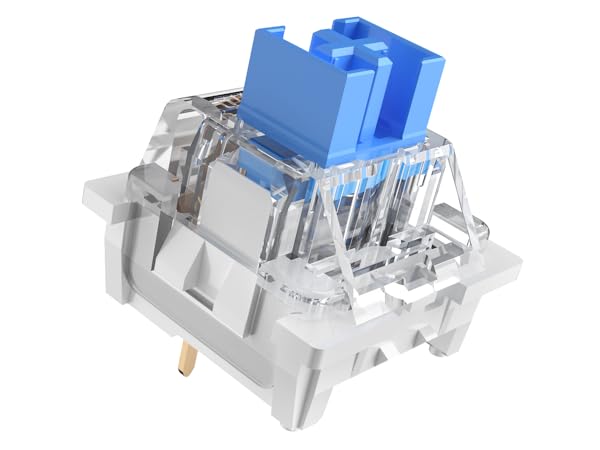
Outemu Blue Switch
Type
Clicky
Operating Force
50±10gf
Pre Travel
2.20±0.6mm
Total Travel
4.0mm
Mechanical life
50 Million Cycles
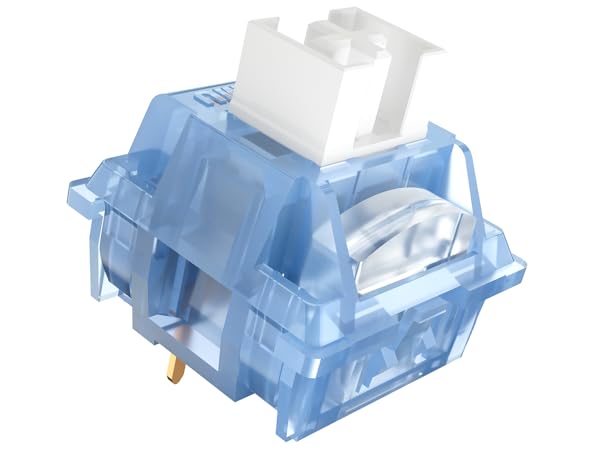
Outemu Ice Blue V3 Switch
Type
Clicky
Operating Force
40±10gf
Pre Travel
2.00±0.6mm
Total Travel
4.00+0.1/-0.4mm
Mechanical life
50 Million Cycles
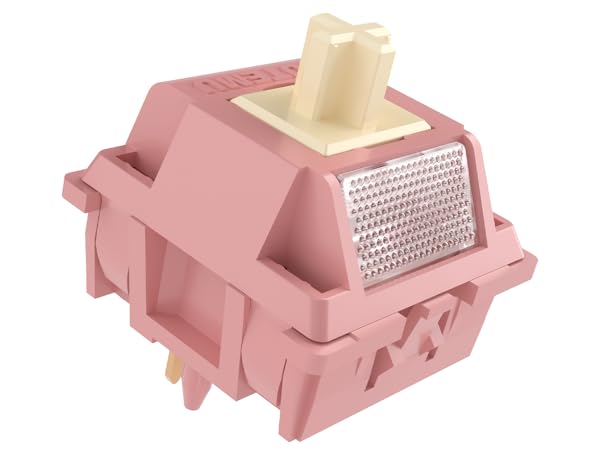
Outemu Red Bean Creamy
Type
Linear
Operating Force
40±10gf
Pre Travel
2.00±0.5mm
Total Travel
4.00+0.1/-0.4mm
Mechanical life
50 Million Cycles
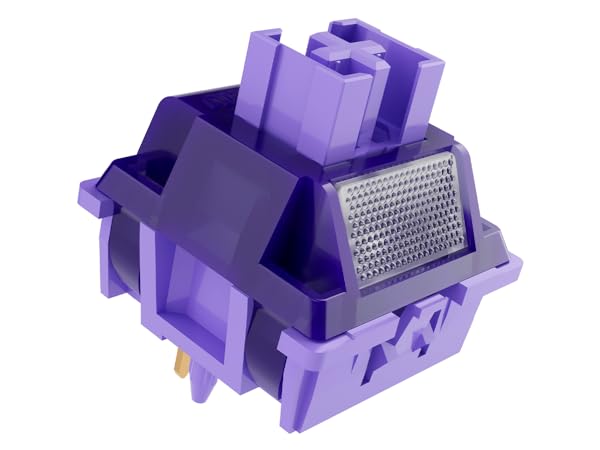
Outemu Violet Pro Switch
Type
Tactile
Operating Force
40±10gf
Pre Travel
2.00±0.5mm
Total Travel
3.8±0.2mm
Mechanical life
50 Million Cycles
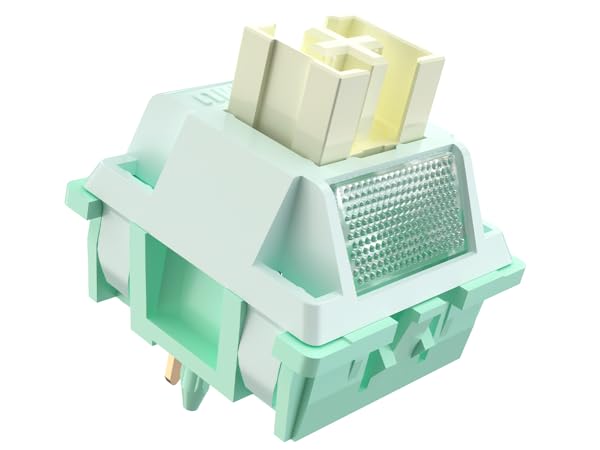
Outemu Pomelo Slient
Type
Tactile Silent
Operating Force
35±10gf
Pre Travel
2.00±0.5mm
Total Travel
3.30±0.2mm
Mechanical life
50 Million Cycles





