


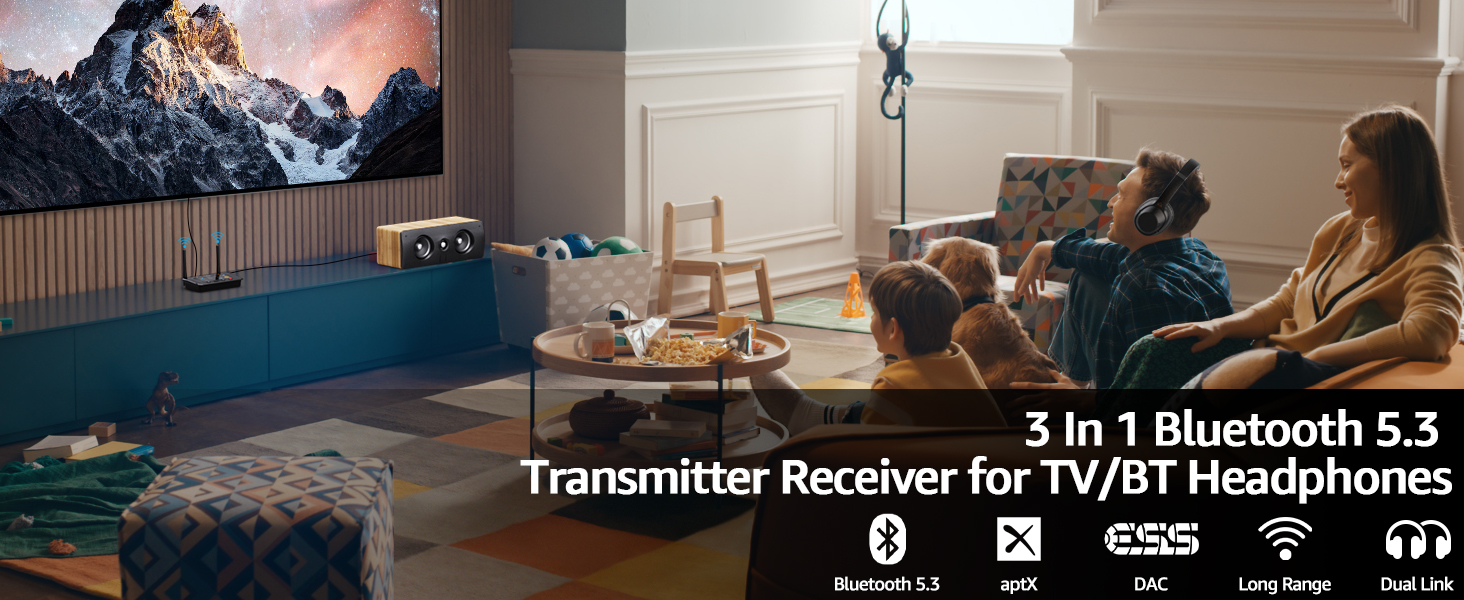
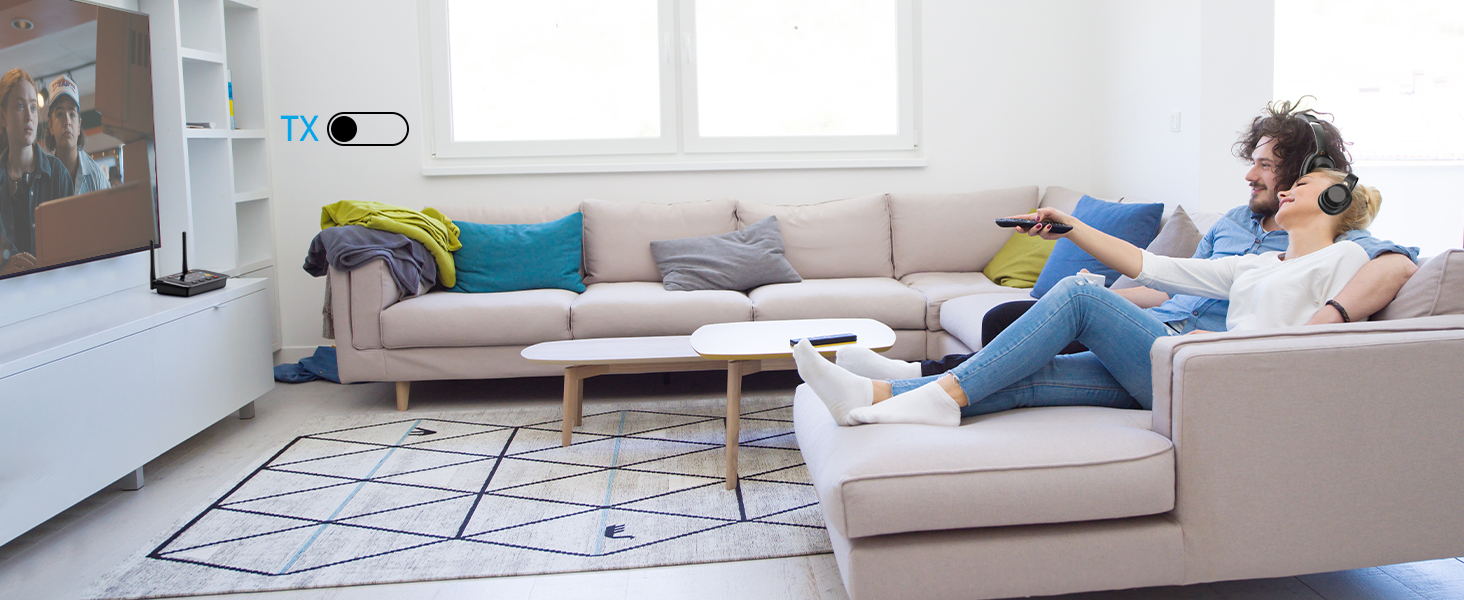
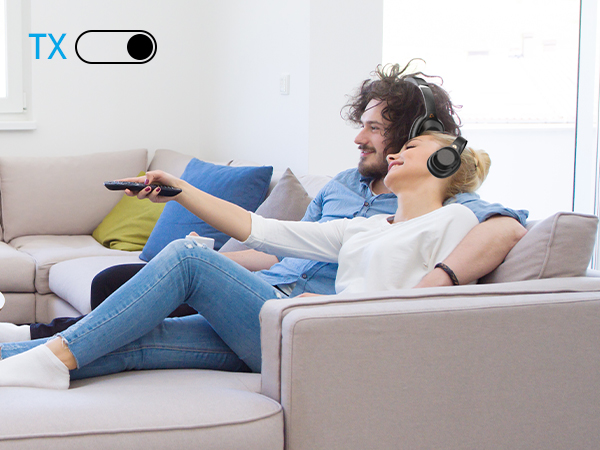
Bluetooth Audio Transmitter for TV
Transmit stereo audio wirelessly from your non-Bluetooth TV to your Bluetooth device
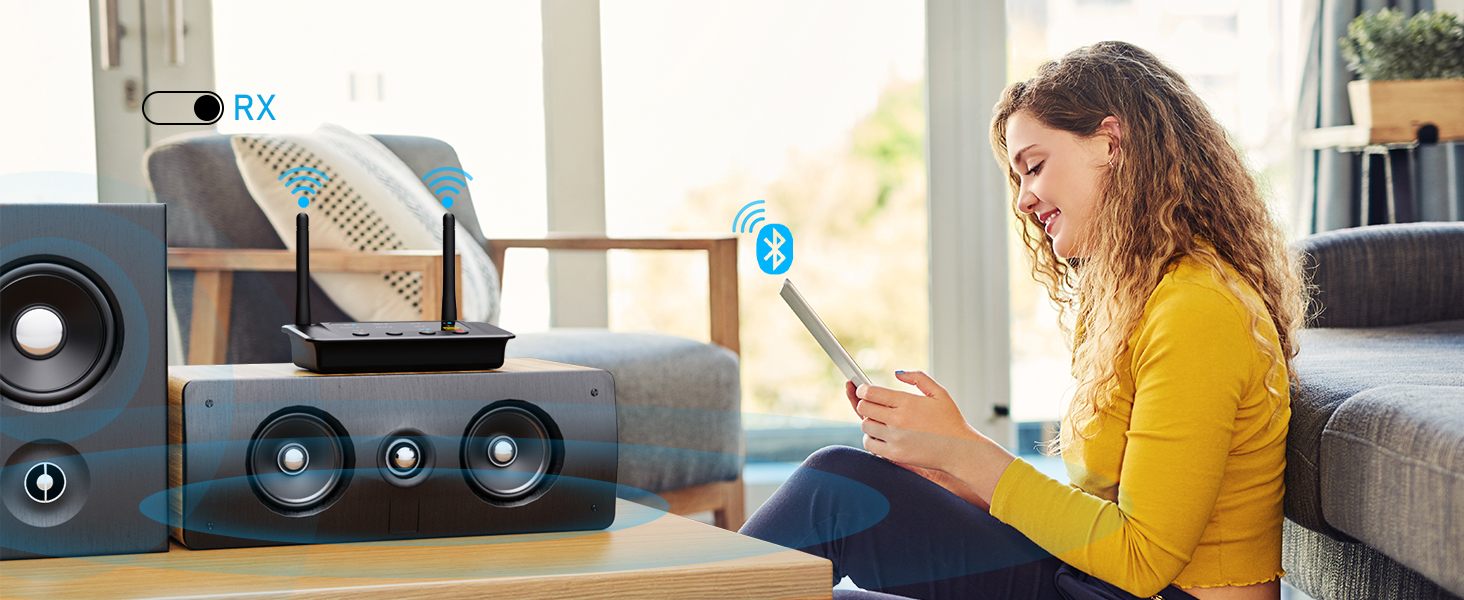
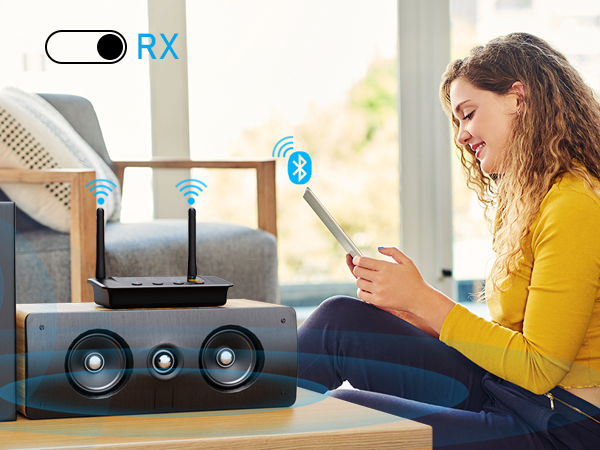
Bluetooth Audio Receiver
Stream music from smartphones/tablets/PC to your stereo/speakers/car radio
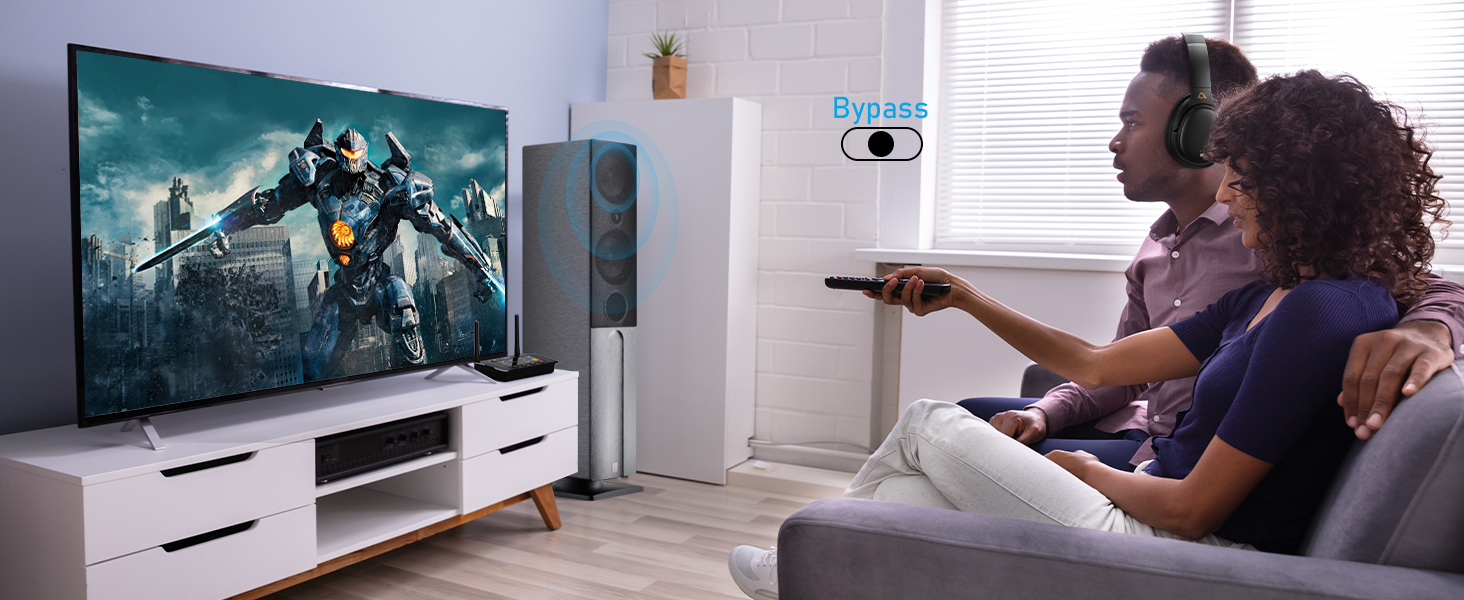
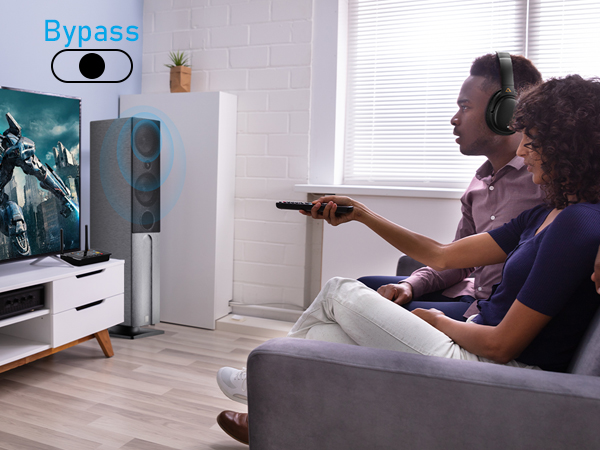
Share TV with Your Family
When connect your wireless headphones via Bluetooth, can also connect your wired speakers via cable
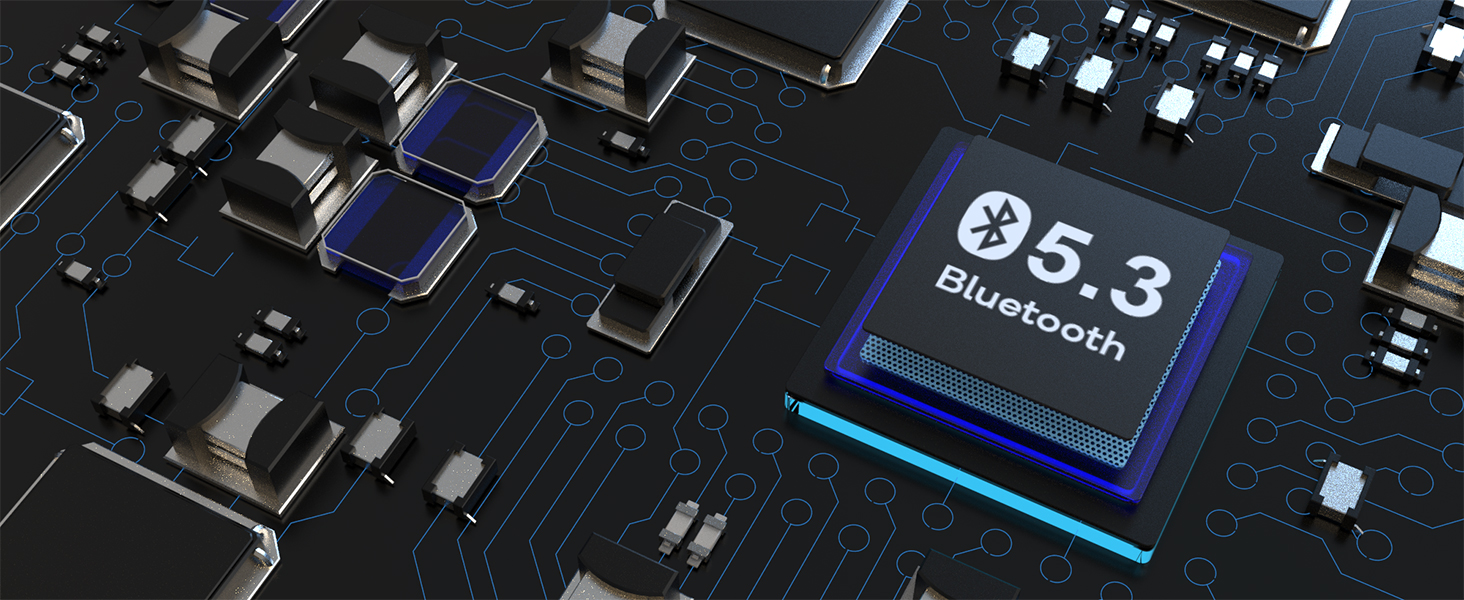
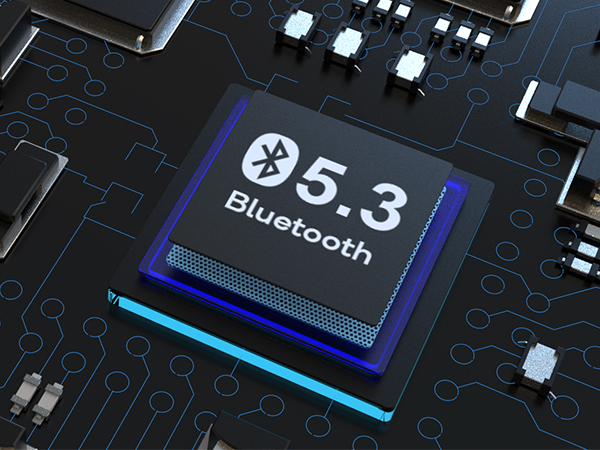
The latest Bluetooth 5.3 technology
Ensures a stable, high-quality Bluetooth audio experience
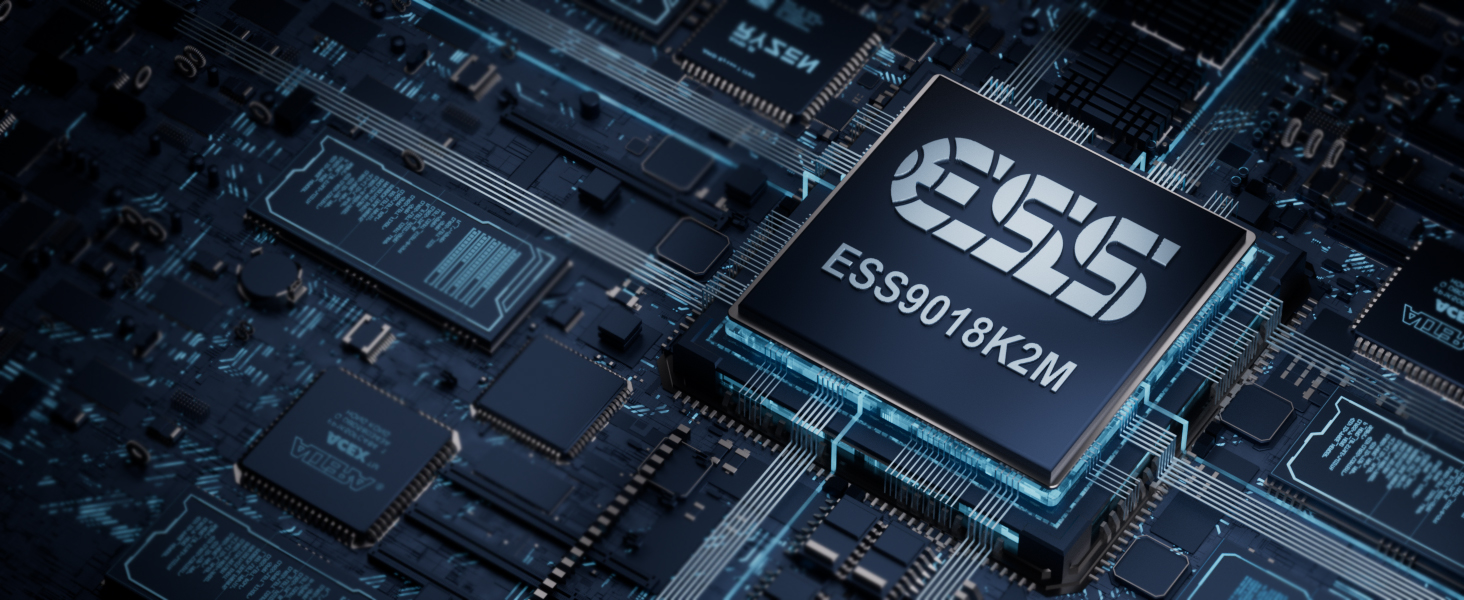
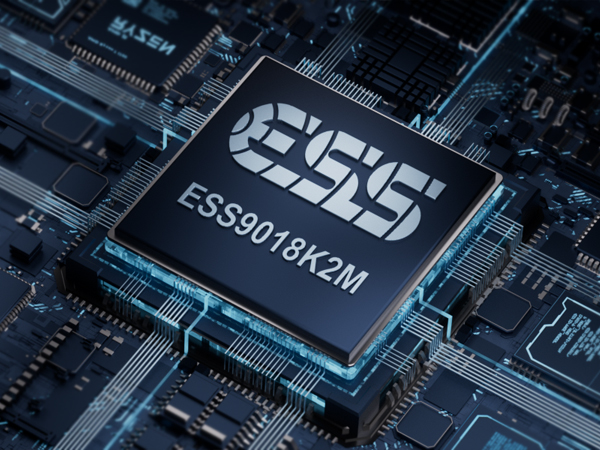
Resolution up to 384 kHz/32 bit
First-class D/A converter for the best sound

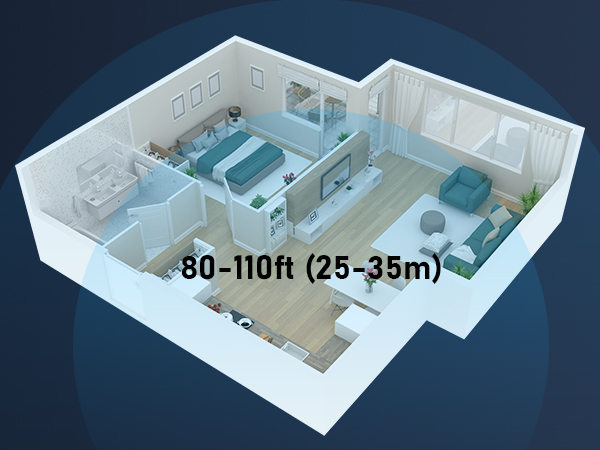
Stable Indoor Connection up to 80FT
achieve a range of up to 265ft (80m) line-of-sight in open air and up to 80-110ft (25-35m) indoors
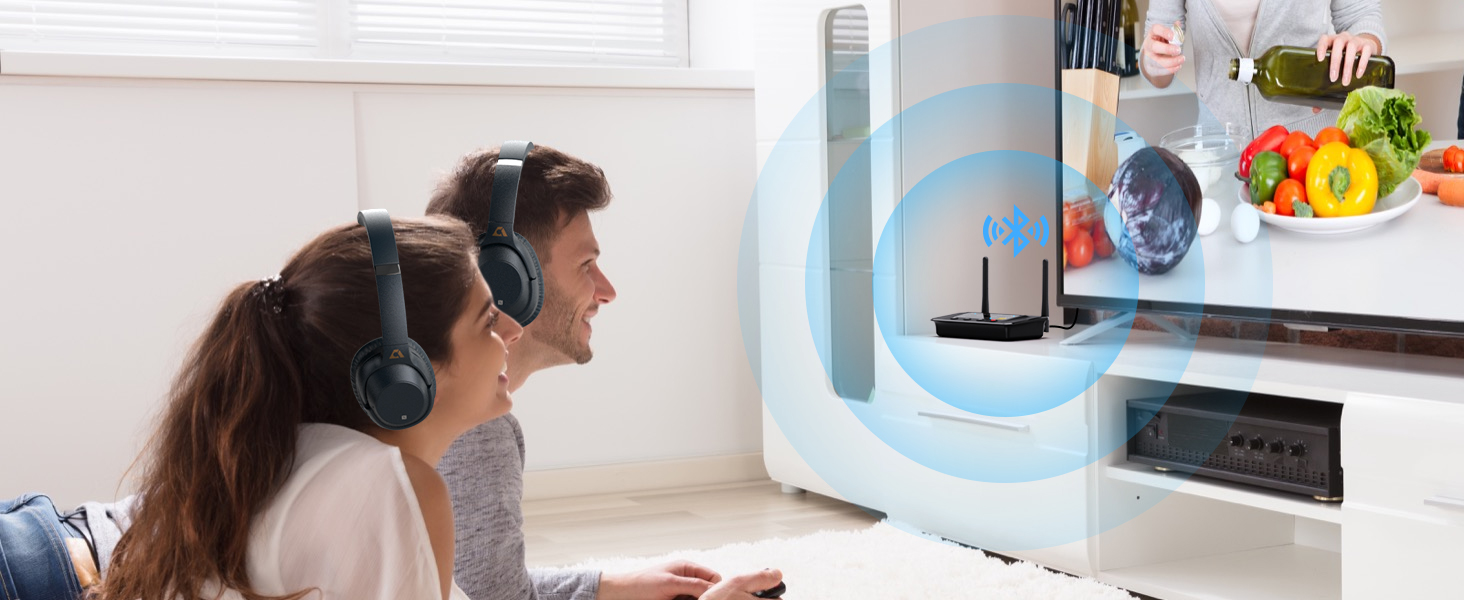
Share with others
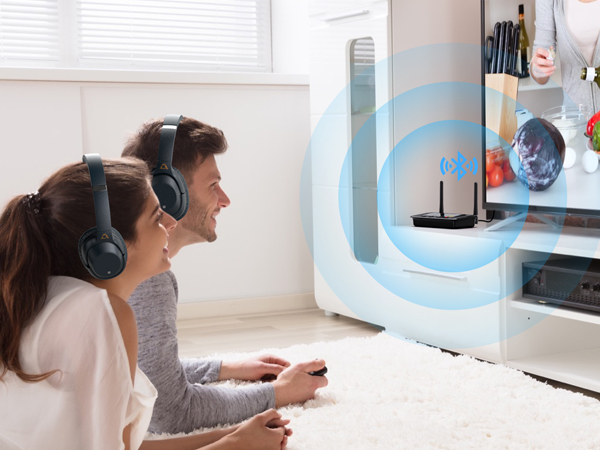
Pair with two Bluetooth headphones or two Bluetooth speakers at the same time
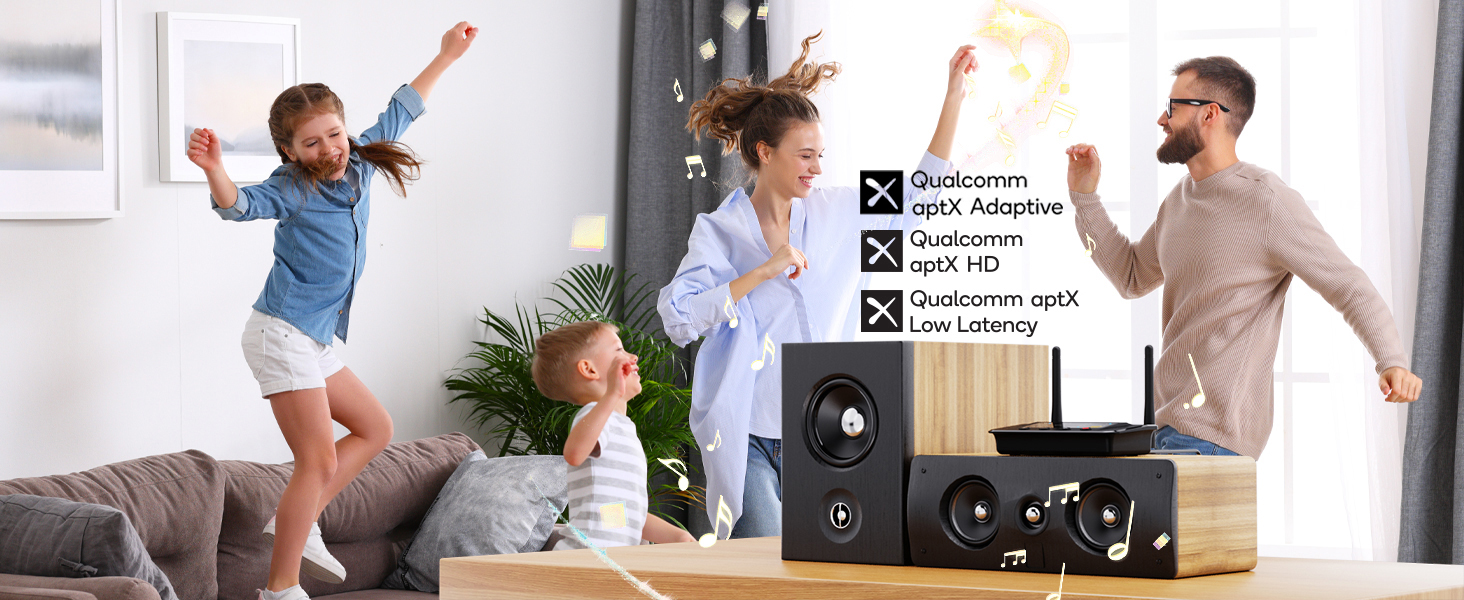
aptX HD/aptX LL/aptX AD/aptX/AAC/SBC
To use the aptX LL/HD functions, a bluetooth headphone/speaker that supports aptX LL/HD is required.
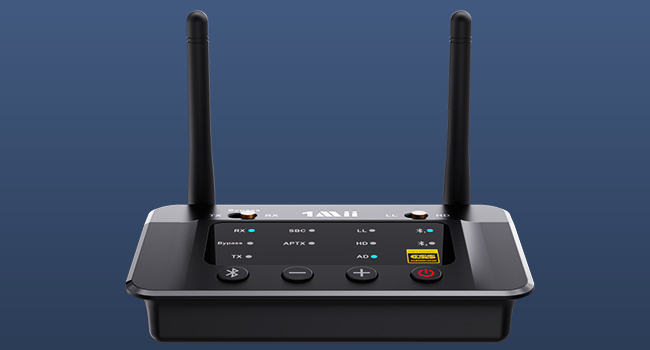
Readable Screen
This Bluetooth transmitter gives you a clear view of when the device is paired. Clearly visible status indicators allow you to see and understand what is going on and provide direct volume control.

Multiple Interfaces
1Mii B03Pro Bluetooth audio transmitter supports both analog (RCA / 3.5mm AUX audio) and digital (optical) inputs and outputs, which allows your Bluetooth audio transmitter to be compatible with most TVs or home stereo systems on the market.

1Mii Bluetooth Audio Transmitter Receiver for TV
 1Mii B03 |  1Mii B03+ |  1Mii B03Pro |  1Mii B03S |  1Mii B03Pro+ | |
|---|---|---|---|---|---|
Customer Reviews | — | — | — | — | — |
Price | — | — | — | — | — |
Type | Bluetooth Transmitter Receiver | Bluetooth Transmitter Receiver | Bluetooth Transmitter Receiver | Bluetooth Transmitter Receiver | Bluetooth Transmitter Receiver |
Bluetooth Version | 5.3 | 5.3 | 5.3 | 5.3 | 5.3 |
Audio Input Support | AUX/ RCA / Optical / Bluetooth | AUX/ RCA / Optical / Bluetooth | AUX/ RCA / Optical / Bluetooth | AUX/ RCA / Optical / Bluetooth | AUX/ RCA / Optical / Bluetooth |
Audio Output Support | AUX/ RCA / Optical / Bluetooth | AUX/ RCA / Optical / Bluetooth | AUX/ RCA / Optical / Bluetooth | AUX/ RCA / Optical / Bluetooth | AUX/ RCA / Optical / Bluetooth |
Audio Codec Support | aptX LL/HD/AD/aptX/AAC/SBC | aptX LL/HD/AD/aptX/AAC/SBC | aptX LL/HD/AD/aptX/AAC/SBC | aptX LL/HD/AD/aptX/AAC/SBC | LDAC/aptX LL/HD/aptX/AAC/SBC |
Extra Audiophile DAC | ? | ? | ? | ? | ? |
With Screen Dispaly | ? | ? | ? | ? | ? |
Independent Bypass Mode | ? | ? | ? | ? | ? |
TX & Bypass Mode | ? | ? | ? | ? | ? |


1Mii is a high-tech enterprise built on innovation and craftsmanship, bringing together a team of leading industrial designers, aesthetic masters, PhDs in acoustic tuning, and musicians.
Every 1Mii product undergoes rigorous testing in our state-of-the-art acoustic lab, ensuring it upholds the brand's core value: one sound,one me!

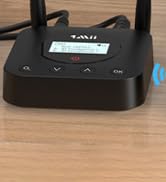
B06TX Bluetooth TV Transmitter


B06TX+ BT Transmitter for TV

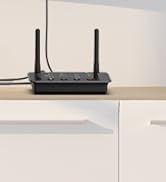
B03 Bluetooth Audio Adapter
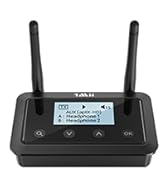
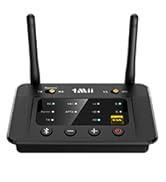
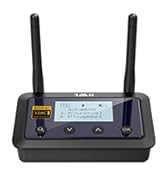
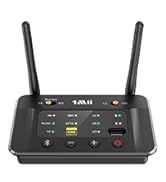
Bluetooth Transmitter Receiver

Bluetooth Receiver for Car
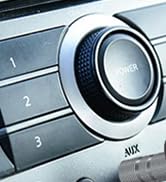
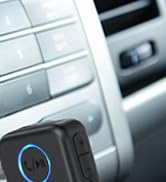
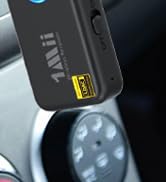
Upgrate: BT Receiver for Car

DS700 BT Adapter for TV
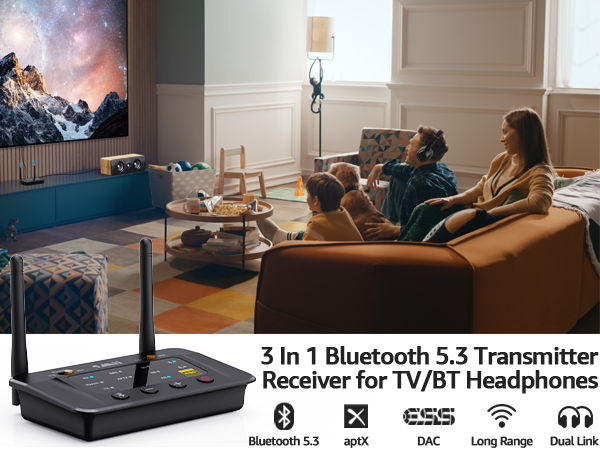
Bluetooth Audio Transmitter for TV
Transmit stereo audio wirelessly from your non-Bluetooth TV to your Bluetooth device
Bluetooth Audio Receiver
Stream music from smartphones/tablets/PC to your stereo/speakers/car radio
Share TV with Your Family
When connect your wireless headphones via Bluetooth, can also connect your wired speakers via cable
The latest Bluetooth 5.3 technology
Ensures a stable, high-quality Bluetooth audio experience
Resolution up to 384 kHz/32 bit
First-class D/A converter for the best sound
Stable Indoor Connection up to 80FT
achieve a range of up to 265ft (80m) line-of-sight in open air and up to 80-110ft (25-35m) indoors
Share with others
Pair with two Bluetooth headphones or two Bluetooth speakers at the same time
aptX HD/aptX LL/aptX AD/aptX/AAC/SBC
To use the aptX LL/HD functions, a bluetooth headphone/speaker that supports aptX LL/HD is required.

Readable Screen
This Bluetooth transmitter gives you a clear view of when the device is paired. Clearly visible status indicators allow you to see and understand what is going on and provide direct volume control.
Multiple Interfaces
1Mii B03Pro Bluetooth audio transmitter supports both analog (RCA / 3.5mm AUX audio) and digital (optical) inputs and outputs, which allows your Bluetooth audio transmitter to be compatible with most TVs or home stereo systems on the market.

| Q1 | How to pair with two sets of Bluetooth headphones or speakers? |
|---|---|
| A1 | 1) Set B03Pro to pairing mode (press and hold the Bluetooth button for about 5 seconds till you see red and blue light flashes alternately), set the first Bluetooth headphone/speaker to pairing mode, you'll see a solid blue on Bluetooth 1# (icon) indicator. 2) Set B03Pro to pairing mode again, then set the second Bluetooth headphone/speaker to pairing mode. you will see a solid blue on the Bluetooth 2#(icon) indicator. |
| Q2 | What shall i do if i can not get B03Pro Bluetooth Transmitter Receiver to pair with my Bluetooth Headphones or Speakers? |
| A2 | 1) Turn off Bluetooth on all mobile phones or PC in house (Make sure your headphone or speaker is not paired with other device automatically during the process of pairing B03Pro). 2) For first time pairing, make sure the pairing distance is within 1 meter. 3) If still cannot get them paired, set both B03Pro Bluetooth Adapter and your Bluetooth headphones or speakers to factory default. |
| Q3 | How to reset B03Pro? |
| A3 | Restore factory default of B03Pro by pressing Bluetooth button for about 10 seconds till all indicators flash once, then it gets into pairing mode with red and blue lights flashing, pair as normally. |
| Q4 | Why did I get voice lag when use this Low latency B03Pro adapter with my Bluetooth headphones? |
| A4 | To achieve low latency, your receiving device is better also support function of aptX Low Latency. Or, the receiving device might use another codec (e.g. SBC, aptX), resulting in a 70-200ms audio delay which may be noticeable by some users. |
| Q5 | Why are the Volume + / - of my B03Pro not working in TX mode, only works in RX mode? |
| A5 | In TX mode, take optical cable as the connected audio cable, the Volume + / - on B03Pro may not work if your device does not support Audio / Video Remote Control Profile. Change the optical cable to AUX 3.5mm or RCA audio cable, the volume buttons will work. |
| Q6 | Why is there a delay when B03Pro is connected to two aptX low-latency headphones? |
| A6 | In TX mode, support one aptX low latency headphones only. when paired with two aptx low latency headphones, the audio code will be aptX. |
| Q7 | After the TV is connected to 1Mii B03Pro, can my Bluetooth headphone or speaker sound simultaneously with the TV’s built-in speaker? |
| A7 | 1) For many models of TV, the built-in speakers might not work if you choose to use an external audio output device. This is a TV feature and its availability depends on your TV make and model. 2) But you can achieve simultaneous sounding function by getting a 1Mii B03Pro and wired EXTERNAL speaker, the TX mode of B03Pro has a unique function, which allows you to share the TV audio simultaneously with an Wired EXTERNAL speaker / sound bar and a pair of Bluetooth headphones. |
| Q8 | Is it compatible with AirPods? |
| A8 | Yes, it is compatible with AirPods, but it is INCOMPATIBLE with AirPods Pro 2nd Gen. |
1Mii Bluetooth Audio Transmitter Receiver for TV
1Mii B03 | 1Mii B03+ | 1Mii B03Pro | 1Mii B03S | 1Mii B03Pro+ |
|---|---|---|---|---|
| Customer Reviews | ||||
| — | — | — | — | — |
| Price | ||||
| — | — | — | — | — |
| Type | ||||
| Bluetooth Transmitter Receiver | Bluetooth Transmitter Receiver | Bluetooth Transmitter Receiver | Bluetooth Transmitter Receiver | Bluetooth Transmitter Receiver |
| Bluetooth Version | ||||
| 5.3 | 5.3 | 5.3 | 5.3 | 5.3 |
| Audio Input Support | ||||
| AUX/ RCA / Optical / Bluetooth | AUX/ RCA / Optical / Bluetooth | AUX/ RCA / Optical / Bluetooth | AUX/ RCA / Optical / Bluetooth | AUX/ RCA / Optical / Bluetooth |
| Audio Output Support | ||||
| AUX/ RCA / Optical / Bluetooth | AUX/ RCA / Optical / Bluetooth | AUX/ RCA / Optical / Bluetooth | AUX/ RCA / Optical / Bluetooth | AUX/ RCA / Optical / Bluetooth |
| Audio Codec Support | ||||
| aptX LL/HD/AD/aptX/AAC/SBC | aptX LL/HD/AD/aptX/AAC/SBC | aptX LL/HD/AD/aptX/AAC/SBC | aptX LL/HD/AD/aptX/AAC/SBC | LDAC/aptX LL/HD/aptX/AAC/SBC |
| Extra Audiophile DAC | ||||
| ? | ? | ? | ? | ? |
| With Screen Dispaly | ||||
| ? | ? | ? | ? | ? |
| Independent Bypass Mode | ||||
| ? | ? | ? | ? | ? |
| TX & Bypass Mode | ||||
| ? | ? | ? | ? | ? |
1Mii is a high-tech enterprise built on innovation and craftsmanship, bringing together a team of leading industrial designers, aesthetic masters, PhDs in acoustic tuning, and musicians.
Every 1Mii product undergoes rigorous testing in our state-of-the-art acoustic lab, ensuring it upholds the brand's core value: one sound,one me!
B06TX Bluetooth TV Transmitter
B06TX+ BT Transmitter for TV
B03 Bluetooth Audio Adapter
Bluetooth Transmitter Receiver
Bluetooth Receiver for Car
Upgrate: BT Receiver for Car
DS700 BT Adapter for TV





