



one sound, one me

1Mii is a high-tech enterprise composed of a group of innovative industrial designers, aesthetic masters, a team of PhDs in acoustic tuning, and musicians.
Each 1Mii product has been rigorously tested by the 1Mii professional acoustic laboratory to ensure it meets the brand's values: one sound, one me.
At present, 1Mii has more than 10 million users, products cover audio accessories, Bluetooth headphones, and HiFi audiophile devices.


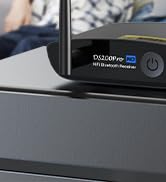
HiFi LDAC Bluetooth Receiver
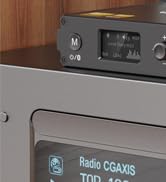
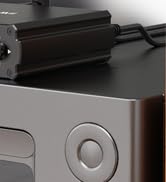
HiFi Bluetooth DAC Receiver
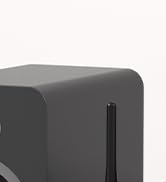

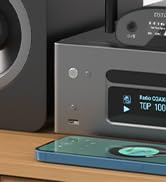
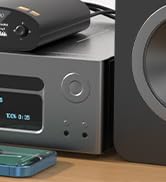
LDAC Bluetooth DAC Receiver
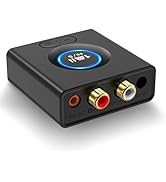
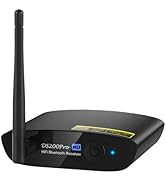
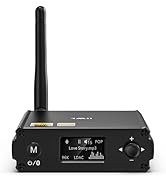
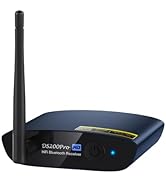
1Mii Bluetooth Receiver
1Mii DS200Pro bluetooth receiver for home stereo
Merchant Video
LDAC Hi-Res Audio
Rebirth Your Home Stereo
DS200Pro is a Bluetooth receiver for home stereo supports LDAC, which can streams high quality music from cellphone, pc or any other music player with Bluetooth to any of your home stereo systems. Plug and play, super easy.
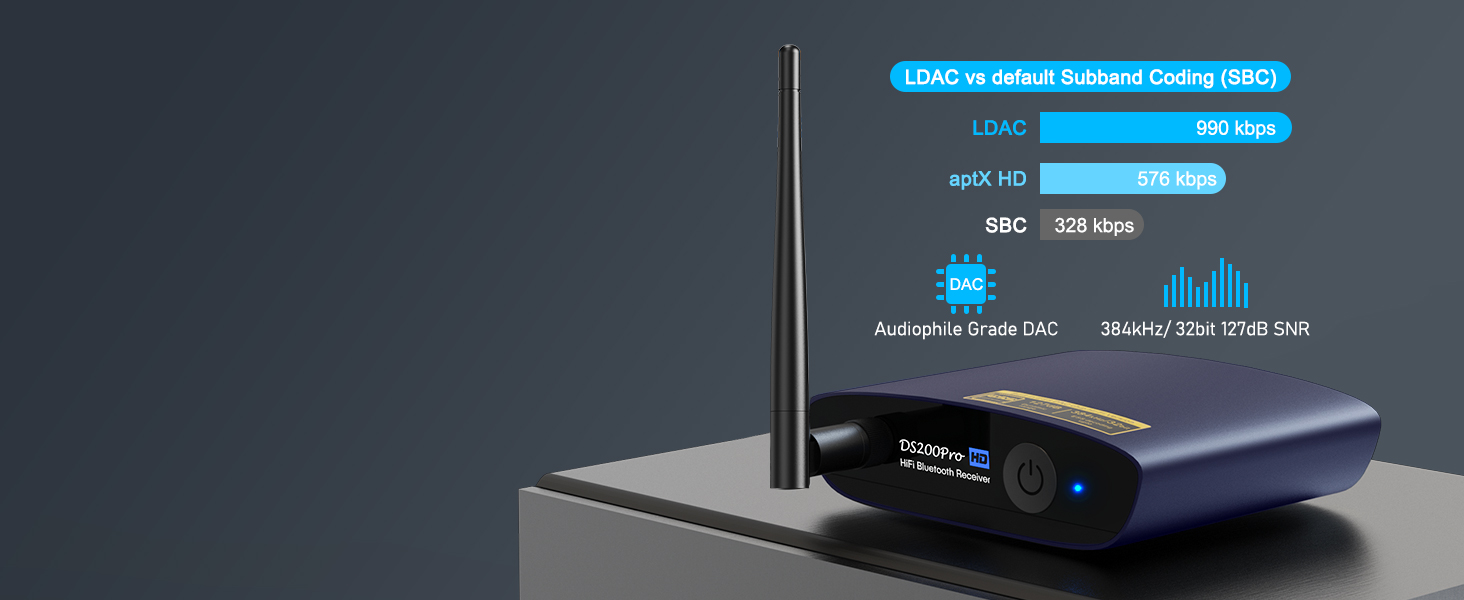
Supports LDAC, aptX HD, aptX, aptX LL Codecs
Stream Hi-Res audio wirelessly from your smartphone, tablet or computer to your home music systems.

Bluetooth 5.3 Technology
Designed to provide high-quality wireless audio, ensuring a stable and excellent audio experience.
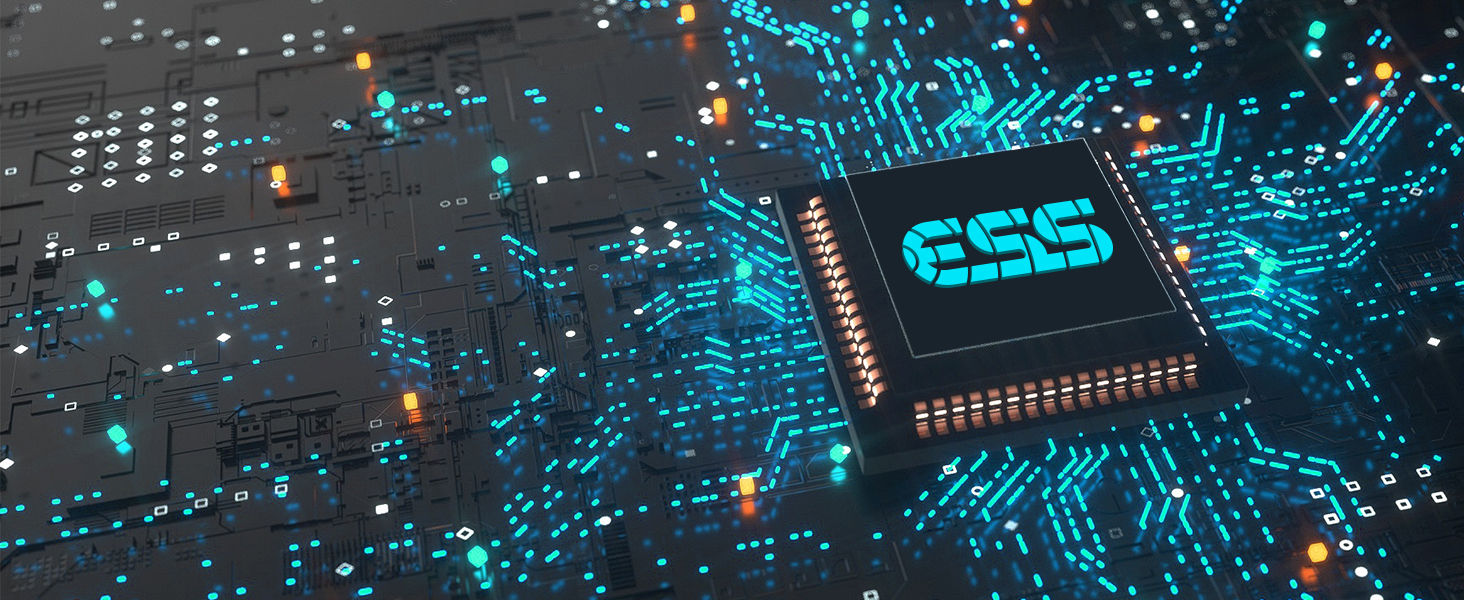
Audiophile Sound Quality
Audiophile quality premium 32-bit/384kHz DAC for superior upsampled playback.
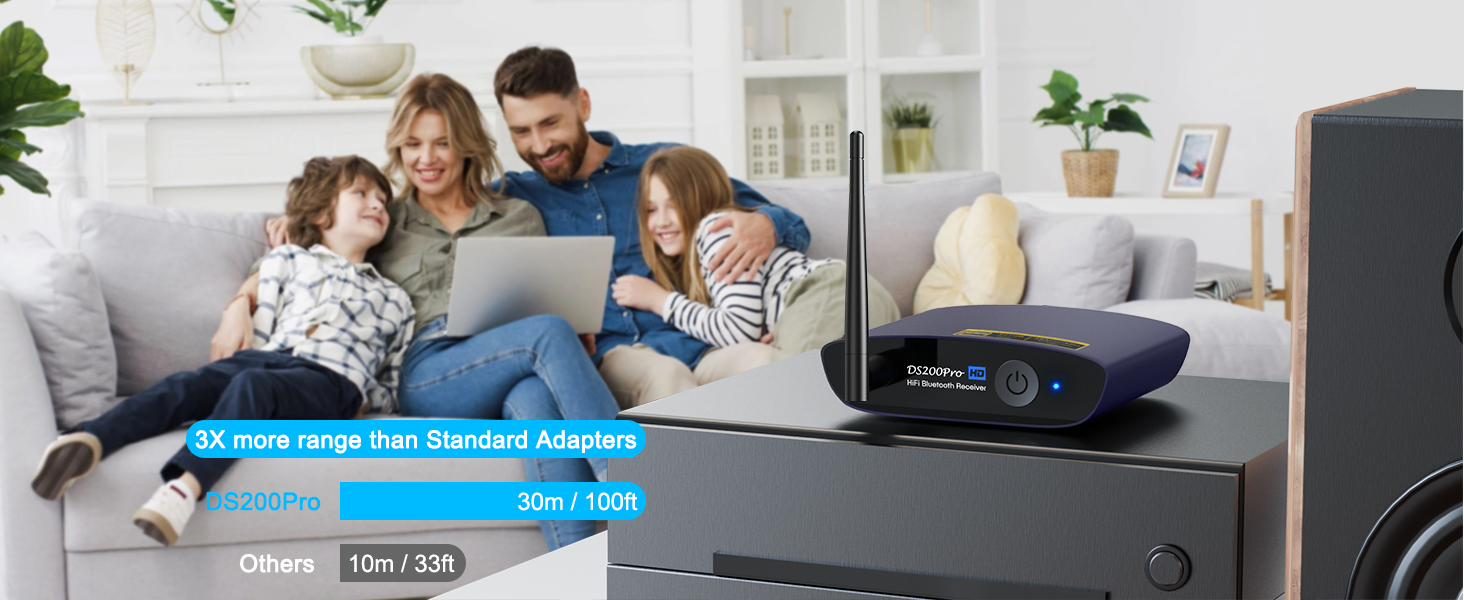
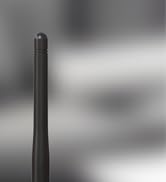
Equipped with High-gain Antenna
Ensures the faster connections, more stability, and longer range across the room - up to 30m/100ft.
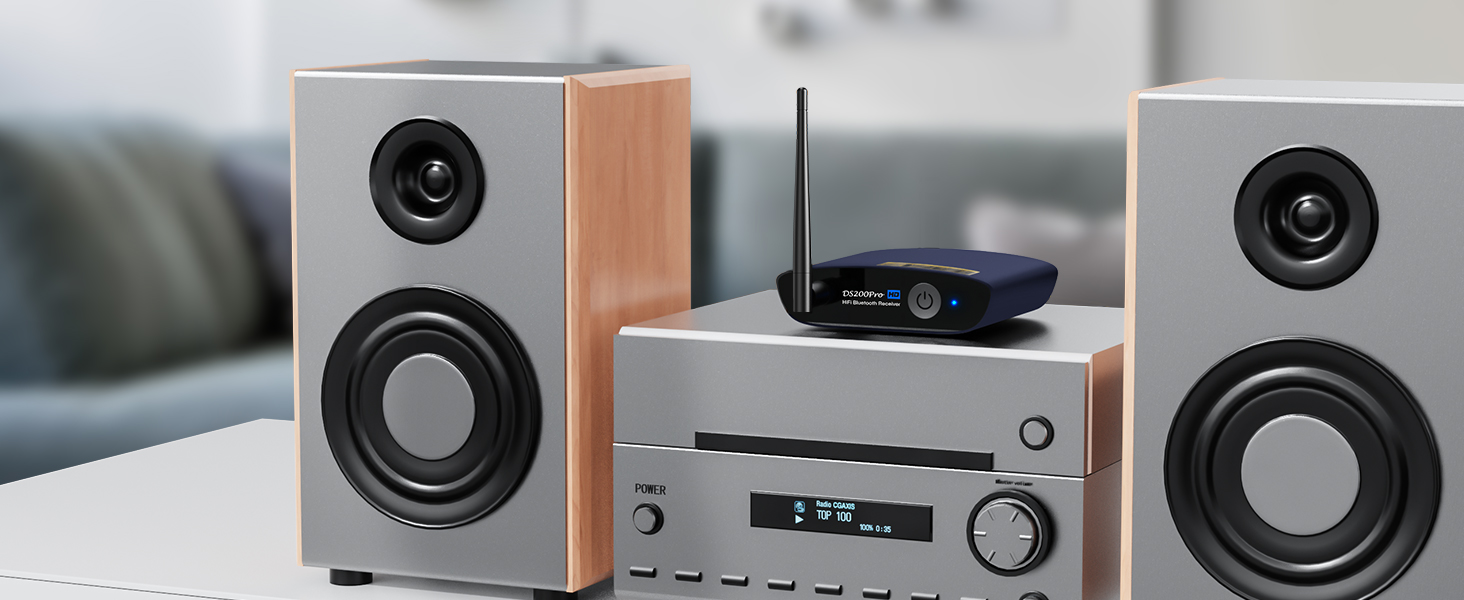
Compact and Lightweight
High quality all-aluminum material, one-piece molding, is a premium product in every sense.
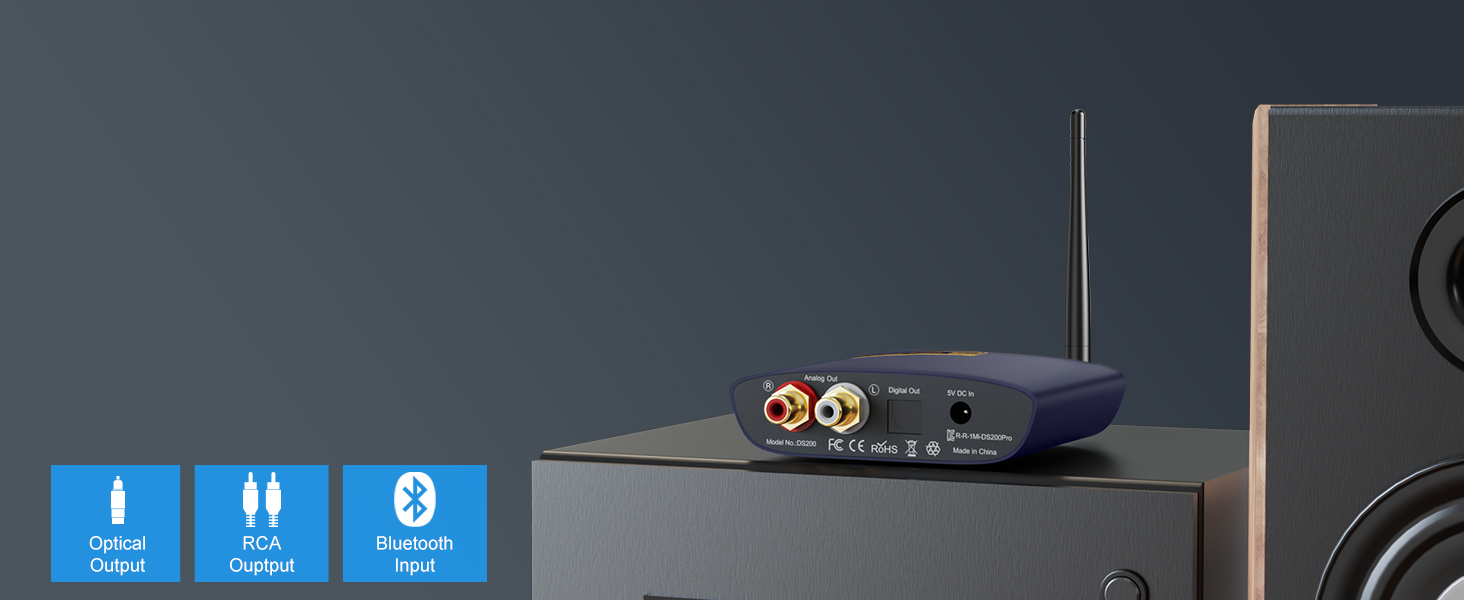
Digital and Analog Connectivity
Provides ultimate compatibility with your existing stereo equipment, for true high resolution audio.
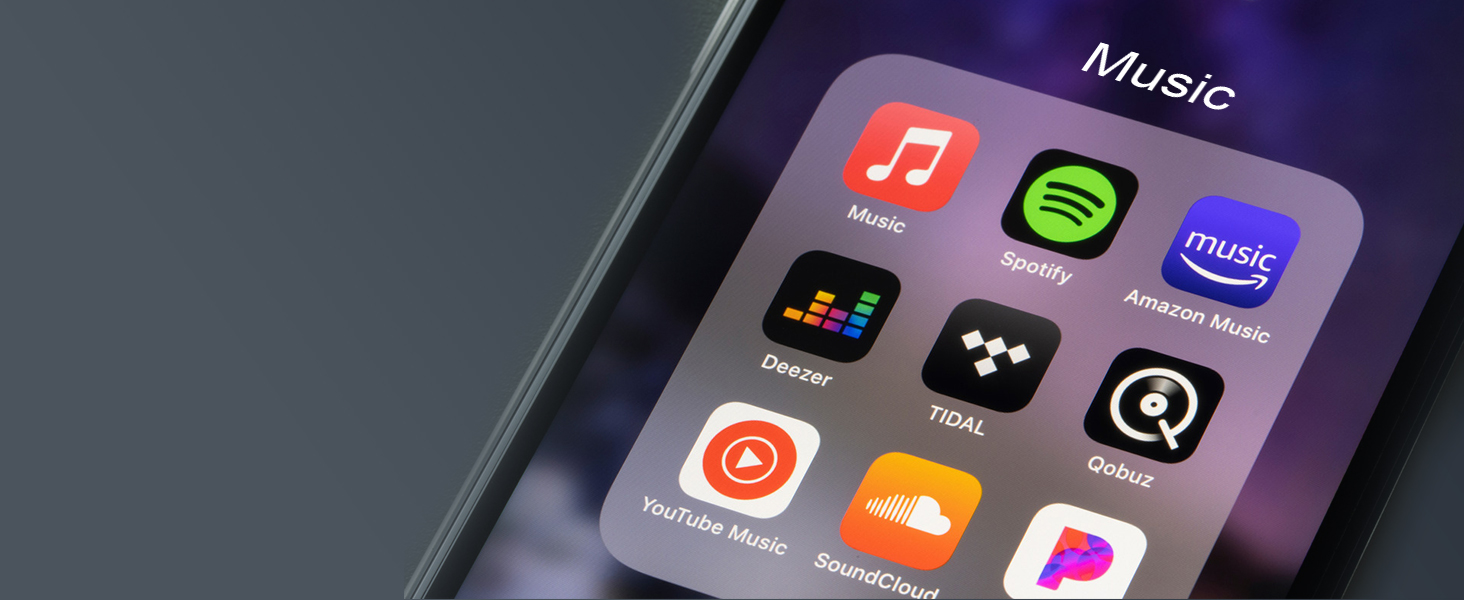
Unlimited Streaming
DS200Pro can access and play music from any music apps such as Tidal, Spotify, Qobuz, Pandora, etc.
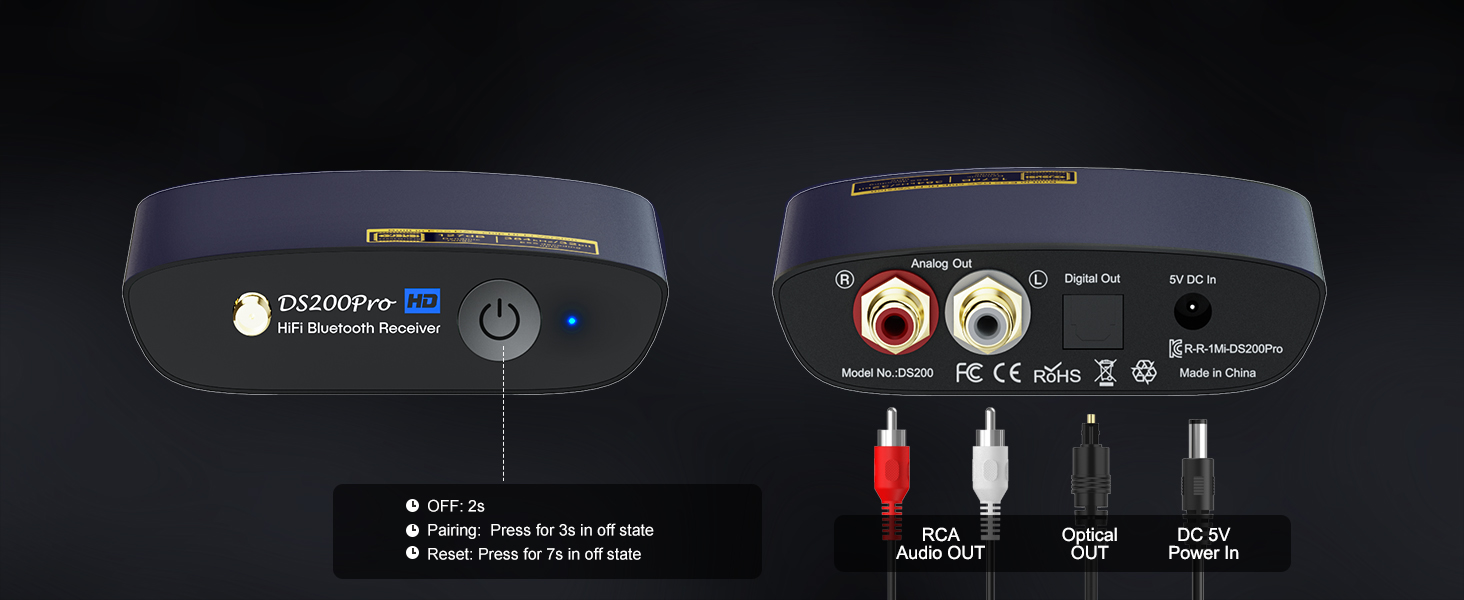

NOTICE:
1. DS200Pro is not a Bluetooth transmitter. Neither support connecting to TV by a audio cable nor pairing Bluetooth headset / speaker wirelessly.
2. Please make sure to use a power adapter for power supply, this way will eliminate ground loop noise.
Q1:How to enter pairing mode?
-. First, turn off DS200Pro Bluetooth hifi receiver by short pressing the power button (LED indicator flashes red)
-. Long press the power button for 3 - 5 seconds until the indicator light flashes red and blue, this is the pairing mode.
Q2: How to reset the DS200Pro Bluetooth audio receiver?
In DS200Pro power off state, long press the power on button for about 7 seconds, the indicator light will flash purple, then the reset is done.
Q3: Why do I have sound problem when connecting DS200Pro by optical output?
If your device does not support 96K sample rate, switch LDAC to off, this usually solves your sound problem.e
Find DS200Pro in the Bluetooth list of your phone - Click DS200Pro to open the drop-down list - Switch LDAC to off.
Q4: Why can't I connect the second phone?
DS200Pro Bluetooth audio adapter only can pair with one Bluetooth device.
Q5: What is in the box?
DS200Pro Bluetooth Receiver x 1; 3.5mm female to 2 RCA splitter cable x 1; 2RCA to 2RCA stereo audio cable x 1; Optical audio cable x 1; USB charging cable with power adapter x 1; User Manual x 1
1Mii Bluetooth Receivers
 DS200Pro Blue |  DS200Pro Black |  DS220 |  DS500 |  ML200 | |
|---|---|---|---|---|---|
Customer Reviews | — | — | — | — | — |
Price | — | — | — | — | — |
Type | HiFi Bluetooth Music Receiver | HiFi Bluetooth Music Receiver | HiFi Bluetooth Music Receiver | HiFi Bluetooth Music Receiver | Bluetooth Music Receiver |
BT Version | Bluetooth 5.3 | Bluetooth 5.3 | Bluetooth 5.3 | Bluetooth 5.3 | Bluetooth 5.1 |
Input | Bluetooth | Bluetooth | Bluetooth + USB | Bluetooth + USB | Bluetooth |
Output | RCA + Optical | RCA + Optical | RCA + Optical | RCA + Optical+Coaxial | 3.5mm AUX /RCA |
Audio Codecs | LDAC/aptX HD/LL/aptX/AAC/SBC | LDAC/aptX HD/LL/aptX/AAC/SBC | LDAC/aptX HD/LL/aptX/AAC/SBC | LDAC/aptX HD/LL/aptX/AAC/SBC | AAC/SBC |
Volume Control / Track | X | X | ? | ? | X |
Screen Display | X | X | ? | ? | X |
EQ Features | X | X | ? | ? | X |
Used for | AV Receiver/Home Stereo | AV Receiver/Home Stereo | AV Receiver/Home Stereo | AV Receiver/Home Stereo | Car/AV Receiver/Home Stereo |
1Mii DS200Pro bluetooth receiver for home stereo
Merchant Video
Rebirth Your Home Stereo
DS200Pro is a Bluetooth receiver for home stereo supports LDAC, which can streams high quality music from cellphone, pc or any other music player with Bluetooth to any of your home stereo systems. Plug and play, super easy.
Supports LDAC, aptX HD, aptX, aptX LL Codecs
Stream Hi-Res audio wirelessly from your smartphone, tablet or computer to your home music systems.
Bluetooth 5.3 Technology
Designed to provide high-quality wireless audio, ensuring a stable and excellent audio experience.
Audiophile Sound Quality
Audiophile quality premium 32-bit/384kHz DAC for superior upsampled playback.
Equipped with High-gain Antenna
Ensures the faster connections, more stability, and longer range across the room - up to 30m/100ft.


Compact and Lightweight
High quality all-aluminum material, one-piece molding, is a premium product in every sense.
Digital and Analog Connectivity
Provides ultimate compatibility with your existing stereo equipment, for true high resolution audio.
Unlimited Streaming
DS200Pro can access and play music from any music apps such as Tidal, Spotify, Qobuz, Pandora, etc.


NOTICE:
1. DS200Pro is not a Bluetooth transmitter. Neither support connecting to TV by a audio cable nor pairing Bluetooth headset / speaker wirelessly.
2. Please make sure to use a power adapter for power supply, this way will eliminate ground loop noise.
Q1:How to enter pairing mode?
-. First, turn off DS200Pro Bluetooth hifi receiver by short pressing the power button (LED indicator flashes red)
-. Long press the power button for 3 - 5 seconds until the indicator light flashes red and blue, this is the pairing mode.
Q2: How to reset the DS200Pro Bluetooth audio receiver?
In DS200Pro power off state, long press the power on button for about 7 seconds, the indicator light will flash purple, then the reset is done.
Q3: Why do I have sound problem when connecting DS200Pro by optical output?
If your device does not support 96K sample rate, switch LDAC to off, this usually solves your sound problem.e
Find DS200Pro in the Bluetooth list of your phone - Click DS200Pro to open the drop-down list - Switch LDAC to off.
Q4: Why can't I connect the second phone?
DS200Pro Bluetooth audio adapter only can pair with one Bluetooth device.
Q5: What is in the box?
DS200Pro Bluetooth Receiver x 1; 3.5mm female to 2 RCA splitter cable x 1; 2RCA to 2RCA stereo audio cable x 1; Optical audio cable x 1; USB charging cable with power adapter x 1; User Manual x 1
1Mii Bluetooth Receivers
DS200Pro Blue | DS200Pro Black | DS220 | DS500 | ML200 |
|---|---|---|---|---|
| Customer Reviews | ||||
| — | — | — | — | — |
| Price | ||||
| — | — | — | — | — |
| Type | ||||
| HiFi Bluetooth Music Receiver | HiFi Bluetooth Music Receiver | HiFi Bluetooth Music Receiver | HiFi Bluetooth Music Receiver | Bluetooth Music Receiver |
| BT Version | ||||
| Bluetooth 5.3 | Bluetooth 5.3 | Bluetooth 5.3 | Bluetooth 5.3 | Bluetooth 5.1 |
| Input | ||||
| Bluetooth | Bluetooth | Bluetooth + USB | Bluetooth + USB | Bluetooth |
| Output | ||||
| RCA + Optical | RCA + Optical | RCA + Optical | RCA + Optical+Coaxial | 3.5mm AUX /RCA |
| Audio Codecs | ||||
| LDAC/aptX HD/LL/aptX/AAC/SBC | LDAC/aptX HD/LL/aptX/AAC/SBC | LDAC/aptX HD/LL/aptX/AAC/SBC | LDAC/aptX HD/LL/aptX/AAC/SBC | AAC/SBC |
| Volume Control / Track | ||||
| X | X | ? | ? | X |
| Screen Display | ||||
| X | X | ? | ? | X |
| EQ Features | ||||
| X | X | ? | ? | X |
| Used for | ||||
| AV Receiver/Home Stereo | AV Receiver/Home Stereo | AV Receiver/Home Stereo | AV Receiver/Home Stereo | Car/AV Receiver/Home Stereo |
one sound, one me
1Mii is a high-tech enterprise composed of a group of innovative industrial designers, aesthetic masters, a team of PhDs in acoustic tuning, and musicians.
Each 1Mii product has been rigorously tested by the 1Mii professional acoustic laboratory to ensure it meets the brand's values: one sound, one me.
At present, 1Mii has more than 10 million users, products cover audio accessories, Bluetooth headphones, and HiFi audiophile devices.
HiFi LDAC Bluetooth Receiver
HiFi Bluetooth DAC Receiver
LDAC Bluetooth DAC Receiver
1Mii Bluetooth Receiver





