




![[?????????? ?????? ??????????????????] Air-Tag (iOS Only), SwitchBot Wallet Tracker Card, Works w...](http://c1.neweggimages.com/sellingpilot/modules/product/a-plus/0a8eb4d5243079faba09b170440e53c8504649d851b0593618b1607f580f4898.jpg)
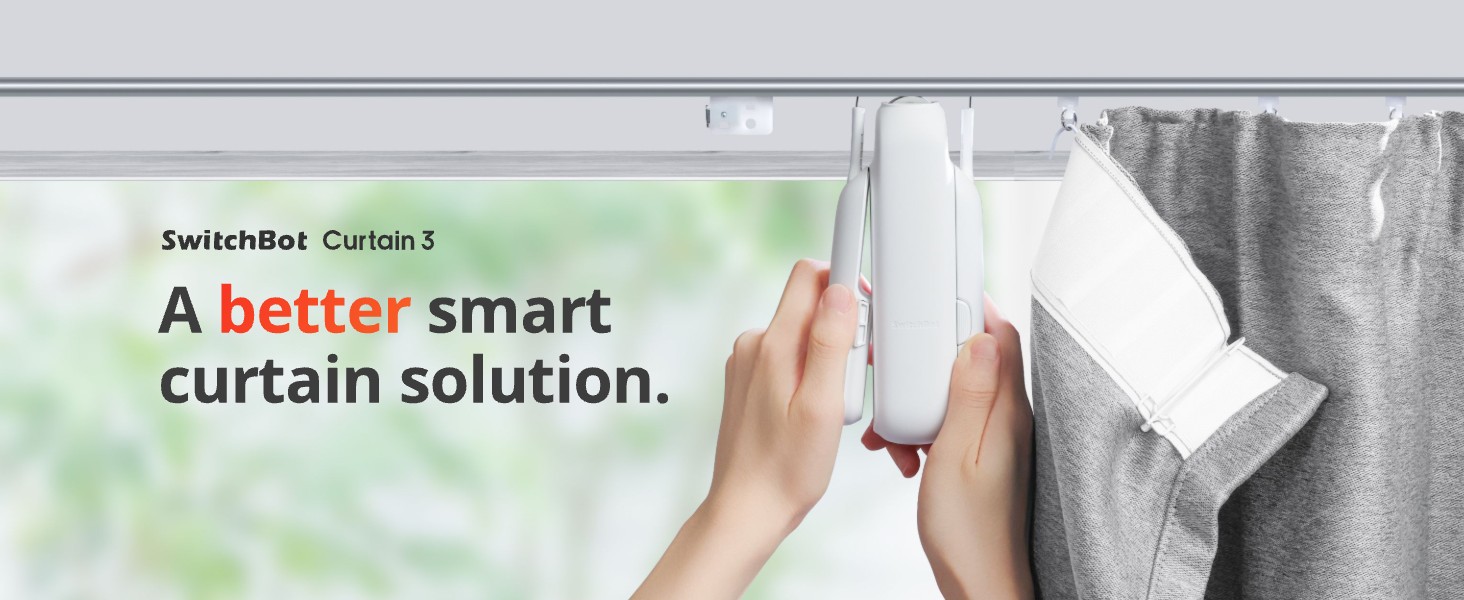
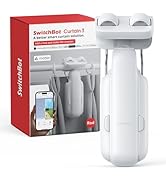
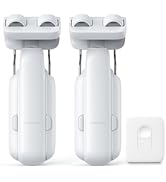
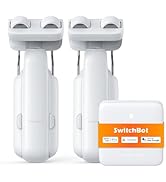
SwitchBot Curtain 3 (U Rail) is here, and it's now upgraded to help you even more when looking to make your old curtains smart. With even more accuracy when calibrating, improved thrust, and an upgraded battery, there's even more reason to make your home smarter.
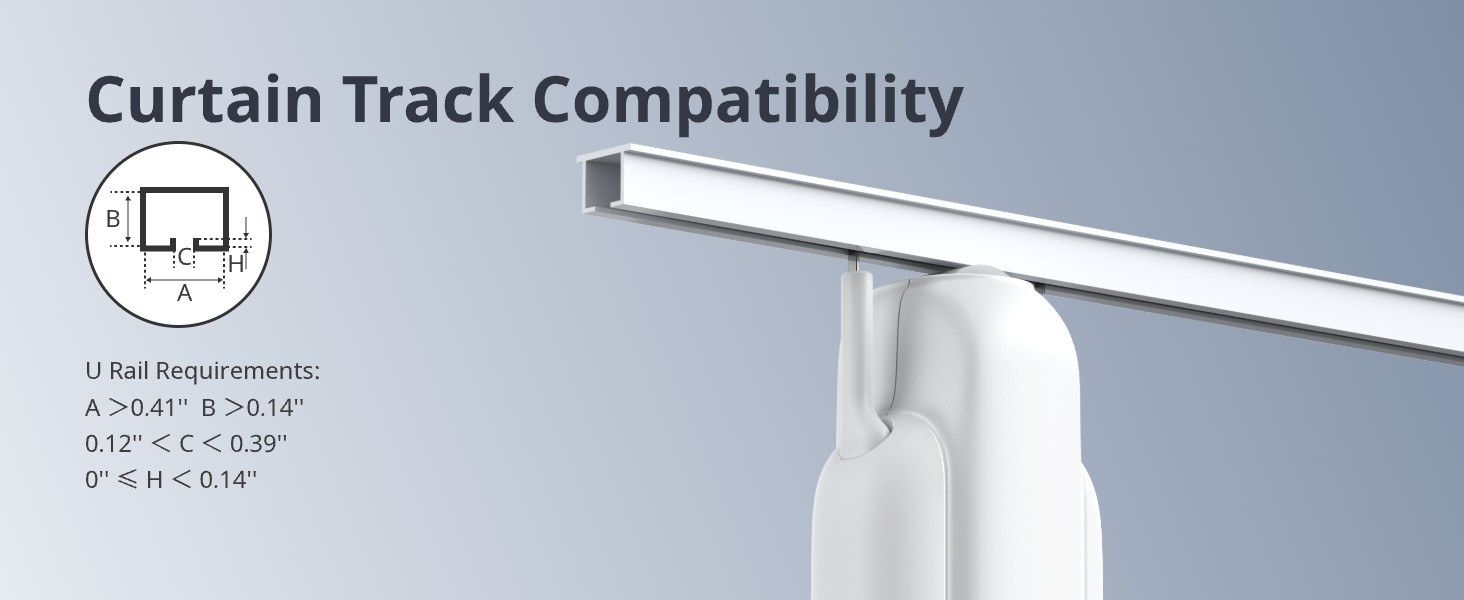
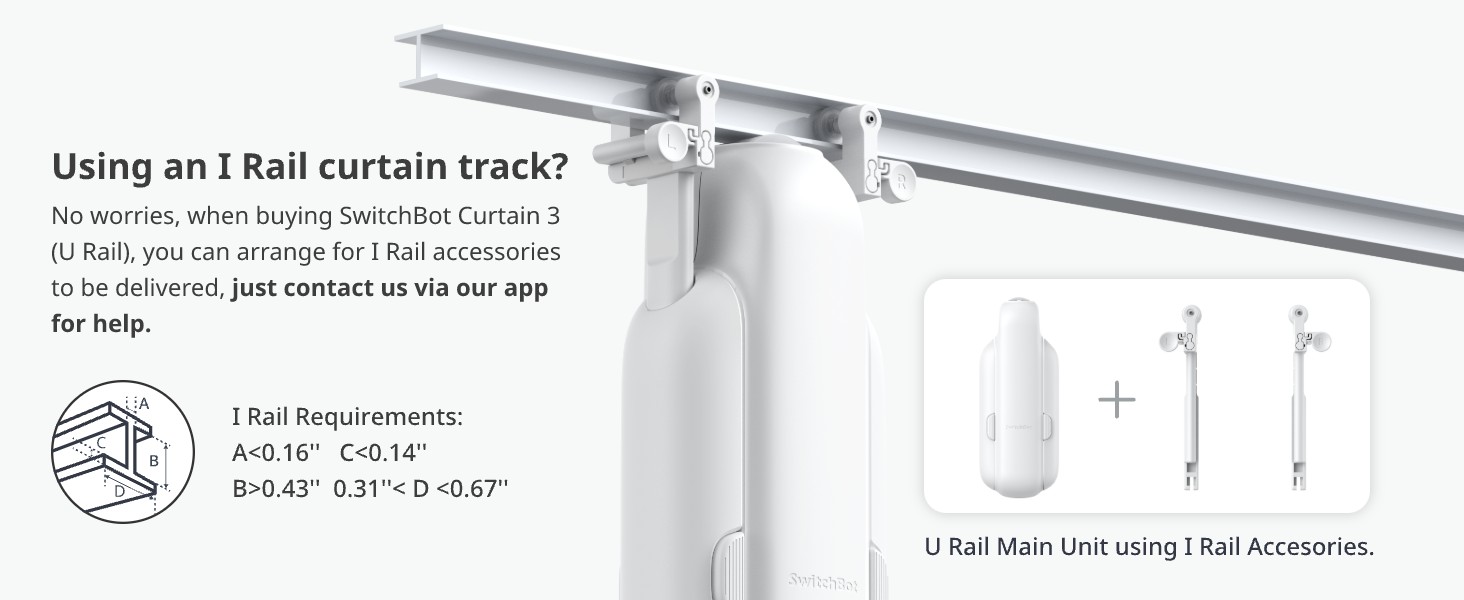
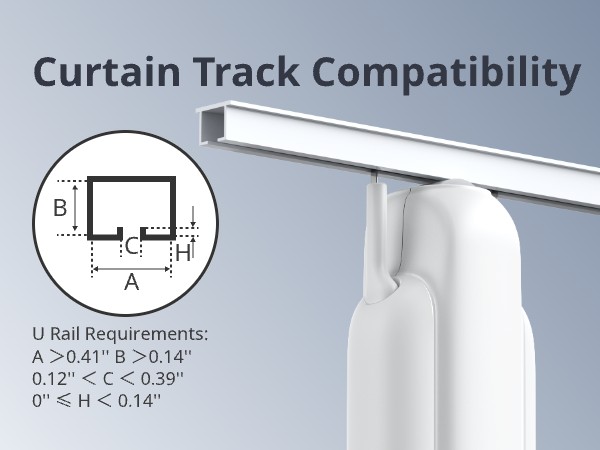
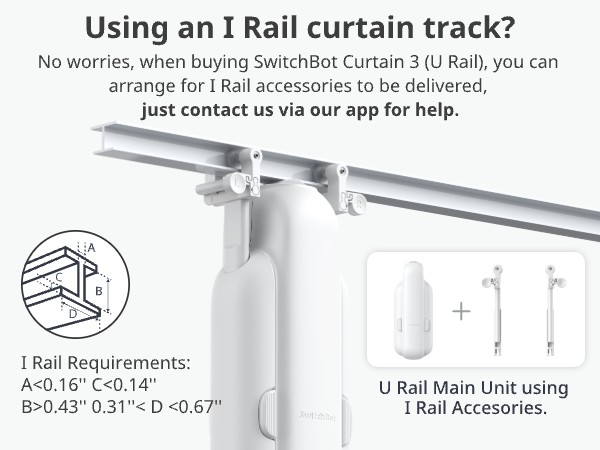
The Curtain 3 is exclusively designed for U-shaped rails, with the following specifications for the rail: A > 0.41 inches, B > 0.14 inches, 0.12 inches < C < 0.39 inches, 0 = H < 0.14 inches. It is not compatible with curtains that use circular rods.
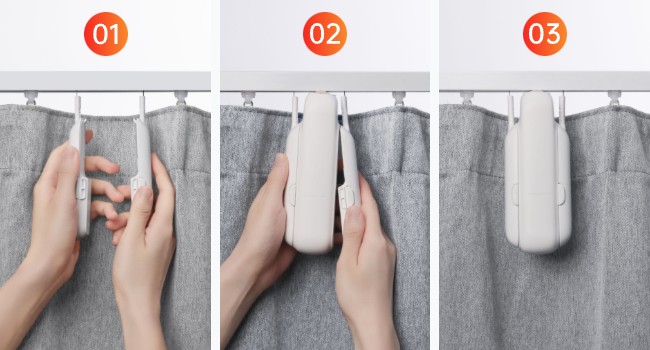
Easy to install—no need to replace your curtains.
If the device gets stuck in a particular position, try these steps:
- Make sure your SwitchBot app version and the firmware version of curtain is up to date.
- The maximum weight of the curtain is up to 35lb.
- If the above solution does not improve the situation, please submit a feedback ticket.
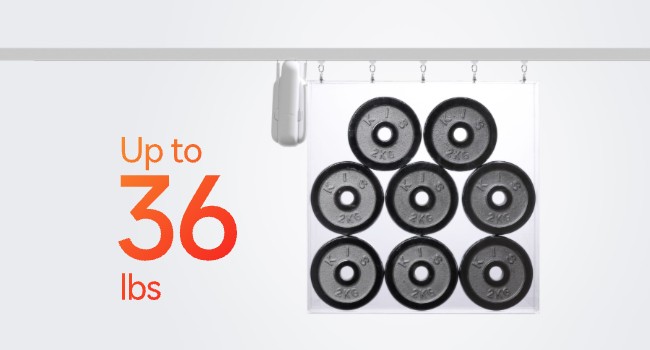
Double the power.
You can now push up to 16kg (36lbs) worth of curtain, making SwitchBot Curtain 3 stronger than ever before.
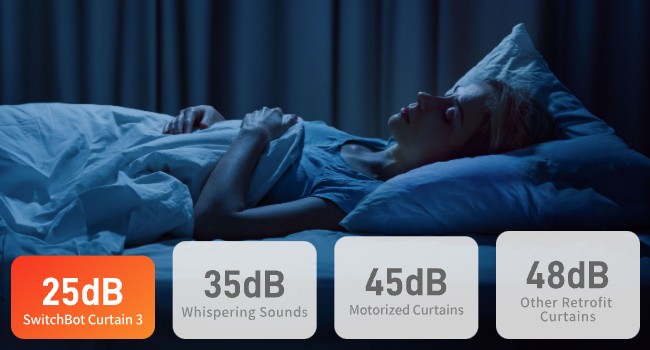
Wake up in peace.
Emits less noise with QuietDrift Mode, keeping sound below 25dB, great for waking up in the morning.
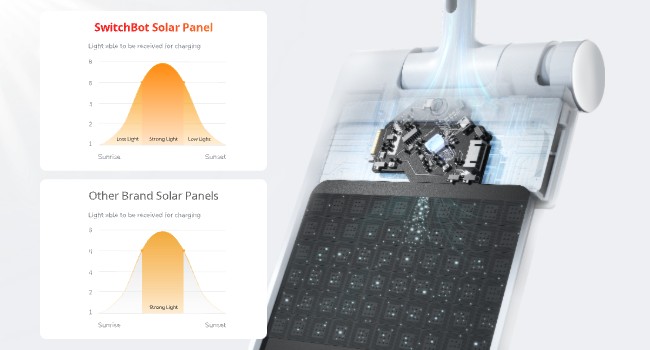
Enjoy unlimited solar power.
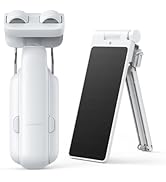
Use with SwitchBot Solar Panel (Sold Separately) for unlimited power.
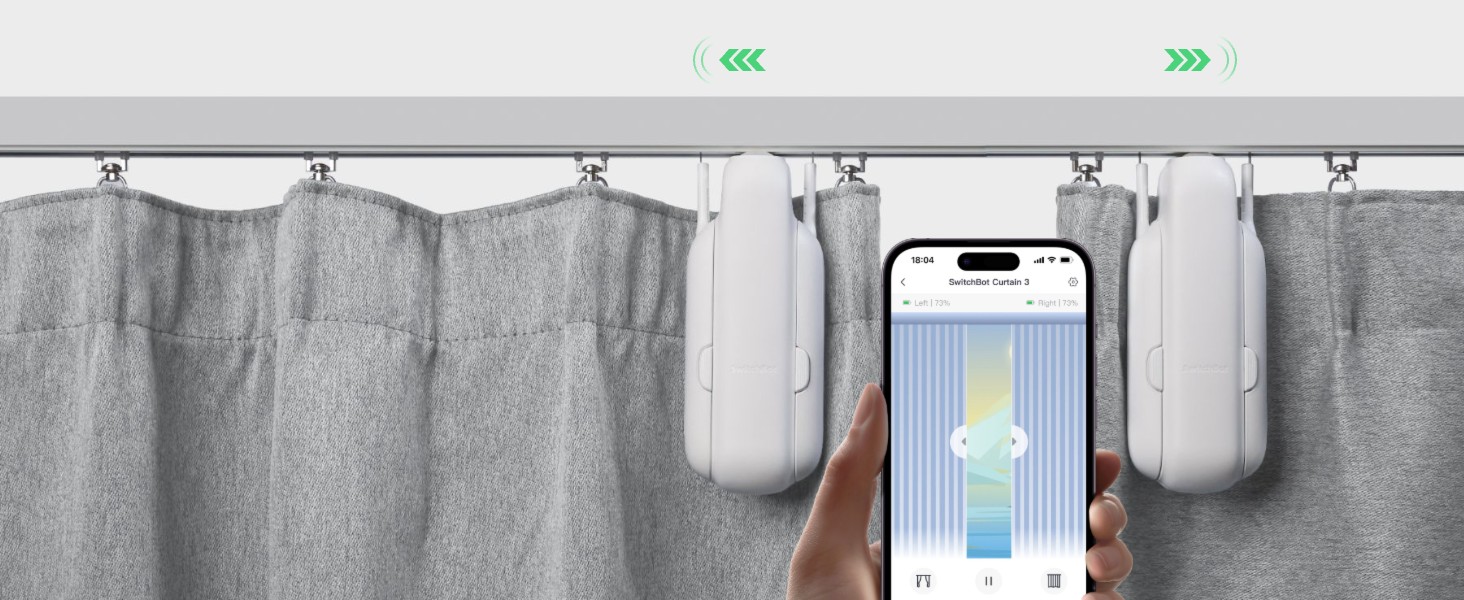
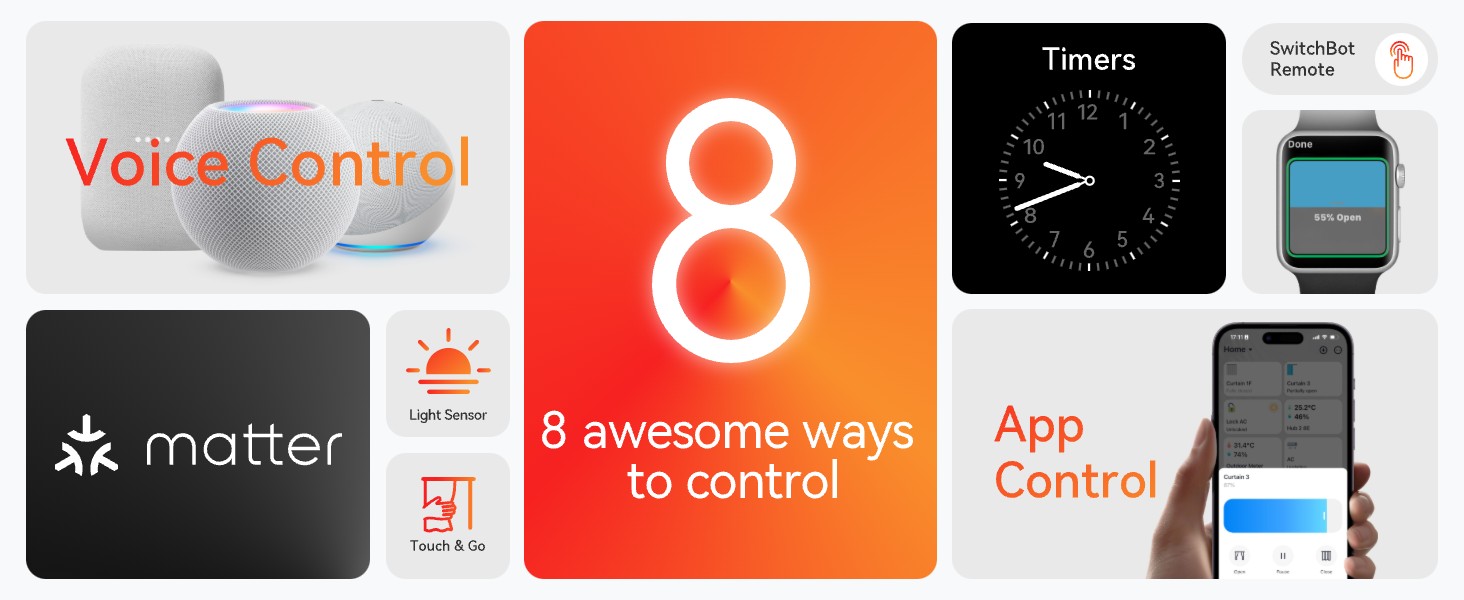
Group Control
You can use two Curtain 3 devices as a group for double-sided curtains via our app.
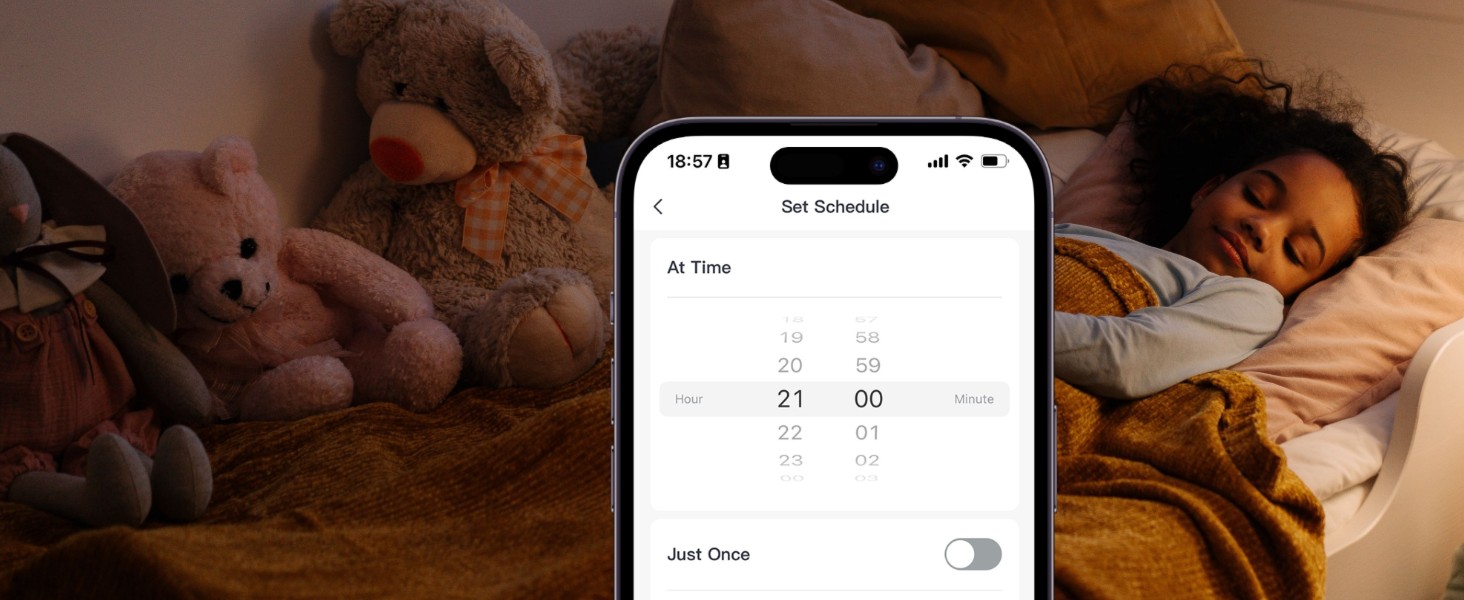
Timer Control
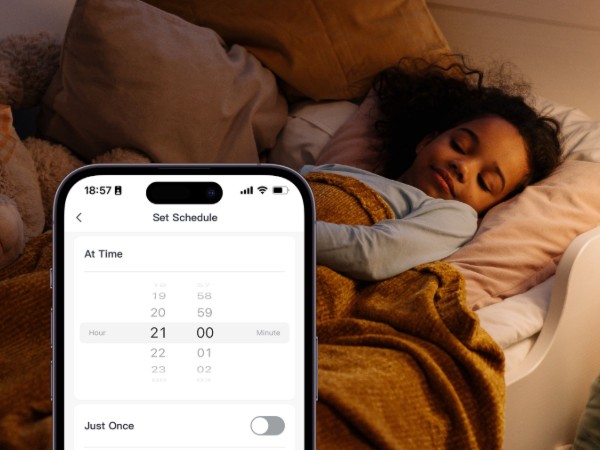
Set timers at night to close curtains for your child, ensuring safety, privacy, and peace of mind.
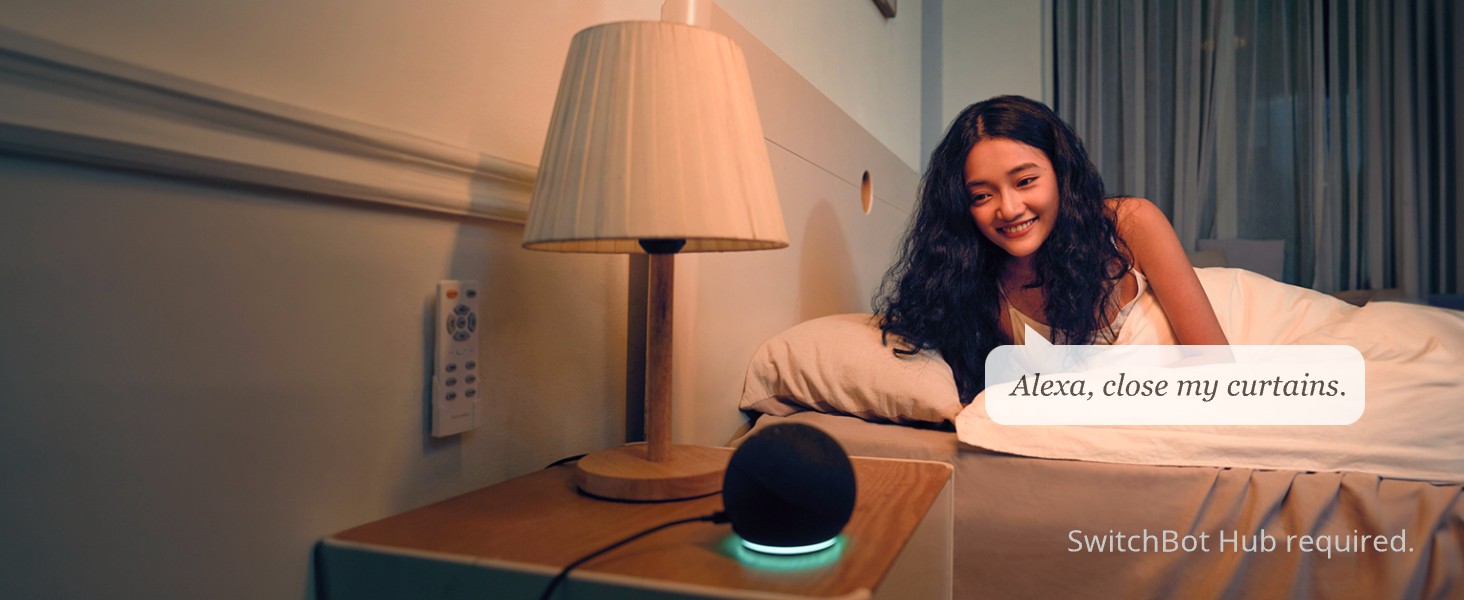
Voice Control
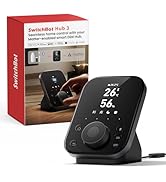
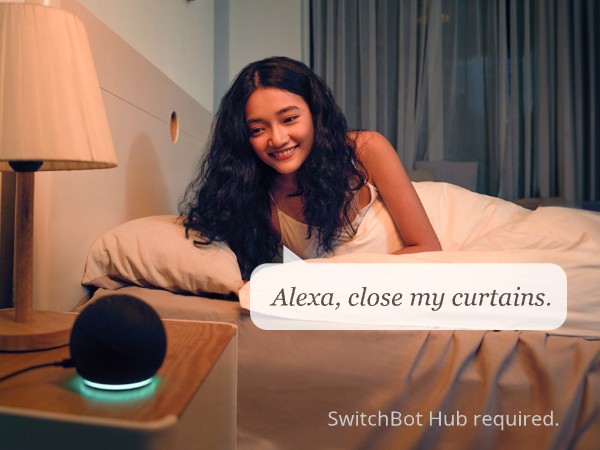
Use smart assistants to control your curtain with intuitive voice commands (SwitchBot Hub required).
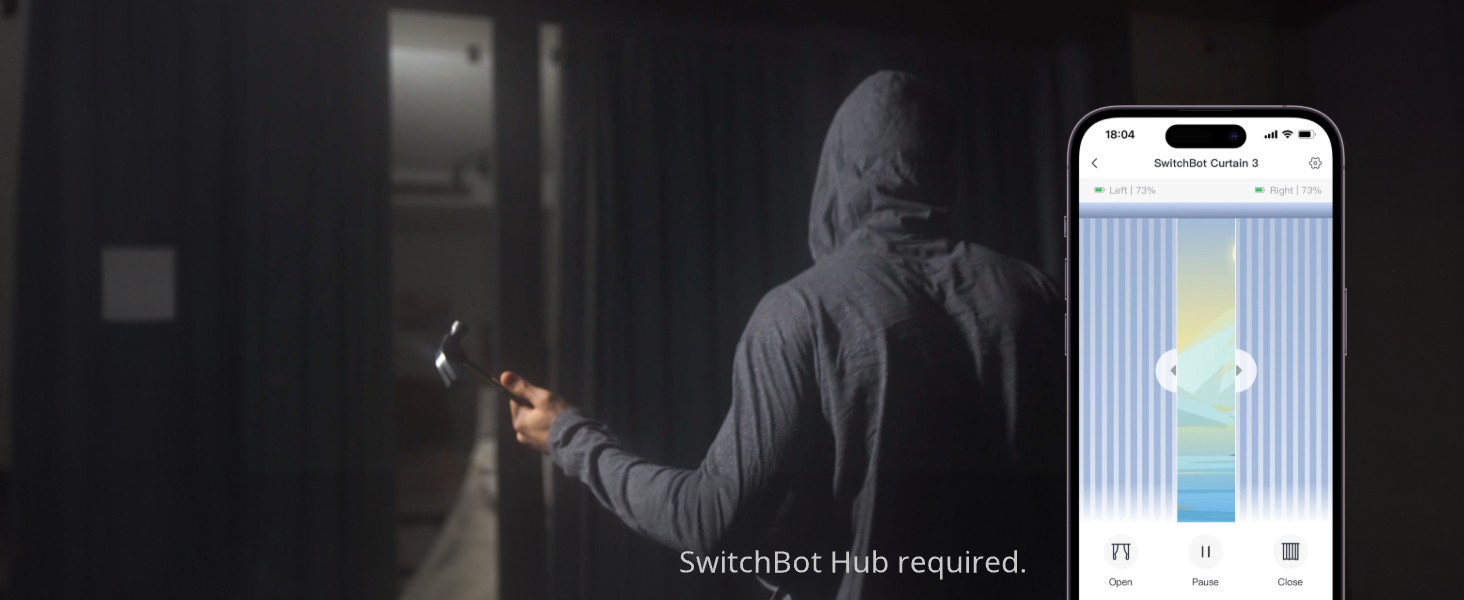
Remote Control
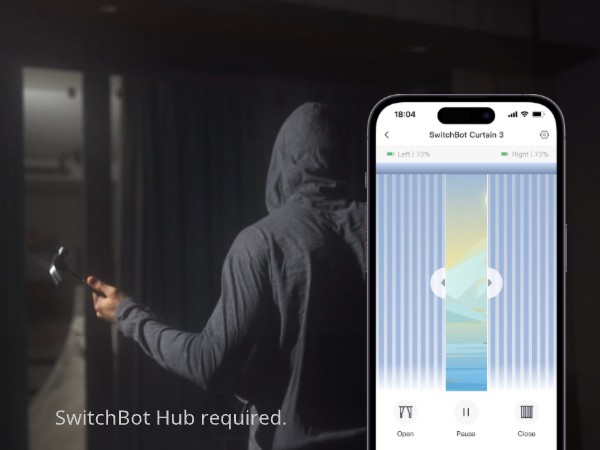
You can control your curtains to make it look like you're at home, a great theft deterrent.
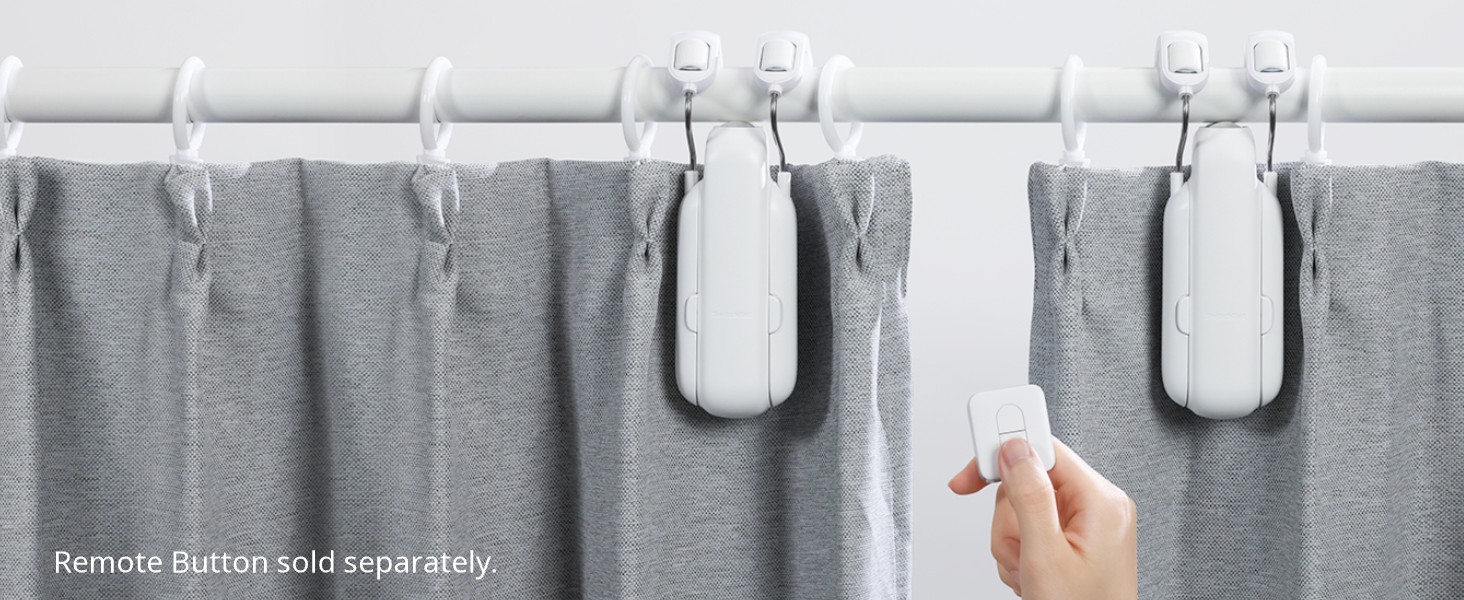
Button Control
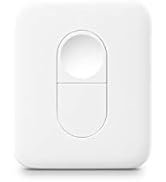
Have children at home? Give them a SwitchBot Remote to make controlling your curtains easy.
More accurate calibration.
Thanks to positioning magnets opening and closing your curtains is now more accurate.
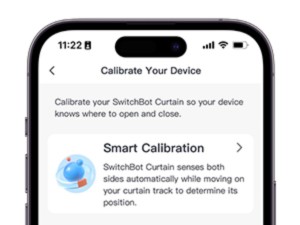
Auto-calibration.
Use our app to calibrate your SwitchBot Curtain 3 automatically, making setup stress-free.
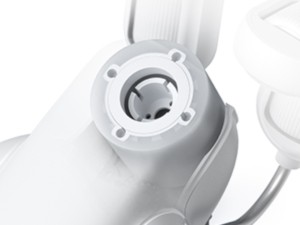
Wear-resistant rollers.
SwitchBot Curtain 3 utilizes a brand-new rubber material, further enhancing its wear resistance and extending its lifespan.
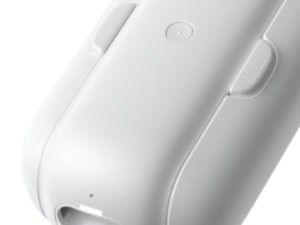
Prevent cosmetic aging.
SwitchBot Curtain 3 now features an outside UV coating to help protect it better against rays from the sun.
Curtain 3 (U Rail) Installation Guide
Step-by-step Guide to Install the Curtain 3 (U Rail) and Master Its Use
Step1: Push your Curtain to the fully closed position.
Step2: Find the best matching Hook Wheel.
Step3: Install SwitchBot Curtain onto your curtain track.
Step4: Install your Positioning Magnet.
Note: The Add Device button should be facing outdoors.
video
Merchant Video
SwitchBot Smart Curtain Opener
Hub Series
More popular
Mechanical control
Environmental regulation
Sensor
![[?????????? ?????? ??????????????????] Air-Tag (iOS Only), SwitchBot Wallet Tracker Card, Works w...](//c1.neweggimages.com/sellingpilot/modules/product/a-plus/0a8eb4d5243079faba09b170440e53c8504649d851b0593618b1607f580f4898.jpg)
Home security
Smart switch
Robot Vacuum
Gift Series
Smart Lighting
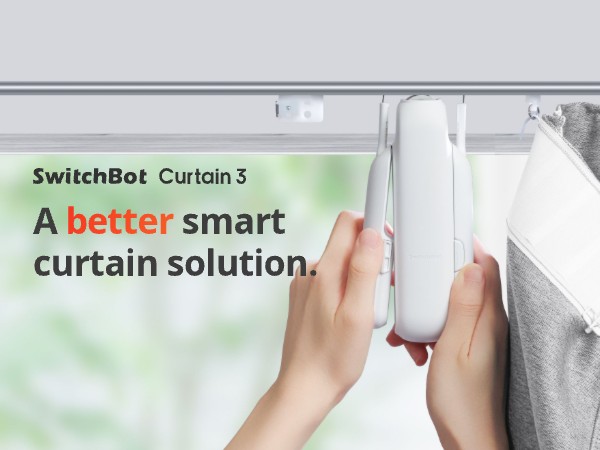
SwitchBot Curtain 3 (U Rail) is here, and it's now upgraded to help you even more when looking to make your old curtains smart. With even more accuracy when calibrating, improved thrust, and an upgraded battery, there's even more reason to make your home smarter.
Matter Supported.
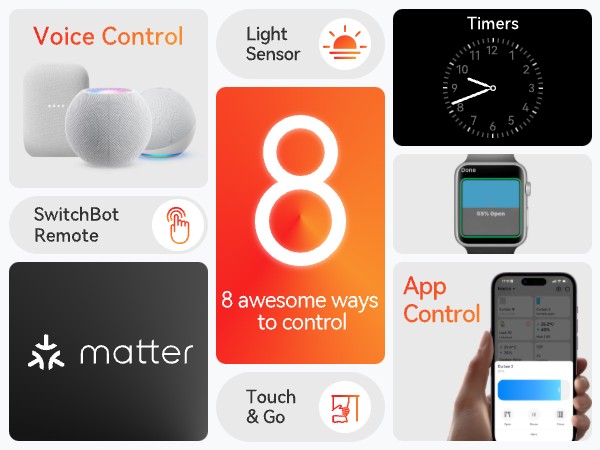
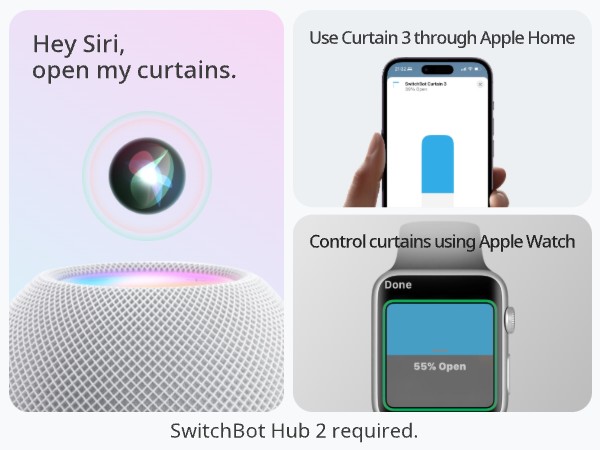
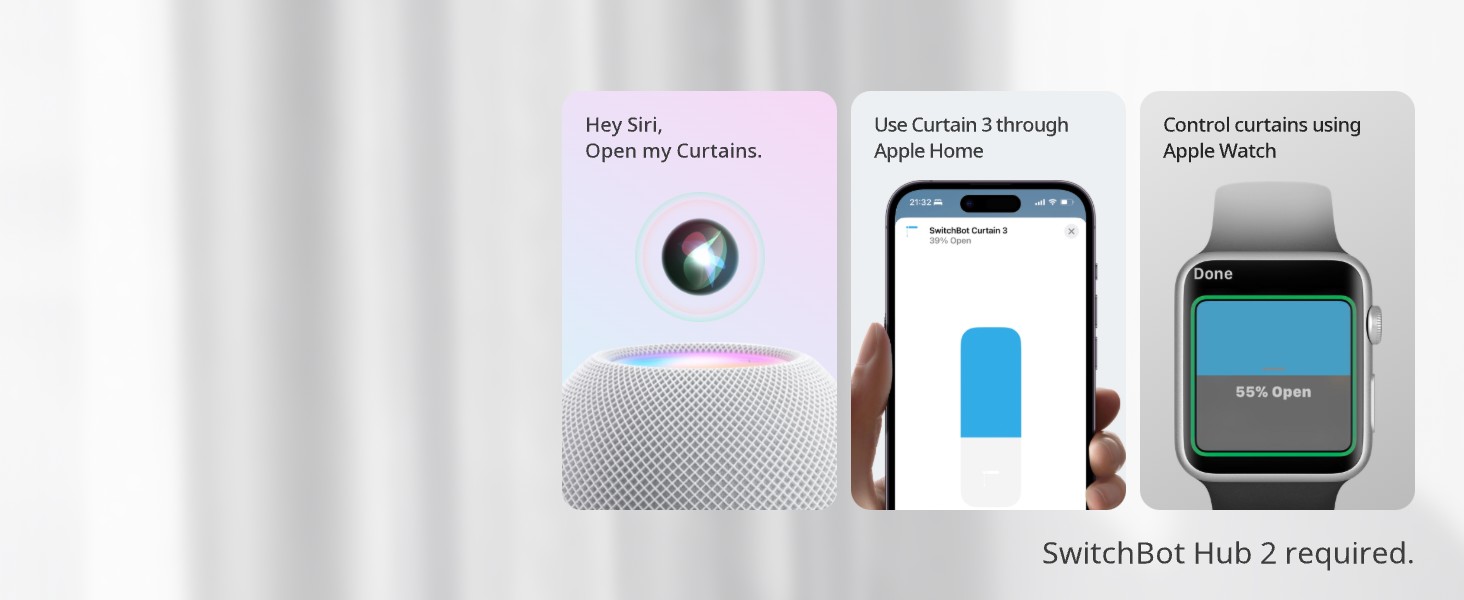
You can now control SwitchBot Curtain 3 using Apple Home via Matter. Control your curtains with HomePod Mini or even your Apple Watch.
The Curtain 3 is exclusively designed for U-shaped rails, with the following specifications for the rail: A > 0.41 inches, B > 0.14 inches, 0.12 inches < C < 0.39 inches, 0 = H < 0.14 inches. It is not compatible with curtains that use circular rods.
Easy to install—no need to replace your curtains.
If the device gets stuck in a particular position, try these steps:
- Make sure your SwitchBot app version and the firmware version of curtain is up to date.
- The maximum weight of the curtain is up to 35lb.
- If the above solution does not improve the situation, please submit a feedback ticket.
Double the power.
You can now push up to 16kg (36lbs) worth of curtain, making SwitchBot Curtain 3 stronger than ever before.
Wake up in peace.
Emits less noise with QuietDrift Mode, keeping sound below 25dB, great for waking up in the morning.
Enjoy unlimited solar power.
Use with SwitchBot Solar Panel (Sold Separately) for unlimited power.
Group Control
Timer Control
Voice Control
Remote Control
Button Control
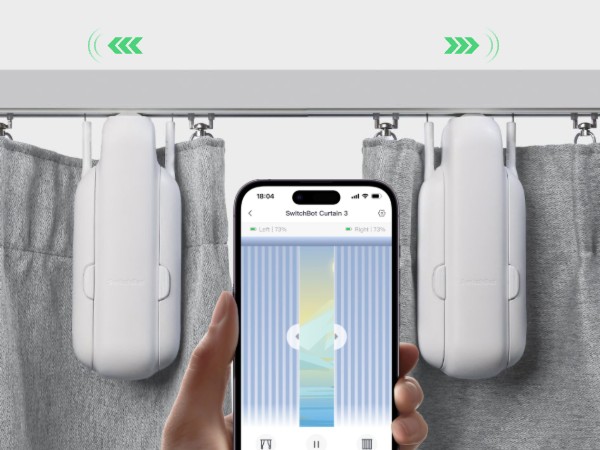
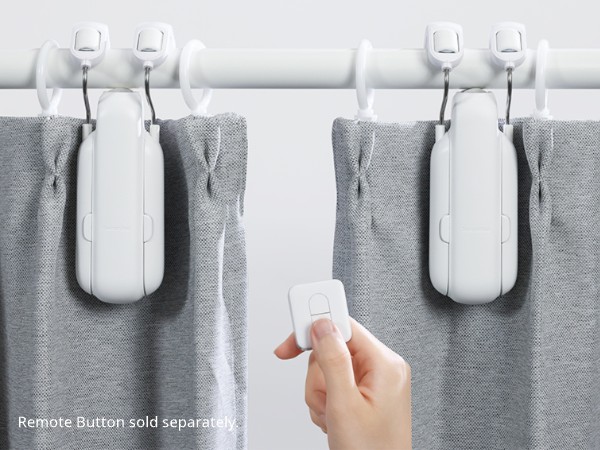
You can use two Curtain 3 devices as a group for double-sided curtains via our app.
Set timers at night to close curtains for your child, ensuring safety, privacy, and peace of mind.
Use smart assistants to control your curtain with intuitive voice commands (SwitchBot Hub required).
You can control your curtains to make it look like you're at home, a great theft deterrent.
Have children at home? Give them a SwitchBot Remote to make controlling your curtains easy.
More accurate calibration.
Thanks to positioning magnets opening and closing your curtains is now more accurate.
Auto-calibration.
Use our app to calibrate your SwitchBot Curtain 3 automatically, making setup stress-free.
Wear-resistant rollers.
SwitchBot Curtain 3 utilizes a brand-new rubber material, further enhancing its wear resistance and extending its lifespan.
Prevent cosmetic aging.
SwitchBot Curtain 3 now features an outside UV coating to help protect it better against rays from the sun.
video
Merchant VideoCurtain 3 (U Rail) Installation Guide
Step-by-step Guide to Install the Curtain 3 (U Rail) and Master Its Use
Step1: Push your Curtain to the fully closed position.
Step2: Find the best matching Hook Wheel.
Step3: Install SwitchBot Curtain onto your curtain track.
Step4: Install your Positioning Magnet.
Note: The Add Device button should be facing outdoors.





