



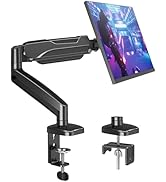
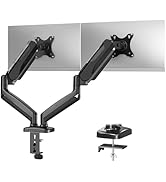
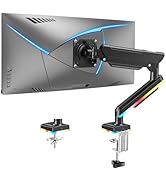
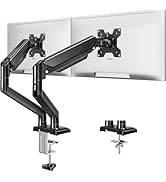
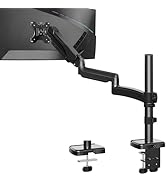
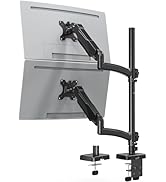
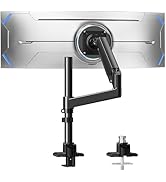
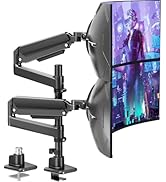
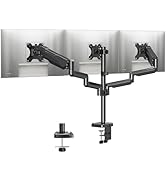
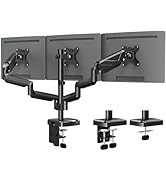
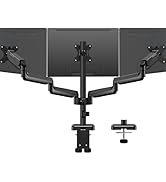
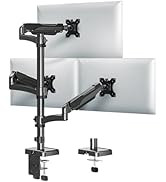
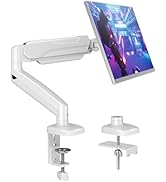
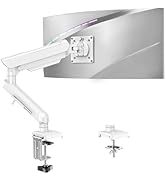
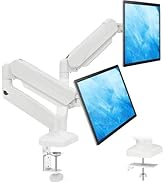
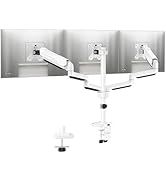
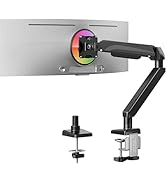
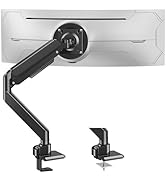
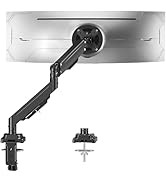
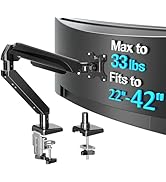
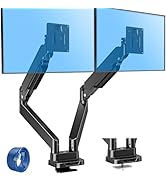
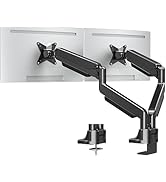
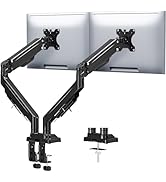
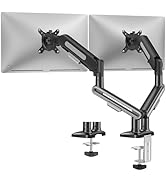
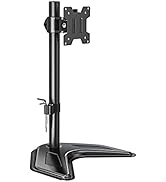
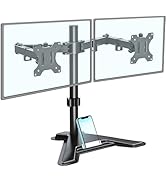
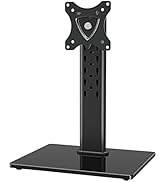
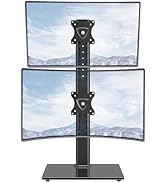
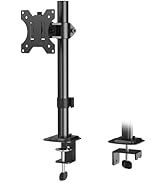
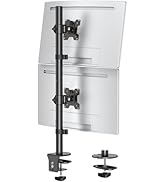
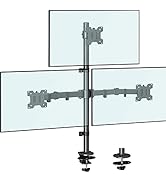
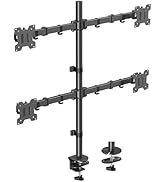
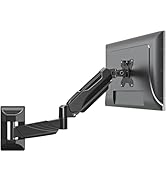
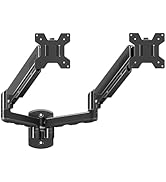
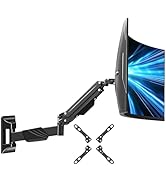
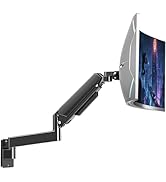
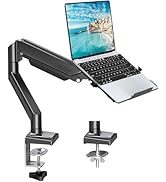
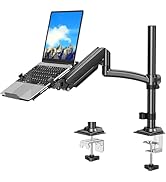
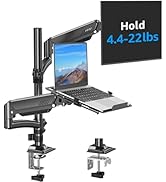
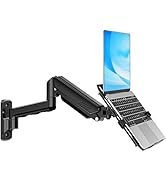
MOUNTUP Dual Monitor Stand - Elevate Your Workspace

Two Screens, One Perfect View – Adjustable Dual Monitor Mount for Seamless Multitasking.


Tension And Tilt Adjustment

Important Note: The monitor arm is pre-set to medium tension(Not applicable to all displays). You will need to refer to the figure above and adjust the tension according to the weight of your monitor once the monitor is hung on.
Will this dual monitor stand fit your setup?
The dual monitor stand fits max 32 inch screens, holds 4.4-17.6 lbs flat and curved monitors with VESA patterns 75x75 or 100x100 mm. Desk thickness is 0.39''-4.53''(C clamp); or thickness of 0.39''-3.15''and hole diameter of 0.39''-2.36''(grommet).
Is the arm tension adjustable?
Yes, you could adjust tension bolt refer to the instruction manual.
1. If arm raises up, turn clockwise(" -" ) to reduce tension for lighter monitor.
2. If arm falls down, turn counterclockwise(" +" ) to increase tension for heavier monitor.
How to adjust the tilt angle?
1. Loosen the bolt 1-2 turns with the Allen Key
2. Hold the monitor with both hands and adjust it to the right position
3. Tighten the bolt firmly with the Allen Key
Does it rotate for landscape mode?
Yes, the monitor stand fully rotates for landscape mode and also supports portrait (vertical) orientation. Not only that, the dual monitor arm allows you to customize how you work or collaborate with 135° tilt, 180° swivel.
When the tension on the arm does not work at all, how we can do?
Please tell us ASAP and we will send you the new spare parts.
MOUNTUP Monitor Arm Family
 Dual Monitor Arm |  Single Monitor Arm |  Triple Monitor Mount | 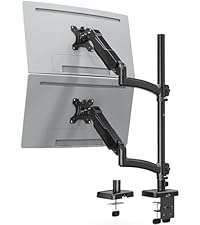 Vertical Dual Monitor Arm |  Triple Monitor Arm |  White Single Monitor Arm |  Ultrawide Monitor Stand | |
|---|---|---|---|---|---|---|---|
Customer Reviews | — | — | — | — | — | — | — |
Price | — | — | — | — | — | — | — |
Style | Dual | Single | Triple | Dual | Triple | Single | Dual |
Max Fits Screen Size | 32" | 32" | 27" | 32" | 32" | 32" | 43" |
Max Load Per Arm | 17.6 lbs | 17.6 lbs | 19.8 lbs | 17.6 lbs | 17.6 lbs | 22 lbs | 33 lbs |
Fits VESA Mount | 75x75mm&100x100mm | 75x75mm&100x100mm | 75x75mm&100x100mm | 75x75mm&100x100mm | 75x75mm&100x100mm | 75x75mm&100x100mm | 75x75mm&100x100mm |
Max Extension | 17.3" | 19.6" | 25.4“ | 20.5" | 20.5" | 21" | 23.6" |
Max Height | 16.5“ | 16.5“ | 15.5“ | 36.3" | 36.3" | 17.3" | 22.4" |
Tilt/Swivel/Rotation | ? | ? | ? | ? | ? | ? | ? |
MOUNTUP Dual Monitor Stand - Elevate Your Workspace

Two Screens, One Perfect View – Adjustable Dual Monitor Mount for Seamless Multitasking.


Tension And Tilt Adjustment

Important Note: The monitor arm is pre-set to medium tension(Not applicable to all displays). You will need to refer to the figure above and adjust the tension according to the weight of your monitor once the monitor is hung on.
Will this dual monitor stand fit your setup?
The dual monitor stand fits max 32 inch screens, holds 4.4-17.6 lbs flat and curved monitors with VESA patterns 75x75 or 100x100 mm. Desk thickness is 0.39''-4.53''(C clamp); or thickness of 0.39''-3.15''and hole diameter of 0.39''-2.36''(grommet).
Is the arm tension adjustable?
Yes, you could adjust tension bolt refer to the instruction manual.
1. If arm raises up, turn clockwise(" -" ) to reduce tension for lighter monitor.
2. If arm falls down, turn counterclockwise(" +" ) to increase tension for heavier monitor.
How to adjust the tilt angle?
1. Loosen the bolt 1-2 turns with the Allen Key
2. Hold the monitor with both hands and adjust it to the right position
3. Tighten the bolt firmly with the Allen Key
Does it rotate for landscape mode?
Yes, the monitor stand fully rotates for landscape mode and also supports portrait (vertical) orientation. Not only that, the dual monitor arm allows you to customize how you work or collaborate with 135° tilt, 180° swivel.
When the tension on the arm does not work at all, how we can do?
Please tell us ASAP and we will send you the new spare parts.
MOUNTUP Monitor Arm Family
Dual Monitor Arm | Single Monitor Arm | Triple Monitor Mount | Vertical Dual Monitor Arm | Triple Monitor Arm | White Single Monitor Arm | Ultrawide Monitor Stand |
|---|---|---|---|---|---|---|
| Customer Reviews | ||||||
| — | — | — | — | — | — | — |
| Price | ||||||
| — | — | — | — | — | — | — |
| Style | ||||||
| Dual | Single | Triple | Dual | Triple | Single | Dual |
| Max Fits Screen Size | ||||||
| 32" | 32" | 27" | 32" | 32" | 32" | 43" |
| Max Load Per Arm | ||||||
| 17.6 lbs | 17.6 lbs | 19.8 lbs | 17.6 lbs | 17.6 lbs | 22 lbs | 33 lbs |
| Fits VESA Mount | ||||||
| 75x75mm&100x100mm | 75x75mm&100x100mm | 75x75mm&100x100mm | 75x75mm&100x100mm | 75x75mm&100x100mm | 75x75mm&100x100mm | 75x75mm&100x100mm |
| Max Extension | ||||||
| 17.3" | 19.6" | 25.4“ | 20.5" | 20.5" | 21" | 23.6" |
| Max Height | ||||||
| 16.5“ | 16.5“ | 15.5“ | 36.3" | 36.3" | 17.3" | 22.4" |
| Tilt/Swivel/Rotation | ||||||
| ? | ? | ? | ? | ? | ? | ? |
Ergonomic Monitor Mount
Adjustable Monitor Arm
Triple Monitor Desk Mount
White Monitor Mount
Heavy Duty Single Monitor Arm
Heavy Duty Dual Monitor Arm
Freestanding Monitor Stand
Basic Monitor Arm
Monitor Wall Mount
Monitor & Laptop Mount
Monitor Accessories





