


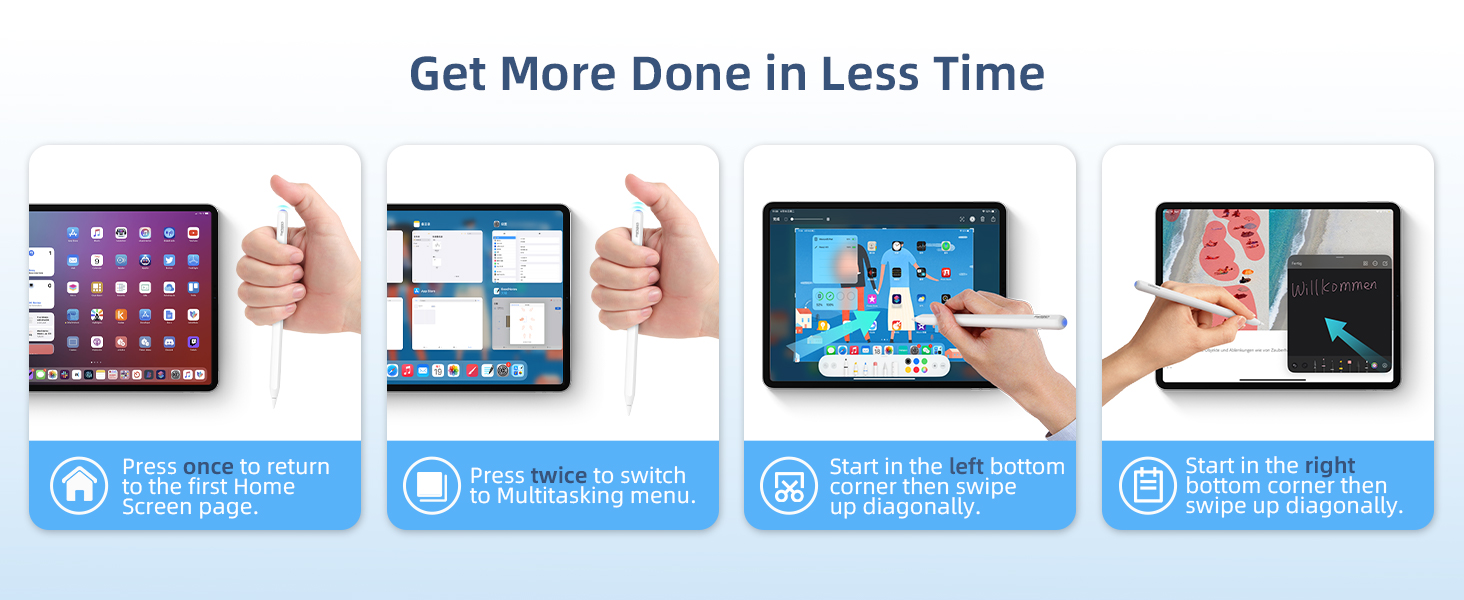
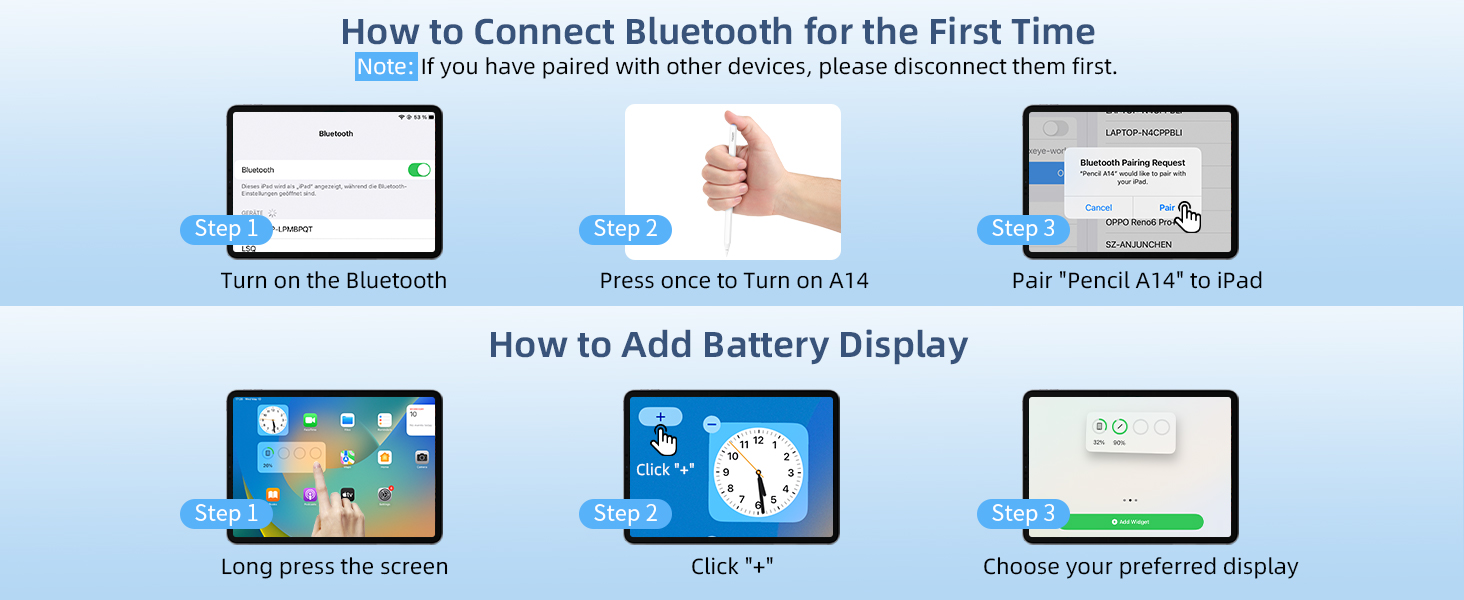

Experience the ultimate travel companion
Use Metapen A14 to jot down ideas, sketch, and navigate while on the go.

Unleash your academic potential
Maximize your study sessions with A14. highlight, annotate and organize your digital notes.
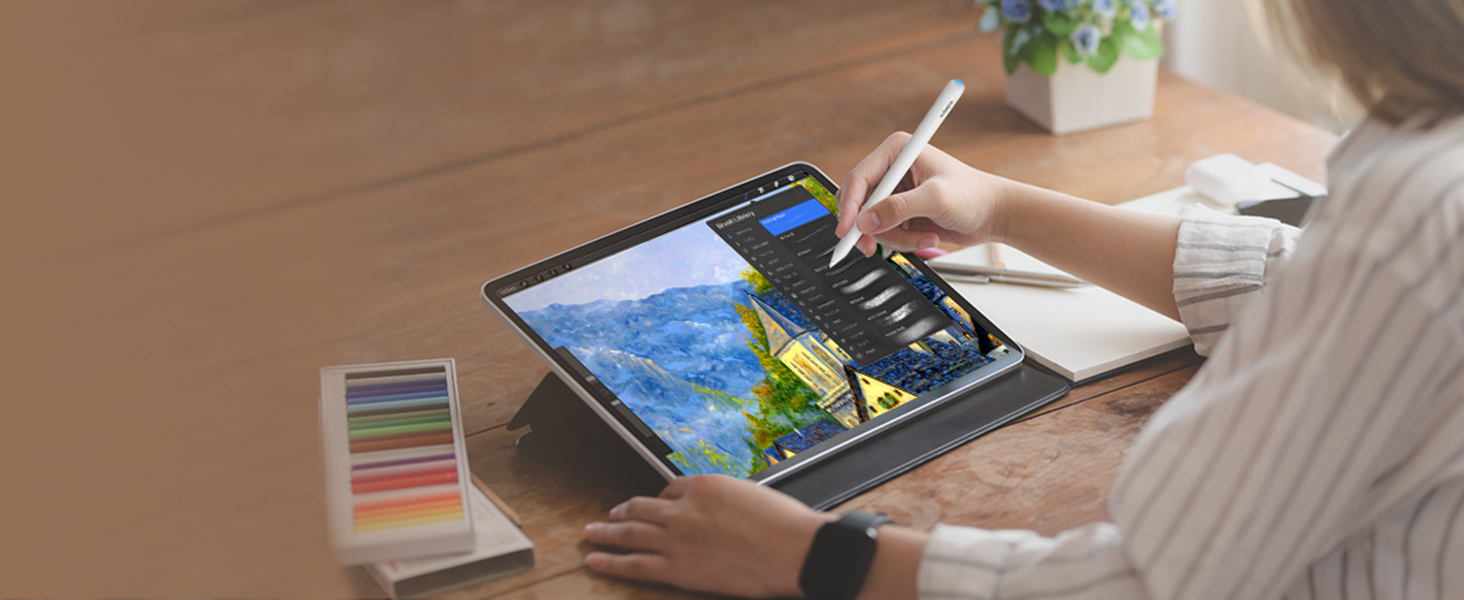
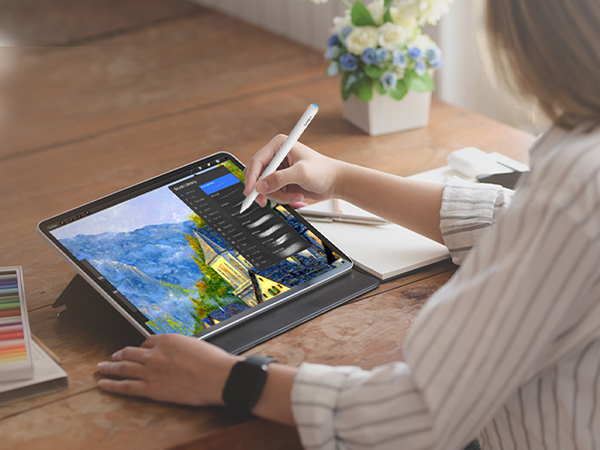
Ignite your creativity for art beginner
Great for digital art beginners to discover the endless possibilities of digital art with A14.
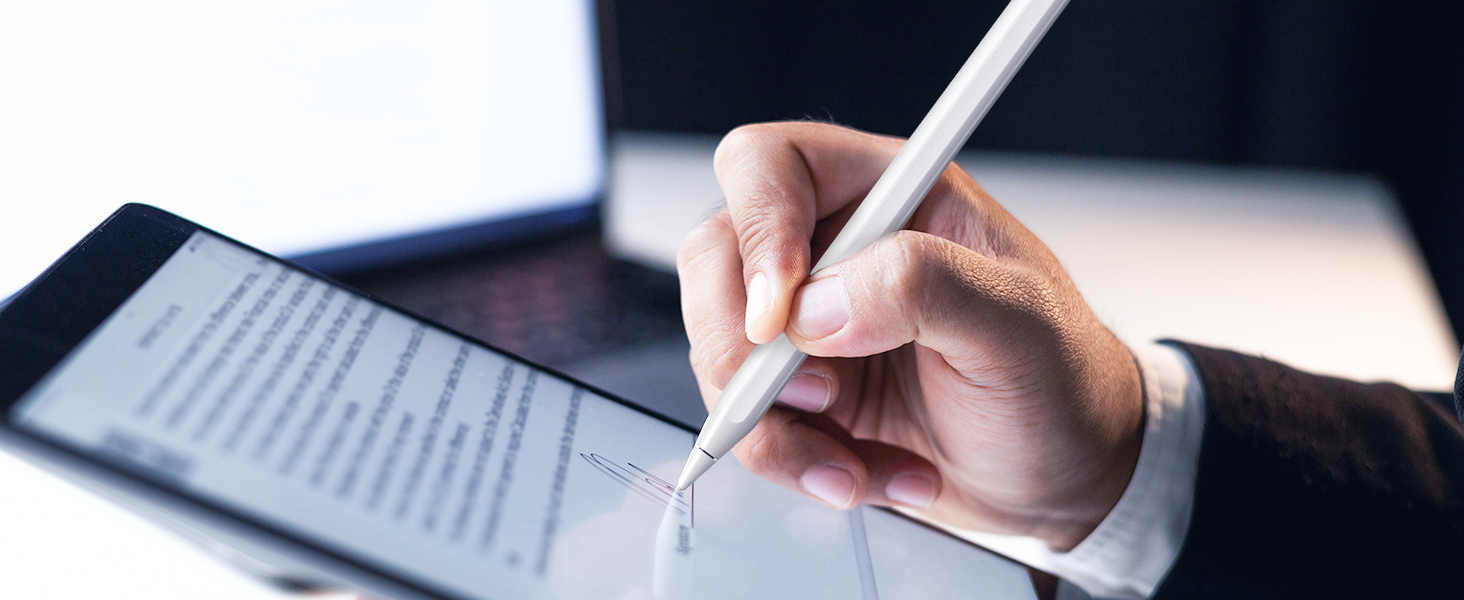
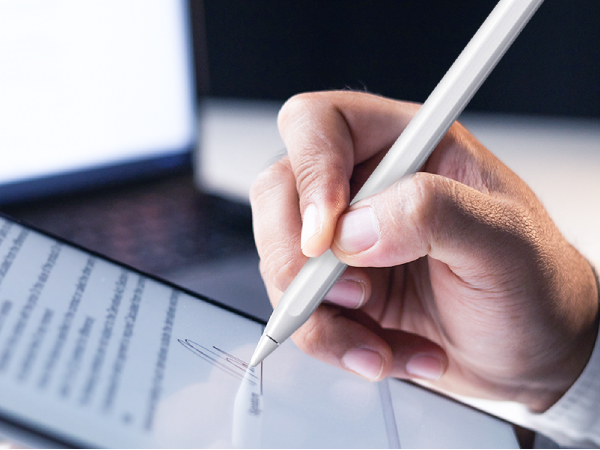
Streamline your document management
Simplify the signing process to effortlessly sign files, contracts, and forms on your iPad.
Does A14 have auto turn off, scribble, quick screenshot and note function?
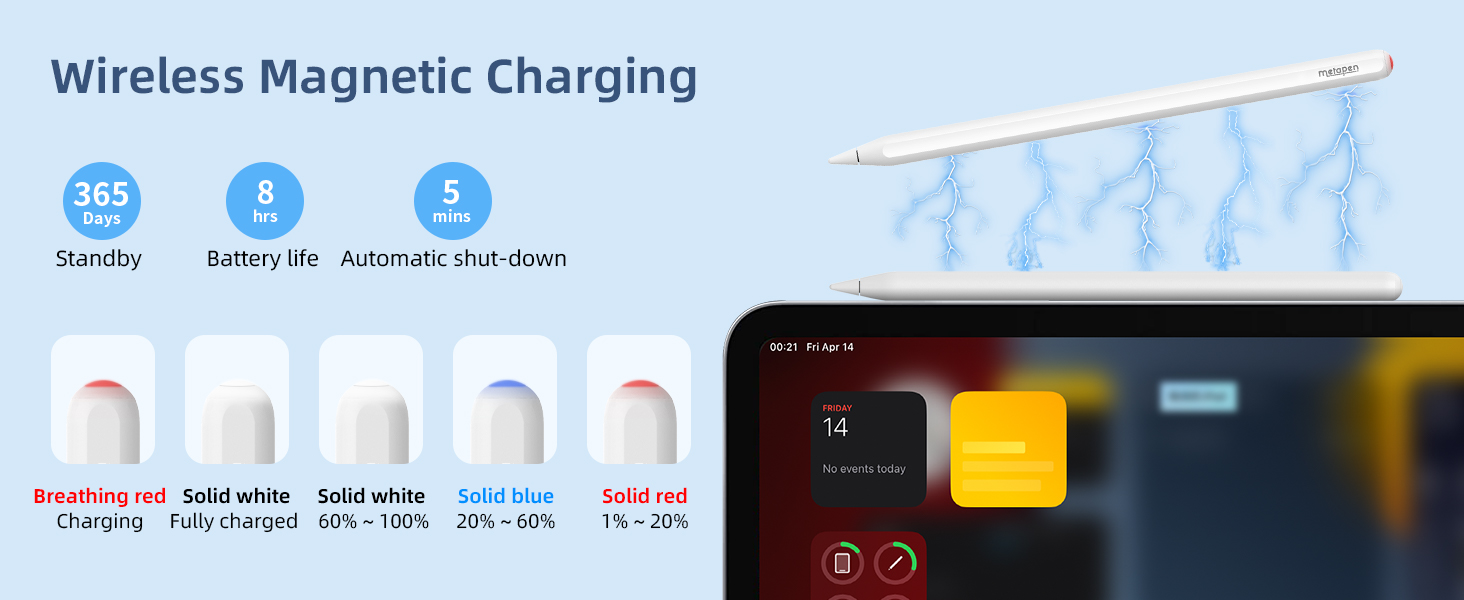
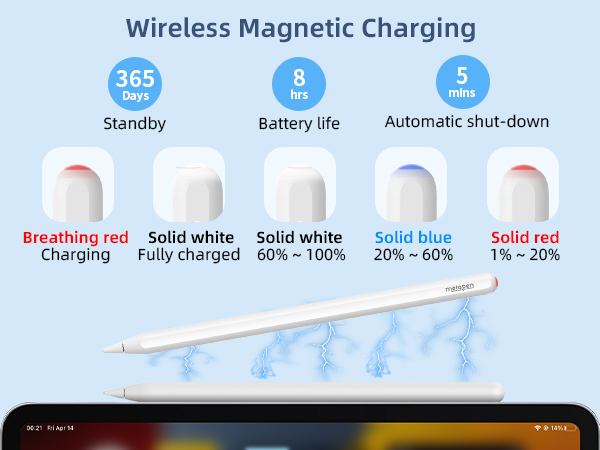
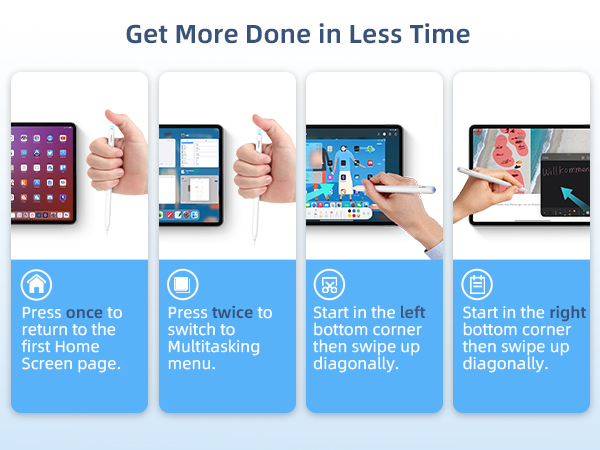
Yes! A14 will auto turn off in 5 minutes of inactivity. You can also presss the top button for 3 seconds to turn off! Turn on Settings > Apple Pencil >Pencil Gesture/Scribble to get these functions.
Can Pencil A14 pull down control center?
NO. No active pencils including the original iPencil can pull the control center down, notification bar down or swipe up between apps.
Does A14 have pressure sensitivity?
NO. The original USB-C iPencil and all 3rd party pencils have no pressure sensitivity. A14 can seamlessly work with apps like Procreate Goodnotes imitating pressure sensitivity with the brush effects and adjusting brush size, flow capacity etc.
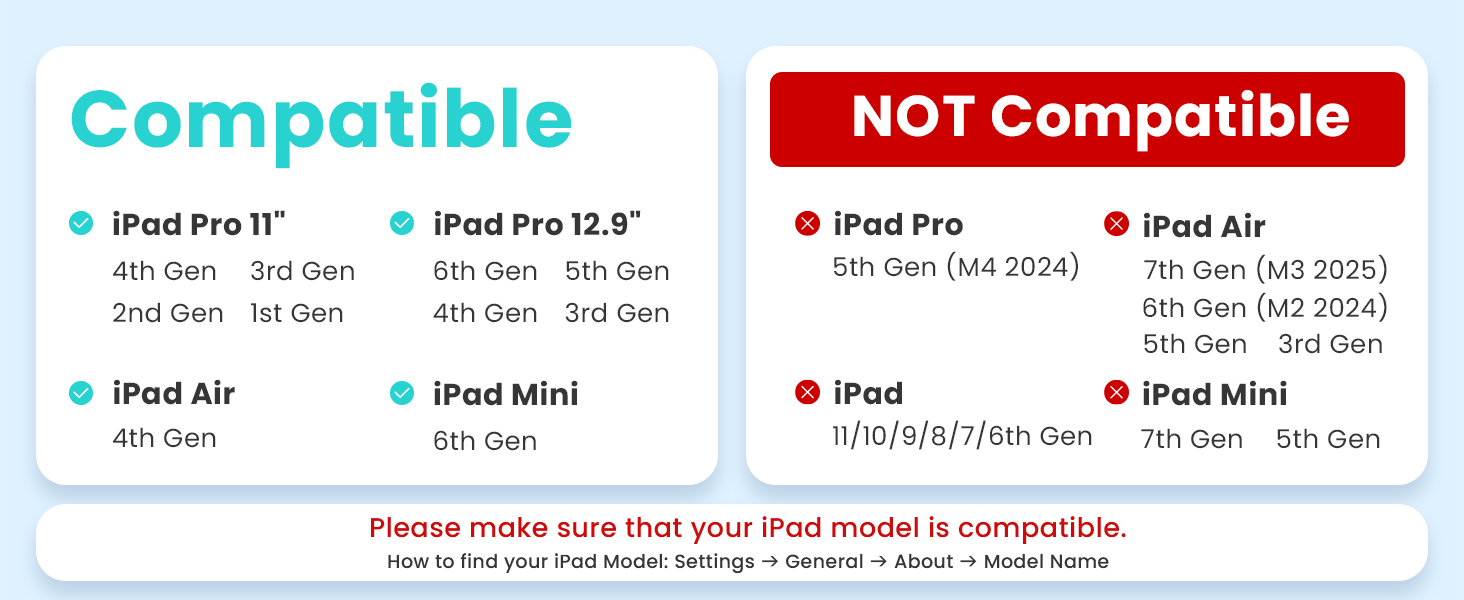
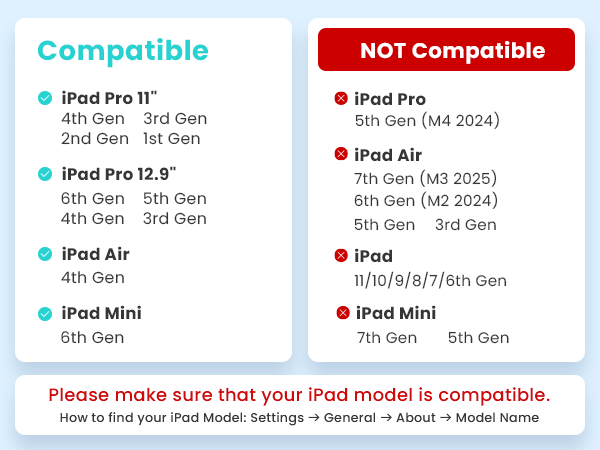
Can Pencil A14 work for iPad number series like iPad 9th/10th generation?
NO. metapen Pencil A14 which is wirelessly charged by iPad can only work for iPads with wireless charge support. Please comfirm the compatibility before your purchase.
How to stop my fingers to draw?
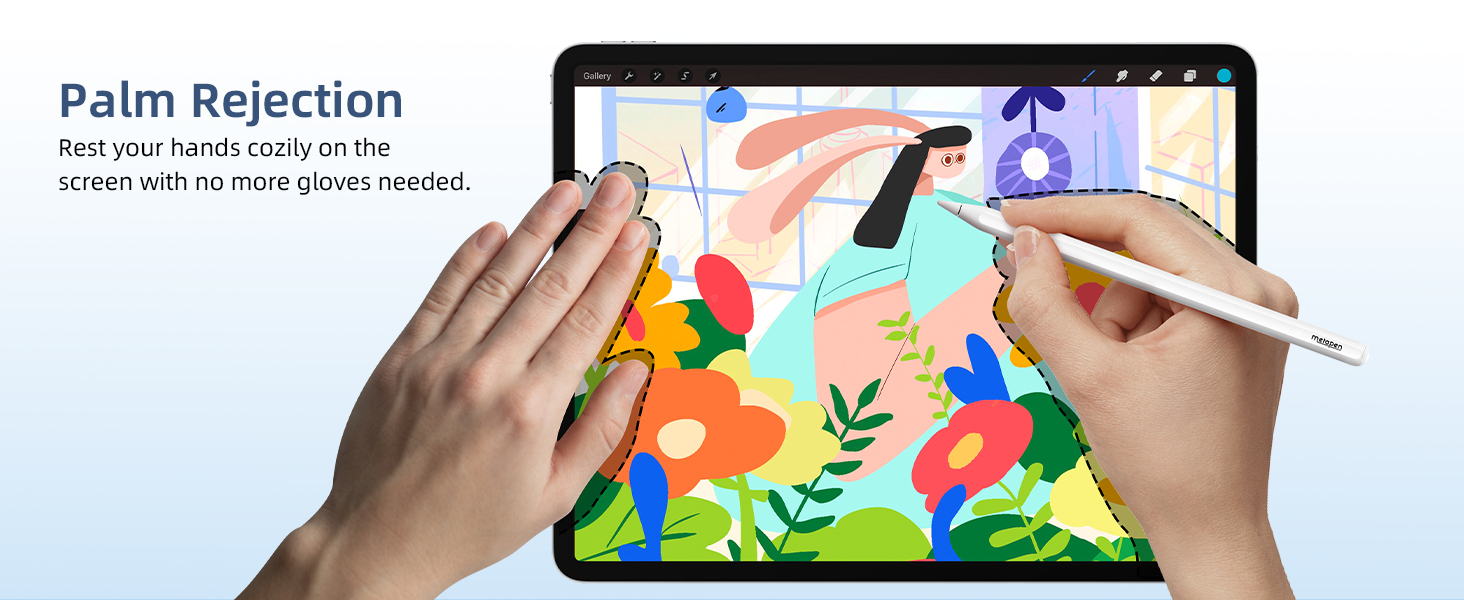
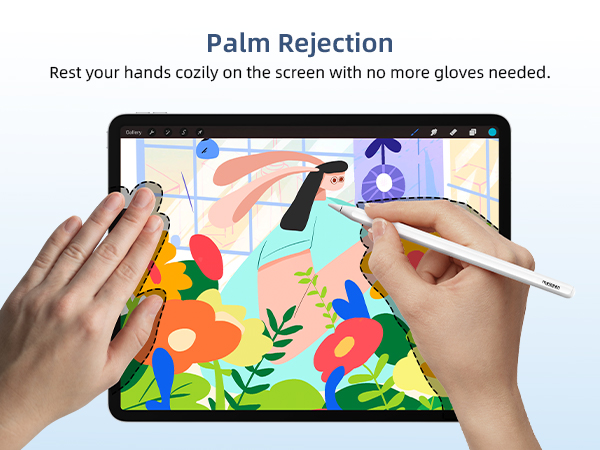
Your fingers won't draw when you are using A14 which has Palm Rejection. To ignore hand input and only draw with A14, please go to Settings > Apple Pencil > Turn on "Only Draw with Apple Pencil" (iOS 14+ available).


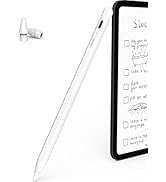
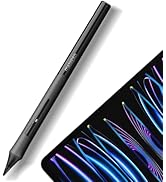
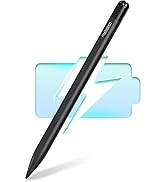
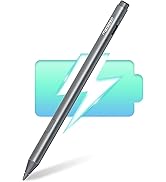


Experience the ultimate travel companion
Use Metapen A14 to jot down ideas, sketch, and navigate while on the go.
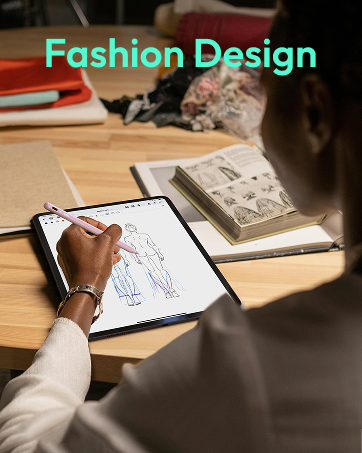
Unleash your academic potential
Maximize your study sessions with A14. highlight, annotate and organize your digital notes.
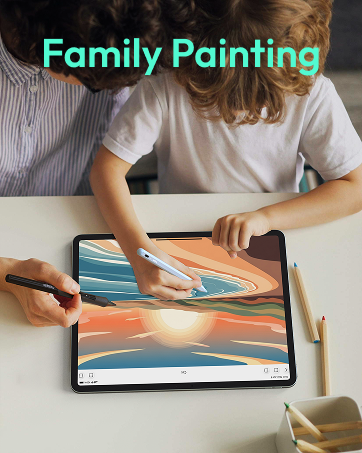
Ignite your creativity for art beginner
Great for digital art beginners to discover the endless possibilities of digital art with A14.
Streamline your document management
Simplify the signing process to effortlessly sign files, contracts, and forms on your iPad.


Does A14 have auto turn off, scribble, quick screenshot and note function?
Yes! A14 will auto turn off in 5 minutes of inactivity. You can also presss the top button for 3 seconds to turn off! Turn on Settings > Apple Pencil >Pencil Gesture/Scribble to get these functions.
Can Pencil A14 pull down control center?
NO. No active pencils including the original iPencil can pull the control center down, notification bar down or swipe up between apps.
Does A14 have pressure sensitivity?
NO. The original USB-C iPencil and all 3rd party pencils have no pressure sensitivity. A14 can seamlessly work with apps like Procreate Goodnotes imitating pressure sensitivity with the brush effects and adjusting brush size, flow capacity etc.
Can Pencil A14 work for iPad number series like iPad 9th/10th generation?
NO. metapen Pencil A14 which is wirelessly charged by iPad can only work for iPads with wireless charge support. Please comfirm the compatibility before your purchase.
How to stop my fingers to draw?
Your fingers won't draw when you are using A14 which has Palm Rejection. To ignore hand input and only draw with A14, please go to Settings > Apple Pencil > Turn on "Only Draw with Apple Pencil" (iOS 14+ available).
Choose your favorite pen!
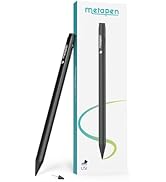
Metapen iPad Pencils
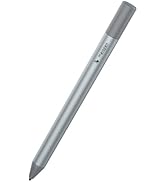
Surface Pen & USI Pen
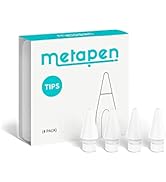
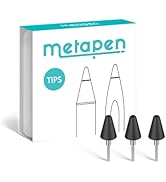
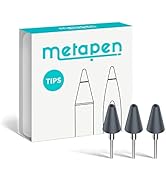
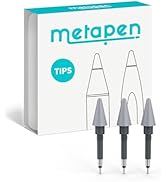
Metapen Tips
Metapen with first-rate devs, key labs and service teams gives you peace of mind.





