


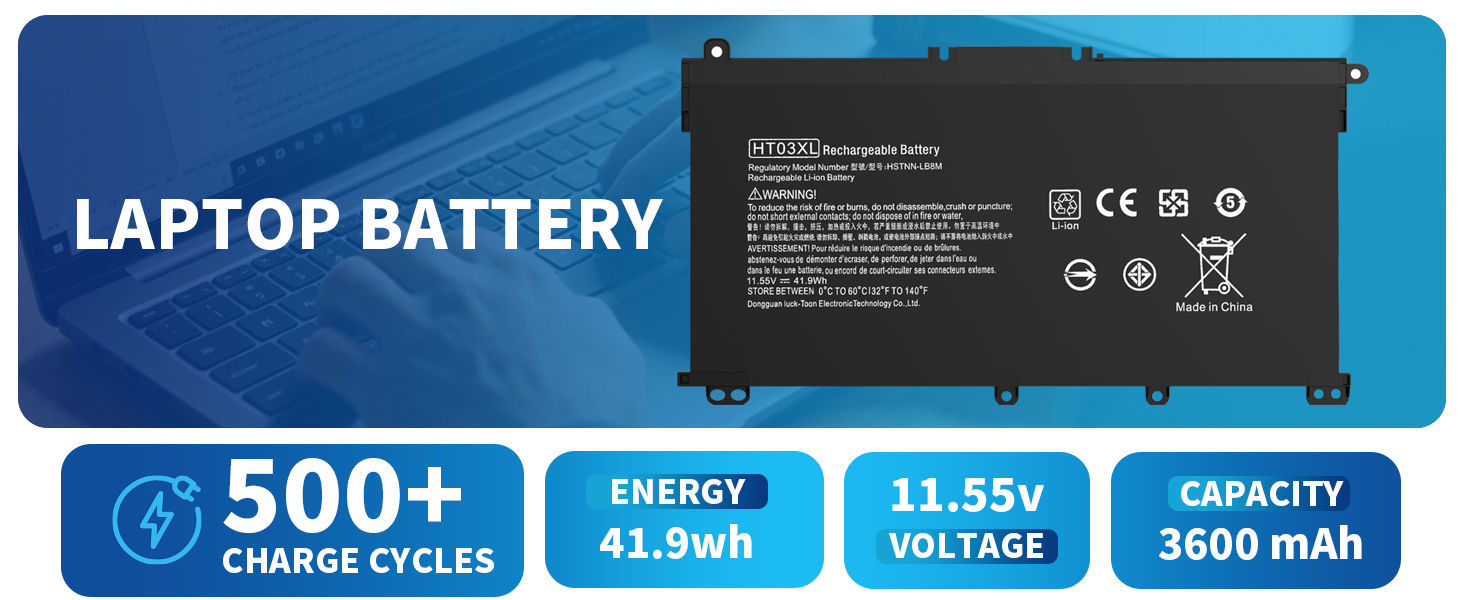

Smart Chip
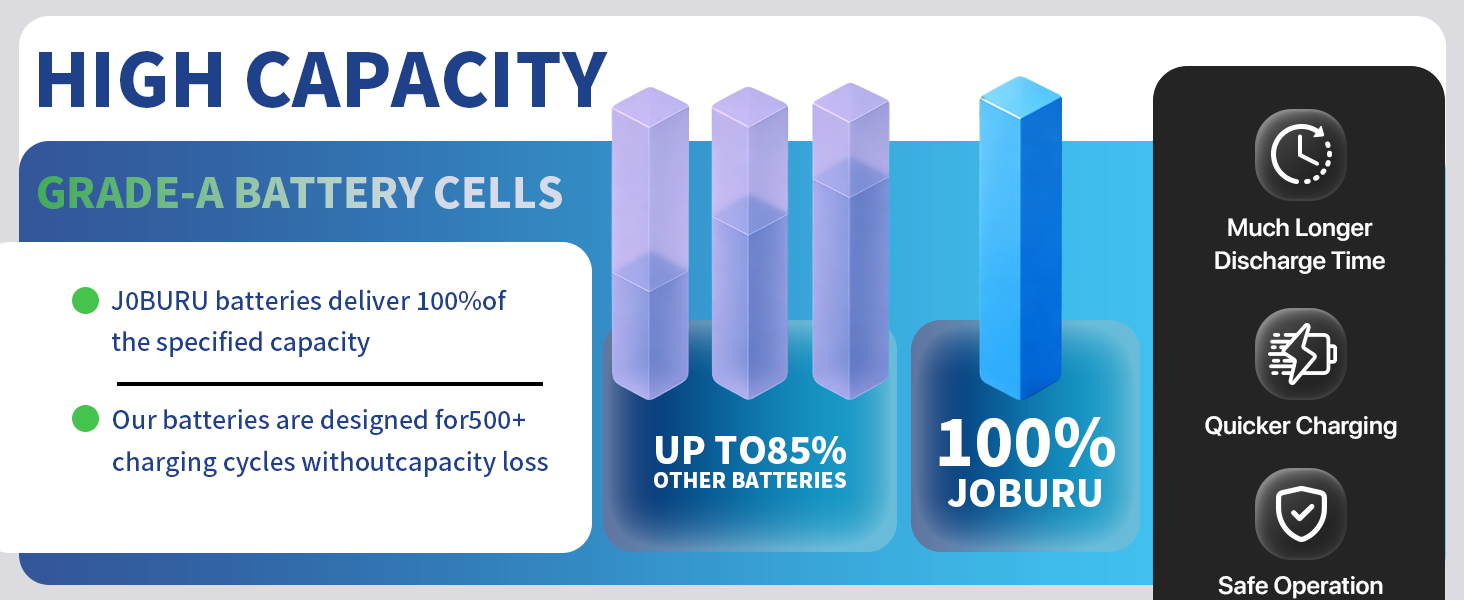
Nine-layer security protection chip, prevents overcharge / over-discharge / short circuit / high temperature
Long Lasting Battery
Stable and durable power for work and entertainment.
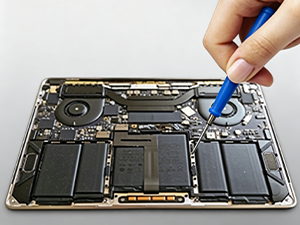
Easy to Install & Remove
Easy to disassemble and install
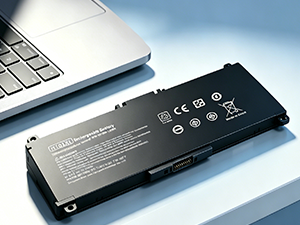
Original Compatible
Compatible with original laptop battery
Compatible Model:(Ctrl+F to search your model)
Nstall A New Battery:
- You need to turn off your laptop and disconnect the power.
- Remove the old battery, carefully install the new battery on the battery case, and connect the wiring of the new battery.
- If you don't understand the above steps, you can search for the video about laptop battery installation on YouTube for reference.
Laptop Maintenance Tips
- New battery: For a new battery, please complete several charge and discharge cycles. Discharge to 5% and then charge up to 95% to fully activate the battery.
- Overuse: Do not drain the battery to 0% frequently, as this will cause damage and shorten the service life.
- Charging sequence: When charging, install the battery first, then connect the power. Once fully charged, cut off the power first, then unplug the adapter.
- Long-term storage: Please store unused batteries at full power and charge them once a month. Avoid low-power storage to prevent battery life reduction.
- Charger: Do not casually replace the laptop adapter. If the original adapter is damaged or faulty, please use a compatible model to avoid battery damage caused by incompatibility.
What do we need to pay attention to using batteries for the first time?
1.The battery must be full charged before first use
2.You need to turn off your laptop and disconnect the power when you install a new battery
3.Do Discharge the new battery use to 5%/7%(not to 0%) and then charge to 95%, and cycle 3-4 times
How should I preserve my laptop battery when I don’t use it?
The ideal preservation method is to charge the battery to about 40% the battery should be used once a month, whichcan not only good preservation of the
battery but also prevent the battery from being damaged by the complete loss of power
How should I do if we received the item doesn't work?
Our itme have 12 months replace a new one and 6o days moeny back guarrante please Contact DMKAOLLK INC.we willreplace itwith a new one for free.
How should I do if the battery is not recognised?
When the computeris turned on, ftis not recognised, itisrecommended to update the BlOS settings or please disconnecting the old battery,and holdingdown the power button for 20 seconds, then connect the new battery
How should I charge my laptop battery?
Itis suggested to charge the battery before the power runs out completely. Iis best to charge when the remaning power is about 5-10%, and the battery
should be charged in a relatively dry place.


A brand worth your trust
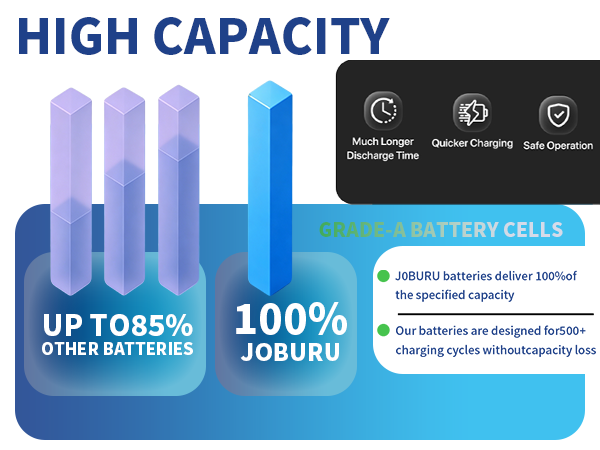
JOBUR’s positioning is high quality, long-lasting performance, and user-friendly convenience. With our own R&D team and production factory, we are a full-service supplier integrating development, production, sales and service. Our products are stable in performance, safe and reliable. Our company has built a solid reputation over the years by delivering on our promises to every customer.


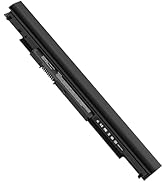
Hot-selling products
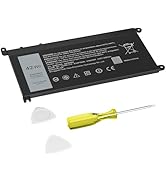
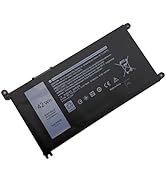
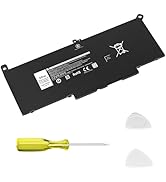
Hot-selling products
Smart Chip
Nine-layer security protection chip, prevents overcharge / over-discharge / short circuit / high temperature
Long Lasting Battery
Stable and durable power for work and entertainment.
Easy to Install & Remove
Easy to disassemble and install
Original Compatible
Compatible with original laptop battery
Compatible Model:(Ctrl+F to search your model)
| Dell Inspiron 13 5000 Series | 5368 5378 5379 |
|---|---|
| Dell Inspiron 13 7000 Series | 7378 7368 |
| Dell Inspiron 14 3000 Series | 3480 3482 |
| Dell Inspiron 14 5000 Series | 5468 5480 5481 5482 5488 |
| Dell Inspiron 14 15 7000 Serie | 7460 7472 7560 |
| Dell Inspiron 15 Series | 15-5568D-1325S 15-5568D-1525L 15-5568D-1845S 15-5568D-1645L 15-5568D-1745S 15-5568D-1525S |
| Dell Inspiron 15 Series | 15-5568D-1625S 15-5567-D1745L 15-5567-D1745A 15-5567-D1725A 15-5567-D1625R 15-5567-D1625L |
| Dell Inspiron 15 Series | 15-5567-D1625A 15-5567-D1545A 15-5567-D1525R 15-5567-D1525A 15MF-1508TA 15MF-PRO-1508T |
| Dell Inspiron 15 3000 Series | 3583 |
| Dell Inspiron 15 5000 Series | 5538 5565 5567 5568 5578 5584 5583 5580 5579 5575 5570 |
| Dell Inspiron 17 5000 Series | 5767 5769 5765 5770 |
| Dell Latitude 3000 Series | 3180 3190 3300 3379 3380 3390 3500 3580 3590 ! ! ! Don't match the 56Wh battery of Latitude 3590 |
| Dell Vostro Series | 3480 3481 3583 5468 5481 5468D 5568 5568D 5581 5741 |
| Dell Type WDXOR Part Number | WDXOR P69G P69G001 P58F001 P58F FW8KR CYMGM 8YPRW |
| Dell Type WDXOR Part Number | WDX0R 0WDX0R 3CRH3 T2JX4 C4HCW 0C4HCW FC92N Y3F7Y 0Y3F7Y |
Nstall A New Battery:
- You need to turn off your laptop and disconnect the power.
- Remove the old battery, carefully install the new battery on the battery case, and connect the wiring of the new battery.
- If you don't understand the above steps, you can search for the video about laptop battery installation on YouTube for reference.
Laptop Maintenance Tips
- New battery: For a new battery, please complete several charge and discharge cycles. Discharge to 5% and then charge up to 95% to fully activate the battery.
- Overuse: Do not drain the battery to 0% frequently, as this will cause damage and shorten the service life.
- Charging sequence: When charging, install the battery first, then connect the power. Once fully charged, cut off the power first, then unplug the adapter.
- Long-term storage: Please store unused batteries at full power and charge them once a month. Avoid low-power storage to prevent battery life reduction.
- Charger: Do not casually replace the laptop adapter. If the original adapter is damaged or faulty, please use a compatible model to avoid battery damage caused by incompatibility.
What do we need to pay attention to using batteries for the first time?
1.The battery must be full charged before first use
2.You need to turn off your laptop and disconnect the power when you install a new battery
3.Do Discharge the new battery use to 5%/7%(not to 0%) and then charge to 95%, and cycle 3-4 times
How should I preserve my laptop battery when I don’t use it?
The ideal preservation method is to charge the battery to about 40% the battery should be used once a month, whichcan not only good preservation of the
battery but also prevent the battery from being damaged by the complete loss of power
How should I do if we received the item doesn't work?
Our itme have 12 months replace a new one and 6o days moeny back guarrante please Contact DMKAOLLK INC.we willreplace itwith a new one for free.
How should I do if the battery is not recognised?
When the computeris turned on, ftis not recognised, itisrecommended to update the BlOS settings or please disconnecting the old battery,and holdingdown the power button for 20 seconds, then connect the new battery
How should I charge my laptop battery?
Itis suggested to charge the battery before the power runs out completely. Iis best to charge when the remaning power is about 5-10%, and the battery
should be charged in a relatively dry place.
A brand worth your trust
JOBUR’s positioning is high quality, long-lasting performance, and user-friendly convenience. With our own R&D team and production factory, we are a full-service supplier integrating development, production, sales and service. Our products are stable in performance, safe and reliable. Our company has built a solid reputation over the years by delivering on our promises to every customer.
Hot-selling products
Hot-selling products





