


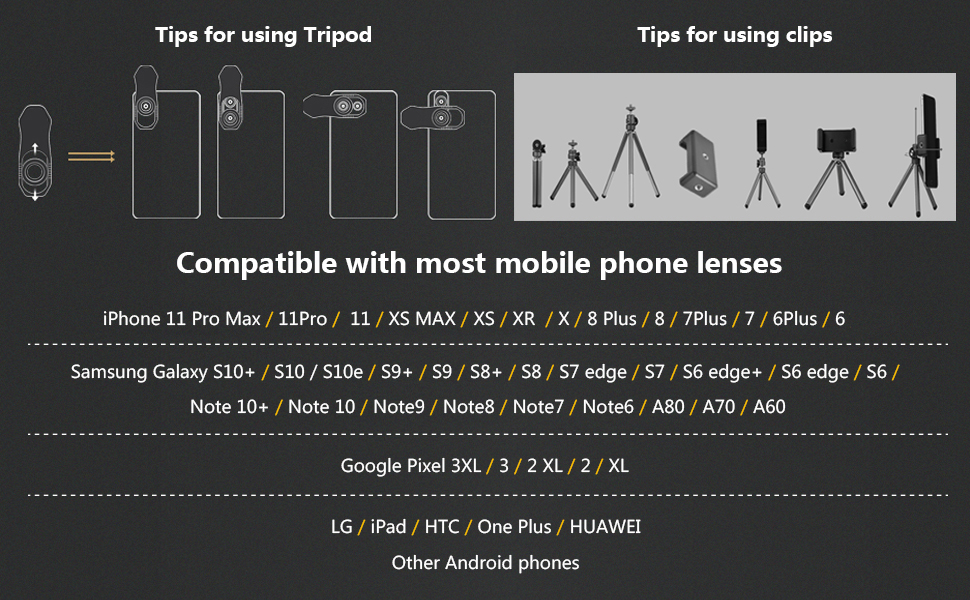
Tips for using clips ------ Tripod operation skills ------ Compatible device
Key details description --- (requires special attention)
- The process of installing a telephoto lens, please carefully do each step:
- Note: Devices using two cameras (such as iPhone double camera) need to be installed on the main camera (the camera on the left) to shoot, without the need for covering two cameras.
- For mobile phone models of other brands, we only need to cover one of the main cameras. Which is the main camera lens? You can turn on the camera function and use your finger to block the rear camera lens one by one. The main camera lens is the one that is blocked by your finger. You only need to cover this lens for subsequent operations.
The use process of the telephoto lens requires special attention.
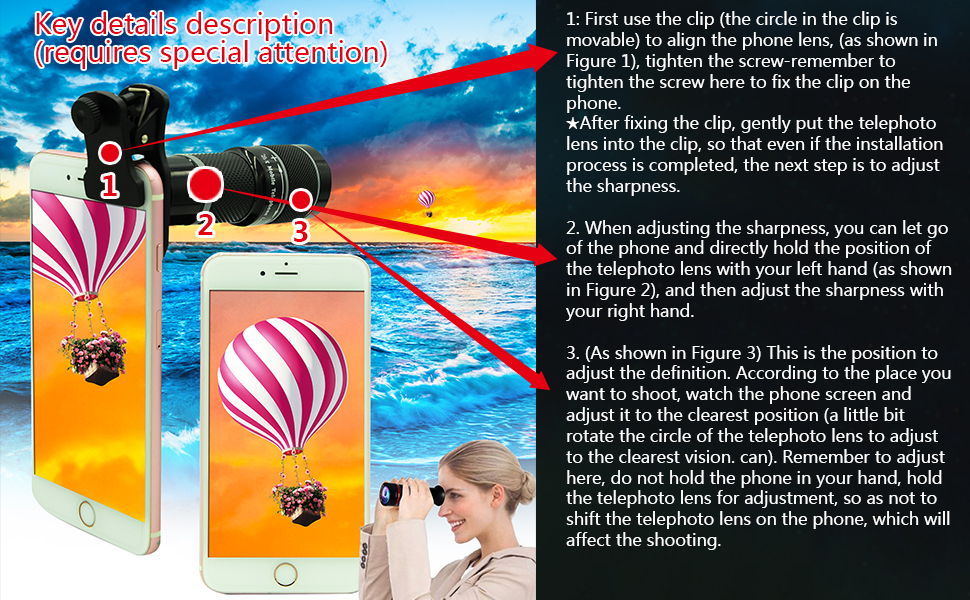
- 1: First use the clip (the circle in the clip is movable) to align the phone lens, (as shown in Figure 1), tighten the screw-remember to tighten the screw here to fix the clip on the phone.
- After fixing the clip, gently put the telephoto lens into the clip, so that even if the installation process is completed, the next step is to adjust the sharpness.
- 2. When adjusting the sharpness, you can let go of the phone and directly hold the position of the telephoto lens with your left hand (as shown in Figure 2), and then adjust the sharpness with your right hand.
- 3. (As shown in Figure 3) This is the position to adjust the definition. According to the place you want to shoot, watch the phone screen and adjust it to the clearest position (a little bit rotate the circle of the telephoto lens to adjust to the clearest vision. can). Remember to adjust here, do not hold the phone in your hand, hold the telephoto lens for adjustment, so as not to shift the telephoto lens on the phone, which will affect the shooting.
For the iphone 12 pro Max-iphone 13 pro Max, the two triple-camera phones, the current conclusions are as follows:
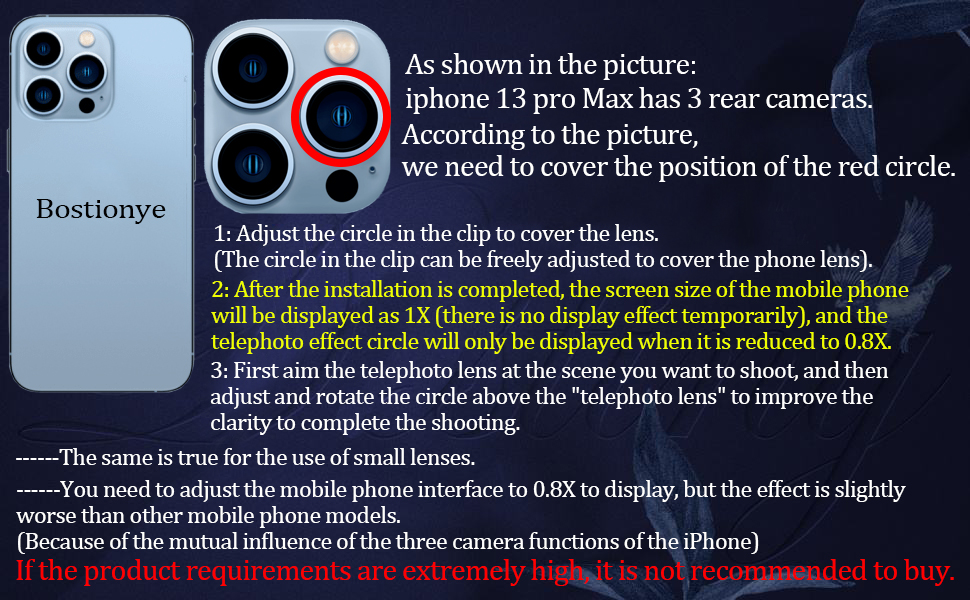
If the product requirements are extremely high, it is not recommended to buy.
- Remember: With more and more triple-camera phones on the market, the lenses of some new phones will affect each other, resulting in no display effect after using the telephoto lens.
- After installation, you need to adjust the phone screen from 1X to 0.8X to achieve the best results.
- Different phone - may require different operation, please feel free to ask.
Renderings show
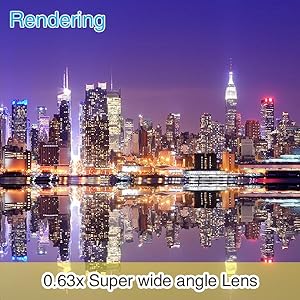
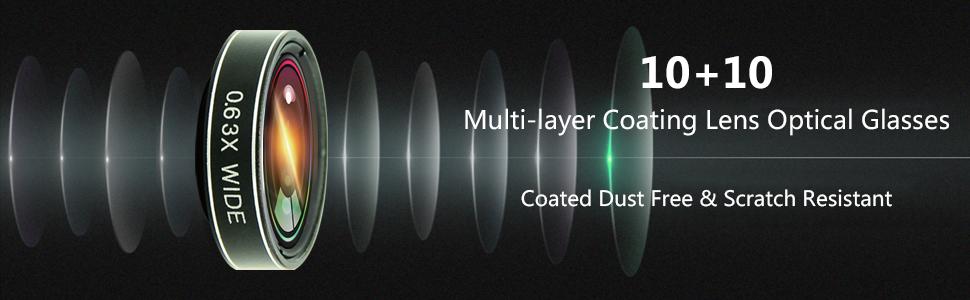
0.63x Super wide angle Lens
Can effectively increase the shooting range of 50%-90%,suitable for portraits and landscape photography,captures a wide range of scenes with excellent resolution and clarity.
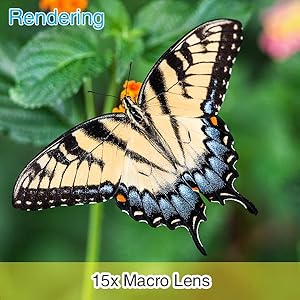
15x Macro Lens
The effective focusing distance is 2-3CM,shooting tiny objects,discover the beauty of detail; it's perfect for shooting close-ups of insects, jewelry, coins, plants, etc.
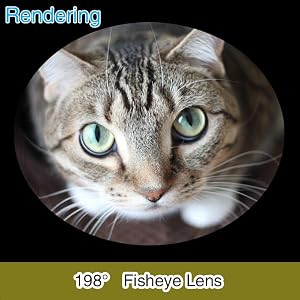
198° Fisheye Lens
The fisheye lens captures large scenes and provides a circular aquarium effect for your images. This will take you into a stunning fantasy world.
2X Telephoto Lens
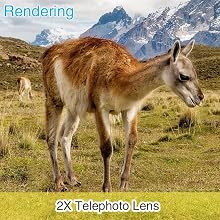
It can shoot farther scenes and bring the object closer to 2 times, which is the visual effect of the telescope, making the distant scene clearer.
CPL Mobile Phone Lens
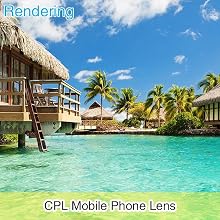
When taking pictures outdoors in the sun, the polarizing filter can eliminate harmful reflected light and improve the clarity and expressiveness of the image; for example, the reflected light caused by water and glass.
Starburst Lens
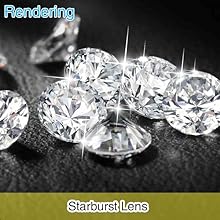
Point star cross screen light filter for Phone Camera Lens creates points of light,like"stars,"streaking outward from a central light source.This can make lighting within the scene take on a more glittering,glamorous appearance.
Kaleidoscope Lens
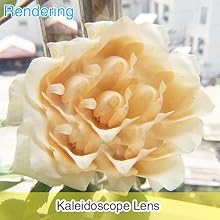
For example, if you take a small angle, you will see another pattern of flowers. As long as you keep spinning, the pattern will change constantly.
Tips for using clips ------ Tripod operation skills ------ Compatible device
Key details description --- (requires special attention)
- The process of installing a telephoto lens, please carefully do each step:
- Note: Devices using two cameras (such as iPhone double camera) need to be installed on the main camera (the camera on the left) to shoot, without the need for covering two cameras.
- For mobile phone models of other brands, we only need to cover one of the main cameras. Which is the main camera lens? You can turn on the camera function and use your finger to block the rear camera lens one by one. The main camera lens is the one that is blocked by your finger. You only need to cover this lens for subsequent operations.
The use process of the telephoto lens requires special attention.
- 1: First use the clip (the circle in the clip is movable) to align the phone lens, (as shown in Figure 1), tighten the screw-remember to tighten the screw here to fix the clip on the phone.
- After fixing the clip, gently put the telephoto lens into the clip, so that even if the installation process is completed, the next step is to adjust the sharpness.
- 2. When adjusting the sharpness, you can let go of the phone and directly hold the position of the telephoto lens with your left hand (as shown in Figure 2), and then adjust the sharpness with your right hand.
- 3. (As shown in Figure 3) This is the position to adjust the definition. According to the place you want to shoot, watch the phone screen and adjust it to the clearest position (a little bit rotate the circle of the telephoto lens to adjust to the clearest vision. can). Remember to adjust here, do not hold the phone in your hand, hold the telephoto lens for adjustment, so as not to shift the telephoto lens on the phone, which will affect the shooting.
For the iphone 12 pro Max-iphone 13 pro Max, the two triple-camera phones, the current conclusions are as follows:
If the product requirements are extremely high, it is not recommended to buy.
- Remember: With more and more triple-camera phones on the market, the lenses of some new phones will affect each other, resulting in no display effect after using the telephoto lens.
- After installation, you need to adjust the phone screen from 1X to 0.8X to achieve the best results.
- Different phone - may require different operation, please feel free to ask.
Renderings show
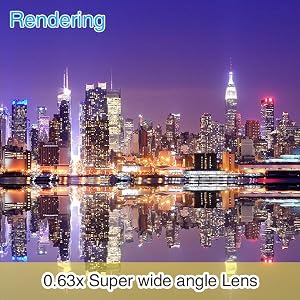
0.63x Super wide angle Lens
Can effectively increase the shooting range of 50%-90%,suitable for portraits and landscape photography,captures a wide range of scenes with excellent resolution and clarity.
15x Macro Lens
The effective focusing distance is 2-3CM,shooting tiny objects,discover the beauty of detail; it's perfect for shooting close-ups of insects, jewelry, coins, plants, etc.
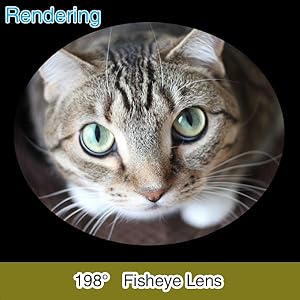
198° Fisheye Lens
The fisheye lens captures large scenes and provides a circular aquarium effect for your images. This will take you into a stunning fantasy world.
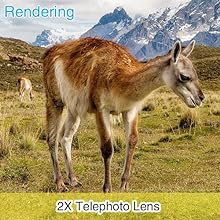
2X Telephoto Lens
It can shoot farther scenes and bring the object closer to 2 times, which is the visual effect of the telescope, making the distant scene clearer.
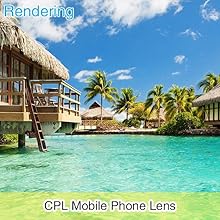
CPL Mobile Phone Lens
When taking pictures outdoors in the sun, the polarizing filter can eliminate harmful reflected light and improve the clarity and expressiveness of the image; for example, the reflected light caused by water and glass.
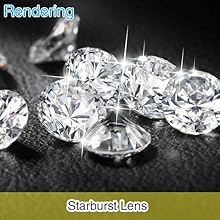
Starburst Lens
Point star cross screen light filter for Phone Camera Lens creates points of light,like"stars,"streaking outward from a central light source.This can make lighting within the scene take on a more glittering,glamorous appearance.
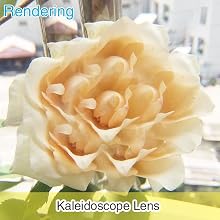
Kaleidoscope Lens
For example, if you take a small angle, you will see another pattern of flowers. As long as you keep spinning, the pattern will change constantly.





