Set Up AP Mode
1. Enter the management page 192.168.10.1.
2. Click the home icon in the top right corner.
3.Select “AP mode” and click “Apply” button.
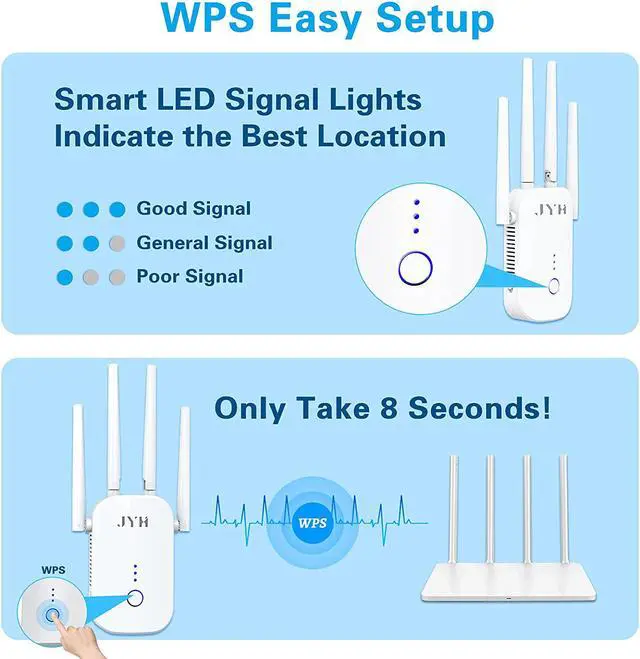
Smart LED Signal Indicators
The wifi signal lights on JYH wifi booster indicate whether it’s the optimum position to place the extender. The best location comes with all three lights turning into solid blue. One or two lights means poor signal and you need to put the extender halfway between the router and wifi Dead Zone.
Easy WPS Setup
8 seconds to set up! By pressing the WPS buttons on your router and wifi extender, this internet booster can easily expand your wifi coverage, which ensures experience of smooth 4K HD streaming or online gaming.
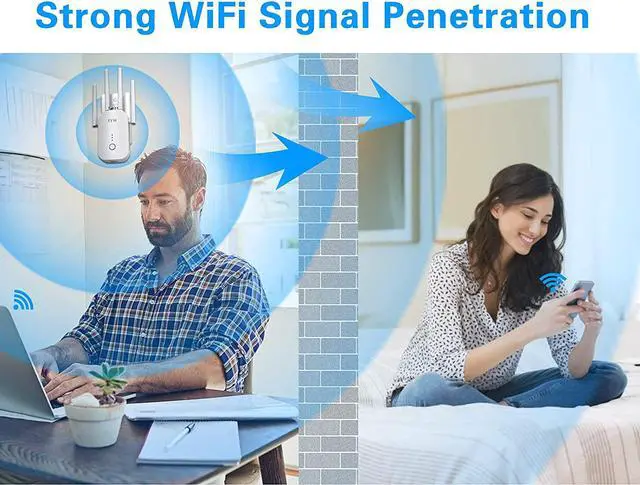
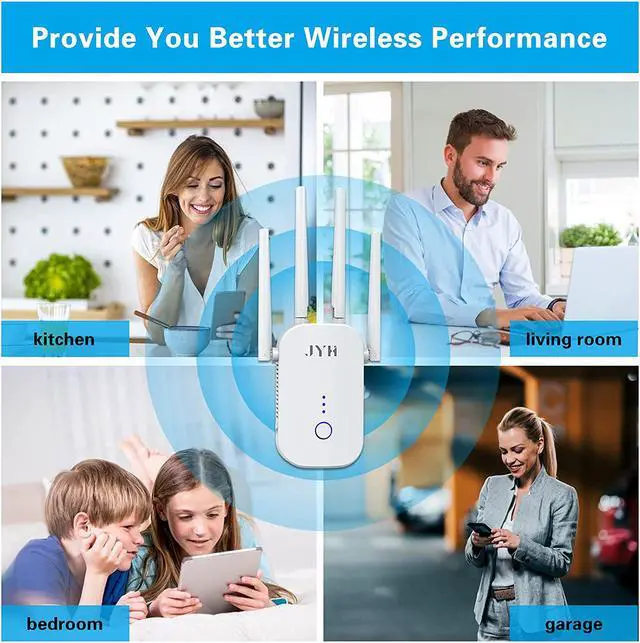
Up to 1500 sq. Ft 360 Degree Seamless WiFi Signal Coverage
1200Mbps WiFi Extenders Signal Booster for Home
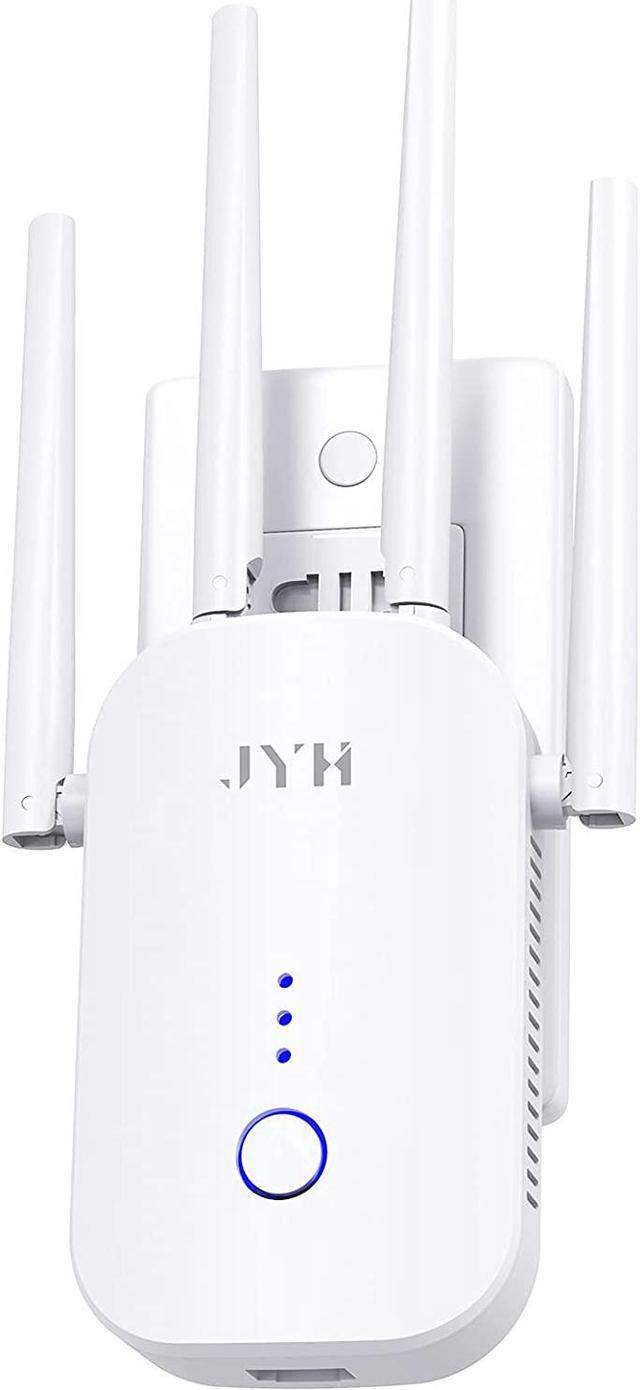
2021 New Model Superb Performance WiFi Extender
4 Working Modes: Repeater / Bridge / AP / Router. Effectively extend your router signal all over the house whether you have a wired or wireless network.
Connect any wired device such as Xbox, PlayStation, PC or Mac to powerful Wi-Fi with the available gigabit ethernet port for boosted speed and better performance.
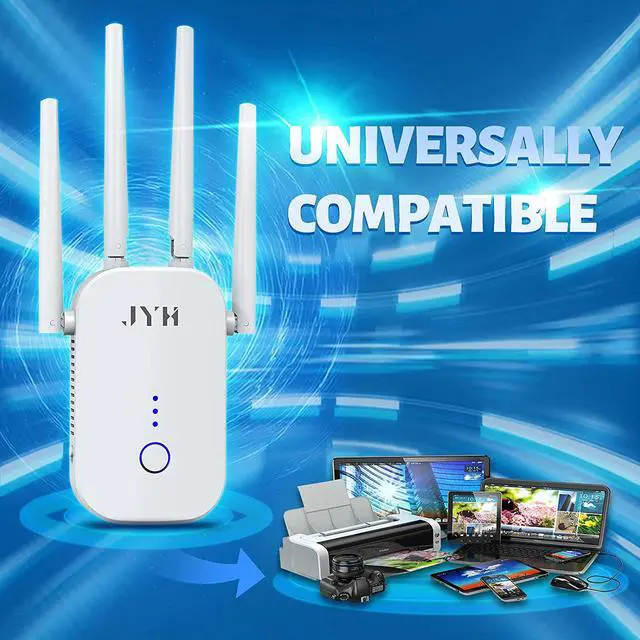
Work with any wireless router, gateway or cable modem; but may not be compatible with routers or gateways with firmware that is based on open-source programs, non-standard, outdated or has been altered manually.
High Speed
Super Penetration
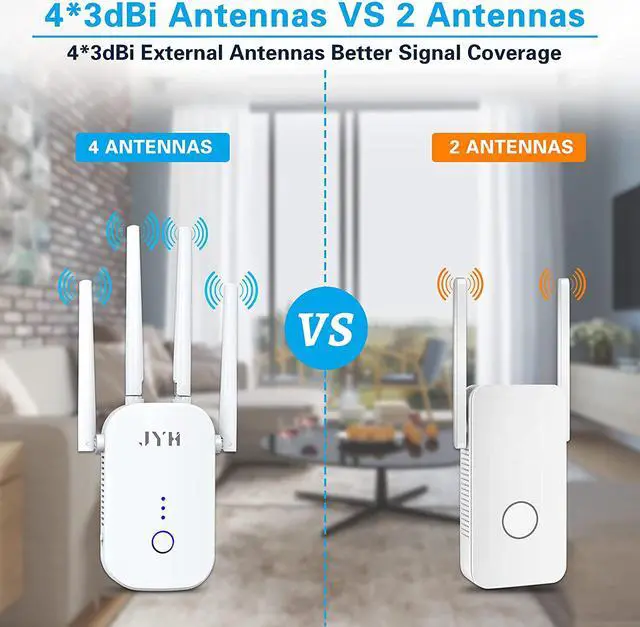
4 Antennas
Dual Band
Full Coverage
How to relocate your extender after setting