


8K@60Hz/4K@144Hz Triple Monitor KVM 2 Displayport1.4 + HDMI2.1
hdmi dp kvm switch
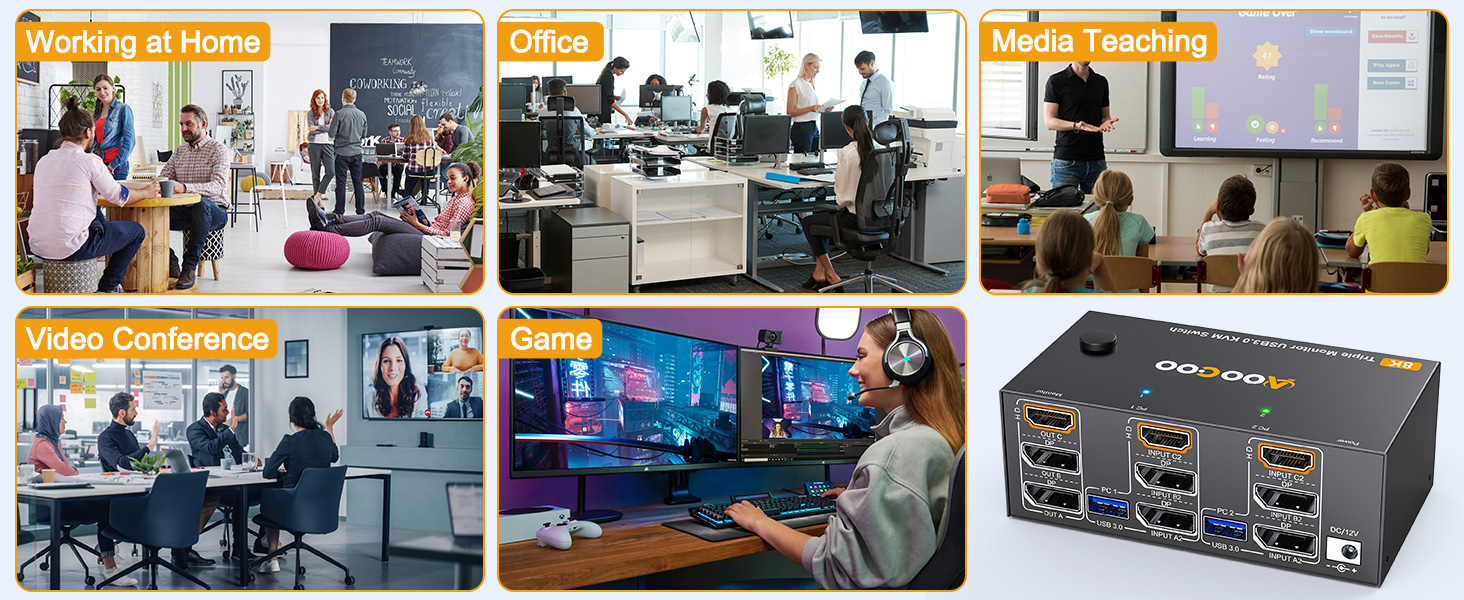
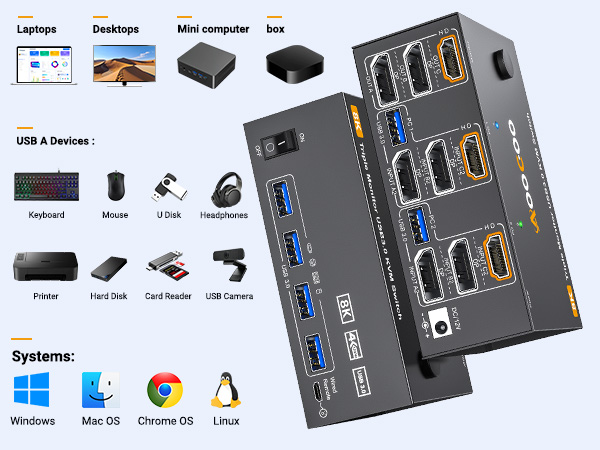
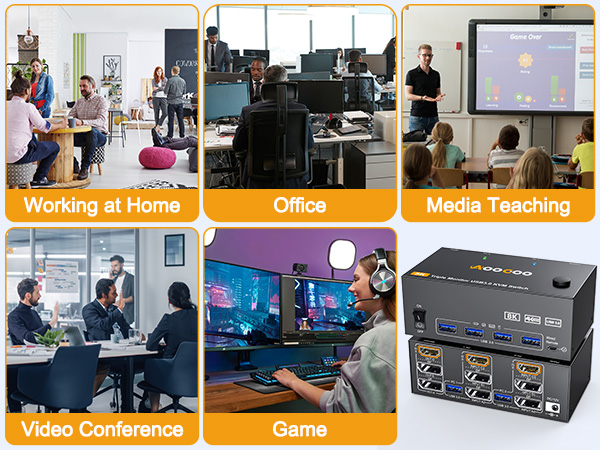
Merchant VideoThis KVM Switch allows 2 computers to share 3 monitors and 4 USB3.0 ports(keyboard,mouse and other USB devices).It can make your work space tidy and efficient, also a premium choice for working from home.
hdmi dp kvm switch
Merchant VideoUHD8K@60Hz/4K@144Hz
The resolution and fresh rate of triple monitor KVM switch supports up to 8K@60Hz/4K@144Hz.
BUT PLEASE NOTE THAT :HDMI part supports 8K@60Hz,4K@120Hz,and backward compatible.Displayport part support 8K@30Hz ,4K@144Hz and backward compatible.
Warming: Please use HDMI2.1 and DP1.4 cables, if the set distance allows,the length of cabels more short more better.
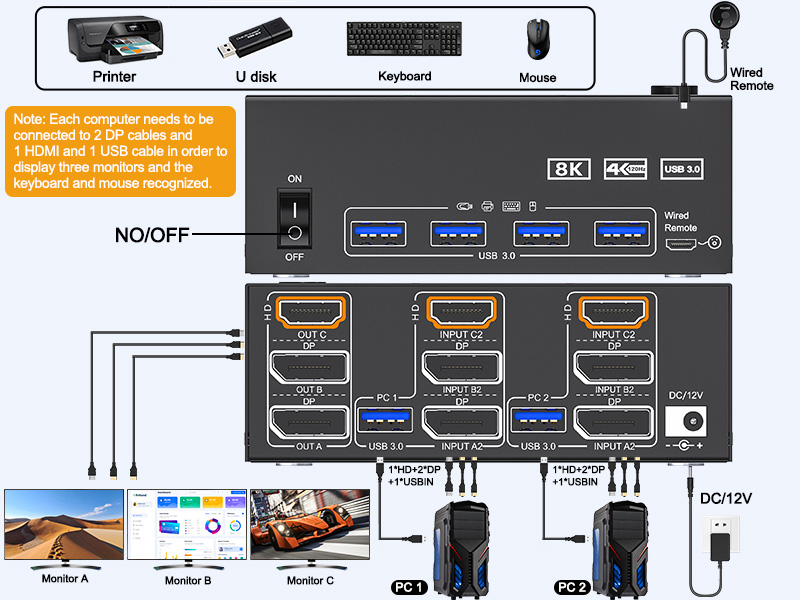
Connection diagram of 3 monitors KVM switch
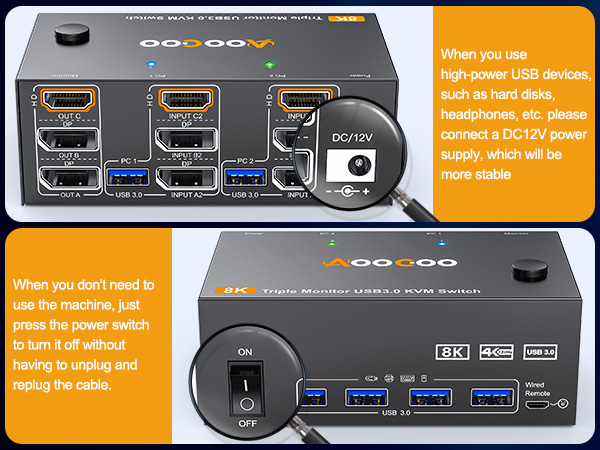
The input and output of this machine are one-to-one. Input A is connected to the KVM, so output A can receive the signal. And you need to connect the USB port of the input end to the KVM and the computer so that the keyboard and mouse can be recognized.
If you need all three monitors to work, you need to use two DP cables and one HDMI cable to connect the computer and KVM.
2 Mode for Triple KVM Switch(2 DP1.4+HDMI2.1)
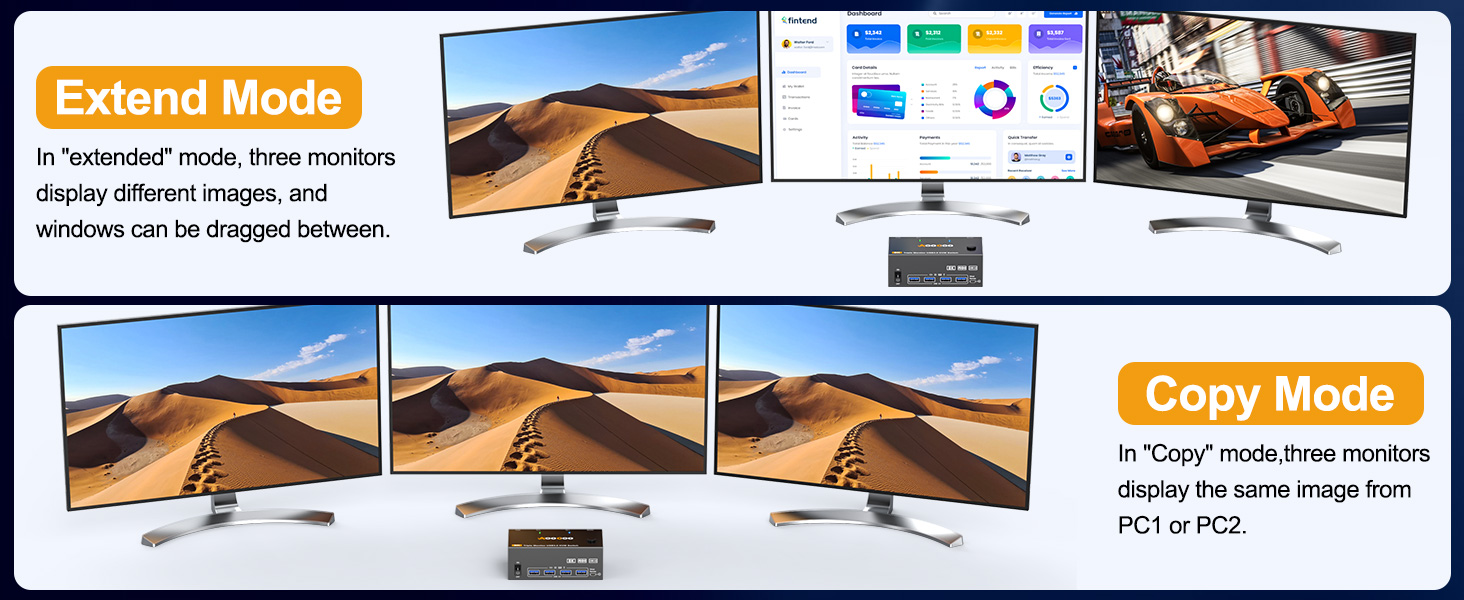
The switch supports extended mode (the three screens display different contents) and duplicate mode (the three screens display the same contents)
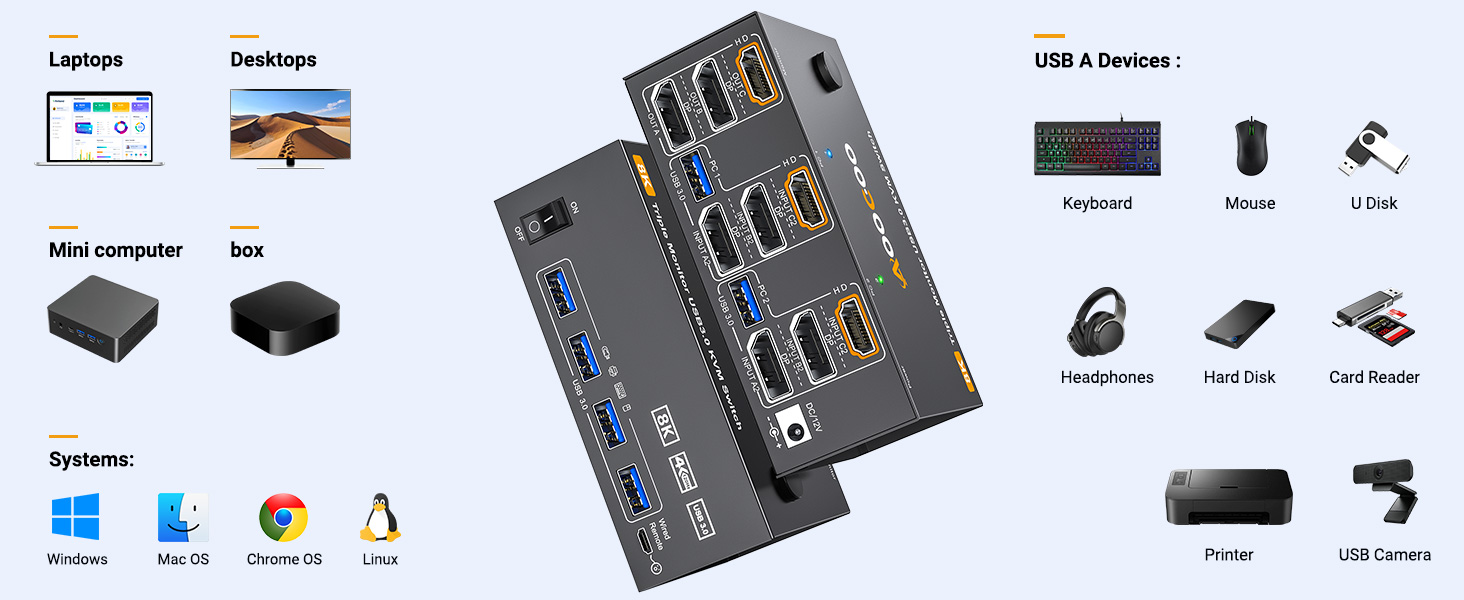
2 PC share 3 Monitor and 4 USB3.0 Devices
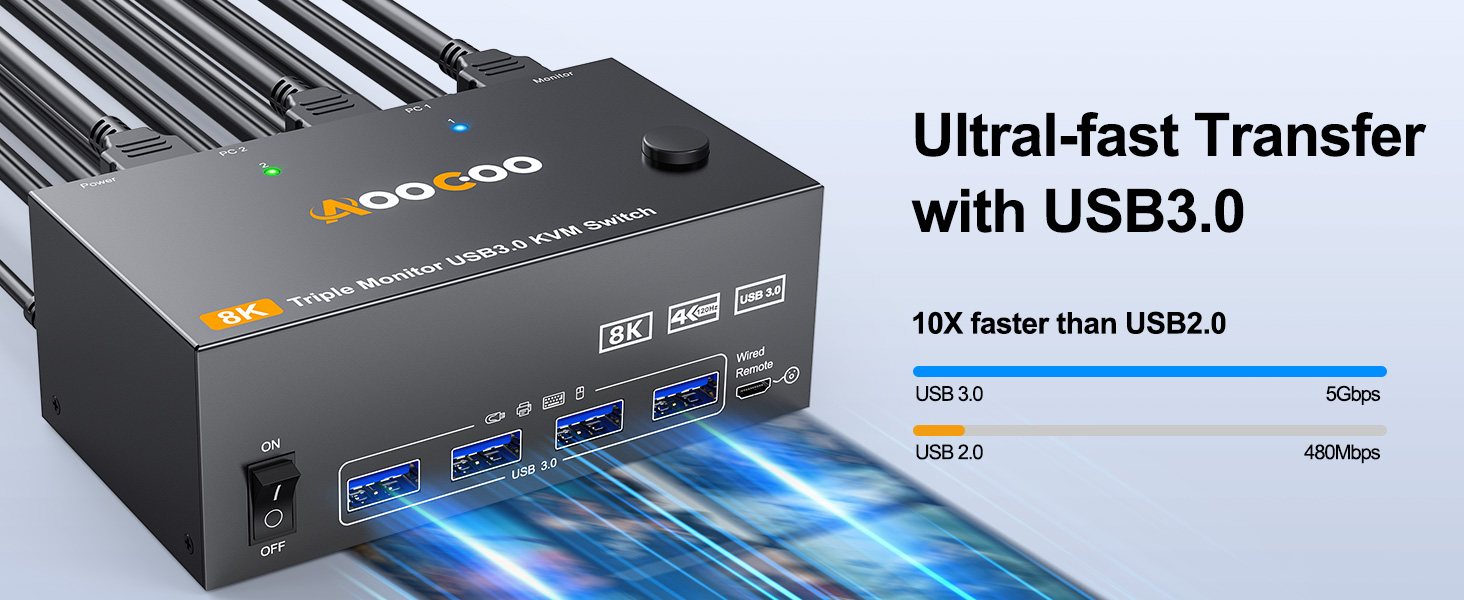
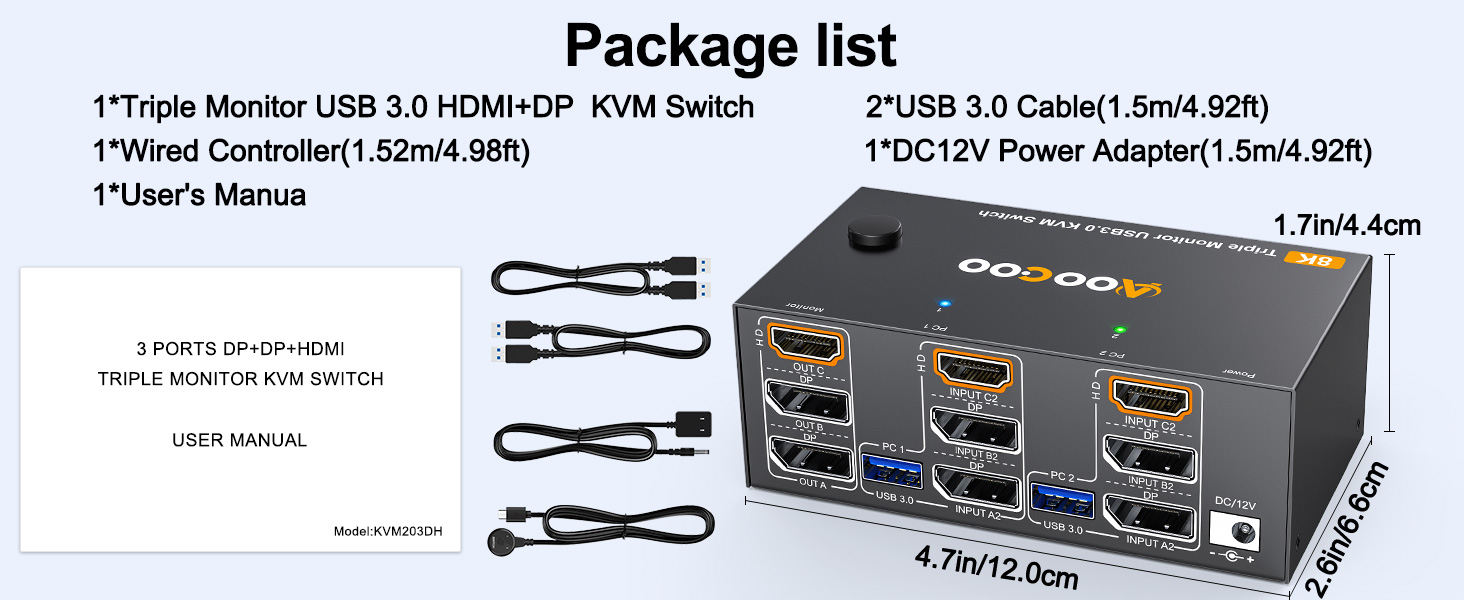
Please connect the USB ports on the input side of PC1 and PC2 to the computers and KVM using the USB cables included in the package to ensure that the USB devices can be recognized.
8K@60Hz/4K@144Hz Triple Monitor KVM 2 Displayport1.4 + HDMI2.1
hdmi dp kvm switch
Merchant VideoThis KVM Switch allows 2 computers to share 3 monitors and 4 USB3.0 ports(keyboard,mouse and other USB devices).It can make your work space tidy and efficient, also a premium choice for working from home.
hdmi dp kvm switch
Merchant VideoUHD8K@60Hz/4K@144Hz
The resolution and fresh rate of triple monitor KVM switch supports up to 8K@60Hz/4K@144Hz.
BUT PLEASE NOTE THAT :HDMI part supports 8K@60Hz,4K@120Hz,and backward compatible.Displayport part support 8K@30Hz ,4K@144Hz and backward compatible.
Warming: Please use HDMI2.1 and DP1.4 cables, if the set distance allows,the length of cabels more short more better.
Connection diagram of 3 monitors KVM switch
The input and output of this machine are one-to-one. Input A is connected to the KVM, so output A can receive the signal. And you need to connect the USB port of the input end to the KVM and the computer so that the keyboard and mouse can be recognized.
If you need all three monitors to work, you need to use two DP cables and one HDMI cable to connect the computer and KVM.
2 Mode for Triple KVM Switch(2 DP1.4+HDMI2.1)
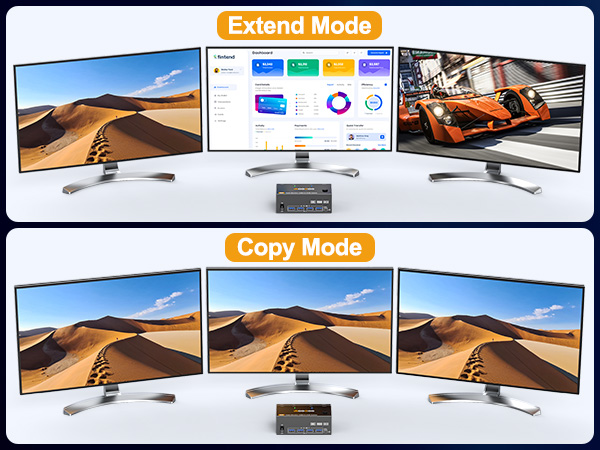
The switch supports extended mode (the three screens display different contents) and duplicate mode (the three screens display the same contents)
2 PC share 3 Monitor and 4 USB3.0 Devices
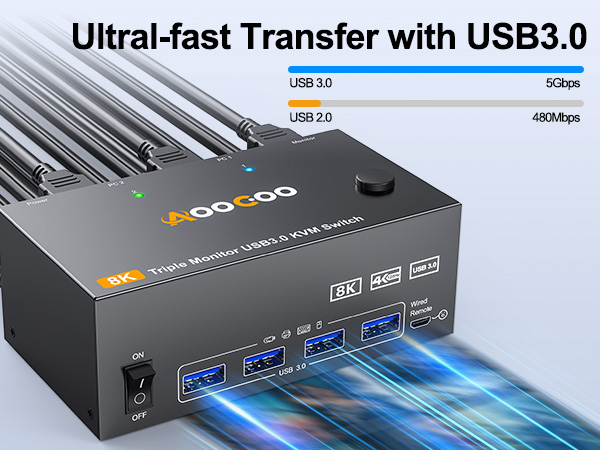
Please connect the USB ports on the input side of PC1 and PC2 to the computers and KVM using the USB cables included in the package to ensure that the USB devices can be recognized.
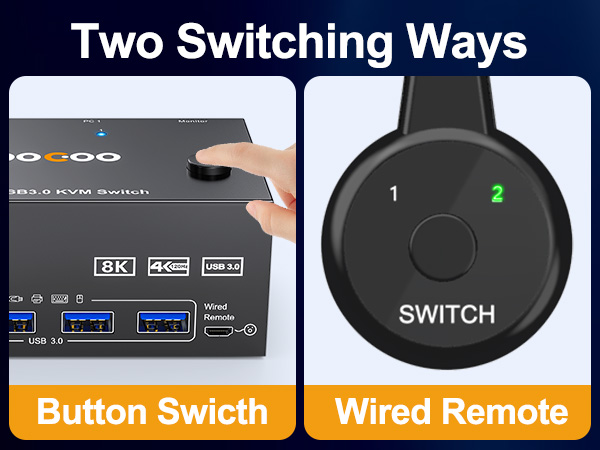
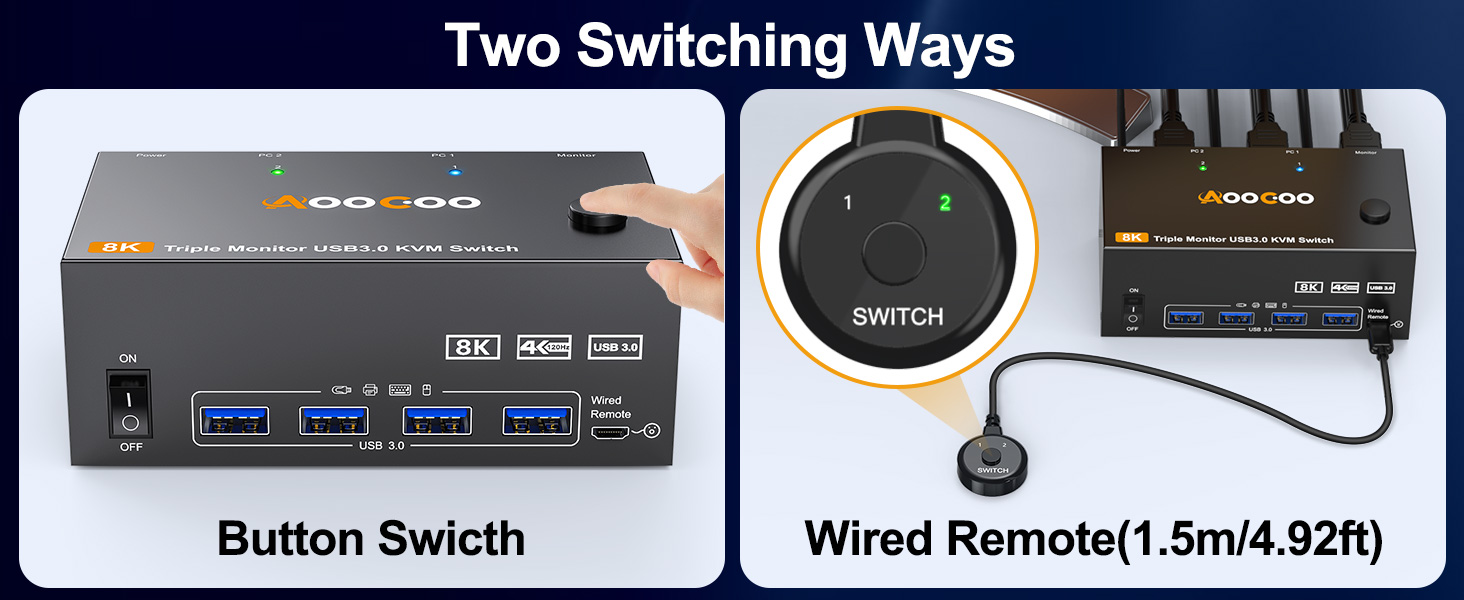
Two switch methods
Wired switching (1.5m/4.92ft) is very convenient
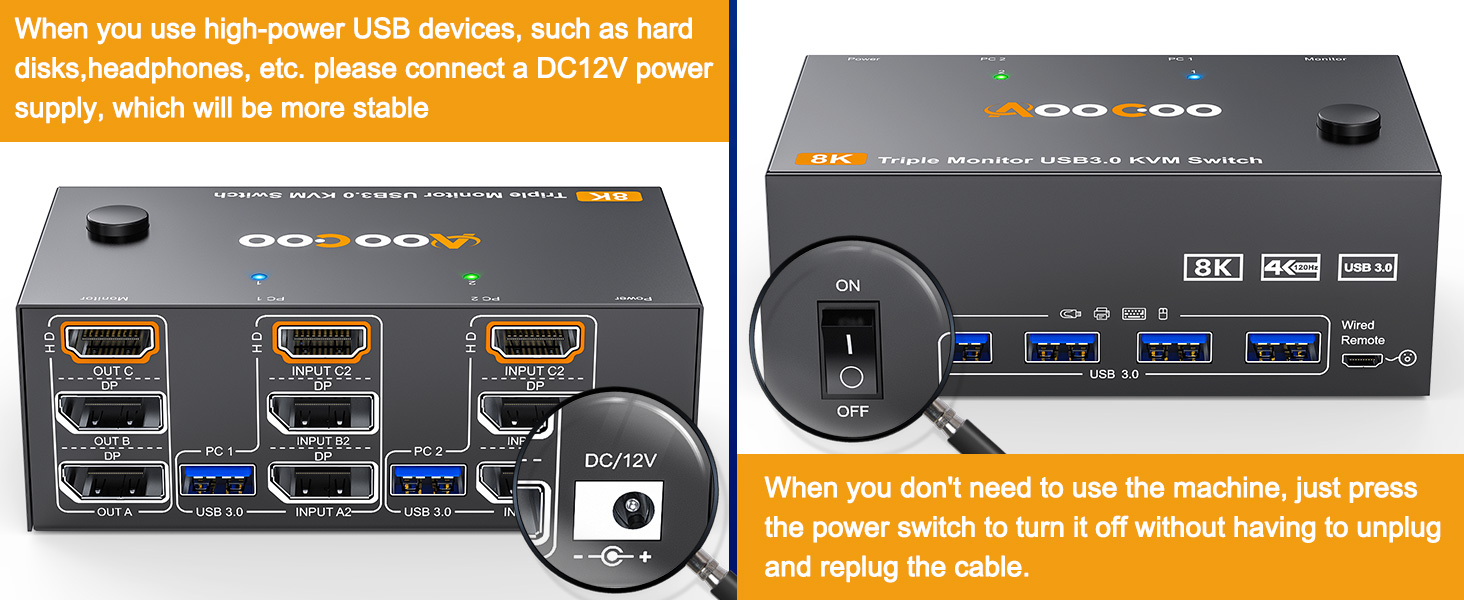
DC12V Power
Provide DC12V power adapter to power the KVM





