
Built for How Business Buys.

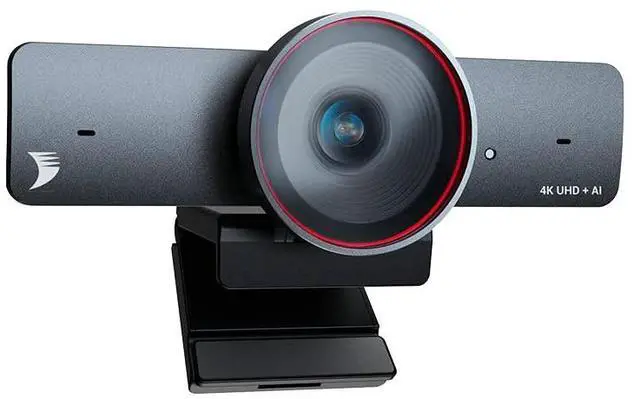
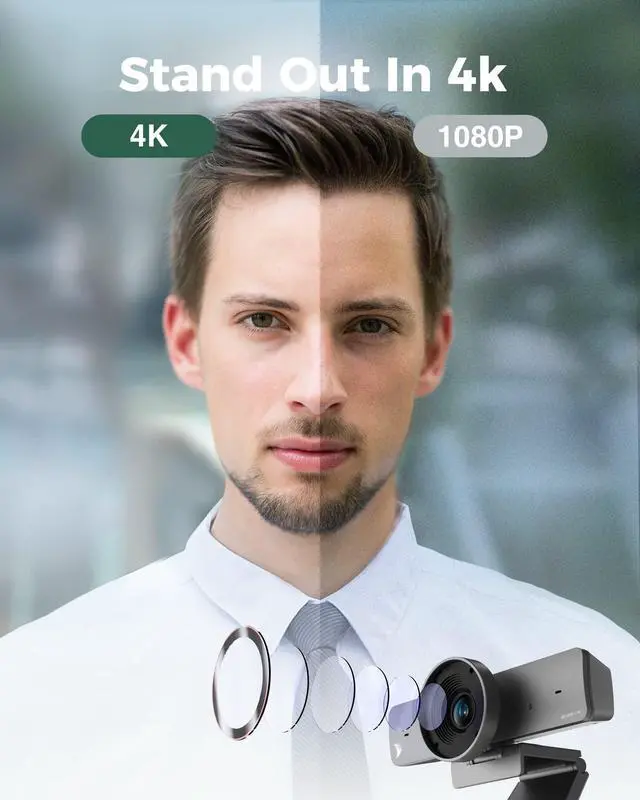







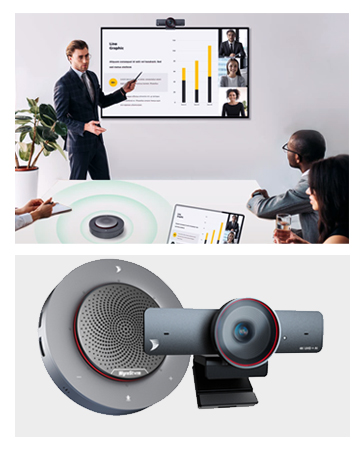
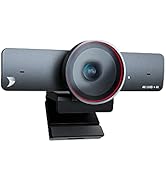
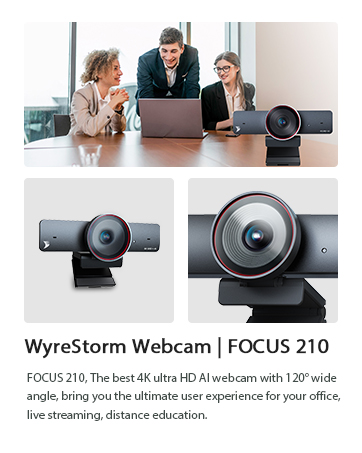
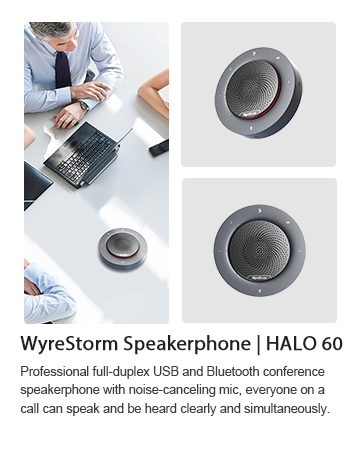
WyreStorm Focus 210 : Bring You to the Ultra-HD 4K & AI Powered Meeting
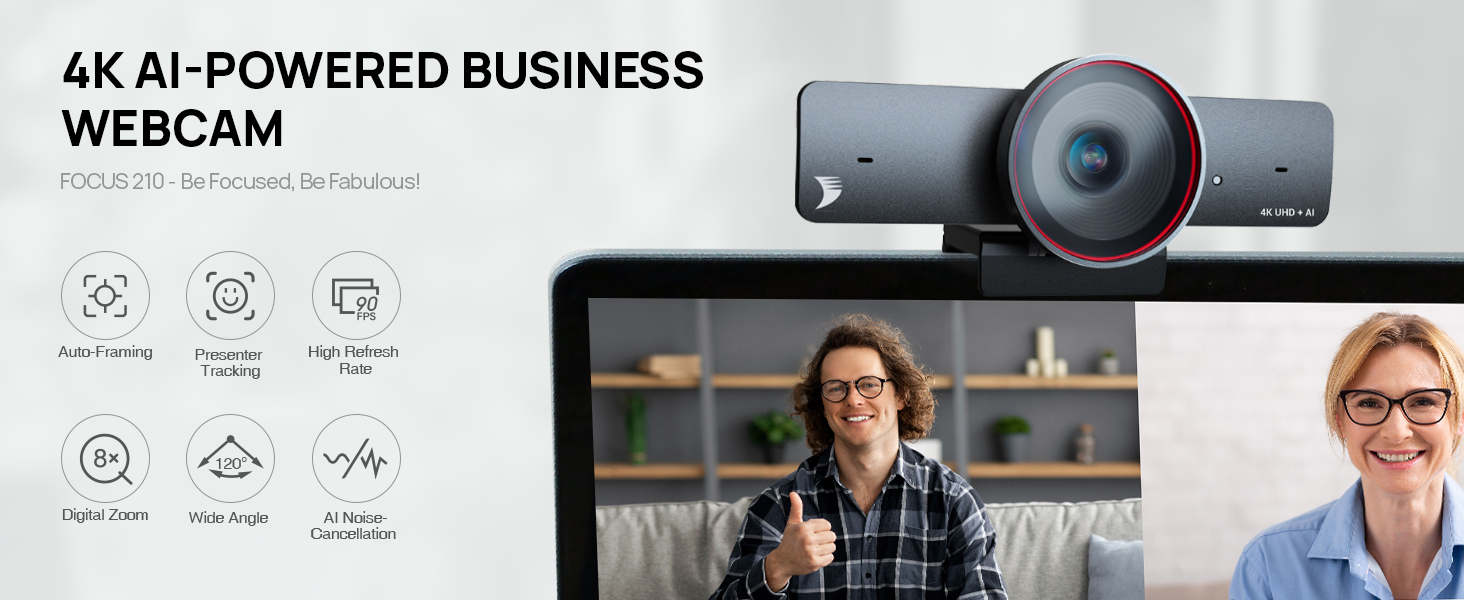

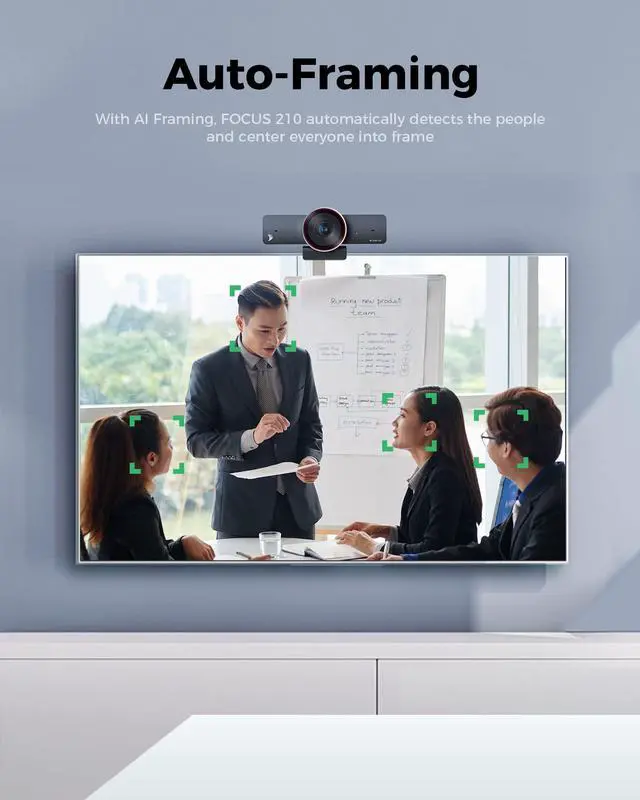
Fit Everyone into Frame
With AI Framing, it automatically detects the people and center everyone into frame.
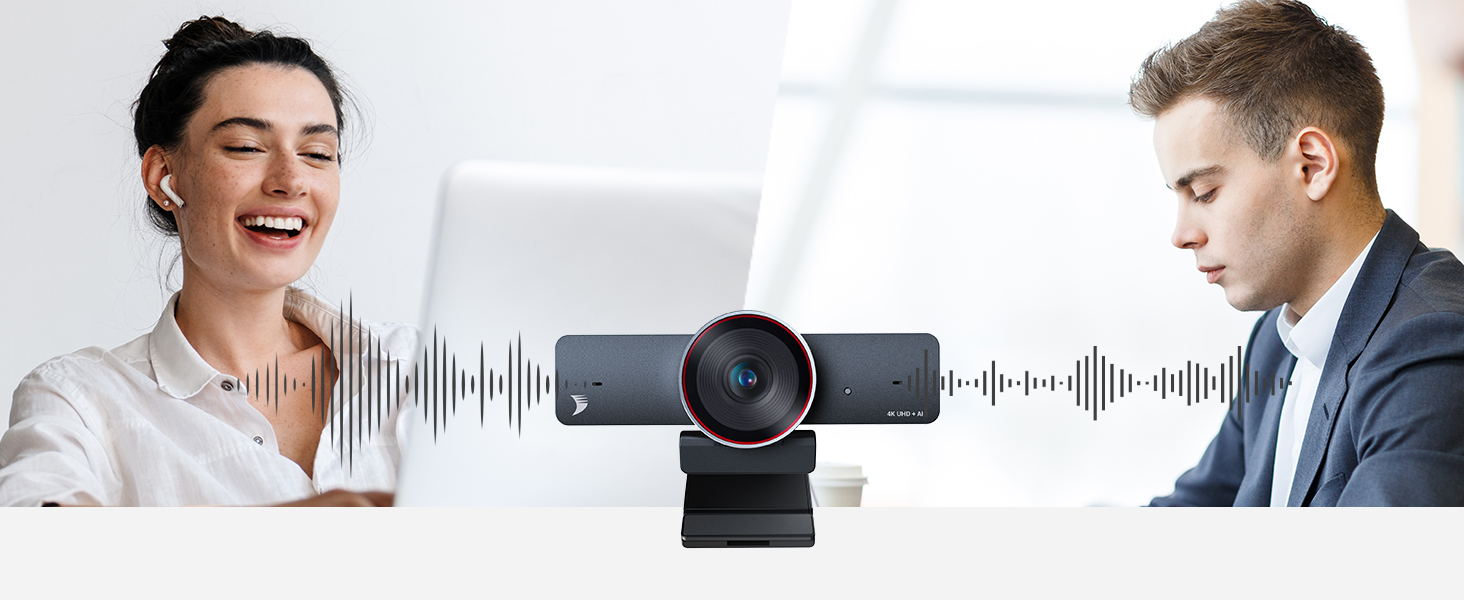
Dual AI Noise-Cancelling Mics
Support a clear voice pick up within the distance up to 5m/16ft to ensure everyone could be heard.

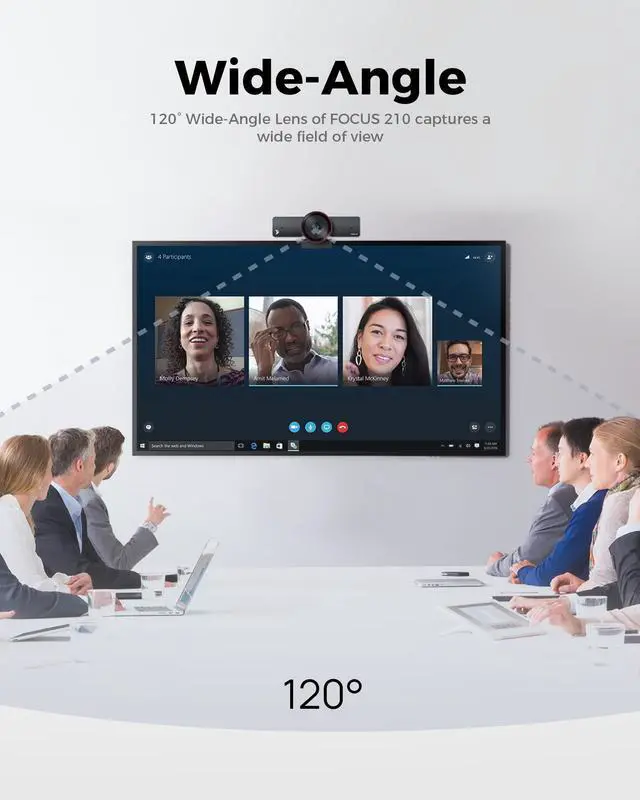
120° Wide-Angle Lens
Accurate and clear capture of your movement and muscle lines in a 120° wide field of view

Track Your Steps as You Move
The camera can automatically follow you in real-time and ensure your image remains in the center.

Zoom In or Out As You Want
You can adjust its field of view to be more narrow or wide to just focus on what you want
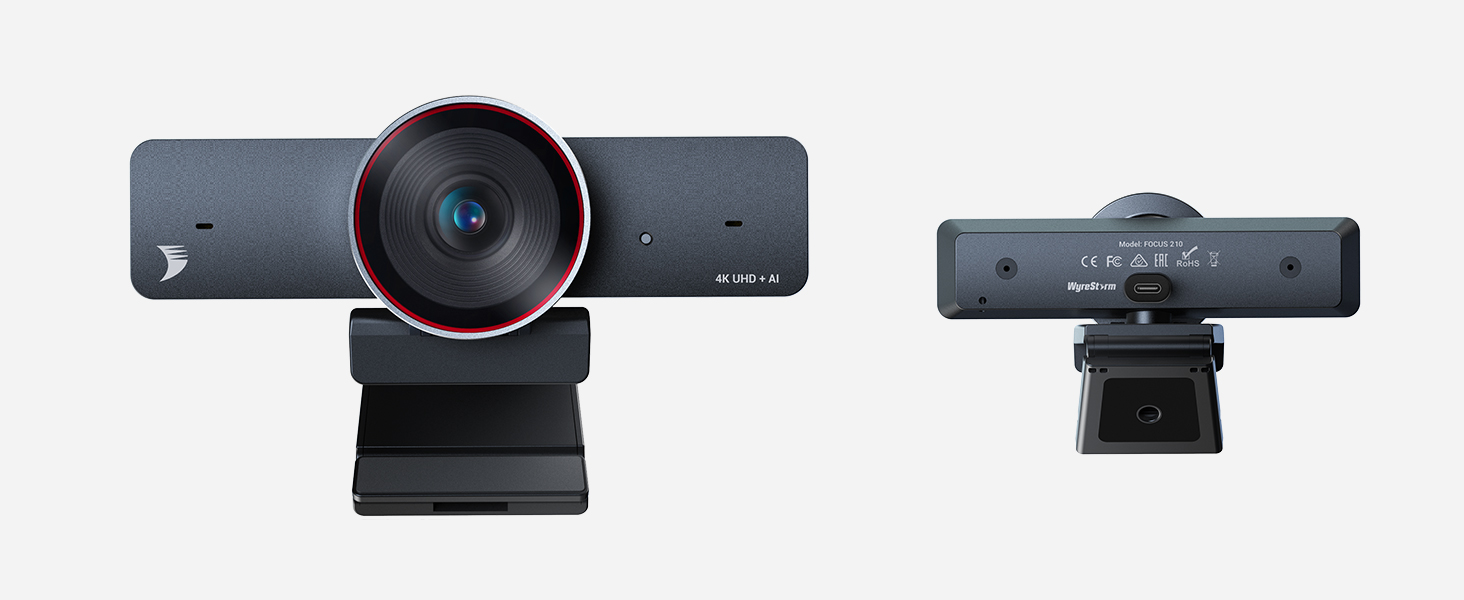
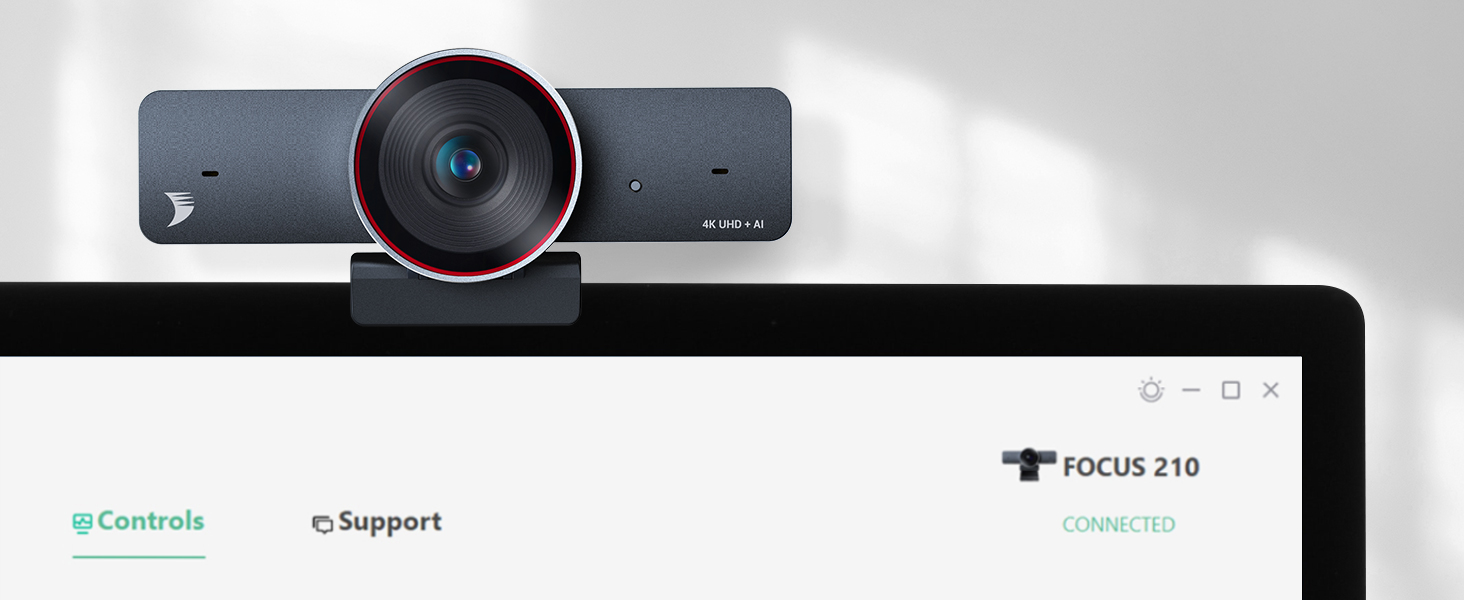
APP Control
With the app control, you can adjust angle, fps, brightness, hue, contrast, saturation.
- We sincerely recommend you using the latest version of our APP to imporve overall functions and significant features of webcam,which will provide you with a more premium using experience when use it.
How can I upgrade the camera to the latest version?
Firstly please download the FOCUS App and latest firmware at wyrestorm homepage. After install the App on computer, run it and open “Support” menu, then click “Upgrade” button to upload the firmware file.
The camera could be selected on application software but has no video output, how to check?
Please check if the camera has been occupied by another application software. For example, if the camera is previewed at FOCUS App, then 3rd party application like OBS or Zoom can not access the camera video.
Do I need to download any driver to use this camera?
No, the camera doesn’t need any driver. However, it’s highly recommended to download the FOCUS App and latest firmware at wyrestorm homepage to make full use of its functions.
What is presenter tracking and how can I use it?
Presenter Tracking automatically detects and tracks the presenter, who stands to present or naturally move on the stage. To use it, you can open the FOCUS App and select Presenter Tracking in the setting of Tracking Mode.
There is a system error “MSVCP140. dll is Missing” or “0xc00007b the application was unable to start ” , how to solve?
The error code represents that there is something corrupted within your Windows files or a DLL file from your application files is missing. Please download the DLL file to fix the issue.
WyreStorm Focus 210 : Bring You to the Ultra-HD 4K & AI Powered Meeting
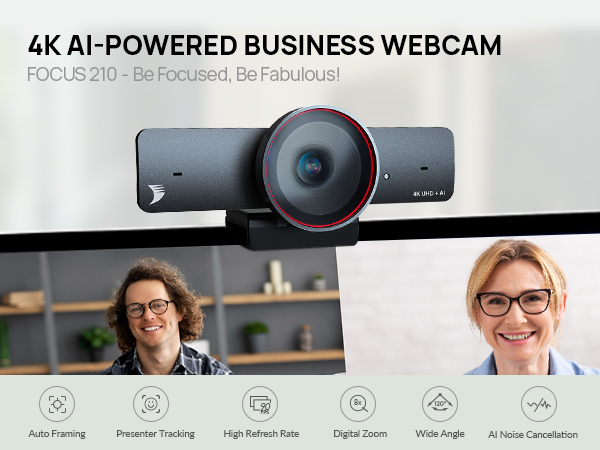
Fit Everyone into Frame
With AI Framing, it automatically detects the people and center everyone into frame.
Dual AI Noise-Cancelling Mics
Support a clear voice pick up within the distance up to 5m/16ft to ensure everyone could be heard.
120° Wide-Angle Lens
Accurate and clear capture of your movement and muscle lines in a 120° wide field of view
Track Your Steps as You Move
The camera can automatically follow you in real-time and ensure your image remains in the center.
Zoom In or Out As You Want
You can adjust its field of view to be more narrow or wide to just focus on what you want


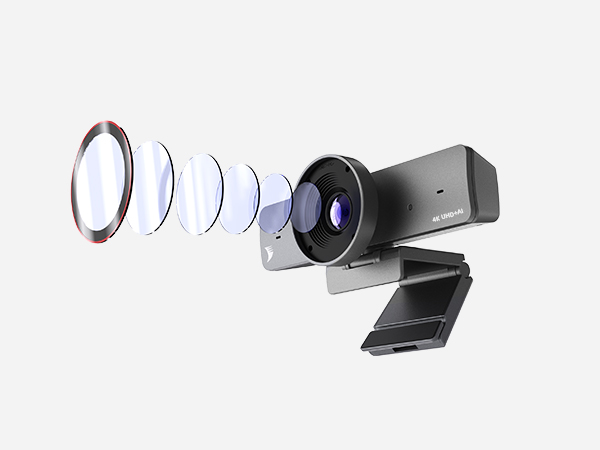
AI 4K Webcam
Auto framing:automatically detects the people in its field of view and center everyone into frame. Presenter tracking:intelligently detect and follow a presenter that is moving about on stage.
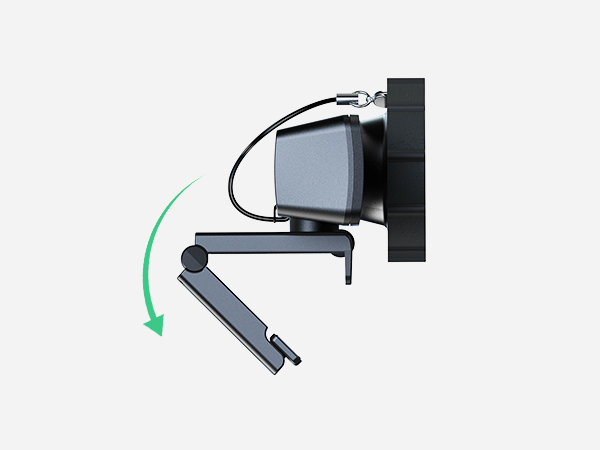
Sturdy and Adjustable Clip
180° Folding Designed Clip with anti slip Strips: Easily mount it on a laptop or external monitor.
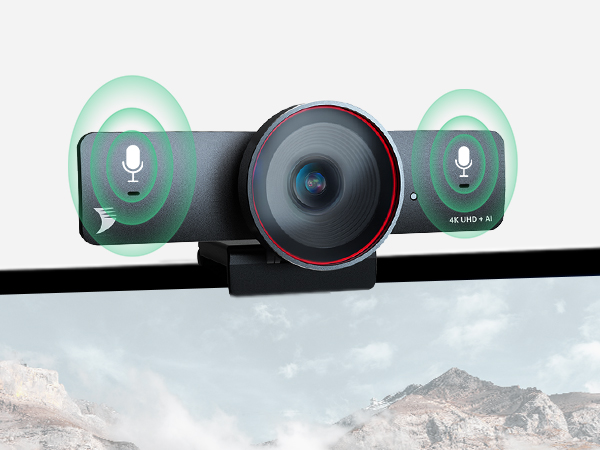
Dual AI Noise-canceling Mics
Dual AI Noise-cancellation microphone: Filter out environmental noises, and allows a clear voice pick up within the distance up to 5m/16ft.
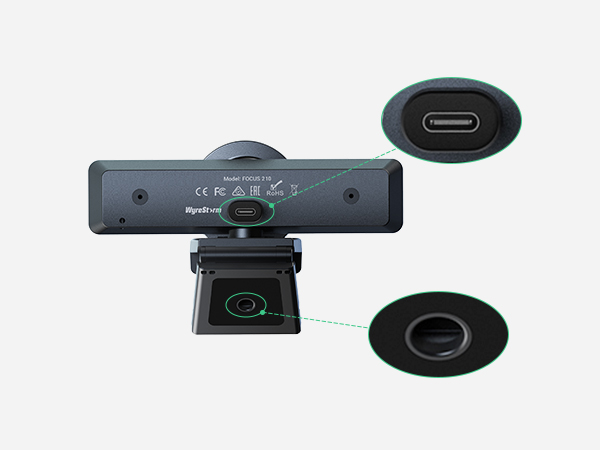
USB-C Port
Include 5ft USB-C to USB-A 3.0 Cable
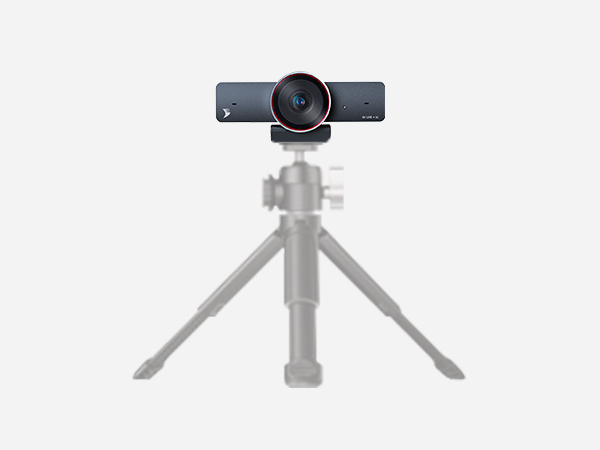
Tripod Threads
FOCUS 210 is Integrated with tripod threads, install it onto a tripod (not included) for complete control over your camera setup.
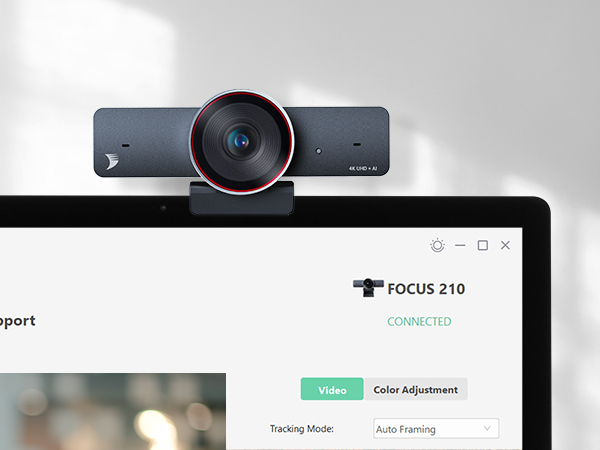
APP Control
With the app control, you can adjust angle, fps, brightness, hue, contrast, saturation.
- We sincerely recommend you using the latest version of our APP to imporve overall functions and significant features of webcam,which will provide you with a more premium using experience when use it.
How can I upgrade the camera to the latest version?
Firstly please download the FOCUS App and latest firmware at wyrestorm homepage. After install the App on computer, run it and open “Support” menu, then click “Upgrade” button to upload the firmware file.
The camera could be selected on application software but has no video output, how to check?
Please check if the camera has been occupied by another application software. For example, if the camera is previewed at FOCUS App, then 3rd party application like OBS or Zoom can not access the camera video.
Do I need to download any driver to use this camera?
No, the camera doesn’t need any driver. However, it’s highly recommended to download the FOCUS App and latest firmware at wyrestorm homepage to make full use of its functions.
What is presenter tracking and how can I use it?
Presenter Tracking automatically detects and tracks the presenter, who stands to present or naturally move on the stage. To use it, you can open the FOCUS App and select Presenter Tracking in the setting of Tracking Mode.
There is a system error “MSVCP140. dll is Missing” or “0xc00007b the application was unable to start ” , how to solve?
The error code represents that there is something corrupted within your Windows files or a DLL file from your application files is missing. Please download the DLL file to fix the issue.
WyreStorm Office
Office Work Made Easier
Work Faster and Smarter
WyreStorm Office
