




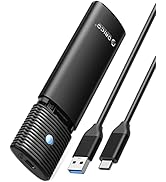
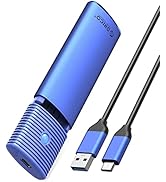
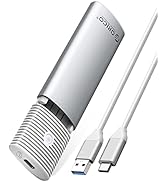
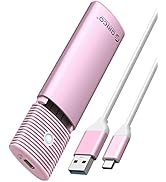

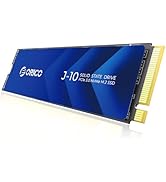
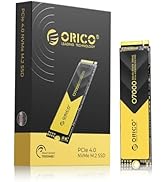
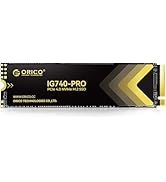
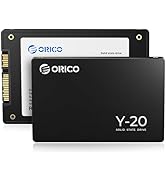
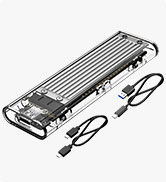
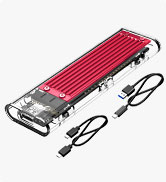
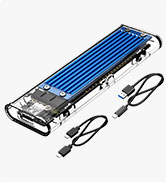
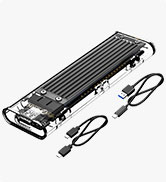
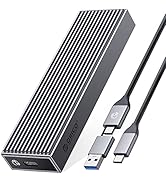
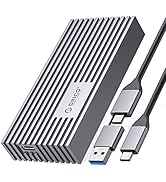
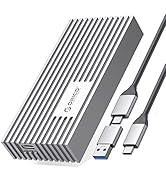
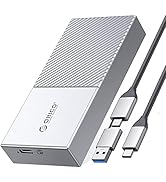
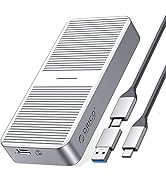
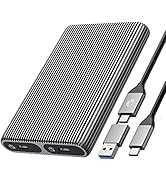
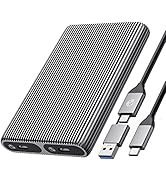
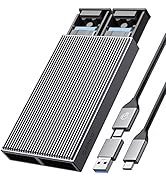
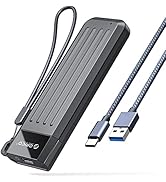
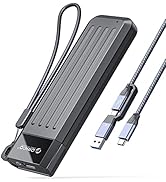
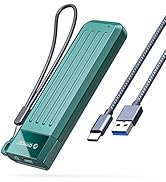
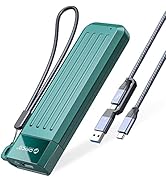
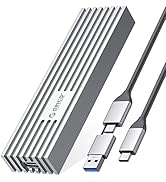
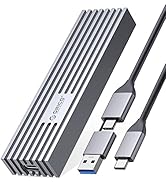
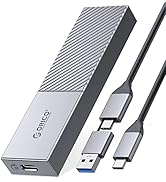
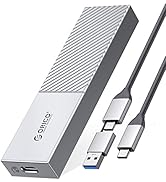
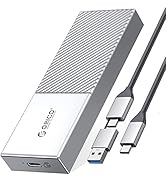
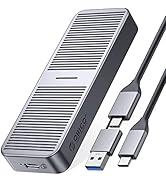
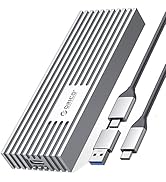
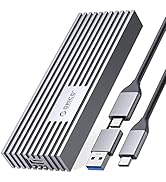


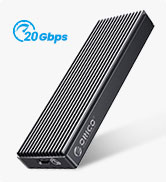
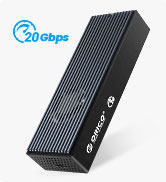
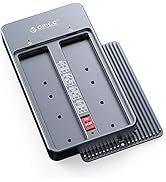
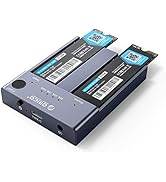
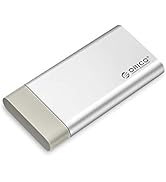



ORICO NVMe SSD Enclosure
Tool Free | ||
NVMe SSDs | Compatibility | NVMe SSDs |
10 Gbps | Transfer Speed | 10 Gbps |
USB C 3.2 Gen 2 | USB Interface | USB C 3.2 Gen 2 |
4TB | Max Capacity | 4TB |
Aluminum | Material | Aluminum |
C to C | Cable Included | C to C |
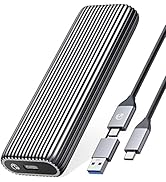
Tool Free | ||
NVMe SSDs | Compatibility | NVMe SSDs |
10 Gbps | Transfer Speed | 10 Gbps |
USB C 3.2 Gen 2 | USB Interface | USB C 3.2 Gen 2 |
4TB | Max Capacity | 4TB |
Aluminum | Material | Aluminum |
C to C | Cable Included | C to A |
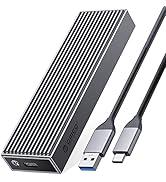
Tool Free | ||
NVMe SSDs | Compatibility | NVMe SSDs |
10 Gbps | Transfer Speed | 10 Gbps |
USB C 3.2 Gen 2 | USB Interface | USB C 3.2 Gen 2 |
4TB | Max Capacity | 4TB |
Aluminum | Material | Aluminum |
C to C | Cable Included | C to C |
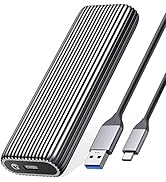
Tool Free | ||
NVMe SSDs | Compatibility | SATA SSDs |
10 Gbps | Transfer Speed | 5 Gbps |
USB C 3.2 Gen 2 | USB Interface | USB C 3.2 Gen 1 |
4TB | Max Capacity | 4TB |
Aluminum | Material | Aluminum |
C to C | Cable Included | C to A |


Why can't it write in Mac OS? But it can read and write normally under Windows.
Please confirm the format of your M.2 SSD. And Mac OS has to install NTFS reading software to read M.2 SSDs in NTFS format.
After installing SSD, the computer is not read by the enclosure?
Since SSD is brand new, you should formatting it into Exfat or NTFS format before use.
Is there a sleep setting? Are there any interruptions in data transmission during sleep?
The M.2 enclosure will automatically hibernate after 10 minutes of computer inactivity. Once your computer has read them, it will not automatically sleep.
Why is the speed not as fast as advertised?
The operating speed of the product is determined by the notebook, M.2 SSD, and USB port type. For the fastest read and write speeds, an NVMeSSD should be used, and the external enclosure for the M.2 SSD should be connected to a USB 3.1 GEN2 10G port.
Why does it generate heat?
SSDs generate heat as they read and write at high speeds. The aluminum case of this product effectively transfers heat throughout the case, quickly releasing the high temperatures generated by NVMe SSDs when they are operating.

LED Indicator & 10Min Auto Sleep
Stable Cable


With the auto indicator, you can get to know that the ssd enclosure is in working mode.
*Light Always on: Standby/Sleep Mode
*Light Flashing: Data transmitting
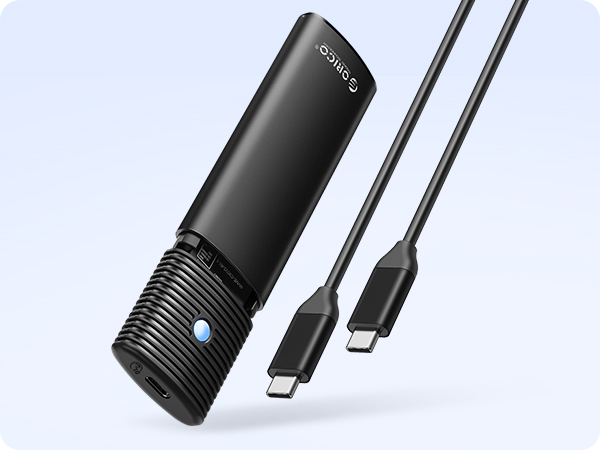
Single cable provides stable data transmission
*USB C to USB C
*30cm long

10Gbps High Speed
Load Faster. Save Faster.
Premium Storage Expansion


ORICO NVMe SSD Enclosure
10Gbps NVMe SSD Enclosure
Tool Free
Compatibility
NVMe SSDs
Transfer Speed
10 Gbps
USB Interface
USB C 3.2 Gen 2
Max Capacity
4TB
Material
Aluminum
Cable Included
C to C
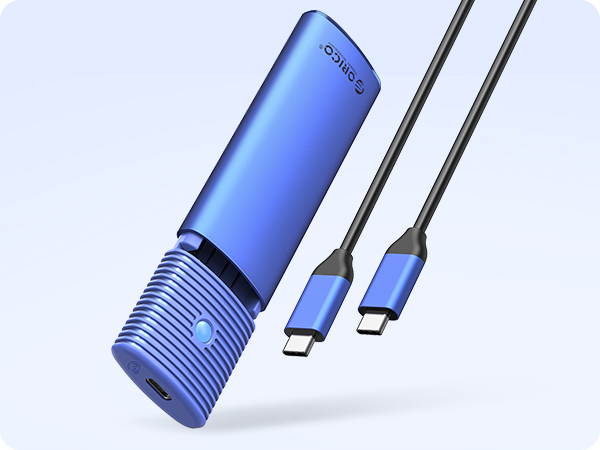
10Gbps NVMe SSD Enclosure
Tool Free
Compatibility
NVMe SSDs
Transfer Speed
10 Gbps
USB Interface
USB C 3.2 Gen 2
Max Capacity
4TB
Material
Aluminum
Cable Included
C to C
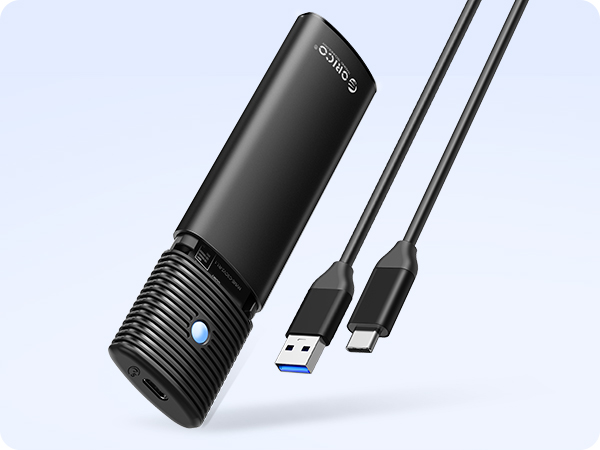
10Gbps NVMe SSD Enclosure
Tool Free
Compatibility
NVMe SSDs
Transfer Speed
10 Gbps
USB Interface
USB C 3.2 Gen 2
Max Capacity
4TB
Material
Aluminum
Cable Included
C to A
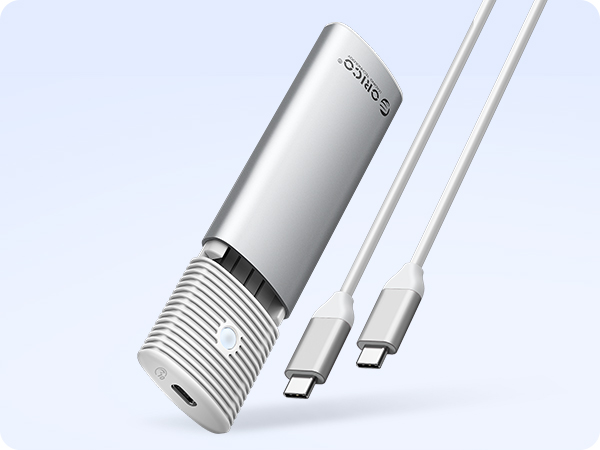
10Gbps NVMe SSD Enclosure
Tool Free
Compatibility
NVMe SSDs
Transfer Speed
10 Gbps
USB Interface
USB C 3.2 Gen 2
Max Capacity
4TB
Material
Aluminum
Cable Included
C to C
5Gbps M.2 SATA Enclosure
Tool Free
Compatibility
SATA SSDs
Transfer Speed
5 Gbps
USB Interface
USB C 3.2 Gen 1
Max Capacity
4TB
Material
Aluminum
Cable Included
C to A
Why can't it write in Mac OS? But it can read and write normally under Windows.
Please confirm the format of your M.2 SSD. And Mac OS has to install NTFS reading software to read M.2 SSDs in NTFS format.
After installing SSD, the computer is not read by the enclosure?
Since SSD is brand new, you should formatting it into Exfat or NTFS format before use.
Is there a sleep setting? Are there any interruptions in data transmission during sleep?
The M.2 enclosure will automatically hibernate after 10 minutes of computer inactivity. Once your computer has read them, it will not automatically sleep.
Why is the speed not as fast as advertised?
The operating speed of the product is determined by the notebook, M.2 SSD, and USB port type. For the fastest read and write speeds, an NVMeSSD should be used, and the external enclosure for the M.2 SSD should be connected to a USB 3.1 GEN2 10G port.
Why does it generate heat?
SSDs generate heat as they read and write at high speeds. The aluminum case of this product effectively transfers heat throughout the case, quickly releasing the high temperatures generated by NVMe SSDs when they are operating.
ORICO M.2 NVMe SATA Enclosure
ORICO SSD 500-7000MB/s
Transparent M.2 Enclosure
ORICO MM2 NVMe SATA Enclosure
ORICO 40Gbps NVMe Enclosure
Dual Bay M.2 SSD Enclosure
ORICO MM2 NVMe SATA Enclosure
ORICO 10Gbps NVMe Enclosure
ORICO 20Gbps NVMe Enclosure
ORICO M.2 Enclosure
ORICO Featured M.2 Enclosure





