











The solution to the problem that the device cannot recognize the HDD/SSD
1. Please verify that the power supply to the hard drive enclosure is working properly and check whether the power indicator light is on.
2. Check that the data cable is securely connected and that the connector is properly inserted.
3. Verify that the drivers required for your computer or device to recognize the hard drive are correctly installed.
4. Try using a different USB or SATA port to rule out a faulty connection.
5. Please ensure that the hard drive is compatible with the enclosure and supports the current interface type.
6. Verify that the hard drive has been properly initialized or formatted and has been assigned a drive letter.
7. Avoid frequent power interruptions or hot-swapping while the hard drive is in operation to prevent data loss.
8. For external hard drive enclosures, check if a switch or mode needs to be toggled (e.g., UASP mode).
9. If the hard drive disconnects unexpectedly, try restarting the device and reconnecting the hard drive enclosure.
10. This hard drive enclosure is compatible with 3.5/2.5-inch SATA hard drives, including used or older drives. Older hard drives may have bad sectors or power supply issues, which can cause recognition failures or disconnections. The enclosure itself functions normally. If your old hard drive is not recognized, please first verify the health of the hard drive itself before considering returning or exchanging the enclosure.
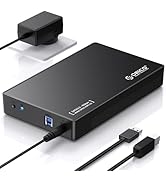
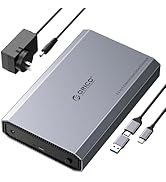
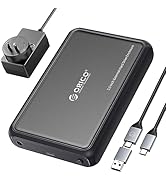
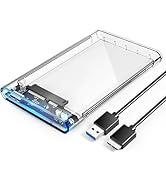
ORICO 3.5" External Hard Drive Enclosure Serise
 3.5/2.5" HDD Enclosure |  Aluminum HDD Enclosure |  Transparent 3.5"Enclosure |  Removable 3.5" Enclosure | |
|---|---|---|---|---|
Customer Reviews | — | — | — | — |
Price | — | — | — | — |
Material | ABS | Aluminum | ABS | ABS |
Transfer Speed | Up to 5Gbps | Up to 6Gbps | Up to 5Gbps | Up to 5Gbps |
USB Interface | USB 3.0 | USB 3.2 Gen 2 | USB 3.0 | USB 3.0 |
Cable Included | USB-A to B | USB-C to C/A (2 in 1) | USB-A to Micro B | USB-A to B |
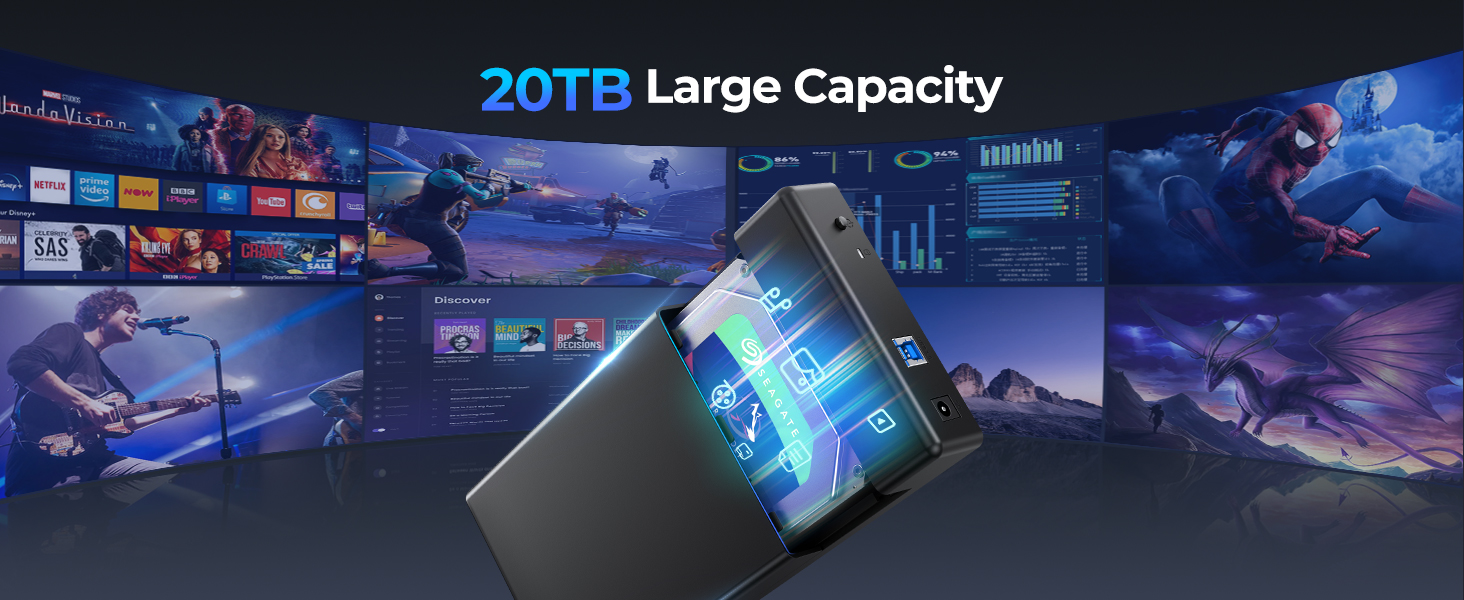
Max HDD Capacity | 20TB | 20TB | 16TB | 16TB |
Power adapter | 12V/2A | 12V/2A | 12V/2A | 12V/2A |
Compatibility | 3.5/2.5" HDD/SSD | 3.5/2.5" HDD/SSD | 3.5" HDD | 3.5" HDD |
USAP | ? | ? | ? | ? |




The solution to the problem that the device cannot recognize the HDD/SSD
1. Please verify that the power supply to the hard drive enclosure is working properly and check whether the power indicator light is on.
2. Check that the data cable is securely connected and that the connector is properly inserted.
3. Verify that the drivers required for your computer or device to recognize the hard drive are correctly installed.
4. Try using a different USB or SATA port to rule out a faulty connection.
5. Please ensure that the hard drive is compatible with the enclosure and supports the current interface type.
6. Verify that the hard drive has been properly initialized or formatted and has been assigned a drive letter.
7. Avoid frequent power interruptions or hot-swapping while the hard drive is in operation to prevent data loss.
8. For external hard drive enclosures, check if a switch or mode needs to be toggled (e.g., UASP mode).
9. If the hard drive disconnects unexpectedly, try restarting the device and reconnecting the hard drive enclosure.
10. This hard drive enclosure is compatible with 3.5/2.5-inch SATA hard drives, including used or older drives. Older hard drives may have bad sectors or power supply issues, which can cause recognition failures or disconnections. The enclosure itself functions normally. If your old hard drive is not recognized, please first verify the health of the hard drive itself before considering returning or exchanging the enclosure.
ORICO 3.5" External Hard Drive Enclosure Serise
3.5/2.5" HDD Enclosure | Aluminum HDD Enclosure | Transparent 3.5"Enclosure | Removable 3.5" Enclosure |
|---|---|---|---|
| Customer Reviews | |||
| — | — | — | — |
| Price | |||
| — | — | — | — |
| Material | |||
| ABS | Aluminum | ABS | ABS |
| Transfer Speed | |||
| Up to 5Gbps | Up to 6Gbps | Up to 5Gbps | Up to 5Gbps |
| USB Interface | |||
| USB 3.0 | USB 3.2 Gen 2 | USB 3.0 | USB 3.0 |
| Cable Included | |||
| USB-A to B | USB-C to C/A (2 in 1) | USB-A to Micro B | USB-A to B |
| Max HDD Capacity | |||
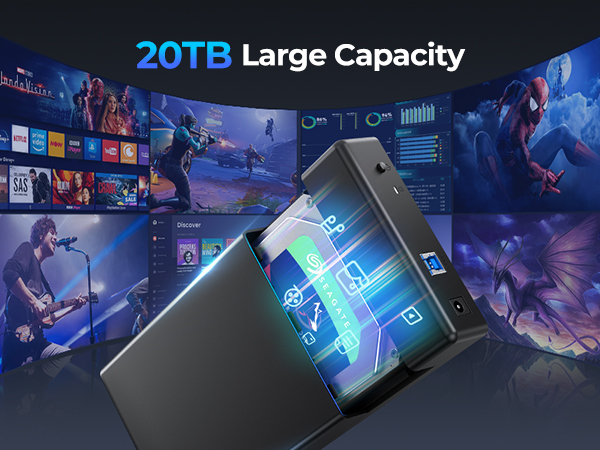
| 20TB | 20TB | 16TB | 16TB |
| Power adapter | |||
| 12V/2A | 12V/2A | 12V/2A | 12V/2A |
| Compatibility | |||
| 3.5/2.5" HDD/SSD | 3.5/2.5" HDD/SSD | 3.5" HDD | 3.5" HDD |
| USAP | |||
| ? | ? | ? | ? |
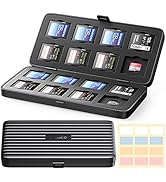
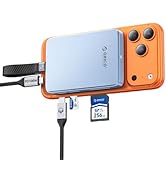
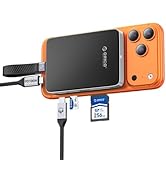
SSD SD/TF Card Storage
Backup Your Precious Memories
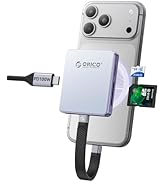
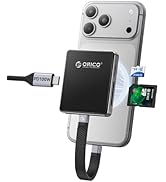
ORICO M.2 Magesafe Seires
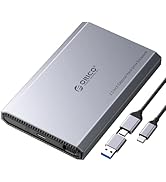
ORICO Hard Drive Enclosure
ORICO Hard Drive Enclosure





