




Room for your growing storage
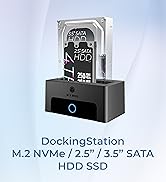
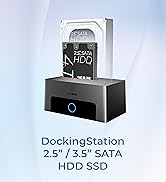
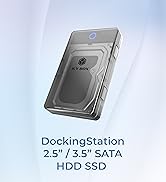
With support for 3.5" SATA hard drives up to 30TB, the Spade Base 388 gives you plenty of room for backups,archives,and large file collections. It's useful for organizing data, copying files, or recovering content from older drives. Large storage tasks feel manageable when everything is in one place. It's a practical for daily data handling.

Made for daily file transfers
USB 3.0 provides transfer speeds of up to 5 Gbps, helping files move quickly and smoothly. Copying videos, photos, or backups takes less time and feels more responsive. UASP support improves efficiency on compatible systems during longer transfers. It's a balanced leve; of speed that works well for everyday use.

Setup that just makes sense
Getting started with the Spade Base 388 is quick and uncomplicated. The screwless design allows drives to be installed or swapped without tools, saving time and effort. No drivers or software are needed to begin using it. This makes it especially convenient for users who work with multiple drives or prefer a simple steps.

Why choose ICY BOX?
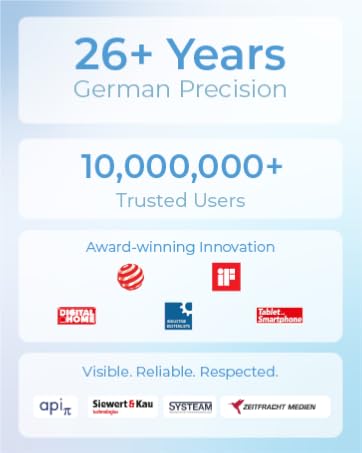
26 years of German-engineered storage mastery since 1999—where precision engineering meets relentless durability. Backed by lifetime dedicated service. Pure focus, zero compromises.
Q:What drives does this docking station support?
This docking station supports 2.5? and 3.5? SATA HDDs and SSDs up to large capacities (up to ~30TB per drive). It works with SATA?I/II/III devices for fast and easy access.
Q:Can I clone drives using this dock?
No — this model does not support drive cloning or offline clone functions. It is designed strictly as a storage access/docking device.
Q:Do I need extra power?
Yes — a 12?V/2?A power adapter is included to ensure stable operation, especially with 3.5? drives. Always connect the power before using the docking station.
Q:Is tool-free installation supported?
Yes — just insert your SATA drive into the dock without screws or tools.
My drive is not recognized — what should I check?
-Verify the SATA drive is fully and securely inserted.
-Ensure the power adapter is connected and switched on — especially for 3.5? HDDs.
-Try a different USB port or cable on the host system.
-If using on macOS, make sure the drive is formatted in a Mac-compatible filesystem (or reformat after backup).

Room for your growing storage
With support for 3.5" SATA hard drives up to 30TB, the Spade Base 388 gives you plenty of room for backups,archives,and large file collections. It's useful for organizing data, copying files, or recovering content from older drives. Large storage tasks feel manageable when everything is in one place. It's a practical for daily data handling.
Made for daily file transfers
USB 3.0 provides transfer speeds of up to 5 Gbps, helping files move quickly and smoothly. Copying videos, photos, or backups takes less time and feels more responsive. UASP support improves efficiency on compatible systems during longer transfers. It's a balanced leve; of speed that works well for everyday use.
Setup that just makes sense
Getting started with the Spade Base 388 is quick and uncomplicated. The screwless design allows drives to be installed or swapped without tools, saving time and effort. No drivers or software are needed to begin using it. This makes it especially convenient for users who work with multiple drives or prefer a simple steps.
Why choose ICY BOX?
26 years of German-engineered storage mastery since 1999—where precision engineering meets relentless durability. Backed by lifetime dedicated service. Pure focus, zero compromises.
Q:What drives does this docking station support?
This docking station supports 2.5? and 3.5? SATA HDDs and SSDs up to large capacities (up to ~30TB per drive). It works with SATA?I/II/III devices for fast and easy access.
Q:Can I clone drives using this dock?
No — this model does not support drive cloning or offline clone functions. It is designed strictly as a storage access/docking device.
Q:Do I need extra power?
Yes — a 12?V/2?A power adapter is included to ensure stable operation, especially with 3.5? drives. Always connect the power before using the docking station.
Q:Is tool-free installation supported?
Yes — just insert your SATA drive into the dock without screws or tools.
My drive is not recognized — what should I check?
-Verify the SATA drive is fully and securely inserted.
-Ensure the power adapter is connected and switched on — especially for 3.5? HDDs.
-Try a different USB port or cable on the host system.
-If using on macOS, make sure the drive is formatted in a Mac-compatible filesystem (or reformat after backup).
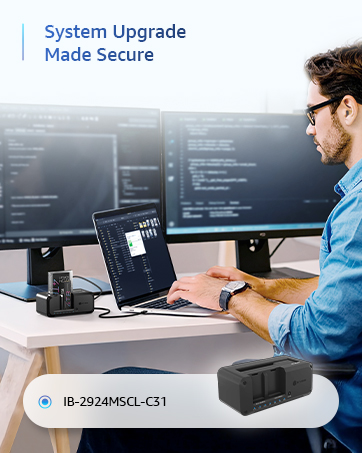
M.2 NVMe / SATA Clone Station
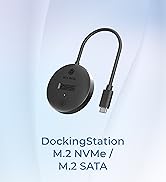
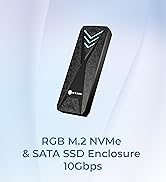
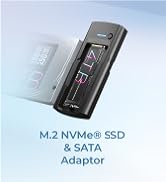
M.2 NVMe/SATA Dock
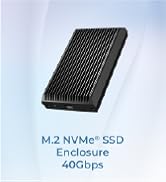
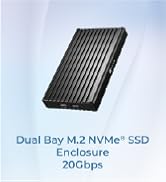
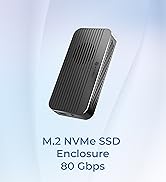
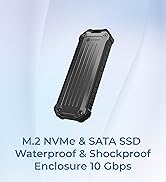
10-80Gbps M.2 NVMe Enclosure
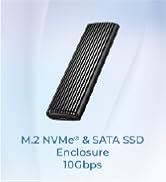
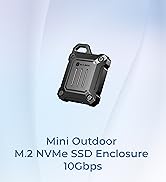
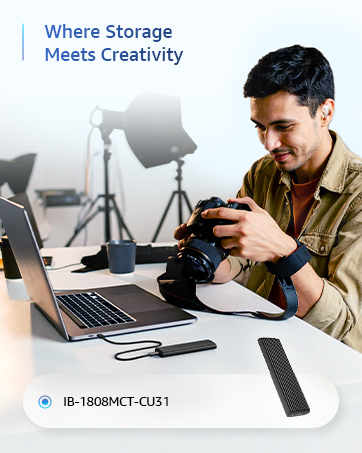
10GB M2 NVMe enclosure





