



Can this card really power FOUR monitors at once?
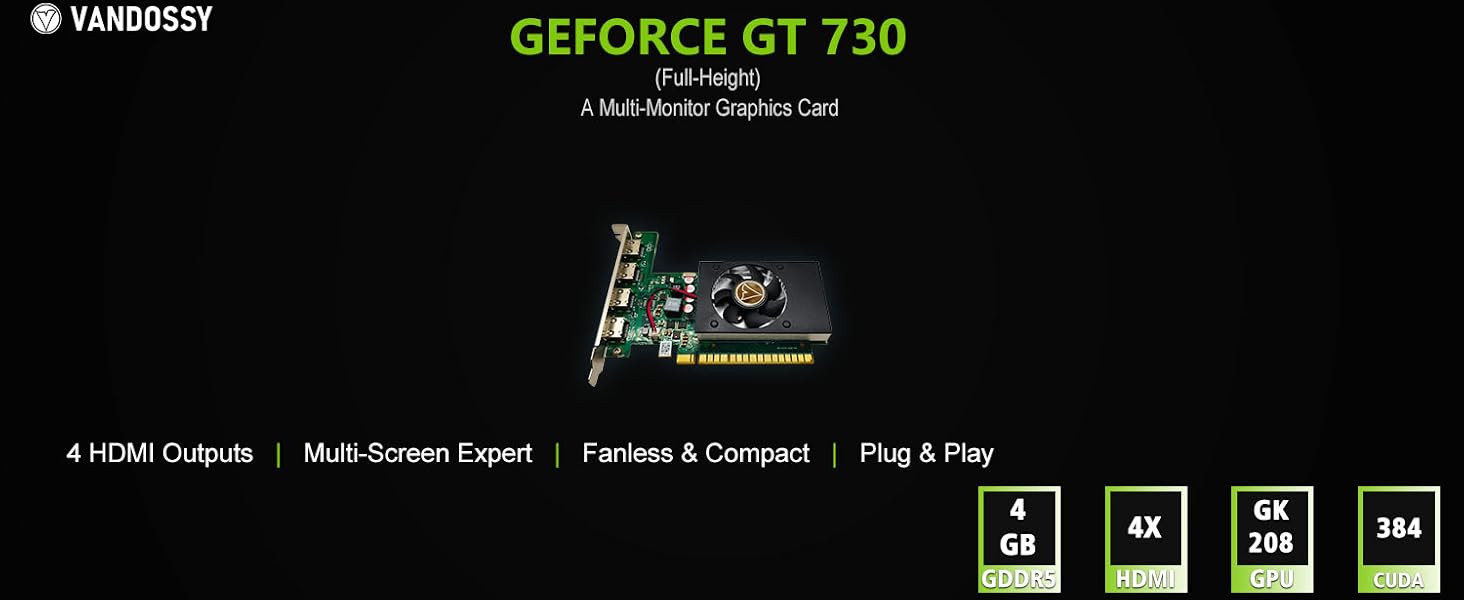
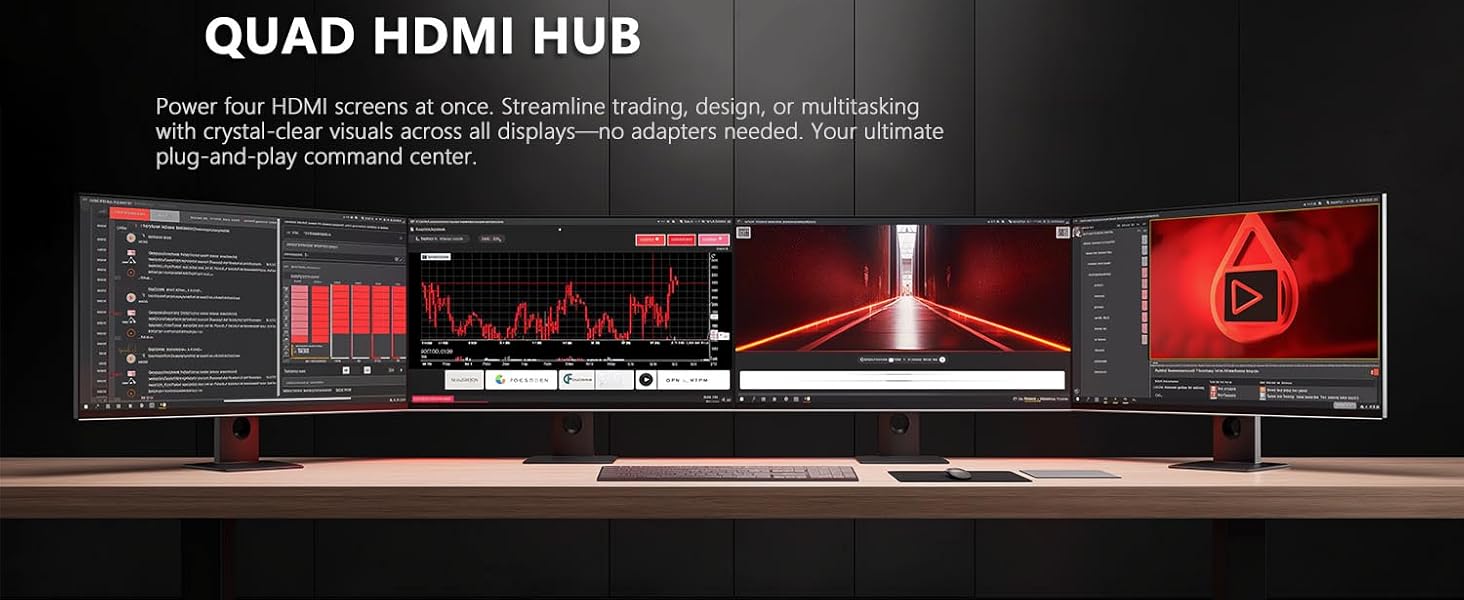
Absolutely. With its four independent HDMI outputs, you can simultaneously connect and use up to four displays. For the optimal and most stable experience, we recommend running all four at 1920x1080 (1080p) and 60Hz.
What's the highest resolution and refresh rate I can get?
Here’s the breakdown for clarity:
For Four Monitors: The ideal and guaranteed setup is four 1080p @ 60Hz displays.
For a Single Monitor: You can drive one display at up to 4K (3840x2160) resolution at 30Hz.
Will this card fit in my small computer case?
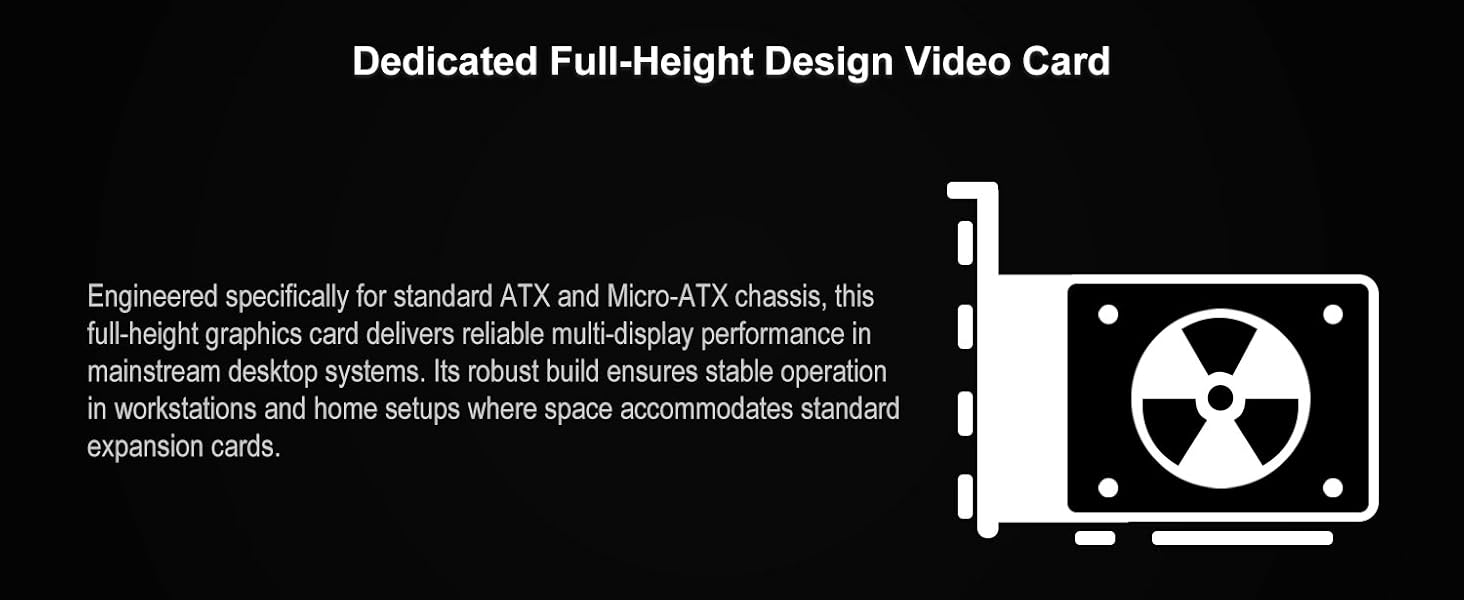
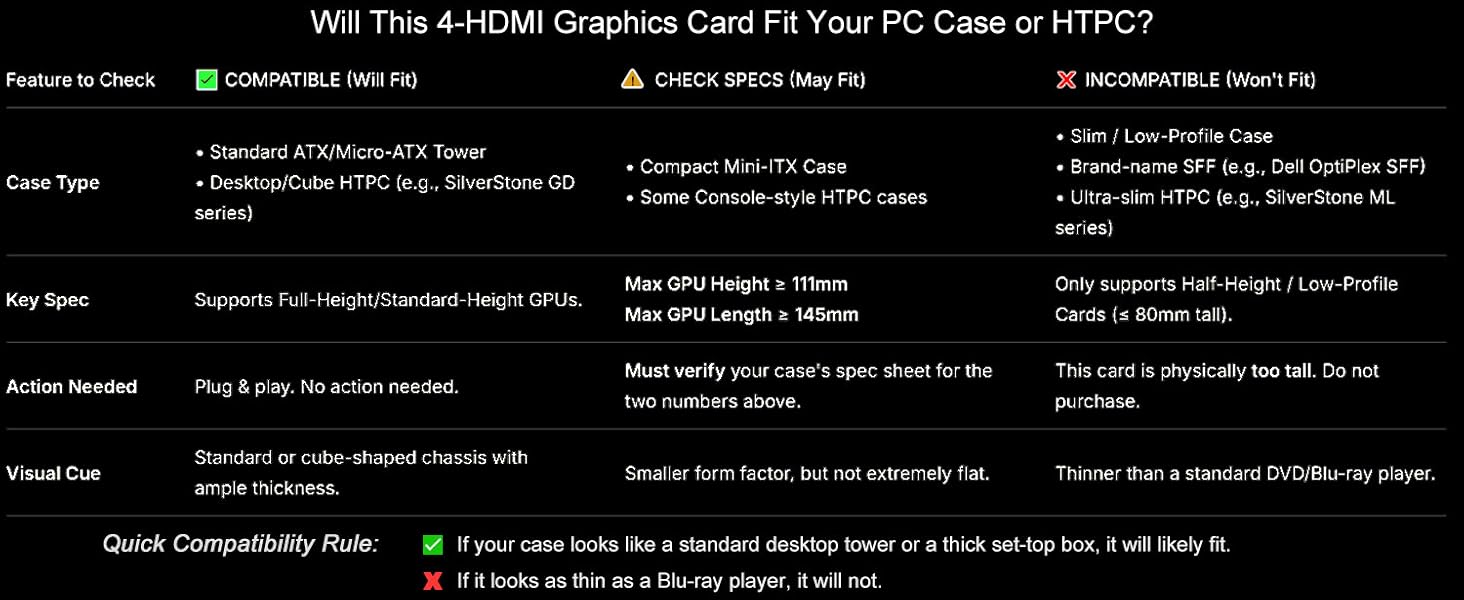
This card features a compact design (145*111mm), making it compatible with most standard ATX, Micro-ATX, and many Mini-ITX cases. It will NOT fit in ultra-slim or “Low-Profile” only cases .
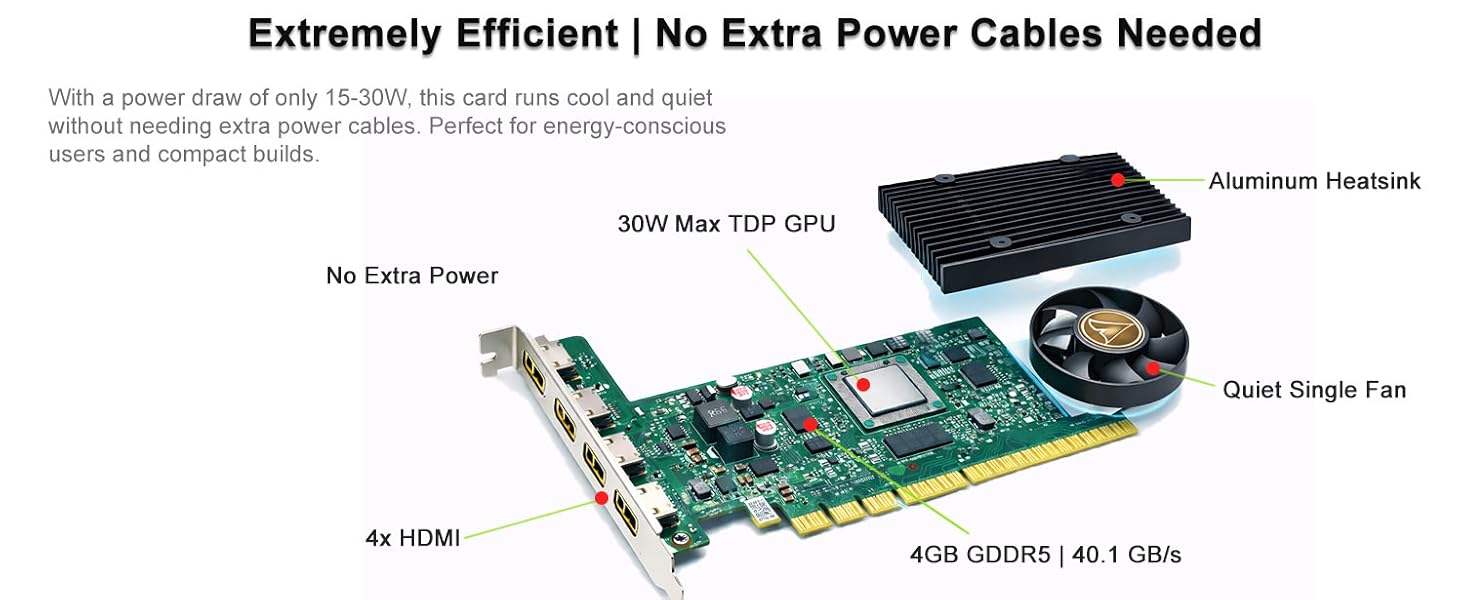
Does it require extra power cables?
No. Its efficient 30W maximum power draw is supplied entirely through the PCI Express slot. This makes installation simple and compatible with even older power supplies.
Why is my game only showing on one screen?
This is normal behavior for most full-screen applications and games. They are designed to focus resources on a primary display. To multitask while gaming, simply change the in-game setting from “Fullscreen” to “Borderless Windowed” mode.
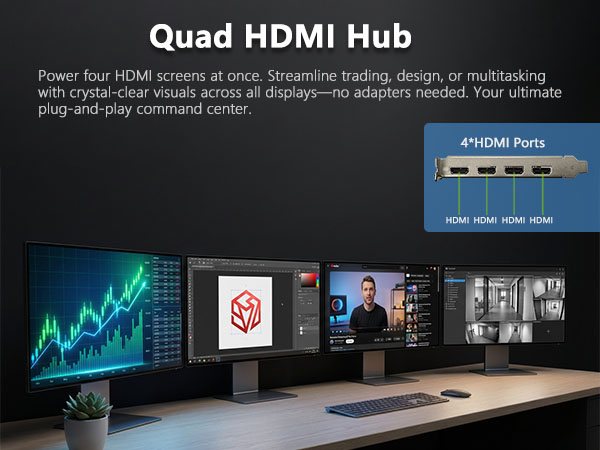
Can this card really power FOUR monitors at once?
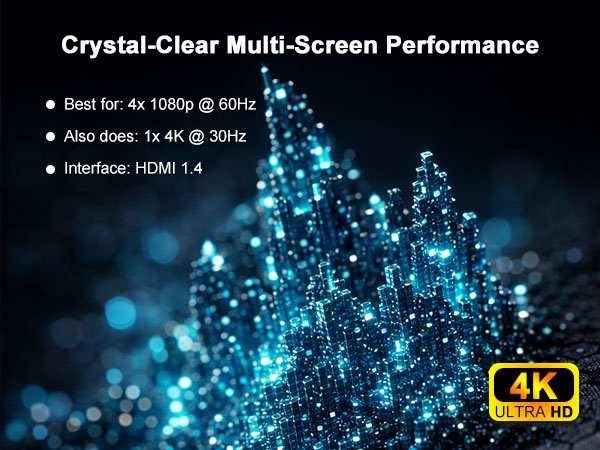
Absolutely. With its four independent HDMI outputs, you can simultaneously connect and use up to four displays. For the optimal and most stable experience, we recommend running all four at 1920x1080 (1080p) and 60Hz.
What's the highest resolution and refresh rate I can get?
Here’s the breakdown for clarity:
For Four Monitors: The ideal and guaranteed setup is four 1080p @ 60Hz displays.
For a Single Monitor: You can drive one display at up to 4K (3840x2160) resolution at 30Hz.
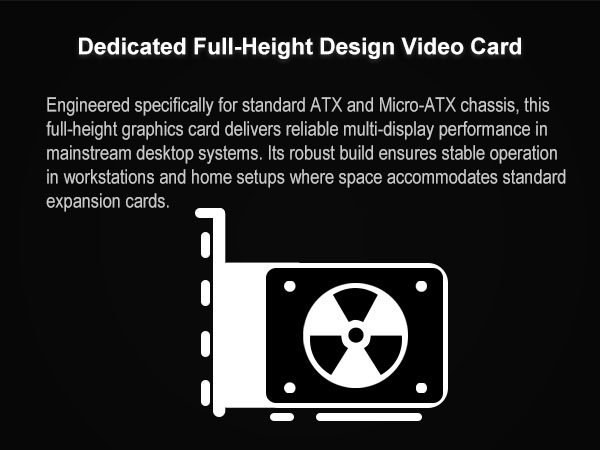
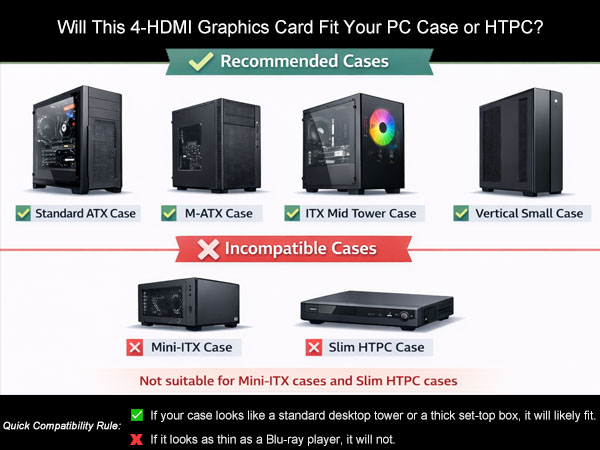
Will this card fit in my small computer case?
This card features a compact design (145*111mm), making it compatible with most standard ATX, Micro-ATX, and many Mini-ITX cases. It will NOT fit in ultra-slim or “Low-Profile” only cases .
Does it require extra power cables?
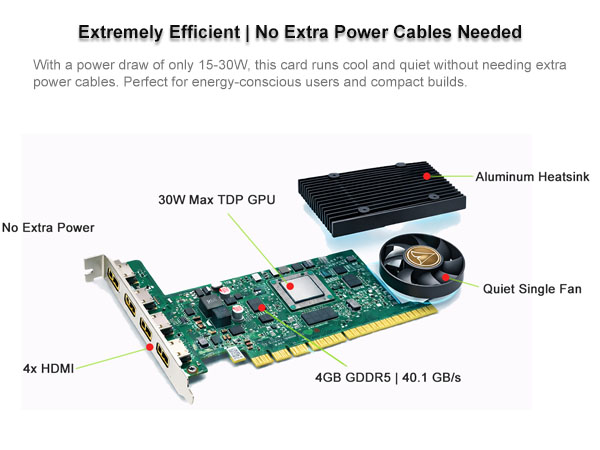
No. Its efficient 30W maximum power draw is supplied entirely through the PCI Express slot. This makes installation simple and compatible with even older power supplies.
Why is my game only showing on one screen?
This is normal behavior for most full-screen applications and games. They are designed to focus resources on a primary display. To multitask while gaming, simply change the in-game setting from “Fullscreen” to “Borderless Windowed” mode.





