


What’s the difference between DDR3 and other types of memory and can I use them interchangeably?
No, DDR3 memory is not compatible or interchangeable with other types such as DDR5, DDR4, and so on. Each memory type uses different slot designs, voltages, and architectures, so your system must support the memory type specifically.
What’s the difference between DIMM and SO-DIMM memory?
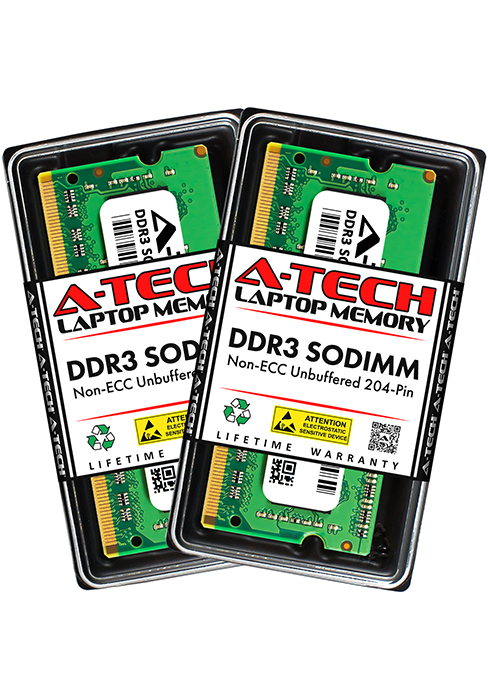
DIMM and SO-DIMM represent two different physical sizes of memory. DIMM is the larger type used in standard desktop computers. SO-DIMM is the smaller type used in laptops, mini PCs, and compact systems. They are not interchangeable.
What does "Non-ECC" mean and do I need "ECC" memory instead?
Non-ECC (non-error correcting) memory is required for most laptops and desktops. ECC is typically only used in servers or workstations and is not interchangeable with Non-ECC memory. If your system doesn’t mention ECC support, you need Non-ECC.
What's the difference between DDR3 and DDR3L?
DDR3L is a low voltage version of DDR3 that runs at 1.35V instead of the standard 1.5V. Most systems that support 1.5V (DDR3) will also run DDR3L but at 1.5V. Some systems require 1.35V (DDR3L) only and will not boot with standard DDR3 1.5V memory.
Is this compatible with my system or computer?
Refer to your system's manual to confirm the supported memory type, capacity, form factor, and ECC support. If you're unsure, contact our support team, we're happy to help you find the exact memory your system needs!
Specifications
A-Tech DDR3 Memory
DDR3, DDR3L | Memory Type | DDR3, DDR3L |
SODIMM (204-Pin) | Form Factor | DIMM (240-Pin) |
Laptop, Mini PC, AIO | Compatible Systems | Desktop, Workstation |
2GB to 8GB Modules | Capacity | 2GB to 8GB Modules |
1066MHz to 1600MHz | Speed | 1600MHz (PC3-12800) |
Non-ECC Unbuffered | ECC Type | Non-ECC Unbuffered |
1.35V and 1.5V | Voltage | 1.35V and 1.5V |
DDR3, DDR3L | Memory Type | DDR3, DDR3L |
SODIMM (204-Pin) | Form Factor | SODIMM (204-Pin) |
Laptop, Mini PC, AIO | Compatible Systems | Laptop, Mini PC, AIO |
2GB to 8GB Modules | Capacity | 2GB to 8GB Modules |
1066MHz to 1600MHz | Speed | 1066MHz to 1600MHz |
Non-ECC Unbuffered | ECC Type | Non-ECC Unbuffered |
1.35V and 1.5V | Voltage | 1.35V and 1.5V |

A-Tech is a leading brand of Computer Memory (RAM) based in the United States. We offer a vast variety of memory products to solve all your memory needs; from servers to desktop PCs to laptops and more! All A-Tech products are rigorously tested to ensure high quality, dependable performance. Upgrade your system with confidence with A-Tech memory (RAM).
What does a memory (RAM) upgrade do?
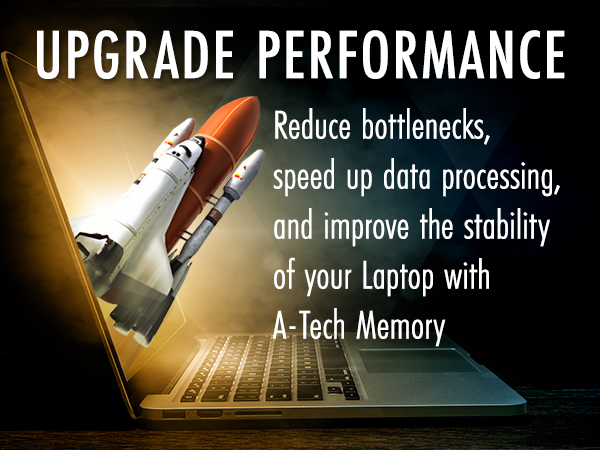
Memory (RAM) gives applications a place to temporarily store data which allows your computer to quickly access information.
Using multiple programs/applications at once or doing resource intensive activities (such as video/photo editing, gaming, programming and more) can slow down your system as each compete for a limited amount of memory resource.
A RAM upgrade can improve performance by expanding your system's memory capacity allowing your computer to take on more while maintaining a fast and smooth experience.
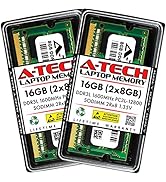
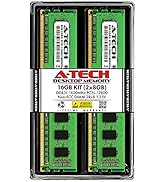
Browse our A-Tech Store
What are the different types of memory (RAM)?
There are many types of RAM including RD, SD, DDR, DDR2, DDR3, DDR4, and DDR5, with DDR5 being the newest version.
All system’s have their own memory requirements and will only support one of those specific types of RAM. For instance, a laptop that requires DDR4 RAM can only support DDR4 RAM. Each type of RAM has different pin sizes and notch locations meaning a DDR3 RAM module will only fit into a DDR3 RAM slot and so on.
Refer to your system’s manual to determine the supported RAM specifications
What is SODIMM and DIMM, which do I need?
Along with RAM types, there are also different Form Factors or physical sizes of RAM.
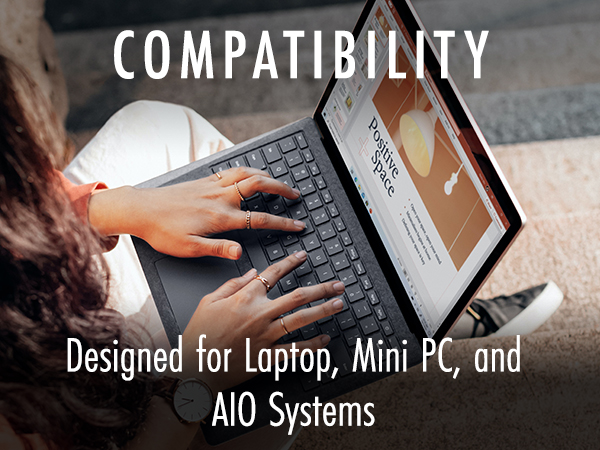
SODIMM (or SO-DIMM) RAM is used in laptops and notebooks and is also commonly used in select All-in-One (AIO) computers, Mini PCs and NAS systems.
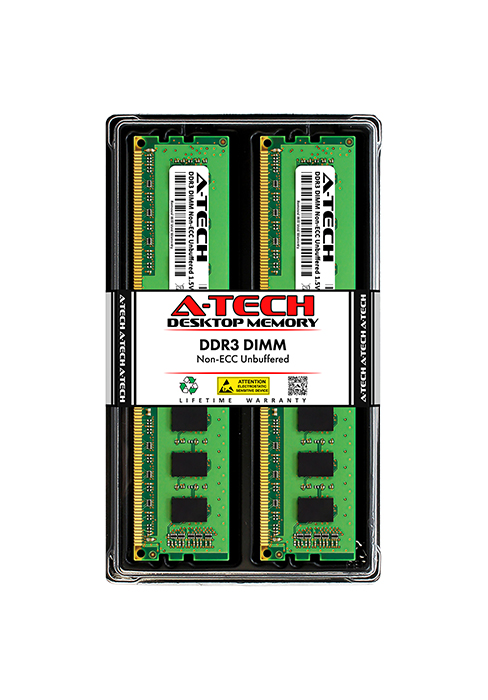
DIMM RAM is used in Desktops Computers as well as Workstations and Servers.
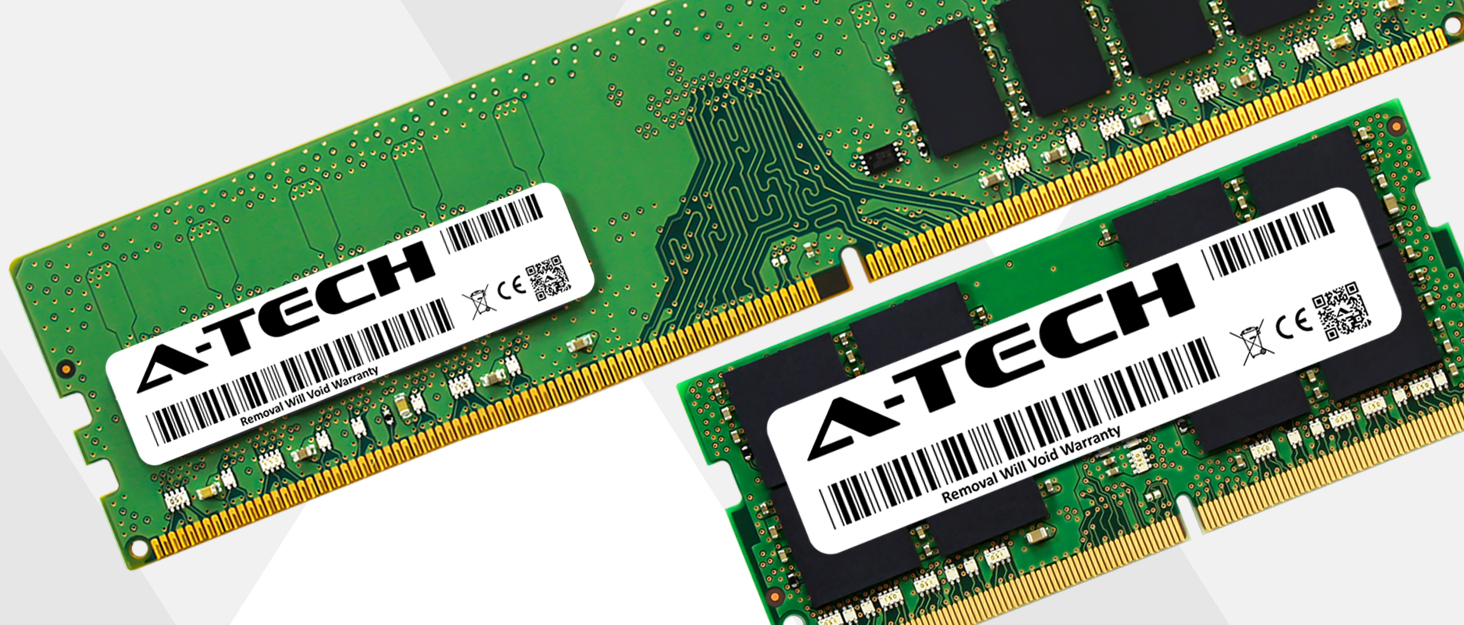
The two sizes are not interchangeable; a DIMM module will not fit into a system that requires SODIMM RAM and a SODIMM module will not fit into a system that requires DIMM RAM.
What ECC type memory (RAM) do I need?
Non-ECC Unbuffered (or simply Non-ECC): Primarily used in Desktop PCs, Laptops, All-in-One (AIO) computers, & Mini PCs as almost all those system types only support Non-ECC Unbuffered memory
ECC Registered: Only used in Servers and select Workstations
ECC Load Reduced: Only used in Servers and select Workstations
ECC Unbuffered: Only used in Servers and Workstations
ECC Fully Buffered: Only used in select Servers that support DDR2 RAM
Different ECC types cannot be mixed within the same system, only one type can be used.
What’s the difference between DDR3 and other types of memory and can I use them interchangeably?
No, DDR3 memory is not compatible or interchangeable with other types such as DDR5, DDR4, and so on. Each memory type uses different slot designs, voltages, and architectures, so your system must support the memory type specifically.
What’s the difference between DIMM and SO-DIMM memory?
DIMM and SO-DIMM represent two different physical sizes of memory. DIMM is the larger type used in standard desktop computers. SO-DIMM is the smaller type used in laptops, mini PCs, and compact systems. They are not interchangeable.
What does "Non-ECC" mean and do I need "ECC" memory instead?
Non-ECC (non-error correcting) memory is required for most laptops and desktops. ECC is typically only used in servers or workstations and is not interchangeable with Non-ECC memory. If your system doesn’t mention ECC support, you need Non-ECC.
What's the difference between DDR3 and DDR3L?
DDR3L is a low voltage version of DDR3 that runs at 1.35V instead of the standard 1.5V. Most systems that support 1.5V (DDR3) will also run DDR3L but at 1.5V. Some systems require 1.35V (DDR3L) only and will not boot with standard DDR3 1.5V memory.
Is this compatible with my system or computer?
Refer to your system's manual to confirm the supported memory type, capacity, form factor, and ECC support. If you're unsure, contact our support team, we're happy to help you find the exact memory your system needs!
Specifications
| Memory Type | DDR3/DDR3L |
|---|---|
| Form Factor | SODIMM (204-Pin) |
| ECC Type | Non-ECC Unbuffered |
| Speed | 1600MHz, PC3L-12800 (PC3L-12800S) |
| Voltage | 1.35V (JEDEC Standard DDR3 Low Voltage) |
| Compatible Platforms | Laptop, Notebook, Mini PC, and All-in-One (AIO) systems compatible with 204-Pin DDR3 SODIMM Modules. (Please refer to your system's manual to ensure compatibility) |
A-Tech DDR3 Memory
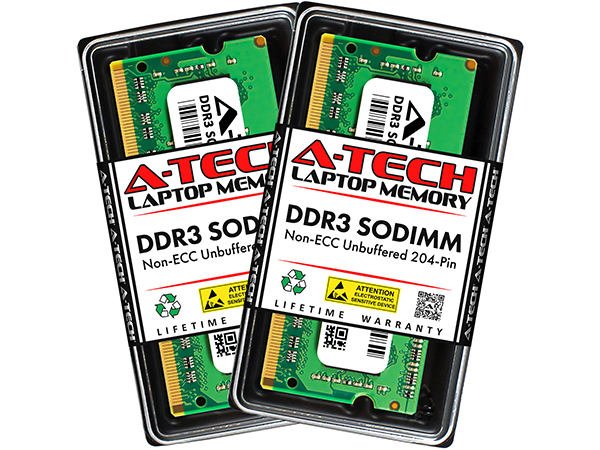
DDR3 SODIMM
Memory Type
DDR3, DDR3L
Form Factor
SODIMM (204-Pin)
Compatible Systems
Laptop, Mini PC, AIO
Capacity
2GB to 8GB Modules
Speed
1066MHz to 1600MHz
ECC Type
Non-ECC Unbuffered
Voltage
1.35V and 1.5V
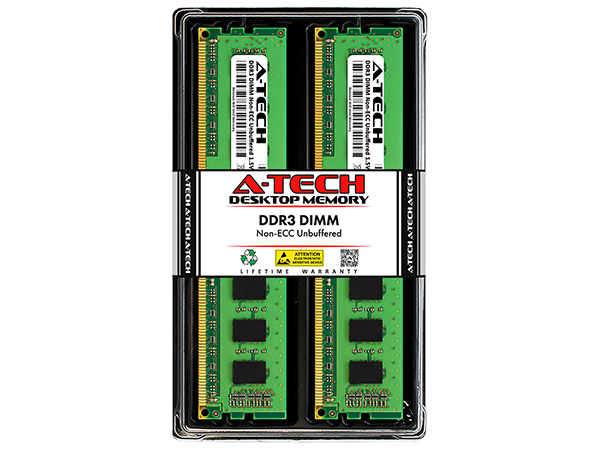
DDR3 DIMM (1600MHz)
Memory Type
DDR3, DDR3L
Form Factor
DIMM (240-Pin)
Compatible Systems
Desktop, Workstation
Capacity
2GB to 8GB Modules
Speed
1600MHz (PC3-12800)
ECC Type
Non-ECC Unbuffered
Voltage
1.35V and 1.5V
DDR3 SODIMM
Memory Type
DDR3, DDR3L
Form Factor
SODIMM (204-Pin)
Compatible Systems
Laptop, Mini PC, AIO
Capacity
2GB to 8GB Modules
Speed
1066MHz to 1600MHz
ECC Type
Non-ECC Unbuffered
Voltage
1.35V and 1.5V
A-Tech is a leading brand of Computer Memory (RAM) based in the United States. We offer a vast variety of memory products to solve all your memory needs; from servers to desktop PCs to laptops and more! All A-Tech products are rigorously tested to ensure high quality, dependable performance. Upgrade your system with confidence with A-Tech memory (RAM).
What does a memory (RAM) upgrade do?
Memory (RAM) gives applications a place to temporarily store data which allows your computer to quickly access information.
Using multiple programs/applications at once or doing resource intensive activities (such as video/photo editing, gaming, programming and more) can slow down your system as each compete for a limited amount of memory resource.
A RAM upgrade can improve performance by expanding your system's memory capacity allowing your computer to take on more while maintaining a fast and smooth experience.
Browse our A-Tech Store
What are the different types of memory (RAM)?
There are many types of RAM including RD, SD, DDR, DDR2, DDR3, DDR4, and DDR5, with DDR5 being the newest version.
All system’s have their own memory requirements and will only support one of those specific types of RAM. For instance, a laptop that requires DDR4 RAM can only support DDR4 RAM. Each type of RAM has different pin sizes and notch locations meaning a DDR3 RAM module will only fit into a DDR3 RAM slot and so on.
Refer to your system’s manual to determine the supported RAM specifications
What is SODIMM and DIMM, which do I need?
Along with RAM types, there are also different Form Factors or physical sizes of RAM.
SODIMM (or SO-DIMM) RAM is used in laptops and notebooks and is also commonly used in select All-in-One (AIO) computers, Mini PCs and NAS systems.
DIMM RAM is used in Desktops Computers as well as Workstations and Servers.
The two sizes are not interchangeable; a DIMM module will not fit into a system that requires SODIMM RAM and a SODIMM module will not fit into a system that requires DIMM RAM.
What ECC type memory (RAM) do I need?
Non-ECC Unbuffered (or simply Non-ECC): Primarily used in Desktop PCs, Laptops, All-in-One (AIO) computers, & Mini PCs as almost all those system types only support Non-ECC Unbuffered memory
ECC Registered: Only used in Servers and select Workstations
ECC Load Reduced: Only used in Servers and select Workstations
ECC Unbuffered: Only used in Servers and Workstations
ECC Fully Buffered: Only used in select Servers that support DDR2 RAM
Different ECC types cannot be mixed within the same system, only one type can be used.





