




Choose the right APC UPS for you
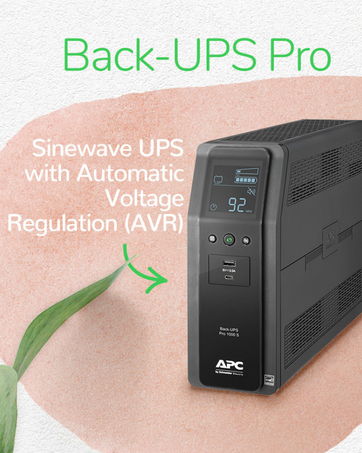
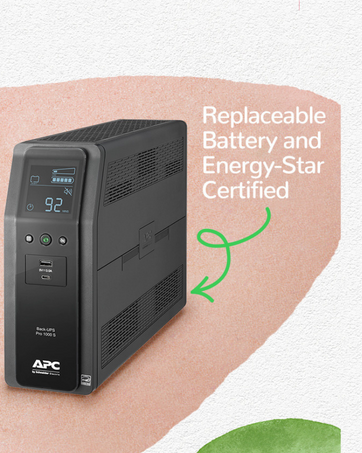
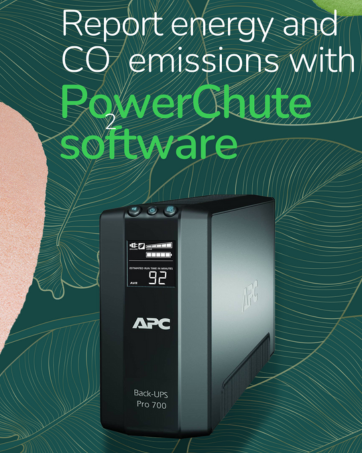
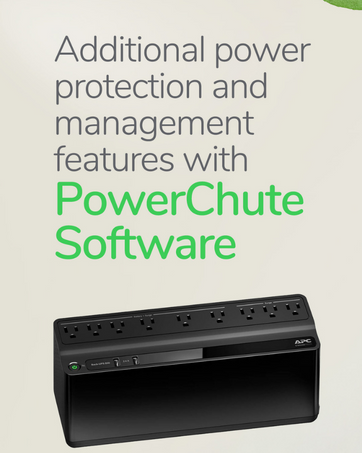
 Back-UPS |  Back-UPS Pro |  Back-UPS Pro Sinewave |
|---|---|---|
Application Home Wi-Fi, Computers, Small Electronics | Application Home Wi-Fi, Computers, Office Electronics | Application Home Wi-Fi, PFC Computers, Office Electronics |
Power Capacity 425V - 850VA | Power Capacity 850VA - 1500VA | Power Capacity 1000VA - 1500VA |
Number of Connections 6 - 9 Outlets, 0 - 2 USB (Type A) | 8 - 10 Outlets | 10 Outlets, 2 USB (Type A and C) |
Automatic Voltage Regulation No | Automatic Voltage Regulation Yes | Automatic Voltage Regulation Yes |
LCD Screen No | LCD Screen Yes | LCD Screen Yes |
How long will this UPS power my system when the power goes out?
Runtimes of any UPS will vary based on the amount of power required by your connected devices.
Will the UPS automatically switch off from the battery backup when power is restored?
Yes, when adequate power is restored to the UPS and is within the operating voltage range of the UPS, it will revert o passing utility power to connected electronics.
Will this UPS provide continuous power in the case of a power outage?
This Back-UPS has a typical transfer time of 6ms to 10ms to switch to battery power when the main power goes out. The transfer time is fast enough that most devices will not experience a power drop when the UPS transitions to battery power.
Can I plug the UPS to an extension cord or does it have to be plugged in to a wall outlet?
In order for your UPS to get the best power available, it should be plugged directly into the wall outlet. Plugging your UPS into a surge protector may cause the UPS to go to battery often when it normally should remain offline.
Which battery replacement should I purchase and from where?
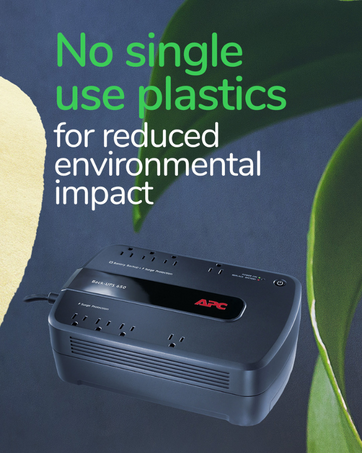
The Back-UPS BE650G1 internal battery has a lifespan of up to 5 years, depending on the usage and maintenance of the battery. When the battery is ready to be replaced, you can purchase model RBC17 directly from APC.


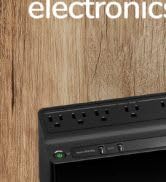
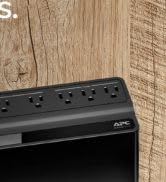
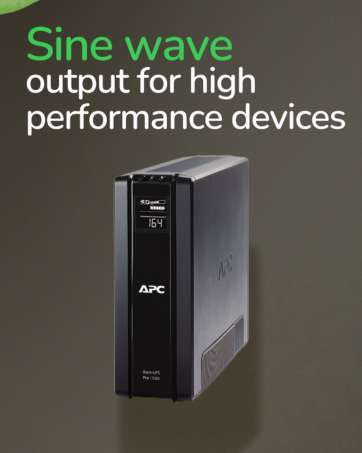
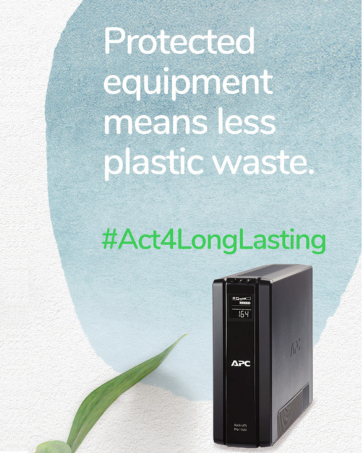
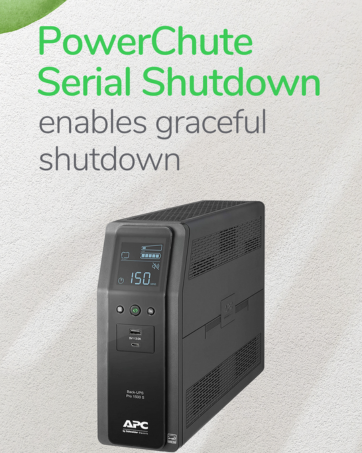
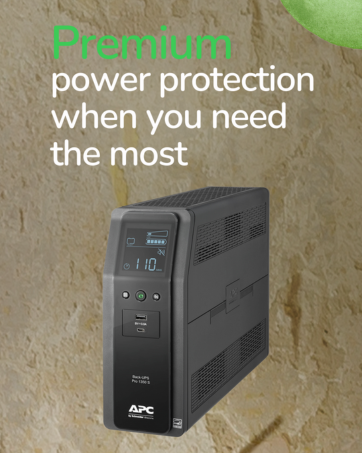
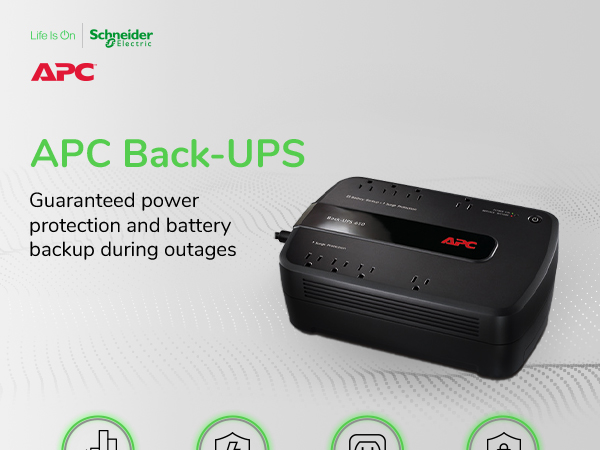
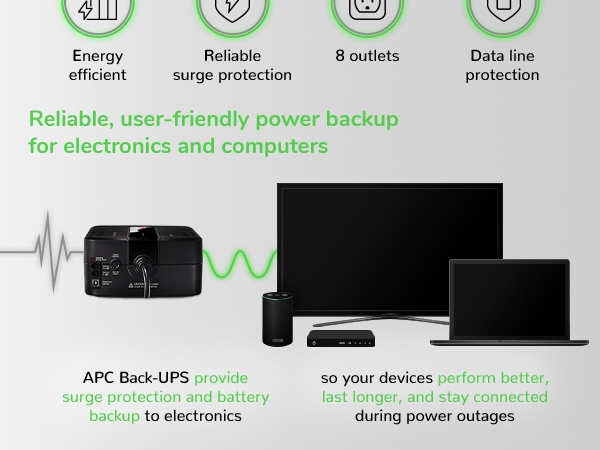


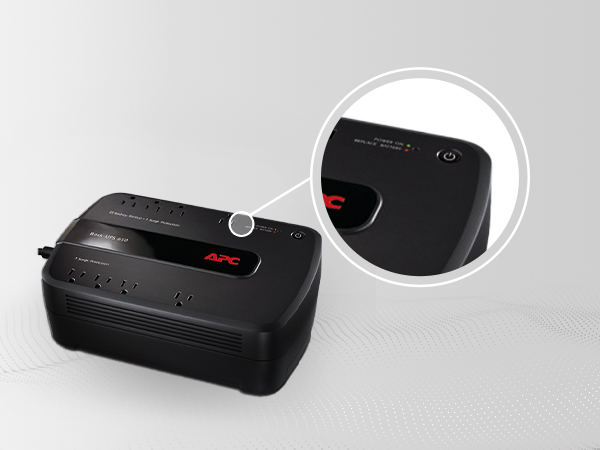
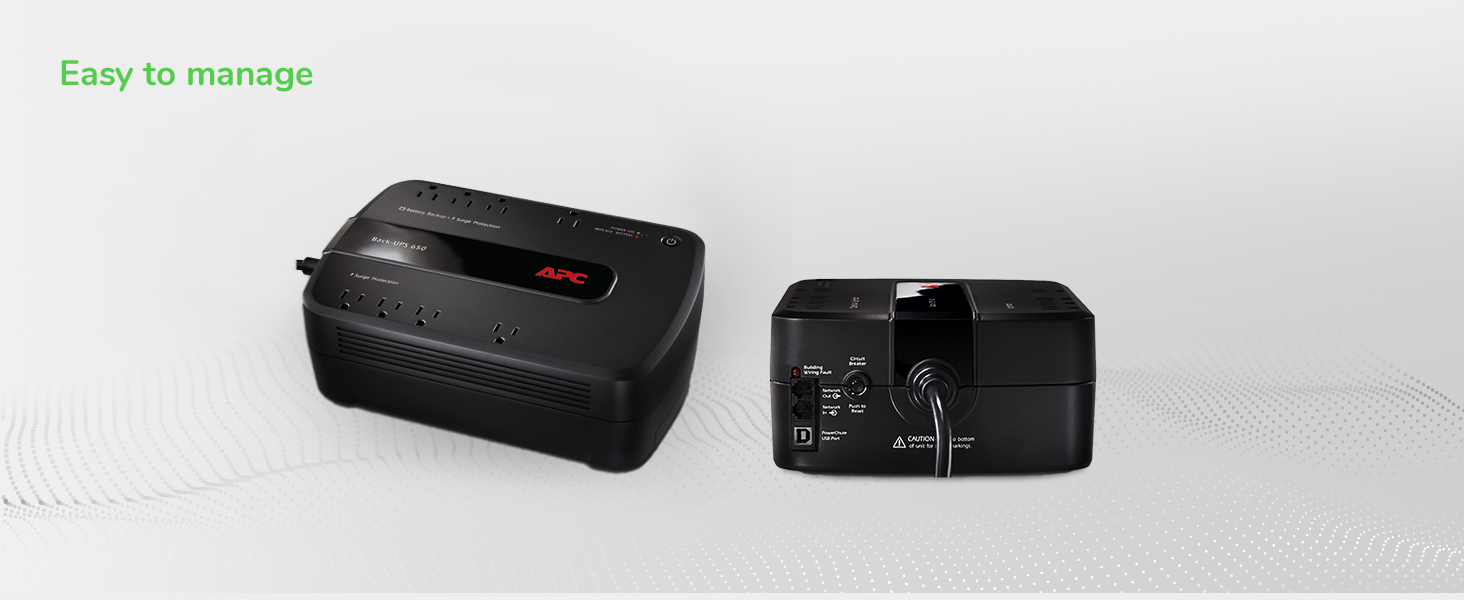
Power Button
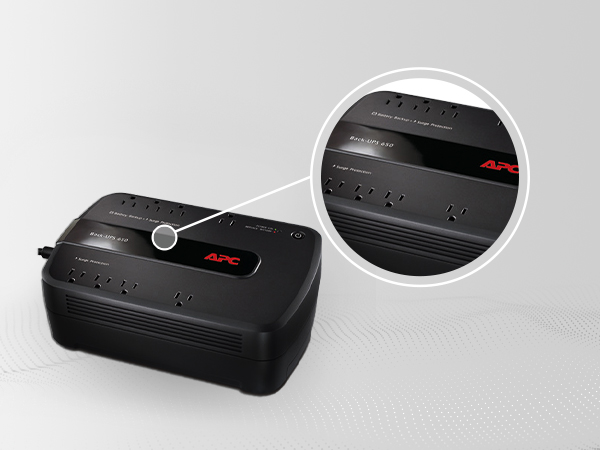
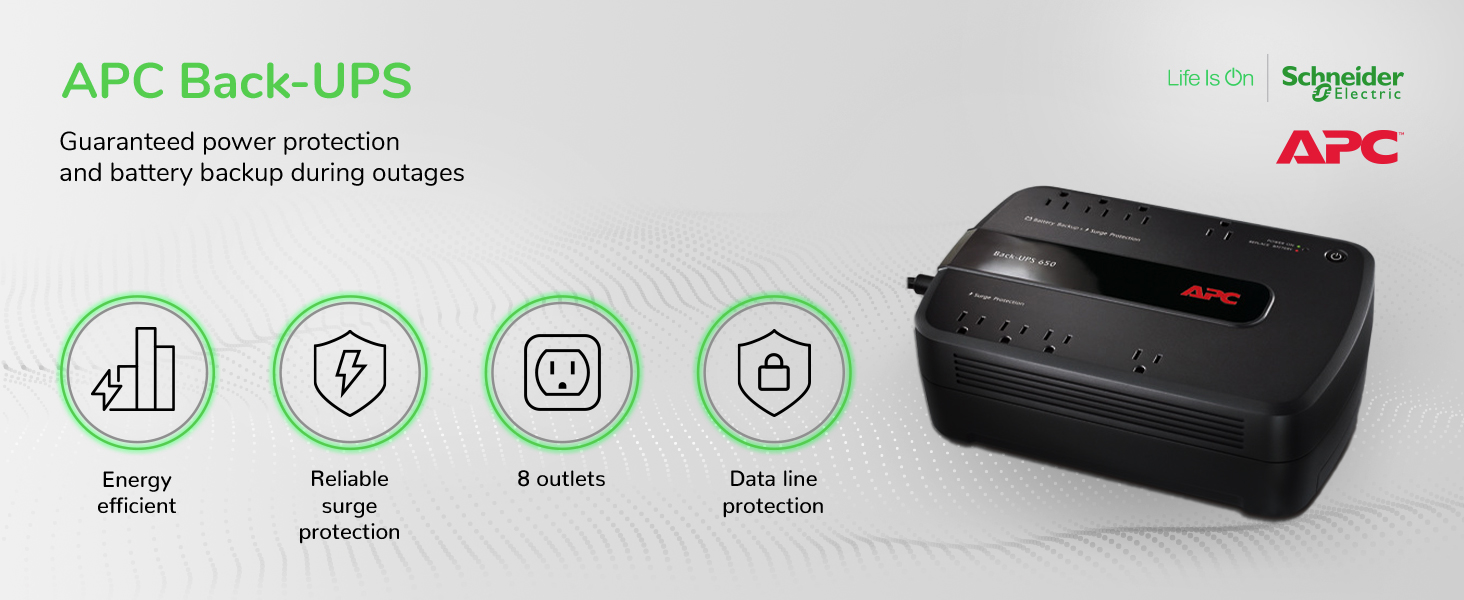
8 Outlets: 4 Battery Backup & 4 Surge Protection
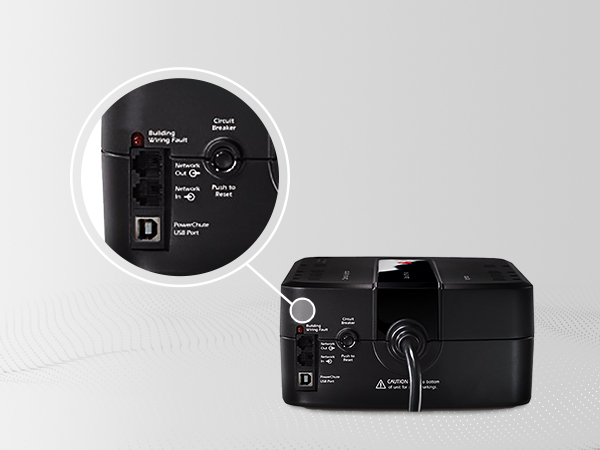
Circuit Breaker
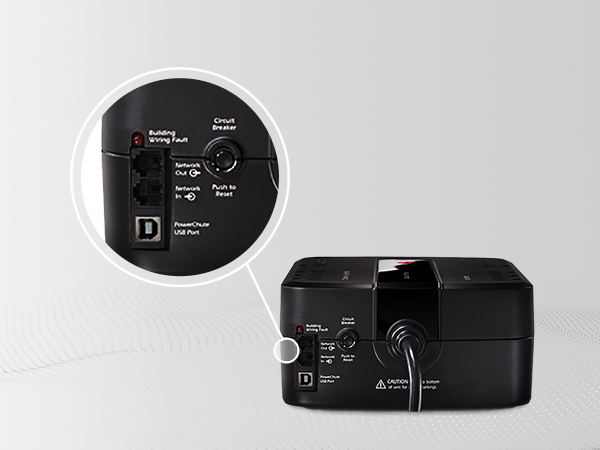
Data Line Surge Protection Ports
Choose the right APC UPS for you
How long will this UPS power my system when the power goes out?
Runtimes of any UPS will vary based on the amount of power required by your connected devices.
Will the UPS automatically switch off from the battery backup when power is restored?
Yes, when adequate power is restored to the UPS and is within the operating voltage range of the UPS, it will revert o passing utility power to connected electronics.
Will this UPS provide continuous power in the case of a power outage?
This Back-UPS has a typical transfer time of 6ms to 10ms to switch to battery power when the main power goes out. The transfer time is fast enough that most devices will not experience a power drop when the UPS transitions to battery power.
Can I plug the UPS to an extension cord or does it have to be plugged in to a wall outlet?
In order for your UPS to get the best power available, it should be plugged directly into the wall outlet. Plugging your UPS into a surge protector may cause the UPS to go to battery often when it normally should remain offline.
Which battery replacement should I purchase and from where?
The Back-UPS BE650G1 internal battery has a lifespan of up to 5 years, depending on the usage and maintenance of the battery. When the battery is ready to be replaced, you can purchase model RBC17 directly from APC.
Visit the APC Store





