




AHCI & NVMe Dual Protocol
With dual protocol support for both AHCI and NVMe PCIe SSDs, this docking station enables simultaneous reading and writing for two M.2 SSDs, making it a valuable addition to your storage solution arsenal.

Specifications
Important Notes:
- Ensure the target SSD capacity is larger than the source SSD for successful cloning.
- Offline Clone Function cannot be used when connected to a computer
- Check for bad sectors on SSDs before cloning.
- Heat generation is normal during operation; avoid touching the SSD during use.
- New SSDs may need to be formatted and partitioned before use
- For 20Gbps data transmission, ensure your PC has a USB 3.2 Gen 2x2 interface.
- Disconnect power before removing the SSD.
- Cloning does not support encrypted SSDs;decrypt the hard disk before cloning.
- Disconnect the USB cable from the computer when using the clone function.

MAIWO is committed to providing users with betteproducts create simple,easy-to-use,high-speedprodu MAIWO providesApple 's peripheralaccessories,compperipheral productsfor consumers.
MAIWO products are widely used inrhousehold and individual users.
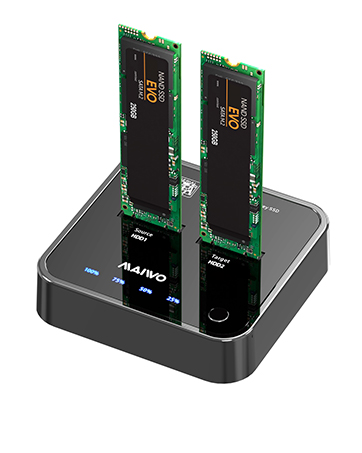
K3016S M.2 SATA Cloner
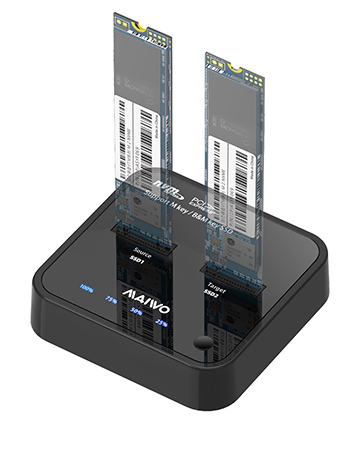
K3016P M.2 NVME Cloner
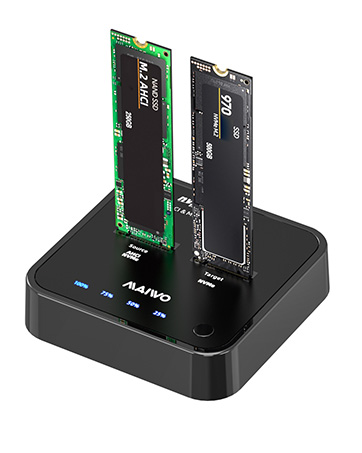
K3016P2 M.2 AHCI NVMe Cloner
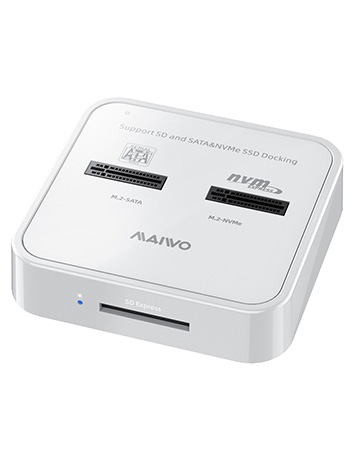
K3016SD M.2 SATA NVMe Reader
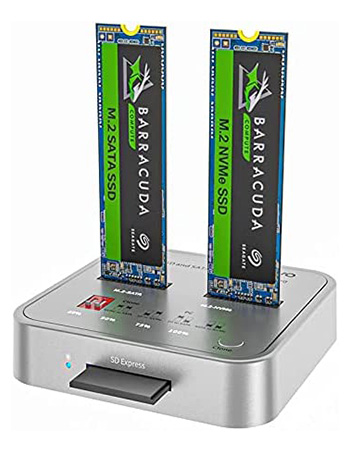
K3016CL M.2 NVMe SATA Cloner
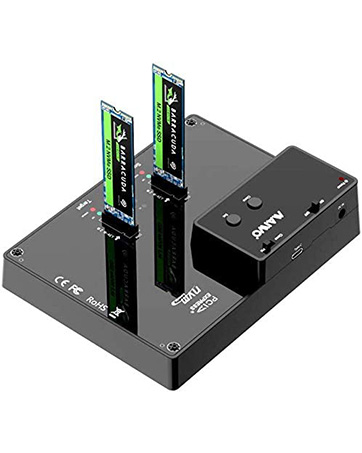
K3015P M.2 NVMe Cloner
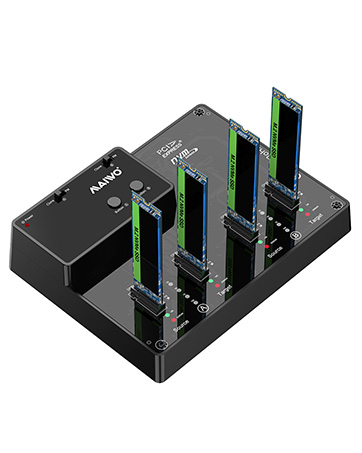
K3015P2 4Bay M.2 NVMe Cloner
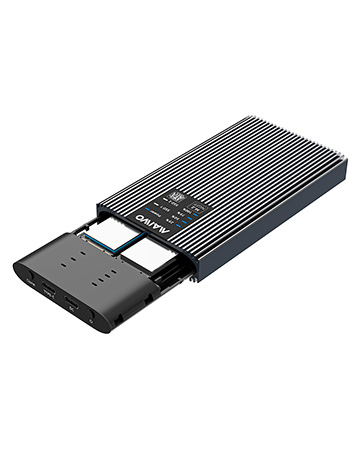
K2022S M.2 SATA SSD Cloner
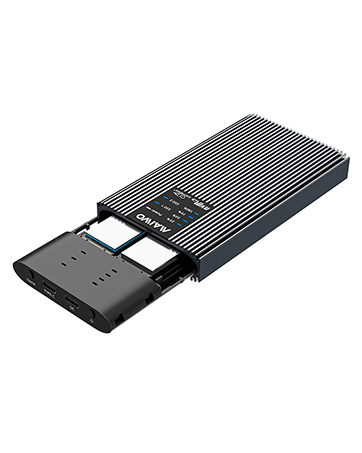
K2022P M.2 AHCI NVMe Cloner
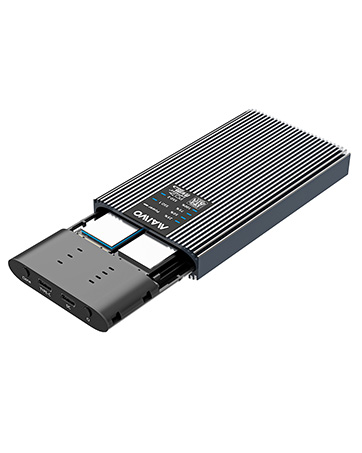
K2022CL M.2 NVMe SATA Cloner
Maiwo People always adhere to the"enjoy digital life"design philosop simple,easy-to-use,high-speed IT better experience for consumers wherulture of craftsmanship and roducts.
Its product line includes disk player,hard diskcopy machine,encrypted seriesarraycard,solid statedrive,USB HUB,USB and havemany product honor test certificar technology products.


AHCI & NVMe Dual Protocol
With dual protocol support for both AHCI and NVMe PCIe SSDs, this docking station enables simultaneous reading and writing for two M.2 SSDs, making it a valuable addition to your storage solution arsenal.

Specifications
| Product model: | K3016P2 |
|---|---|
| Product material: | ABS |
| Functions: | hard disk read + hard disk clone |
| Support hard disk: | The Source disk supports M.2 AHCI/NVMe; The target disk supports M 2 NVMe |
| Transmission rate: | 20Gbps theoretical transmission |
| Matching wire: | 1 * Type-C to USB3.0; 1 * Type-C to Type-C |
| Support system: | Windows; linux;Mac OS |
Important Notes:
- Ensure the target SSD capacity is larger than the source SSD for successful cloning.
- Offline Clone Function cannot be used when connected to a computer
- Check for bad sectors on SSDs before cloning.
- Heat generation is normal during operation; avoid touching the SSD during use.
- New SSDs may need to be formatted and partitioned before use
- For 20Gbps data transmission, ensure your PC has a USB 3.2 Gen 2x2 interface.
- Disconnect power before removing the SSD.
- Cloning does not support encrypted SSDs;decrypt the hard disk before cloning.
- Disconnect the USB cable from the computer when using the clone function.
MAIWO is committed to providing users with betteproducts create simple,easy-to-use,high-speedprodu MAIWO providesApple 's peripheralaccessories,compperipheral productsfor consumers.
MAIWO products are widely used inrhousehold and individual users.
K3016S M.2 SATA Cloner
K3016P M.2 NVME Cloner
K3016P2 M.2 AHCI NVMe Cloner
K3016SD M.2 SATA NVMe Reader
K3016CL M.2 NVMe SATA Cloner
K3015P M.2 NVMe Cloner
K3015P2 4Bay M.2 NVMe Cloner
K2022S M.2 SATA SSD Cloner
K2022P M.2 AHCI NVMe Cloner
K2022CL M.2 NVMe SATA Cloner
Maiwo People always adhere to the"enjoy digital life"design philosop simple,easy-to-use,high-speed IT better experience for consumers wherulture of craftsmanship and roducts.
Its product line includes disk player,hard diskcopy machine,encrypted seriesarraycard,solid statedrive,USB HUB,USB and havemany product honor test certificar technology products.





