


10GBPS FAST SPEED
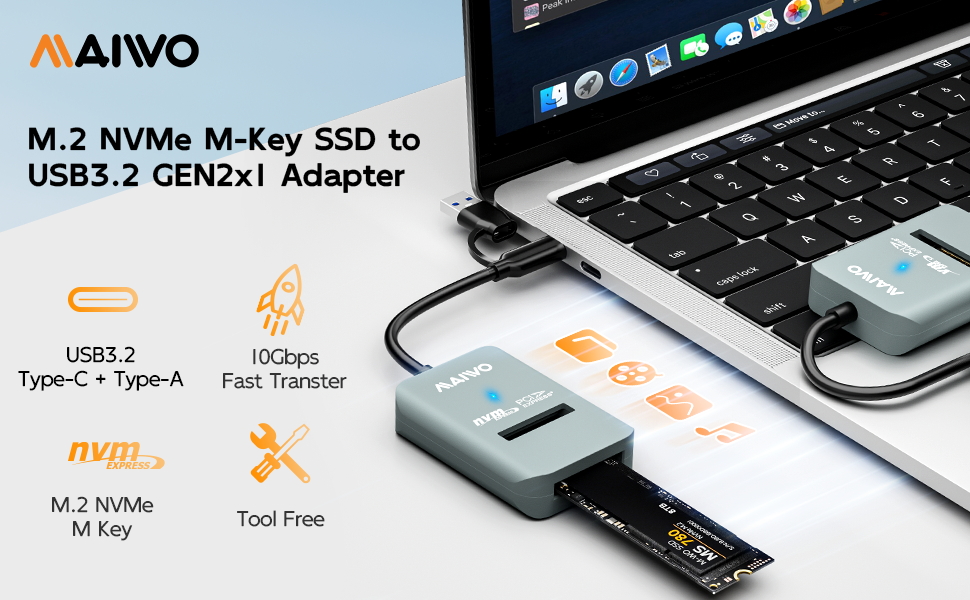
- The USB3.2 GEN2x1 output interface provides 10Gbps transfer speed, transfer 1GB files in one second, support UASP and TRIM if using this docking station with Windows 8 or above system.
COMPATIBILITY
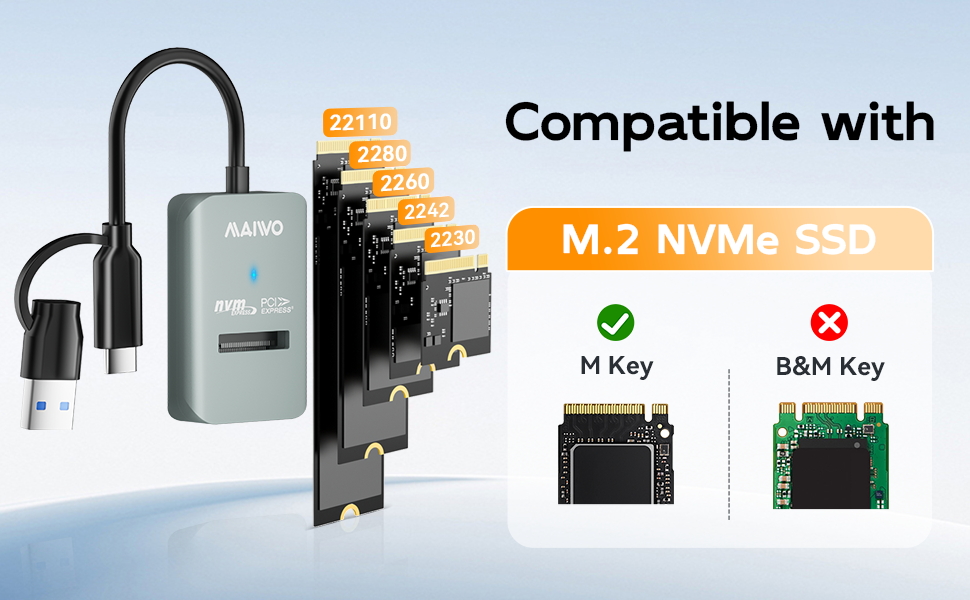
- This adapter is for M.2 NVMe PCIe M Key 2230/2242/2260/2280/22110mm SSD.
- DO NOT SUPPORT M.2 SATA B+M KEY
CAPACITY
- 8TB Capacity
INNOVATIVE DESIGN
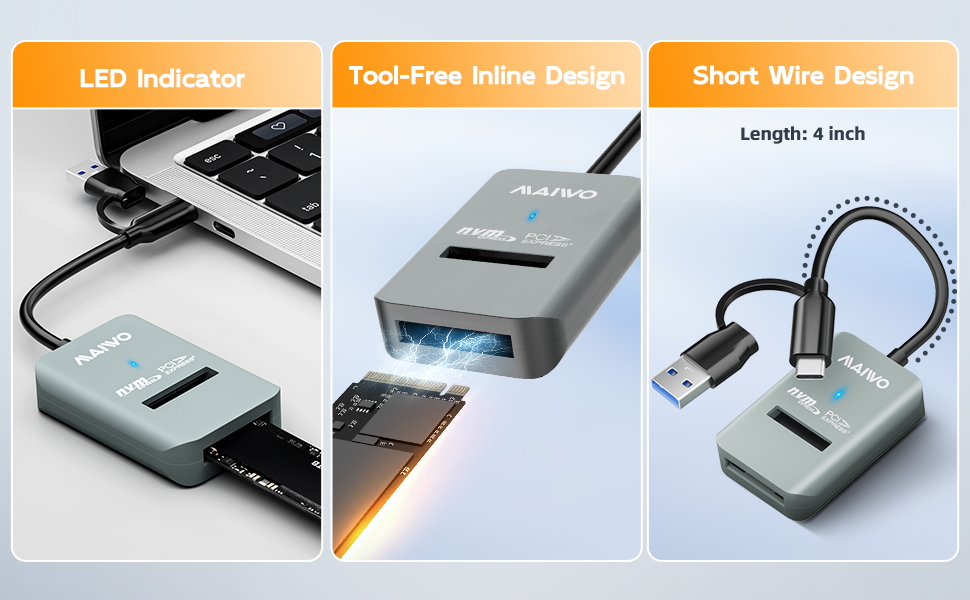
- 10CM Short-Cable Design, Prevent Winding.
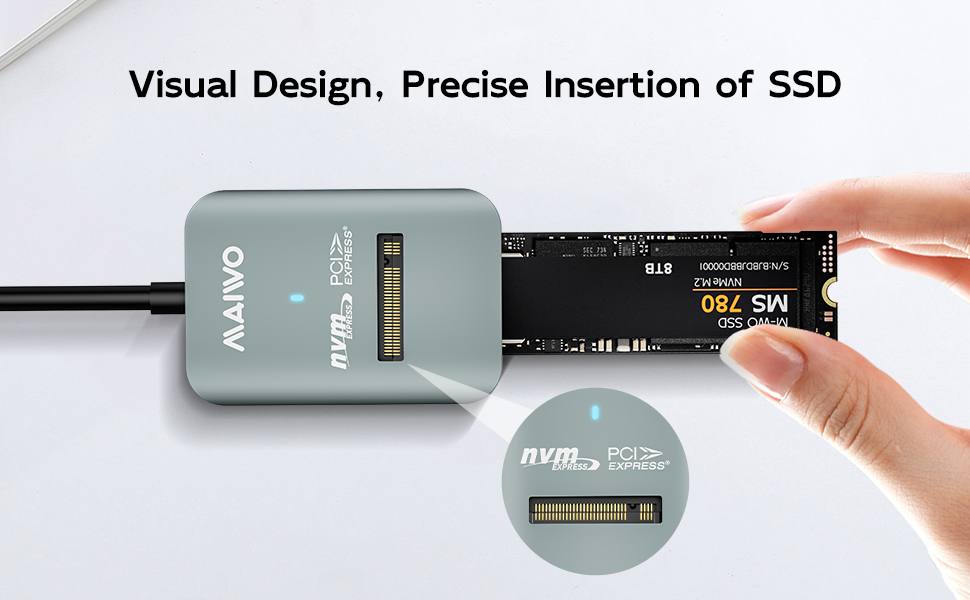
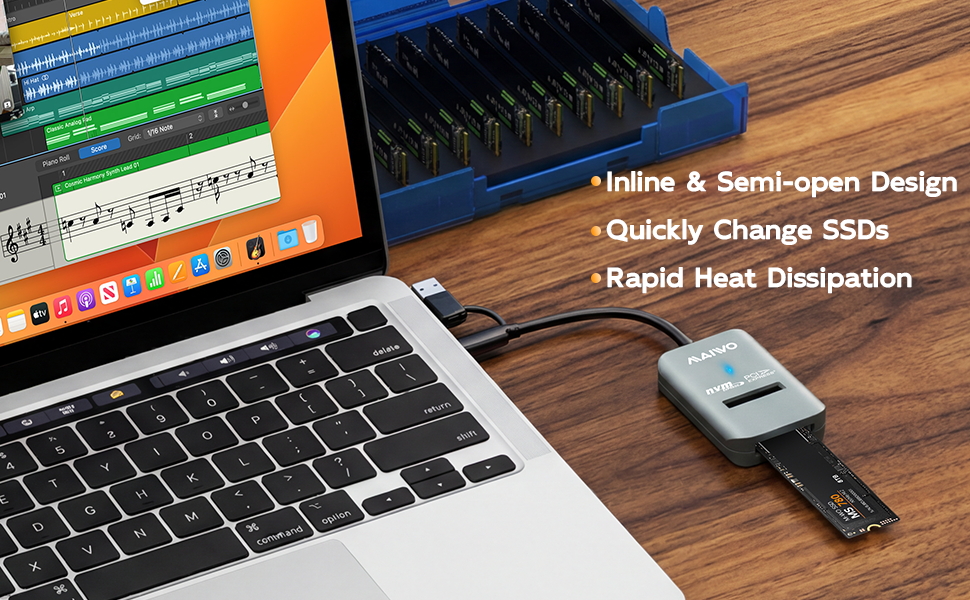
- Tool-Free, Semi-Open and In-Line Design.
- One-Piece Design, Prevent Wire Loss.
APPLICABLE SYSTEM
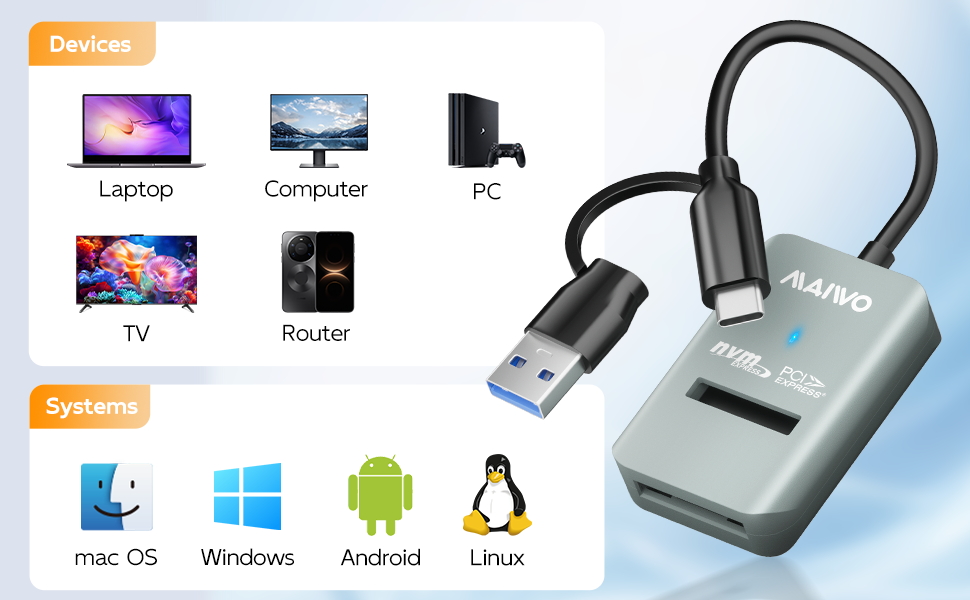
- Support Mac OS, Windows, Linux
DIMENSION/WEIGHT
- Item Size: 2.36x1.45x0.47inch
- Cable Length: 4.0inch/10cm
- Item Weight: 0.05lbs (22g)
- Material: High-Strength ABS Plastic
PACKAGE CONTENT
- 1x M.2 NVMe to Type-C + Type-A Adapter
- 1x User Manual
If your drive is new, please follow below steps to make the enclosure work:
- Insert drive and connect the enclosure to PC.
- Hard Disk Initialization: Computer----Manage---Disk Management---find new disk and initialize (NOTE: Please choose MBR if the capacity of your disk is less than 2TB, choose GPT if larger than 2TB.)
- Disk Partition and Format: New disk will become “Disk 1” after initialization, right click “Disk 1” and choose “New Simple Volume” to do partition, choose the capacity you need and choose “Formatting”.
10GBPS FAST SPEED
- The USB3.2 GEN2x1 output interface provides 10Gbps transfer speed, transfer 1GB files in one second, support UASP and TRIM if using this docking station with Windows 8 or above system.
COMPATIBILITY
- This adapter is for M.2 NVMe PCIe M Key 2230/2242/2260/2280/22110mm SSD.
- DO NOT SUPPORT M.2 SATA B+M KEY
CAPACITY
- 8TB Capacity
INNOVATIVE DESIGN
- 10CM Short-Cable Design, Prevent Winding.
- Tool-Free, Semi-Open and In-Line Design.
- One-Piece Design, Prevent Wire Loss.
APPLICABLE SYSTEM
- Support Mac OS, Windows, Linux
DIMENSION/WEIGHT
- Item Size: 2.36x1.45x0.47inch
- Cable Length: 4.0inch/10cm
- Item Weight: 0.05lbs (22g)
- Material: High-Strength ABS Plastic
PACKAGE CONTENT
- 1x M.2 NVMe to Type-C + Type-A Adapter
- 1x User Manual
If your drive is new, please follow below steps to make the enclosure work:
- Insert drive and connect the enclosure to PC.
- Hard Disk Initialization: Computer----Manage---Disk Management---find new disk and initialize (NOTE: Please choose MBR if the capacity of your disk is less than 2TB, choose GPT if larger than 2TB.)
- Disk Partition and Format: New disk will become “Disk 1” after initialization, right click “Disk 1” and choose “New Simple Volume” to do partition, choose the capacity you need and choose “Formatting”.





