


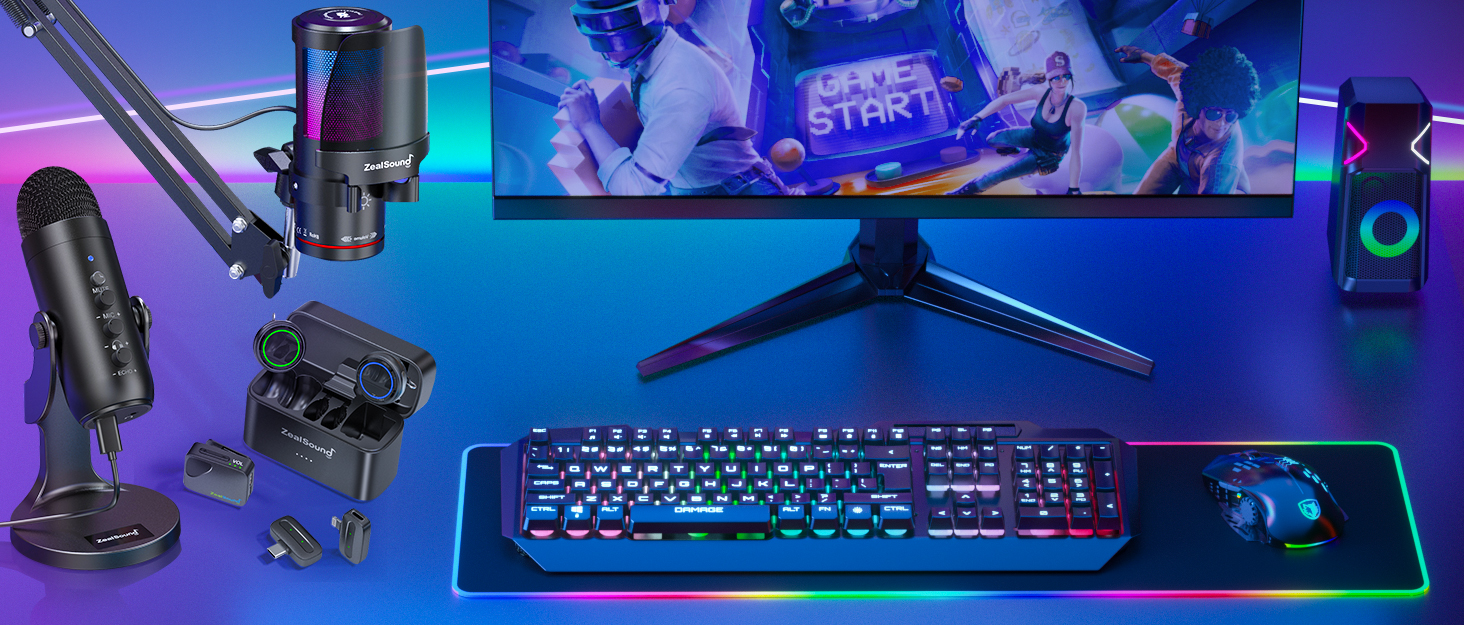
Professional Audio Solutions
Take your voice to the next level with ZealSound's premium microphones and audio mixers!

ZealSound: Power in Every Mic
ZealSound, founded in 2009, has specialized in high-quality microphones and audio mixers for over 16 years. Trusted in 150+ countries, our products empower creators, gamers, and everyday users. Simple, reliable, and accessible, every mic reflects our mission to make great sound available to all. Thank you for choosing ZealSound—we’re committed to earning your trust with every mic we make.

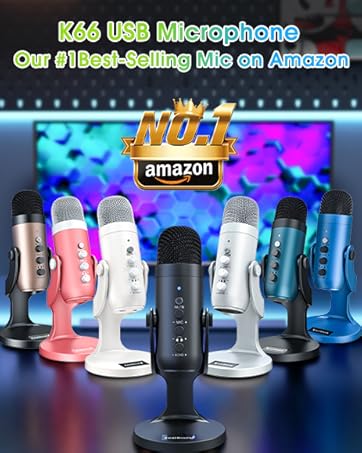



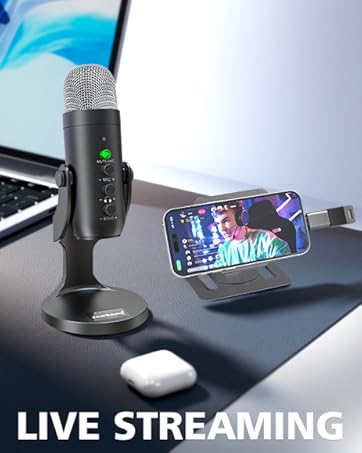
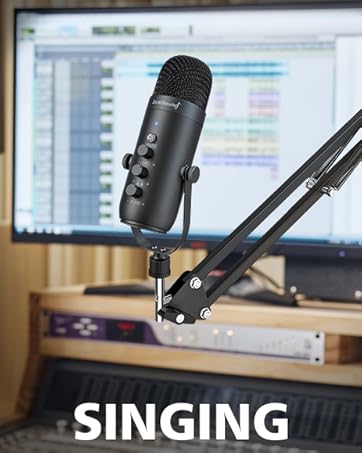
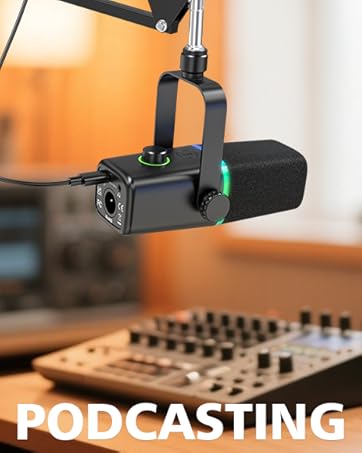
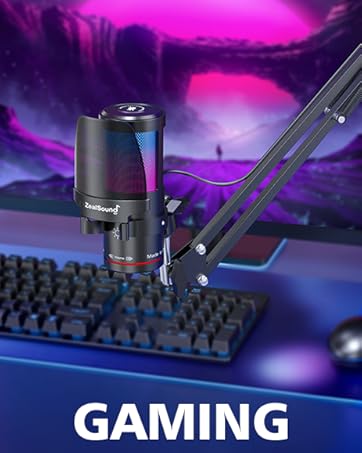
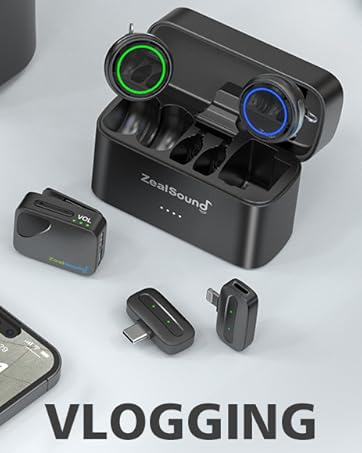
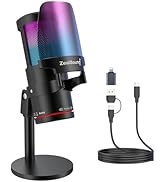
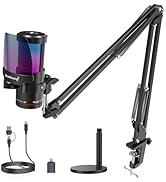
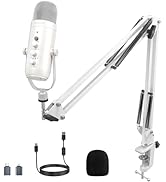
ZealSound Microphones
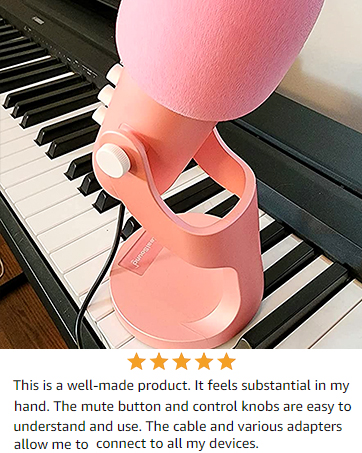
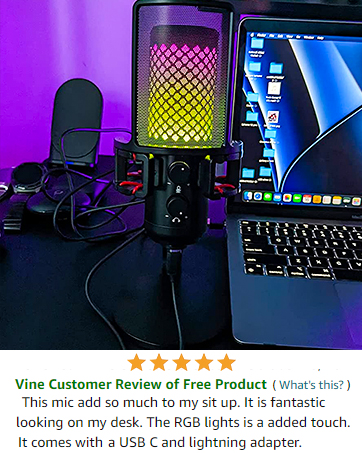
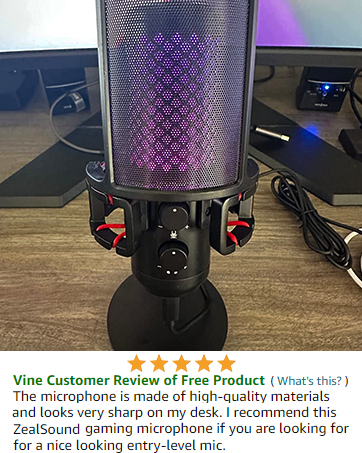
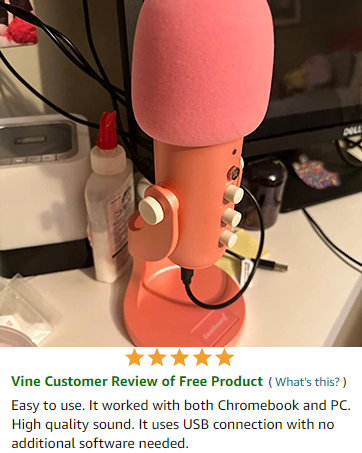
ZealSound K66DG: Wireless Freedom. Studio-Level Clarity.
ZealSound K66DG Microphone
Merchant VideoStable 2.4GHz connection, built-in noise reduction, and instant setup. A clean desk, powerful voice, and total creative freedom for streamers, podcasters, gamers, and creators.
Built for Creators: Control, Comfort, and Clean Sound

Smart On-Mic Controls
Adjust gain, echo, volume, and mute instantly on the mic—fast control for streaming, calls, and real-time monitoring.

360° Adjustable Stand
Full 360° rotation with a solid weighted base—position your mic precisely for stable, clear voice pickup.

16H Battery, Fast Recharge
Up to 16 hours of runtime with a 3-hour charge—record longer and stay powered for streaming or meetings.

Intelligent Noise Control
Activate Noise Reduction Mode to reduce background sounds and keep your voice clear in busy environments.

Broad Compatibility: Pairs with iPhone, Android, PC, Tablet, and more.

Experience studio-grade sound with our 2.4GHz wireless microphone. Includes Lightning and USB-C adapters for compatibility with iPhone, iPad, Android, Mac, PC, PS4, and PS5. Use 2.4GHz or USB for recording; Bluetooth supports background music playback only.
One Mic. Every Scene.

Game, record, teach, stream, and connect with confidence. Stable wireless audio, intelligent noise reduction, and plug-and-play compatibility make it the perfect desktop mic for any setup.
Why can't I record when connected via Bluetooth?
Bluetooth is for background music playback only.
For recording, use the 2.4GHz wireless connection or a wired USB connection—Bluetooth does not support audio capture.
How can I add background music while recording my voice?
Pair a phone or tablet to the mic via Bluetooth to play background music (BGM), and use the USB receiver (dongle) or the included USB cable connected to your PC, Mac, or console for voice recording or streaming.
Why does it not work with my Android phone but function well with my iPhone 17?
Please ensure that your Android device supports OTG and verify that it's enabled in the settings before use. (Search for "OTG" in the settings and enable it.)
As an ASMR artist, I am experiencing excessive noise with this microphone, how can you help me resolve it?
The noise-canceling function is OFF by default. To activate noise cancel, double-click the "MUTE/ANC" button until the small LED indicator turns blue. while the mute button still keeps light on green.
Can I connect two microphones to one device?
Our current mic doesn’t support connecting two mics to one device. But we’ve just launched a new wireless set that does! Search ASIN: B0FBGC8L64 on to check it out.
ZealSound K66DG: Wireless Freedom. Studio-Level Clarity.
ZealSound K66DG Microphone
Merchant VideoStable 2.4GHz connection, built-in noise reduction, and instant setup. A clean desk, powerful voice, and total creative freedom for streamers, podcasters, gamers, and creators.
Built for Creators: Control, Comfort, and Clean Sound
Smart On-Mic Controls
Adjust gain, echo, volume, and mute instantly on the mic—fast control for streaming, calls, and real-time monitoring.
360° Adjustable Stand
Full 360° rotation with a solid weighted base—position your mic precisely for stable, clear voice pickup.
16H Battery, Fast Recharge
Up to 16 hours of runtime with a 3-hour charge—record longer and stay powered for streaming or meetings.
Intelligent Noise Control
Activate Noise Reduction Mode to reduce background sounds and keep your voice clear in busy environments.
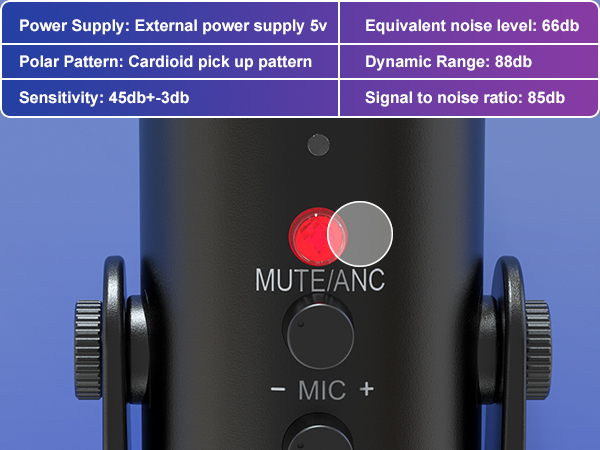
Instant Mute
Tap this button to mute your audio during recording or streaming. The LED light will turn red to show that the mic is muted.
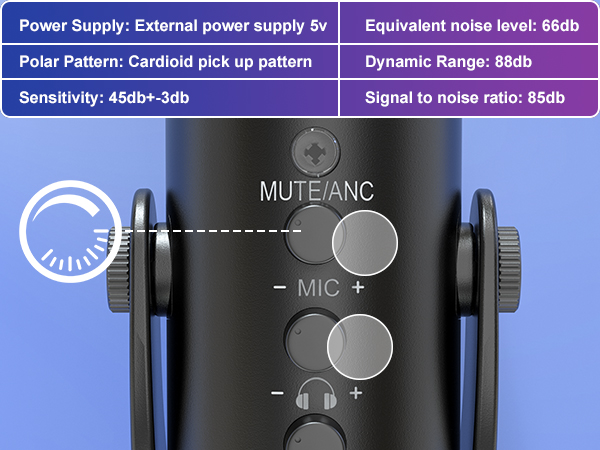
Independent Monitor and Volume Controls
Easily fine-tune microphone gain and monitoring levels in real time to ensure clear and balanced audio throughout your recording.
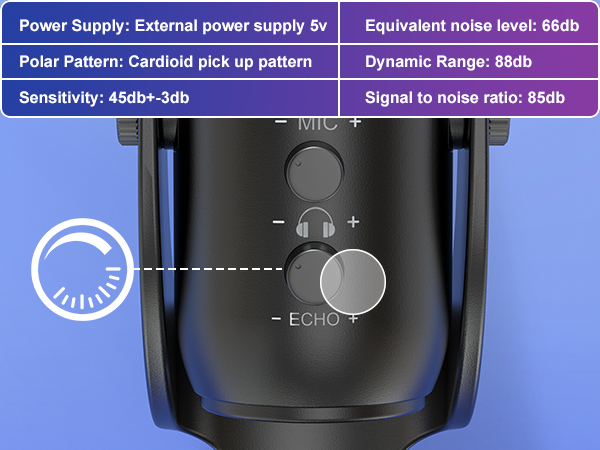
Echo Control
The echo effect features adjustable intensity and can be fully turned off using the dedicated knob.
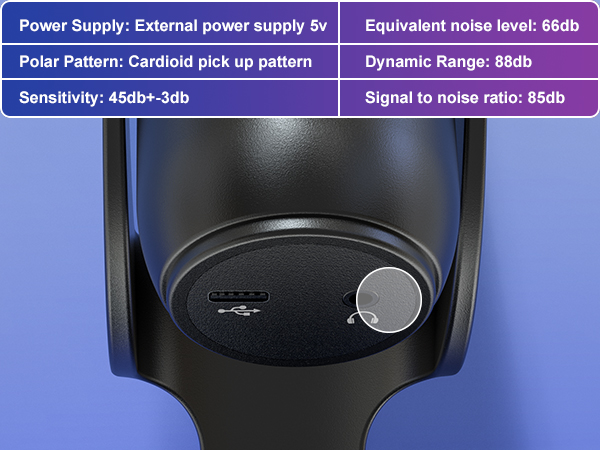
Hear It As You Record
Plug in a 3.5mm headphone to monitor your audio in real time with zero delay.
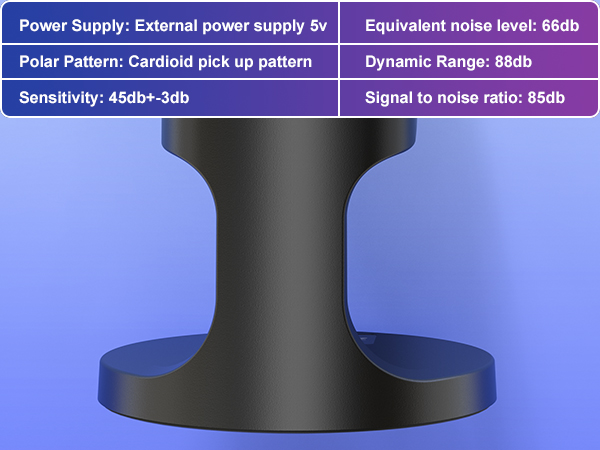
Stable and Strong Base
Heavy and vibration-dampening base that holds your mic firmly in place for clear, uninterrupted audio.
Broad Compatibility: Pairs with iPhone, Android, PC, Tablet, and more.

Experience studio-grade sound with our 2.4GHz wireless microphone. Includes Lightning and USB-C adapters for compatibility with iPhone, iPad, Android, Mac, PC, PS4, and PS5. Use 2.4GHz or USB for recording; Bluetooth supports background music playback only.
One Mic. Every Scene.

Game, record, teach, stream, and connect with confidence. Stable wireless audio, intelligent noise reduction, and plug-and-play compatibility make it the perfect desktop mic for any setup.
Why can't I record when connected via Bluetooth?
Bluetooth is for background music playback only.
For recording, use the 2.4GHz wireless connection or a wired USB connection—Bluetooth does not support audio capture.
How can I add background music while recording my voice?
Pair a phone or tablet to the mic via Bluetooth to play background music (BGM), and use the USB receiver (dongle) or the included USB cable connected to your PC, Mac, or console for voice recording or streaming.
Why does it not work with my Android phone but function well with my iPhone 17?
Please ensure that your Android device supports OTG and verify that it's enabled in the settings before use. (Search for "OTG" in the settings and enable it.)
As an ASMR artist, I am experiencing excessive noise with this microphone, how can you help me resolve it?
The noise-canceling function is OFF by default. To activate noise cancel, double-click the "MUTE/ANC" button until the small LED indicator turns blue. while the mute button still keeps light on green.
Can I connect two microphones to one device?
Our current mic doesn’t support connecting two mics to one device. But we’ve just launched a new wireless set that does! Search ASIN: B0FBGC8L64 on to check it out.
Professional Audio Solutions
Take your voice to the next level with ZealSound's premium microphones and audio mixers!
ZealSound: Power in Every Mic
ZealSound, founded in 2009, has specialized in high-quality microphones and audio mixers for over 16 years. Trusted in 150+ countries, our products empower creators, gamers, and everyday users. Simple, reliable, and accessible, every mic reflects our mission to make great sound available to all. Thank you for choosing ZealSound—we’re committed to earning your trust with every mic we make.
ZealSound Microphones





