


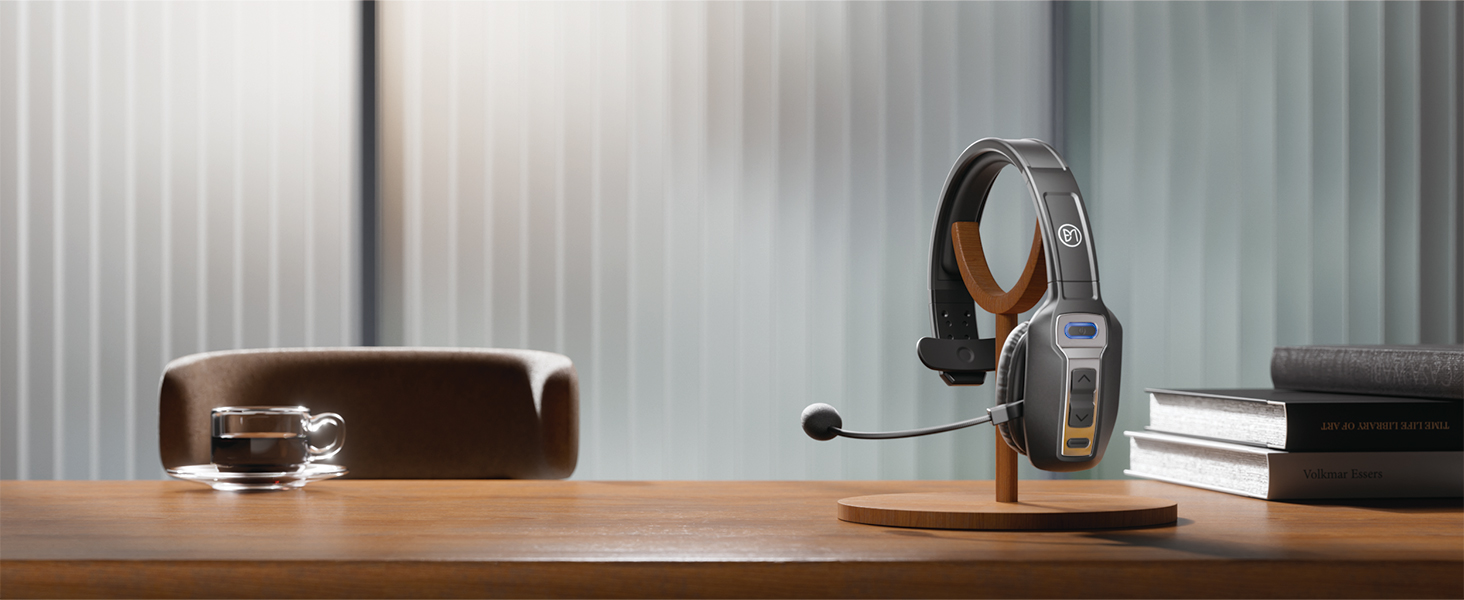
BRAMMAR Trucker Bluetooth Headset
Born for You, Working with You

Listen Clearly, Speak More Clearly
Even during the journey, the bluetooth headset allows you to keep clear of call

Sound Professional, Always
Professional clarity, this Bluetooth headset ensures uninterrupted communication

Ultimate Noise Cancellation, Enhance Every Call
The noise-canceling microphone in this Bluetooth headset makes every call feel close

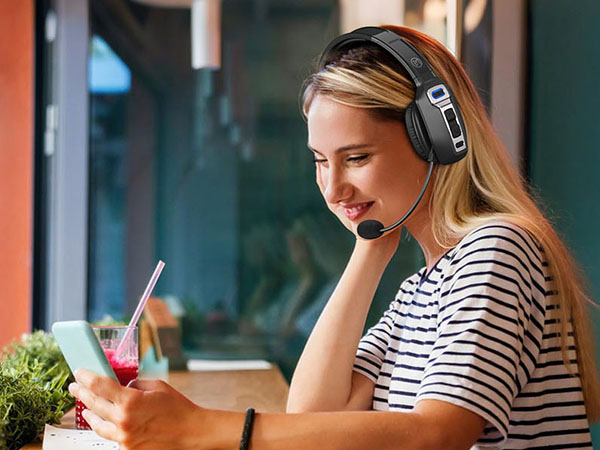
Find Your Focus, Anywhere
Hear and be heard with perfect clarity, wherever you are
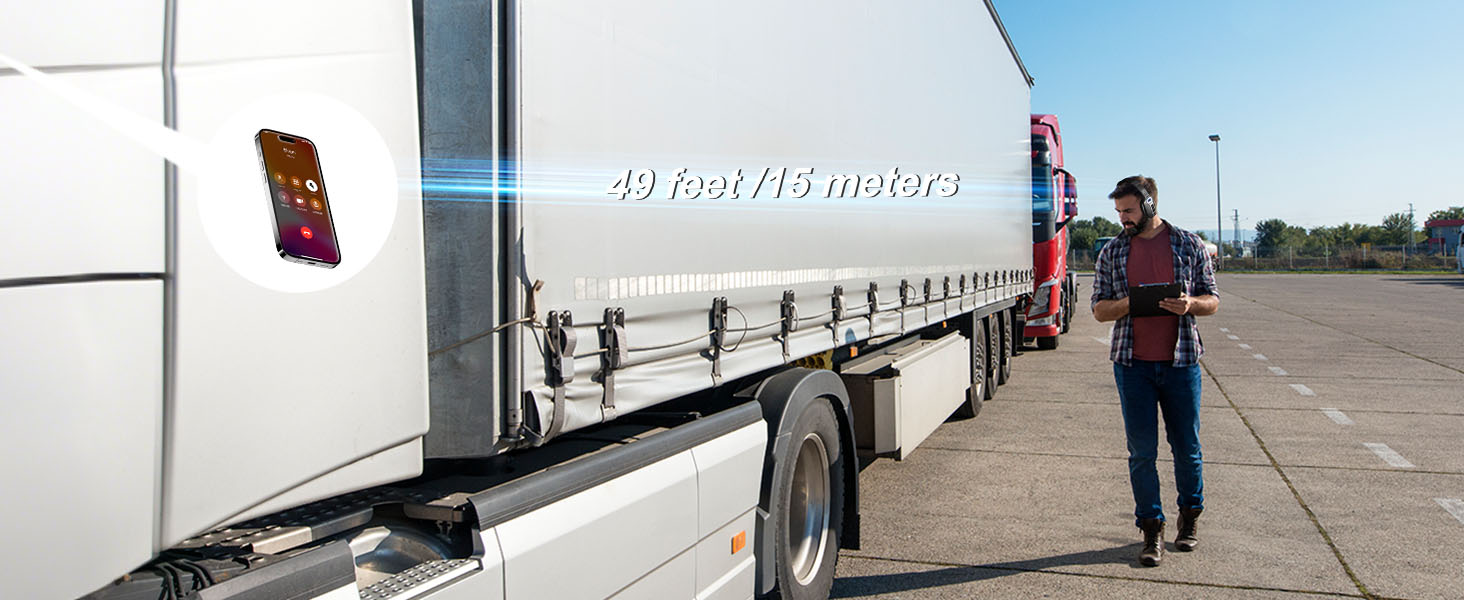
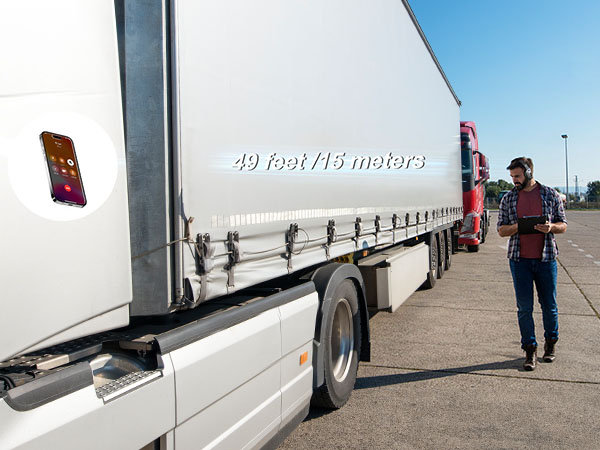
49FT/15M Wireless Freedom
Enjoy the freedom to move freely and never miss a beat with the trucker headset
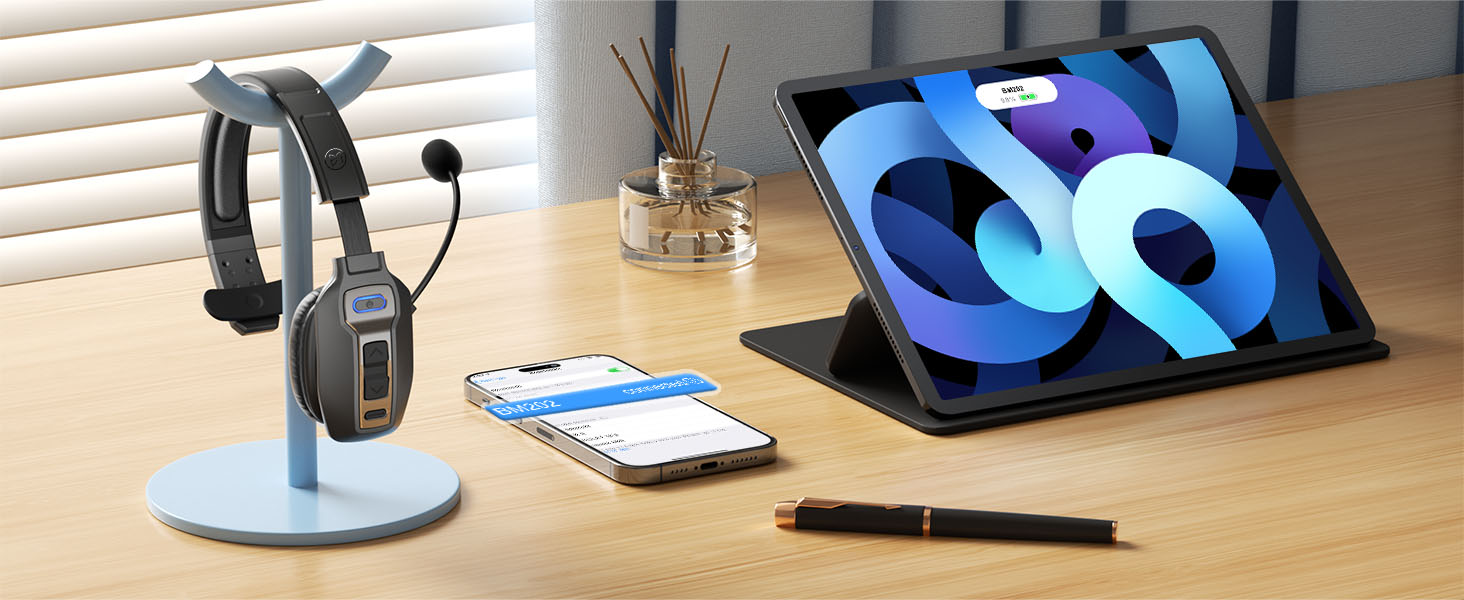
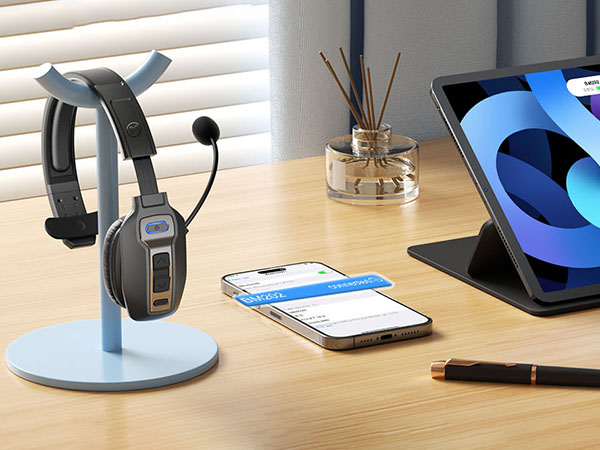
Dual Connections
Our Bluetooth headset can connect to two devices at the same time for seamless multitasking

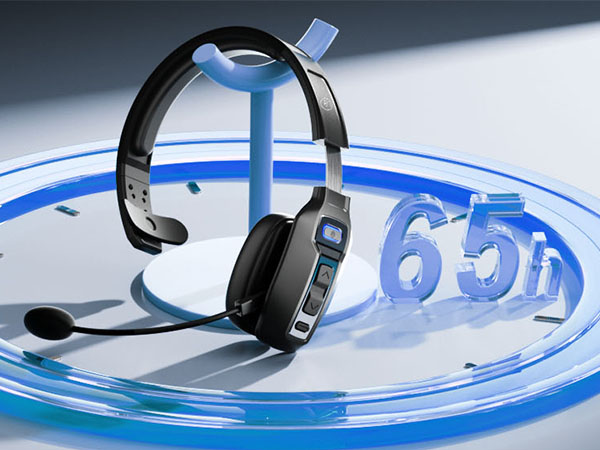
65-Hour Battery Life
Extra-long battery life keeps you connected from dawn to dusk
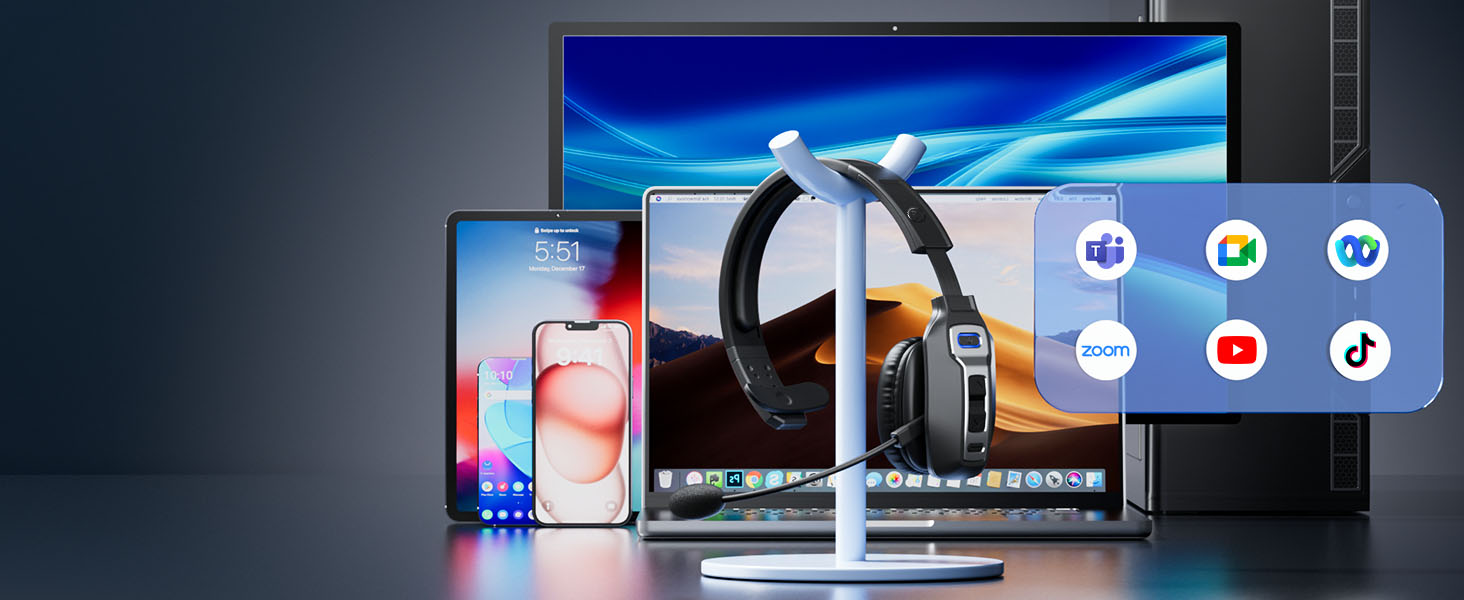
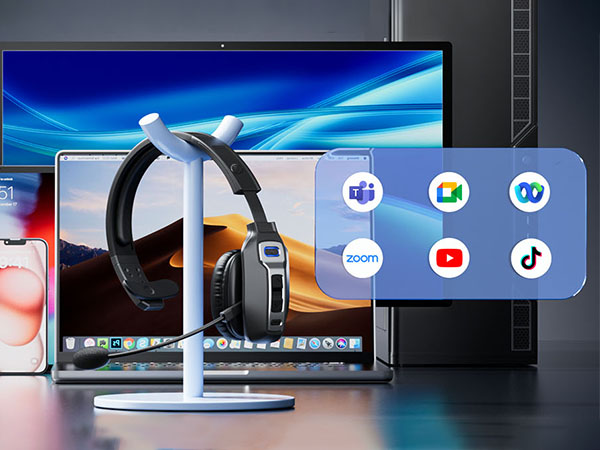
Wide Compatibility
It easily connect to the devices (landline not included) and work seamlessly with productivity apps
How to Set Audio
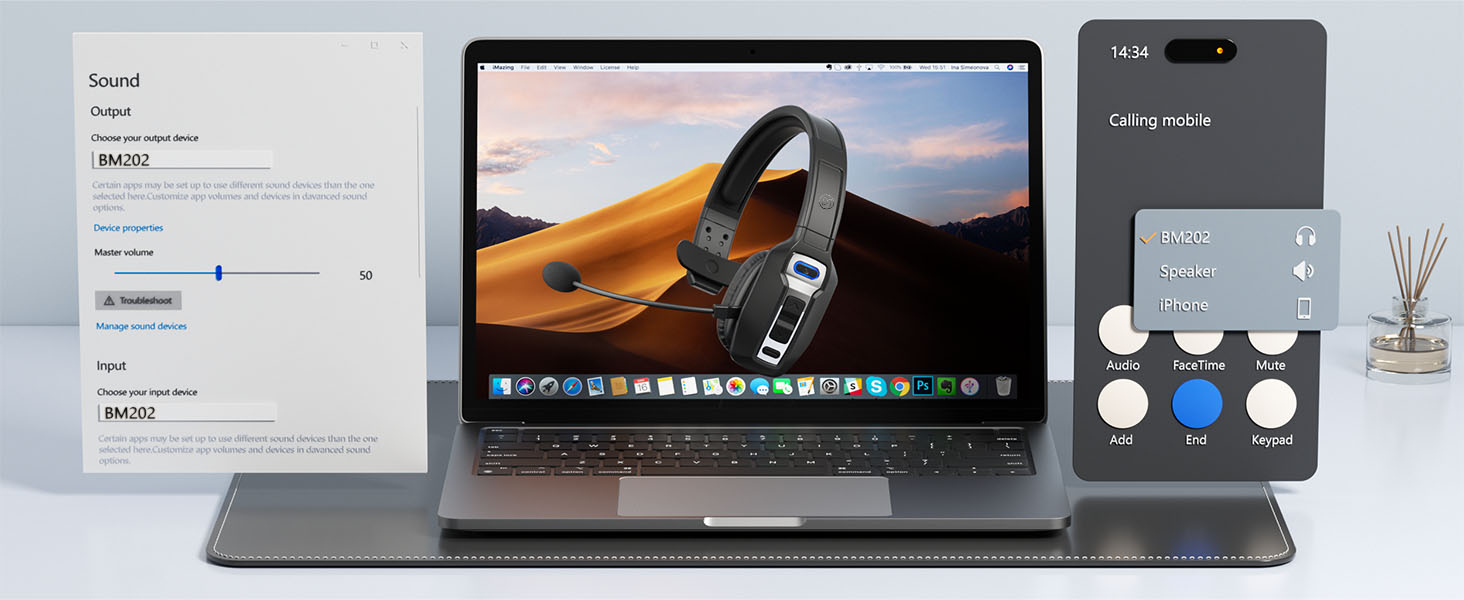
How to pair BM202 to 2 Bluetooth devices simultaneously?
- Press and hold the MFB button for 3-5 seconds to enter pairing mode. The LED indicator will flash blue and red alternately, and you will hear "Pairing"
- Enable Bluetooth on device A, then search for and select [BM202] in the Bluetooth device list. When you hear "Your headset is connected", the headset is successfully connected to device A
- Turn off the Bluetooth function on device A. When you hear "Your headset is disconnected," the LED indicator flashes blue and red alternately, and [BM202] re-enter pairing mode
- Enable Bluetooth on device B, then search for and select [BM202] in the Bluetooth device list. When you hear "Your headset is connected", the headset is connected to device B
- Turn on the Bluetooth function on device A, and select [BM202] in the Bluetooth device list. When you hear "Your headset is connected" again, it means the headset is now successfully connected to both device A and device B simultaneously
Note:
- When listening to music on device A, if device B receives an incoming call, simply click the MFB button to answer the call (refer to the manual for more details)
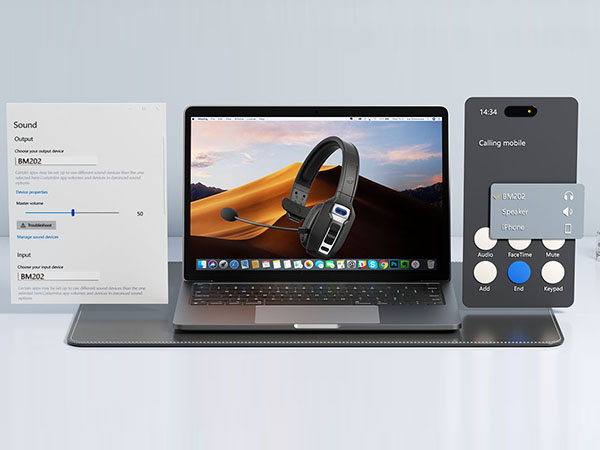
- For conference calls, ensure that [BM202] is selected as the default output and input device (speaker/microphone) in the sound settings of both your computer and the conferencing software
Does this truck Bluetooth headset have a mute button?
Yes, this trucker headset is equipped with a mute button, you can easily and quickly mute during a call, avoid unnecessary interference, and ensure that your call is more professional and focused.
How to get help if I have difficulties using it?
If you have any questions, please check the contact information of the user manual or enter the store and click on the button to ask questions, we are online anytime.
Is the noise canceling effect of this truck headset good?
This Bluetooth headset uses environmental noise cancellation (ENC) technology to effectively filter your background noise and ensure that the caller can hear your voice clearly.
Does this Bluetooth headset support desktop phones?
This bluetooth headset with microphone is mainly designed to pair with Bluetooth-enabled mobile devices and computers, and does not support pairing with landline phones.


BRAMMAR was born from a passion for wireless audio, dedicated to providing high-quality headset experiences. Our team of experts creates premium headsets that enhance daily life and work. Each model combines advanced audio technology with user-friendly comfort, ensuring exceptional sound quality and ease of use.
BRAMMAR headsets are more than just tools; they bridge the connection to the world, making every call and music experience seamless



Trucker Bluetooth Headset




Trucker Bluetooth Headset
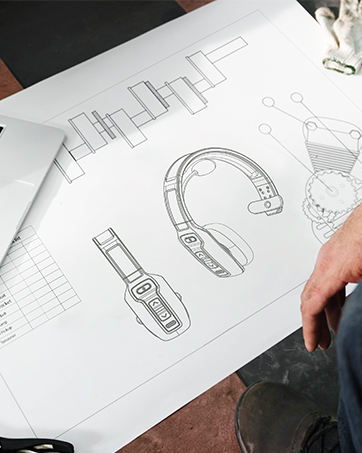
BRAMMAR Trucker Headset
Pursue Excellence and Keep Innovating
How we got started?
BRAMMAR was born out of a passion for wireless audio technology and a deep understanding of user needs. We are committed to creating high-quality headphones that enhance your daily life and work experience
What makes our products unique
BRAMMAR headsets uniquely blend advanced audio technology with user-focused design, offering exceptional sound and lasting comfort
Why we love our work
Our passion for wireless audio technology We strive to help every user find their ideal product, pursuing excellence and continuous innovation to deliver outstanding sound quality and comfort
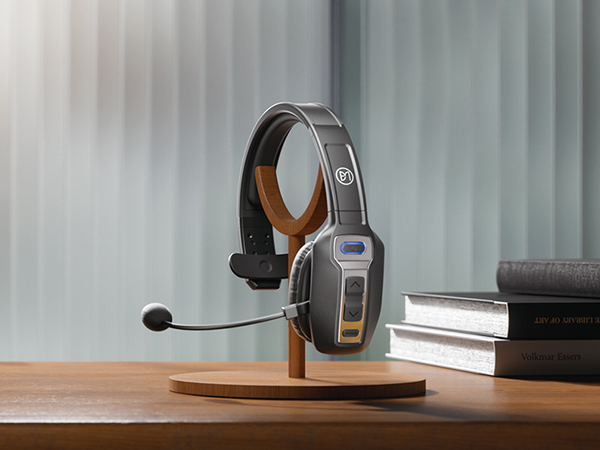
Born for You, Working with You
Listen Clearly, Speak More Clearly
Even during the journey, the bluetooth headset allows you to keep clear of call
Sound Professional, Always
Professional clarity, this Bluetooth headset ensures uninterrupted communication
Ultimate Noise Cancellation, Enhance Every Call
The noise-canceling microphone in this Bluetooth headset makes every call feel close
Find Your Focus, Anywhere
Hear and be heard with perfect clarity, wherever you are



49FT/15M Wireless Freedom
Enjoy the freedom to move freely and never miss a beat with the trucker headset
Got it!
Dual Connections
Our Bluetooth headset can connect to two devices at the same time for seamless multitasking
65-Hour Battery Life
Extra-long battery life keeps you connected from dawn to dusk
Wide Compatibility
It easily connect to the devices (landline not included) and work seamlessly with productivity apps
How to Set Audio
How to pair BM202 to 2 Bluetooth devices simultaneously?
- Press and hold the MFB button for 3-5 seconds to enter pairing mode. The LED indicator will flash blue and red alternately, and you will hear "Pairing"
- Enable Bluetooth on device A, then search for and select [BM202] in the Bluetooth device list. When you hear "Your headset is connected", the headset is successfully connected to device A
- Turn off the Bluetooth function on device A. When you hear "Your headset is disconnected," the LED indicator flashes blue and red alternately, and [BM202] re-enter pairing mode
- Enable Bluetooth on device B, then search for and select [BM202] in the Bluetooth device list. When you hear "Your headset is connected", the headset is connected to device B
- Turn on the Bluetooth function on device A, and select [BM202] in the Bluetooth device list. When you hear "Your headset is connected" again, it means the headset is now successfully connected to both device A and device B simultaneously
Note:
- When listening to music on device A, if device B receives an incoming call, simply click the MFB button to answer the call (refer to the manual for more details)
- For conference calls, ensure that [BM202] is selected as the default output and input device (speaker/microphone) in the sound settings of both your computer and the conferencing software
Does this truck Bluetooth headset have a mute button?
Yes, this trucker headset is equipped with a mute button, you can easily and quickly mute during a call, avoid unnecessary interference, and ensure that your call is more professional and focused.
How to get help if I have difficulties using it?
If you have any questions, please check the contact information of the user manual or enter the store and click on the button to ask questions, we are online anytime.
Is the noise canceling effect of this truck headset good?
This Bluetooth headset uses environmental noise cancellation (ENC) technology to effectively filter your background noise and ensure that the caller can hear your voice clearly.
Does this Bluetooth headset support desktop phones?
This bluetooth headset with microphone is mainly designed to pair with Bluetooth-enabled mobile devices and computers, and does not support pairing with landline phones.
BRAMMAR was born from a passion for wireless audio, dedicated to providing high-quality headset experiences. Our team of experts creates premium headsets that enhance daily life and work. Each model combines advanced audio technology with user-friendly comfort, ensuring exceptional sound quality and ease of use.
BRAMMAR headsets are more than just tools; they bridge the connection to the world, making every call and music experience seamless
Trucker Bluetooth Headset
Trucker Bluetooth Headset
BRAMMAR Trucker Headset
Pursue Excellence and Keep Innovating
How we got started?
BRAMMAR was born out of a passion for wireless audio technology and a deep understanding of user needs. We are committed to creating high-quality headphones that enhance your daily life and work experience
What makes our products unique
BRAMMAR headsets uniquely blend advanced audio technology with user-focused design, offering exceptional sound and lasting comfort
Why we love our work
Our passion for wireless audio technology We strive to help every user find their ideal product, pursuing excellence and continuous innovation to deliver outstanding sound quality and comfort





