Warm Notes :
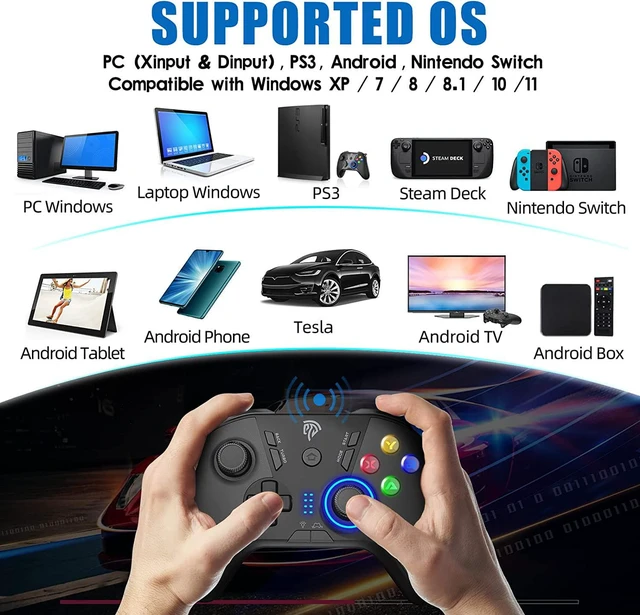
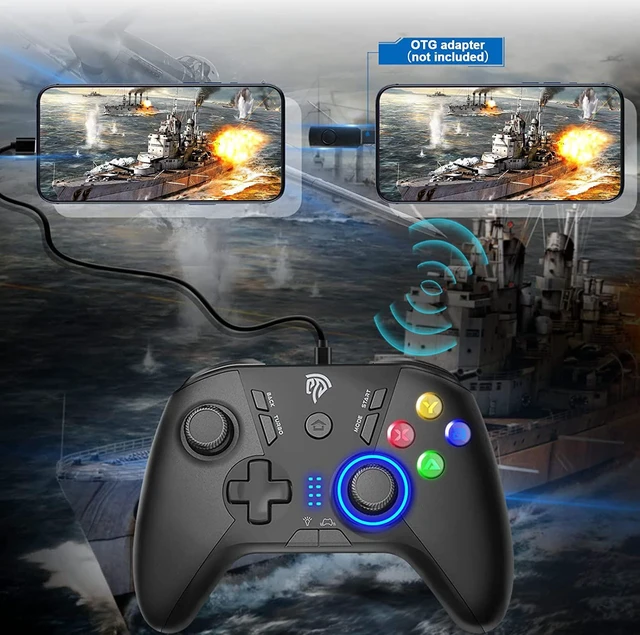
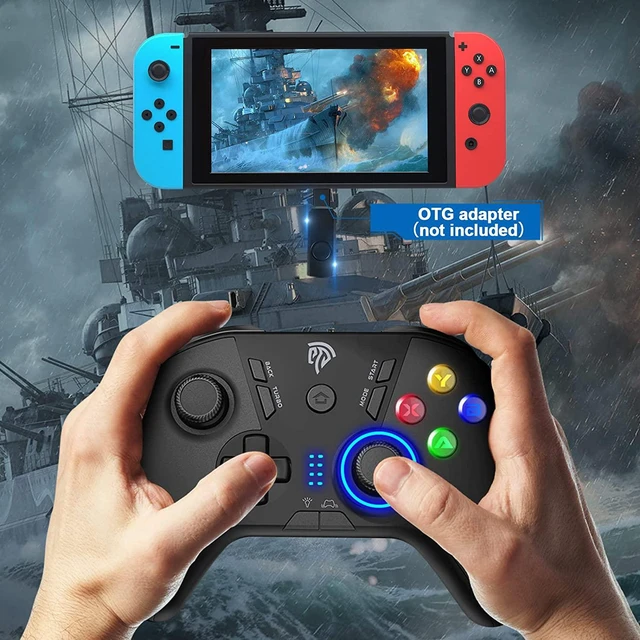
1. The OTG Cable is a USB A to USB C Adapter , not included in the package box
2. Support Plug and Play
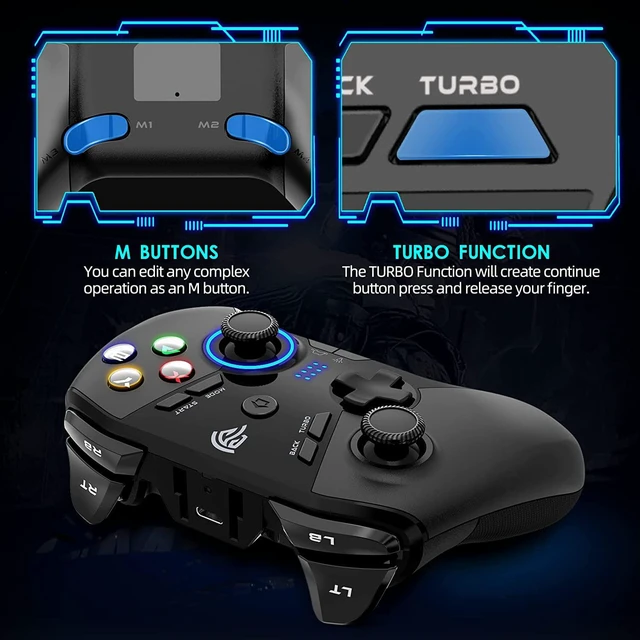
How to set the customized buttons
1. Press and hold the button that needs to be customized, such as M1, and then press the BACK button. At this point, the ring LED light changes to a mixed color and enters the custom state.
2. Press the button that needs to be programmed to M1, such as A button. It can also be the combination button A B button.
3. Press the M1 button again, the ring LED will turn blue, setting successfully. Other M2 M3 M4 button settings are the same as above.
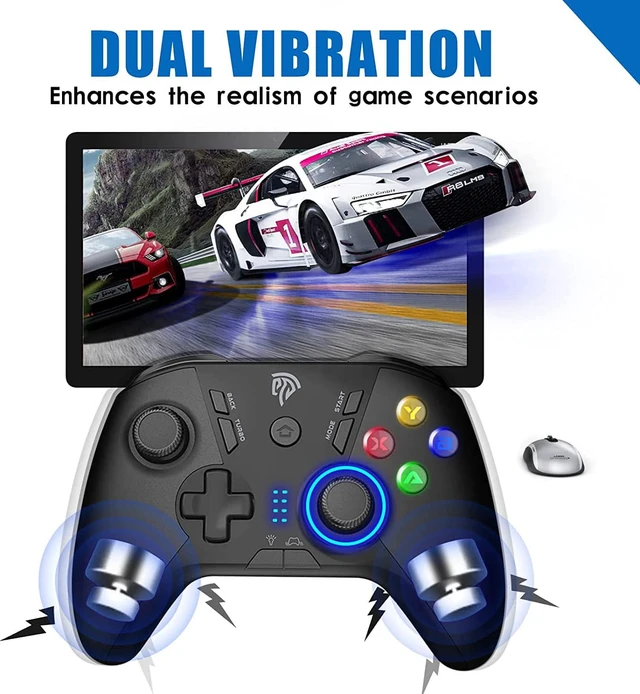
5 Asdjustable Dual Shock
Different vibration strengths can have better game effects and increase the player's stimulation of a certain game. The vibration feedback function can only be used for PC games that support the new output mode and may need to be enabled in the game.
Ergonomic Design
Experience the enhanced comfort and feel of the new Wireless Controller.
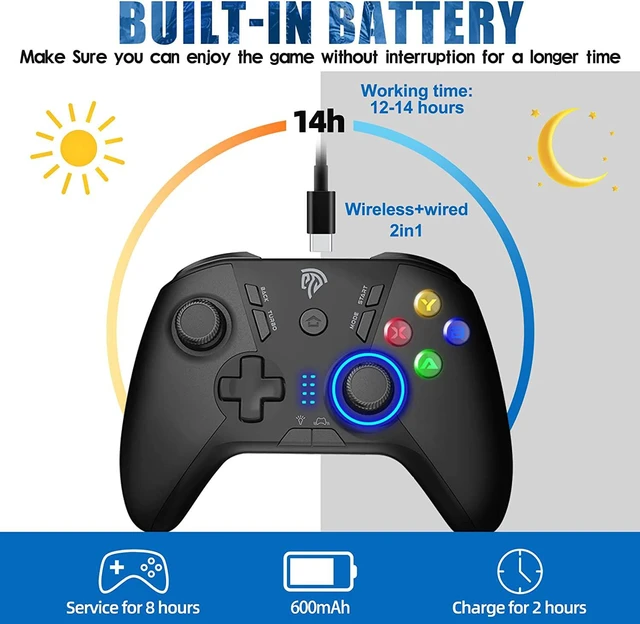
Rechargeable
The controller is rechargeable, type-c USB cable is included in the package.
High Sensitivity
Sensitive, fine-tuned, quick response
Dual vibration / Turbo Function / 4 programme button
Comfortable Design
Asymmetric button layout and anti-slip design
provides a more comfortable gaming experience
Packing list
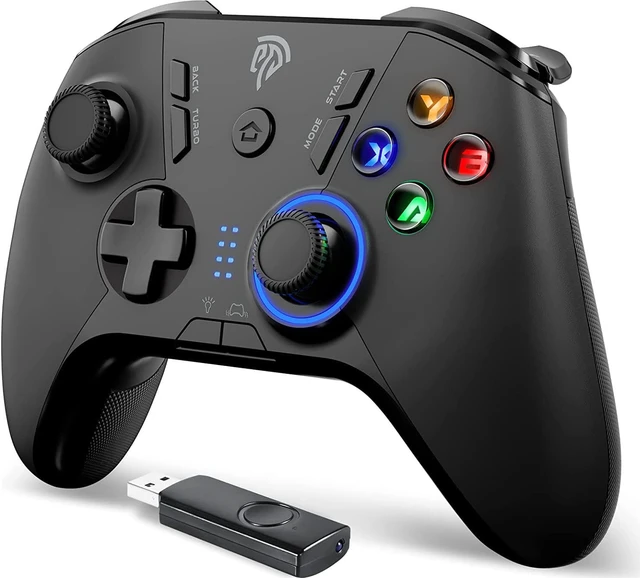
1x EasySMX Gamepad
1x USB Receiver
1x USB cable & 1x Manual



 All Categories