


hero-video
Merchant Video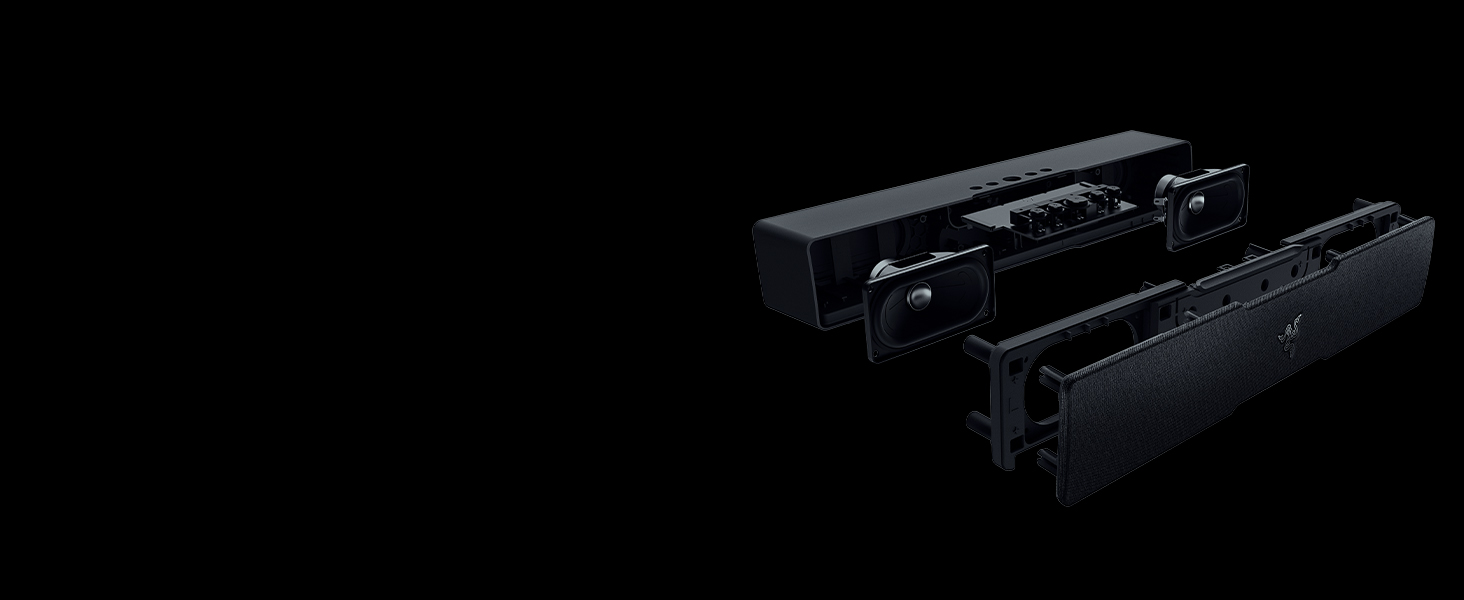
PC Soundbar With Full-range Drivers
Packed with two full-range drivers and two passive radiators for clear, powerful audio
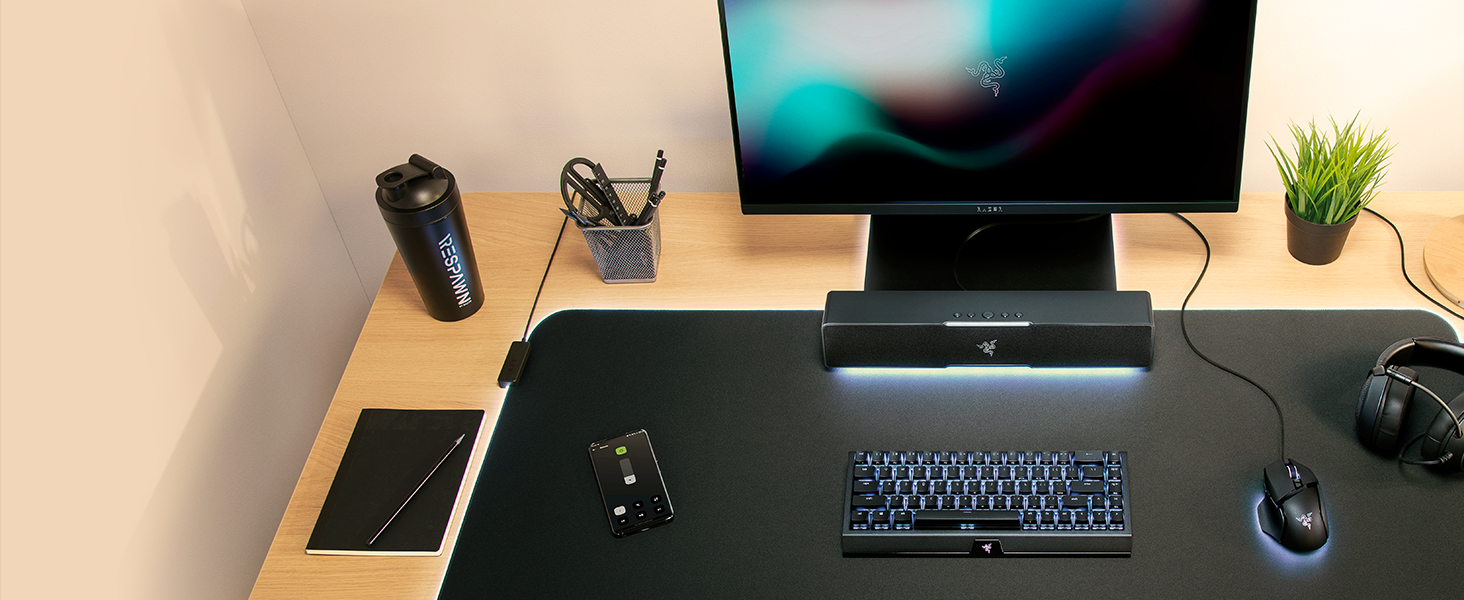
Compact Desktop Form Factor
Fits perfectly beneath your monitor for a clutter-free desktop setup
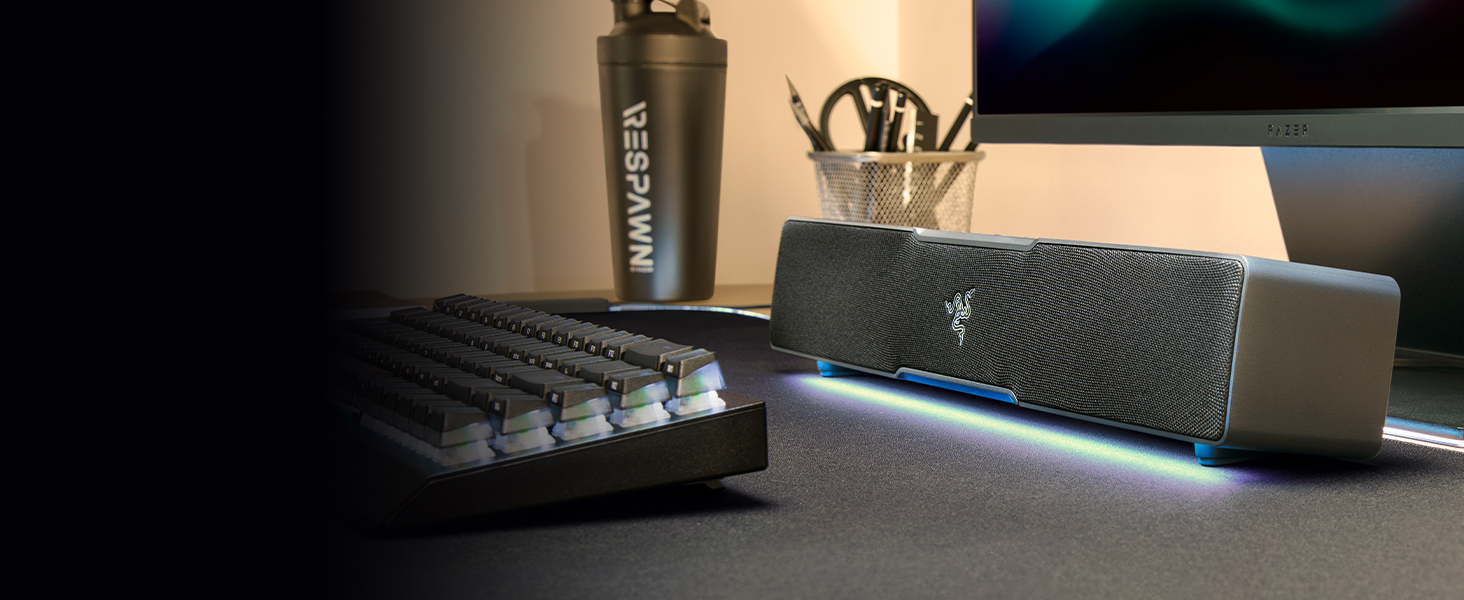
USB Type C Power And Audio Delivery
Powered by a single USB Type C cable for optimum power with hassle-free connectivity
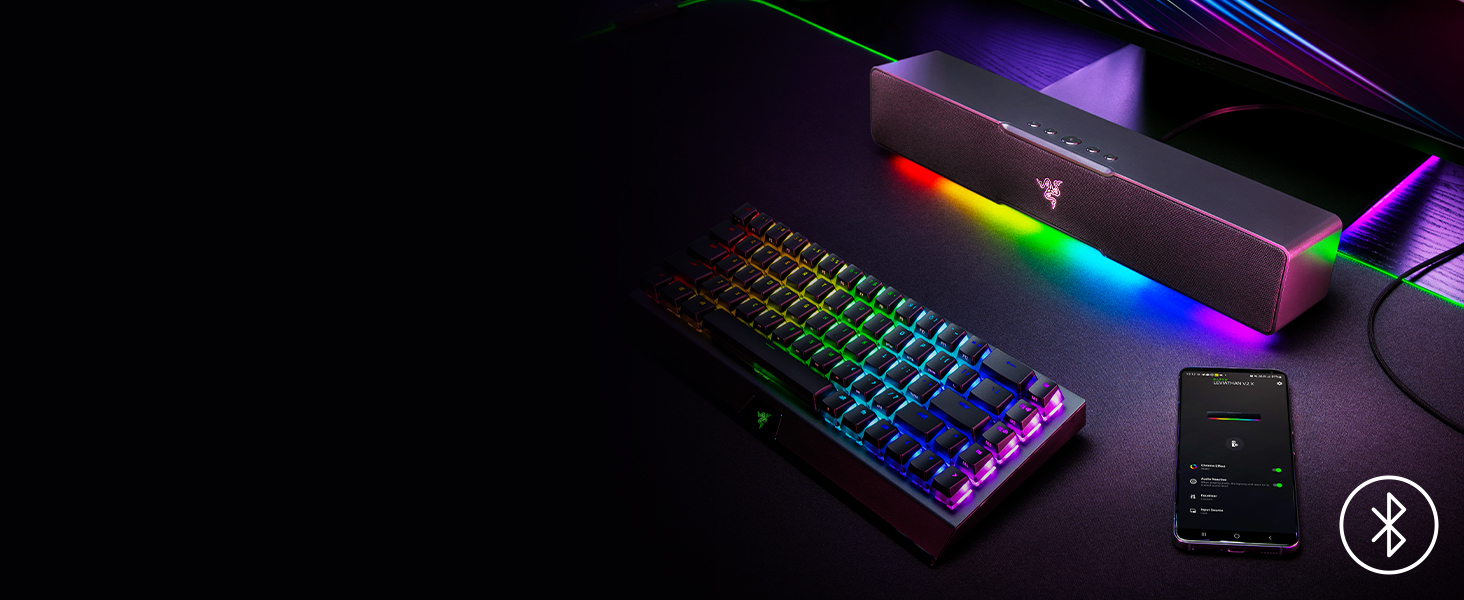
Bluetooth 5.0
Conveniently switch from your PC to your paired mobile device for smooth, stutter-free sound
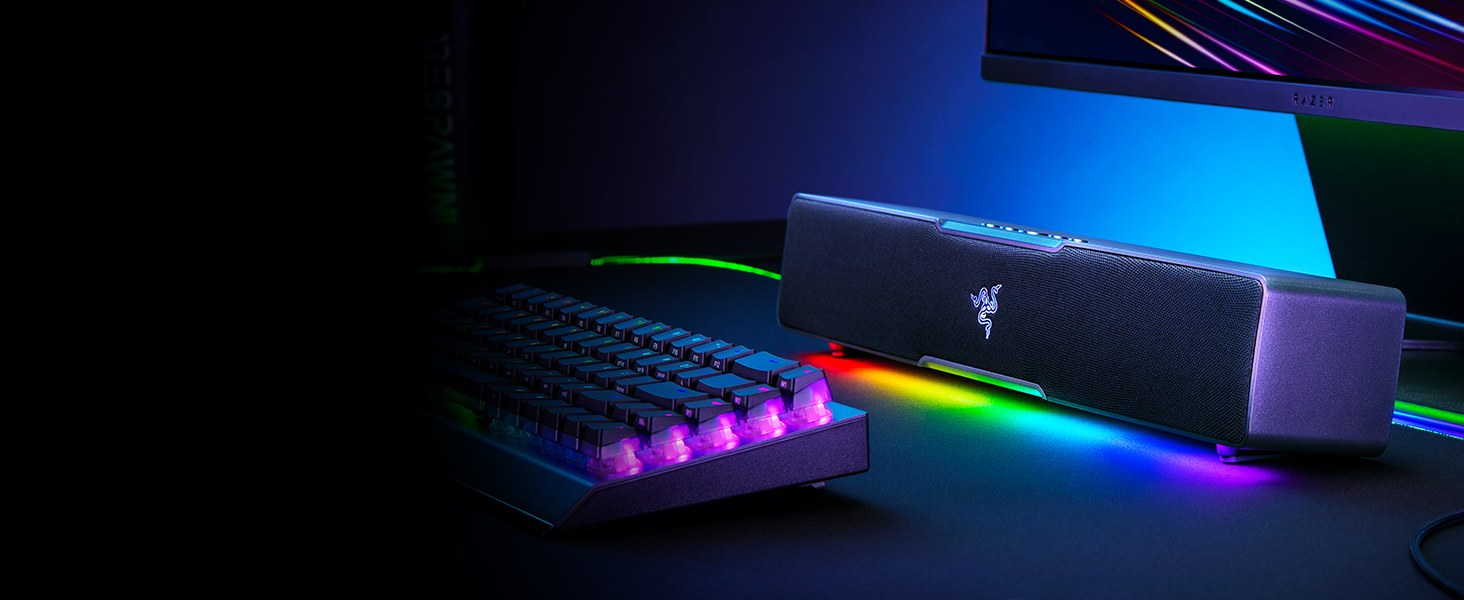
Powered By Razer Chroma RGB
Experience deeper immersion with 14 lighting zones and dynamic in-game lighting effects

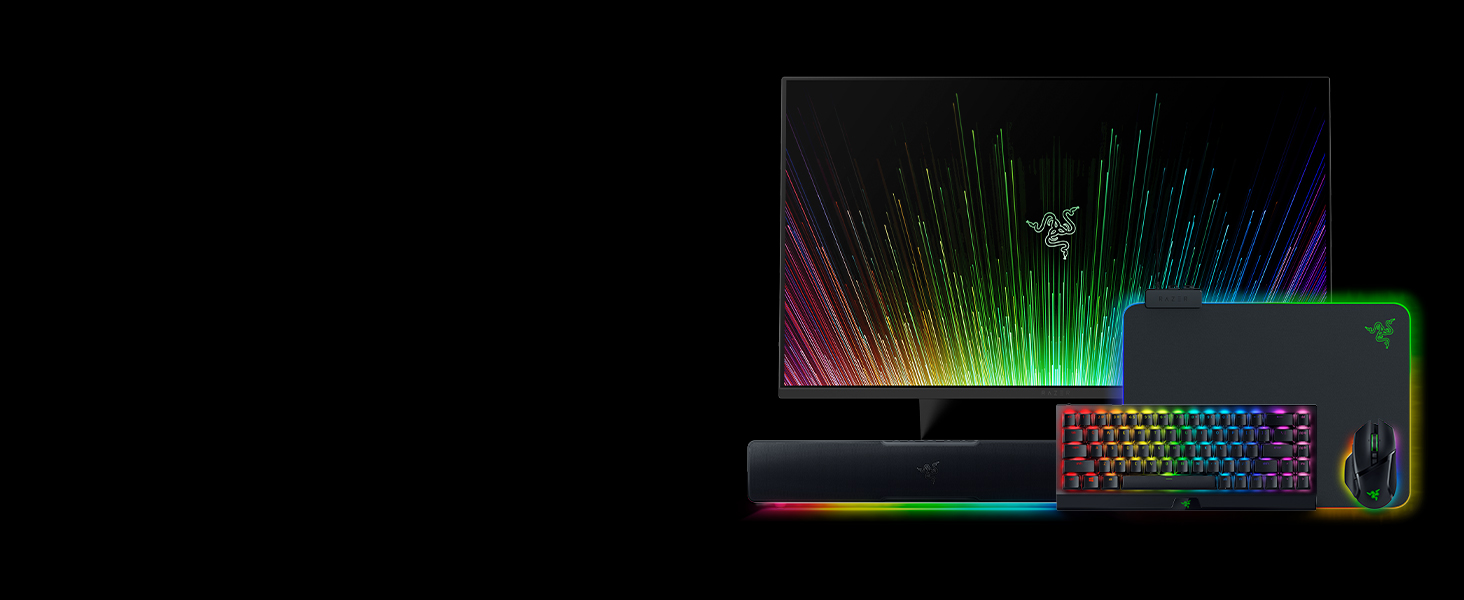
Gear Up
Complete your setup with the full lineup for the ultimate gaming experience from the #1 Best-Selling Gaming Peripherals Manufacturer in the US via NPD Group Inc, 2017-2021
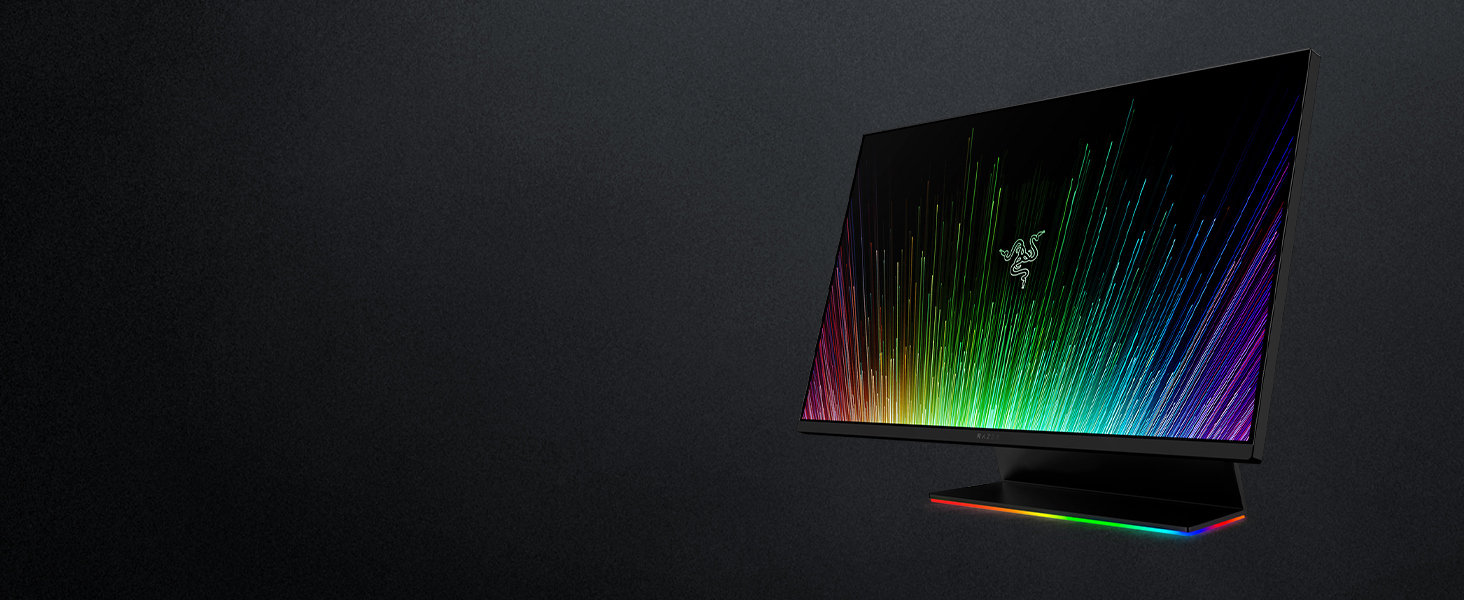
Raptor 27
Updated with the capability and clarity you need to game at your best, the Razer Raptor is now faster than ever with up to 165Hz refresh rate and is the perfect combination of style and performance.
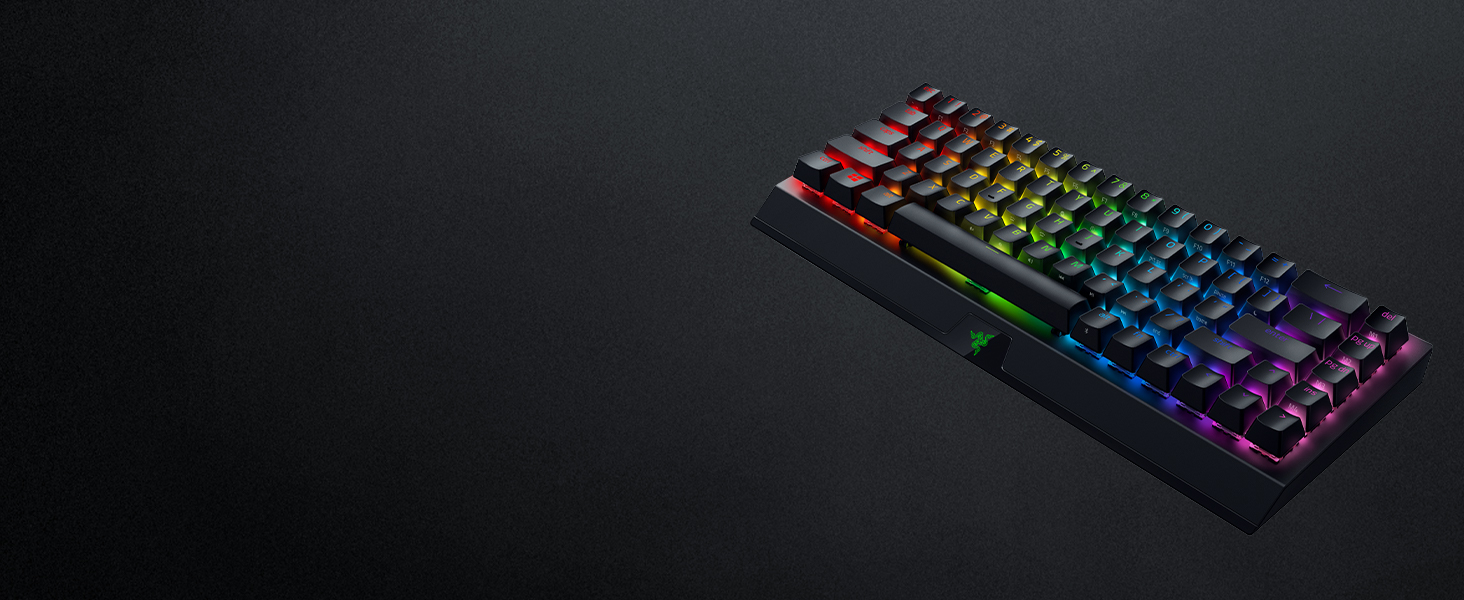
BlackWidow V3 Mini HyperSpeed Phantom
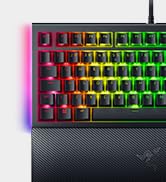
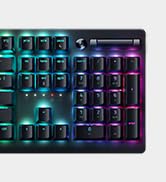
Enjoy seamless gaming in a sleek package with a wireless 65% mechanical gaming keyboard that still retains arrow keys for the perfect balance of form and function.
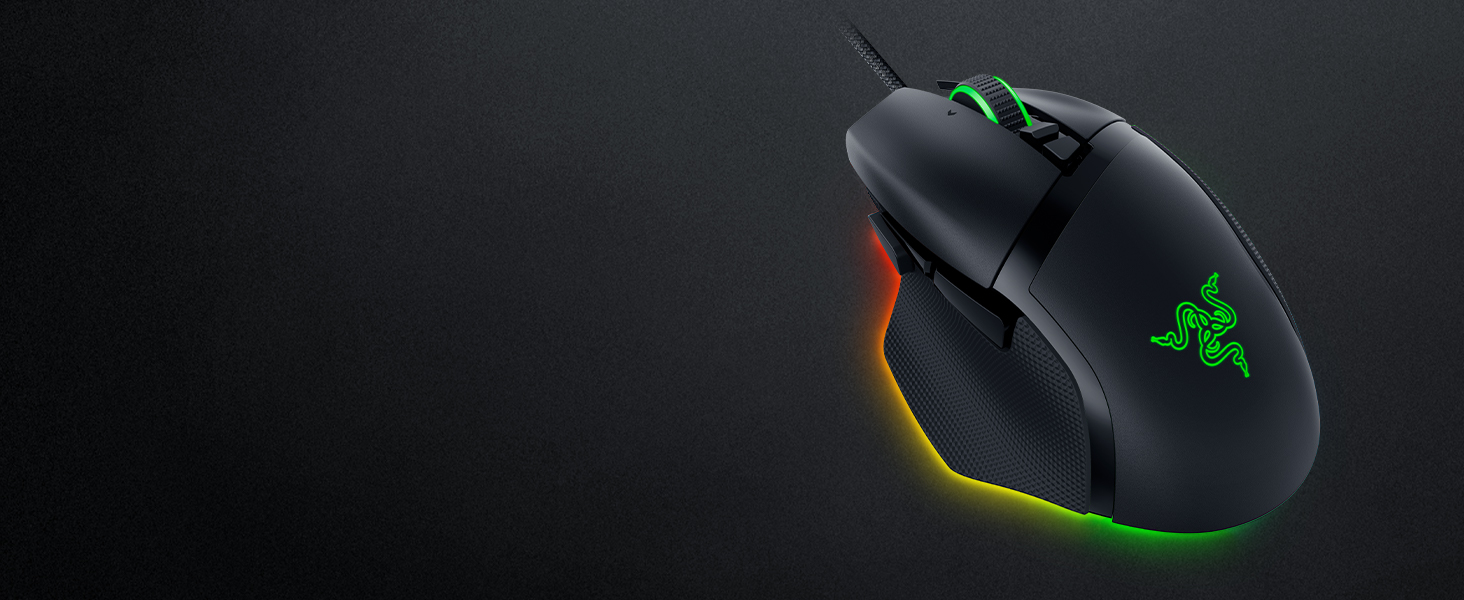
Basilisk V3
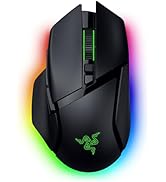
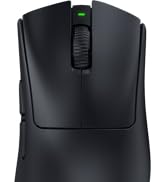
With 10+1 programmable buttons, an intelligent scroll wheel, and a heavy dose of Razer Chroma RGB, create, control, and champion your playstyle with the Razer Basilisk V3
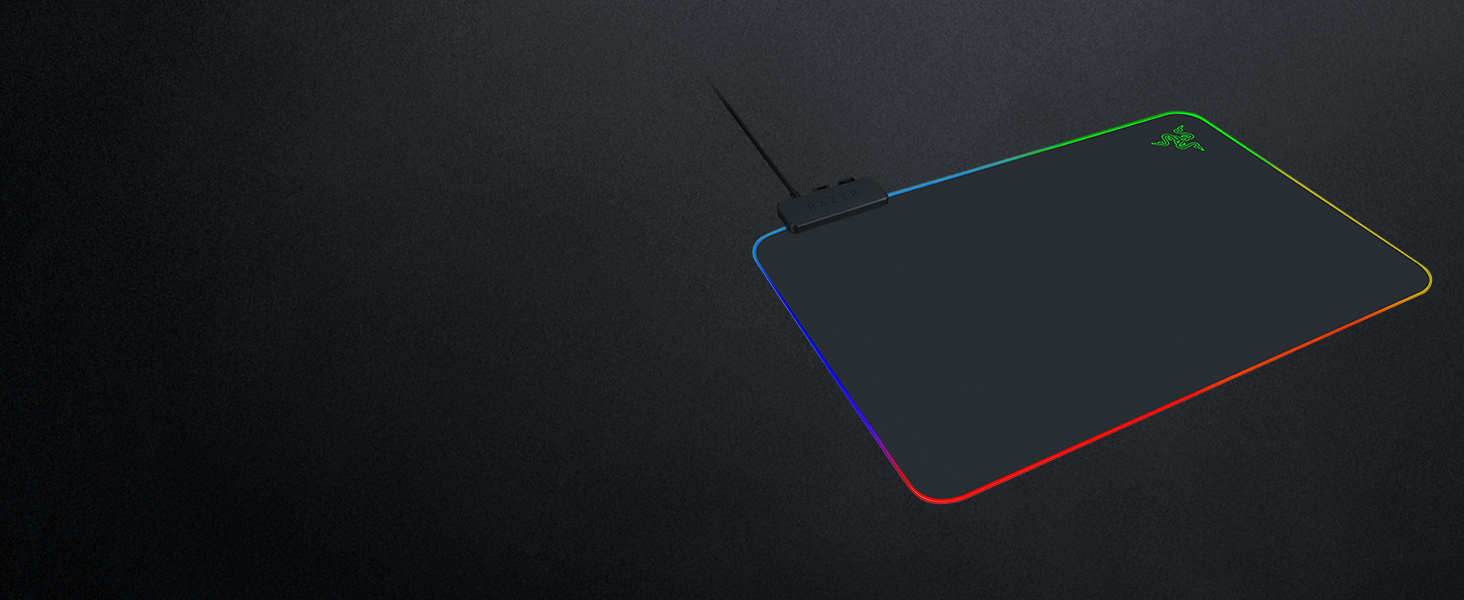
Firefly v2
Sports more lighting zones with RGB lighting powered by Chroma while keeping your aim on-point with a micro-textured surface and steady anti-slip rubber base
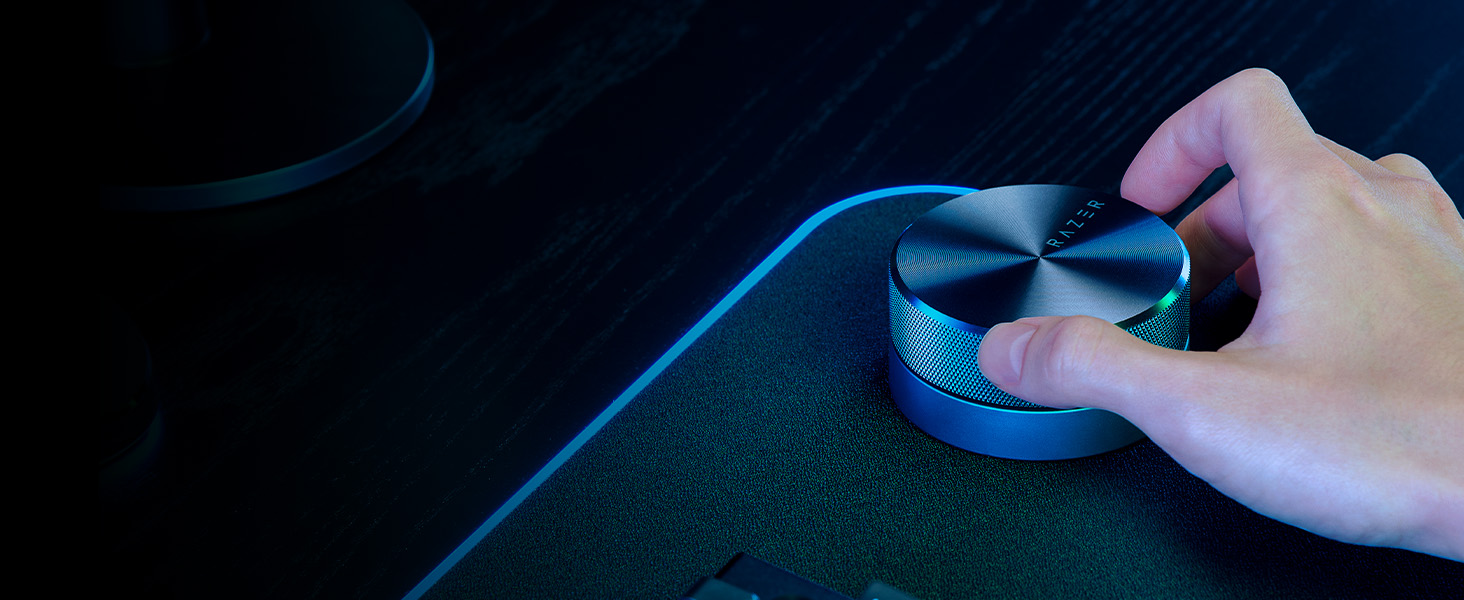
Razer Wireless Control Pod
Adjust settings such as volume, EQ and more with ease and convenience with the wireless control pod. Compatible with Razer Leviathan V2 X.
Which devices are compatible with the Razer Leviathan V2 X?
The Razer Leviathan V2 X can be connected via USB Audio Input to your PC. It can also be connected wirelessly via Bluetooth with your mobile phones and Nintendo Switch.
How is the Razer Leviathan V2 X powered?
The Razer Leviathan V2 X utilizes a USB Type C connection. The power of the soundbar will be dependent on the power delivered from the output source, whether it's a USB Type C wall outlet, PC, laptop, or monitor.
How do I toggle audio between the Razer Leviathan V2 X and another device?
On the Toggle PC Audio Devices panel within Razer Synapse, you will be able to set a secondary playback device that you can immediately switch audio with by pressing and holding the Source button on the Razer Leviathan V2 X.



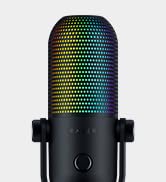

hero-video
Merchant VideoPC Soundbar With Full-range Drivers
Packed with two full-range drivers and two passive radiators for clear, powerful audio
Compact Desktop Form Factor
Fits perfectly beneath your monitor for a clutter-free desktop setup
USB Type C Power And Audio Delivery
Powered by a single USB Type C cable for optimum power with hassle-free connectivity
Bluetooth 5.0
Conveniently switch from your PC to your paired mobile device for smooth, stutter-free sound
Powered By Razer Chroma RGB
Experience deeper immersion with 14 lighting zones and dynamic in-game lighting effects


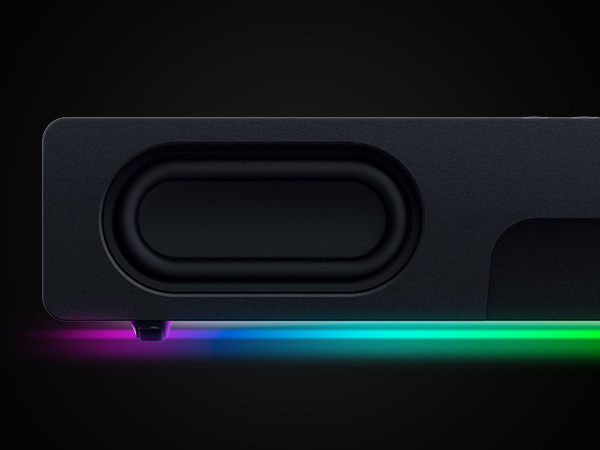
PC Soundbar With Full-Range Drivers
Two full-range drivers and two passive radiators for clear, powerful audio.
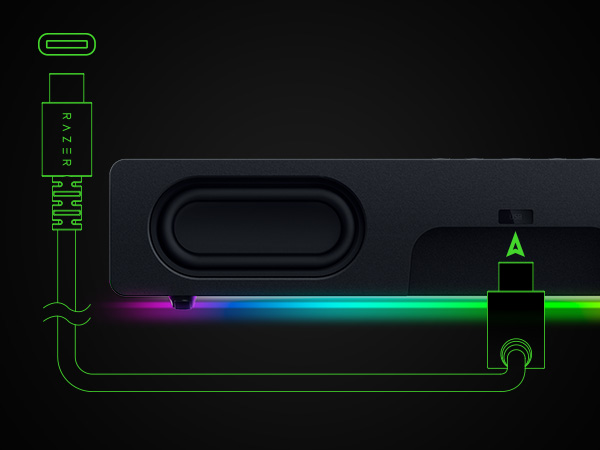
USB Type-C Power & Audio Delivery
Optimum power with hassle-free connectivity
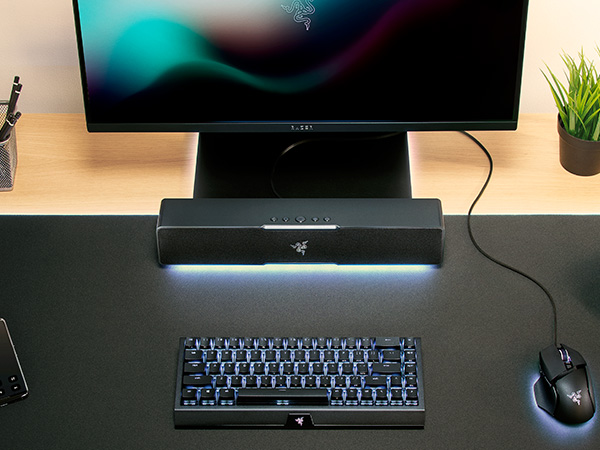
Compact Desktop Form Factor
Fits perfectly beneath your monitor for a clutter-free desktop setup
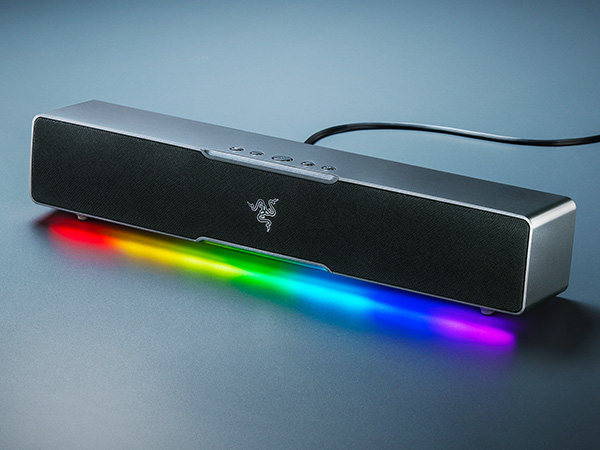
Powered by Razer Chroma RGB
Experience full RGB customization and deeper immersion
Gear Up
Raptor 27
BlackWidow V3 Mini HyperSpeed Phantom
Basilisk V3
Firefly v2
Razer Wireless Control Pod


Complete your setup with the full lineup for the ultimate gaming experience from the #1 Best-Selling Gaming Peripherals Manufacturer in the US via NPD Group Inc, 2017-2021
Updated with the capability and clarity you need to game at your best, the Razer Raptor is now faster than ever with up to 165Hz refresh rate and is the perfect combination of style and performance.
Enjoy seamless gaming in a sleek package with a wireless 65% mechanical gaming keyboard that still retains arrow keys for the perfect balance of form and function.
With 10+1 programmable buttons, an intelligent scroll wheel, and a heavy dose of Razer Chroma RGB, create, control, and champion your playstyle with the Razer Basilisk V3
Sports more lighting zones with RGB lighting powered by Chroma while keeping your aim on-point with a micro-textured surface and steady anti-slip rubber base
Adjust settings such as volume, EQ and more with ease and convenience with the wireless control pod. Compatible with Razer Leviathan V2 X.
Which devices are compatible with the Razer Leviathan V2 X?
The Razer Leviathan V2 X can be connected via USB Audio Input to your PC. It can also be connected wirelessly via Bluetooth with your mobile phones and Nintendo Switch.
How is the Razer Leviathan V2 X powered?
The Razer Leviathan V2 X utilizes a USB Type C connection. The power of the soundbar will be dependent on the power delivered from the output source, whether it's a USB Type C wall outlet, PC, laptop, or monitor.
How do I toggle audio between the Razer Leviathan V2 X and another device?
On the Toggle PC Audio Devices panel within Razer Synapse, you will be able to set a secondary playback device that you can immediately switch audio with by pressing and holding the Source button on the Razer Leviathan V2 X.
Powered by Razer Chroma
Gamer Room
Sustainability





