




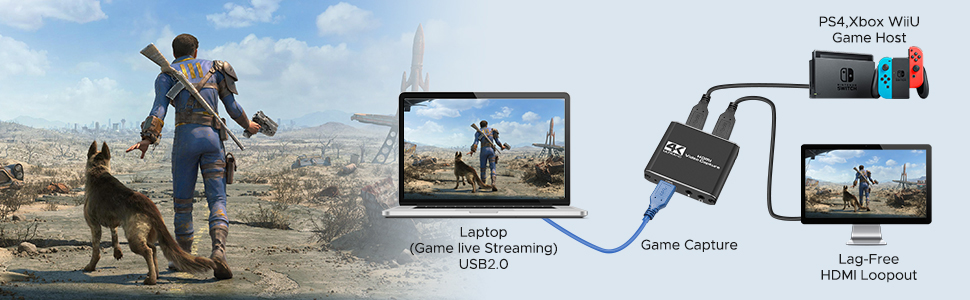
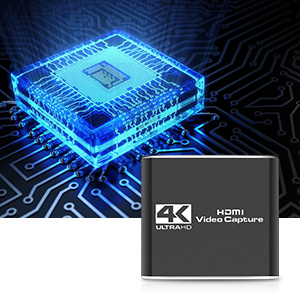
Super Performance Chip makes video conferencing, game live broadcasting, etc. clearer and smoother. No delay, no blue screen
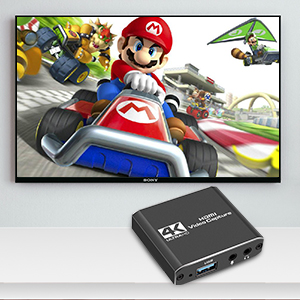
Full HD 1080P video capture, 60Fps video recording and live broadcast.
High-intensity reproduction of video delicate colors, clear, vivid picture quality
Works well with most mainstream game consoles, Camera, DSLR; OBS Studio, QuickTime Broadcaster (OS X), etc.
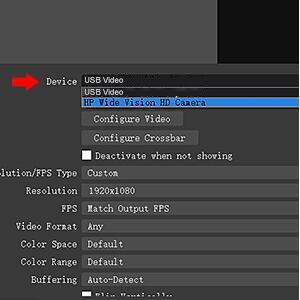
In the red arrow column, select "USB Video" and the current audio and video capture. As shown in Figure 1-1
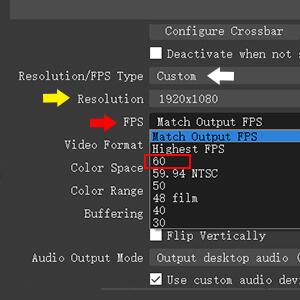
A. Custom Resolution: The Resolution/FPS Type column is set to custom. As shown by the white arrow in Figure 2-1.
B. Set Resolution: Select the appropriate resolution at the up and down arrows on the far right of this column. As shown by the yellow arrow in Figure 2-1.
C. Set FPS : Select the appropriate frame rate at the up and down arrows on the far right of this column. As shown by the red arrow in Figure 2-1.







