




Synido embodies vibrancy and spirit, aligning seamlessly with the dynamism of our younger generation.
Fueled by a deep passion for sharing life's moments online, we are dedicated to delivering an unparalleled sound and music production experience.
Empowering all as content creators, we design trendy, adored audio products, aiming to spread voices and music worldwide.
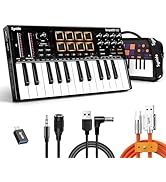
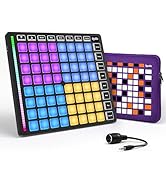
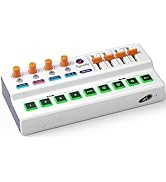
Midi Controllers
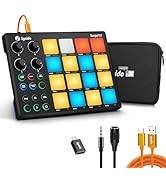
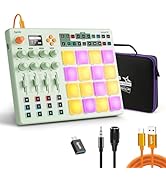
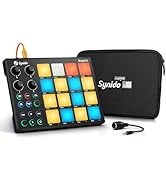
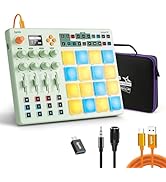
Beat Makers
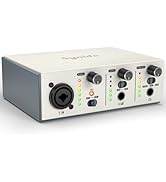
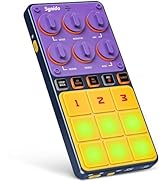
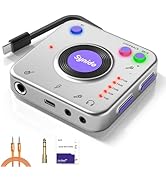
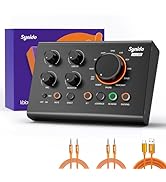
Auidio Interfaces
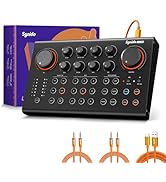
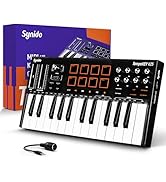
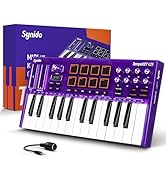
New Release


Experience studio-quality audio recording on the go with Synido portable audio interface for music. Boasting 24-bit resolution and a sampling rate of up to 96 kHz, it captures every nuance and detail of your DJ performances and instrumental music with exceptional clarity.

Adaptive gain control optimizes various instrument's sound, this recording audio interface can amplify audio signals/prevent distortion/avoid signal overload.


Why doesn't it show charging when I charge my pad through this audio interface?
Because of the high power of the Pad, the input current requirement is high, especially when the pad is low on power. Therefore, even if the pad is actually charging through this audio interface, the screen of the Pad won't show that it is charging.
What should I connect to charge a device that is streaming?
For devices with high power, we recommend using a charger with 5V 2A or higher, or a mobile power supply with 5V 2A or higher to ensure a stable power supply.
How do I use the M/S button on the audio interface?
This is the display button for MONO and STEREO. When connecting a mono audio source, please switch to the M (MONO) mode (red light). When connecting a stereo audio source, please switch to the S (STEREO) mode (green light).
Important Note: Microphone Compatibility
Please be advised that the Synido A20 is an entry-level/intermediate portable USB audio interface and CANNOT drive PASSIVE DYNAMIC microphones.
Why doesn't this audio interface work when I plug it directly into my Android phone?
Some Android phones require you to manually enable the OTG (USB On-The-Go) function. Here's what you can do:
Go to Settings on your phone and search for "OTG".
Turn the OTG switch ON.

Synido Audio Interface
 Live Dock A20 |  Live Dock A10 |  Live Dock A30 |  Live SW100 |  Live 006 |  Live Go | 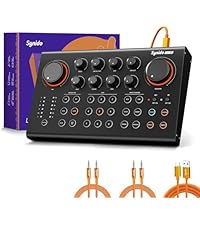 Live 100 MK2 | |
|---|---|---|---|---|---|---|---|
Price | — | — | — | — | — | — | — |
Product Type | Portable Audio Interface | Mini Audio Interfaceal | Internal recording converter | Wireless Guitar System | USB Audio Interface | Wireless Live Sound Card | Podcast Audio Interface |
Number of Channels | 2 | 2 | / | 8 | 2 | 2 | 2 |
Support Monitoring | ? | ? | ? | ? | ? | ? | ? |
Instrument Interface | 1/4'' | 1/8'' | 1/4'' & 1/8" | 1/4'' & 1/8" | 1/4'' | / | 1/4'' & 1/8" |
Instrument Gain Adjustment | ? | ? | ? | ? | ? | ? | ? |
Wireless Connection | ? | ? | ? | ? | ? | ? | ? |
Applicable Scenarios | Portable live, DJ recording | Portable live, DJ recording | Live Streaming/Recording | Music Performance/Rehearsal | Live Streaming/Recording | Outdoor live streaming | Professional live broadcast |
Compatible Devices | Laptop, PC, Tablet, Smartphone | Laptop, PC, Tablet, Smartphone | Laptop, PC, Tablet, Smartphone | Electric Guitar/Piano/Bass | Laptop/PC/Tablet/Phone/Instr | Laptop, PC, Tablet, Smartphone | Laptop, PC, Tablet, Smartphone |

Experience studio-quality audio recording on the go with Synido portable audio interface for music. Boasting 24-bit resolution and a sampling rate of up to 96 kHz, it captures every nuance and detail of your DJ performances and instrumental music with exceptional clarity.

Adaptive gain control optimizes various instrument's sound, this recording audio interface can amplify audio signals/prevent distortion/avoid signal overload.


When you're live streaming while charging a high-powered device, such as a pad, we recommend connecting a 5V 2A adapter
Easy to Use, Plug and Play


Why doesn't it show charging when I charge my pad through this audio interface?
Because of the high power of the Pad, the input current requirement is high, especially when the pad is low on power. Therefore, even if the pad is actually charging through this audio interface, the screen of the Pad won't show that it is charging.
What should I connect to charge a device that is streaming?
For devices with high power, we recommend using a charger with 5V 2A or higher, or a mobile power supply with 5V 2A or higher to ensure a stable power supply.
How do I use the M/S button on the audio interface?
This is the display button for MONO and STEREO. When connecting a mono audio source, please switch to the M (MONO) mode (red light). When connecting a stereo audio source, please switch to the S (STEREO) mode (green light).
Important Note: Microphone Compatibility
Please be advised that the Synido A20 is an entry-level/intermediate portable USB audio interface and CANNOT drive PASSIVE DYNAMIC microphones.
Why doesn't this audio interface work when I plug it directly into my Android phone?
Some Android phones require you to manually enable the OTG (USB On-The-Go) function. Here's what you can do:
Go to Settings on your phone and search for "OTG".
Turn the OTG switch ON.
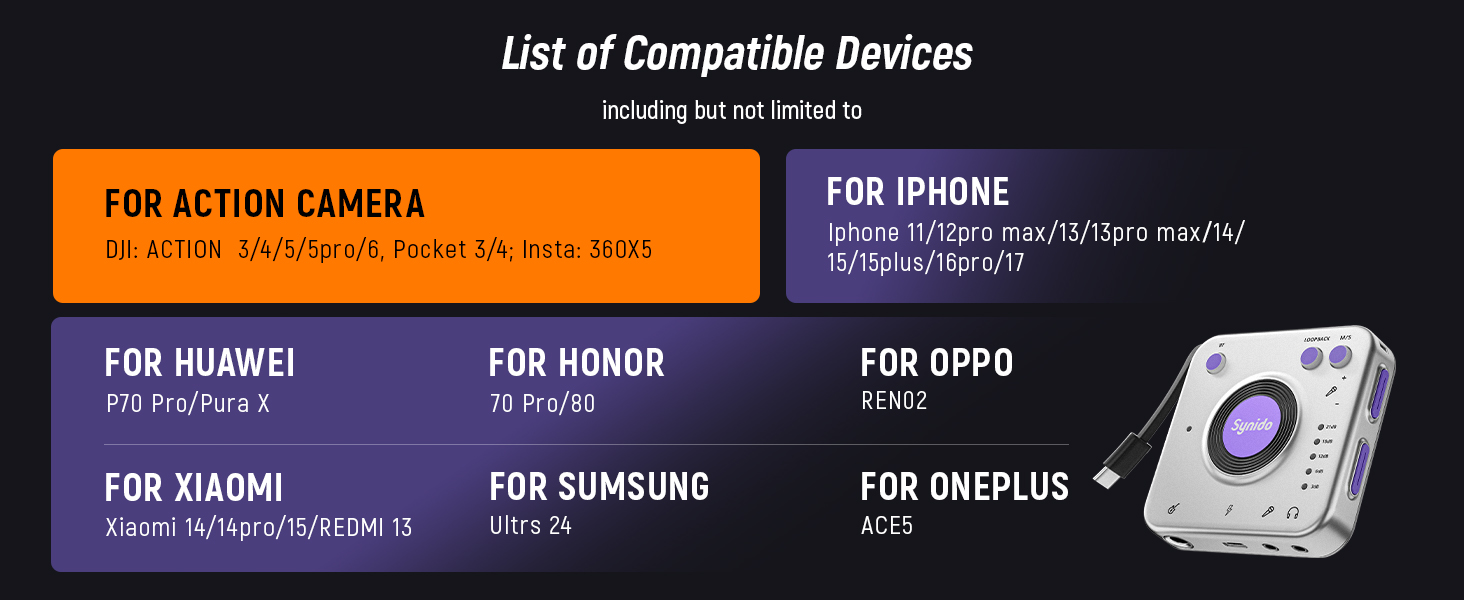
Wide Compatibility
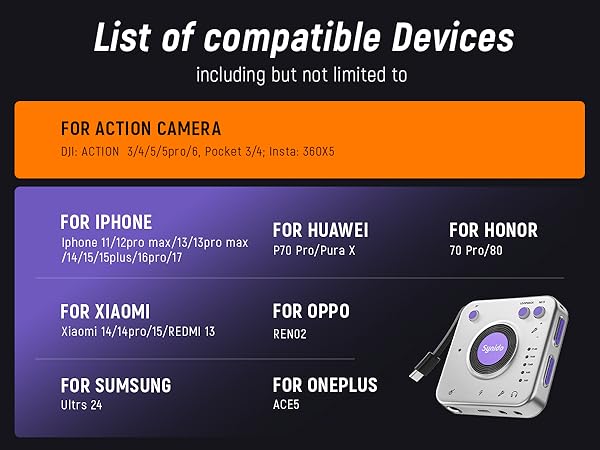

Compatible with top action cameras:
?? DJI Osmo Action 3, 4, 5, 5 Pro, 6
?? DJI Osmo Pocket 3, 4
?? Insta360 X5
Synido Audio Interface
Live Dock A20 | Live Dock A10 | Live Dock A30 | Live SW100 | Live 006 | Live Go | Live 100 MK2 |
|---|---|---|---|---|---|---|
| Price | ||||||
| — | — | — | — | — | — | — |
| Product Type | ||||||
| Portable Audio Interface | Mini Audio Interfaceal | Internal recording converter | Wireless Guitar System | USB Audio Interface | Wireless Live Sound Card | Podcast Audio Interface |
| Number of Channels | ||||||
| 2 | 2 | / | 8 | 2 | 2 | 2 |
| Support Monitoring | ||||||
| ? | ? | ? | ? | ? | ? | ? |
| Instrument Interface | ||||||
| 1/4'' | 1/8'' | 1/4'' & 1/8" | 1/4'' & 1/8" | 1/4'' | / | 1/4'' & 1/8" |
| Instrument Gain Adjustment | ||||||
| ? | ? | ? | ? | ? | ? | ? |
| Wireless Connection | ||||||
| ? | ? | ? | ? | ? | ? | ? |
| Applicable Scenarios | ||||||
| Portable live, DJ recording | Portable live, DJ recording | Live Streaming/Recording | Music Performance/Rehearsal | Live Streaming/Recording | Outdoor live streaming | Professional live broadcast |
| Compatible Devices | ||||||
| Laptop, PC, Tablet, Smartphone | Laptop, PC, Tablet, Smartphone | Laptop, PC, Tablet, Smartphone | Electric Guitar/Piano/Bass | Laptop/PC/Tablet/Phone/Instr | Laptop, PC, Tablet, Smartphone | Laptop, PC, Tablet, Smartphone |
Synido embodies vibrancy and spirit, aligning seamlessly with the dynamism of our younger generation.
Fueled by a deep passion for sharing life's moments online, we are dedicated to delivering an unparalleled sound and music production experience.
Empowering all as content creators, we design trendy, adored audio products, aiming to spread voices and music worldwide.
Midi Controllers
Beat Makers
Auidio Interfaces
New Release





