



What is 1Mii Bluetooth transmitter for TV
Merchant Video
Dual Link, Share Happiness
Turn any moment into a shared with the 1Mii B06T6 Bluetooth transmitter


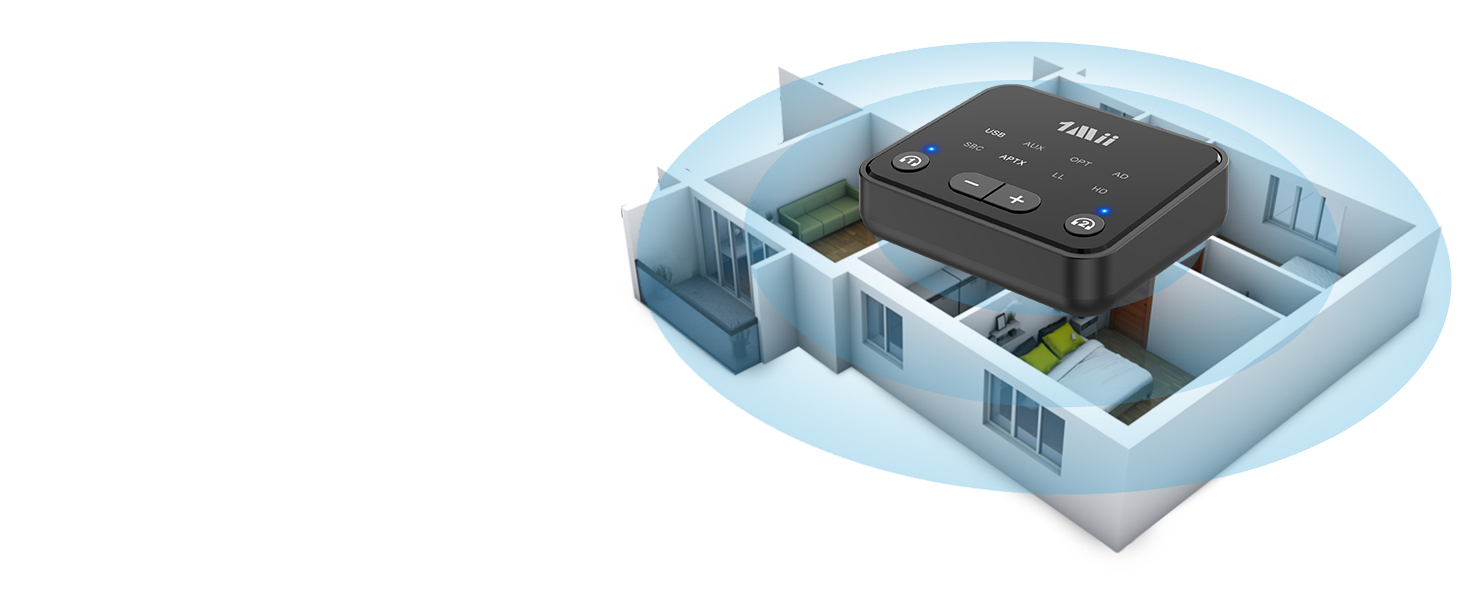
Long and Stable Range
Thanks to reliable Bluetooth 5.3 with an impressive up to 100 ft/30m(without obstacles) range, you can enjoy every detail from your couch, kitchen, or anywhere in between, all without disturbing
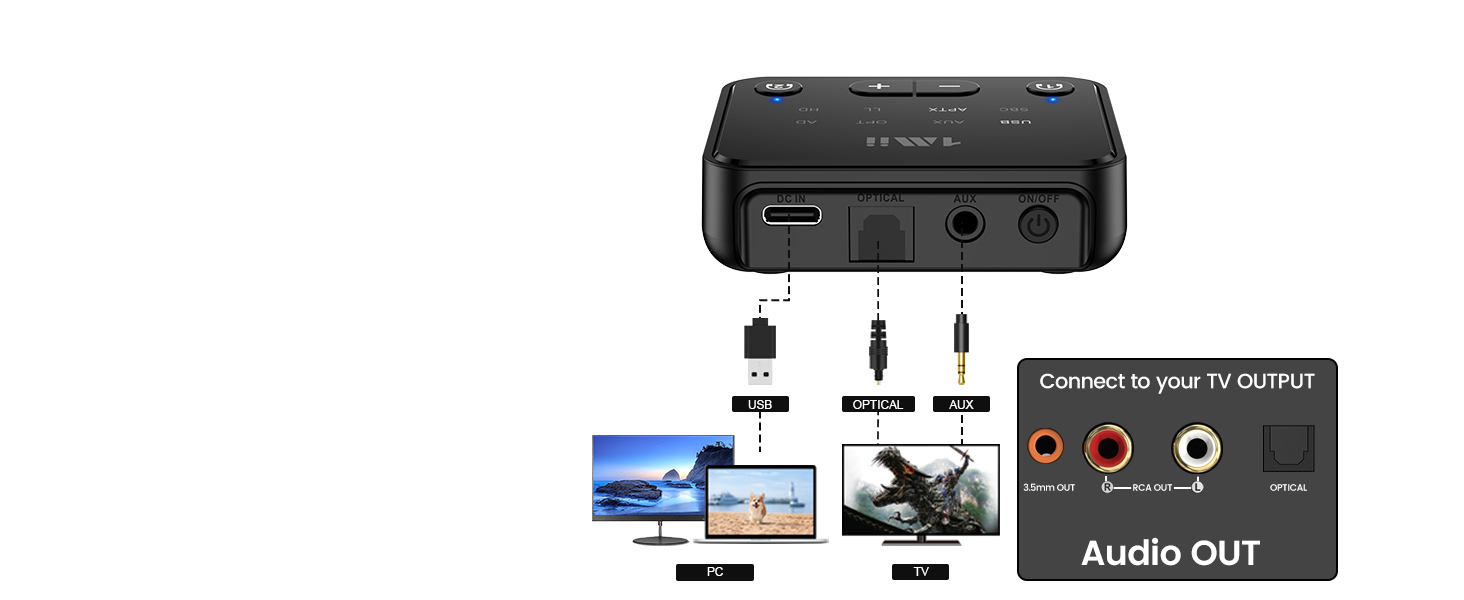
Wide Compatibility
Supports digital optical / AUX 3.5mm/ RCA/ USB audio output standards making it compatible with 99% of the TV/PC
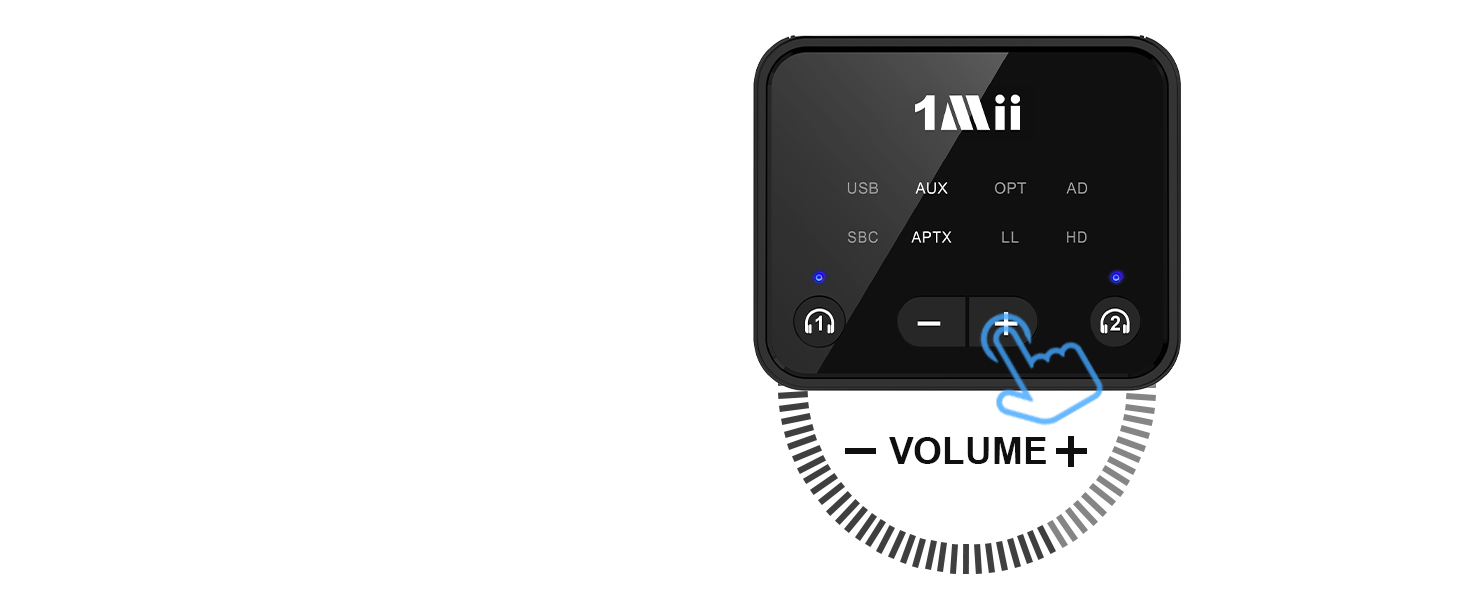
Volume Control
1Mii Bluetooth transmitter has volume control, suitable for middle-aged and elderly friends

What is 1Mii Bluetooth transmitter for TV
Merchant Video
Dual Link, Share Happiness
Turn any moment into a shared with the 1Mii B06T6 Bluetooth transmitter
All synchronized with one aptX LL headphones
Enjoy perfect sync between audio and video on aptX Low Latency headphones or speakers
Turn your PC into Bluetooth enabled
Note: Only for transmitting PC audio to Bluetooth headphones/speakers, not for TV USB port


Long and Stable Range
Wide Compatibility
Volume Control


Thanks to reliable Bluetooth 5.3 with an impressive up to 100 ft/30m(without obstacles) range, you can enjoy every detail from your couch, kitchen, or anywhere in between, all without disturbing
Supports digital optical / AUX 3.5mm/ RCA/ USB audio output standards making it compatible with 99% of the TV/PC
1Mii Bluetooth transmitter has volume control, suitable for middle-aged and elderly friends
| Q1 | What should I do if I can not get 1Mii B06T6 to pair with my Bluetooth headphones or speakers? |
|---|---|
| A1 | 1) Turn off Bluetooth of all mobile phones or PCs in the house. 2) Please ensure that the pairing distance is within 1 meter. 3)If you still can't pair, please set both the B06T6 and Bluetooth Headphones/speakers to factory default settings. |
| Q2 | How to reset 1Mii B06T6? |
| A2 | Restore factory default of the 1Mii B06T6 by pressing "Headphones 1" and "Headphones 2" buttons together for about 7 seconds, till the indicator flashes purple 3 times, then the transmitter gets to pairing mode with red and blue lights flashing. |
| Q3 | When the TV is connected to B06T6, can my Bluetooth headphones play sound simultaneously with TV's built-in speakers? |
| A3 | For many models of TV, the built-in speakers might not work if you choose to use an external audio output device. This is a TV feature and its availability depends on your TV make and model. |
| Q4 | Why I can not control the volume by using my TV remote after use 1Mii B06T6 with my TV and listen on headphones? |
| A4 | This is determined by the TV itself not 1Mii B06T6. You could use the volume buttons on your Bluetooth headphones instead. |
| Q5 | Why are the volume buttons + / - of my B06T6 not working? |
| A5 | If you're using an optical cable to connect, the volume buttons may not work if your device does not support the Audio/Video Remote Control Profile (AVRCP). You could switch to AUX 3.5mm or RCA audio cable, and the volume buttons should work properly. |
| Q6 | Why there is audio delay when using B06T6 with Bluetooth headphones? |
| A6 | 1) To achieve low latency, your Bluetooth headphones/speakers must support aptX Low Latency. If not, it may default to another codec (SBC, aptX), causing 70-200ms delay. 2) If your headphones support both aptX Low Latency and aptX HD, ensure the B06T6 is set to aptX Low Latency mode. quickly press the headphones 1 button on B06T6 twice to switch modes (you could see from the indicator on panel). 3) Note: When connecting two aptX Low Latency headphones, the audio will be downgraded to aptX. |
| Q7 | How to switch codec if my Bluetooth headphones support two or more codecs? |
| A7 | To switch to aptX Low Latency, ensure your Bluetooth headphones also support this codec. Otherwise, switching will not be possible. When your headphones support multiple aptX codecs (like aptX LL, aptX HD, or standard aptX), quickly press the headphones 1 button on B06T6 twice to switch between them. |
| Q8 | Does 1Mii B06T6 have built-in battery? |
| A8 | No, it doesn't. |





