




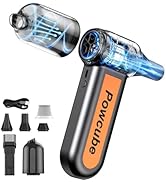
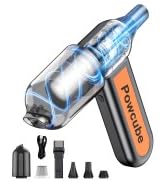
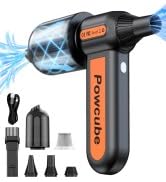
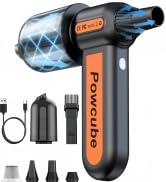
Compressed Air Duster
Merchant Video


How long does the battery last?
PowCube runs up to 2 hours on lower airflow settings. Higher airflow draws more power and is best for short bursts on stubborn dust. For the longest runtime, use the stepless slider to match the job.
It gets warm or stops briefly—does that mean it’s defective?
A warm body/airflow can be normal at high power. PowCube is designed with safety protections—if it detects overheating, it may reduce output or pause briefly to cool down. Keep the air intake clear and avoid covering vents during use.
What if it fails after the return window?
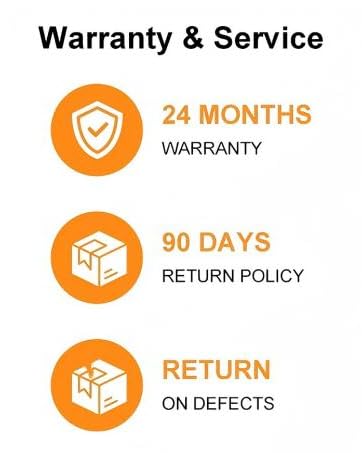
If you experience an issue after the return period, please go to ? Your Orders ? Select the item ? Get Product Support and submit the issue there. will route the request to the appropriate support channel.
How long does it take to fully charge?
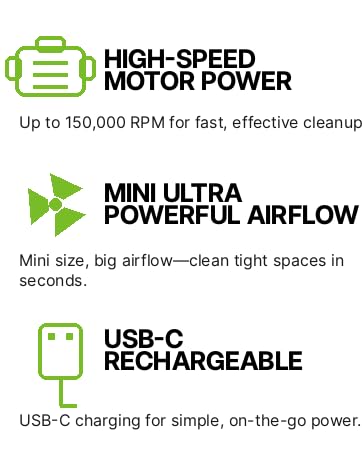
With USB-C fast charging, PowCube typically reaches a full charge in about 2 hours (charger output and cable quality may affect charging speed).
What should I do if the unit won’t turn on even after charging?
Please try:·1. Use a 5V/2A (or higher) USB power adapter and a known-good USB-C cable. 2. Charge for 30 minutes, then press and hold the power button (if applicable) 3. If it still won’t power on, message us via for quick support.
Compressed Air Duster
Merchant Video


How long does the battery last?
PowCube runs up to 2 hours on lower airflow settings. Higher airflow draws more power and is best for short bursts on stubborn dust. For the longest runtime, use the stepless slider to match the job.
It gets warm or stops briefly—does that mean it’s defective?
A warm body/airflow can be normal at high power. PowCube is designed with safety protections—if it detects overheating, it may reduce output or pause briefly to cool down. Keep the air intake clear and avoid covering vents during use.
What if it fails after the return window?
If you experience an issue after the return period, please go to ? Your Orders ? Select the item ? Get Product Support and submit the issue there. will route the request to the appropriate support channel.
How long does it take to fully charge?
With USB-C fast charging, PowCube typically reaches a full charge in about 2 hours (charger output and cable quality may affect charging speed).
What should I do if the unit won’t turn on even after charging?
Please try:·1. Use a 5V/2A (or higher) USB power adapter and a known-good USB-C cable. 2. Charge for 30 minutes, then press and hold the power button (if applicable) 3. If it still won’t power on, message us via for quick support.
2-IN-1 BLOW & VACUUM





