


Pro Driver Link
bit.ly/LTCGM051
The software currently supports Windows only.
Connection Tips
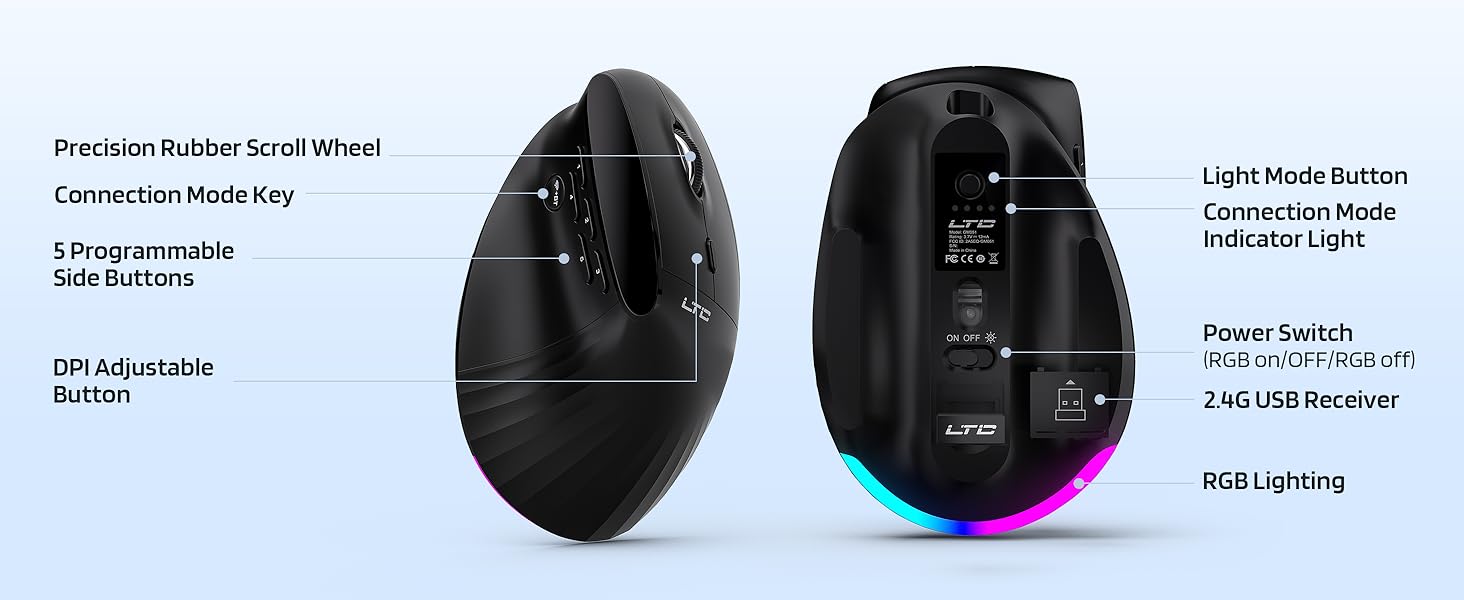
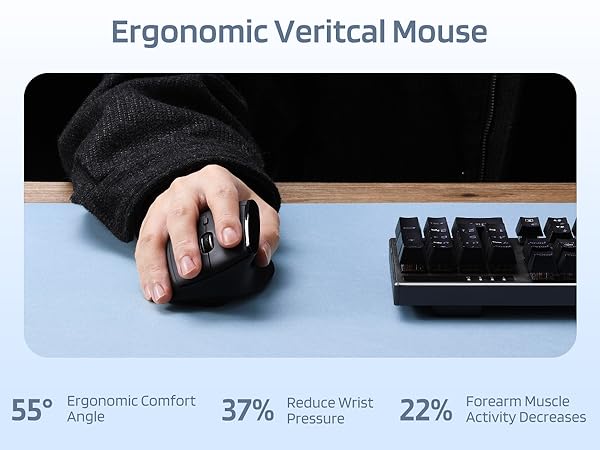
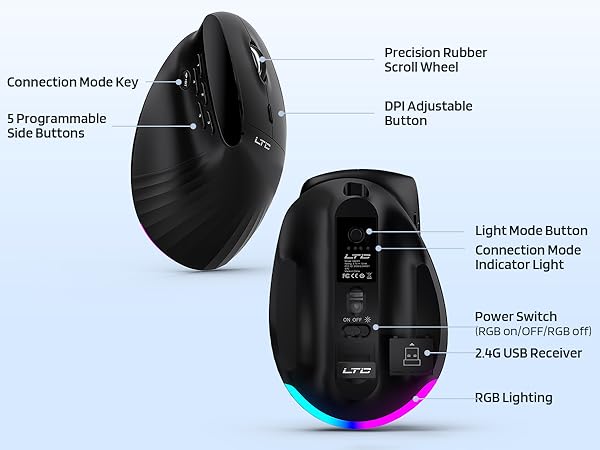
When connecting the mouse, please press the connection mode key and assess the current connection mode based on the color of the indicator light (a yellow light signifies 2.4GHz, while blue lights indicates Bluetooth). To initiate a Bluetooth connection, it is necessary to press and hold the connection mode key for the mouse to begin pairing.
LTC RGB Gaming Mouse Family
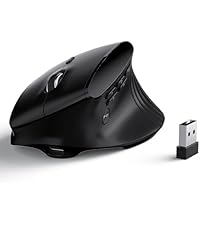 GM051 Vertical Mouse | 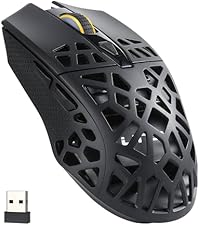 GM023 Mouse | 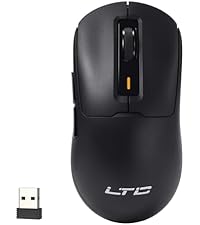 GM024 Mouse | 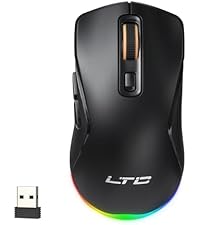 GM025 Mouse | |
|---|---|---|---|---|
Customer Reviews | — | — | — | — |
Price | — | — | — | — |
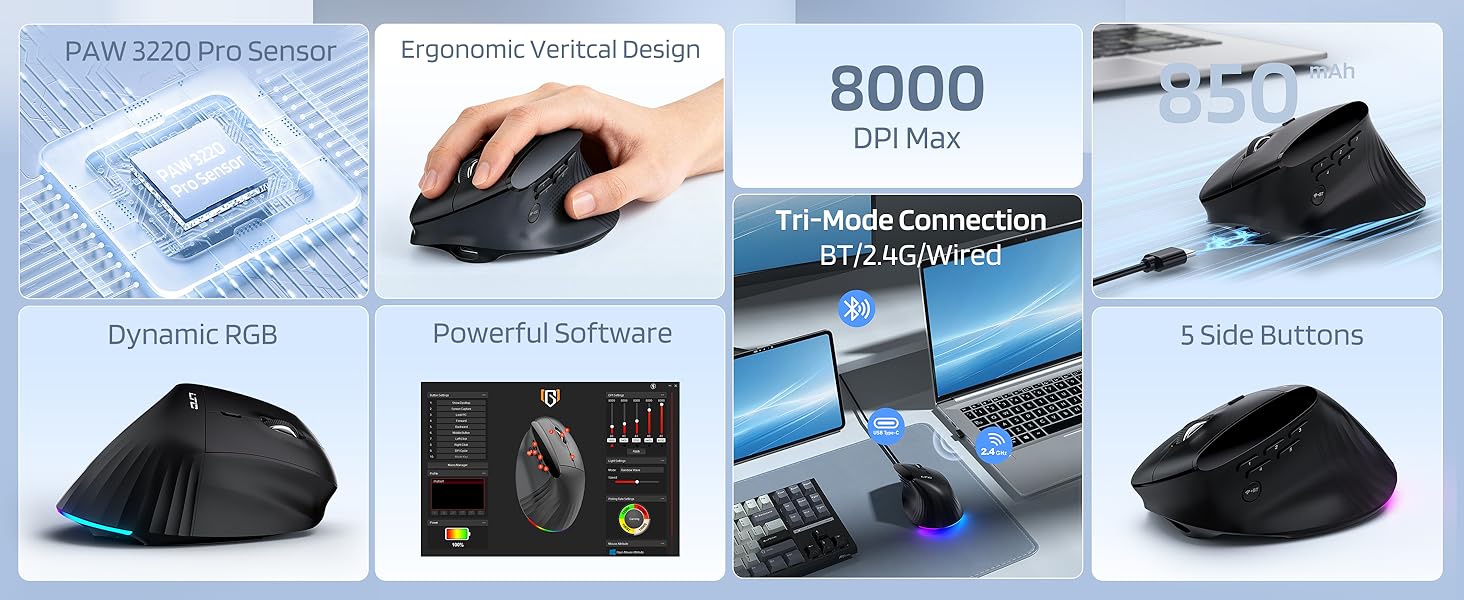
Connection | Bluetooth, 2.4GHZ, Wired | Bluetooth, 2.4GHZ, Wired | Bluetooth, 2.4GHZ, Wired | Bluetooth, 2.4GHZ, Wired |
Sensor | PAW3220 | PAW3104 | PAW3104 | PAW3311 |
DPI Max | 8000 | 8000 | 8000 | 12000 |
Programmable Buttons | 9 | 6 | 6 | 6 |
RGB | ? | ? | ? | ? |


Pro Driver Link
bit.ly/LTCGM051
The software currently supports Windows only.
Connection Tips
When connecting the mouse, please press the connection mode key and assess the current connection mode based on the color of the indicator light (a yellow light signifies 2.4GHz, while blue lights indicates Bluetooth). To initiate a Bluetooth connection, it is necessary to press and hold the connection mode key for the mouse to begin pairing.
LTC RGB Gaming Mouse Family
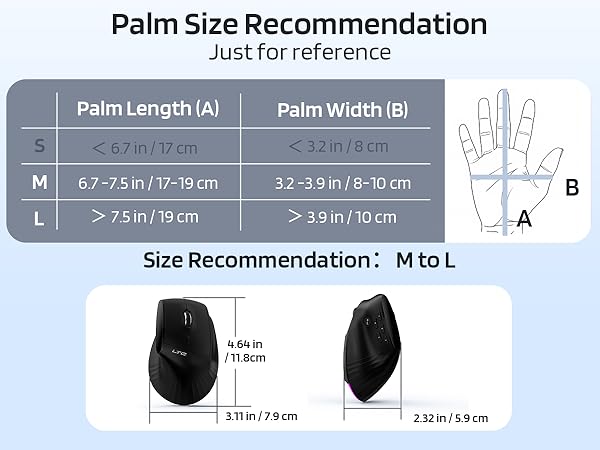
GM051 Vertical Mouse | GM023 Mouse | GM024 Mouse | GM025 Mouse |
|---|---|---|---|
| Customer Reviews | |||
| — | — | — | — |
| Price | |||
| — | — | — | — |
| Connection | |||
| Bluetooth, 2.4GHZ, Wired | Bluetooth, 2.4GHZ, Wired | Bluetooth, 2.4GHZ, Wired | Bluetooth, 2.4GHZ, Wired |
| Sensor | |||
| PAW3220 | PAW3104 | PAW3104 | PAW3311 |
| DPI Max | |||
| 8000 | 8000 | 8000 | 12000 |
| Programmable Buttons | |||
| 9 | 6 | 6 | 6 |
| RGB | |||
| ? | ? | ? | ? |





