




Why the keyboard becomes disconnected in the BT mode?
When the battery is low, the keyboard cannot support the BT function normally. Please charge the keyboard and try again.
Can it work with a PS4, PS5 or Xbox?
RK keyboards are compatible with some games of PS4, PS5 and Xbox on wired mode. Our keyboard can't connect with Xbox one, PS4 and PS5 through Bluetooth mode
Cream Switch is linear or tactile?
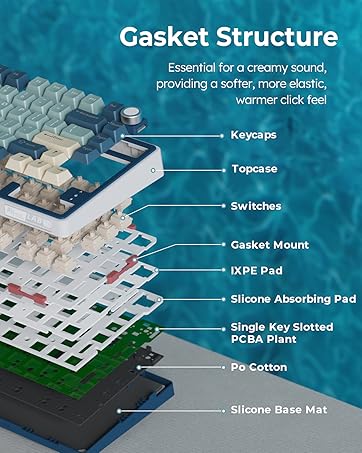
The Cream Switch is linear mechanical switch.
What should I do if I want to turn off the keyboard or use wired mode?
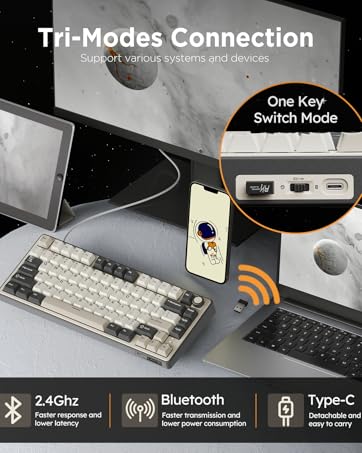
B for bluetooth mode and G for 2.4G dongle mode.
Center the button between "B" and "G" to turn off the keyboard or enable wired mode.
How to switch to Bluetooth Mode?
1.BT Mode: Place the switch to “B” side.
2.Short press: FN+Q/W/E to change BT channel.
3.Long press: FN+Q/W/E entry pairing mode.
4.Find and link to the keyboard whose name on the list shows as R75.

RK ROYAL KLUDGE Keyboard
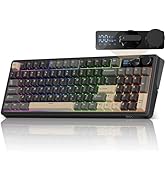
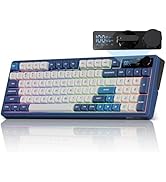
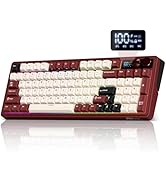
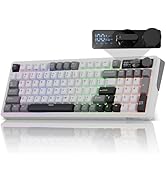
Full Size Keyboard with Knob
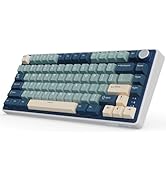
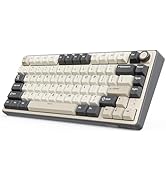
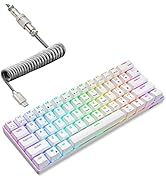
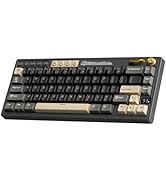
Creamy Wireless Keyboard
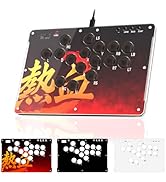
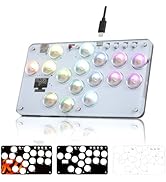
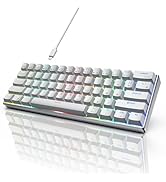
Built for Gaming
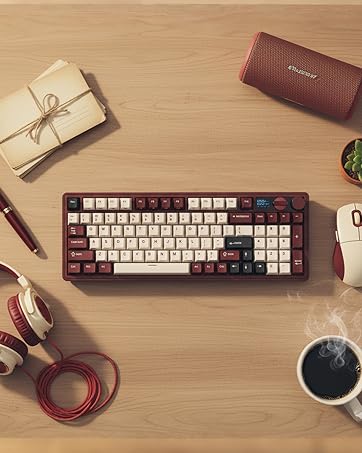
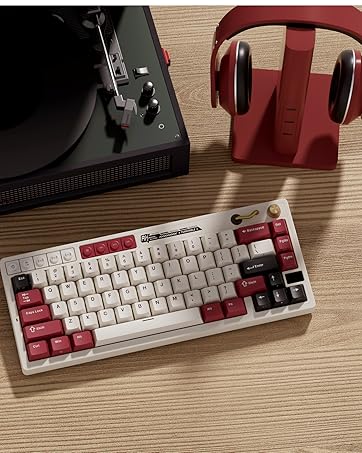
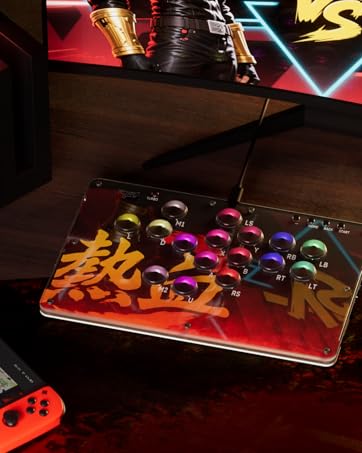

Welcome to RK ROYAL KLUDGE, where passion and innovation unite to bring you the casual life companion. We are driven by our unwavering love for gaming, typing experience and the belief that every keystroke matters. Join us on a journey where colorful aesthetics meet the fiery passion of gaming, and let's make games and life come alive together.


Why the keyboard becomes disconnected in the BT mode?
When the battery is low, the keyboard cannot support the BT function normally. Please charge the keyboard and try again.
Can it work with a PS4, PS5 or Xbox?
RK keyboards are compatible with some games of PS4, PS5 and Xbox on wired mode. Our keyboard can't connect with Xbox one, PS4 and PS5 through Bluetooth mode
Cream Switch is linear or tactile?
The Cream Switch is linear mechanical switch.
What should I do if I want to turn off the keyboard or use wired mode?
B for bluetooth mode and G for 2.4G dongle mode.
Center the button between "B" and "G" to turn off the keyboard or enable wired mode.
How to switch to Bluetooth Mode?
1.BT Mode: Place the switch to “B” side.
2.Short press: FN+Q/W/E to change BT channel.
3.Long press: FN+Q/W/E entry pairing mode.
4.Find and link to the keyboard whose name on the list shows as R75.
RK ROYAL KLUDGE Keyboard
Full Size Keyboard with Knob
Creamy Wireless Keyboard
Built for Gaming
Welcome to RK ROYAL KLUDGE, where passion and innovation unite to bring you the casual life companion. We are driven by our unwavering love for gaming, typing experience and the belief that every keystroke matters. Join us on a journey where colorful aesthetics meet the fiery passion of gaming, and let's make games and life come alive together.





