


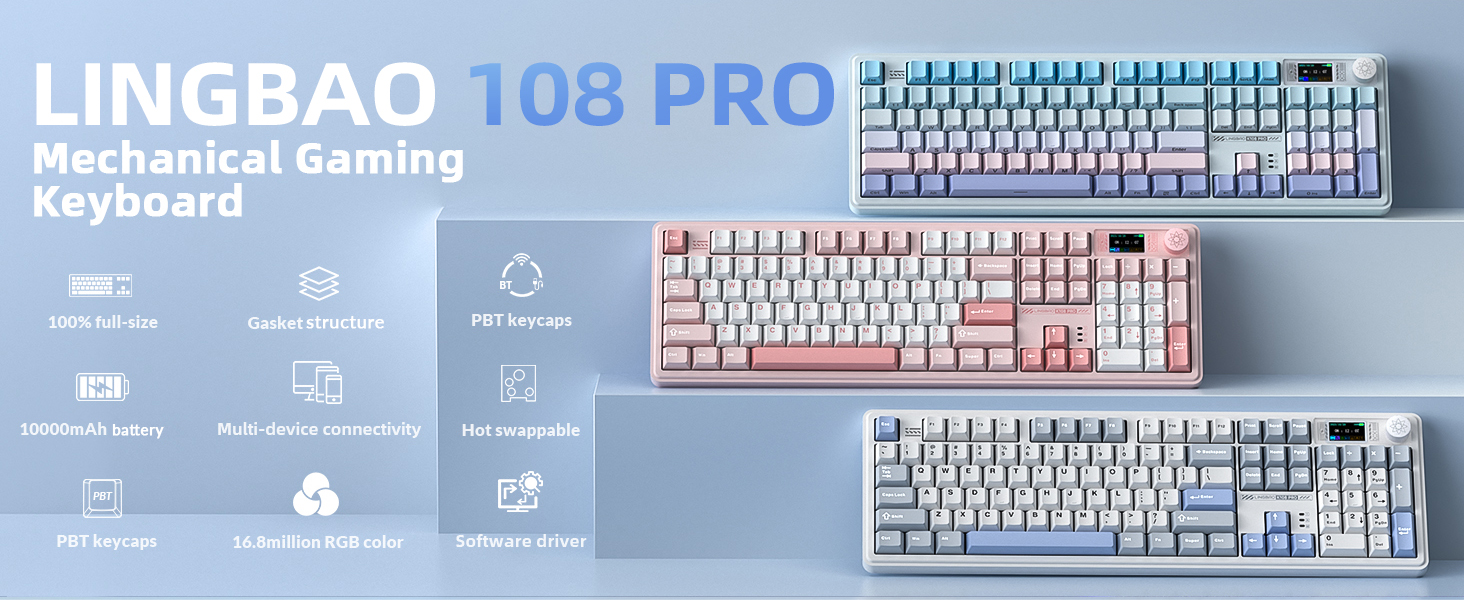
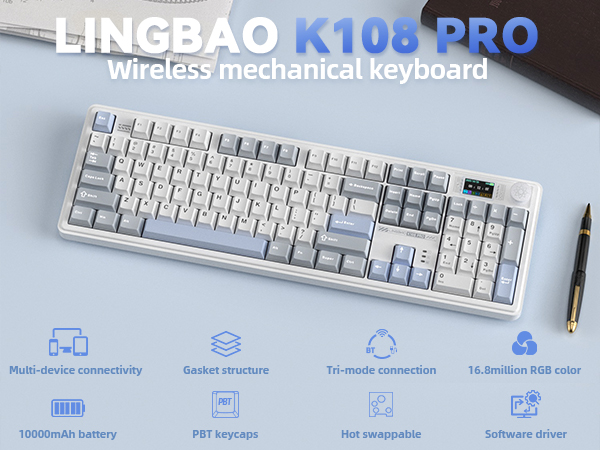
LINGBAO K108 Pro Wireless Gaming Keyboard
Why is the multimedia knob stuck and won't turn? Why are some keys on my computer not working?
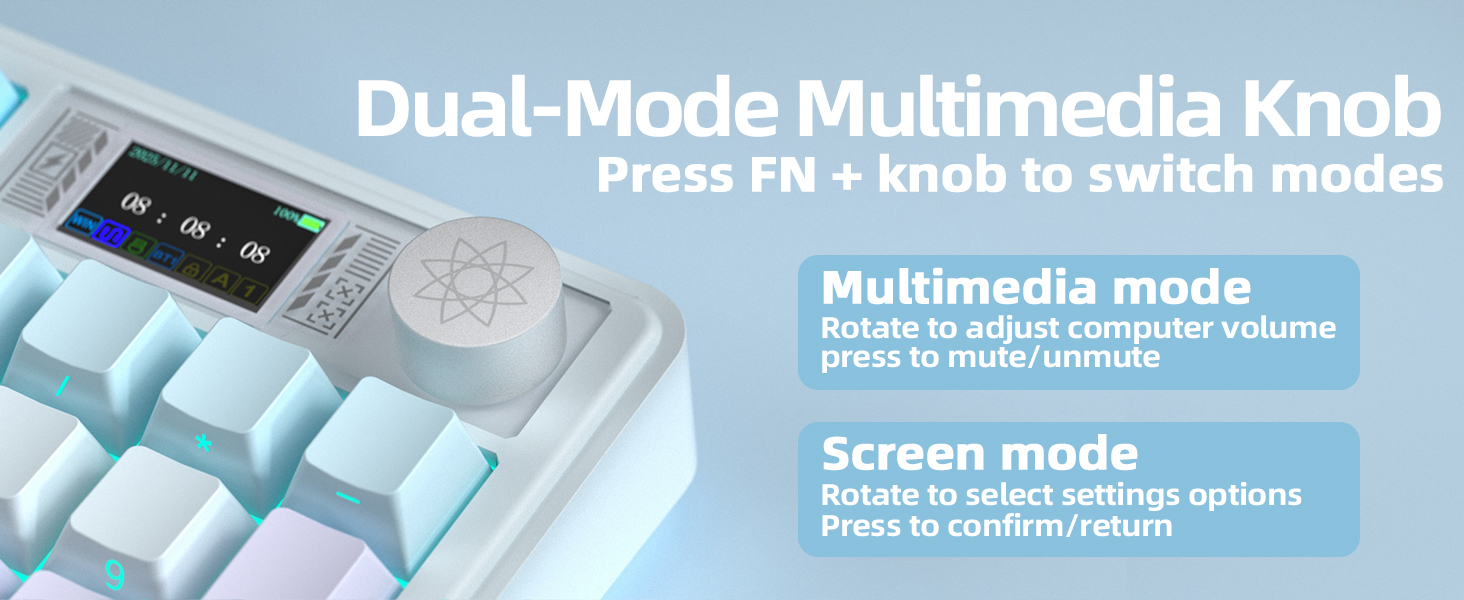
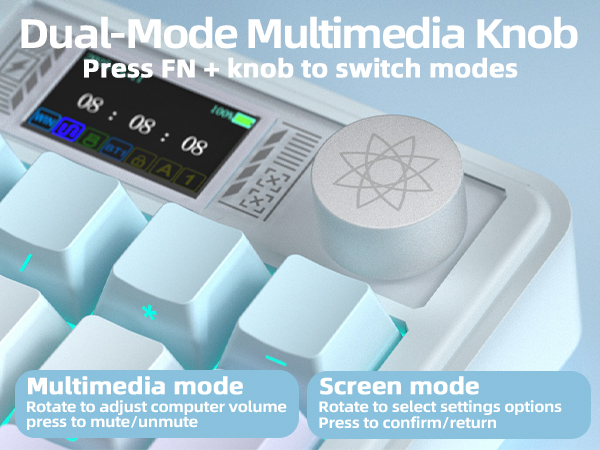
1. keyboard supports adjusting screen/computer volume via the knob. Pressing the FN key + knob toggles the knob function.
2. If the knob gets stuck or some keys fail to respond, press and hold “FN + ESC” for 3-5 seconds to reset the keyboard.
How to switch the screen language from Chinese to English
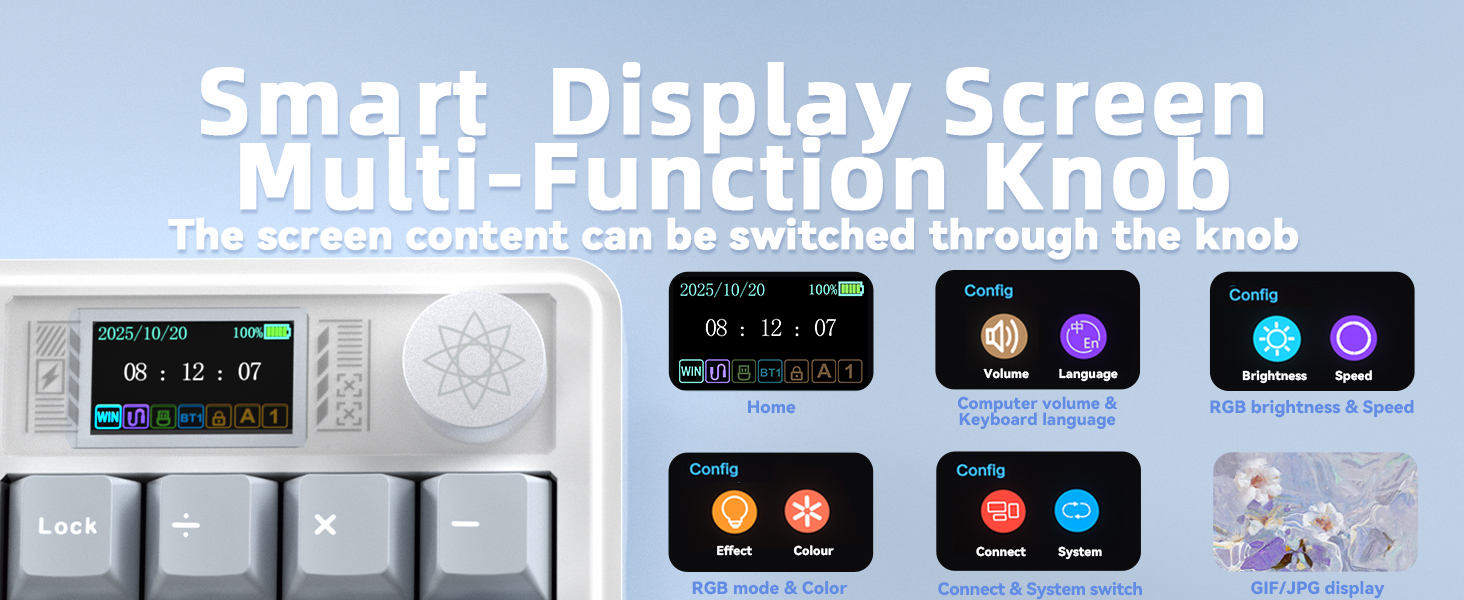
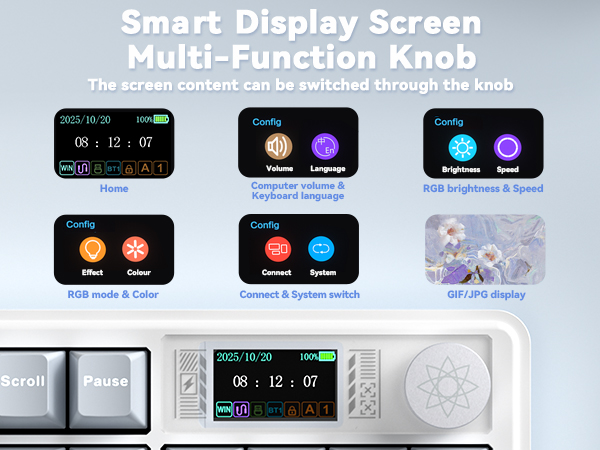
On the smart screen, rotate the multimedia knob counterclockwise to locate the “?-En” icon. Tap this icon to toggle between Chinese and English screen languages.
Why can't I install the driver after downloading it? Why can't the keyboard be detected after installing the driver?
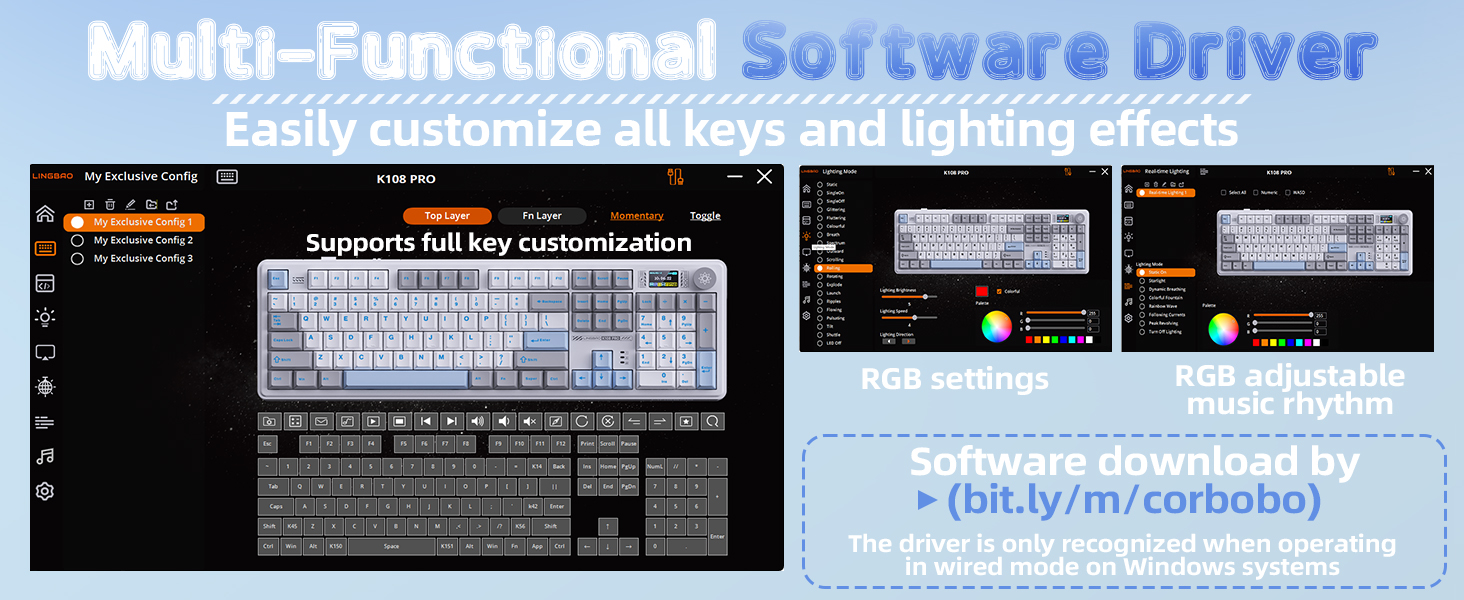
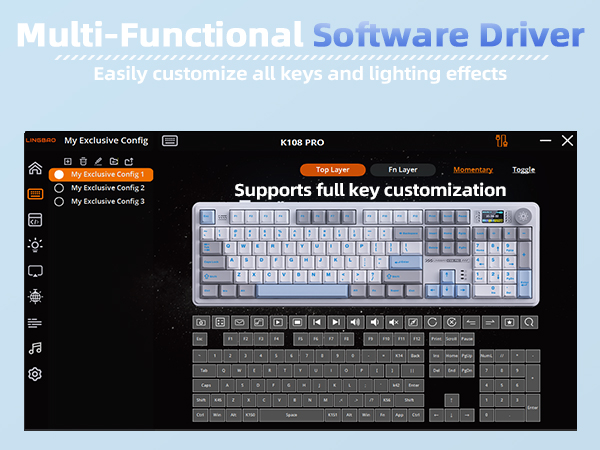
1. This software driver is currently only compatible with Windows computers and cannot be installed on other operating systems.
2. After installing the driver, the keyboard must be in wired mode and connected via a wired connection to be recognized.
Why can't I upload videos to the display? Why does the animated GIF I uploaded from my keyboard appear choppy?
The smart display on mechanical keyboards only supports uploading images/GIFs sized 240x135 pixels. It does not support video uploads. Additionally, the maximum frame rate displayed for user uploads is 141 frames per second.
Why won't this wireless keyboard charge? Are there any precautions to take?
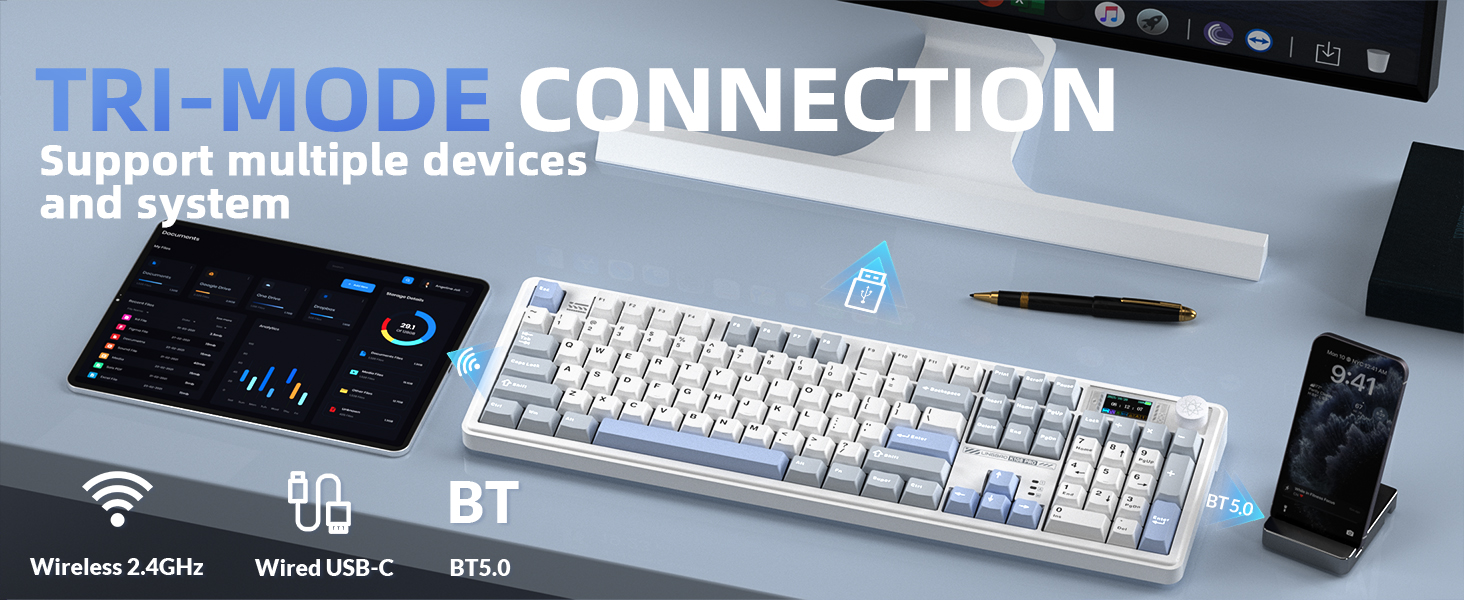
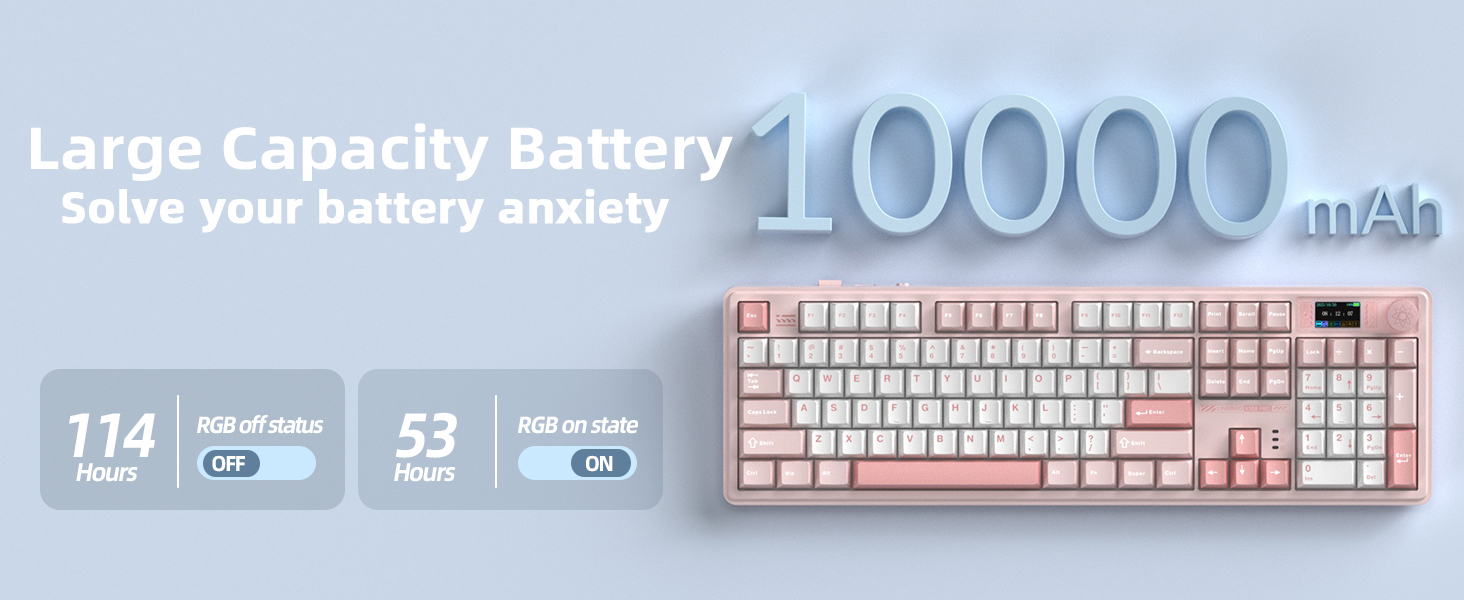
1. Please use the included charging cable to connect the keyboard to your computer for charging.
2. Do not use fast-charging cables or chargers with excessively high current/voltage, as this may affect battery performance.


CORBOBO keyboards grace desktops worldwide, a testament to our dedication to delivering superior typing solutions. We continue to innovate, ensuring every stroke reflects our promise of excellence. We stand by our motto:Designed for Performance, Crafted for Elegance. And as we move forward, we continue to innovate, ensuring that every keyboard is a testament to our legacy—a blend of functionality and art that transcends time.
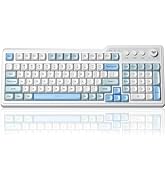
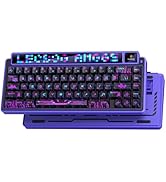
Hot-selling items
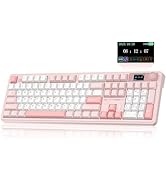
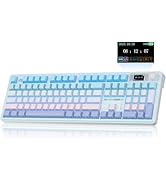
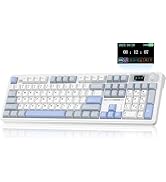
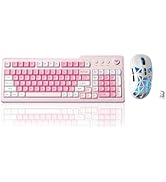
Full-Size Keyboard
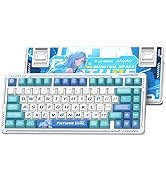
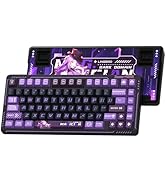
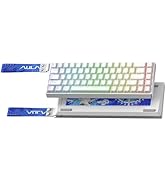
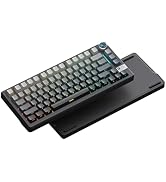
Gaming keyboard
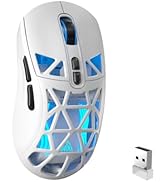
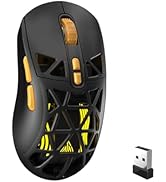
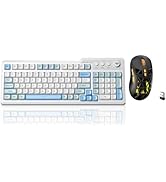
SOLAKAKA Gaming Mice
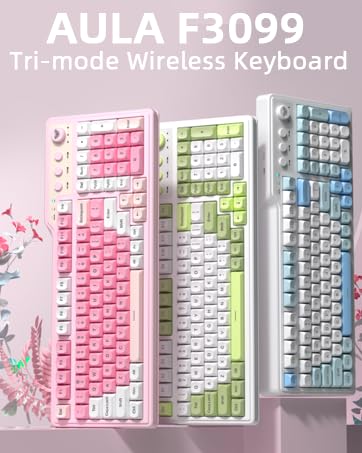
LINGBAO K108 Pro Wireless Gaming Keyboard
Why is the multimedia knob stuck and won't turn? Why are some keys on my computer not working?
1. keyboard supports adjusting screen/computer volume via the knob. Pressing the FN key + knob toggles the knob function.
2. If the knob gets stuck or some keys fail to respond, press and hold “FN + ESC” for 3-5 seconds to reset the keyboard.
How to switch the screen language from Chinese to English
On the smart screen, rotate the multimedia knob counterclockwise to locate the “?-En” icon. Tap this icon to toggle between Chinese and English screen languages.
Why can't I install the driver after downloading it? Why can't the keyboard be detected after installing the driver?
1. This software driver is currently only compatible with Windows computers and cannot be installed on other operating systems.
2. After installing the driver, the keyboard must be in wired mode and connected via a wired connection to be recognized.
Why can't I upload videos to the display? Why does the animated GIF I uploaded from my keyboard appear choppy?
The smart display on mechanical keyboards only supports uploading images/GIFs sized 240x135 pixels. It does not support video uploads. Additionally, the maximum frame rate displayed for user uploads is 141 frames per second.
Why won't this wireless keyboard charge? Are there any precautions to take?
1. Please use the included charging cable to connect the keyboard to your computer for charging.
2. Do not use fast-charging cables or chargers with excessively high current/voltage, as this may affect battery performance.
CORBOBO keyboards grace desktops worldwide, a testament to our dedication to delivering superior typing solutions. We continue to innovate, ensuring every stroke reflects our promise of excellence. We stand by our motto:Designed for Performance, Crafted for Elegance. And as we move forward, we continue to innovate, ensuring that every keyboard is a testament to our legacy—a blend of functionality and art that transcends time.
Hot-selling items
Full-Size Keyboard
Gaming keyboard
SOLAKAKA Gaming Mice





