


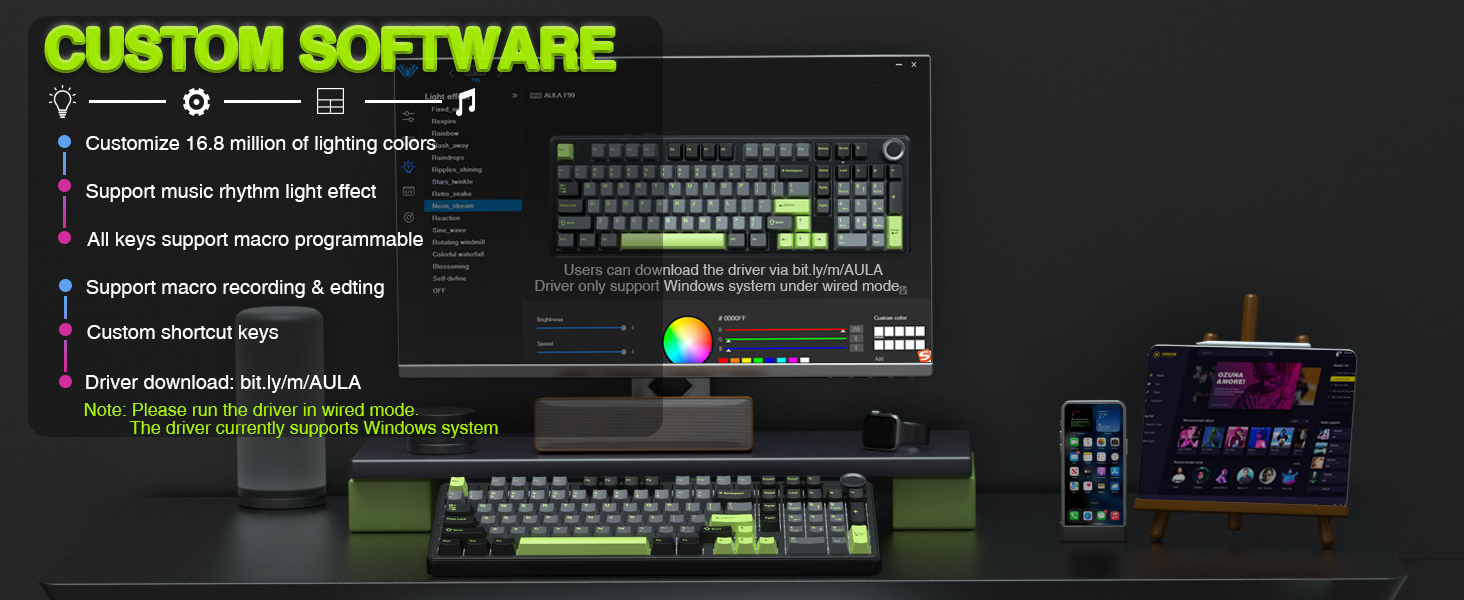
More Product Details
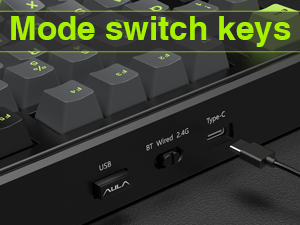
Tri-mode Connection
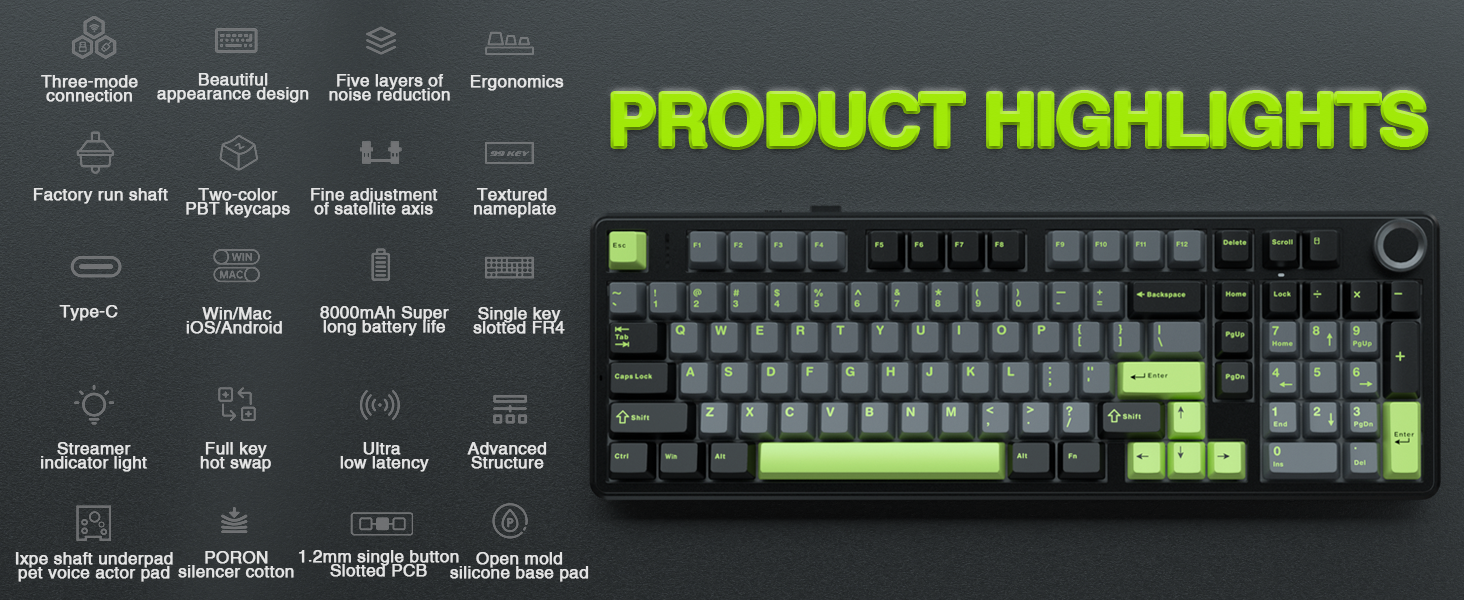
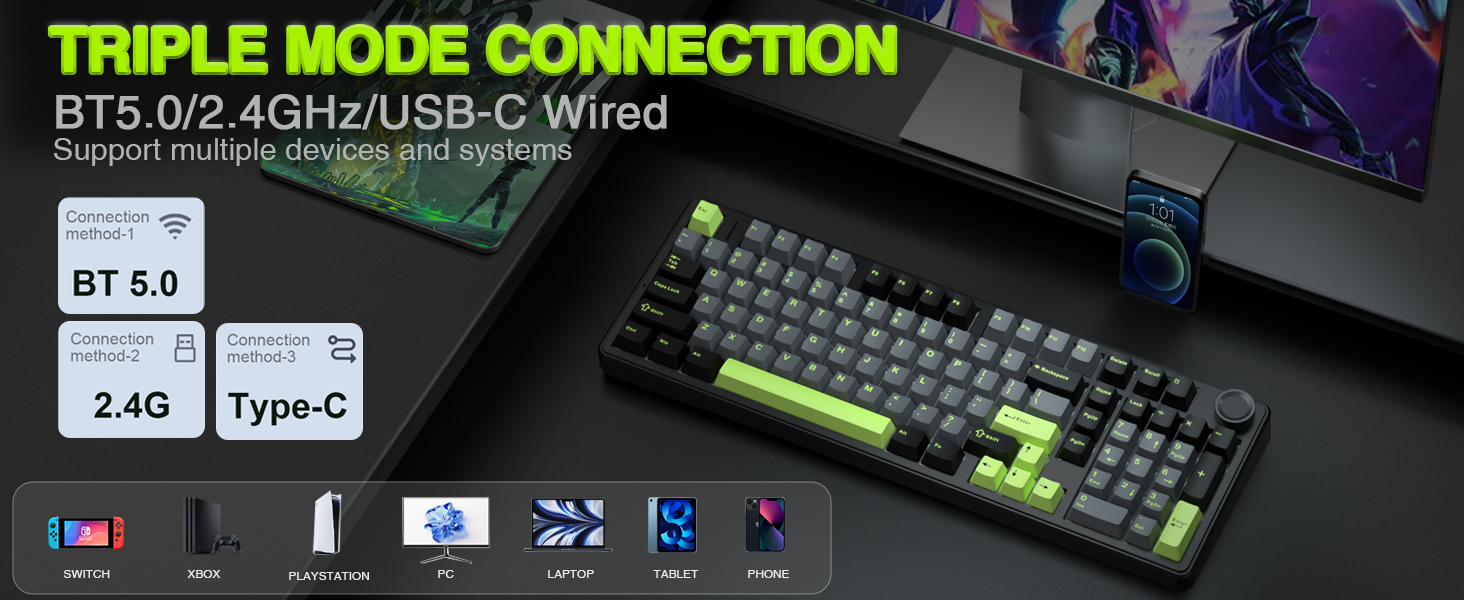
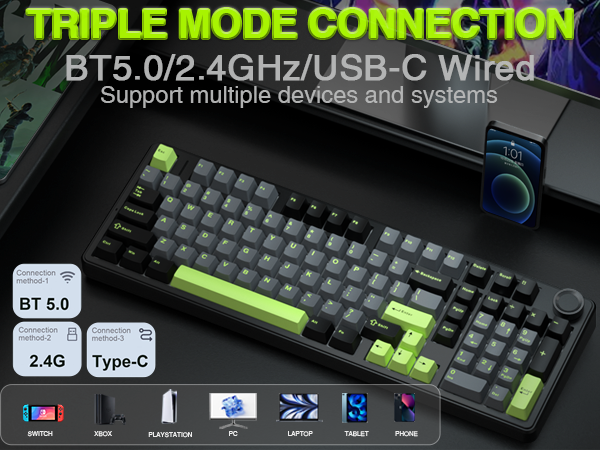
Connect via BT 3.0/5.0, 2.4GHz, or USB-C, and toggle between them instantly with a dedicated side switch.
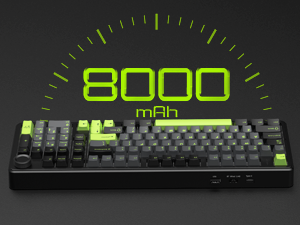
8000mAh Battery
The large battery capacity extends wireless life. For optimal battery health, please avoid using fast-charging cables.
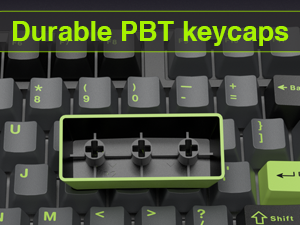
PBT Keycaps
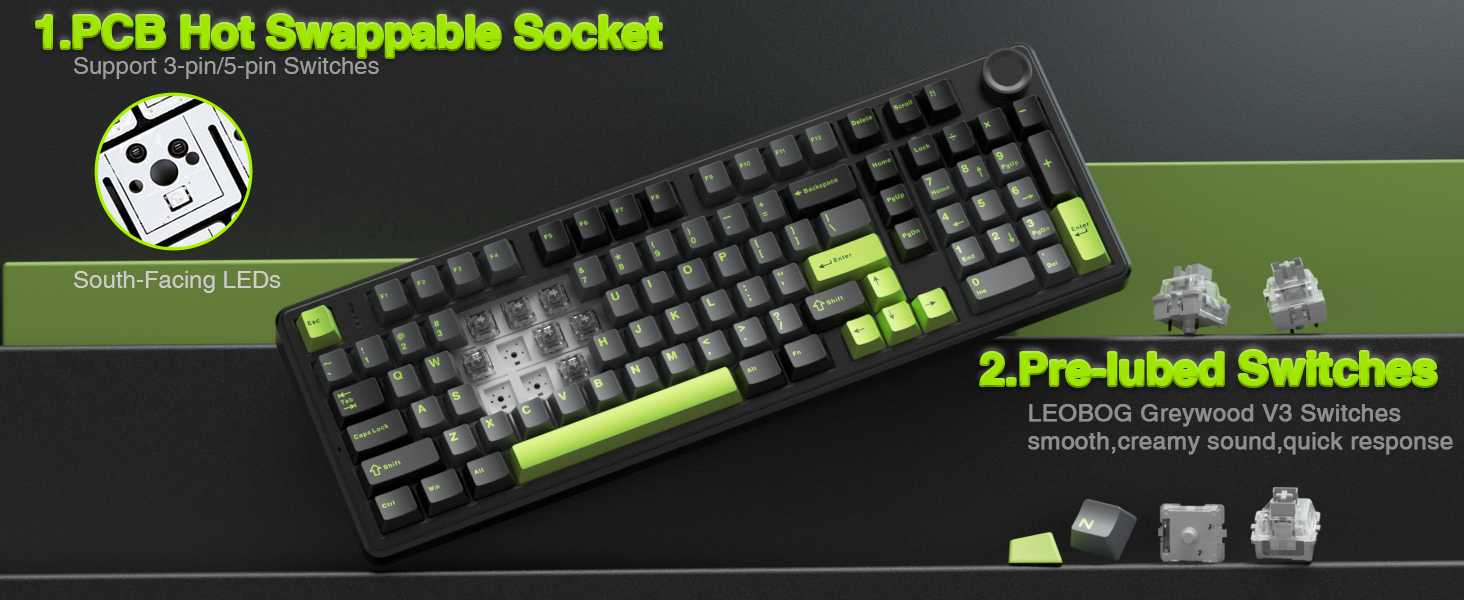
Double-shot PBT keycaps fuse two colors into one, ensuring legends stay vibrant and wear-resistant.
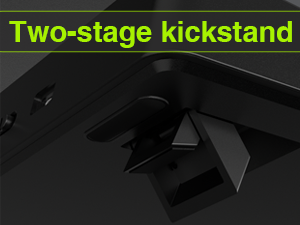
Adjustable Keyboard Stand
The keyboard has an adjustable kickstand for a more comfortable typing angle.
Partial FN+ Shortcut Key Functions Introduction
- FN + Scroll = PRTSC
- FN + DEL = INS
- FN + Home = END
- FN + ESC : Press and hold for 4-5 seconds until the keyboard backlight flashes to restore factory settings
- FN + WIN : Lock/unlock windows key (WIN key cannot be used when locked)
- FN + 1 = BT device 1# | FN + 2 = BT device 2# | FN + 3 = BT device 3#
Supports simultaneous connection of 3 devices in BT mode, and can switch devices via shortcut keys
- FN + W = Windows system | FN + E = Mac system | FN + Q = Android system | FN + R = IOS system
In order to use some shortcut key functions normally, users can use shortcut keys to switch the keyboard to the same system mode as your device. The keyboard shortcut functions are different in different systems. For details, please refer to the instructions included in our package.


ABOUT AULA
Founded in 2002, AULA is an enterprise integrating production, sales, distribution and after-sales service. The brand is inspired by one of the largest spiders in the world, the tarantula, which is characterized by its speed and strength, like the response of AULA keyboard and mouse. Our products are sold all over the world and are loved by gaming enthusiasts.

AULA Hot Selling
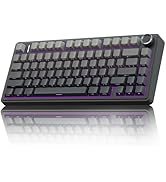

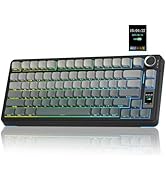
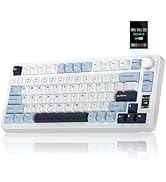
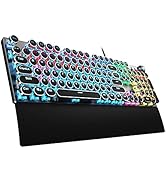
75% Keyboard-F75 PRO & S75 PRO


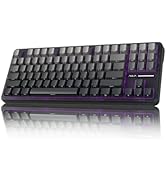
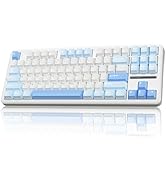
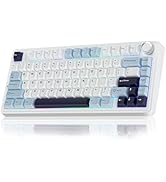
Creamy Keyboard - S98pro & F87
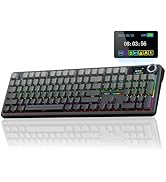
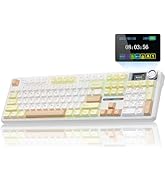


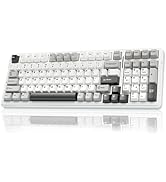
Full Size Keyboard - F108 Pro
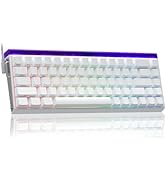


Magnetic Keyboard-HERO68&WIN68

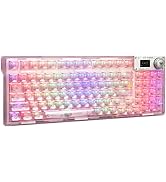
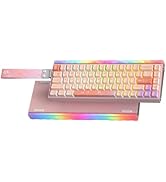
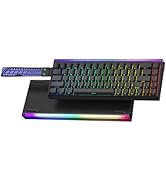
RGB Keyboards-F98Pro &Hero68HE
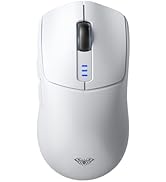

Tri-Mode Mouse-SC580 & SC800


Tri-Mode Mouse-SC680 &SC900pro

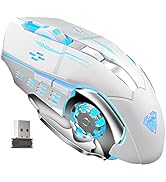

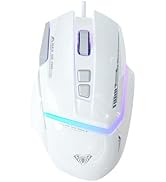
Gaming Mice
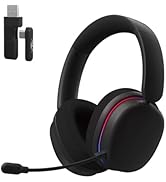
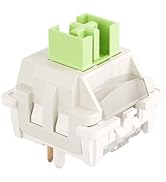
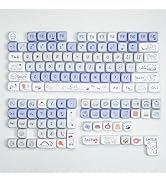
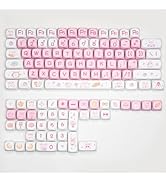
Accessories
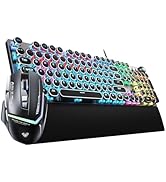

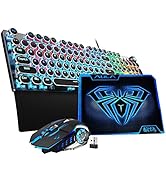

Gaming Keyboard&Mouse Combo
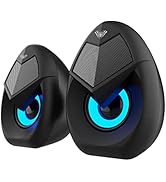
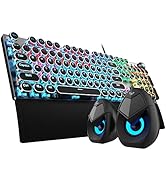

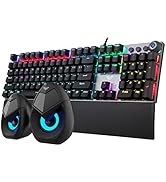
Keyboard & Speakers Combo
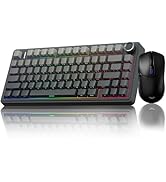
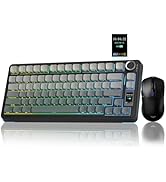
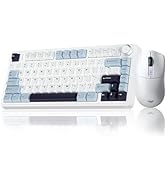
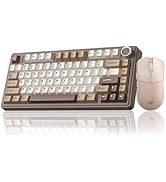
Gaming Keyboard&Mouse Combo
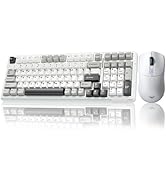
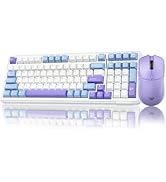
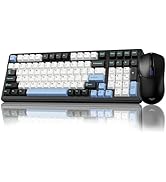
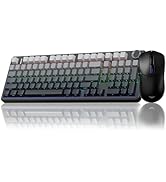
Wireless Keyboard&Mouse Combo
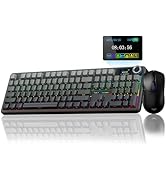
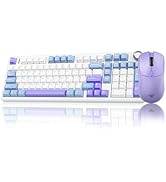
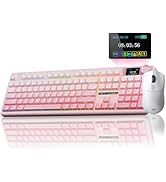
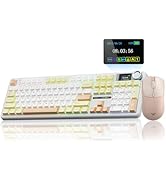
Wireless Keyboard&Mouse Combo


More Product Details
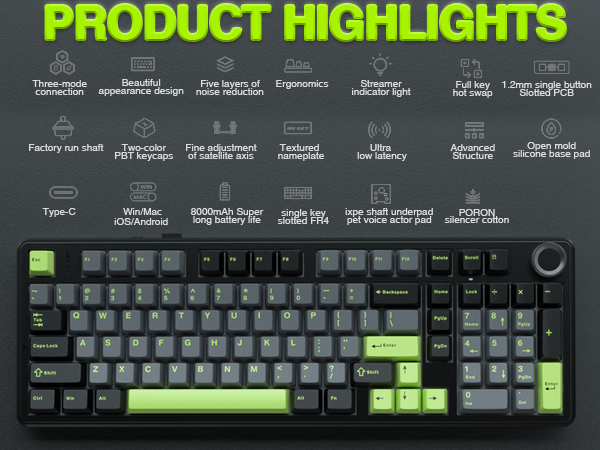
Tri-mode Connection
Connect via BT 3.0/5.0, 2.4GHz, or USB-C, and toggle between them instantly with a dedicated side switch.
8000mAh Battery
The large battery capacity extends wireless life. For optimal battery health, please avoid using fast-charging cables.
PBT Keycaps
Double-shot PBT keycaps fuse two colors into one, ensuring legends stay vibrant and wear-resistant.
Adjustable Keyboard Stand
The keyboard has an adjustable kickstand for a more comfortable typing angle.
Partial FN+ Shortcut Key Functions Introduction
- FN + Scroll = PRTSC
- FN + DEL = INS
- FN + Home = END
- FN + ESC : Press and hold for 4-5 seconds until the keyboard backlight flashes to restore factory settings
- FN + WIN : Lock/unlock windows key (WIN key cannot be used when locked)
- FN + 1 = BT device 1# | FN + 2 = BT device 2# | FN + 3 = BT device 3#
Supports simultaneous connection of 3 devices in BT mode, and can switch devices via shortcut keys
- FN + W = Windows system | FN + E = Mac system | FN + Q = Android system | FN + R = IOS system
In order to use some shortcut key functions normally, users can use shortcut keys to switch the keyboard to the same system mode as your device. The keyboard shortcut functions are different in different systems. For details, please refer to the instructions included in our package.
ABOUT AULA
Founded in 2002, AULA is an enterprise integrating production, sales, distribution and after-sales service. The brand is inspired by one of the largest spiders in the world, the tarantula, which is characterized by its speed and strength, like the response of AULA keyboard and mouse. Our products are sold all over the world and are loved by gaming enthusiasts.
AULA Hot Selling
75% Keyboard-F75 PRO & S75 PRO
Creamy Keyboard - S98pro & F87
Full Size Keyboard - F108 Pro
Magnetic Keyboard-HERO68&WIN68
RGB Keyboards-F98Pro &Hero68HE
Tri-Mode Mouse-SC580 & SC800
Tri-Mode Mouse-SC680 &SC900pro
Gaming Mice
Accessories
Gaming Keyboard&Mouse Combo
Keyboard & Speakers Combo
Gaming Keyboard&Mouse Combo
Wireless Keyboard&Mouse Combo
Wireless Keyboard&Mouse Combo





