







Where can I download the S107 driver software?
1. Visit the official Red Dragon website (Redragon.com)
2. Click the “Download” module, then click “Gaming Combo,” search for model “S107-RGB-BA,” and download the driver software.
How to adjust mouse DPI to 10,000 DPI?
Adjusting DPI via the mouse's physical buttons only allows adjustment within the 400-5000 DPI range.
By downloading the mouse driver software, you can freely adjust the mouse DPI up to a maximum of 10000 DPI.
How to adjust keyboard/mouse lighting?
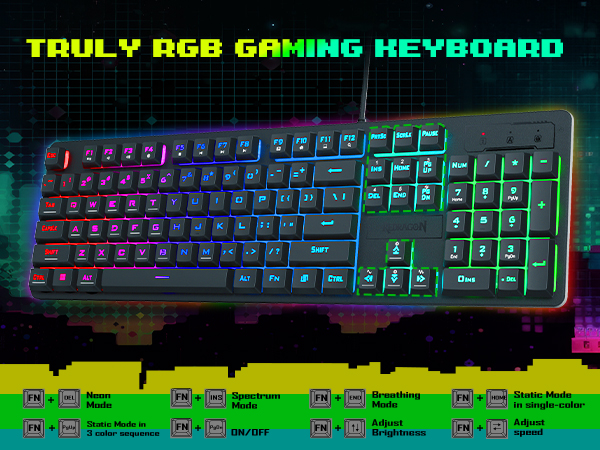
1. Keyboard lighting can be configured using FN + DEL/INS/END/HOME shortcut keys.
2. Mouse lighting can be adjusted by modifying DPI speed settings.



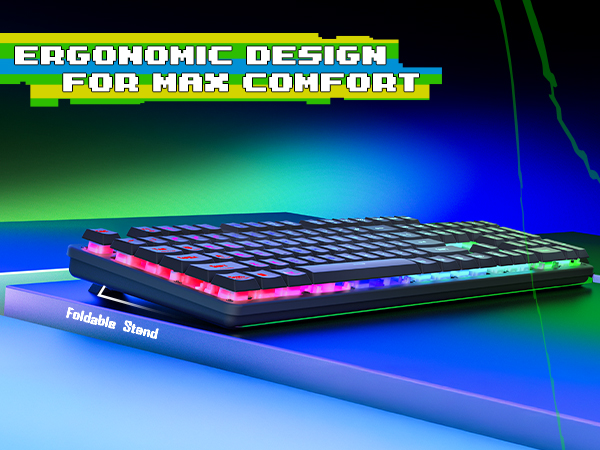
Ergonomic Design
Foldable Stand increase the comfort
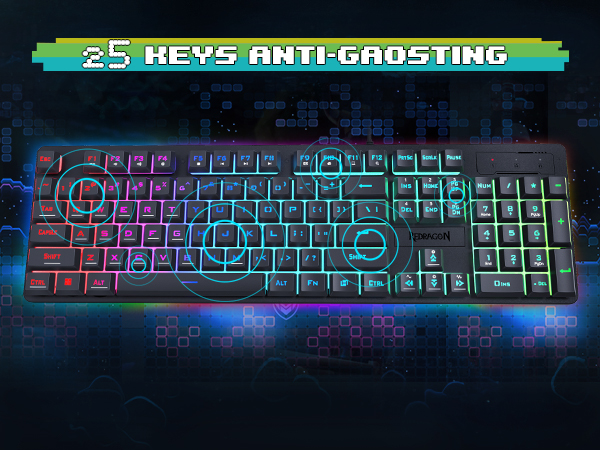
25 Anti-Ghosting Keys
Precisely trigger Key combination functions
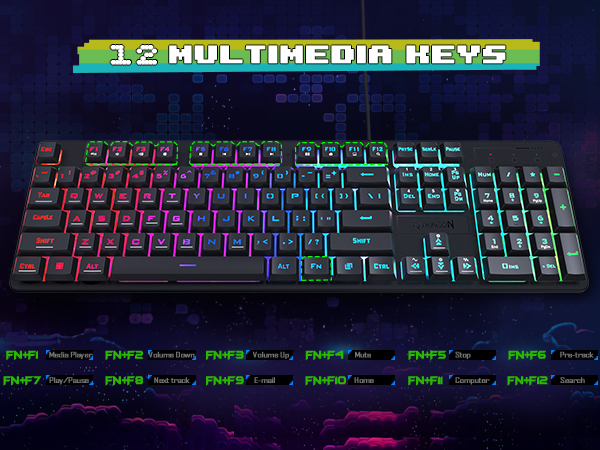
12 Multimedia Function
One-click trigger, Efficient and Convenient
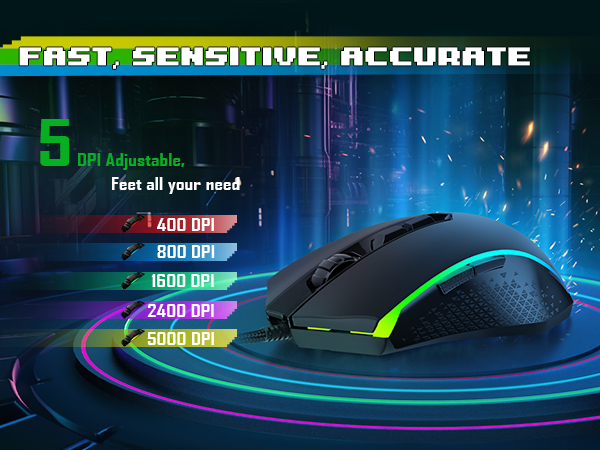
Adjustable Gaming Mouse
5000 DPI Adjustable, 5 Levels
Full RGB Gaming Keyboard
6 RGB Modes can be chosen


Where can I download the S107 driver software?
1. Visit the official Red Dragon website (Redragon.com)
2. Click the “Download” module, then click “Gaming Combo,” search for model “S107-RGB-BA,” and download the driver software.
How to adjust mouse DPI to 10,000 DPI?
Adjusting DPI via the mouse's physical buttons only allows adjustment within the 400-5000 DPI range.
By downloading the mouse driver software, you can freely adjust the mouse DPI up to a maximum of 10000 DPI.
How to adjust keyboard/mouse lighting?
1. Keyboard lighting can be configured using FN + DEL/INS/END/HOME shortcut keys.
2. Mouse lighting can be adjusted by modifying DPI speed settings.





