


 All Categories
Built for How Business Buys.
All Categories
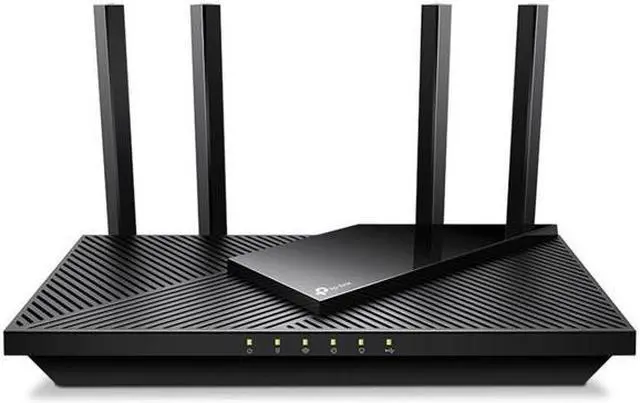
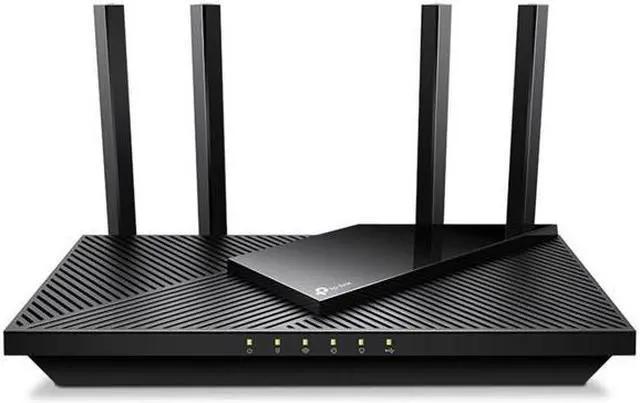
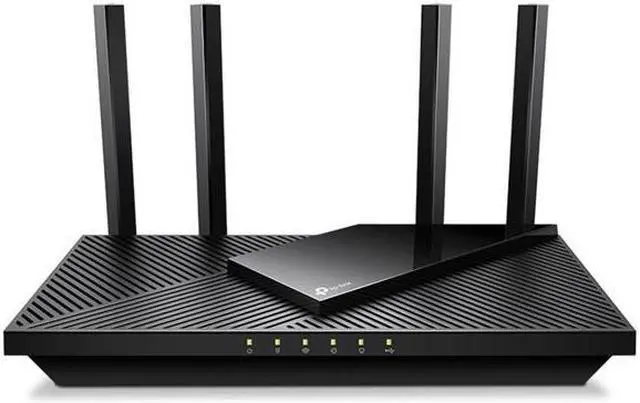
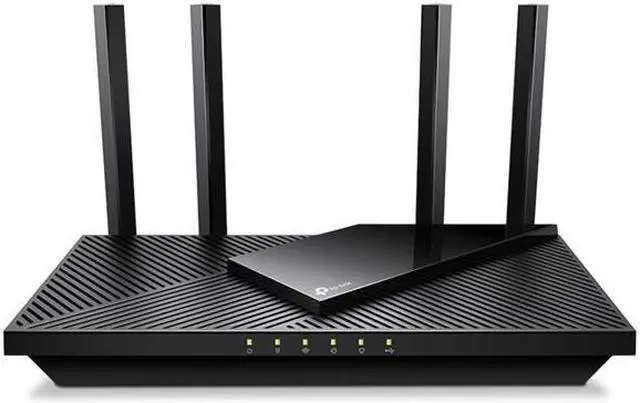
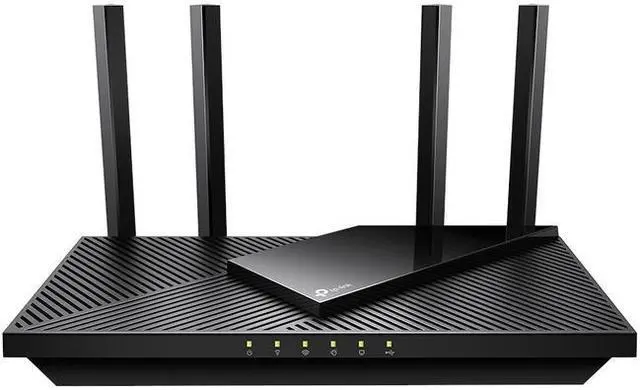
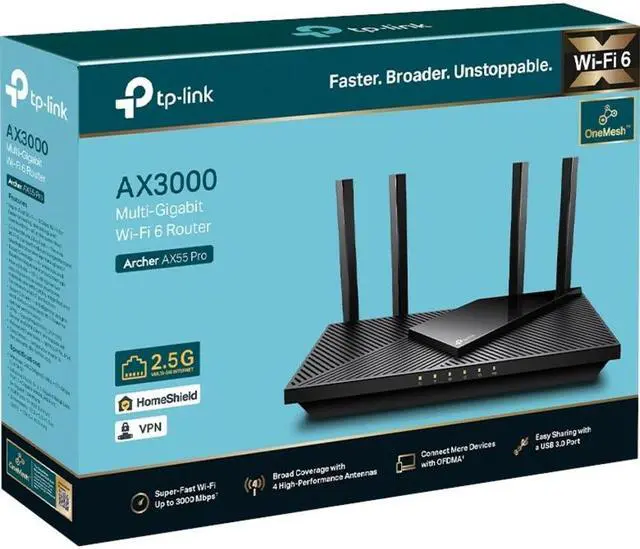
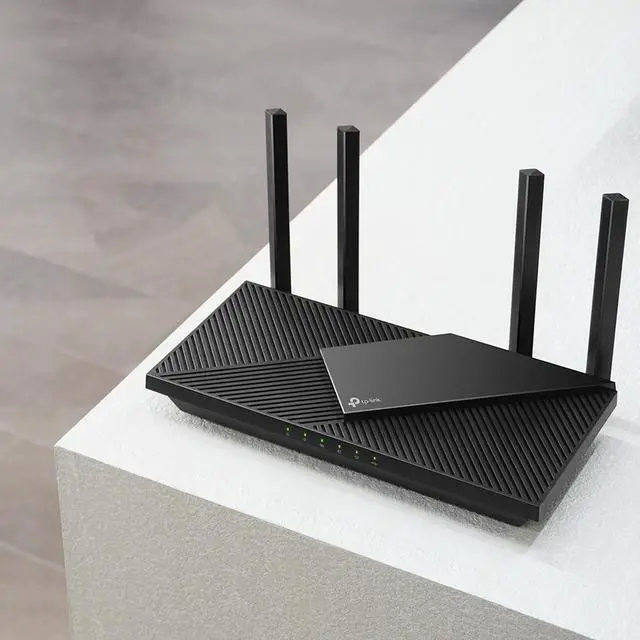
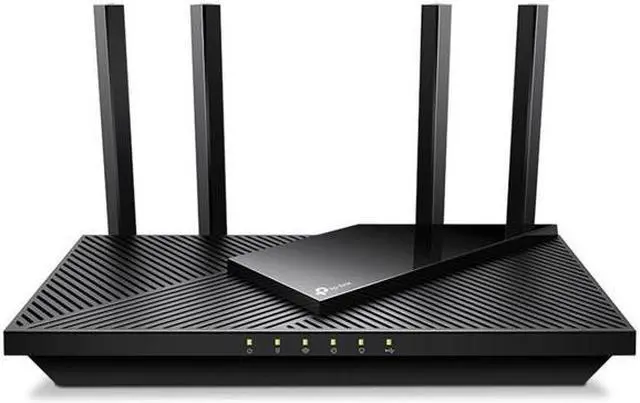
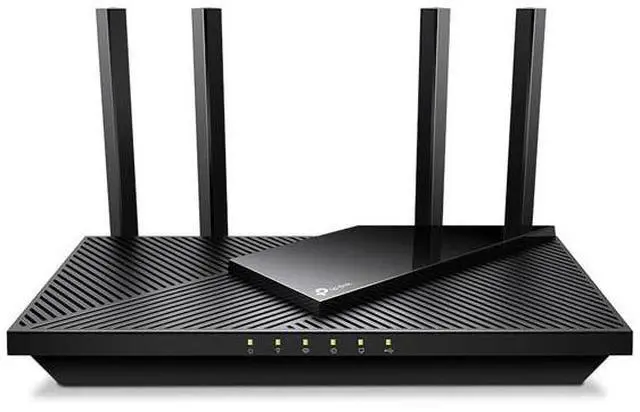





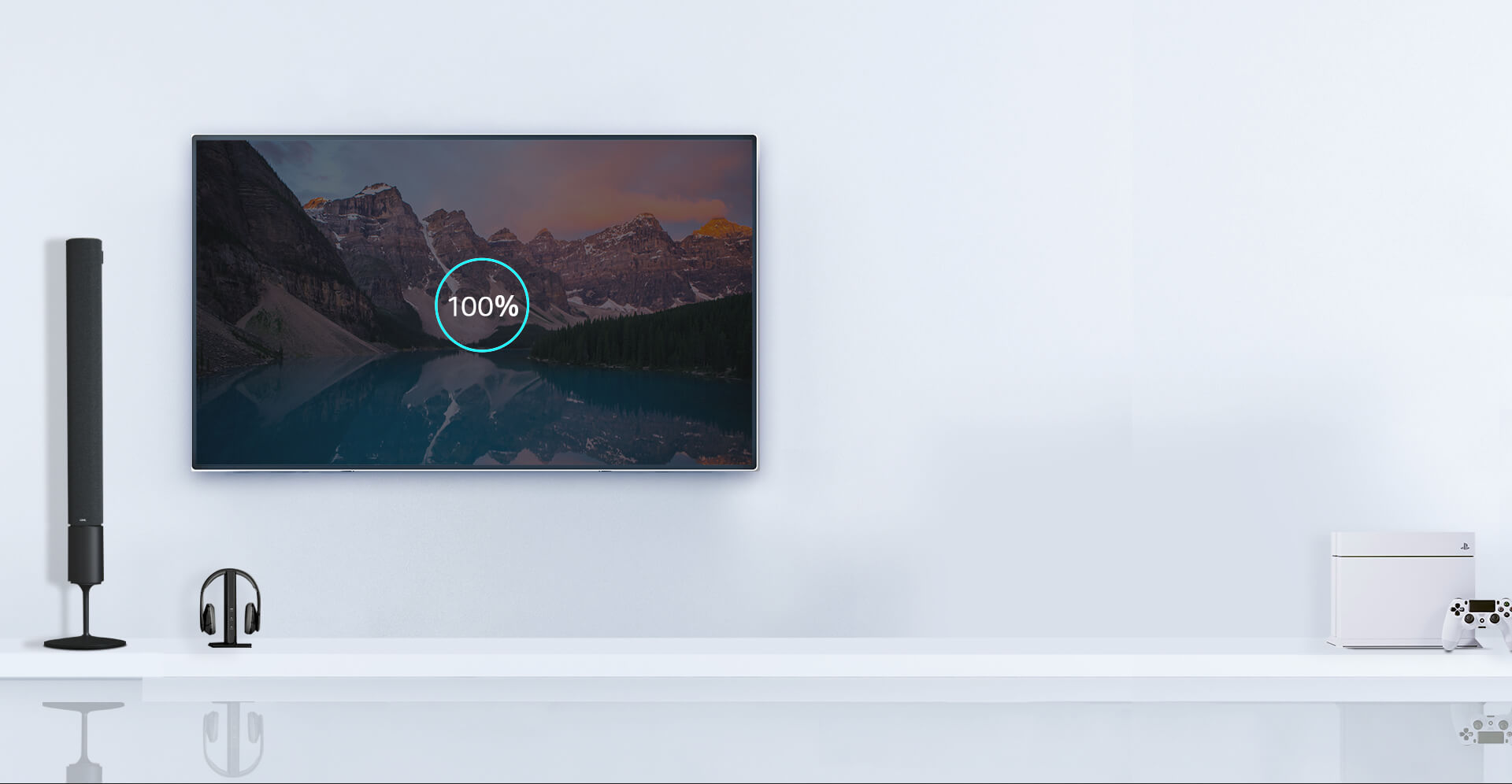
Drastically improved WiFi 6 speeds enable streaming, fast downloading, and gaming—all at the same time. 5 GHz with 160 MHz channel support doubles the bandwidth, enabling 8K video without lag.

2× throughput3
25% faster4
Clearer signal and more data
Intelligently assigns devices to the best WiFi band
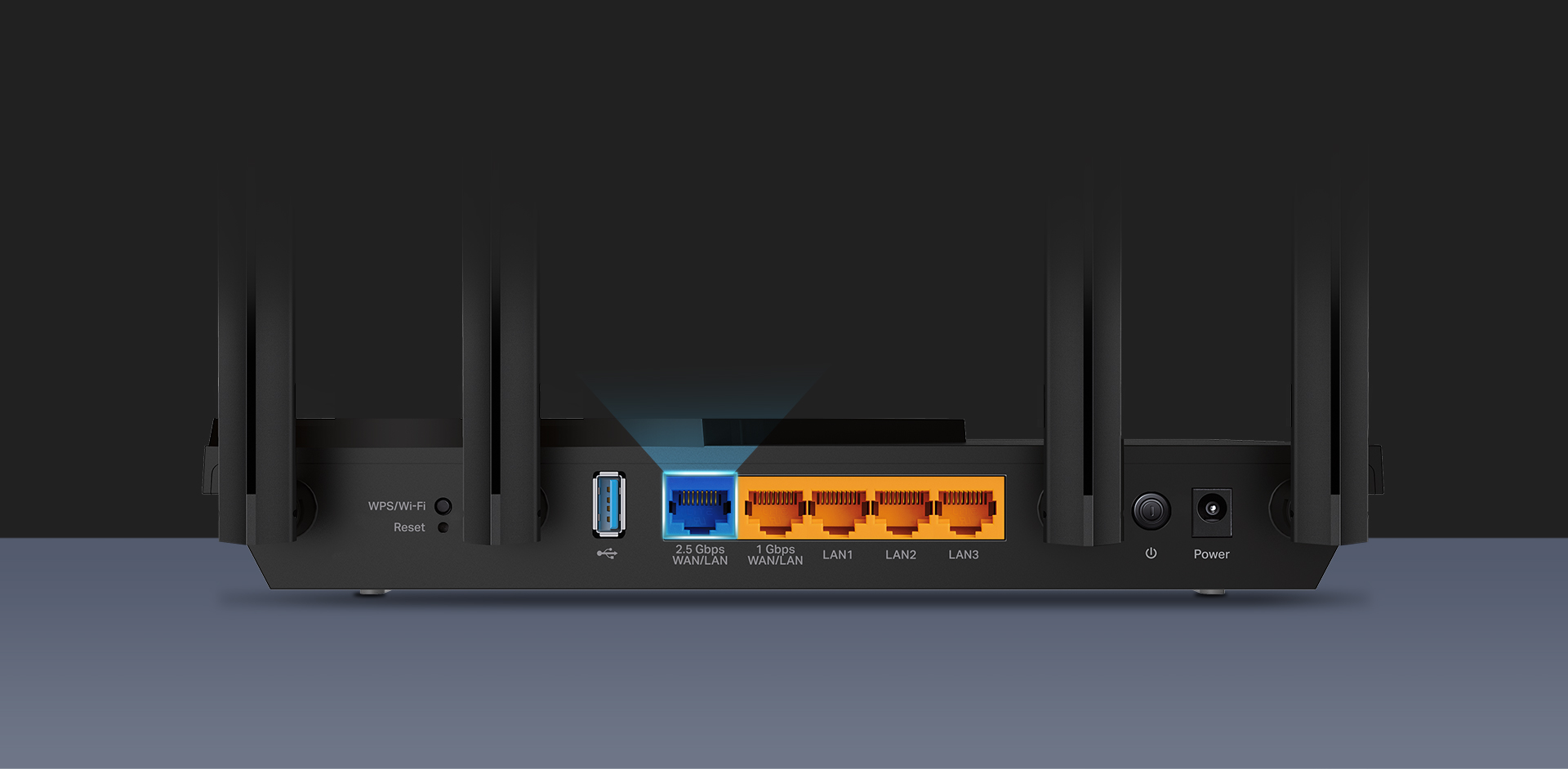
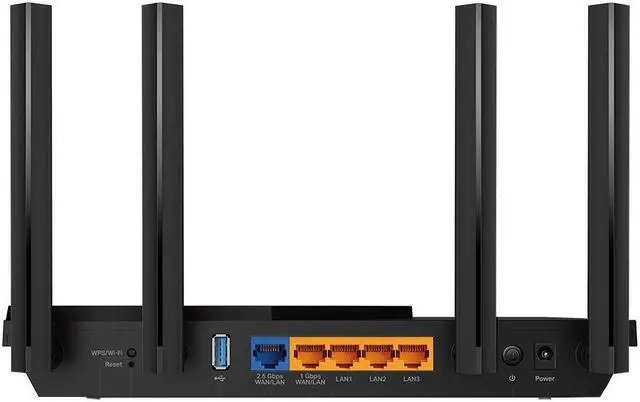
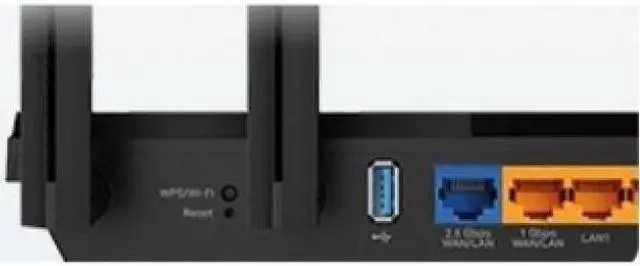
In addition to stunning wireless speeds, AX55 Pro also provides premium wired connections. A 2.5 Gbps port and 1 Gbps port make full use of gigabit speeds from your local ISP. Break through the 1G bottleneck and drive your devices to peak performance. WAN/LAN support gives you remarkable flexibility to tailor both ports to fit your network’s needs.

Multi-Gig Internet Access

2.5 Gbps Wired Connection

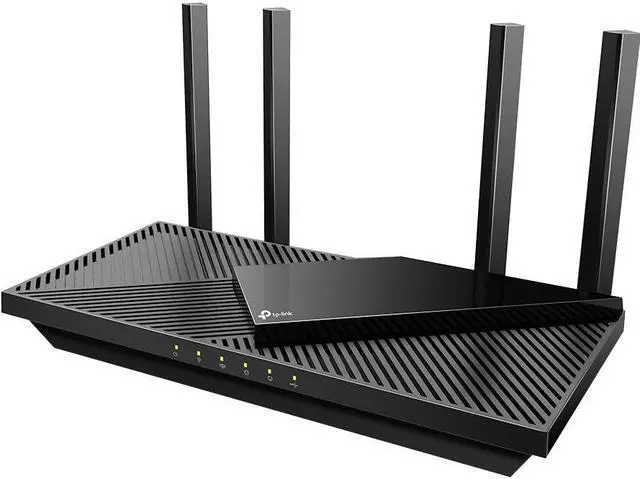
4× high-performance antennas boost WiFi signals throughout your home. Beamforming technology detects devices and concentrates signals towards them, especially to previously hard-to-reach areas.
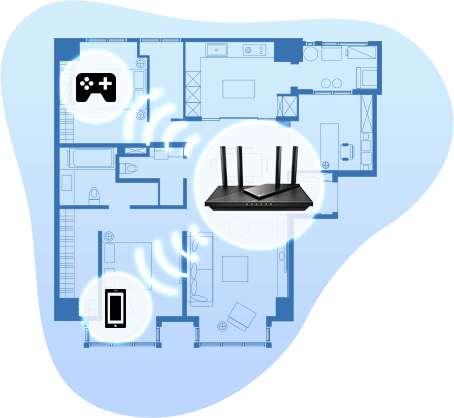

Enjoy smooth gaming, video streaming, and live feeds simultaneously. OFDMA makes your WiFi stronger by allowing multiple clients to share one band at the same time, which cuts latency and jittering.


Enjoy fast connections with minimal latency even under the heaviest loads, thanks to the advanced Qualcomm chipset and high-speed memory. Every click on a website and response from online gaming responds quicker.

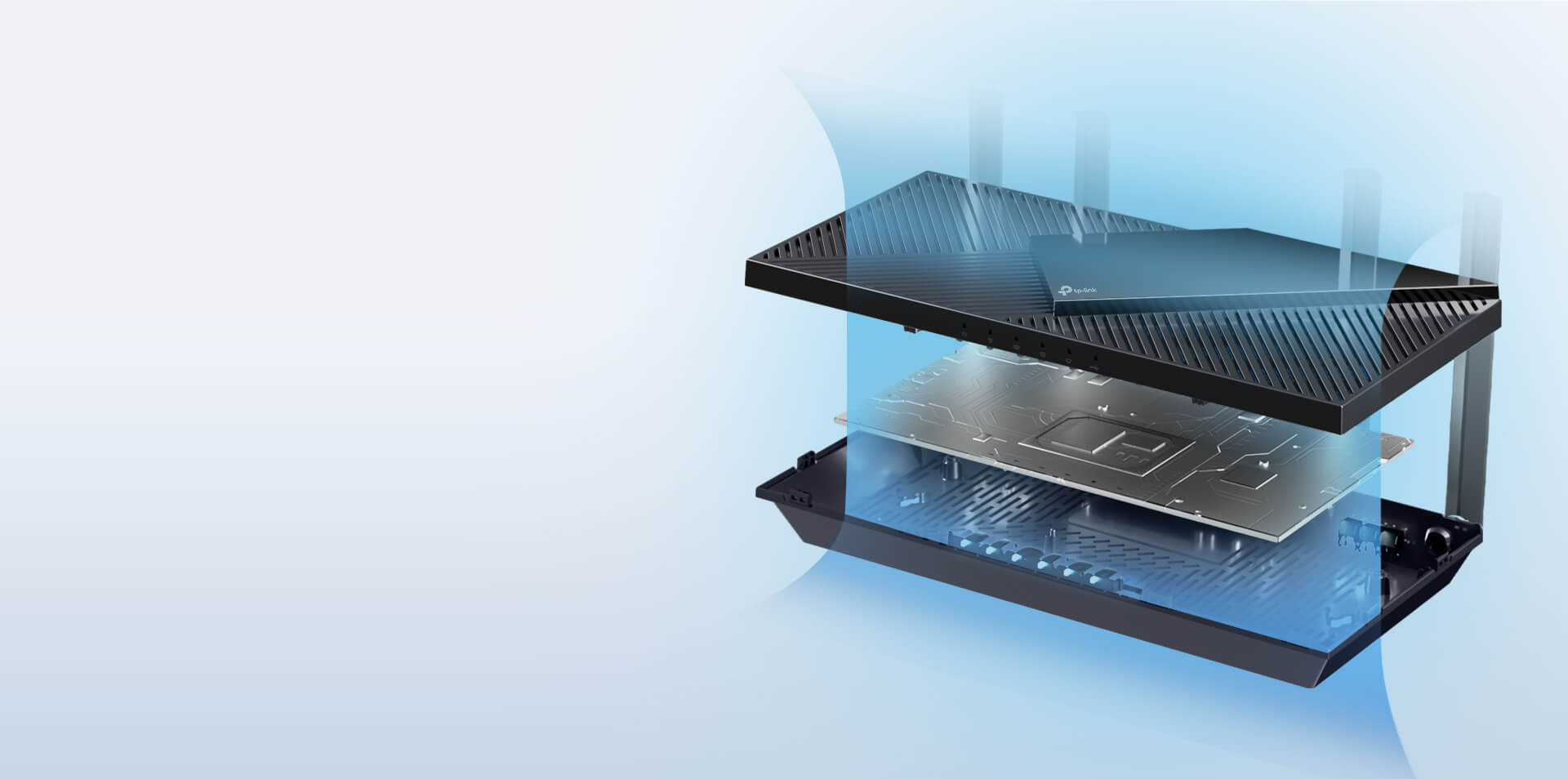
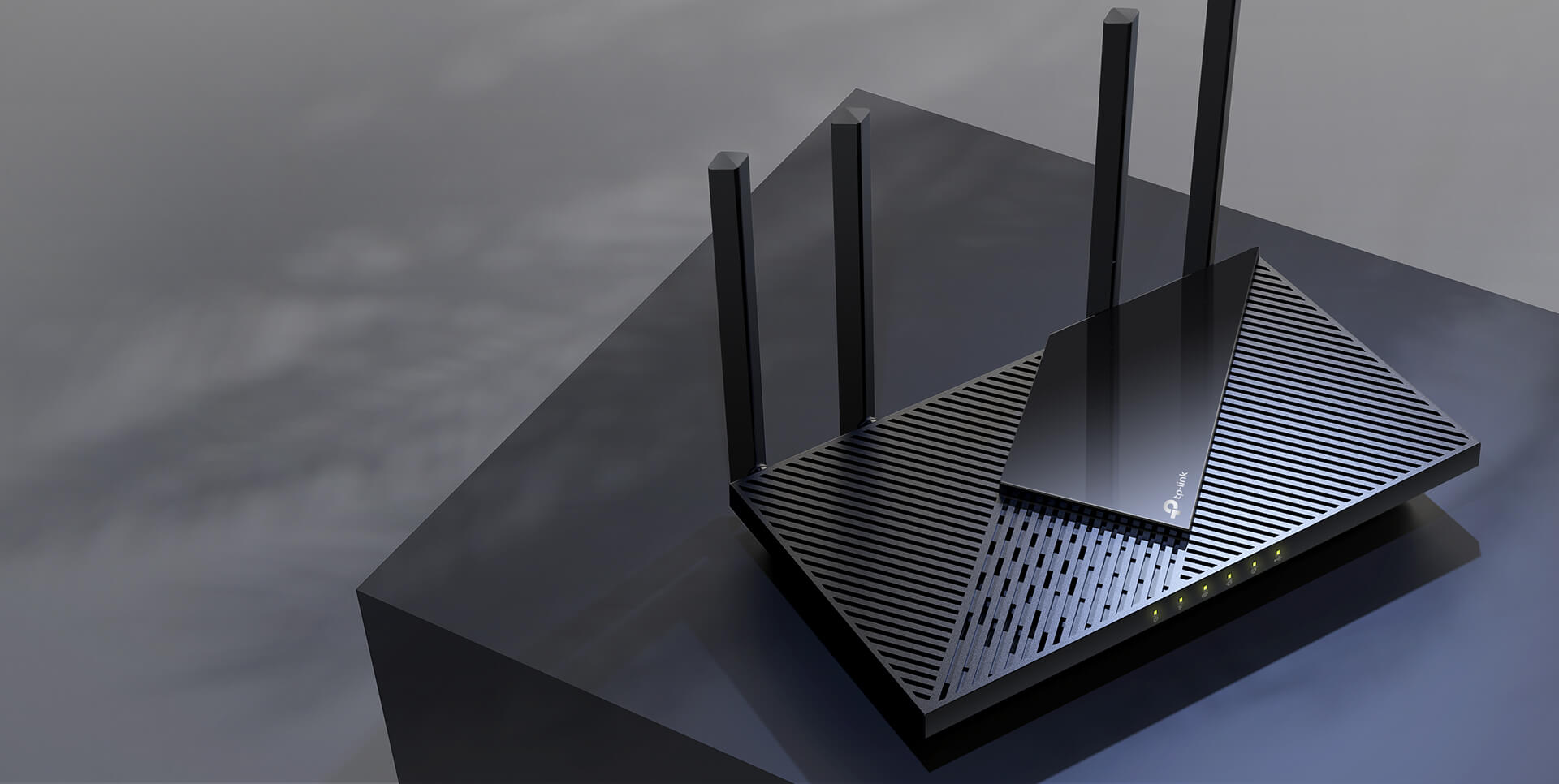
No heat ups, no throttles. A larger heat sink and refined case design cool the WiFi 6 system and enable your network to stay at top speed in more versatile environments.
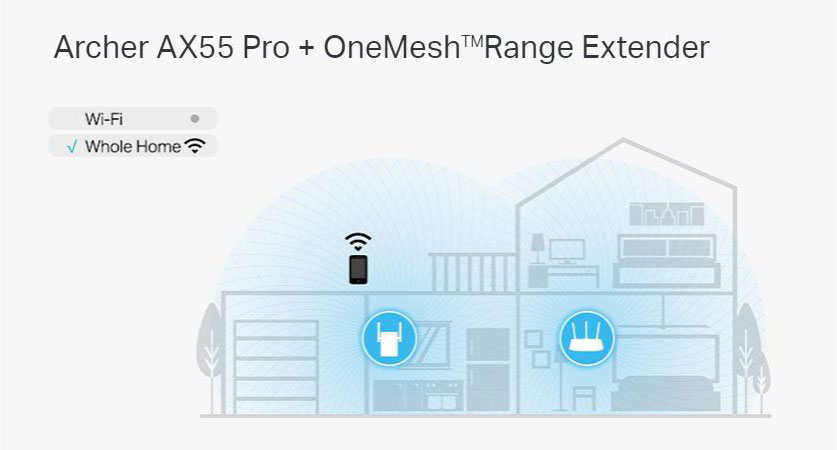
Want to build a whole-home Wi-Fi? Archer AX55 Pro supports OneMesh to form seamless whole-home coverage, preventing drops and lag when moving between signals.
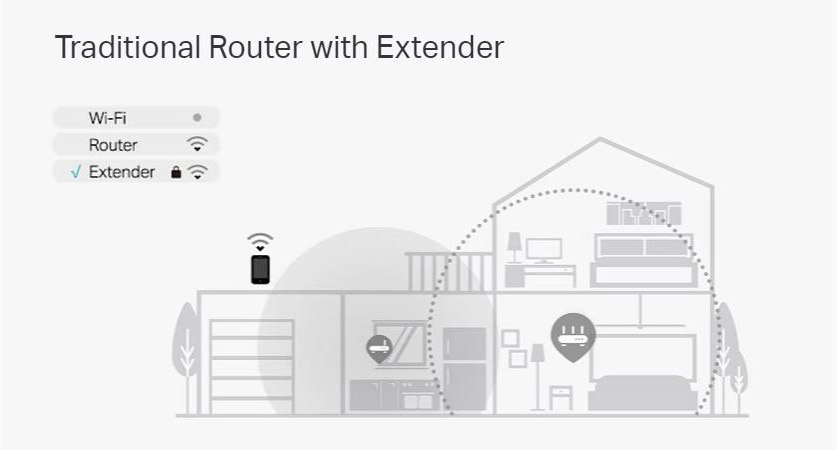
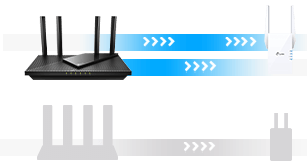
Strong Mesh with Multi-Band Backhaul
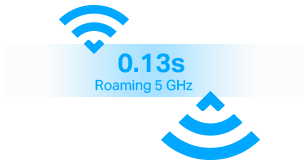
Ultra-Fast Smart Roaming
Unified Management
With TP-Link HomeShield, enjoy advanced security features dealivering a safe environment that protects your family and network's data and privacy5.

Real-time network scanner to detect potential threats and security issues.

Manage time online and block inappropriate content to keep your family safe online.
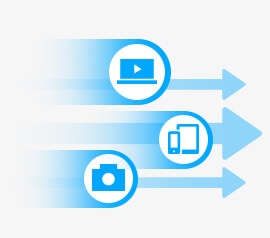
Assign your favorite devices to have the fastest connections for top performance.
(Subscription fees apply)

DDoS Attack Prevention

IoT Device Protection

Advanced Parental Controls including Time Rewards

1-Month Free Trial
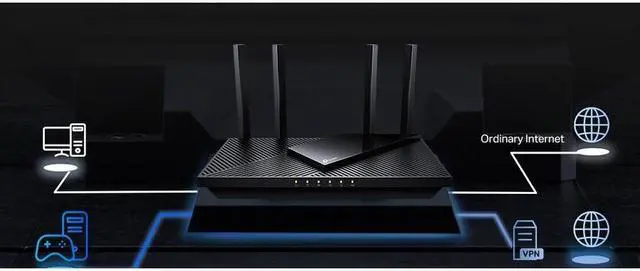
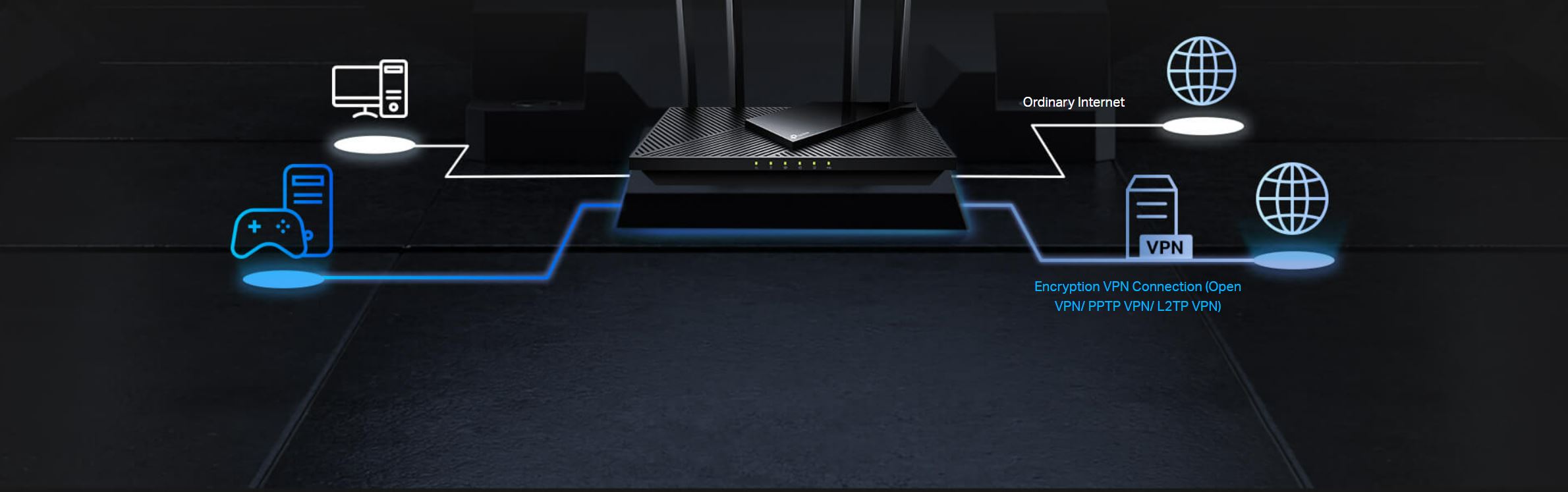
Allow devices in your home network to access remote VPN servers without needing to install VPN software on every device. Archer AX55 Pro can run both the VPN and ordinary internet connections at the same time, delivering security and flexibility.
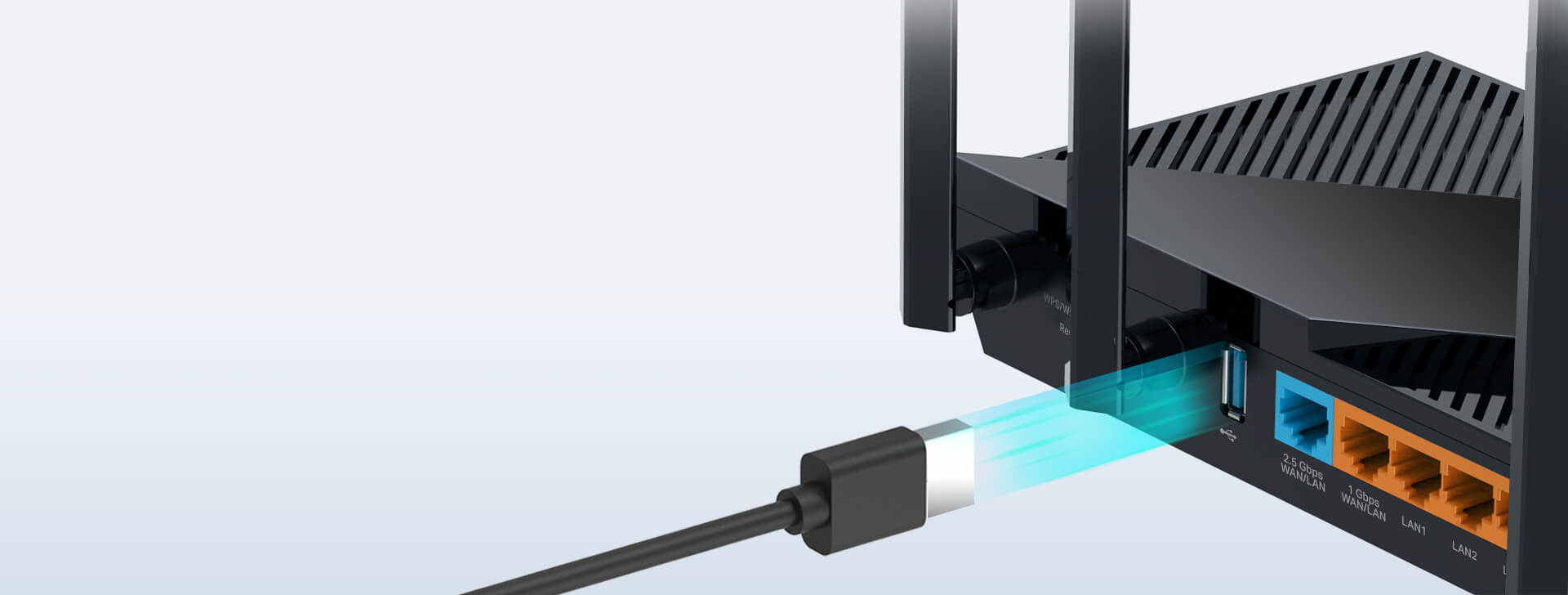
Easily share files between connected devices by plugging into an external drive. You can even make it your personal cloud storage and access it from outside securely.
Whether you prefer the intuitive Tether app or TP-Link’s powerful web interface, you can set up your Archer AX55 Pro in minutes. The Tether app allows you to manage network settings from any Android or iOS device.

Block inappropriate content for your children, and customize a time range for better online habits.

You will be notified by your phone when new devices connect. Kick off any suspicious connections and block them. It’s as simple as that.
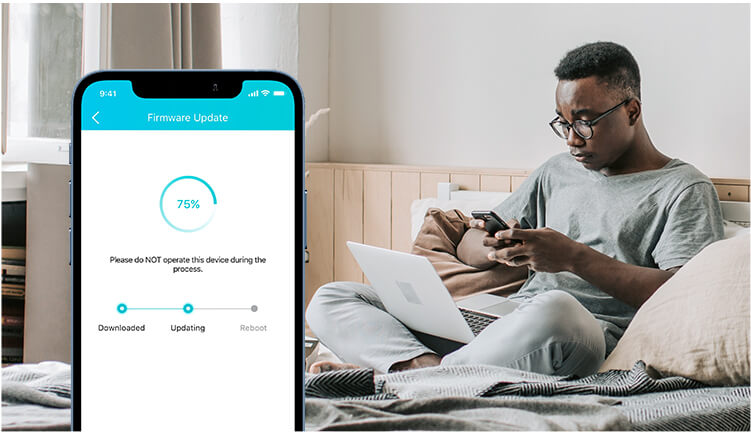
Tired of upgrading firmware manually? OTA updates simplify firmware upgrades with a click in the management panel. To keep your security and functions always up to date, just turn on the auto schedule.
1. Maximum wireless signal rates are the physical rates derived from IEEE Standard 802.11 specifications. Actual wireless data throughput, wireless coverage and number of connected devices are not guaranteed and will vary as a result of network conditions, client limitations, and environmental factors, including building materials, obstacles, volume and density of traffic, and client location.
2. This router may not support all the mandatory features as ratified in IEEE 802.11ax specification.
3. Use of 802.11ax (Wi-Fi 6) and its features including OFDMA, HE160, and TWT requires clients to also support corresponding features. The 160 MHz bandwidth may be unavailable in the 5 GHz band in some regions/countries due to regulatory restrictions. The double channel width refers to 160 MHz compared to 80 MHz for general WiFi 6 routers. Actual power reduction by Target Wake Time may vary as a result of network conditions, client limitations, and environmental factors.
4. The 802.11ax white paper defines standardized modifications to both the IEEE 802.11 physical layers (PHY) and the IEEE 802.11 Medium Access Control (MAC) layer as enabling at least one mode of operation capable of supporting improvement of at least four times the average throughput per station (measured at the MAC data service access point) in a dense deployment scenario.
5. HomeShield includes the Free Basic Plan. Fees apply for the Pro Plan.
* Use of WPA3 requires clients to support WPA3.
** Further software upgrade for feature availability may be required.


