



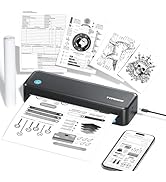
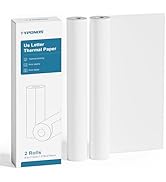
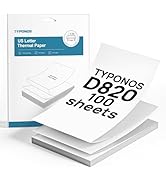
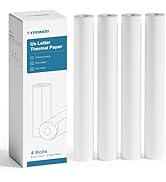
D820 Portable Printer
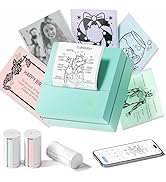
PM290 Sticker Printer
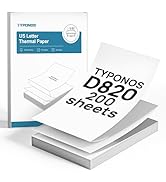
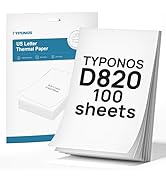
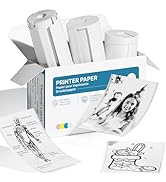
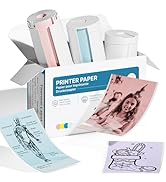
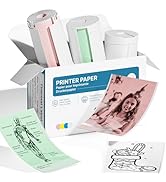
D820 Thermal Printer Paper
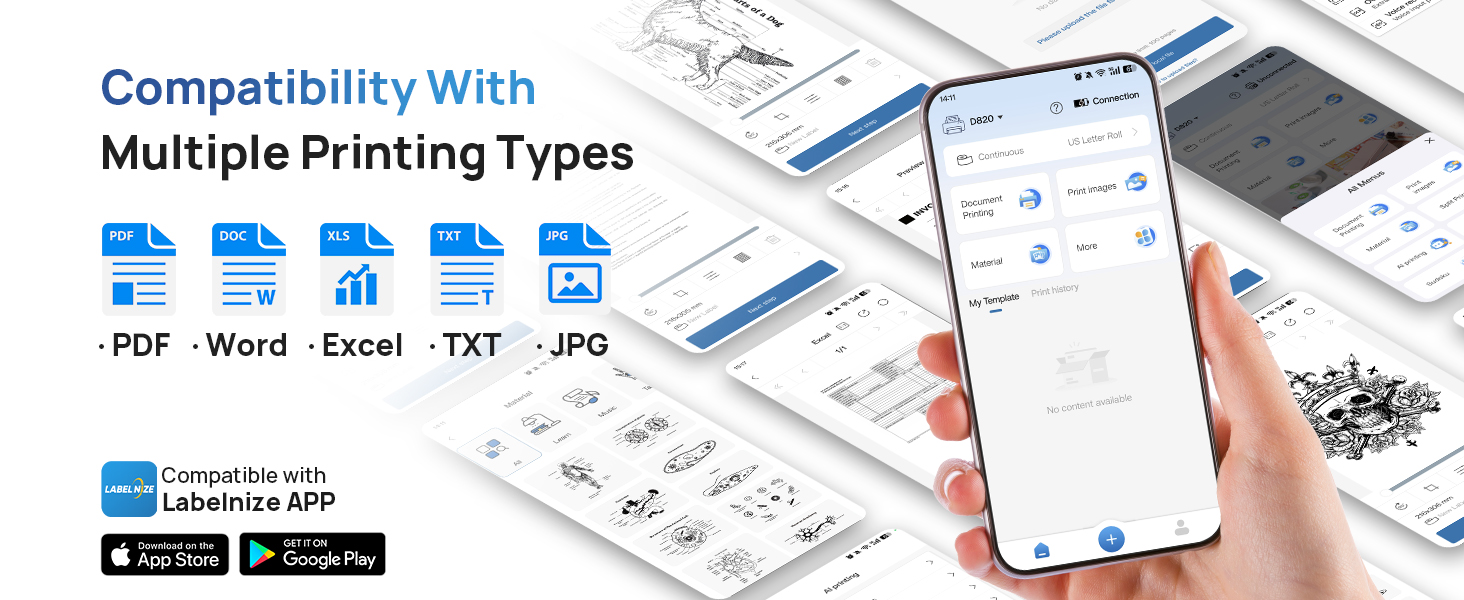
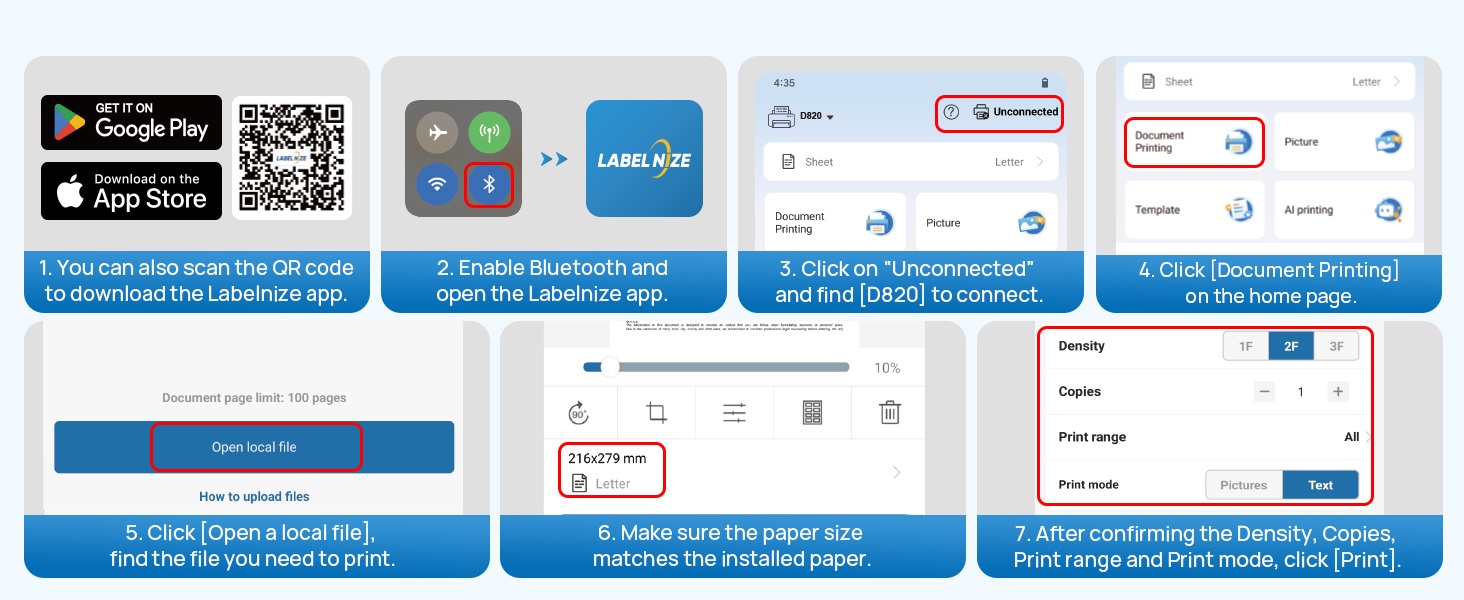
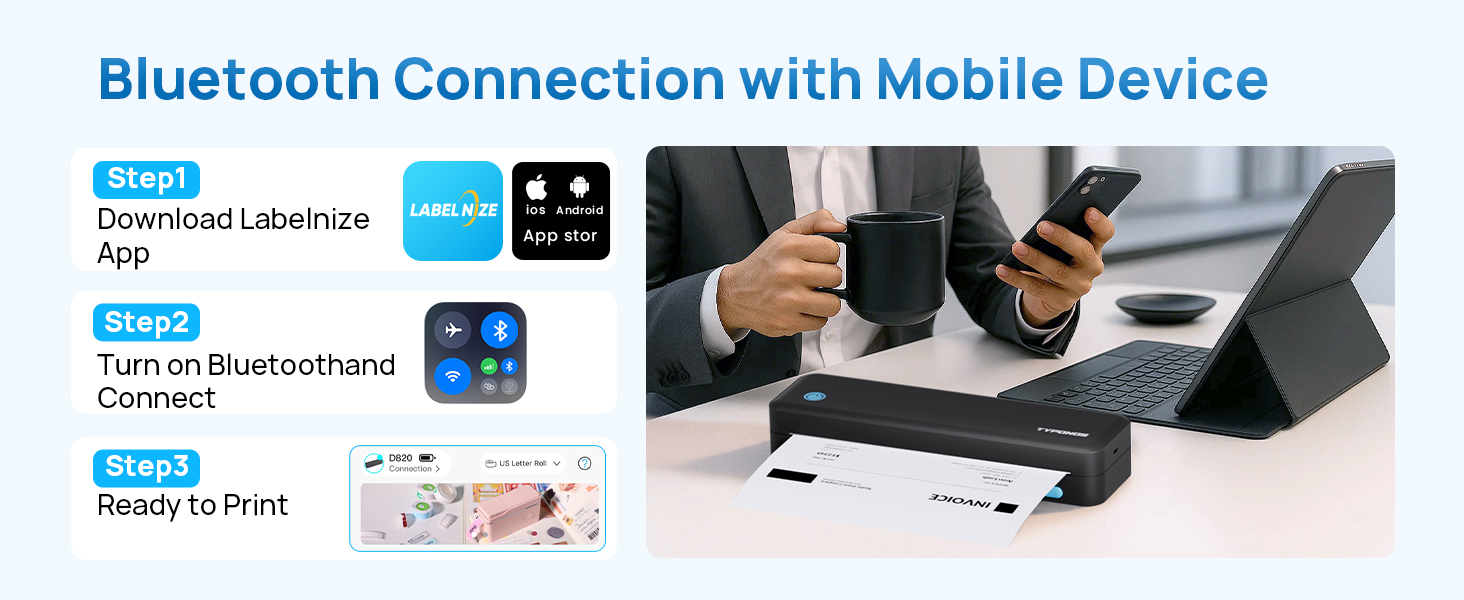
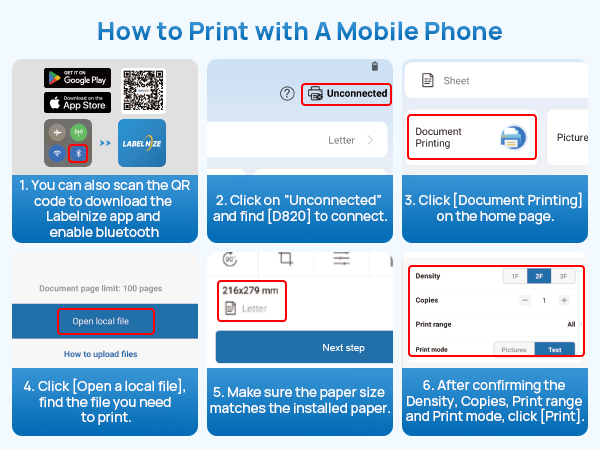
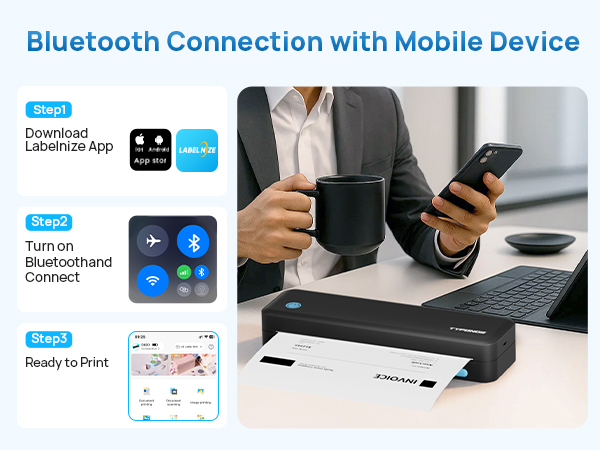
How to use a mobile phone to connect Bluetooth?
1. Download the App "Labelnize" from the Apple Store/Google Play.
2. Connecting to Bluetooth through the "Labelnize" APP.
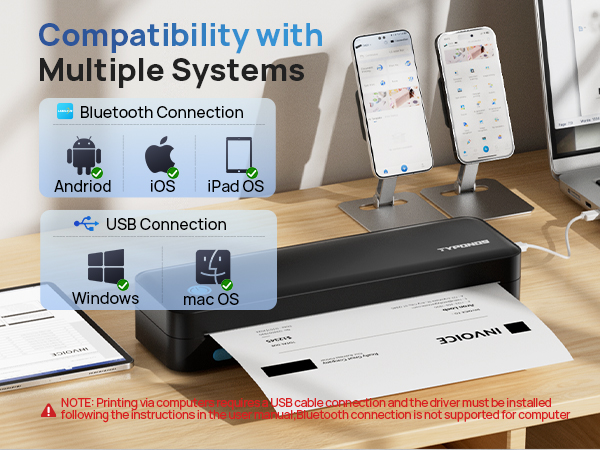
Note: Please DO NOT connect the portable printer directly via Bluetooth for all devices.
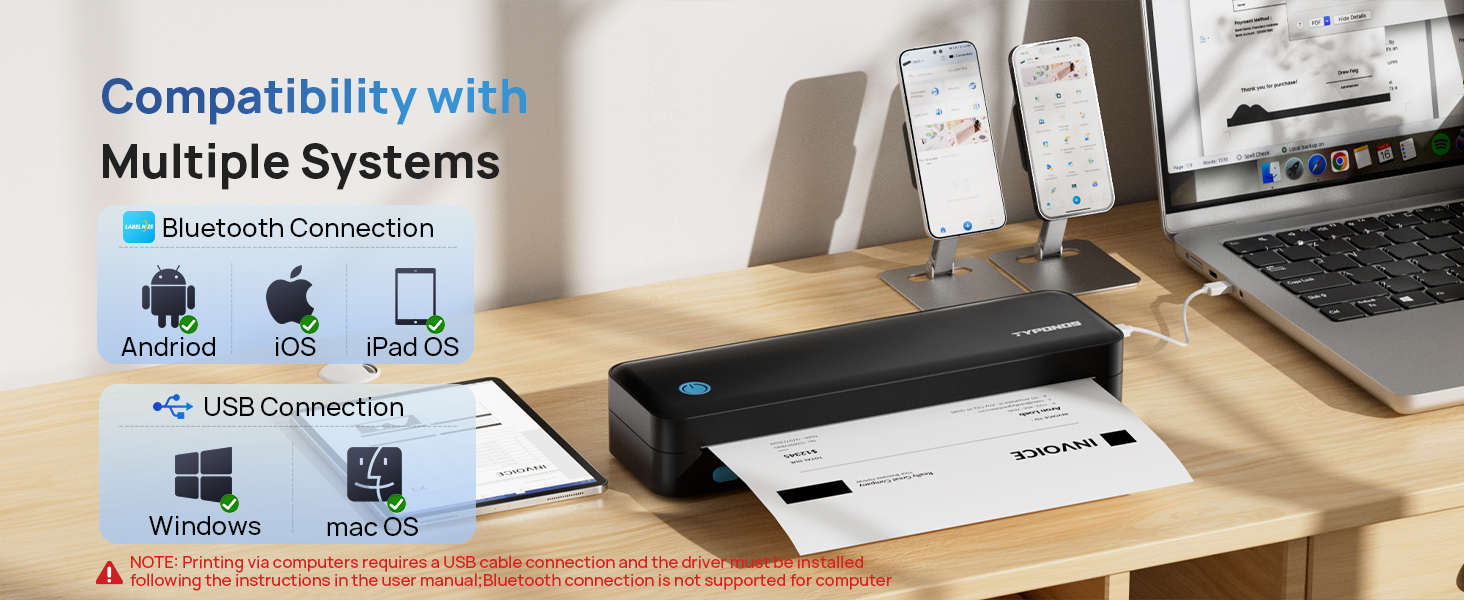
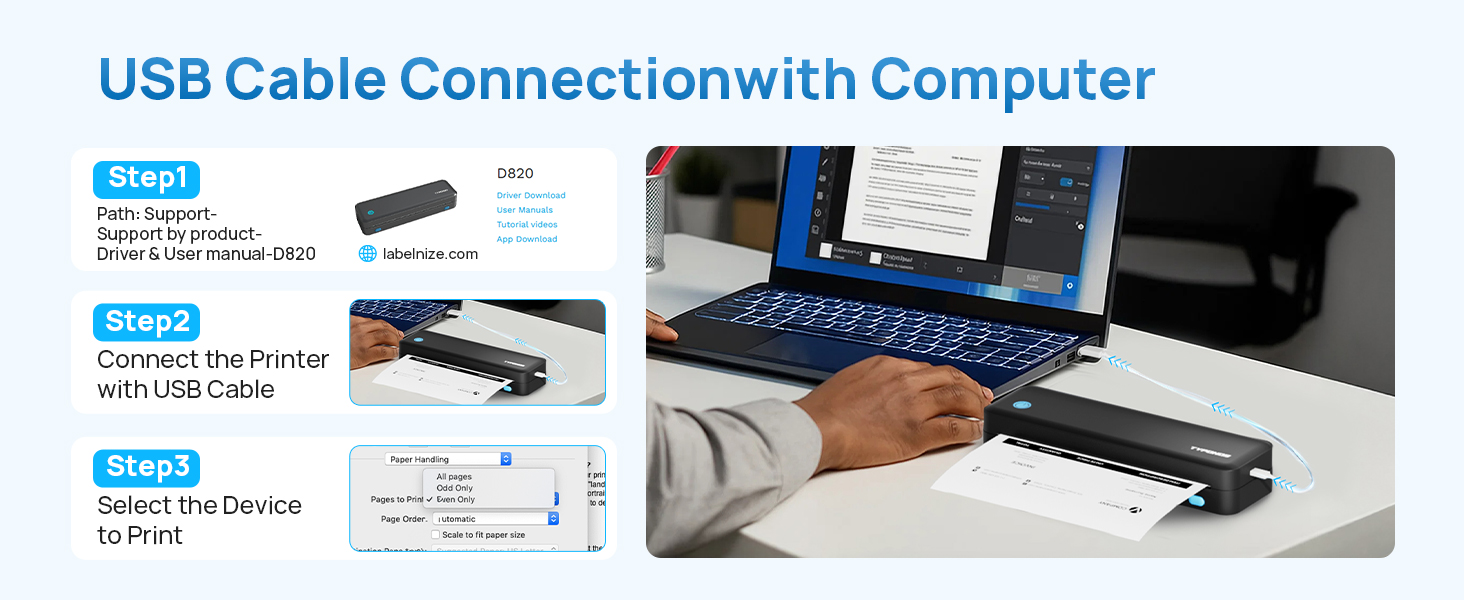
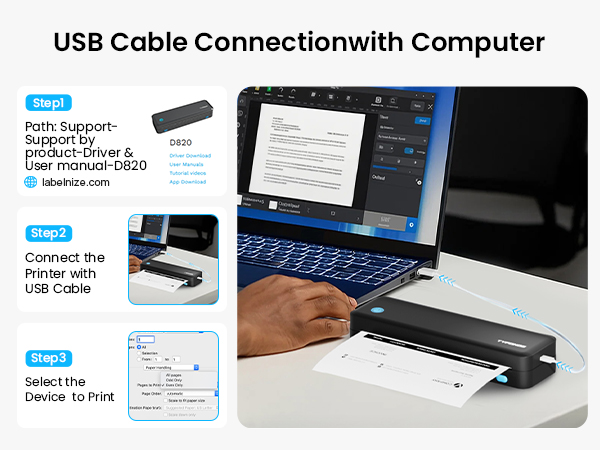
How to install drivers on Windows or MAC?
1. Please visit " Labelnize.com" or download form the attached U-disk to obtain the driver.
2. Please DO NOT connect the portable printer directly via Bluetooth for all devices.
Note: Computers need to download the driver and print via USB cord.
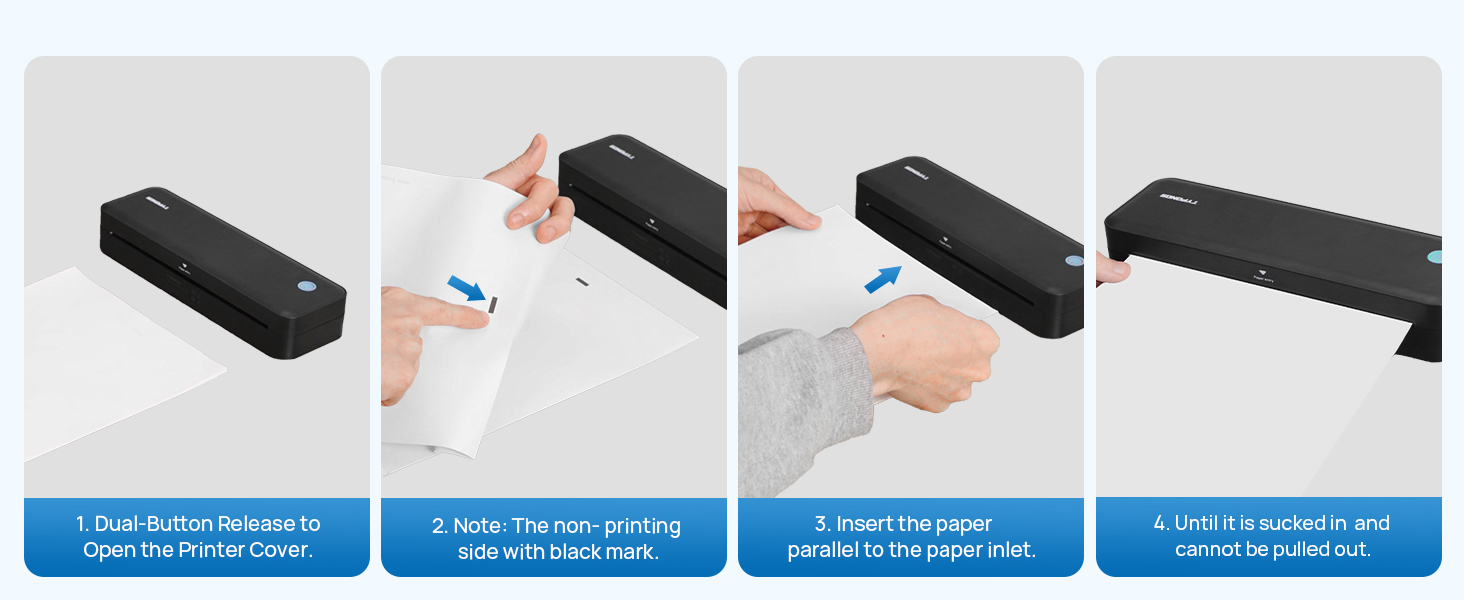
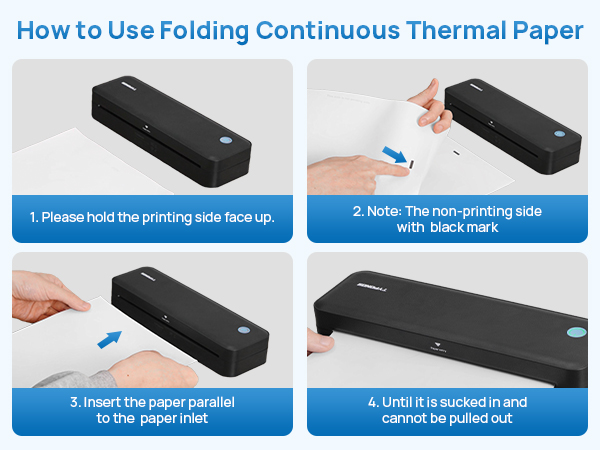
How to print on different paper size?
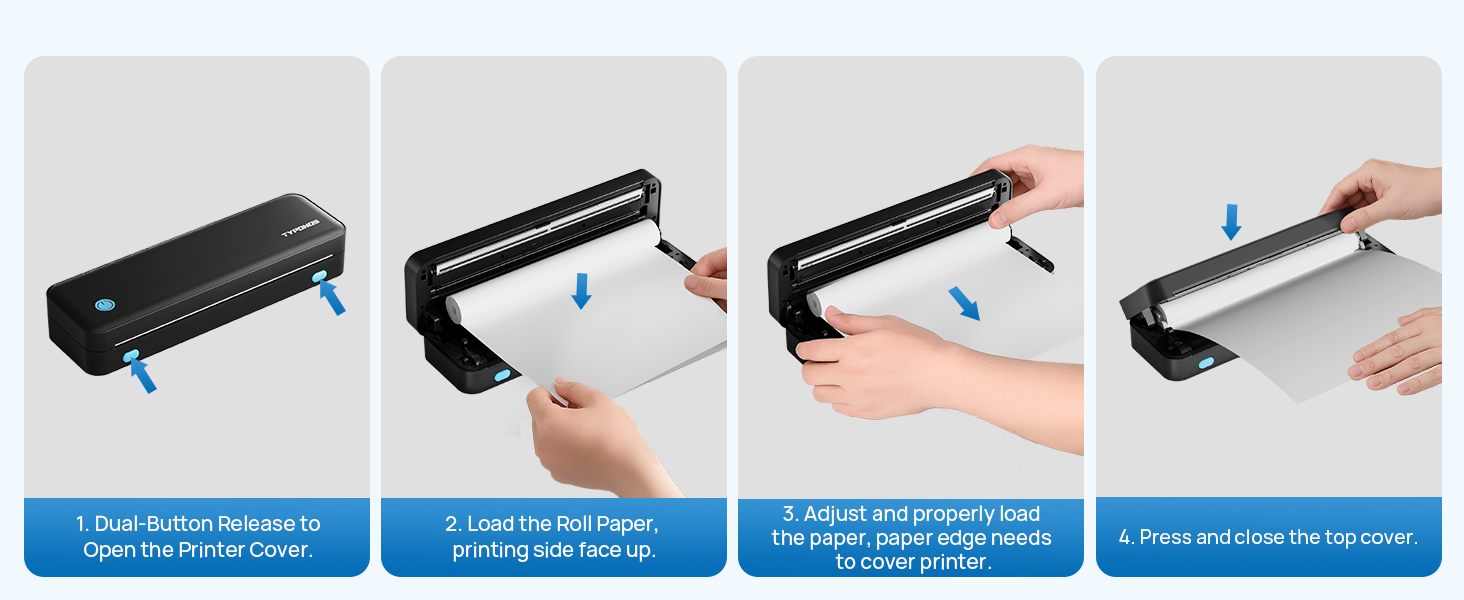
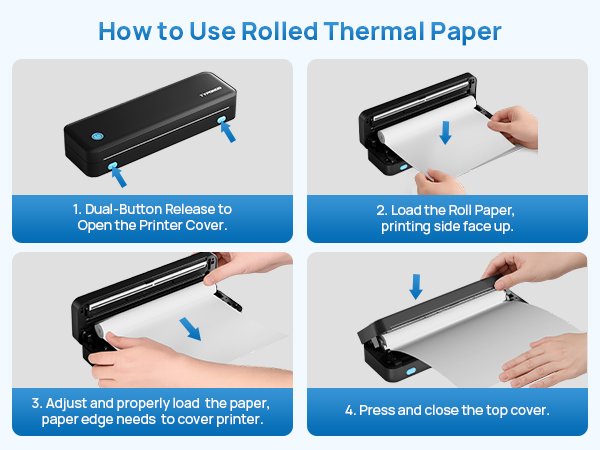
1.Dual-Button Release to Open the Printer Cover.
2.Load the Roll Paper, printing side face up.
3.Adjust and properly load the paper, paper edge needs to cover printer.
4.Press and close the top cover. Once connected.
Note: only use thermal paper.
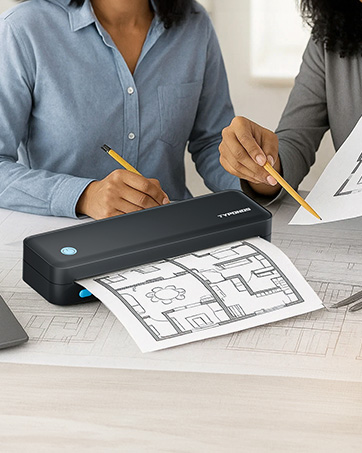

TYPONOS: Where Ideas Meet Instant Reality
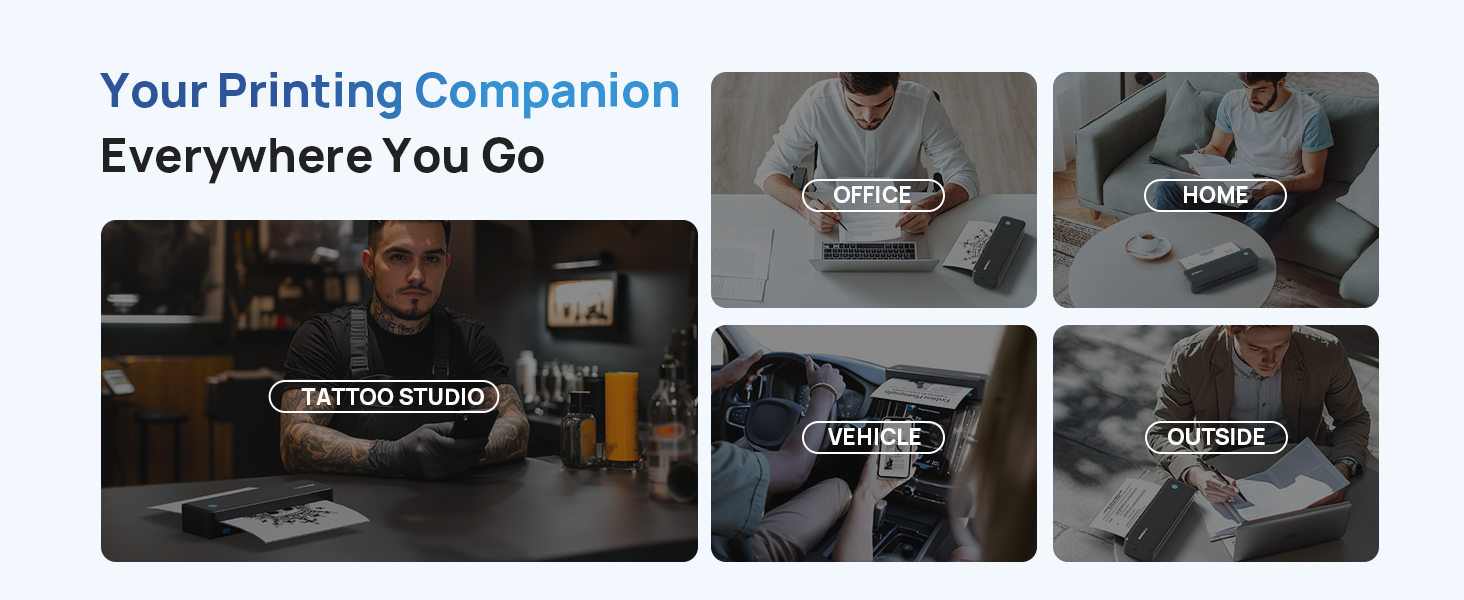
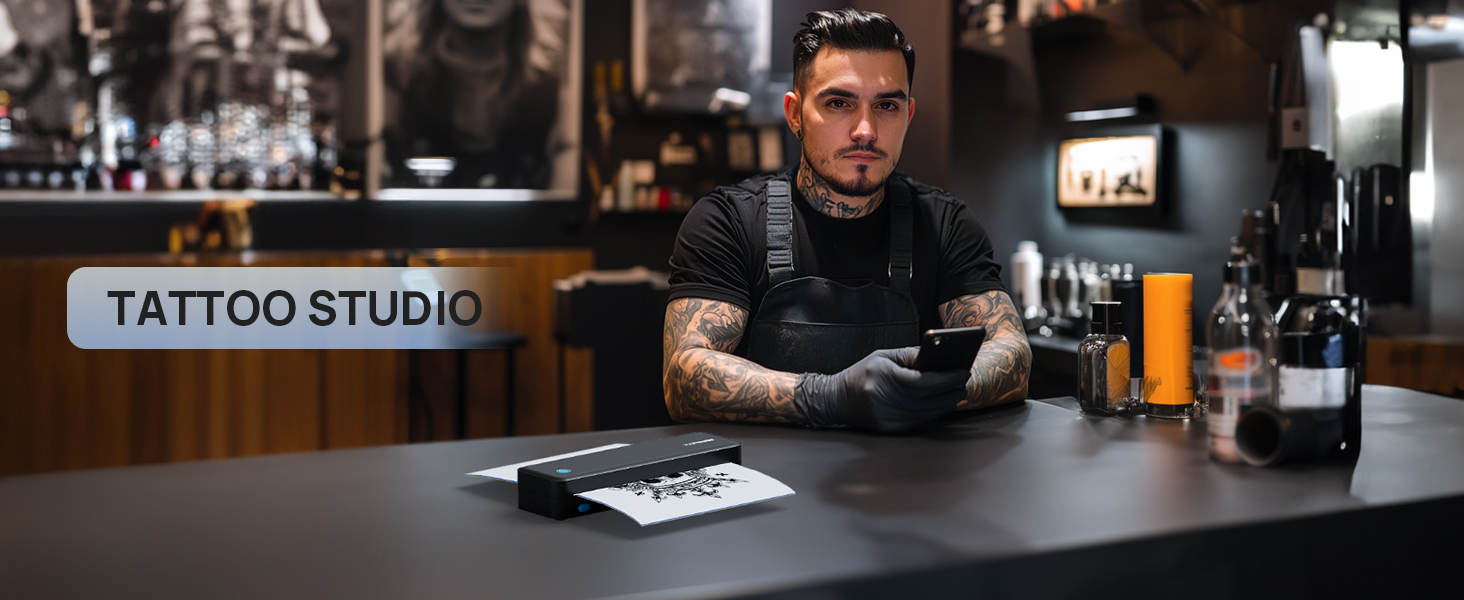
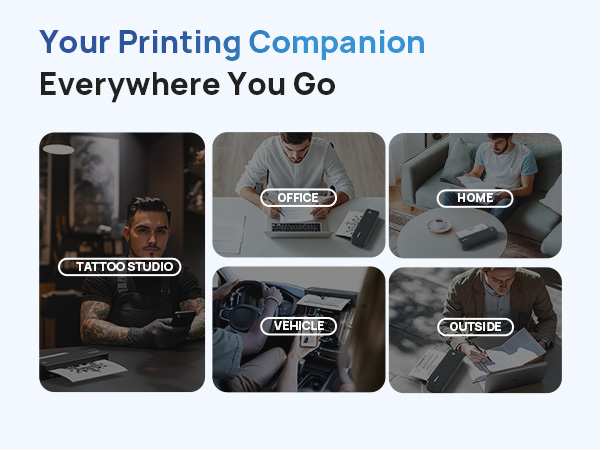
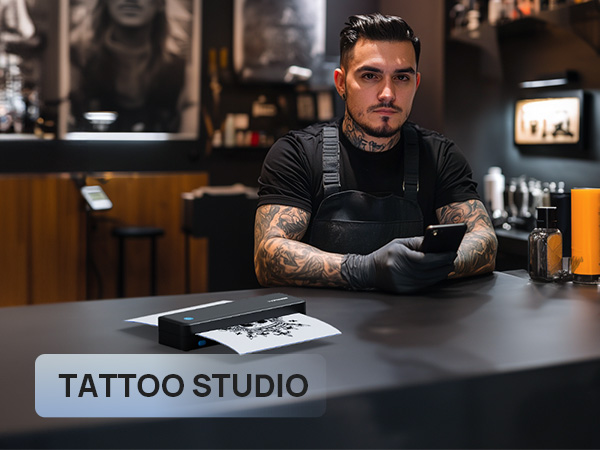
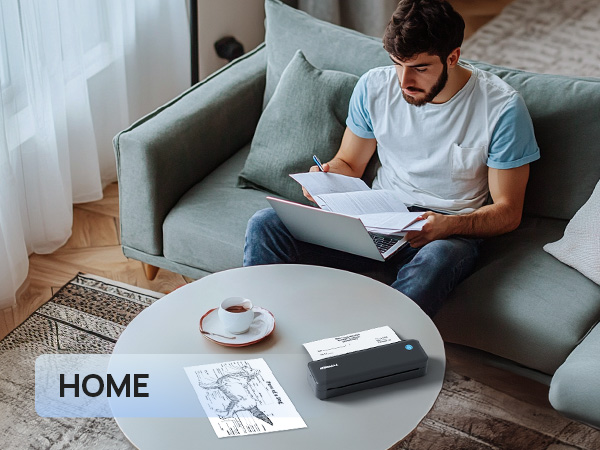
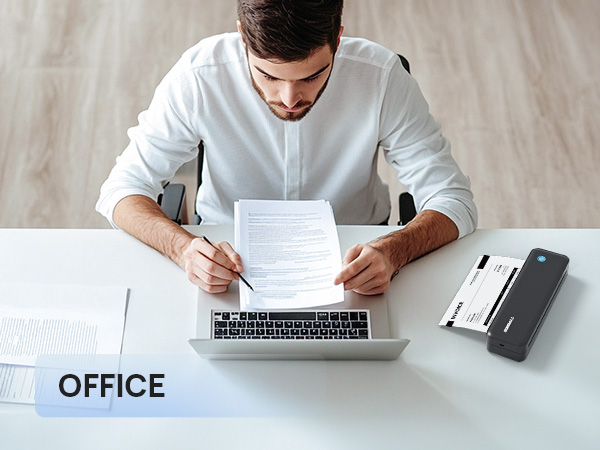
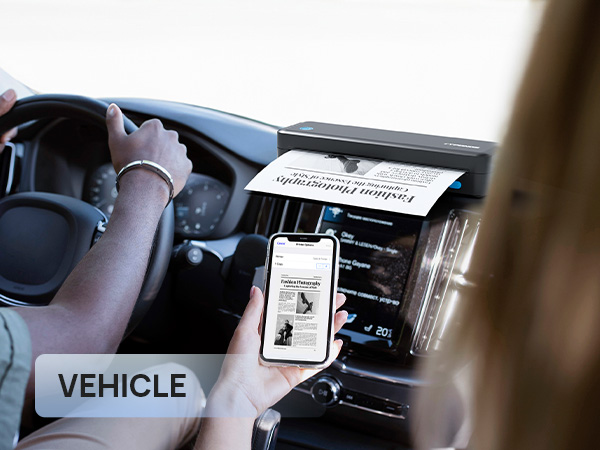
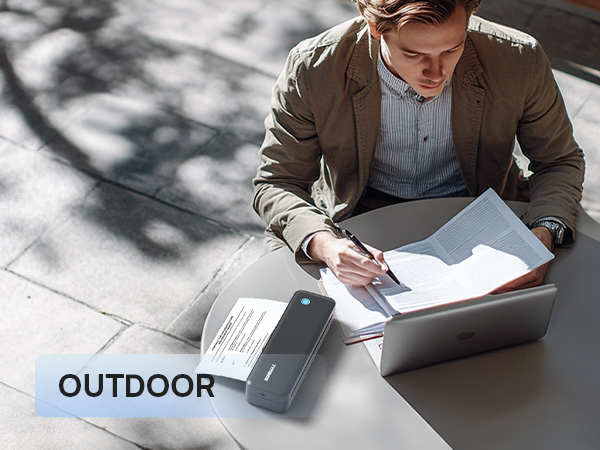
Unleash creativity on the go—whether in coffee shops, airports, or beneath starry skies.
TYPONOS captures life’s fleeting moments, turning sketches and musings into cherished keepsakes.
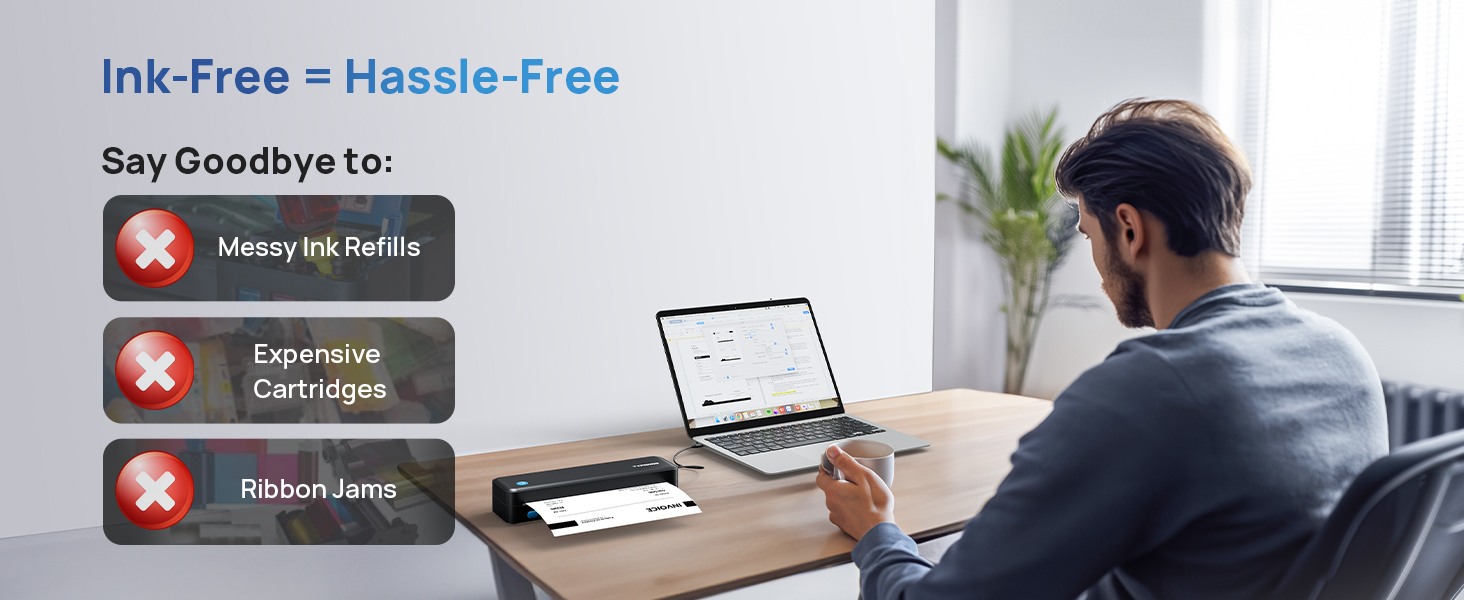
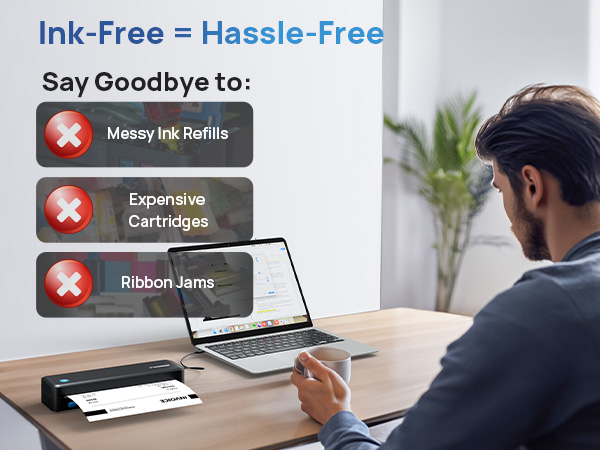
Thermal technology ensures no ink waste, preserving memories without burdening the earth.
With TYPONOS, the world is your canvas.
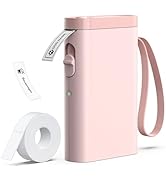
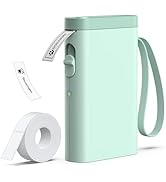
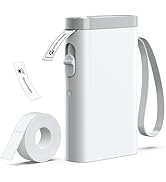
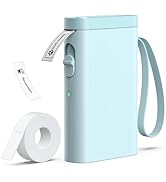
P21 Label Printer
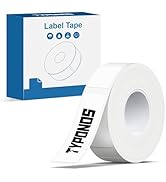
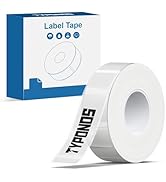
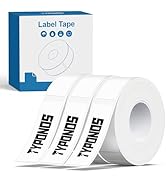
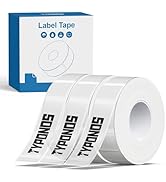
P21 Label Tape
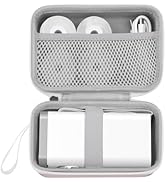
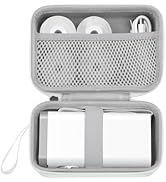
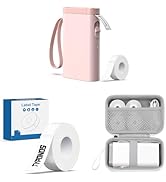
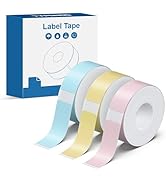
P21
TYPONOS D820 Portable Thermal Printer
TYPONOS D820 Portable Thermal Printer
Merchant Video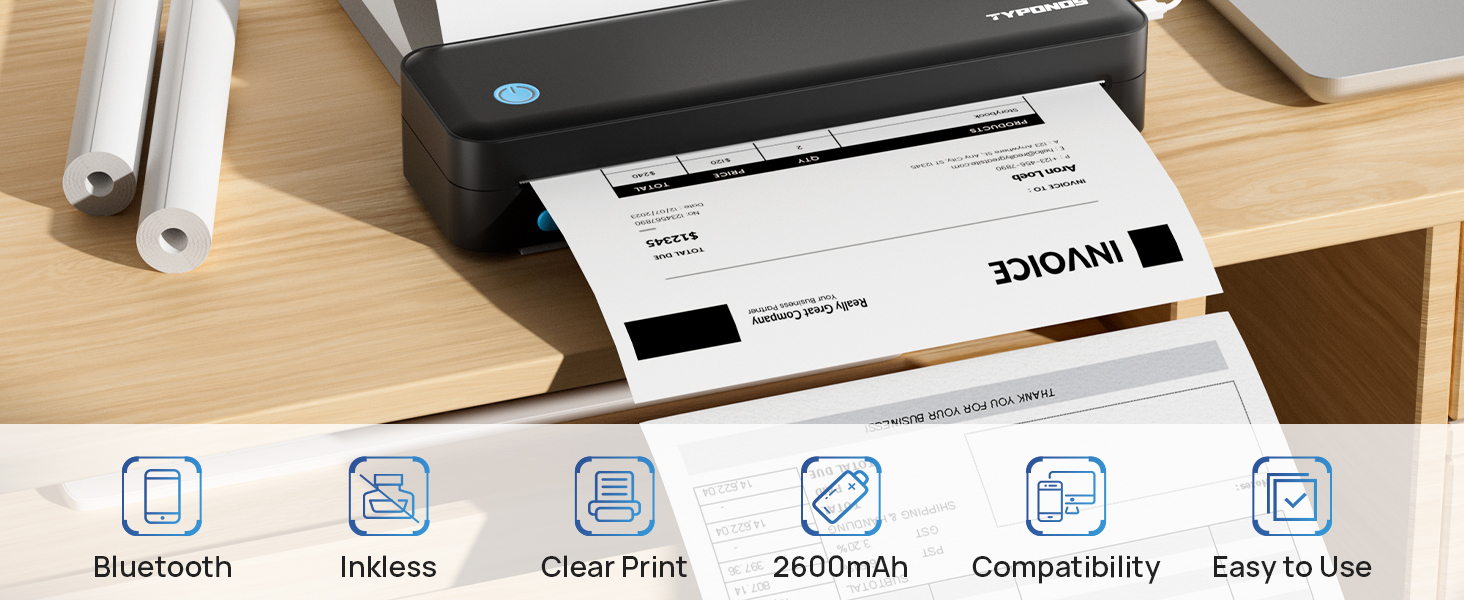
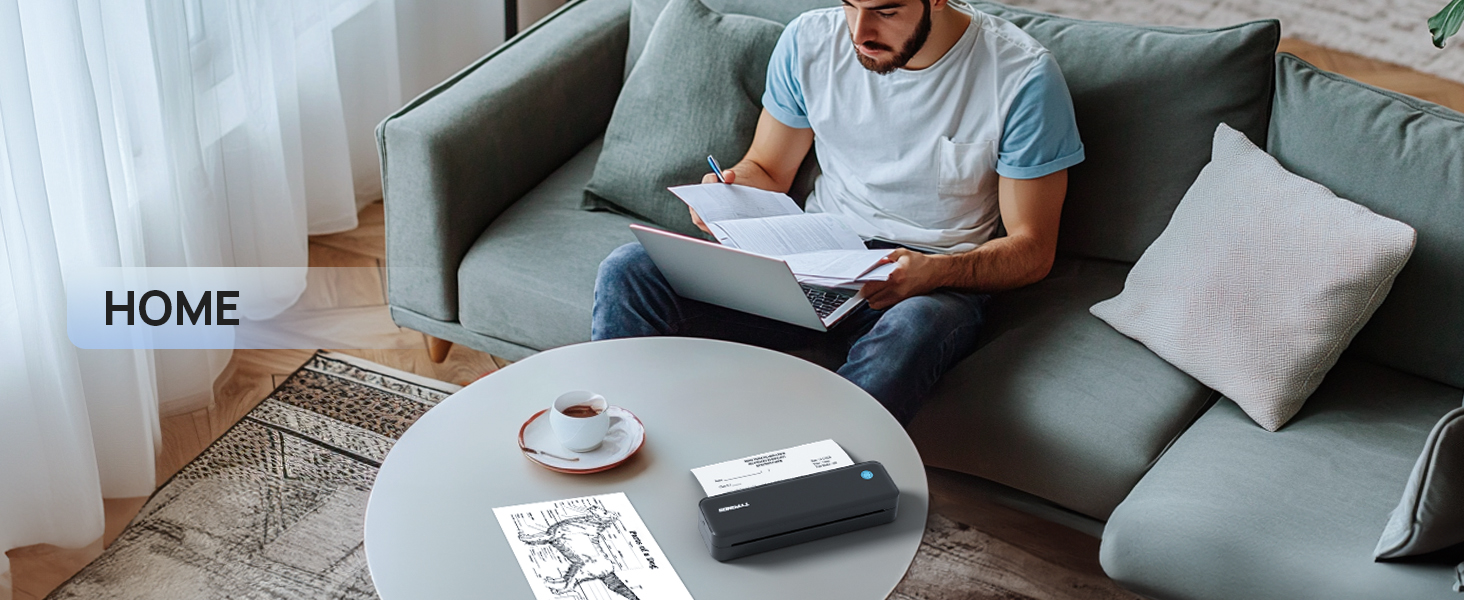
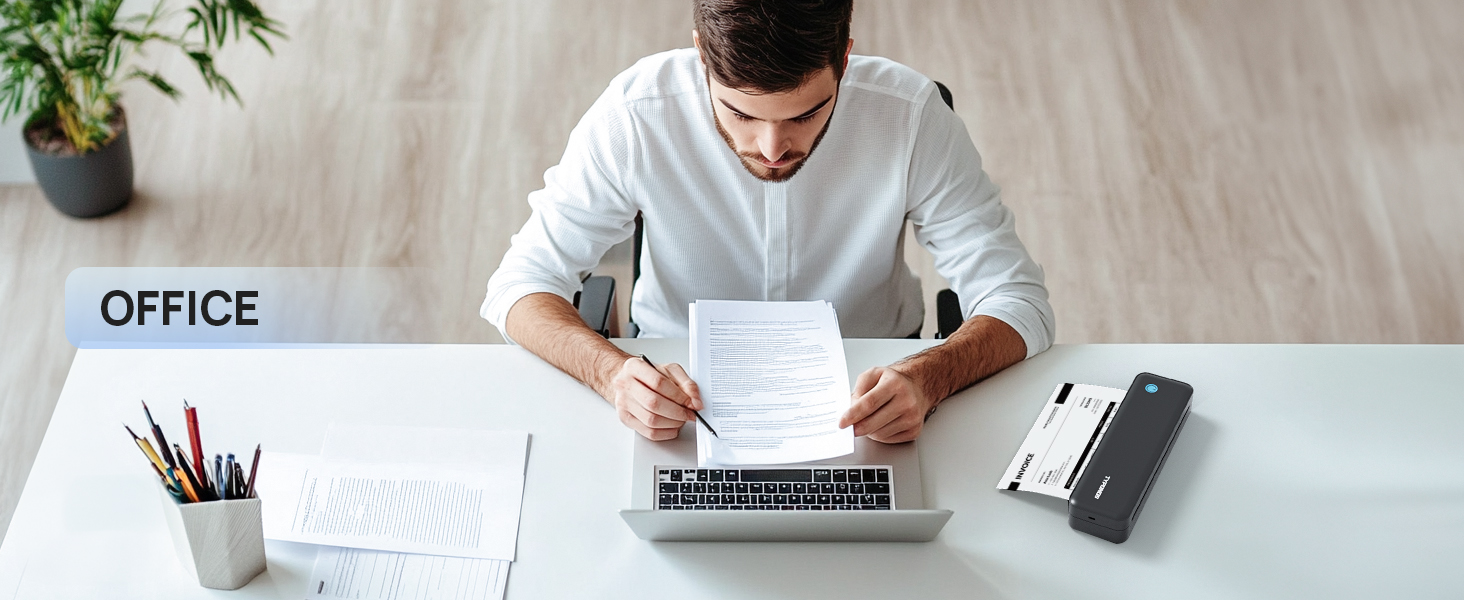
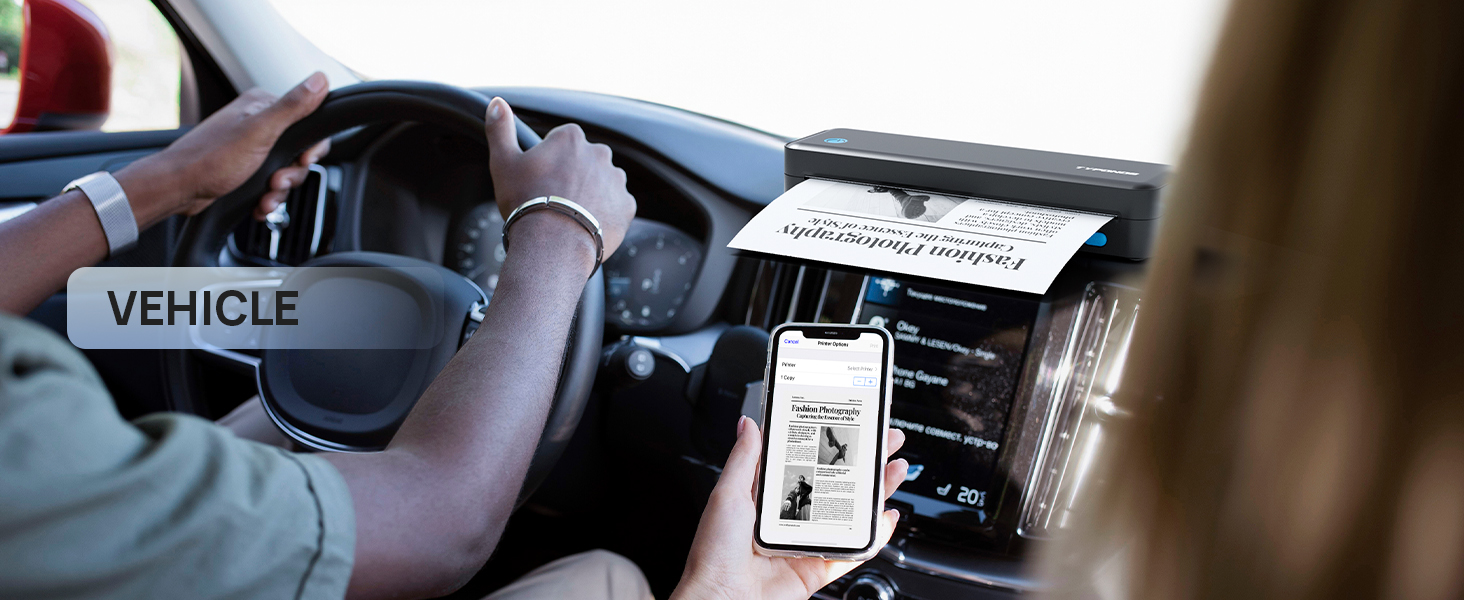
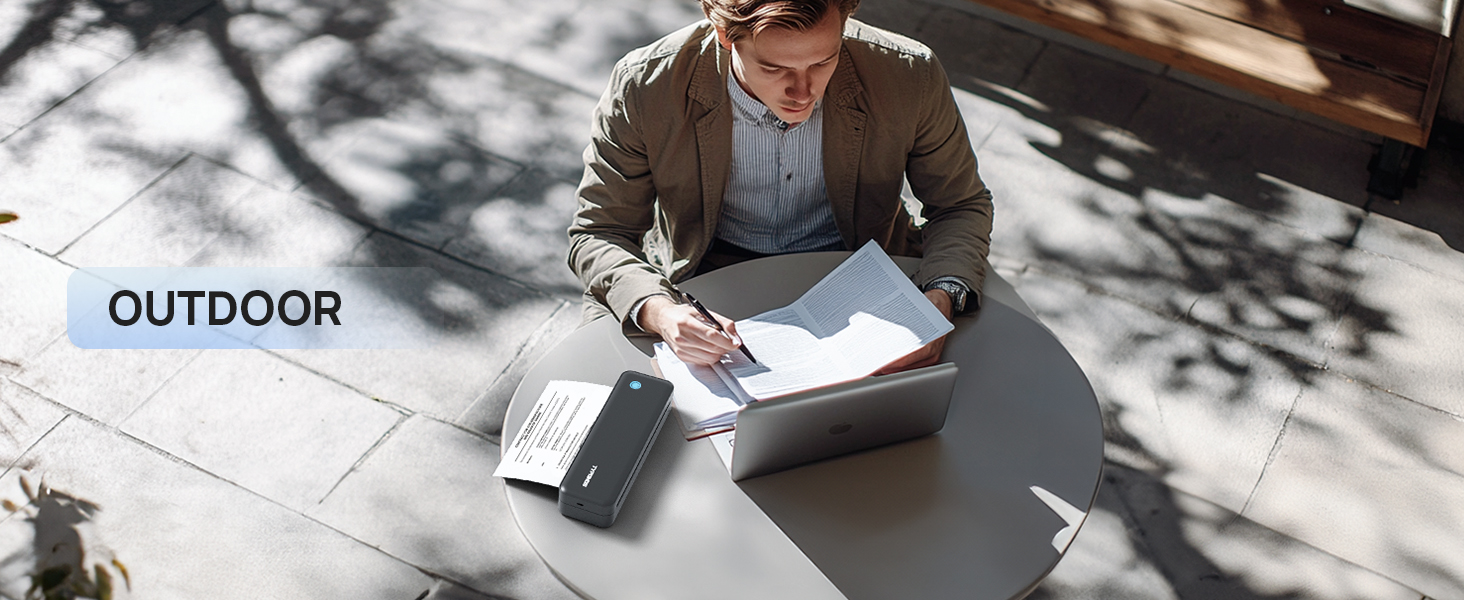
Work with TYPONOS D820 Thermal Portable Printer
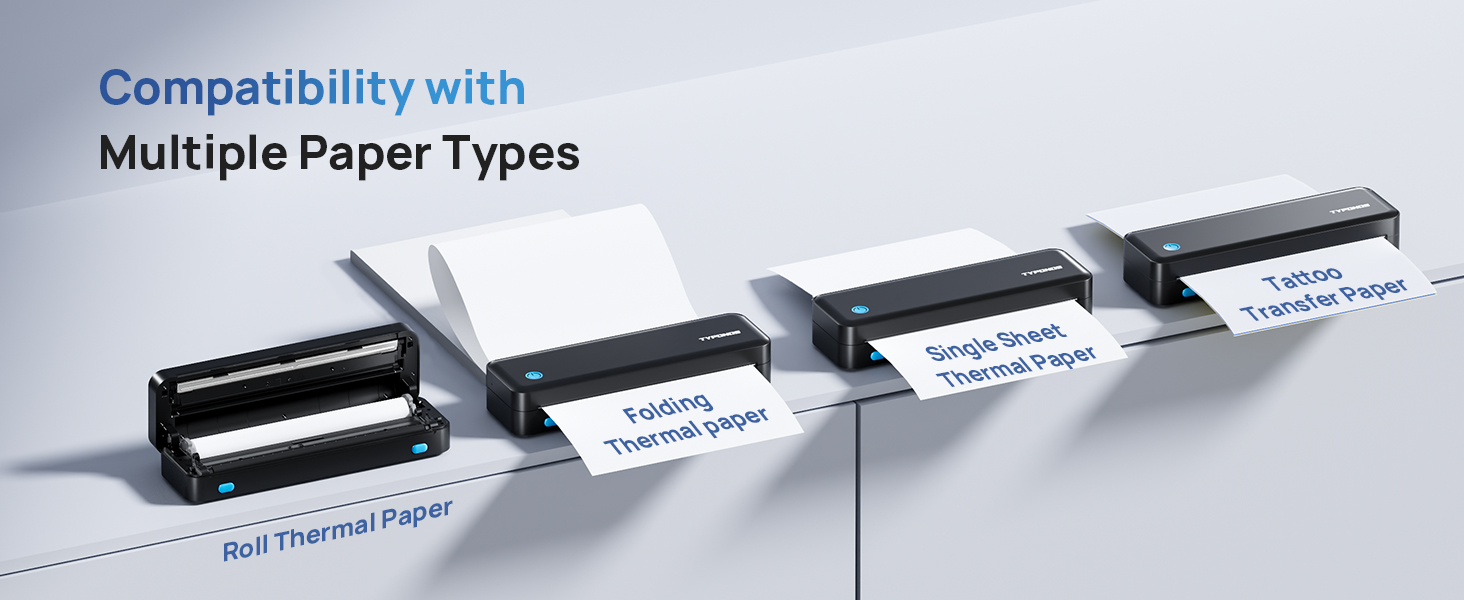
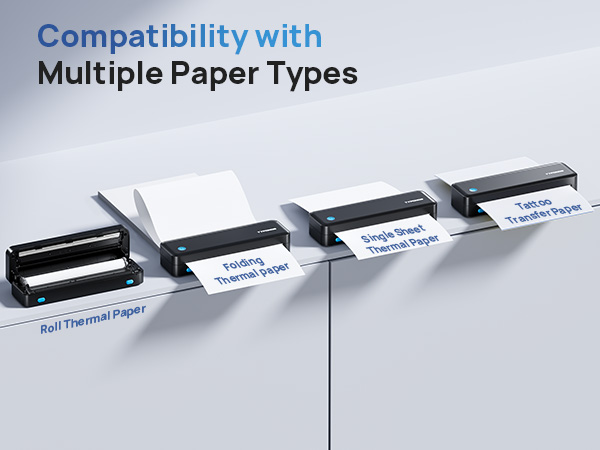
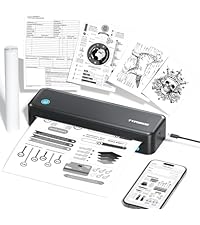 Portable Printers D820 | 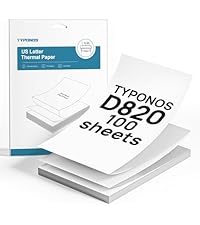 Folding Thermal Paper | 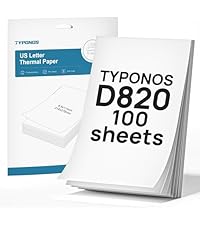 Thermal Paper US Letter | 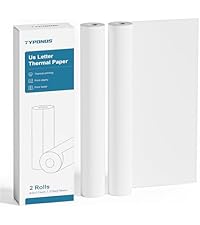 Thermal Paper Roll | 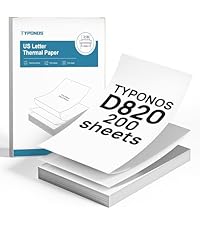 Folding Thermal Paper | 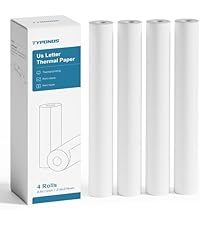 Thermal Paper Roll |  PM290 Sticker Printer | |
|---|---|---|---|---|---|---|---|
Customer Reviews | — | — | — | — | — | — | — |
Price | — | — | — | — | — | — | — |
Color | Black | White | White | White | White | White | Green |
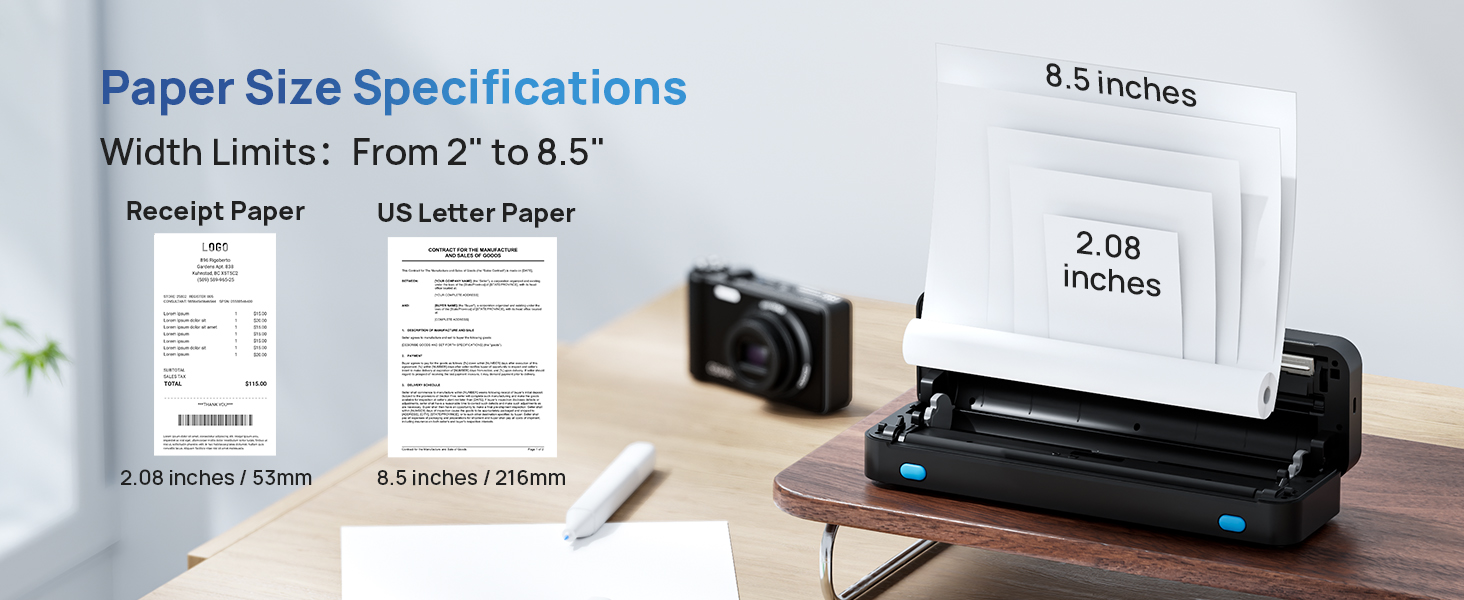
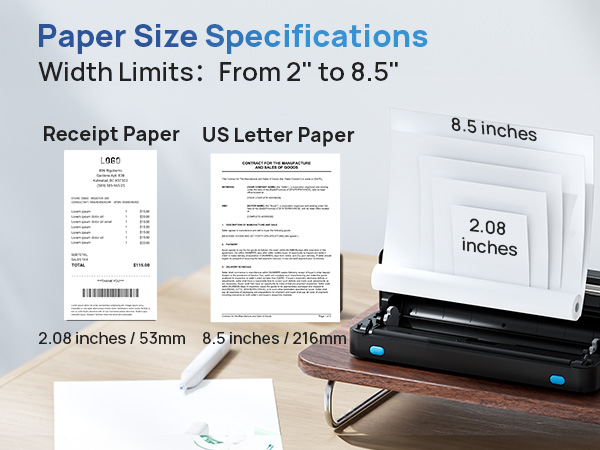
Size | Support 2"-8.5" Width | 8.5" x 11" | 8.5" x 11" | 8.5" Width | 8.5" x 11" | 8.5" x 11" | Support 1"-2" Width |
Quantity | - | 100 Sheets | 100 Sheets | 2 Rolls | 200 Sheets | 4 Rolls | 1 Sticker Printer+3 Rolls |
Inkless | ? | ? | ? | ? | ? | ? | ? |
BPA Free | ? | ? | ? | ? | ? | ? | ? |
How to print on different paper size?
1.Dual-Button Release to Open the Printer Cover.
2.Load the Roll Paper, printing side face up.
3.Adjust and properly load the paper, paper edge needs to cover printer.
4.Press and close the top cover. Once connected.
Note: only use thermal paper.
How to use a mobile phone to connect Bluetooth?
1. Download the App "Labelnize" from the Apple Store/Google Play.
2. Connecting to Bluetooth through the "Labelnize" APP.
Note: Please DO NOT connect the portable printer directly via Bluetooth for all devices.
How to install drivers on Windows or MAC?
1. Please visit " Labelnize.com" or download form the attached U-disk to obtain the driver.
2. Please DO NOT connect the portable printer directly via Bluetooth for all devices.
Note: Computers need to download the driver and print via USB cord.
Why can't I install the computer driver?
If the computer prompts that this driver is not an official legal software, please turn off the firewall and other protection software before install.
I have installed the driver, but why am I still unable to print from my computer?
The thermal printer needs to be powered on and connected to the computer via the USB cable before installing the driver. Uninstall, then reinstall the printer driver.
TYPONOS D820 Portable Thermal Printer
TYPONOS D820 Portable Thermal Printer
Merchant Video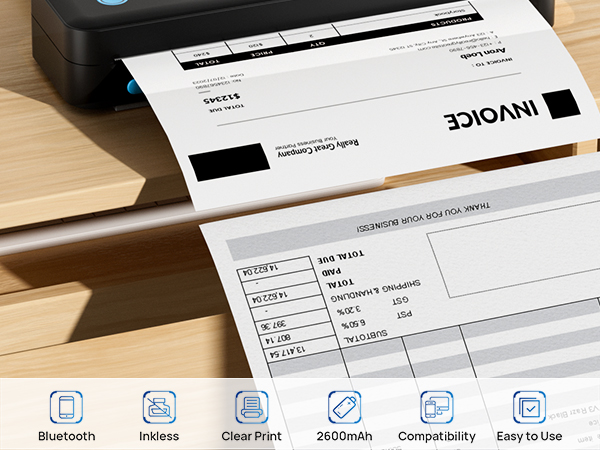
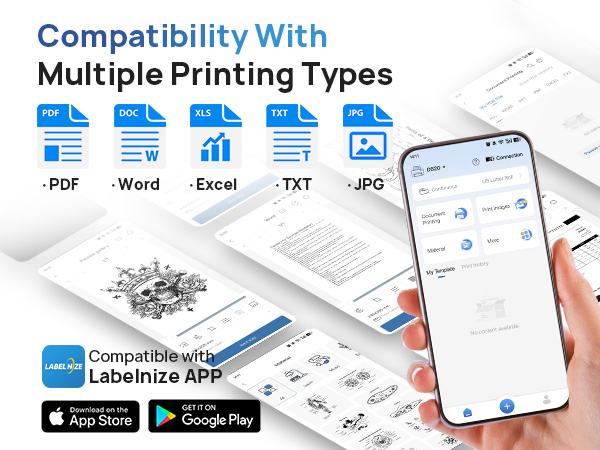
Warm Tips:
1. D820 can only print black and white and only use thermal paper.
2. Download the App "Labelnize" from the Apple Store/Google Play. Please DO NOT connect the portable printer directly via Bluetooth for all devices.
3. Computers need to download the driver and print via USB cord.
Work with TYPONOS D820 Thermal Portable Printer
Portable Printers D820 | Folding Thermal Paper | Thermal Paper US Letter | Thermal Paper Roll | Folding Thermal Paper | Thermal Paper Roll | PM290 Sticker Printer |
|---|---|---|---|---|---|---|
| Customer Reviews | ||||||
| — | — | — | — | — | — | — |
| Price | ||||||
| — | — | — | — | — | — | — |
| Color | ||||||
| Black | White | White | White | White | White | Green |
| Size | ||||||
| Support 2"-8.5" Width | 8.5" x 11" | 8.5" x 11" | 8.5" Width | 8.5" x 11" | 8.5" x 11" | Support 1"-2" Width |
| Quantity | ||||||
| - | 100 Sheets | 100 Sheets | 2 Rolls | 200 Sheets | 4 Rolls | 1 Sticker Printer+3 Rolls |
| Inkless | ||||||
| ? | ? | ? | ? | ? | ? | ? |
| BPA Free | ||||||
| ? | ? | ? | ? | ? | ? | ? |
How to print on different paper size?
1.Dual-Button Release to Open the Printer Cover.
2.Load the Roll Paper, printing side face up.
3.Adjust and properly load the paper, paper edge needs to cover printer.
4.Press and close the top cover. Once connected.
Note: only use thermal paper.
How to use a mobile phone to connect Bluetooth?
1. Download the App "Labelnize" from the Apple Store/Google Play.
2. Connecting to Bluetooth through the "Labelnize" APP.
Note: Please DO NOT connect the portable printer directly via Bluetooth for all devices.
How to install drivers on Windows or MAC?
1. Please visit " Labelnize.com" or download form the attached U-disk to obtain the driver.
2. Please DO NOT connect the portable printer directly via Bluetooth for all devices.
Note: Computers need to download the driver and print via USB cord.
Why can't I install the computer driver?
If the computer prompts that this driver is not an official legal software, please turn off the firewall and other protection software before install.
I have installed the driver, but why am I still unable to print from my computer?
The thermal printer needs to be powered on and connected to the computer via the USB cable before installing the driver. Uninstall, then reinstall the printer driver.
D820 Portable Printer
PM290 Sticker Printer
D820 Thermal Printer Paper
How to use a mobile phone to connect Bluetooth?
1. Download the App "Labelnize" from the Apple Store/Google Play.
2. Connecting to Bluetooth through the "Labelnize" APP.
Note: Please DO NOT connect the portable printer directly via Bluetooth for all devices.
How to install drivers on Windows or MAC?
1. Please visit " Labelnize.com" or download form the attached U-disk to obtain the driver.
2. Please DO NOT connect the portable printer directly via Bluetooth for all devices.
Note: Computers need to download the driver and print via USB cord.
How to print on different paper size?
1.Dual-Button Release to Open the Printer Cover.
2.Load the Roll Paper, printing side face up.
3.Adjust and properly load the paper, paper edge needs to cover printer.
4.Press and close the top cover. Once connected.
Note: only use thermal paper.
TYPONOS: Where Ideas Meet Instant Reality
Unleash creativity on the go—whether in coffee shops, airports, or beneath starry skies.
TYPONOS captures life’s fleeting moments, turning sketches and musings into cherished keepsakes.
Thermal technology ensures no ink waste, preserving memories without burdening the earth.
With TYPONOS, the world is your canvas.
P21 Label Printer
P21 Label Tape
P21





