


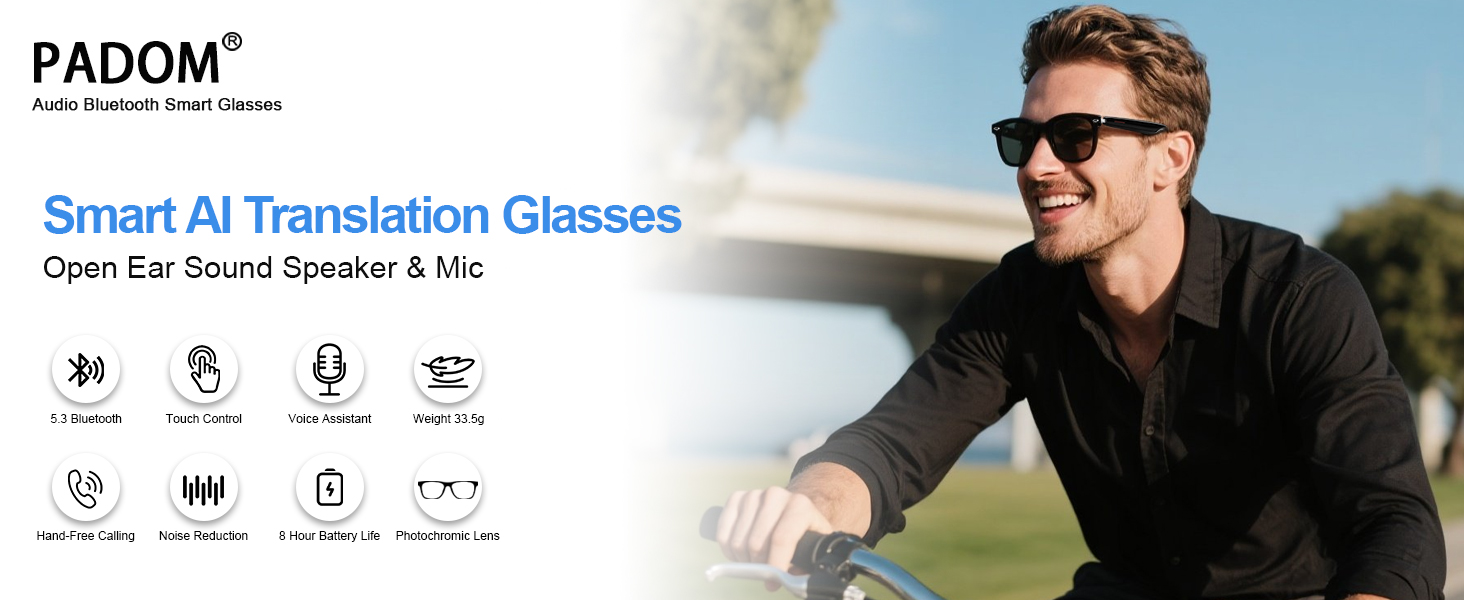
Crafted for modern explorers and professionals, these translation glasses for men & women blend cutting-edge technology with minimalist design.





Compare with similar items
 E13V-C AI Smart Glasses |  UF11 AI Smart Glasses |  UF10 AI Glasses-Silver |  M01 AI Smart Glasses |  YX01 Smart Glasses-Black |  UF08 Smart Glasses-White |  UF11 Bluetooth Glasses | |
|---|---|---|---|---|---|---|---|
Customer Reviews | — | — | — | — | — | — | — |
Price | — | — | — | — | — | — | — |
Is Translation Supported | ? | ? | ? | ? | ? | ? | ? |
AI Noise Reduction | ? | ? | ? | ? | ? | ? | ? |
UV Protection | ? | ? | ? | ? | ? | ? | ? |
Anti-Blue Light | ? | ? | ? | ? | ? | ? | ? |
Photochromic Lenses | ? | ? | ? | ? | ? | ? | ? |
Do these AI smart glasses auto-detect languages during translation?
No, you must preset both speaker/listener languages in the app before translating. Unmatched settings can't recognize languages.
How does AI noise reduction work?
AI noise filtering requires these AI translation glasses connected to the Nebula app and enable "Noise Reduction" in app settings post-pairing. Background chatter suppression focuses on the speaker’s voice for clearer translations.
Do these AI smart glasses have a built-in camera?
No camera is installed. However, you can triple-tap the right touch zone to remotely trigger your phone’s camera (requires pre-opened camera app). Ideal for quick, hands-free shots while maintaining privacy.
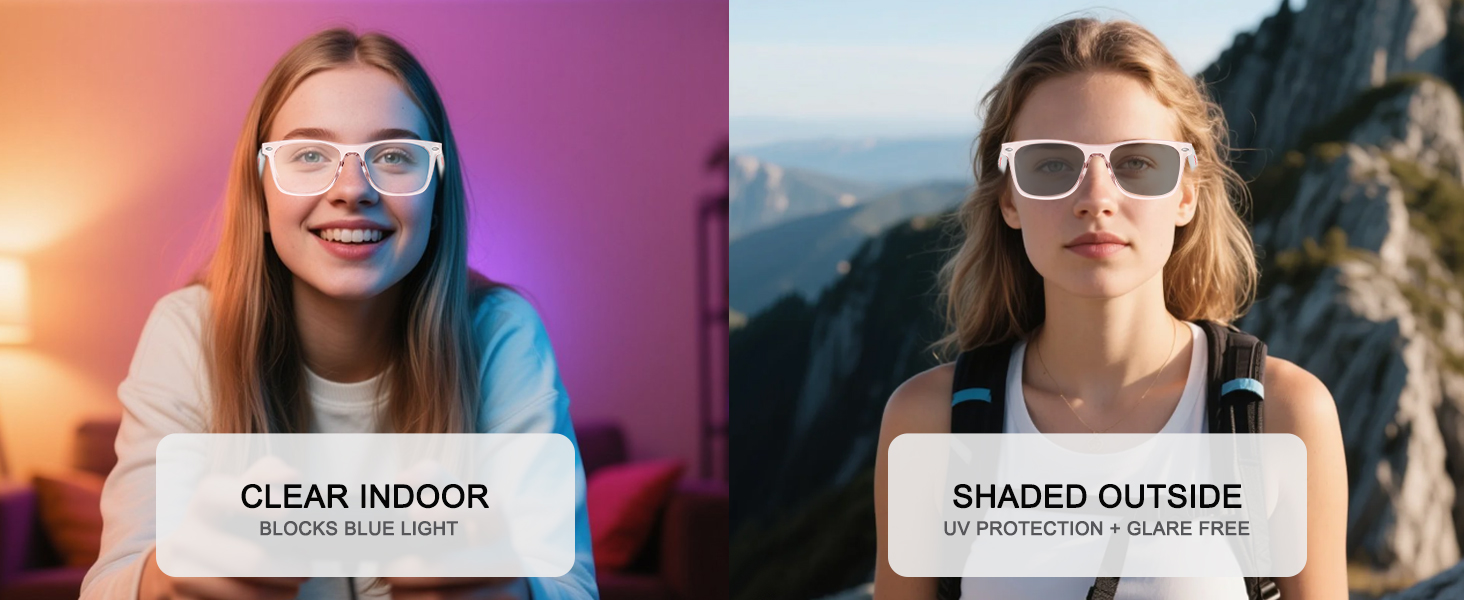
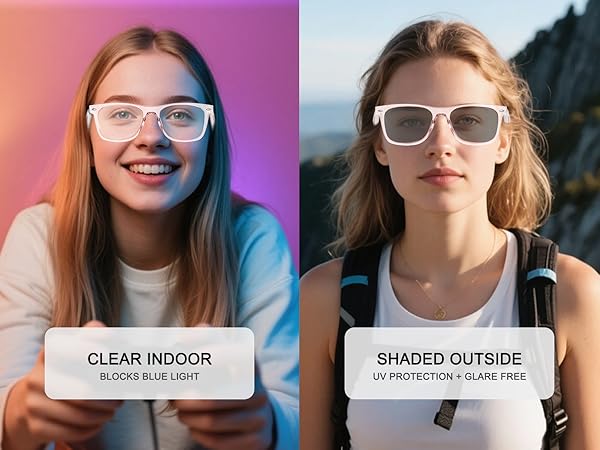
Why don’t the photochromic lenses get as dark as my regular sunglasses, especially on cloudy days or in the car?
They do not become as dark as regular sunglasses—this is normal and designed for comfortable, balanced vision.
On cloudy days or inside cars, the change may appear more subtle due to reduced UV exposure.

Elevate Your World with Padom
We create smart glasses that connect people, languages, and moments.
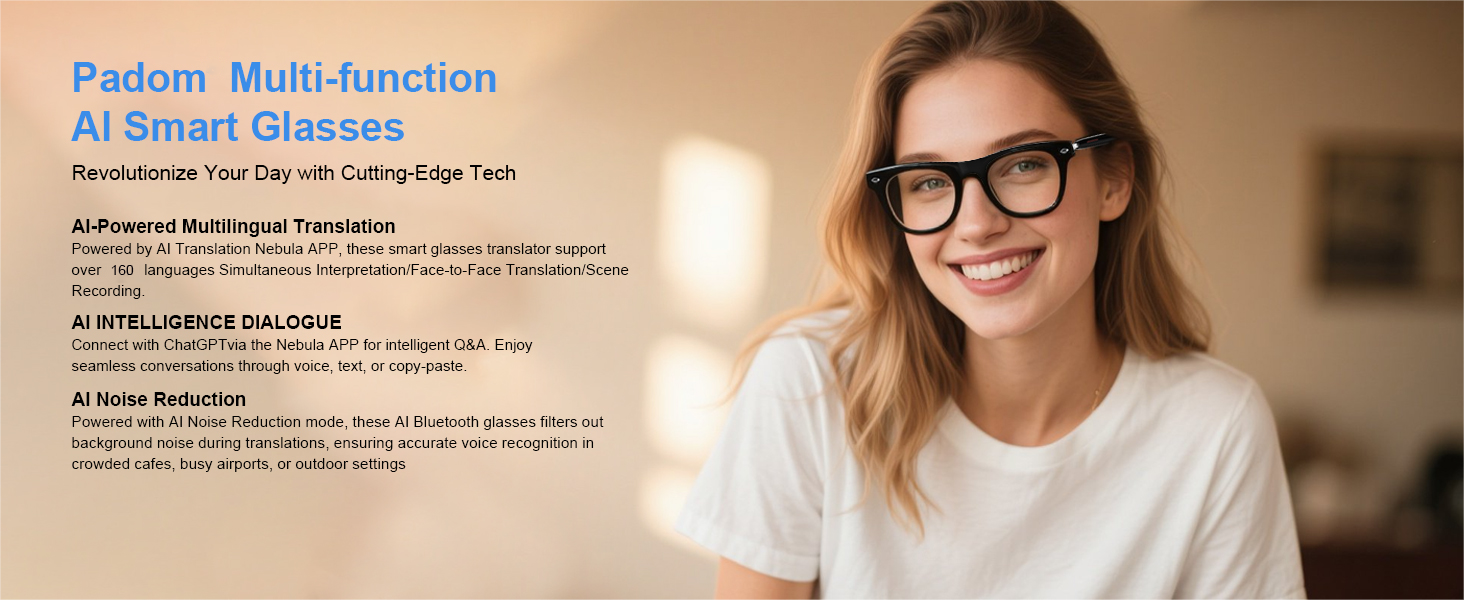
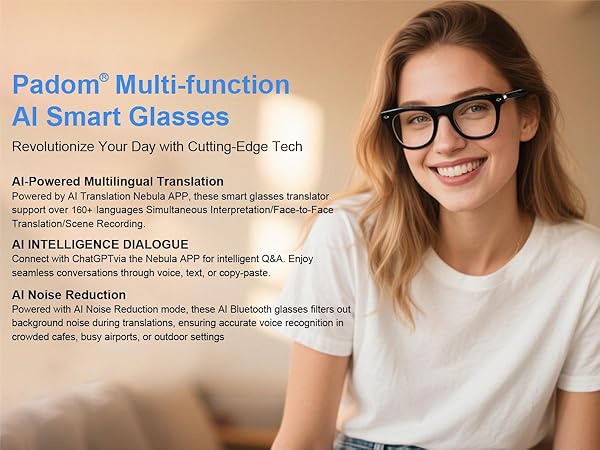
From AI translation across 160+ languages to camera-integrated smart glasses that capture and understand the world, our products are built to remove barriers and inspire exploration.
Designed for modern life, we blend comfort, durability, and intelligence into seamless everyday wear — empowering you to see more, understand more, and live smarter.
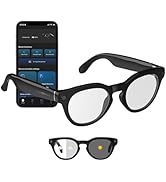
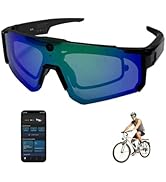
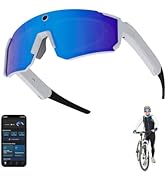
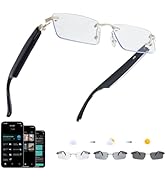
New Realease
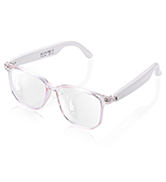
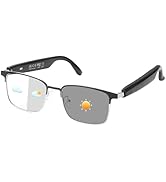
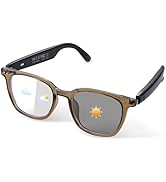
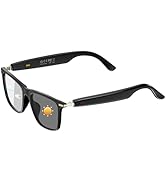
Smart Audio Glasses
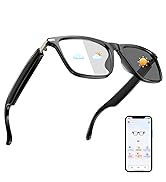
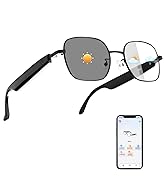
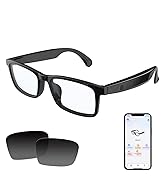
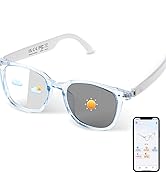
Smart AI Translation Glasses


What sets Padom smart glasses apart?
We focus on functional elegance: 160+ language translation, adaptive noise-reduction, and all-day comfort with Light-weight design without sacrificing style—ideal for professionals, travelers, and anyone seeking hands-free convenience.
Do these work with my phone?
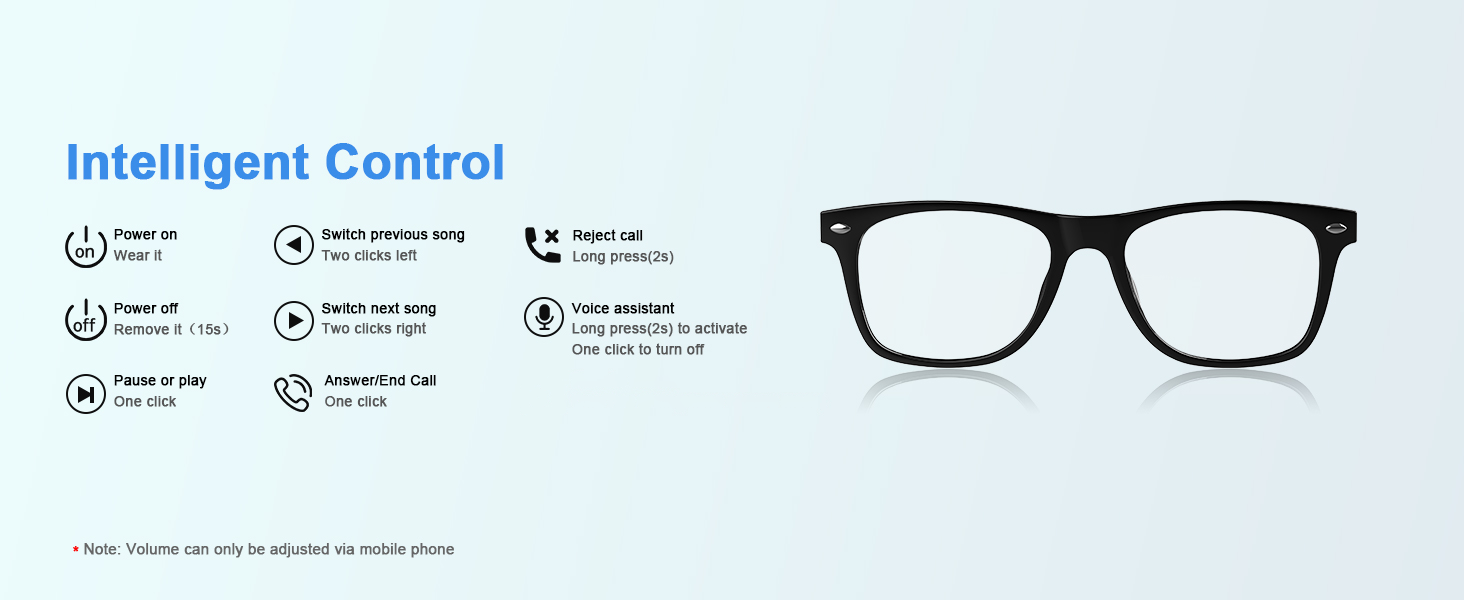
Yes! Universal Bluetooth 5.3 compatibility ensures seamless pairing with iOS/Android devices.
Are these suitable for both women and men?
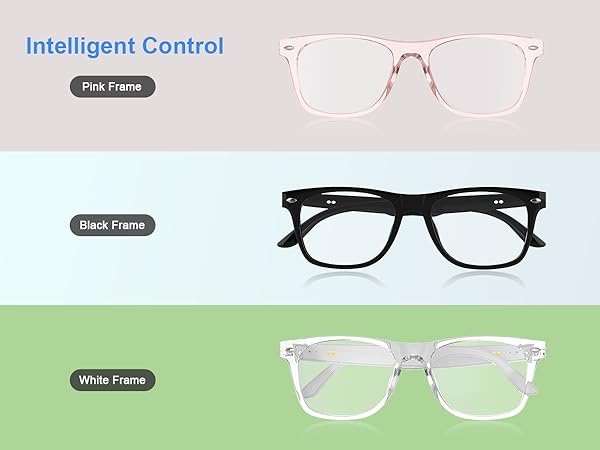
Absolutely! Padom smart glasses adapt to your style and needs. Our neutral frame design is unisex, combining stylish and Light-weight suitable all-day wear.
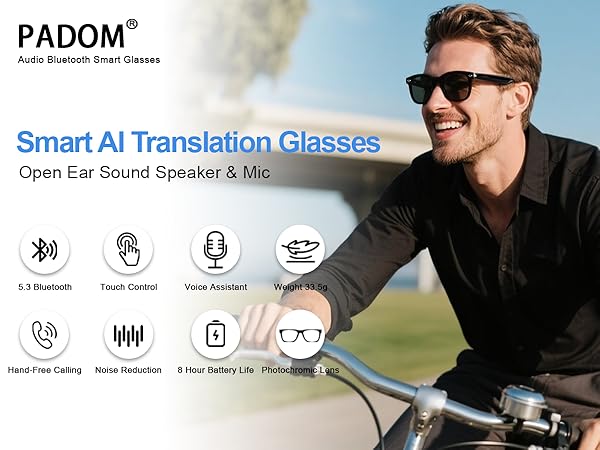
Crafted for modern explorers and professionals, these translation glasses for men & women blend cutting-edge technology with minimalist design.

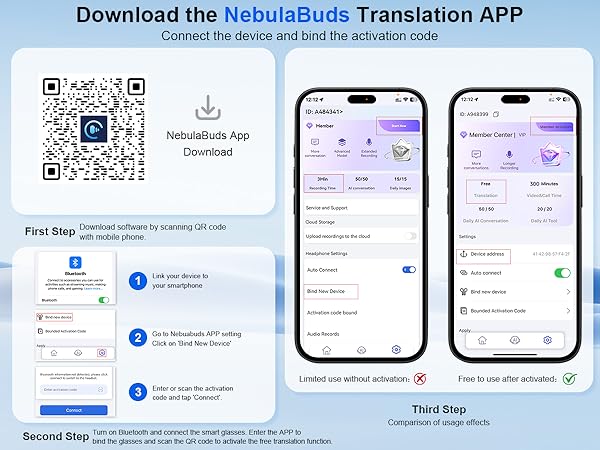


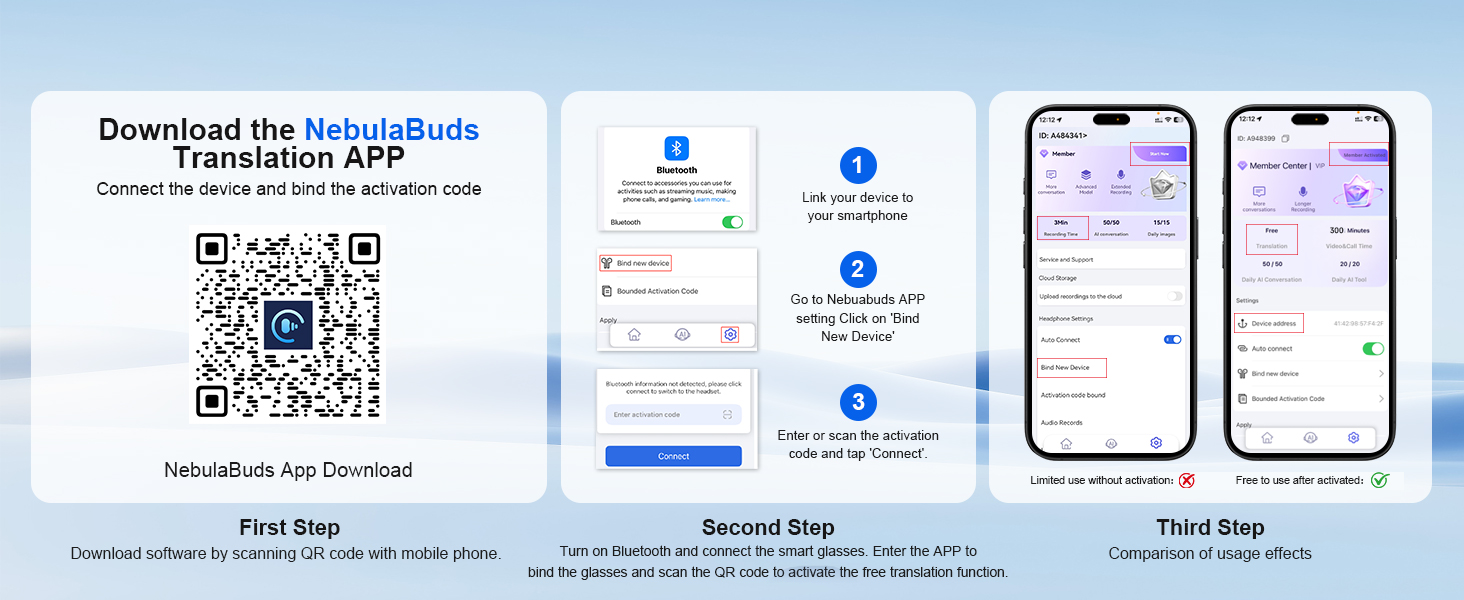
App Download, Device Connect, Activate Translation
Compatible with iOS/Android
Download the NebulaBuds app and connect your smart glasses via Bluetooth on your phone. Scan the code on the included card or enter the activation code to unlock the translation feature.
Note:The translation function can be used for free, but please note that it must be activated and bound to the smart glasses first. Our software provides an additional 300 minutes of call time, as well as 20 AI tool uses and 50 AI conversations per day.
Simultaneous Interpretation Mode
Effortlessly bridge language gaps for smooth multilingual conversations
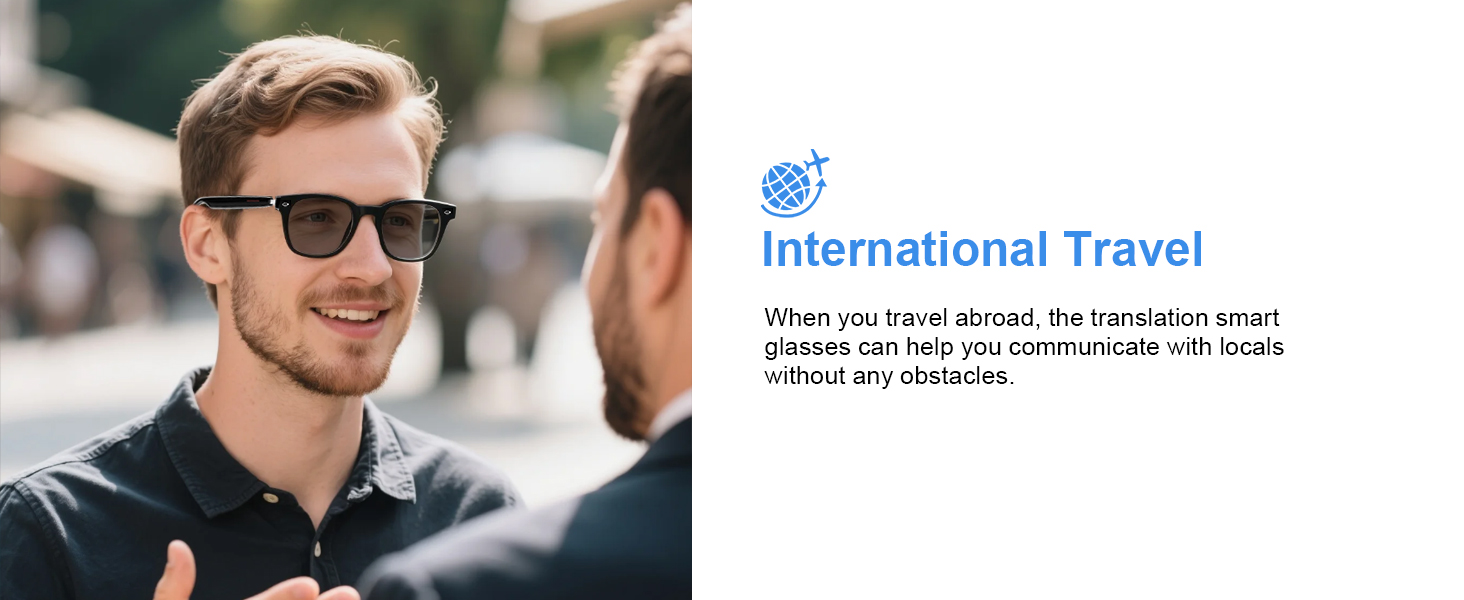
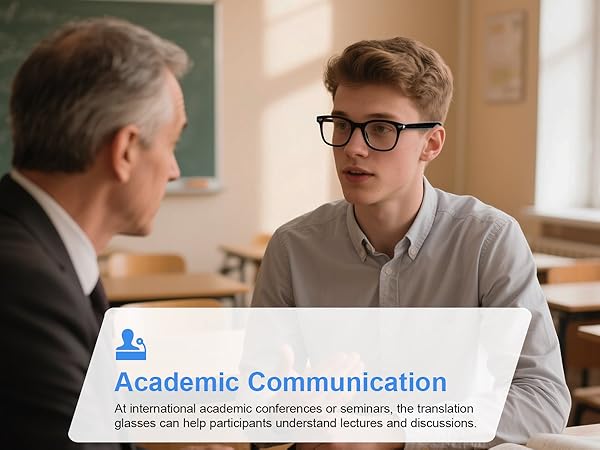
These AI translation glasses translate spoken language from others into your pre-set language and play it back in real time.
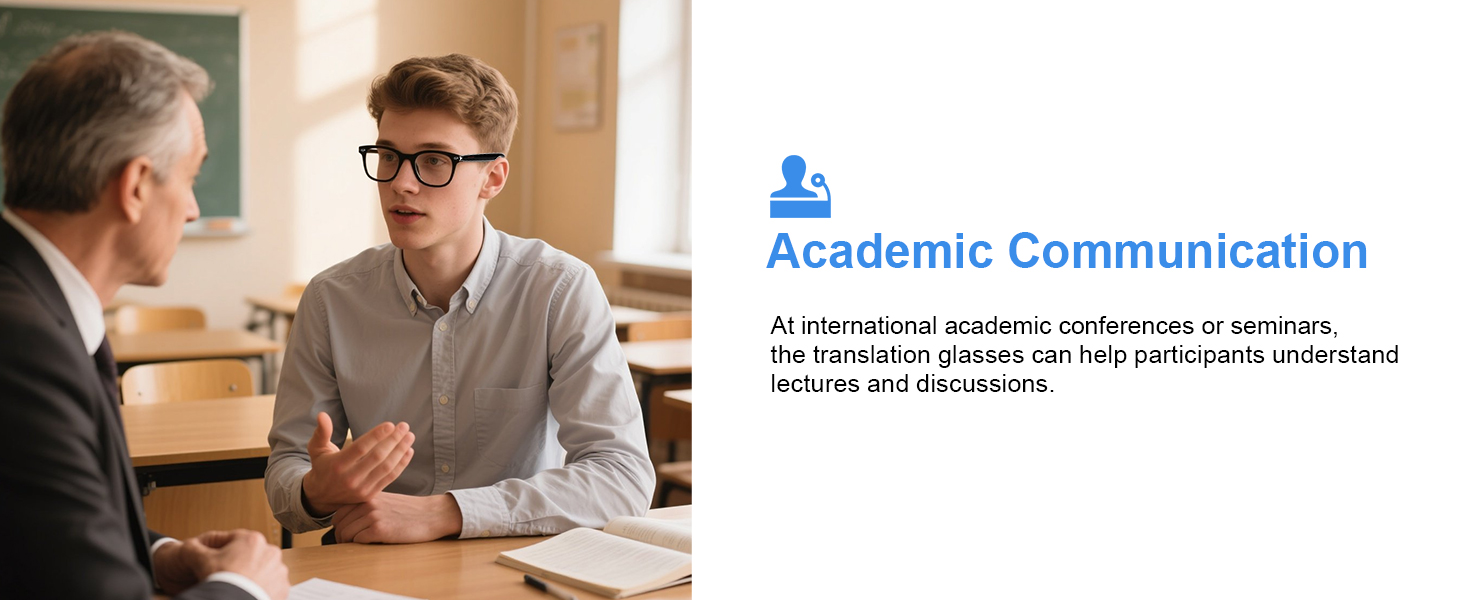
Perfect for use in classrooms, forums, lectures, and similar environments.
Glasses + Phone Mode
Effortlessly pair your glasses with your phone for real-time translation
Simply wear the glasses and place the phone between both speakers.
Speech from both sides will be translated and played back through voice broadcast.
Recording Mode
Real-Time Speech-to-Text Transcription
Pair your smart glasses with the NebulaBuds app to:
- Instantly convert speech into text
- Generate editable transcripts for meetings or classes
Note: Transcription accuracy may be affected by background noise and speaker clarity.
Audio & Video Call
Seamless Communication Without Language Barriers
Make online calls with real-time translation—no app download needed for the other party, making conversations effortless.
Enjoy live translated captions during video calls Automatic two-way translation for voice chats
AI Assistant
Hands-Free Smart Assistance
- Connect to the Internet: Launch the app and ensure your device is online.
- Choose Your AI Assistant: Select from different AI models to suit various daily scenarios.
- Activate with a Wake Word: Simply say the wake word to start a conversation with your AI assistant.
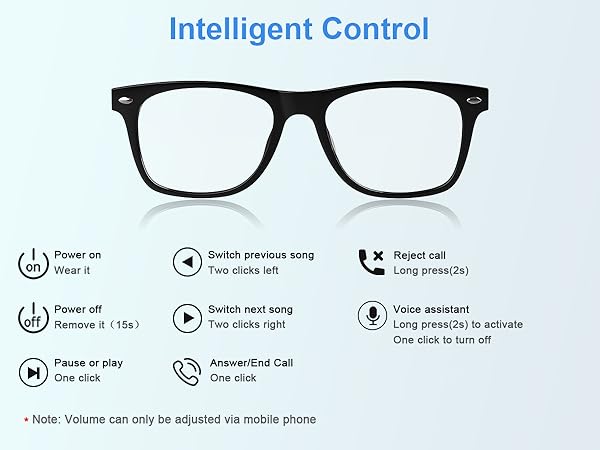
Note:The translation function can be used for free, but please note that it must be activated and bound to the smart glasses first. Our software provides an additional 300 minutes of call time, as well as 20 AI tool uses and 50 AI conversations per day.
Compare with similar items
E13V-C AI Smart Glasses | UF11 AI Smart Glasses | UF10 AI Glasses-Silver | M01 AI Smart Glasses | YX01 Smart Glasses-Black | UF08 Smart Glasses-White | UF11 Bluetooth Glasses |
|---|---|---|---|---|---|---|
| Customer Reviews | ||||||
| — | — | — | — | — | — | — |
| Price | ||||||
| — | — | — | — | — | — | — |
| Is Translation Supported | ||||||
| ? | ? | ? | ? | ? | ? | ? |
| AI Noise Reduction | ||||||
| ? | ? | ? | ? | ? | ? | ? |
| UV Protection | ||||||
| ? | ? | ? | ? | ? | ? | ? |
| Anti-Blue Light | ||||||
| ? | ? | ? | ? | ? | ? | ? |
| Photochromic Lenses | ||||||
| ? | ? | ? | ? | ? | ? | ? |
Do these AI smart glasses auto-detect languages during translation?
No, you must preset both speaker/listener languages in the app before translating. Unmatched settings can't recognize languages.
How does AI noise reduction work?
AI noise filtering requires these AI translation glasses connected to the Nebula app and enable "Noise Reduction" in app settings post-pairing. Background chatter suppression focuses on the speaker’s voice for clearer translations.
Do these AI smart glasses have a built-in camera?
No camera is installed. However, you can triple-tap the right touch zone to remotely trigger your phone’s camera (requires pre-opened camera app). Ideal for quick, hands-free shots while maintaining privacy.
Why don’t the photochromic lenses get as dark as my regular sunglasses, especially on cloudy days or in the car?
They do not become as dark as regular sunglasses—this is normal and designed for comfortable, balanced vision.
On cloudy days or inside cars, the change may appear more subtle due to reduced UV exposure.
Elevate Your World with Padom
We create smart glasses that connect people, languages, and moments.
From AI translation across 160+ languages to camera-integrated smart glasses that capture and understand the world, our products are built to remove barriers and inspire exploration.
Designed for modern life, we blend comfort, durability, and intelligence into seamless everyday wear — empowering you to see more, understand more, and live smarter.
New Realease
Smart Audio Glasses
Smart AI Translation Glasses
What sets Padom smart glasses apart?
We focus on functional elegance: 160+ language translation, adaptive noise-reduction, and all-day comfort with Light-weight design without sacrificing style—ideal for professionals, travelers, and anyone seeking hands-free convenience.
Do these work with my phone?
Yes! Universal Bluetooth 5.3 compatibility ensures seamless pairing with iOS/Android devices.
Are these suitable for both women and men?
Absolutely! Padom smart glasses adapt to your style and needs. Our neutral frame design is unisex, combining stylish and Light-weight suitable all-day wear.





