



- Question 1: Can I add a different camera to this system?
- Answer: Yes. You can add any Reolink PoE cameras and Reolink plug-in WiFi cameras to the system. However, we do not recommend you add third-party cameras to it since there may have some compatibility issues.
- Question 2: Can it work without Internet?
- Answer: Yes. All the Reolink PoE systems can work offline. However, under such a situation, you will unable to access the system remotely via Reolink App/Client.
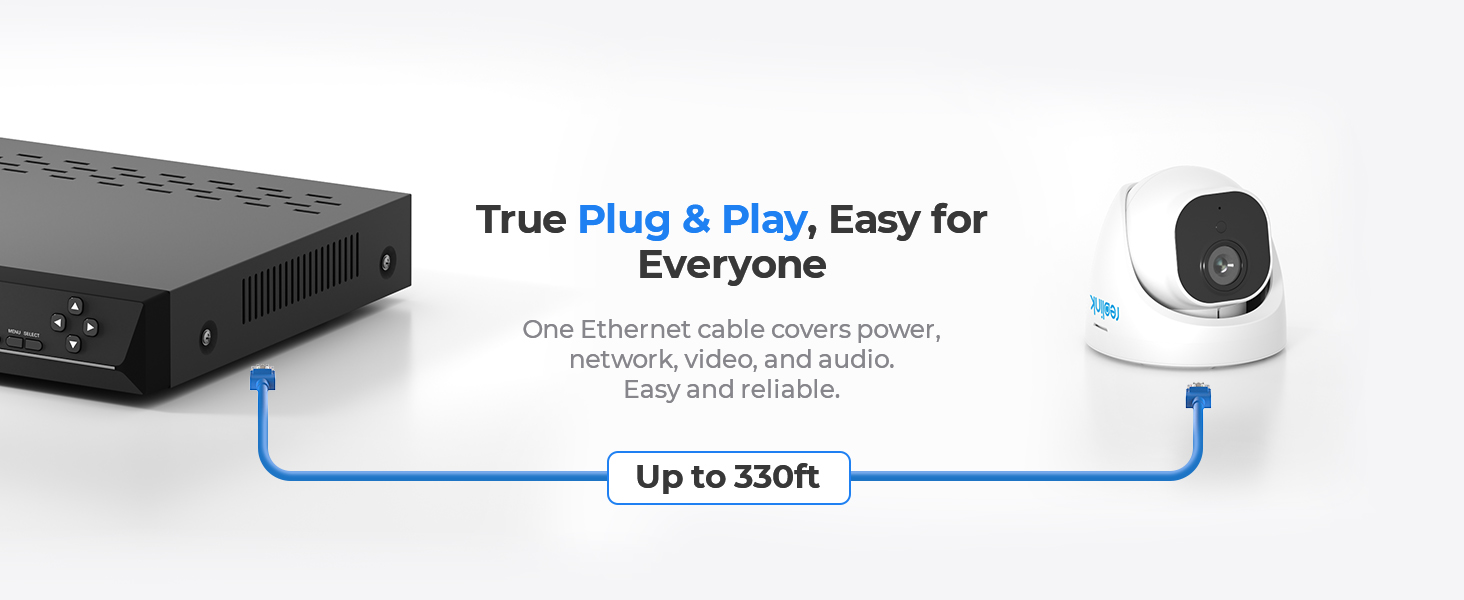
- Question 3: How is the connection? Is the system truly plug & play?
- Answer: Yes. PoE (Power over Ethernet ) makes the cameras be able to get power and meanwhile get into the network with only one ethernet cable connected to the NVR recorder. Set-up can be done in minutes.


This system has 4TB HDD pre-installed and is scalable up to 12TB. Besides the 5MP cameras included, up to 12MP Reolink PoE and WiFi cameras can be added.

As dangers occur, a prompt e-mail or push will be sent to your smart devices while the NVR itself will make sound warnings and upload videos to your FTP server, allowing for your quick action when trouble arises.

Featuring the latest technology, the wired security camera system can record in crystal clear 5MP at 30fps, providing you with some unnoticeable details while maintaining smooth on-screen movement.

Thanks to the simple and intuitive Reolink software, the system can be accessed in multiple ways for remote control with no need of any subscription. Also, up to 19 user accounts can be created to share access.

- Display Resolution: Up to 5MP for this kit (depands on the resolution of cameras, up to 12MP supported)
- Compression Format: H.264
- Power over Ethernet Sockets: IEEE 802.3 af/at
- Power Supply: DC 48V/2A, or DC 52V/2.88A
B500 Camera Specifications
- Image Sensor: 1/2.7" 5MP CMOS (2560 × 1920)
- Lens: f=4.0 mm Fixed, F=2.0
- Night Vision: Black & White by IR LED
- Audio: One-way Audio (only audio recording)
Reolink Systems only work with Reolink Cameras.
Cameras of the system cannot work without the NVR and don't support Smart Home function.

- 1 x 16CH NVR with 48 or 52V Adaptor
- 8 x B500 PoE Cameras
- 1 x USB Mouse
- 1 x 1M Cat5 Cable
- 8 x 18M Cat5 Cables
- 1 x 1M HDMI Cable
- 1 x Quick Start Guide
- 8 x Packs of Screws and Other Accessories

| Products | ||||
|---|---|---|---|---|
| Channel | 8CH | 8CH | ||
| Pre-installed HDD | 2TB | 2TB | ||
| Storage | 6TB via SATA, 6TB via e-SATA, 12TB in total | 6TB via SATA, 6TB via e-SATA, 12TB in total | Max. 256G SD Card/NVR | Max. 256G SD Card/NVR |
| Smart Person/Vehicle Detection | ||||
| Weatherproof | IP66 | IP66 | IP66 | IP66 |
| Resolution | 5MP (Support Max. 12MP)) | 8MP (Support Max. 12MP)) | 8MP | 5MP |
| Zoom | 5X Optical Zoom | X | ||
| Spotlight | X | |||
| Audio | 2-Way Audio | 1-Way Audio | ||
| Work with NVR |







