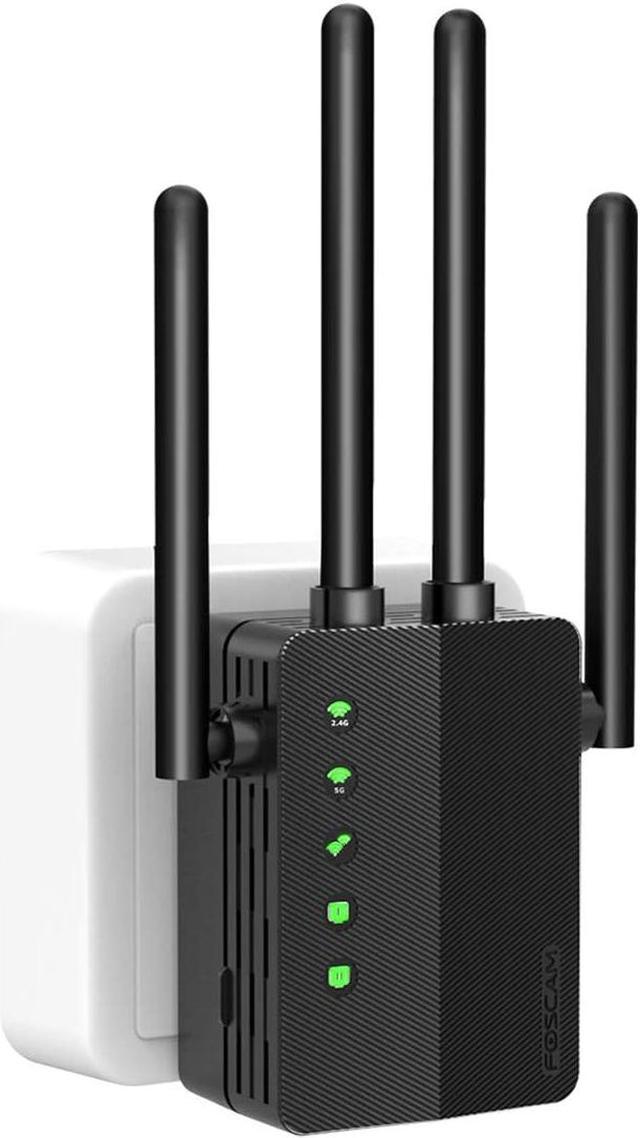
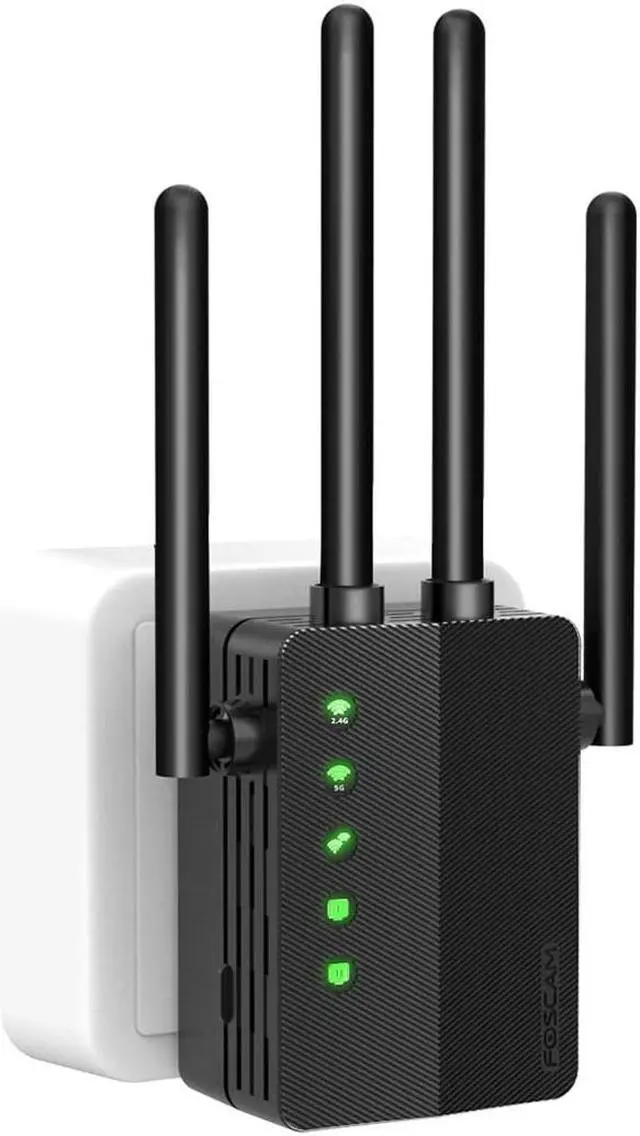
Foscam Dual-band WiFi Range Extender
Foscam is a 12-year home security surveillance system solutions provider and we proudly serve 20 Million+ customers in 70+ countries and Regions.
Our friendly and efficient after-sales service puts your worries aside.
What's in the Package:
1x Foscam WiFi Range Extender
1x Quick Setup Guide
High Compatibility
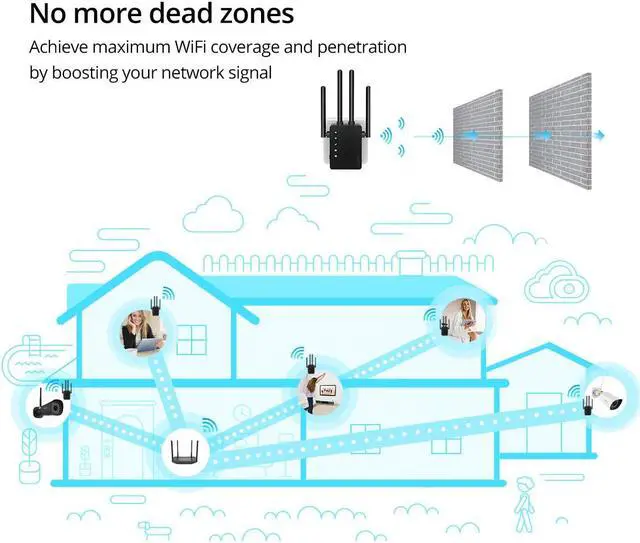
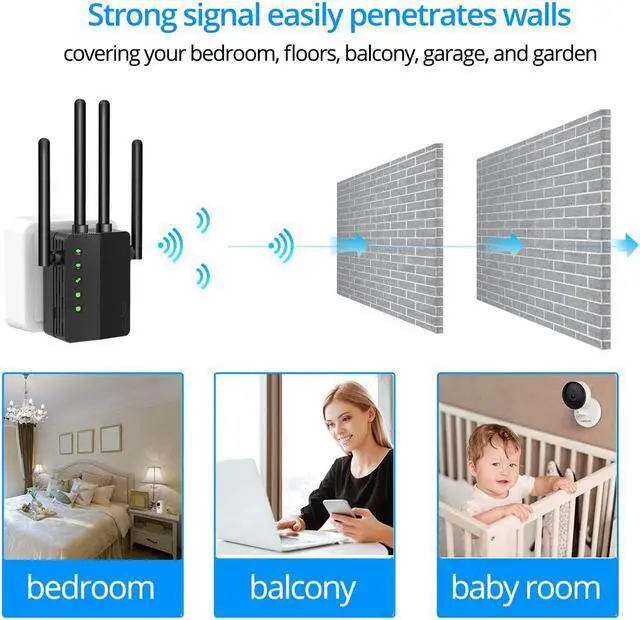
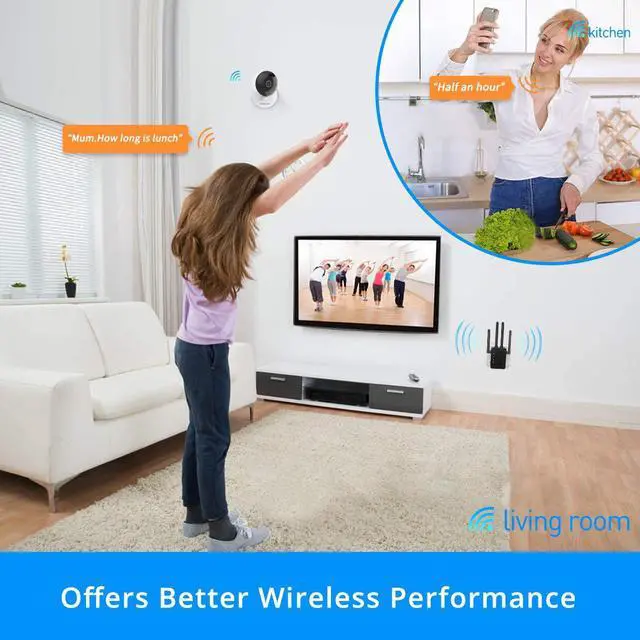
Equipped with 4 external 2dBi antennas, this wifi signal booster extends wifi coverage over 1200 sq.ft., covering your entire home including bedroom, restroom and living room.
Full Signal Coverage
Connect an Ethernet cable from your smart TV, gaming console or streaming box to this wifi repeater for a boost in speed and connectivity. It’s well suited for large homes with multiple devices and heavy online media usage.
High Speed Stable Signal
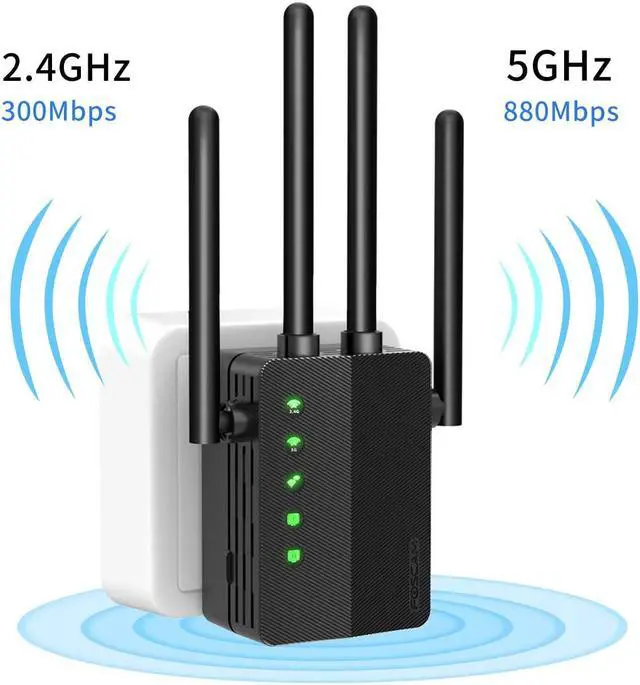
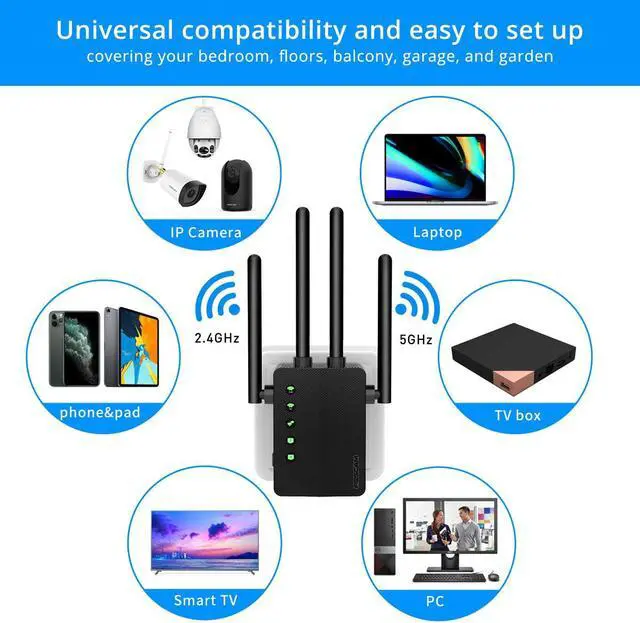
The speed of this wifi extender is up to 1200Mbps and this wifi signal booster supports 2.4G&5GHz dual-band wifi connection, providing more reliable and stable wireless performance.
FAQ for WiFi Range Extender (Model: WD-R1200U)
Q1: How can I confirm that the wifi range extender has been configured successfully?
Please observe the light on the extender: if the third signal light is on and remains solid green, that means setup was successful. If the third signal light does not display solid green, please try completing the configuration process again.
Q2: Can the extender enhance my wifi network speed?
No, it can’t: an extender can increase the coverage area and signal strength of your WiFi network, but cannot increase the speed received from your internet service provider.
Q3: If my extender loses connection frequently, what can I do?
If your extender often loses connection, please reduce the distance between your router and extender.
Q4: Where is the reset button, and how can I reset the extender?
The reset button is on the side of the extender. Pressing and holding the reset button for more than 8 seconds will cause the extender to reboot.
Q5: The extended signal is strong, but its speed is low.
We suggest placing the extender about halfway between your router and the WiFi dead zone. The location you choose must also be within the range of your router.
Check if you are using the internet very close to your router. If so, please switch to the router’s WiFi network manually.